How to Edit or Delete A Service in Plentiful
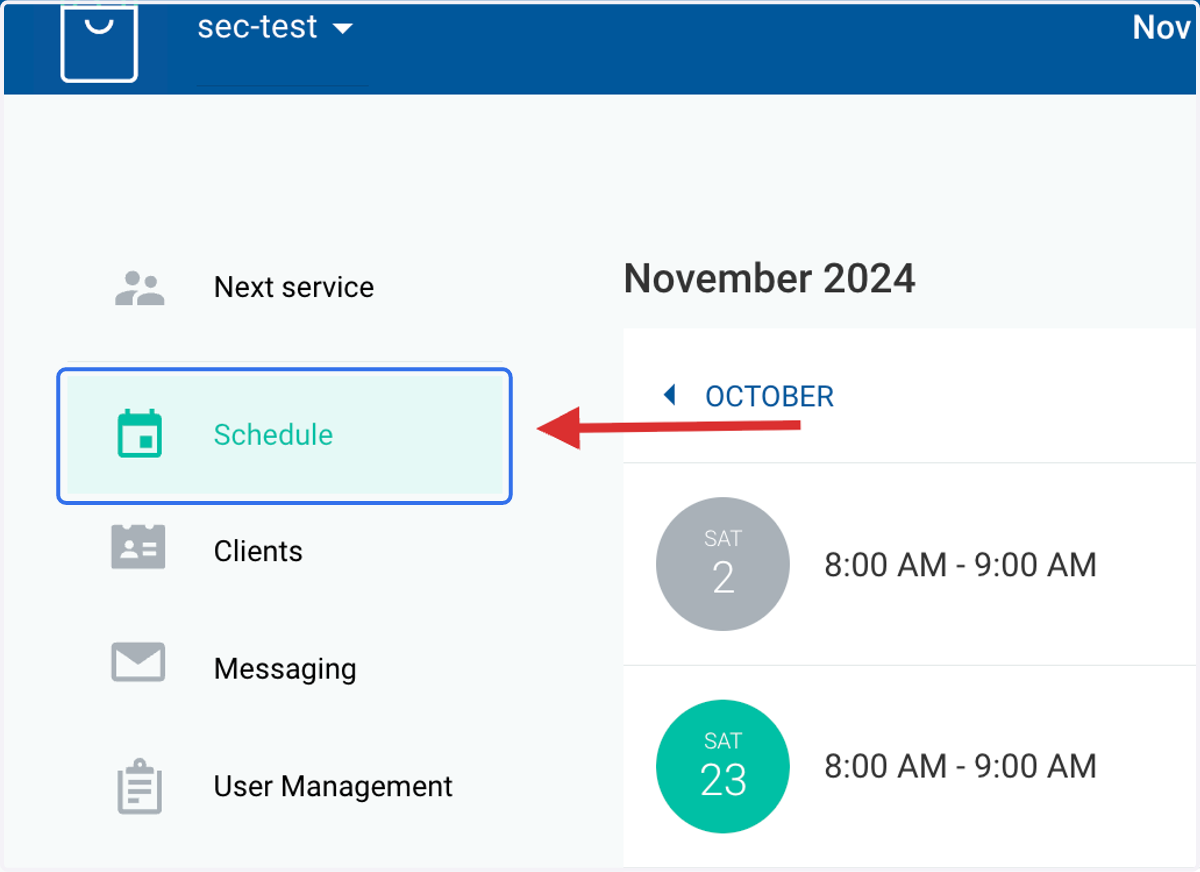
1. Click on SCHEDULE
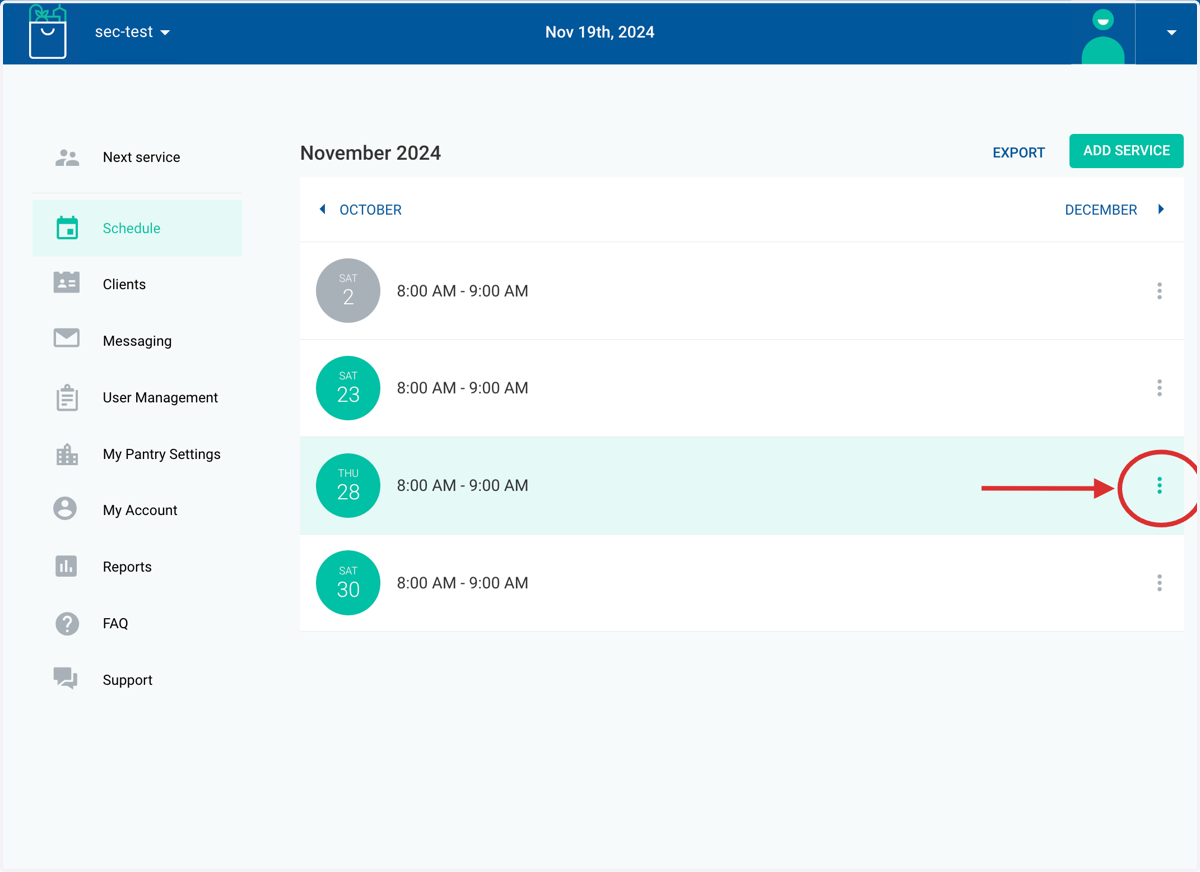
2. Click the three dots to the right of the service you would like to edit or delete
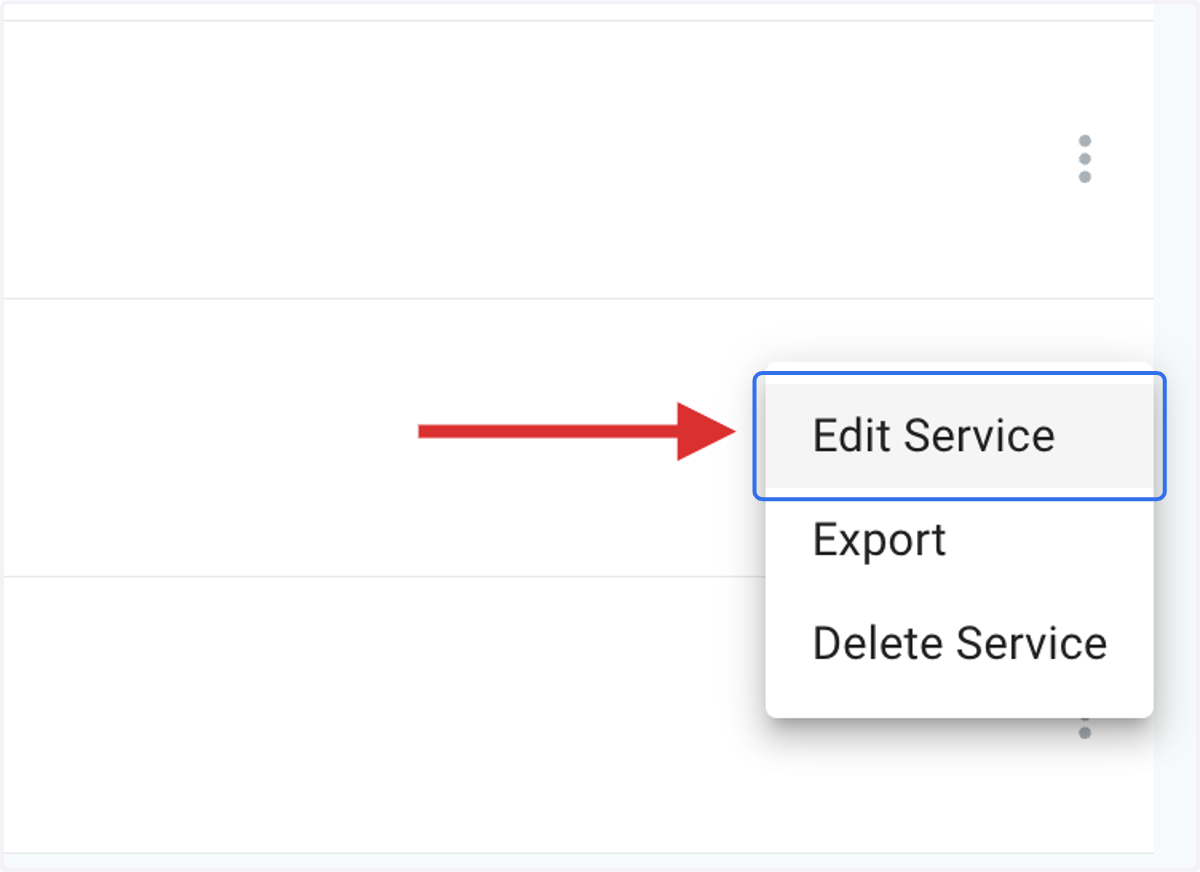
3. To edit your service hours, click on EDIT SERVICE
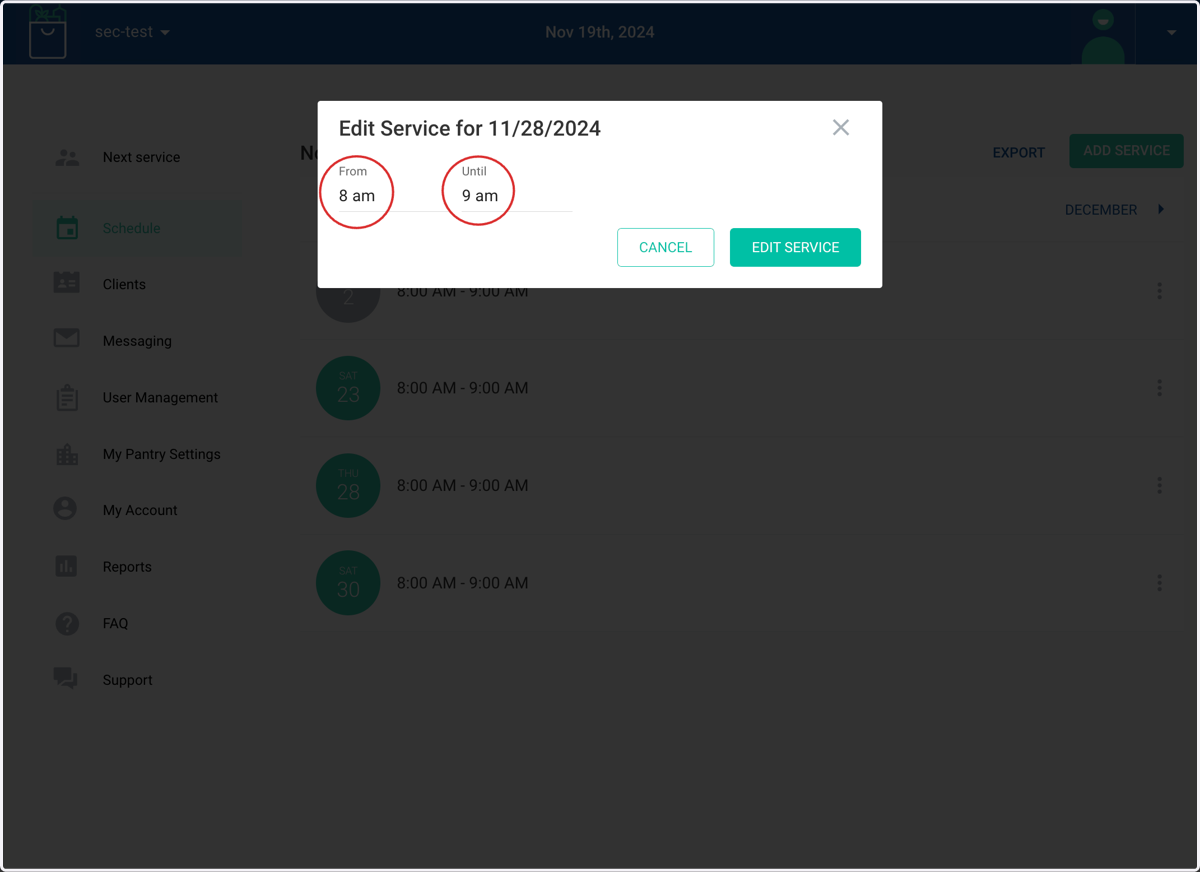
4. For a line based service, adjust the service times. The next step will show you how to edit or delete felete a line-based service, see next steps for reservations.
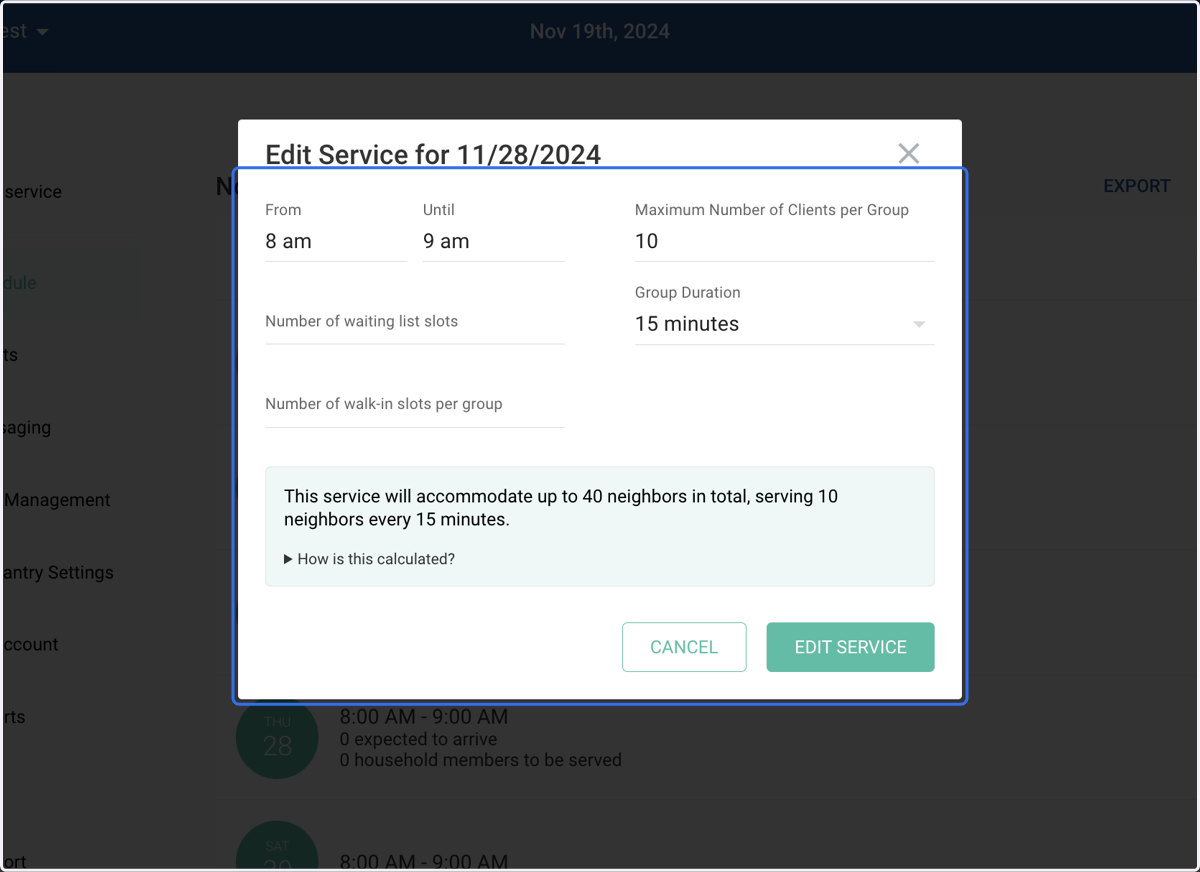
5. For reservation services, you can edit the capacity, group duration, waiting list, and walk-in slots
Please note that if neighbors are already reserved, they could be kicked out of the service. Please contact support@Plentiful.org if you need extra assistance.
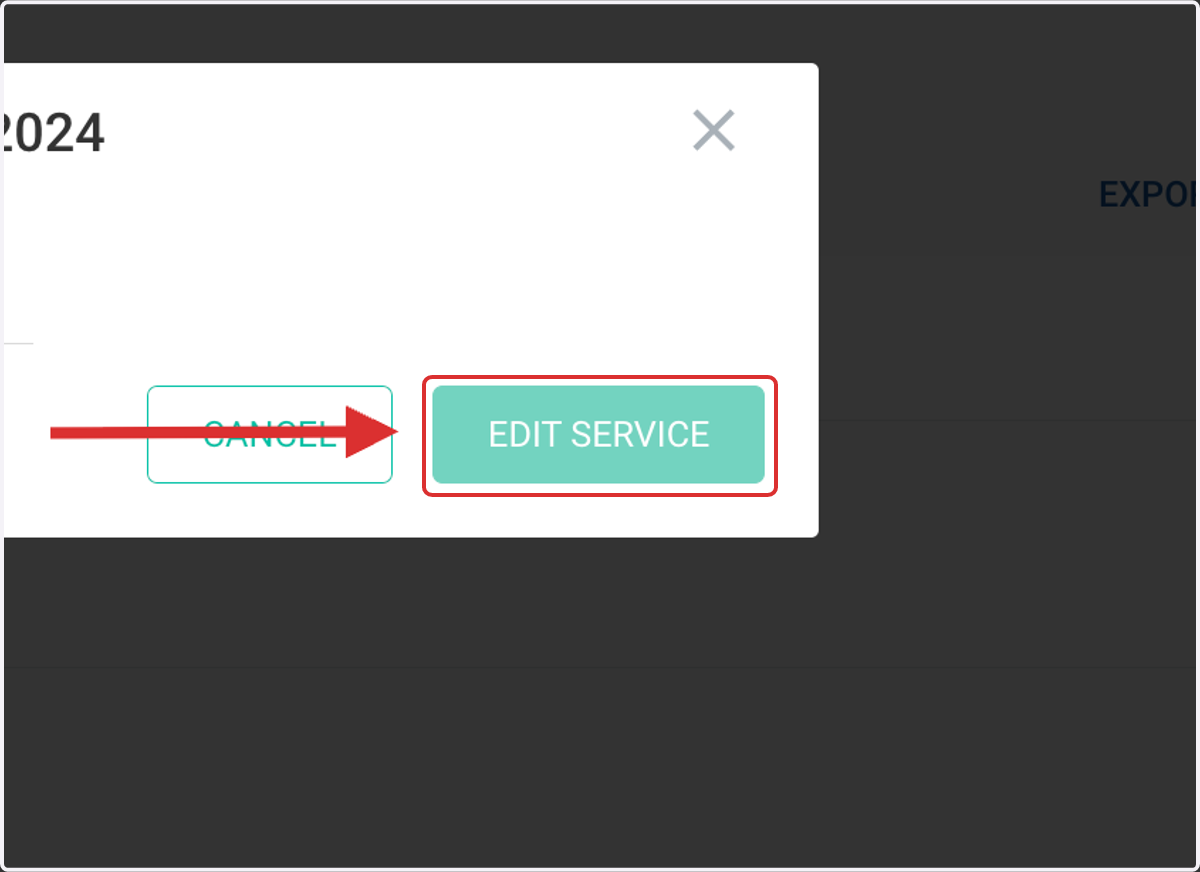
6. Click on EDIT SERVICE to save
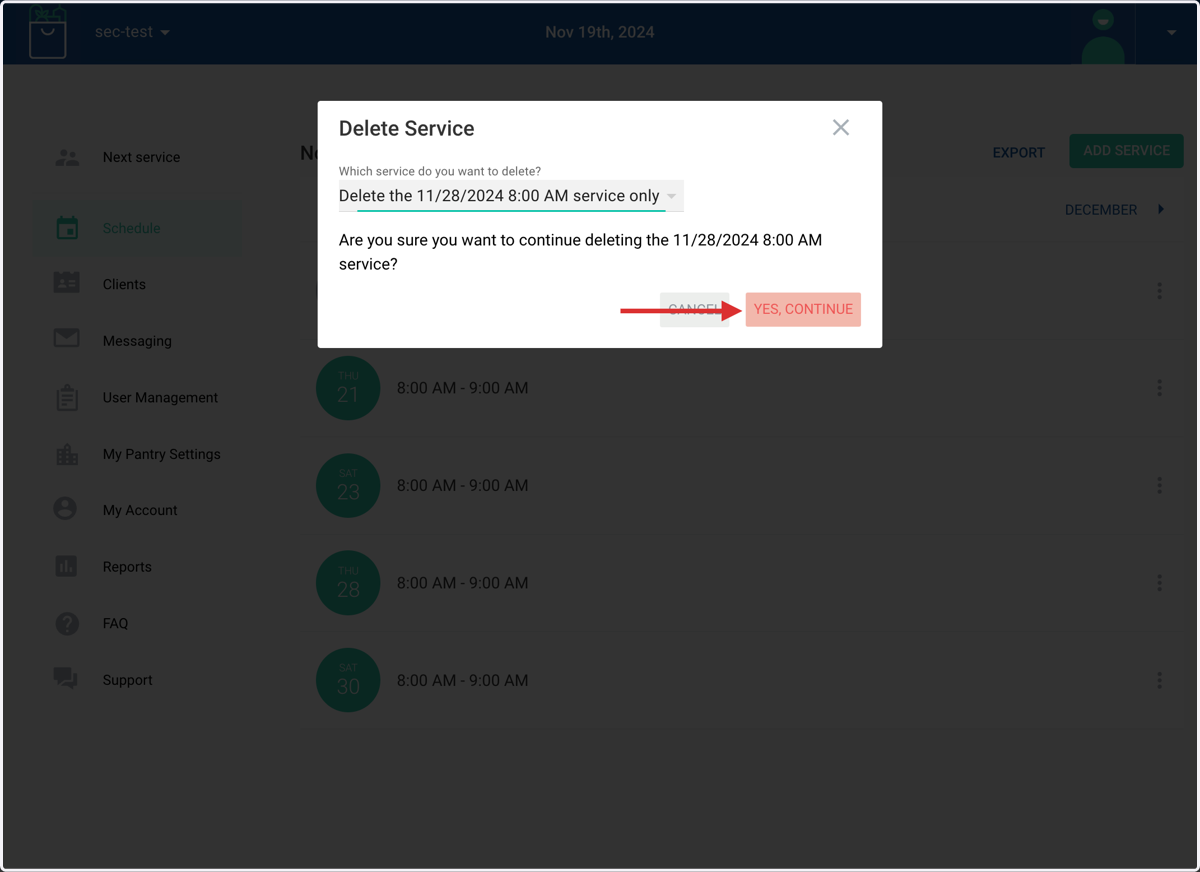
7. To delete a service, click on DELETE SERVICE
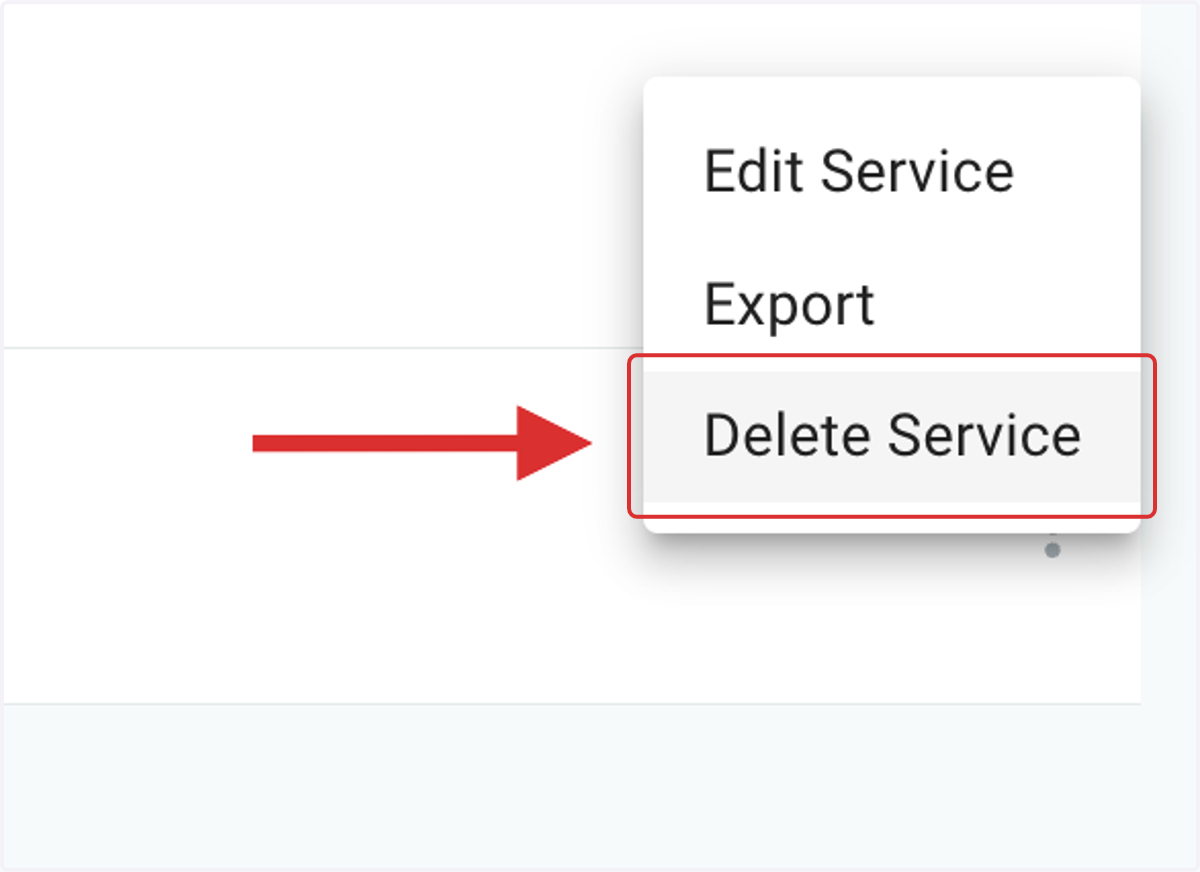
8. You can choose between deleting just this service or all future services on that day.
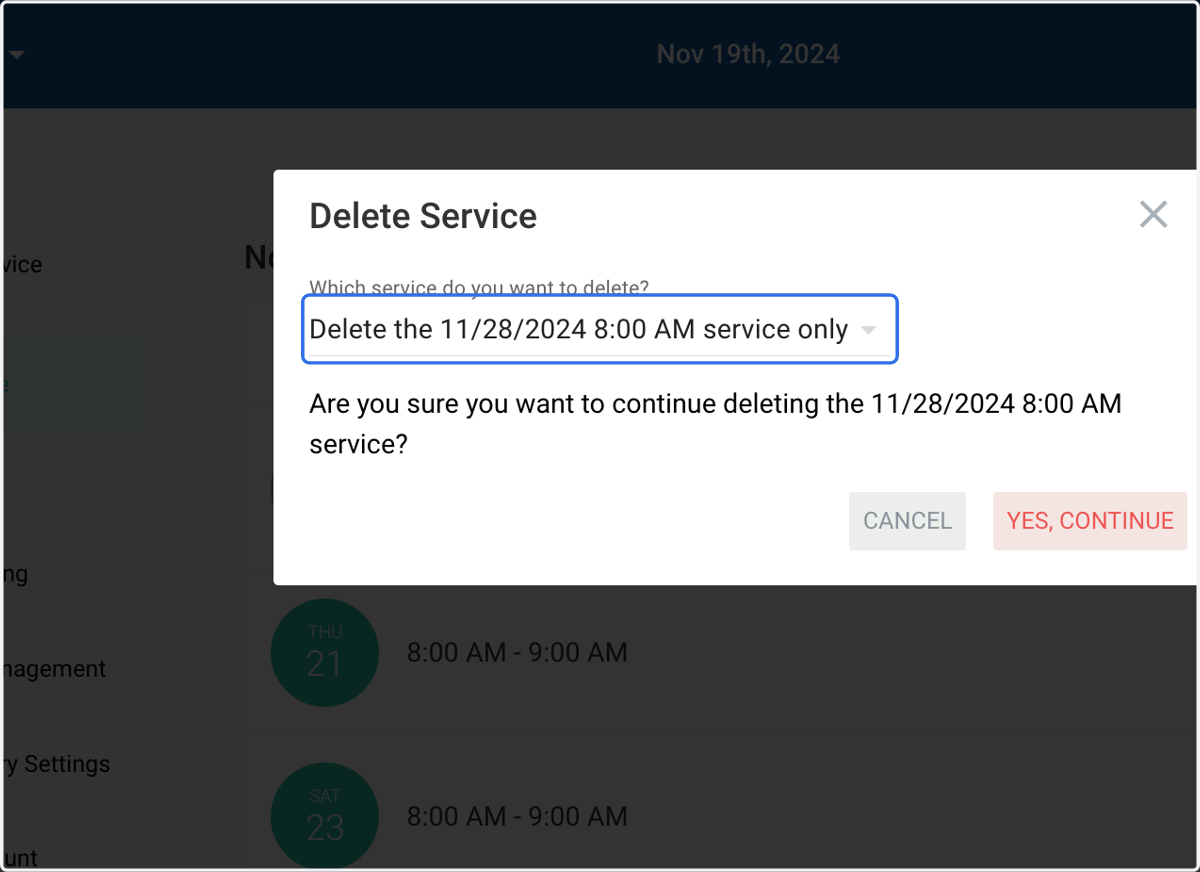
9. Click on YES, CONTINUE to save