How to Download your Phone Contacts to CSV
Tango
1. On your smartphone, go to the App Store or Google Play Store
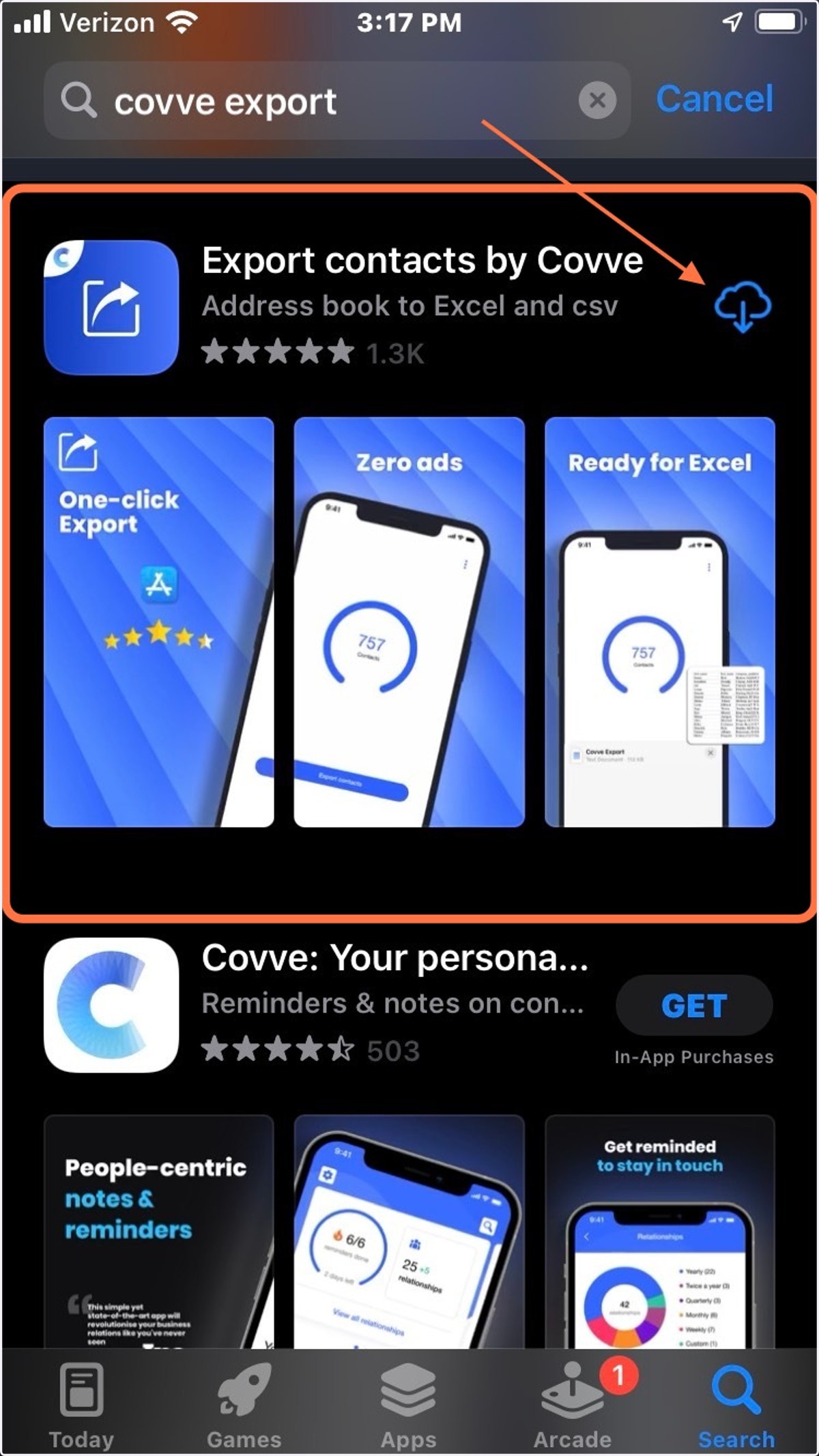
2. Search "Covve Export" and Download "Export Contacts by Covve"
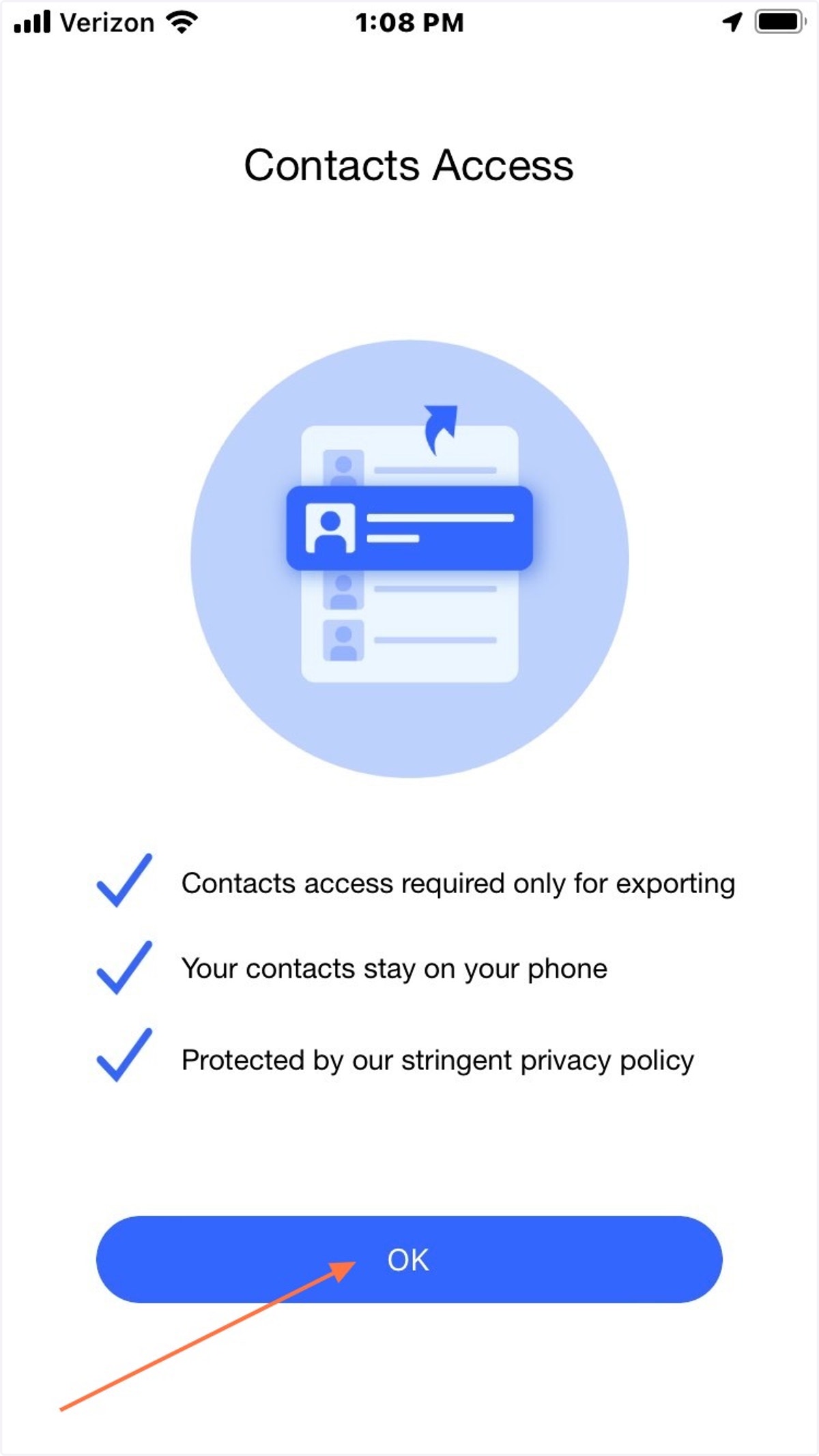
3. Once Downloaded, Open the Covve Export App and click "OK"
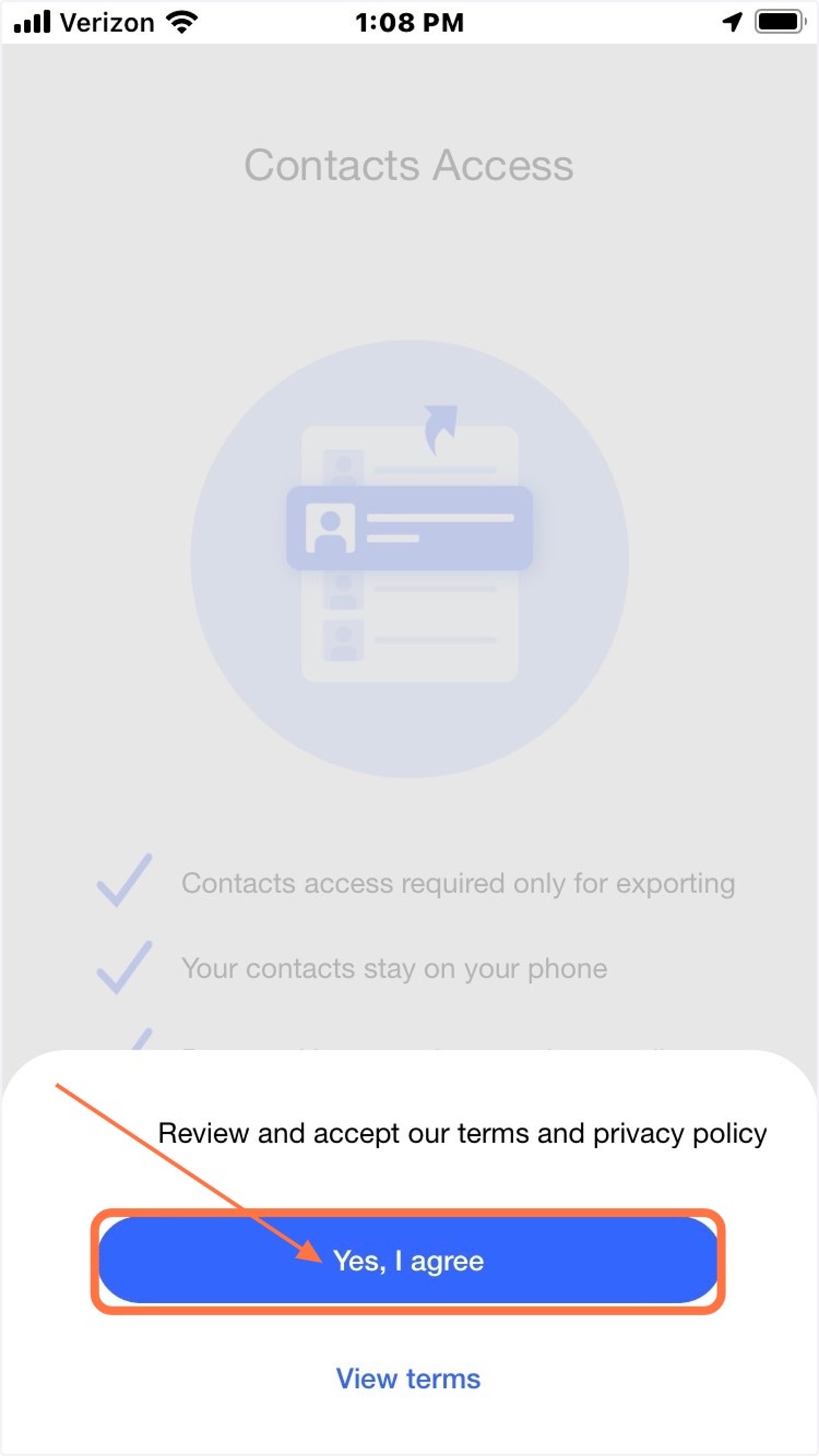
4. Agree to terms and privacy policy
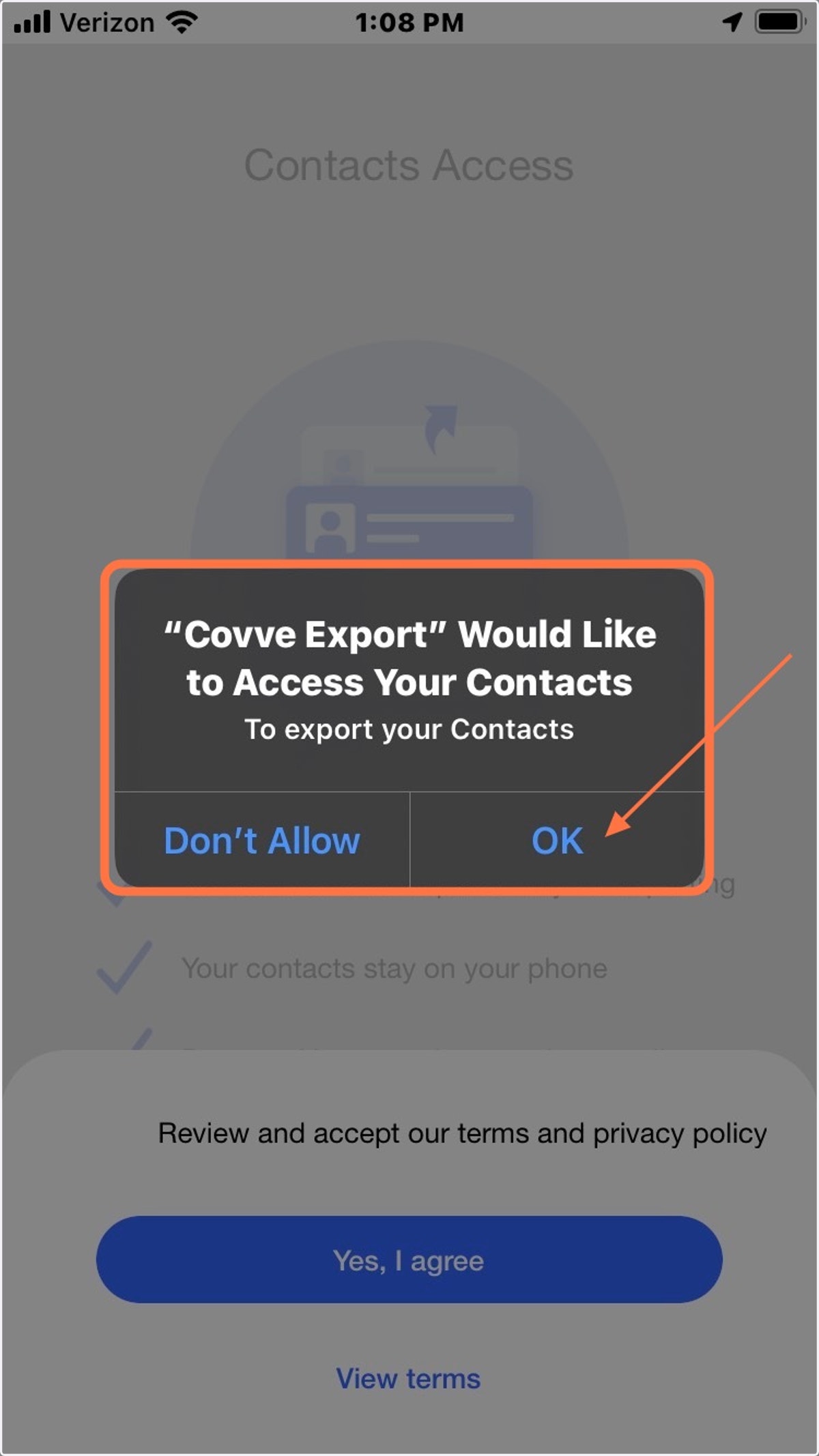
5. Allow Covve access to your Contacts
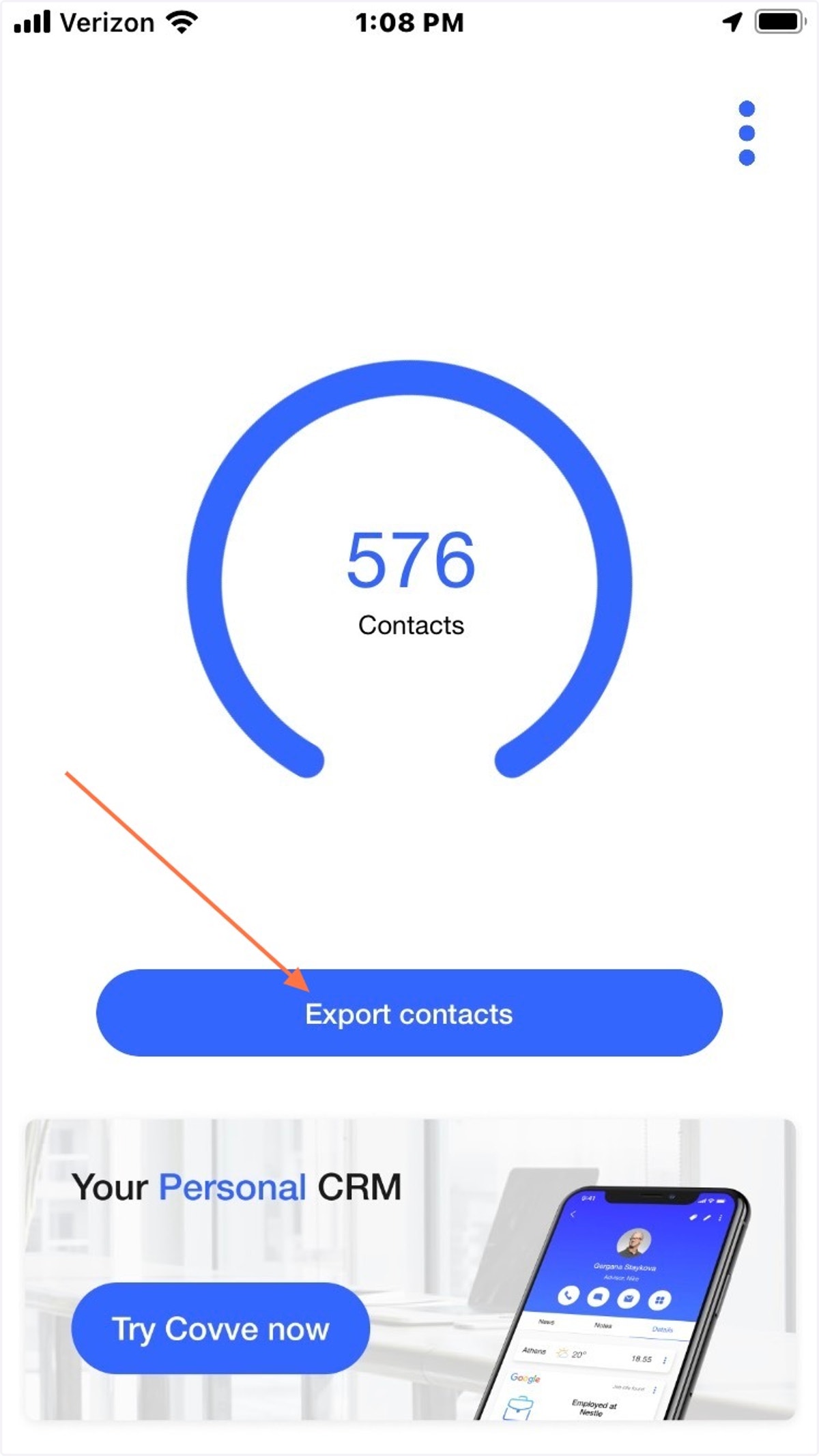
6. Covve will display the number of Contacts in your Phone. Click "Export Contacts"
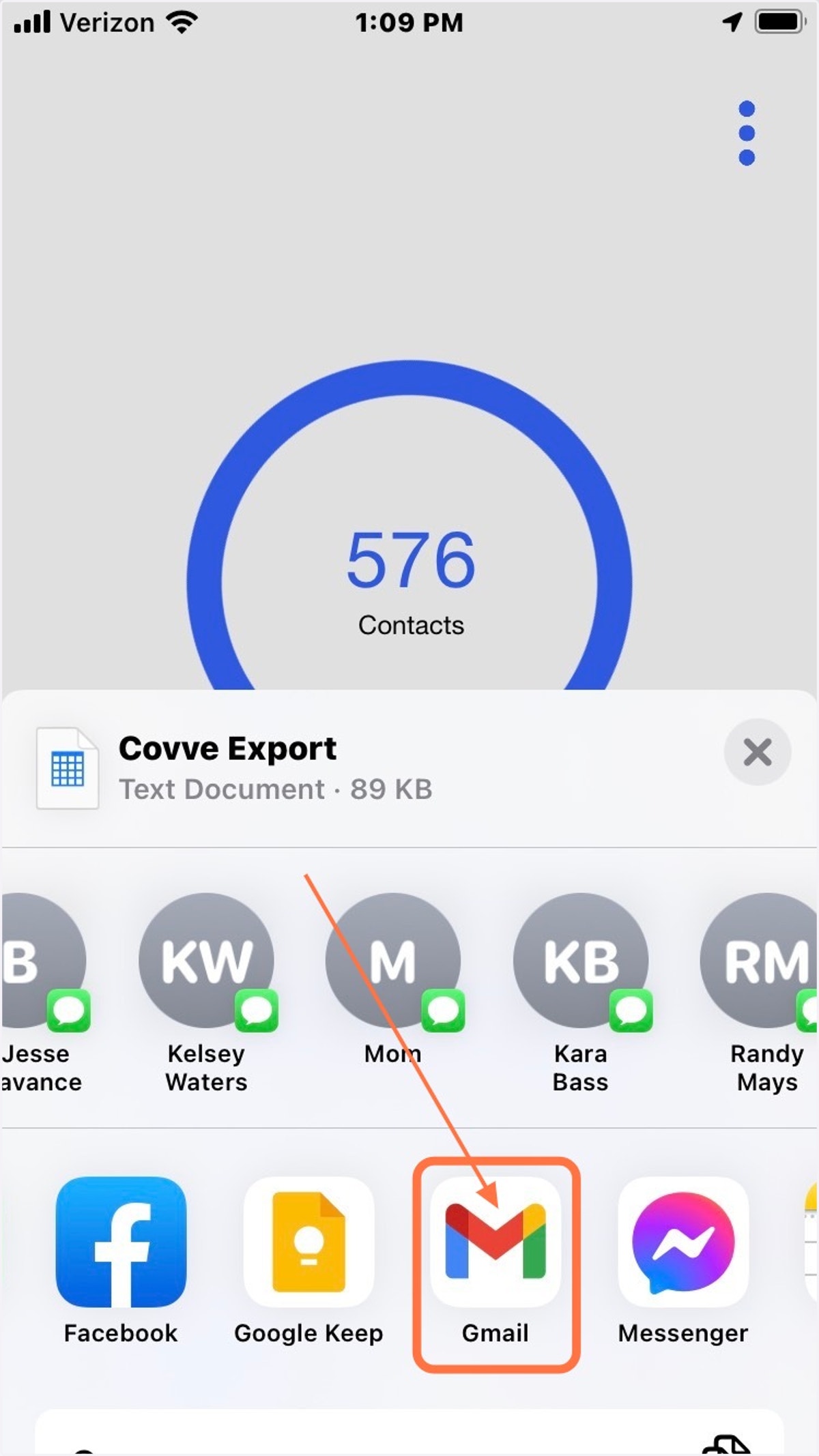
7. Choose "Gmail" to send yourself an email with the exported csv attached
You must have gmail on your phone for this step, or you can use whatever other email app you have access to through your phone.
8. Use the exported CSV to update your Bulk Import csv for Command