How to Download LMS Application in Mobile
1. Open App Store( for Apple) or Play Store( for Android) and search for "OpenLMS" and download the application

2. Go to LMS Home Page on Desktop/Laptop
Once you download the application, Login to LMS on your Laptop/ Desktop and then Click on the drop down menu highlighted in the capture and then click on profile.
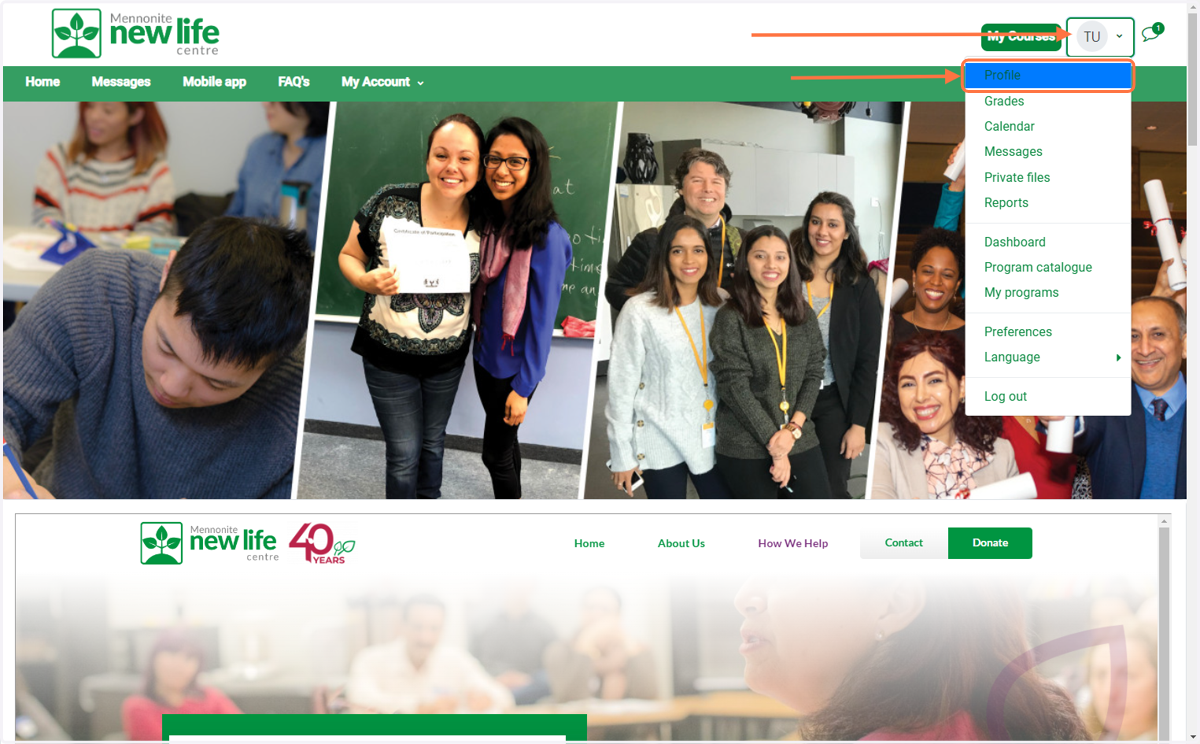
3. Profile Menu
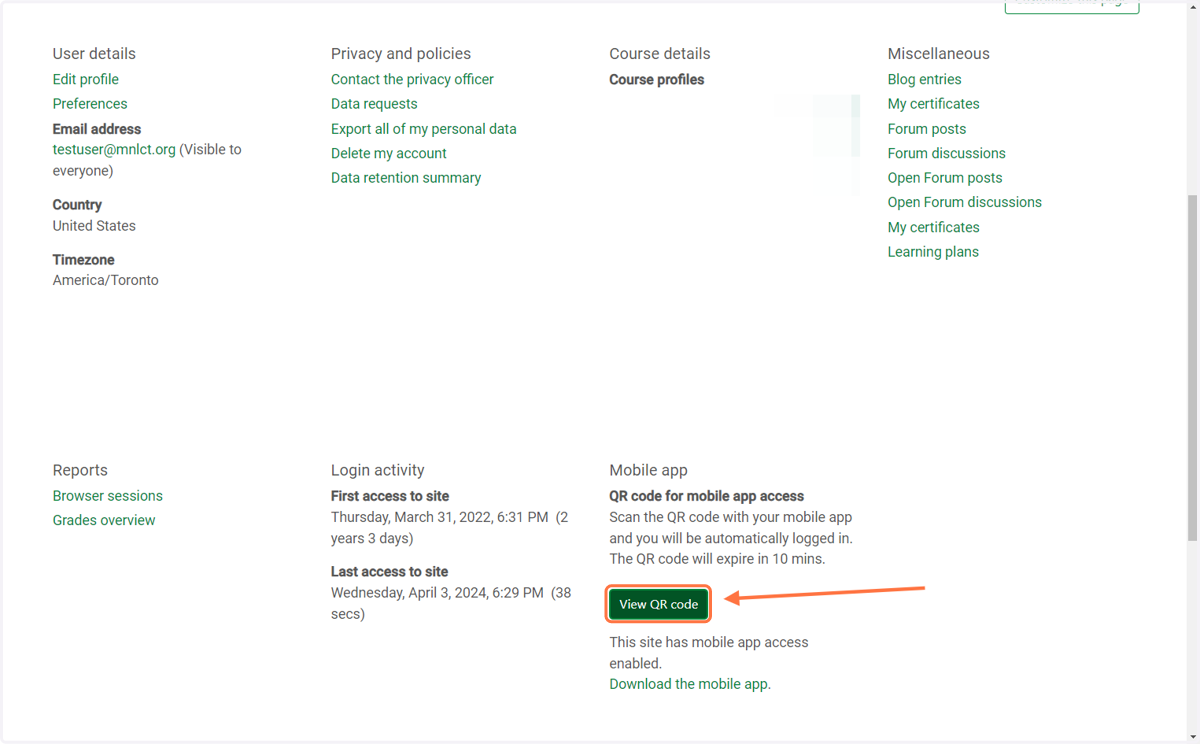
Then after, Click on "View QR code"
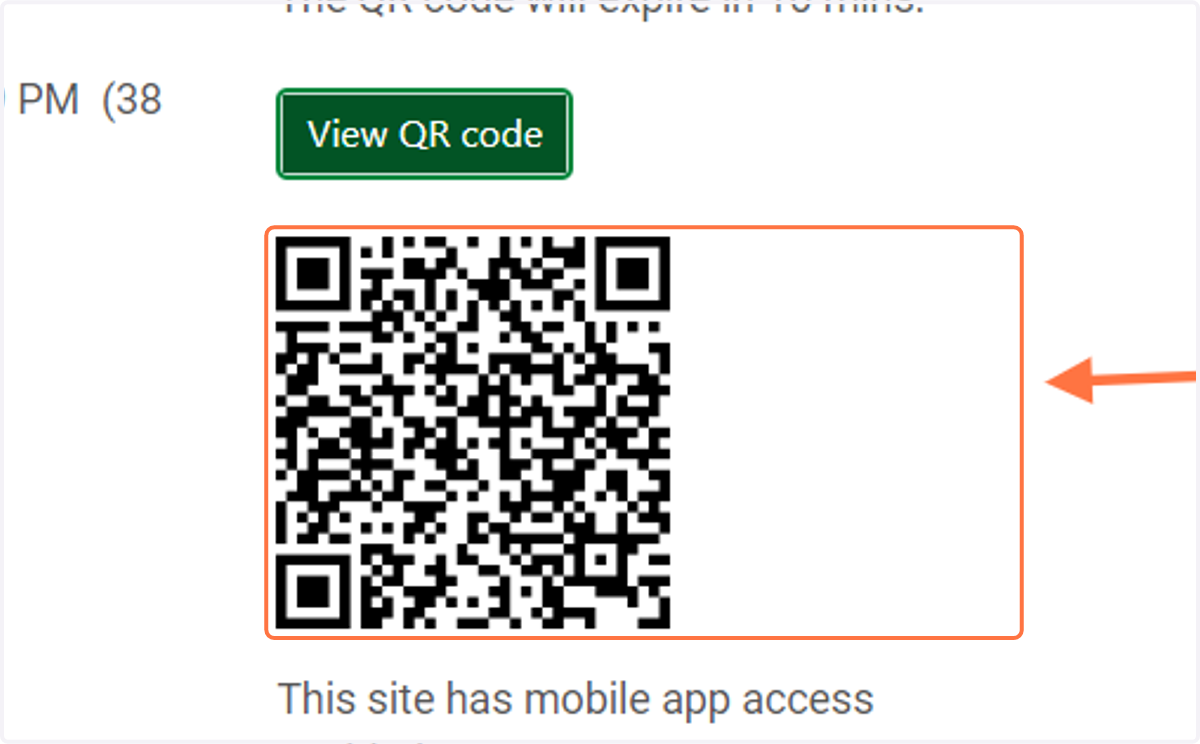
4. QR code will be generated.
At this point, Open your OpenLMS Application on your Mobile phone and Click on sign inn with QR. Once you sign in, you will be able to view your course content on your phone
5. Feel free to let us know if you have any technical difficulties.