How to Directly Drop a Student From an IVSA Course
If you know a student needs to drop a course, but they have not submitted a drop request, you can directly drop them by following these directions.
Maestro ::Personal Home Page
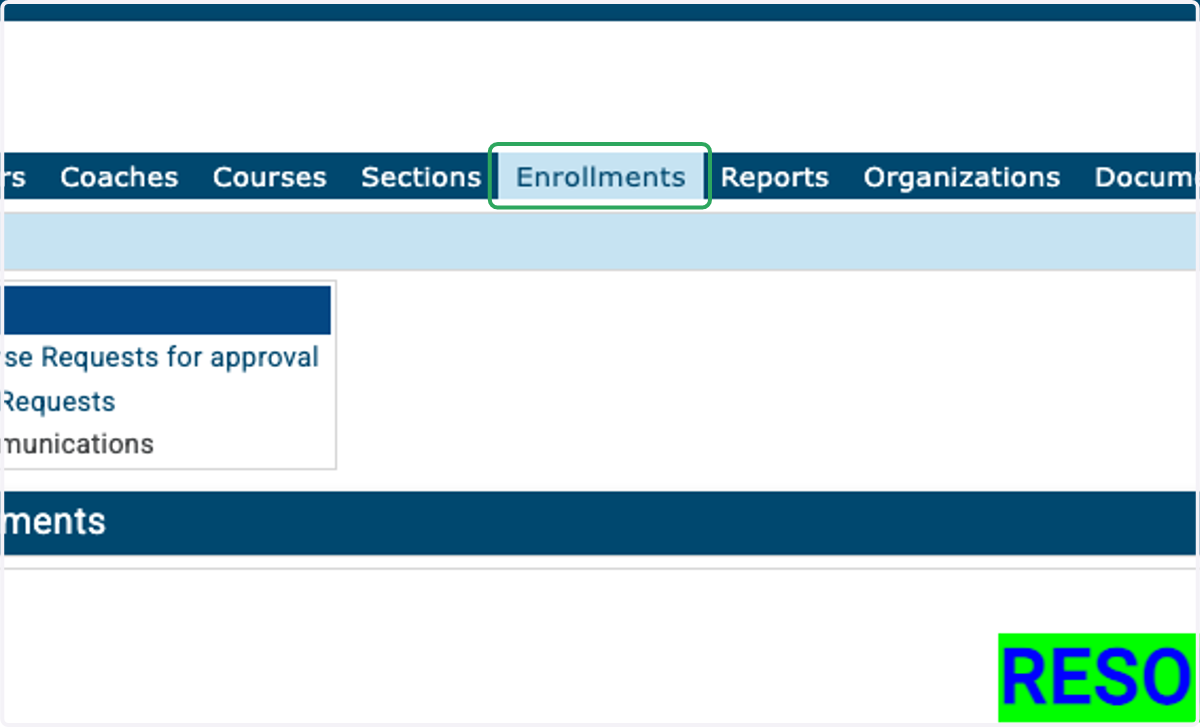
1. Login to your Maestro Registrar account and click the Enrollments tab at the top of the page.
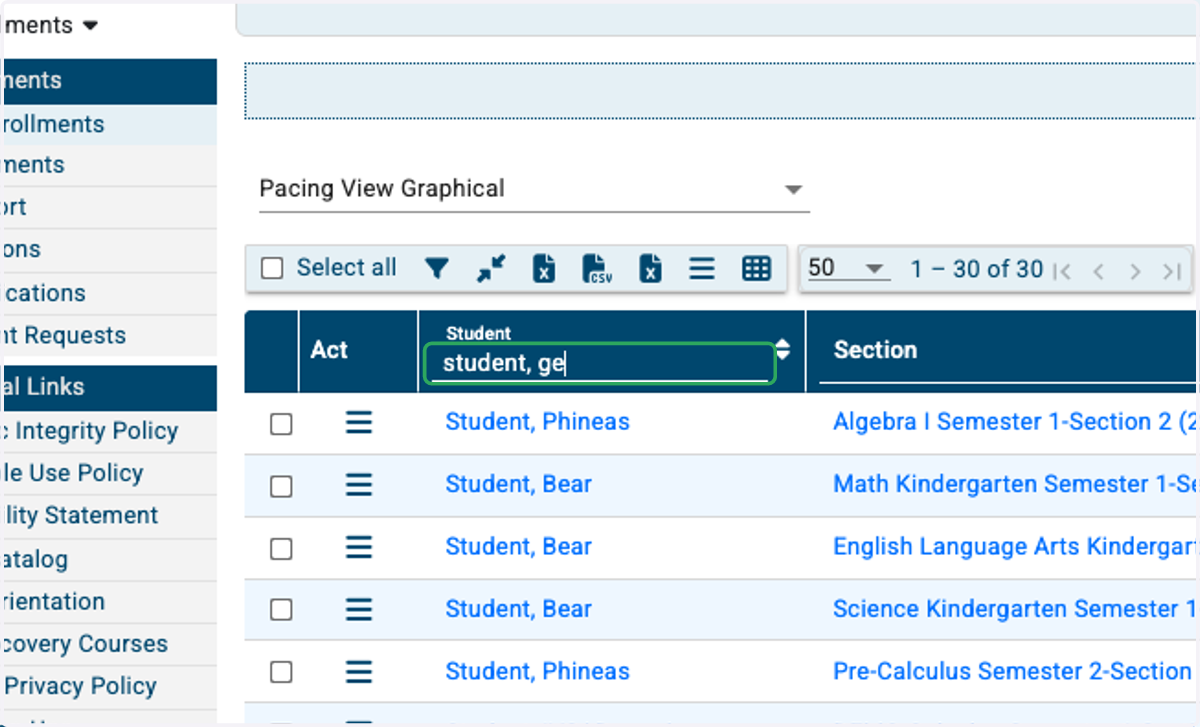
2. Search for your student's name.
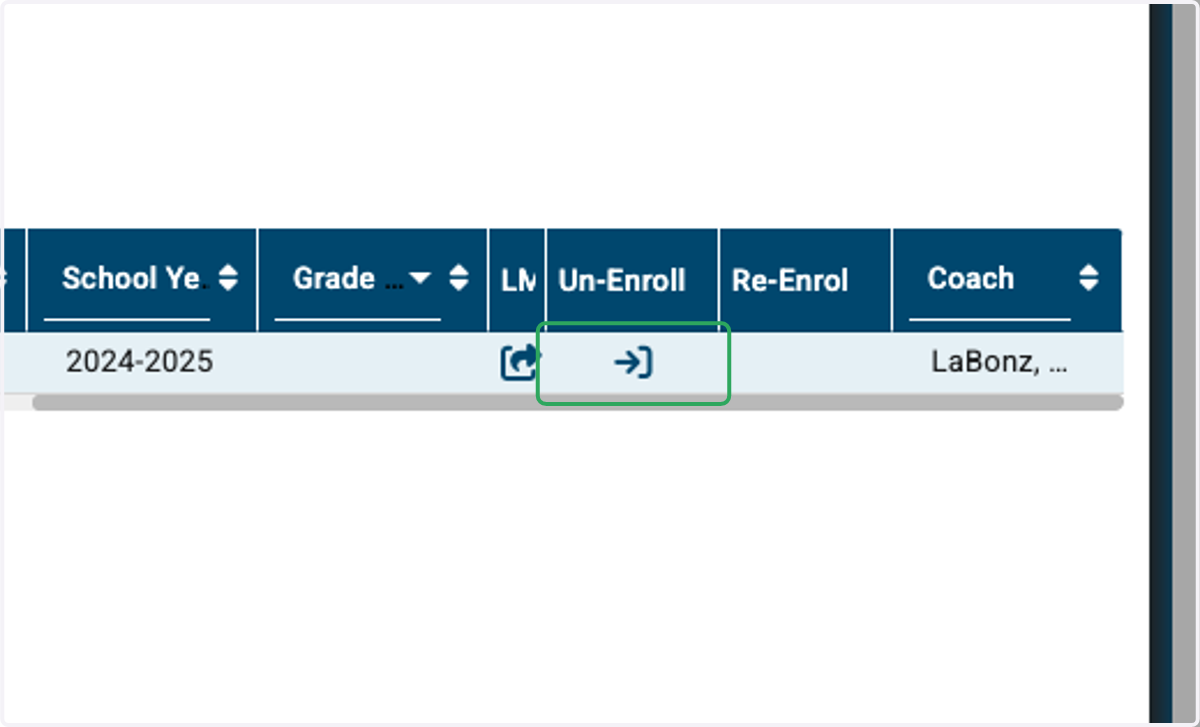
3. Scroll the table over until you see the Un-Enroll column, and click the Un-Enroll icon.
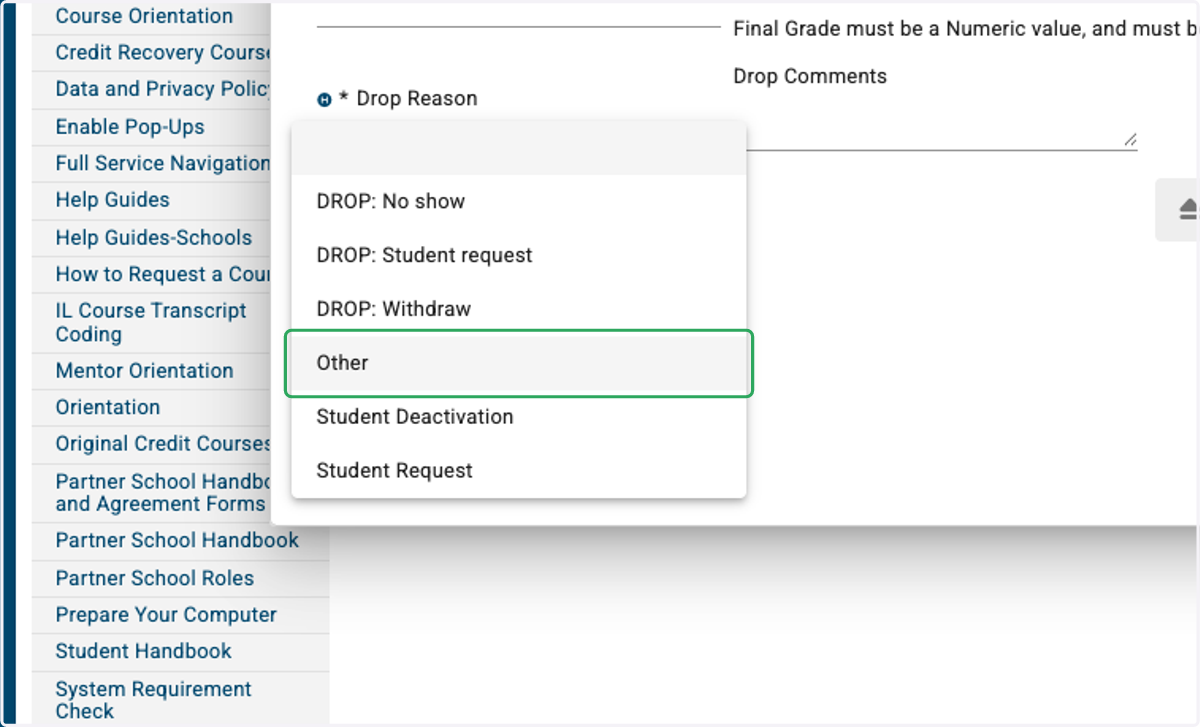
4. You must select a drop reason
5. Comments are optional.
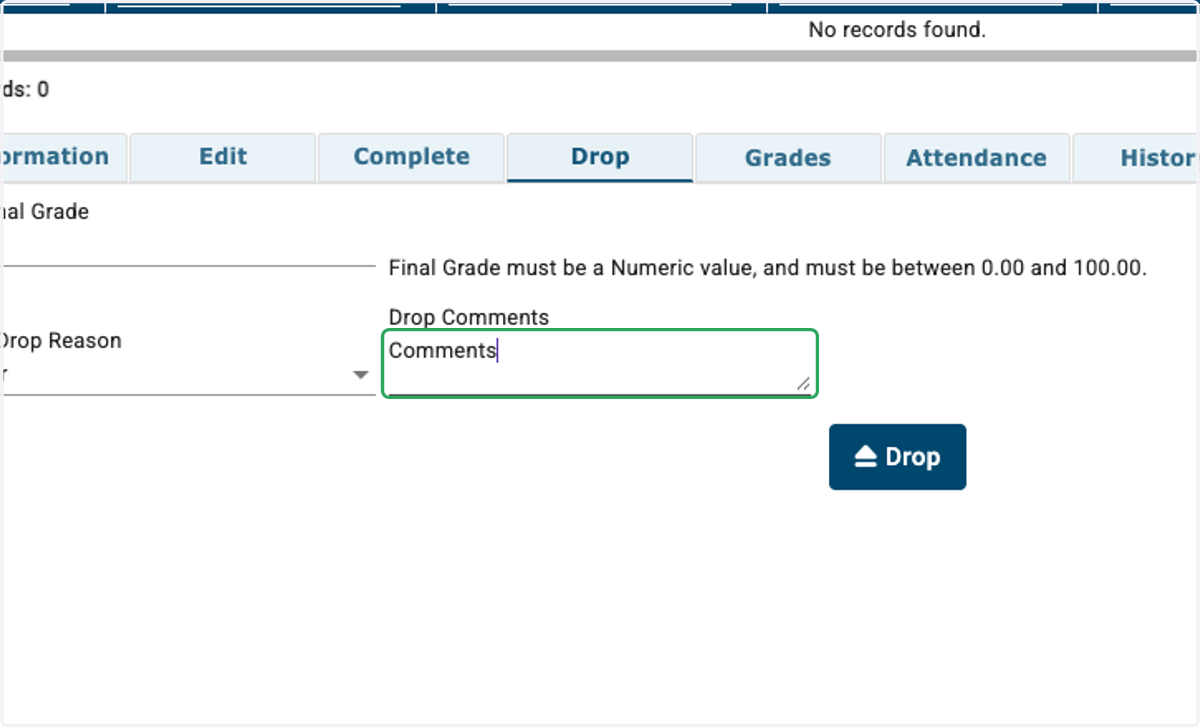
6. Click on Drop
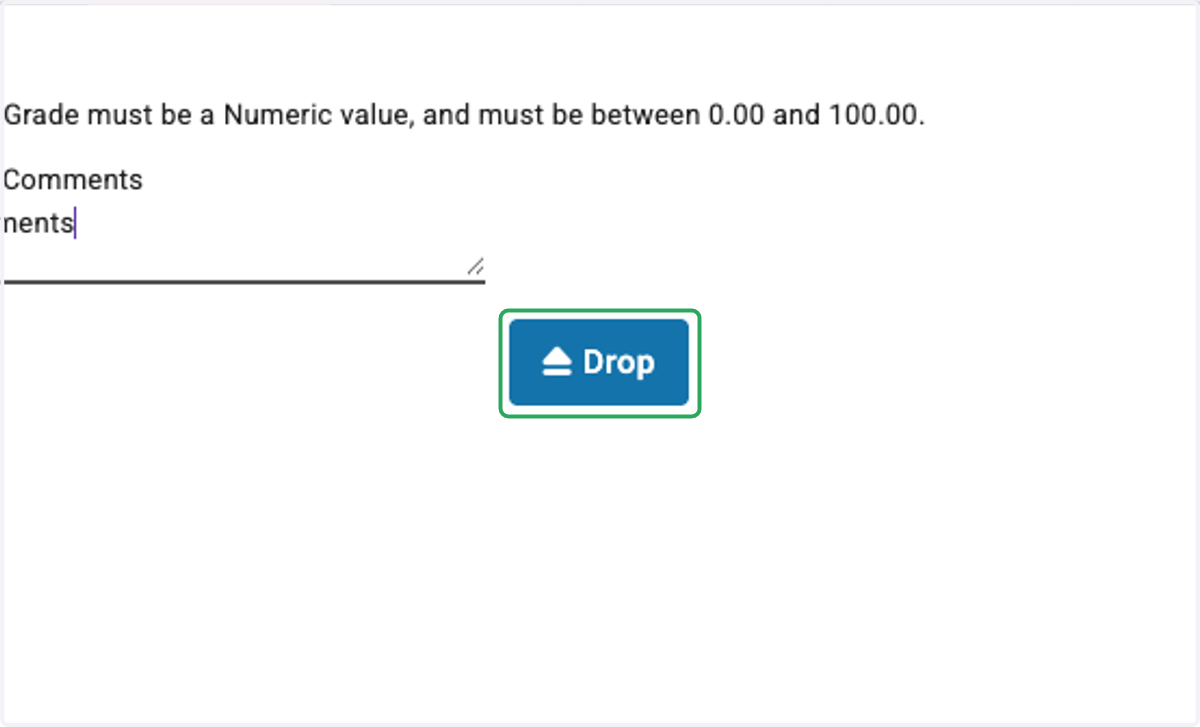
7. Success!
A green text box should appear confirming the enrollment was dropped. Additionally, the page will refresh and the enrollment will no longer be visible on your Active Enrollments page.