How to Deposit Funds via Local PHP Funding

Blueberry

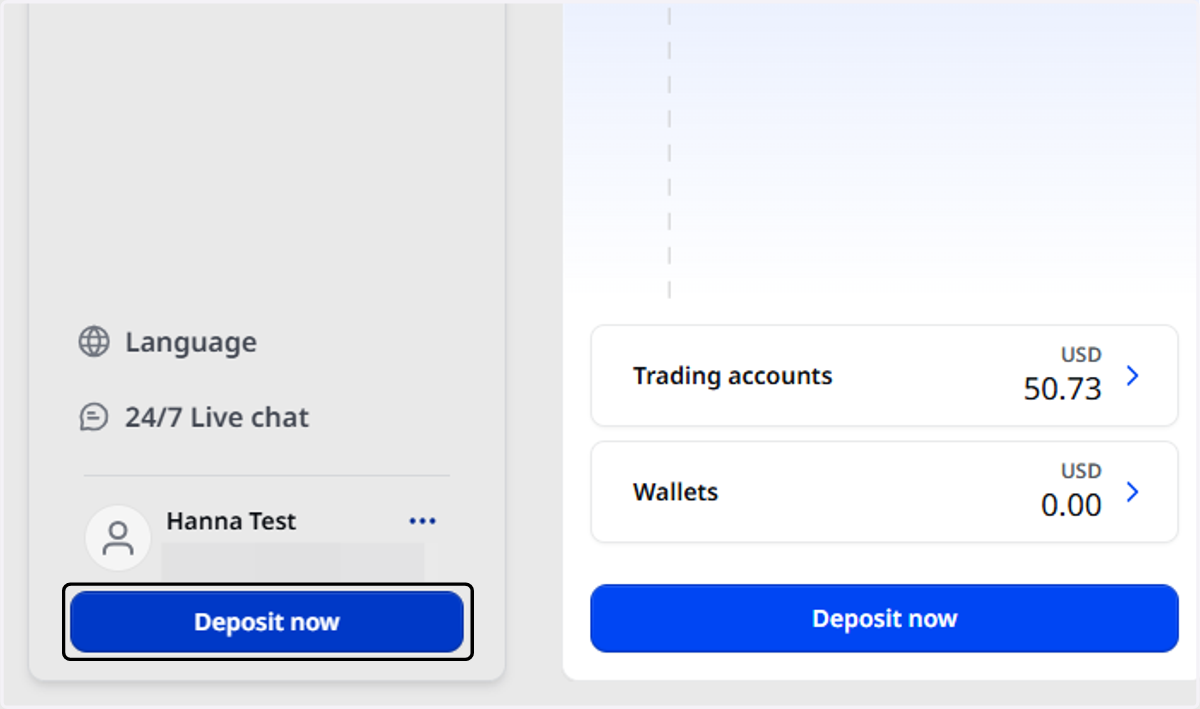
  1. 1. Click on Deposit now

    Click on Deposit now
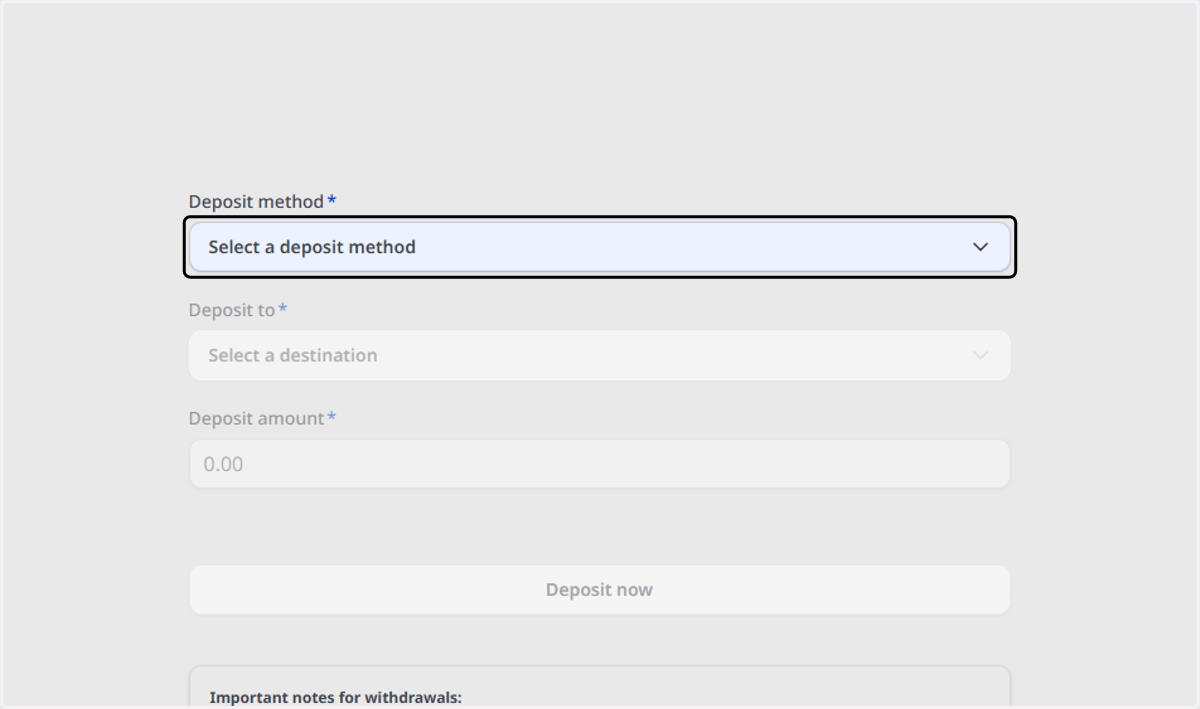
  2. 2. Click on Select a deposit method

    Click on Select a deposit method
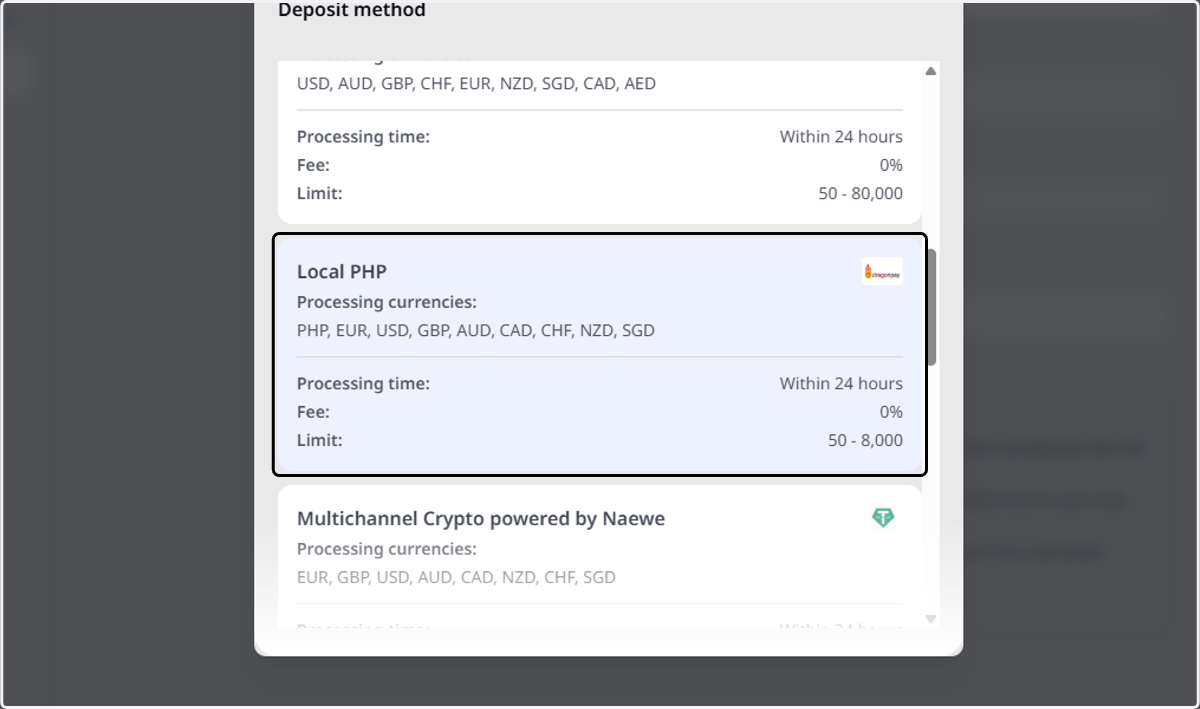
  3. 3. Click on Local PHP…

    Click on Local PHP…
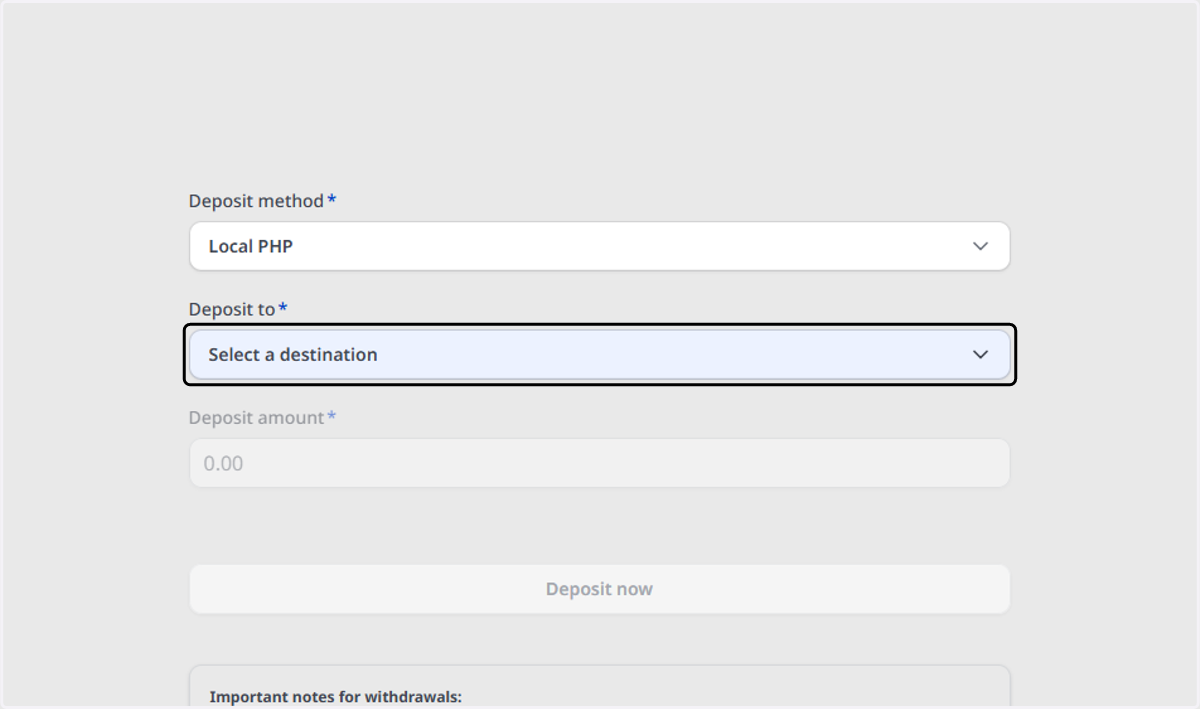
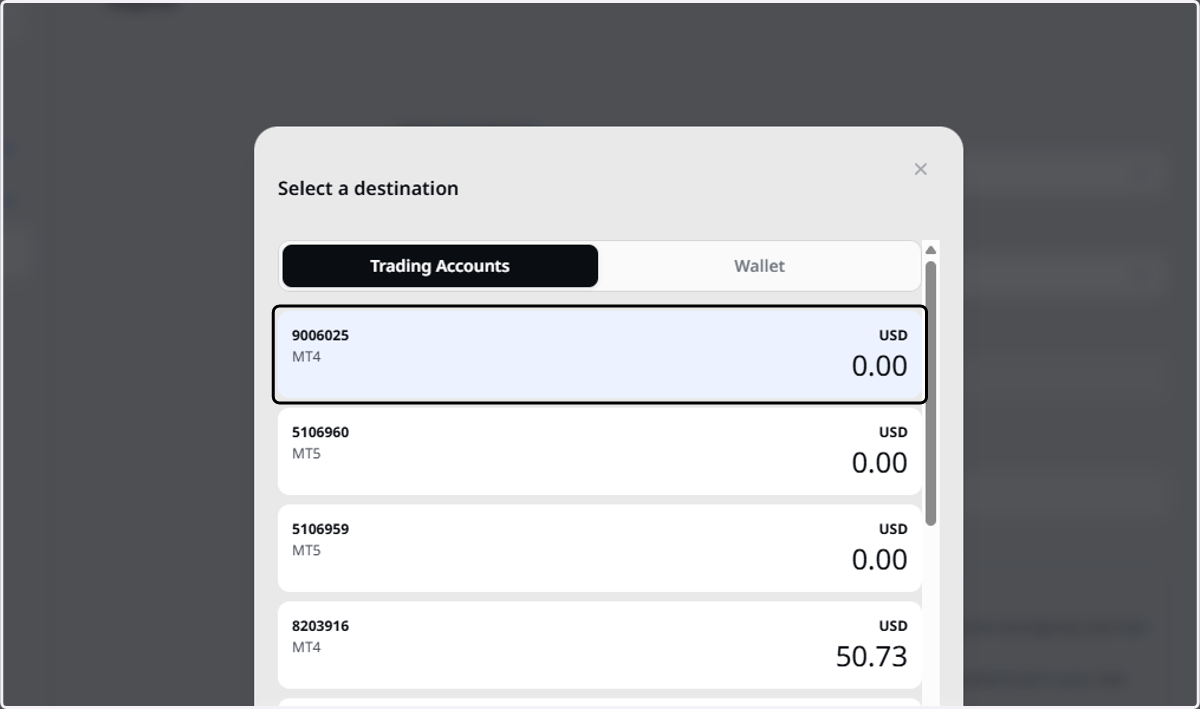
  4. 4. Click on Select a destination

    Click on Select a destination
  5. 5. Select the Trading Account

    Select the Trading Account
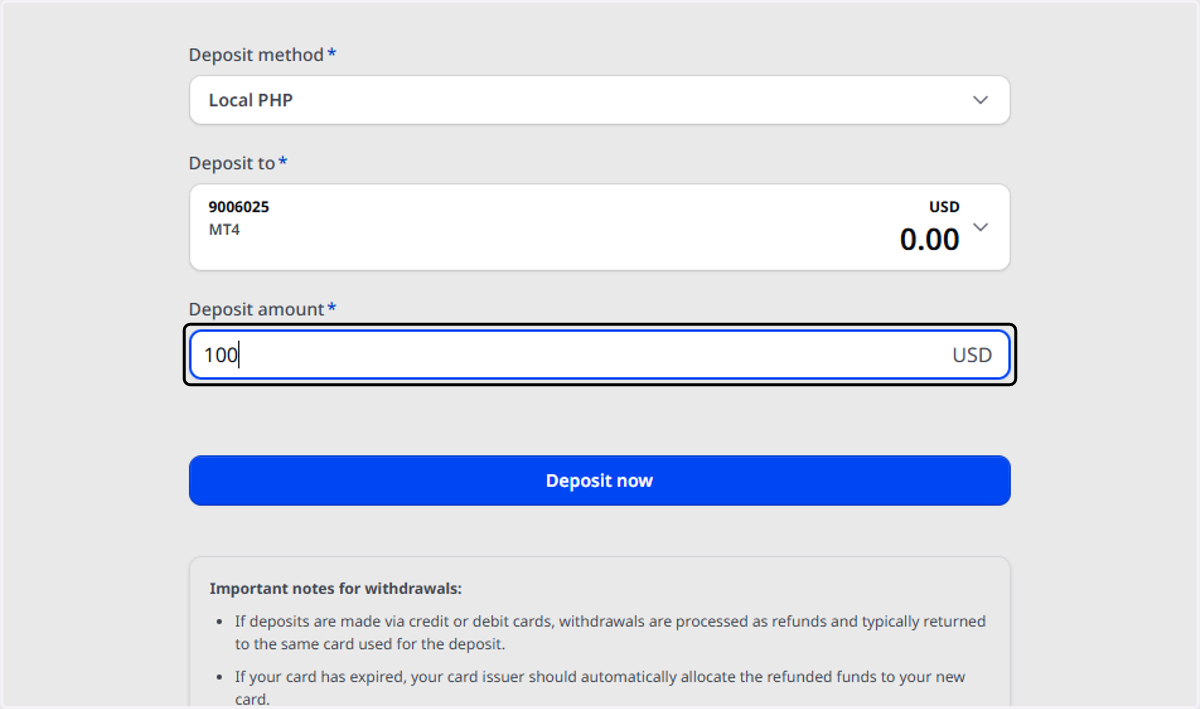
  6. 6. Type the deposit amount

    Type the deposit amount
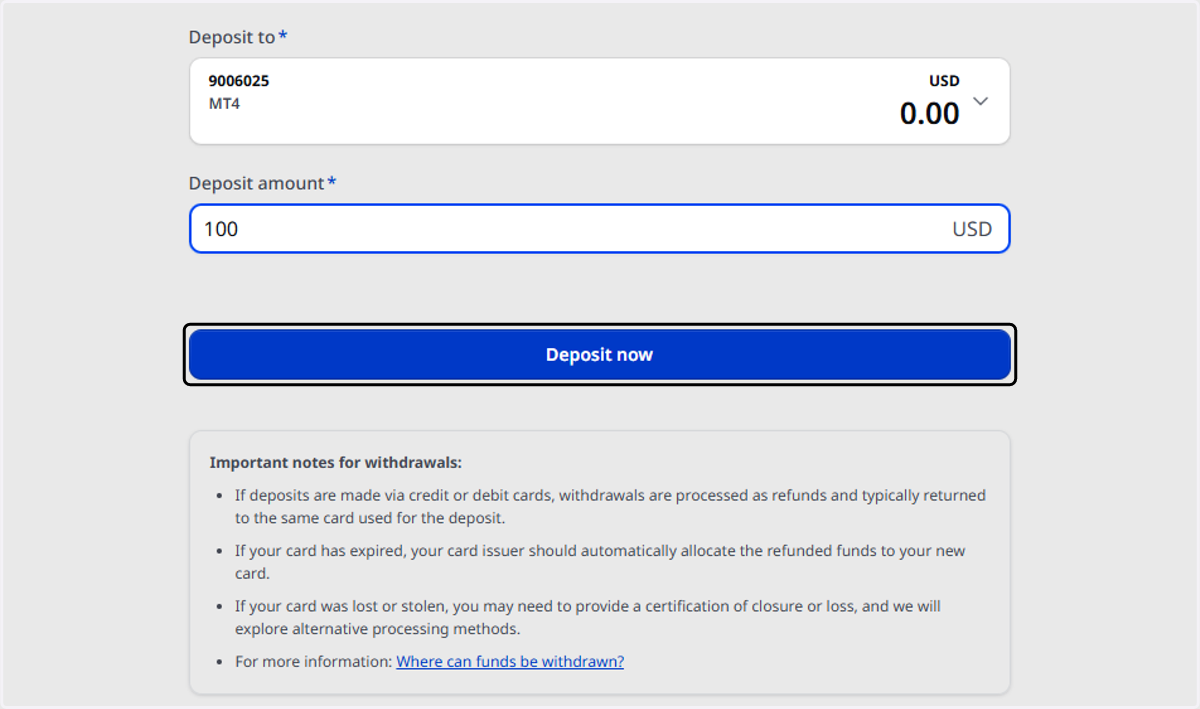
  7. 7. Click on Deposit now

    Click on Deposit now
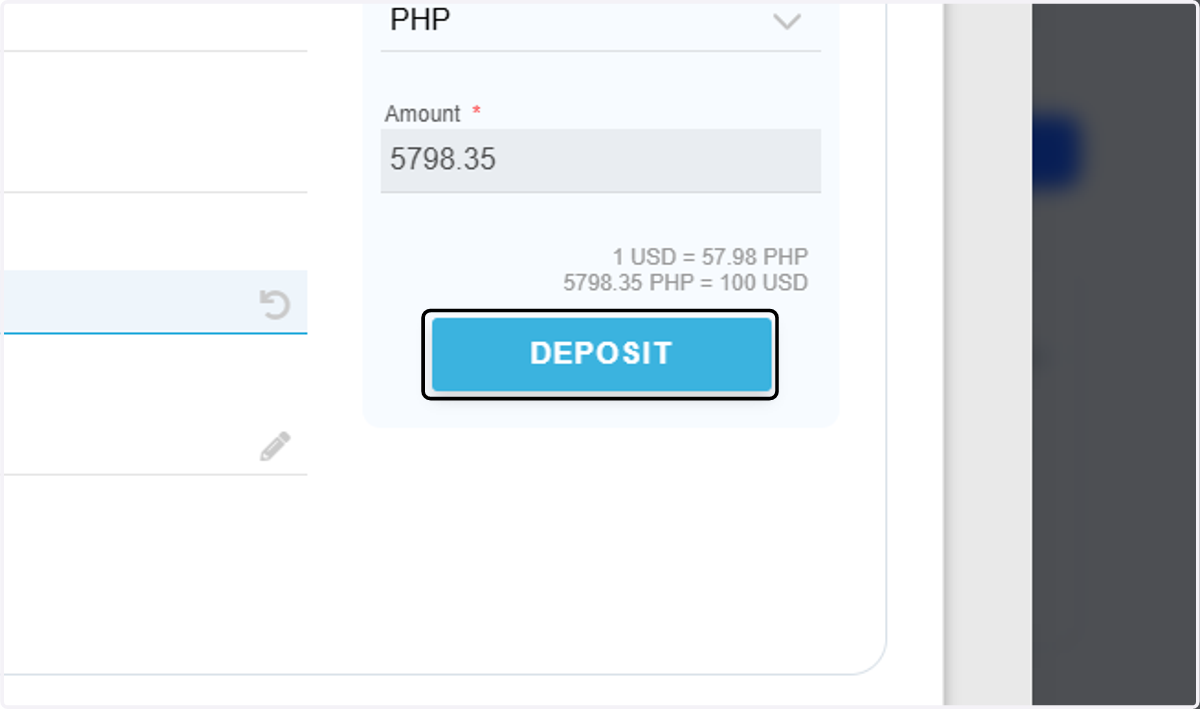
  8. 8. Click on DEPOSIT

    Click on DEPOSIT

PAYMENT

  1. 9. Click on PAY NOW

    Click on PAY NOW

Dragonpay Online Payment System

  1. 10. Choose your bank from the dropdown.
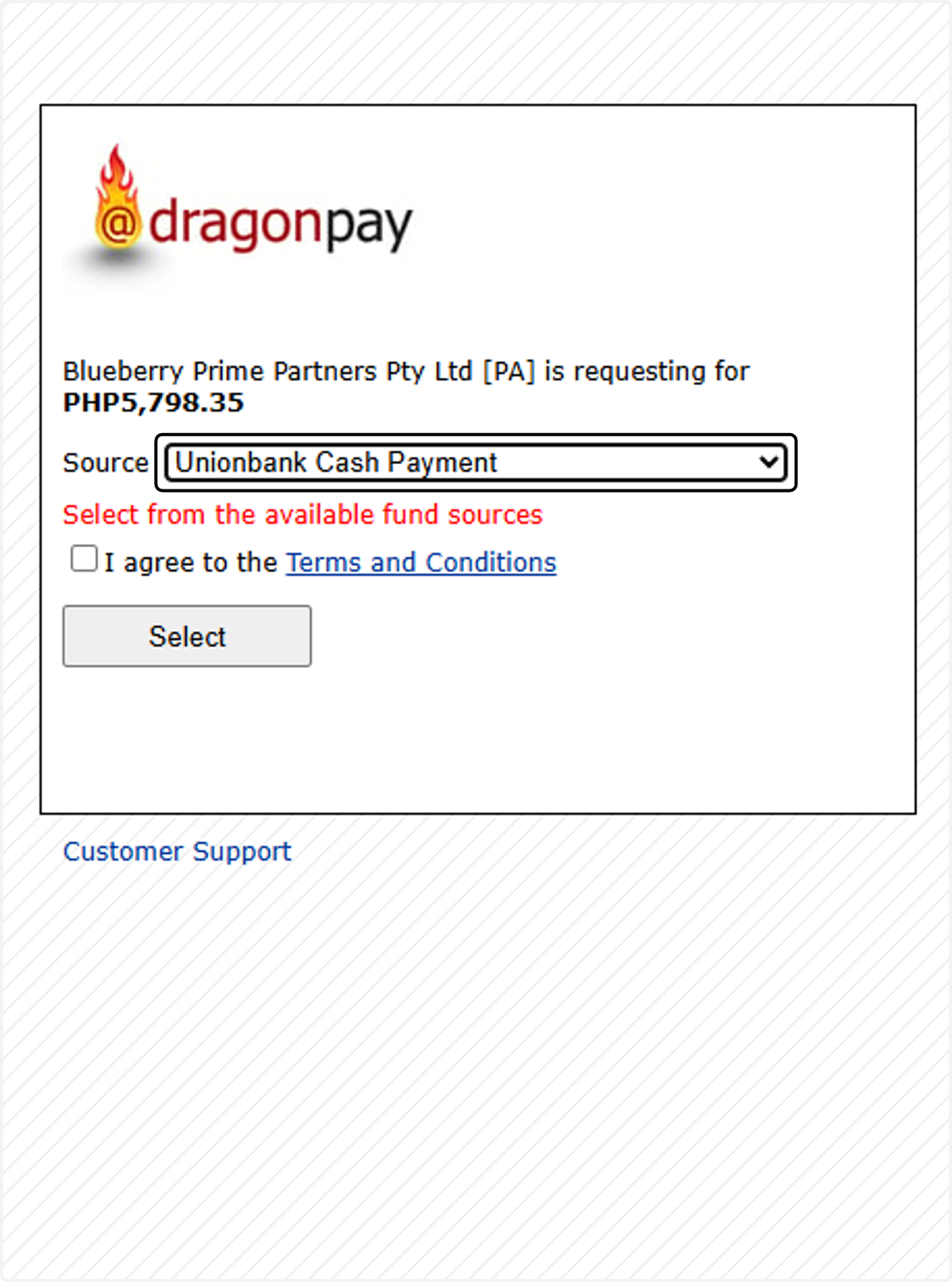
    Choose your bank from the dropdown.
  2. 11. Click on I agree to the Terms and Conditions
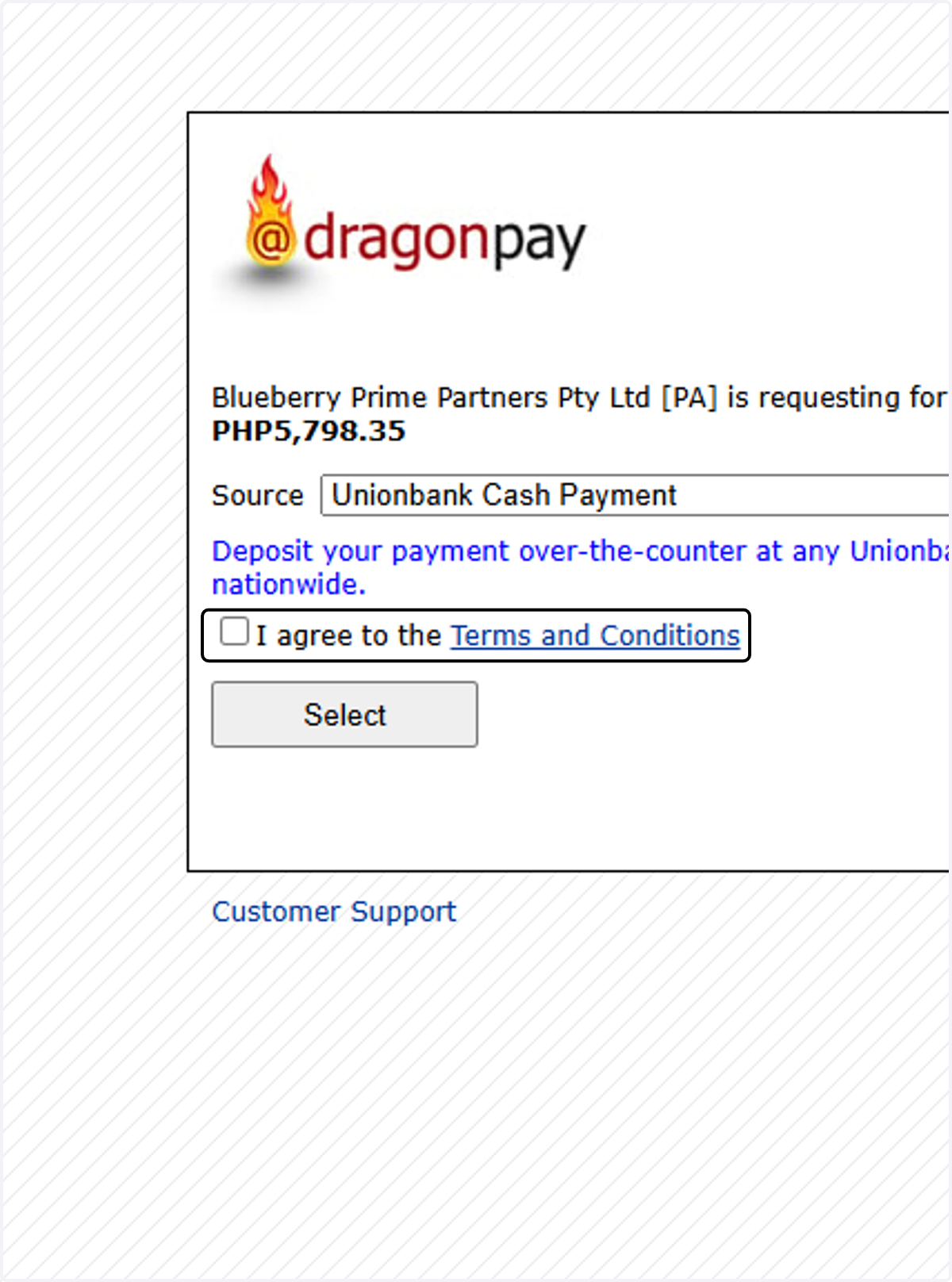
    Click on I agree to the Terms and Conditions
  3. 12. Check I agree to the Terms and Conditions
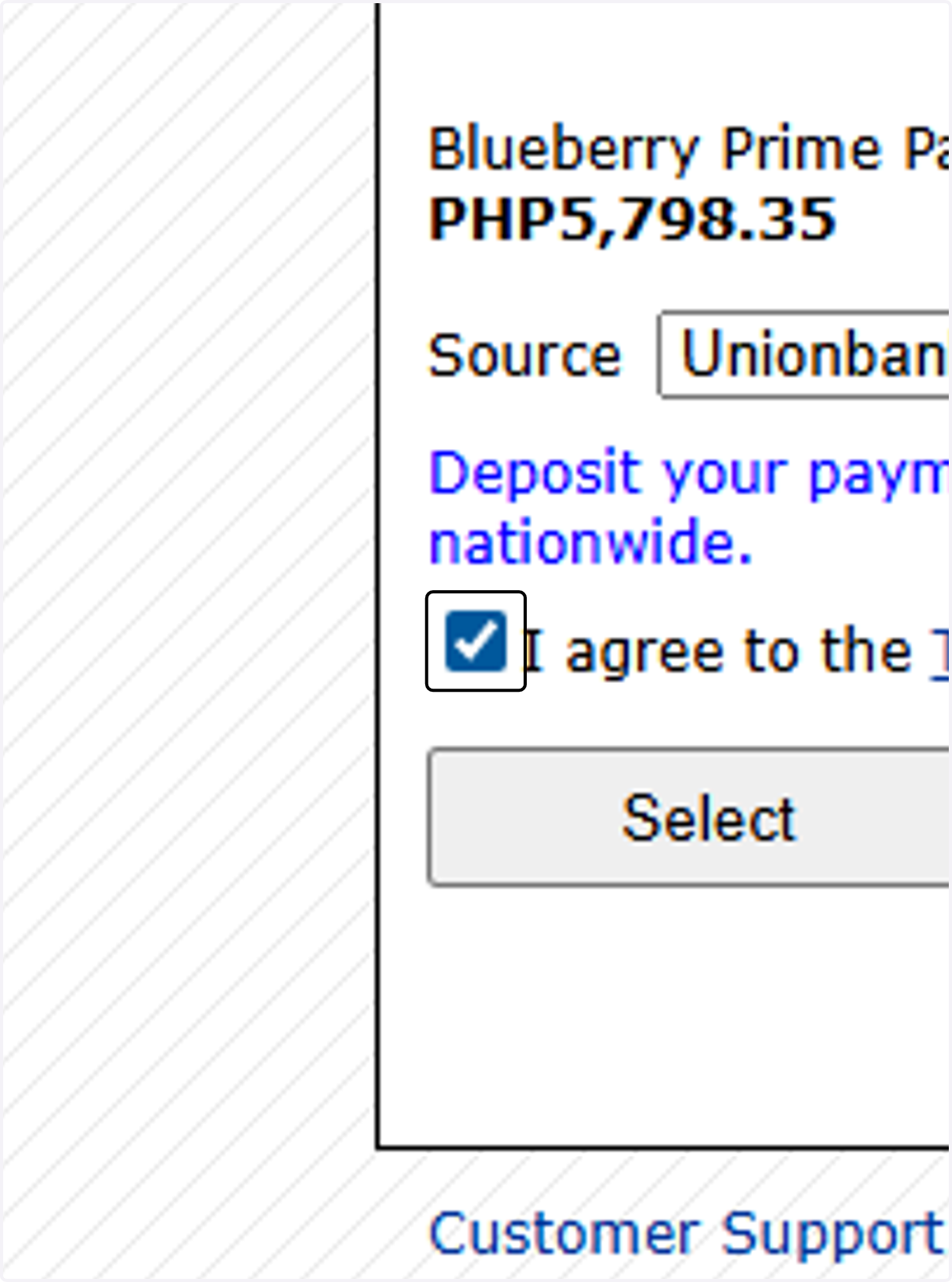
    Check I agree to the Terms and Conditions
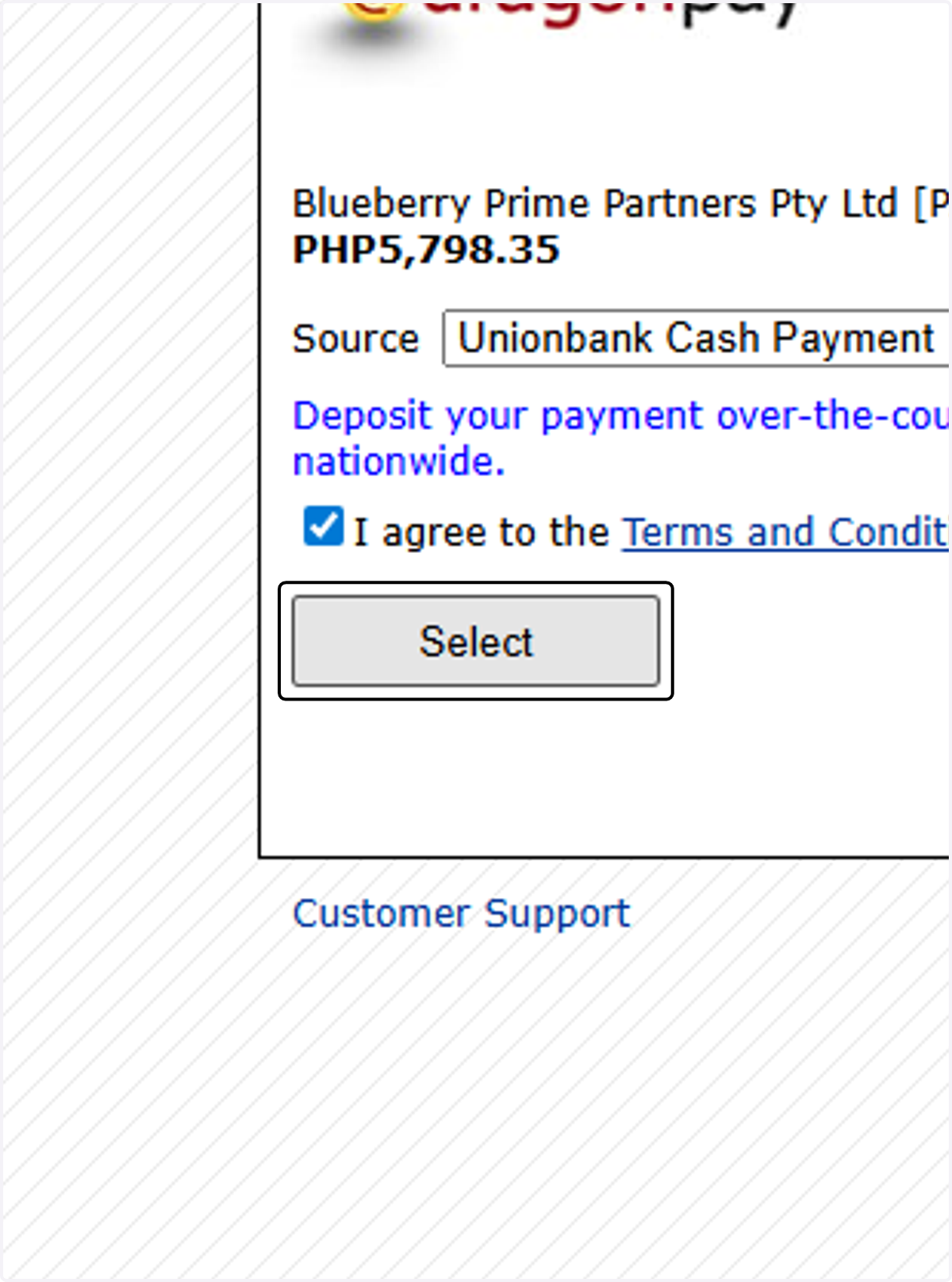
  4. 13. Click on Select

    Click on Select
  5. 14. Type in the email or phone number that you prefer to send the instructions to.
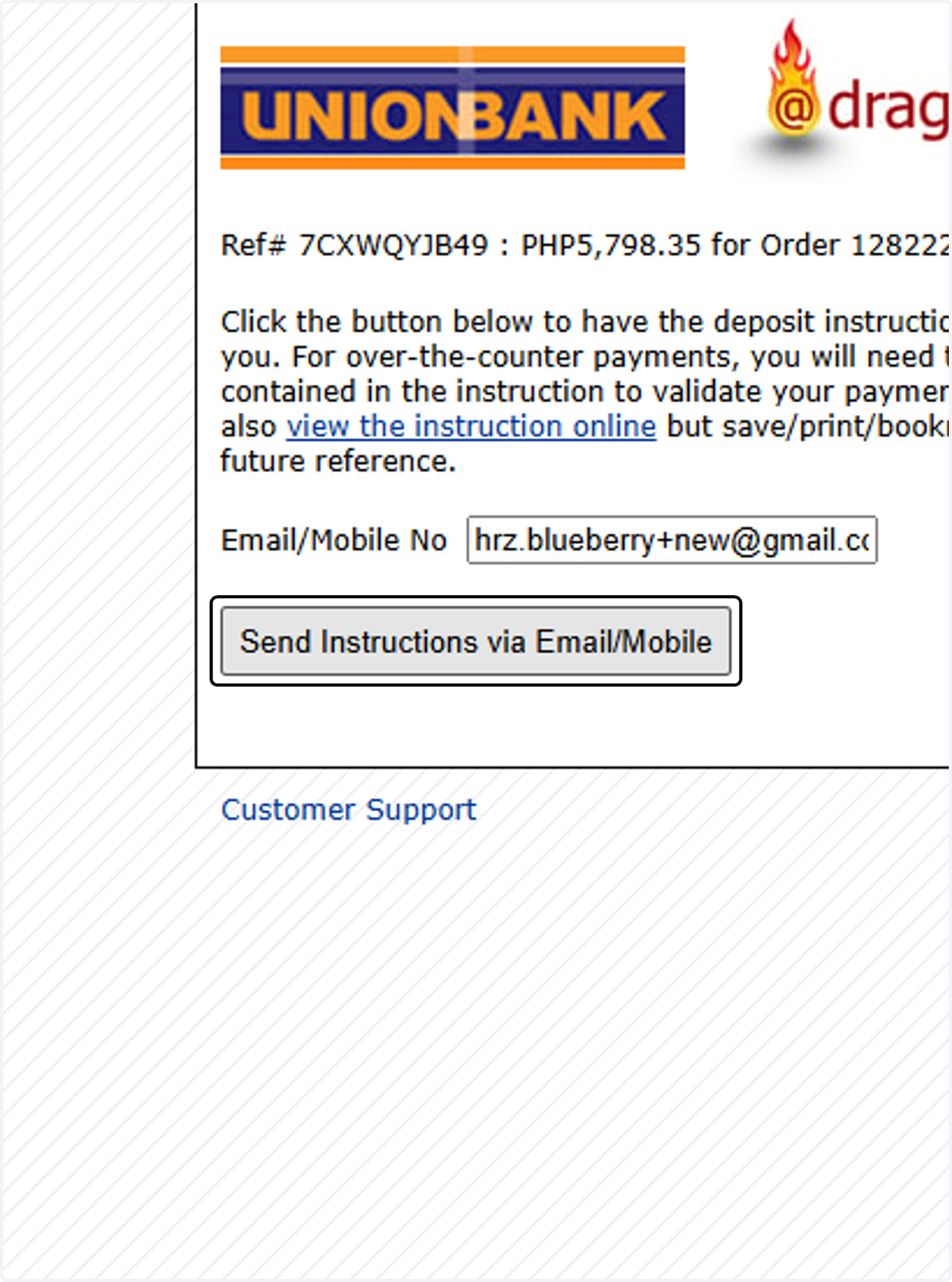
    Type in the email or phone number that you prefer to send the instructions to.
  6. 15. Click on the link that was sent to you your email or mobile number to review the details of the transaction.
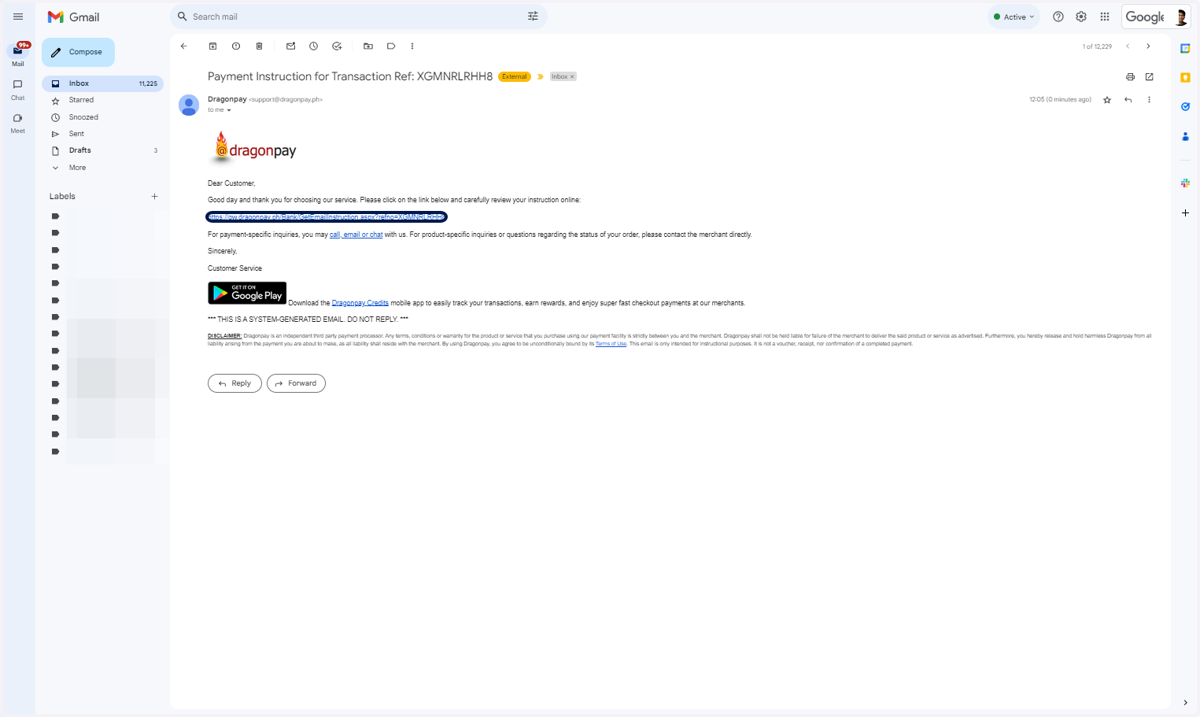
    Click on the link that was sent to you your email or mobile number to review the details of the transaction.
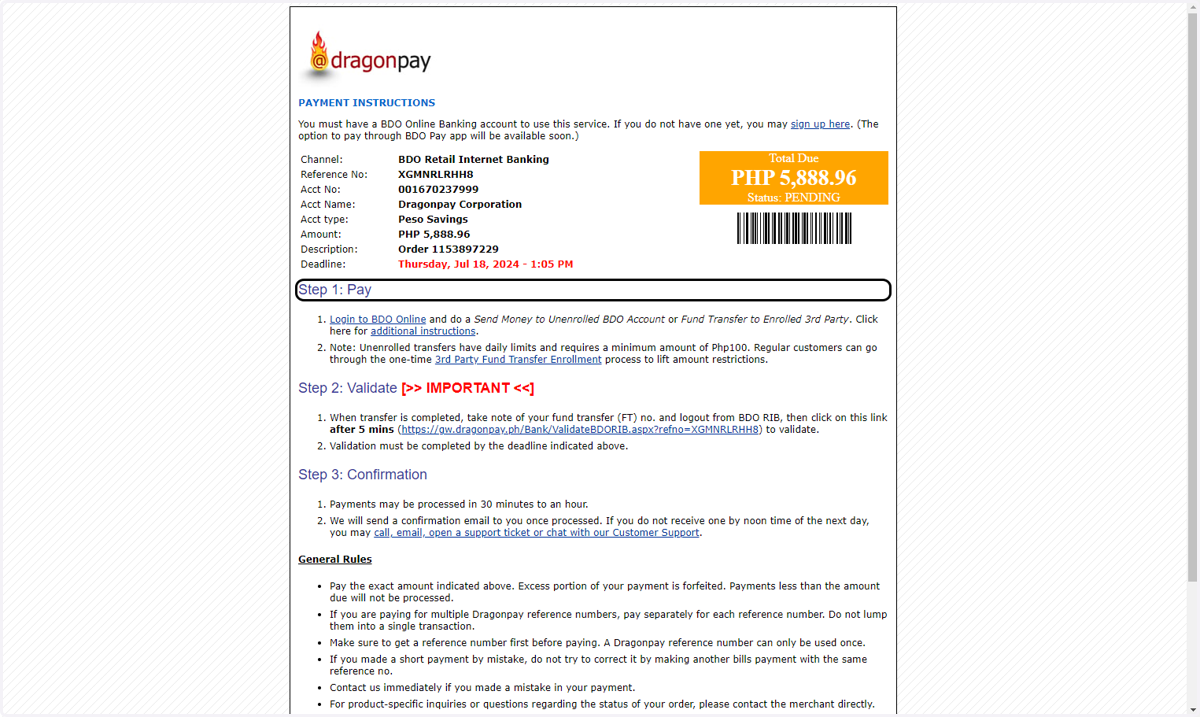
  7. 16. Review the details of the transaction.
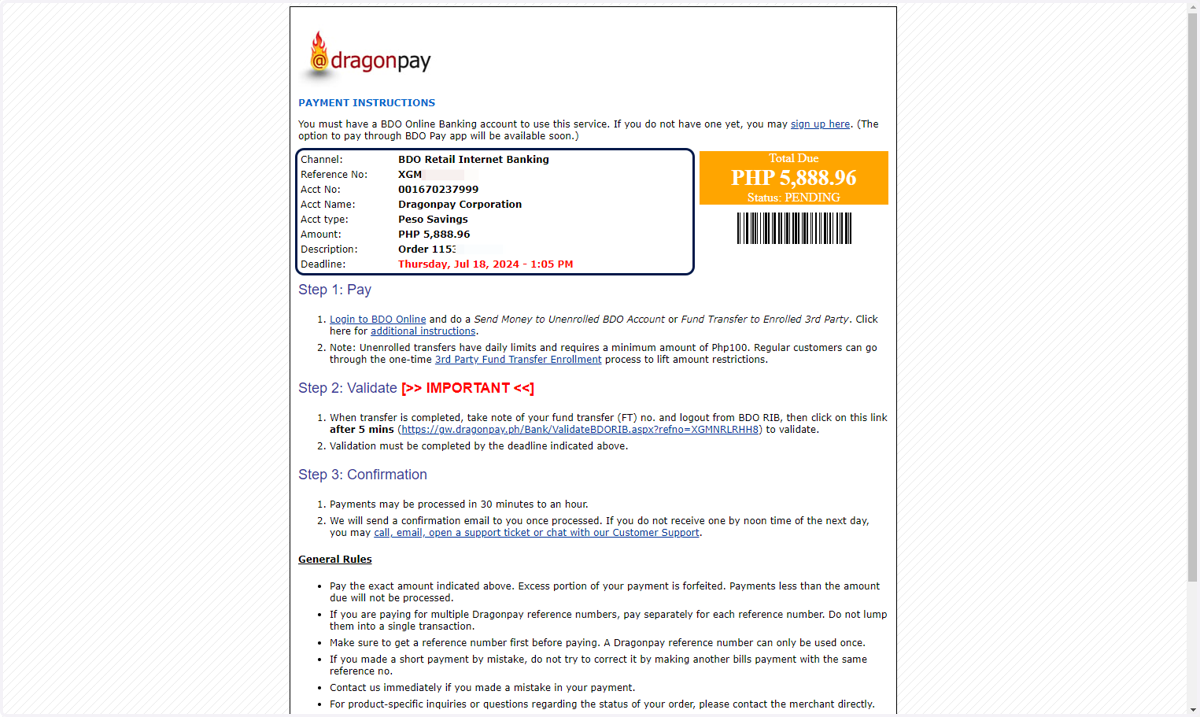
    Review the details of the transaction.
  8. 17. Follow the steps provided.

    Follow the steps provided.
  9. 18. Once done, you will receive a confirmation email.
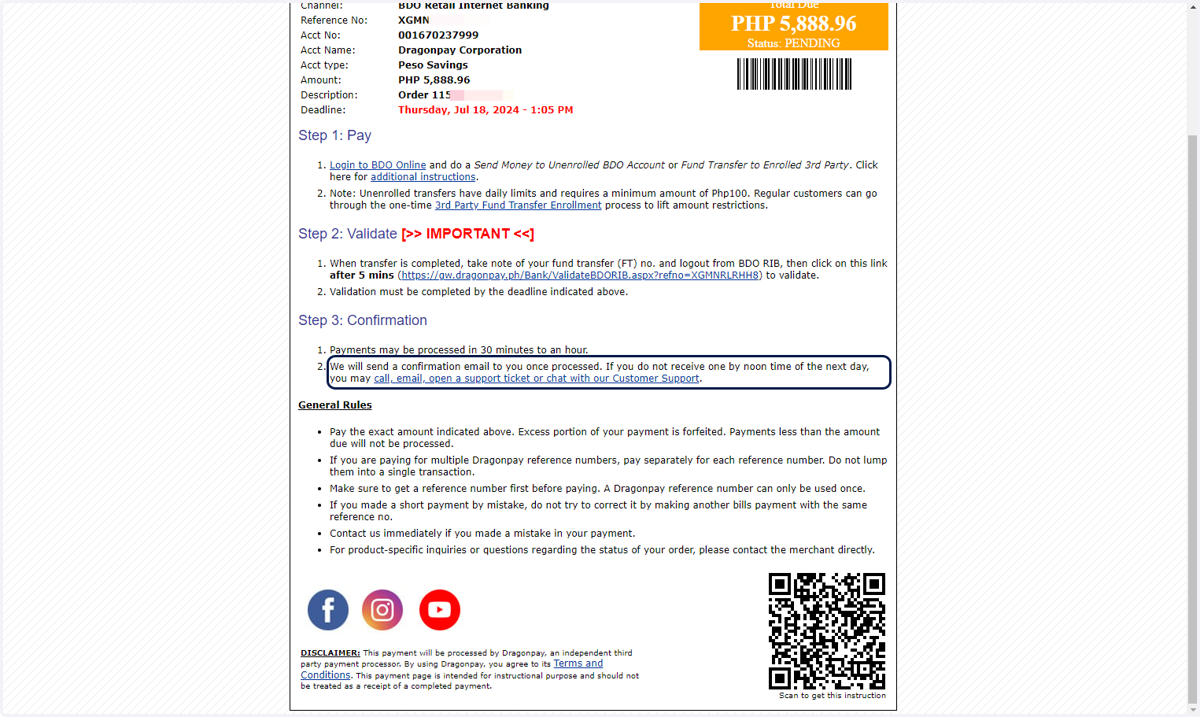
    Once done, you will receive a confirmation email.