How to Delete an Assessment that is Linked to the Gradebook
If an assessment is linked to the gradebook, you have to delete the assessment or make it a non-graded assignment to delete it from the gradebook. This tutorial will show you how to delete it from the course.
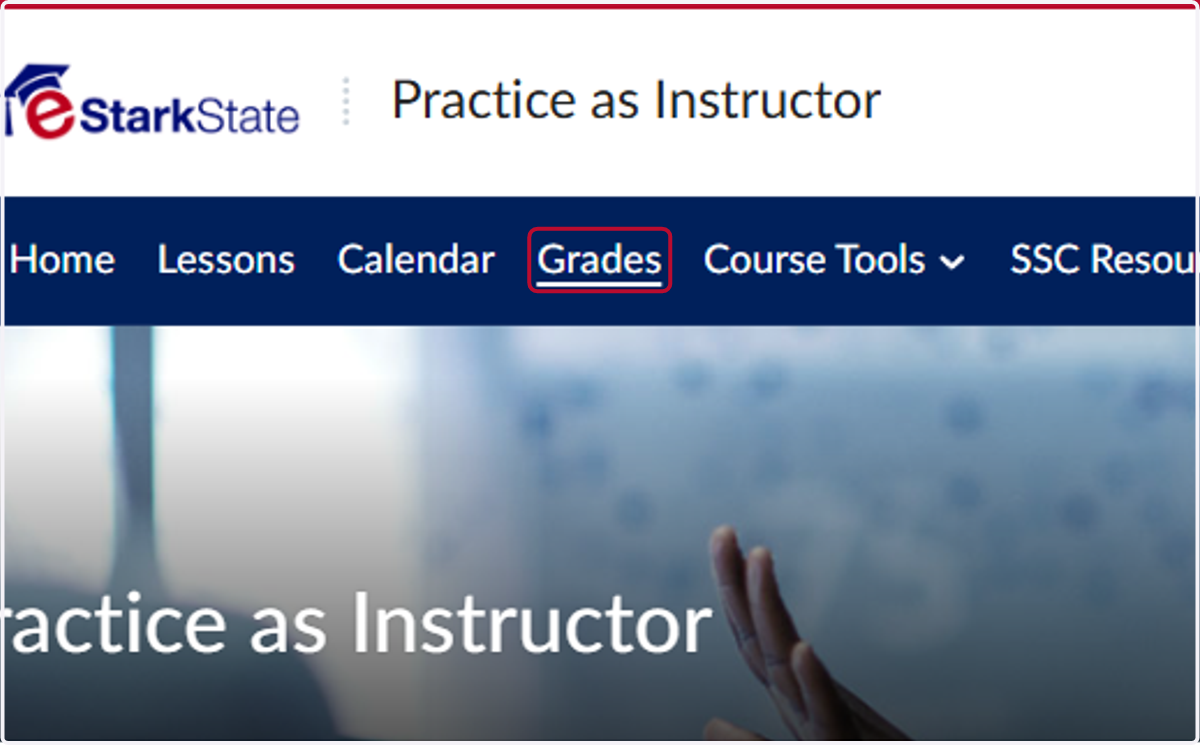
1. Click on Grades
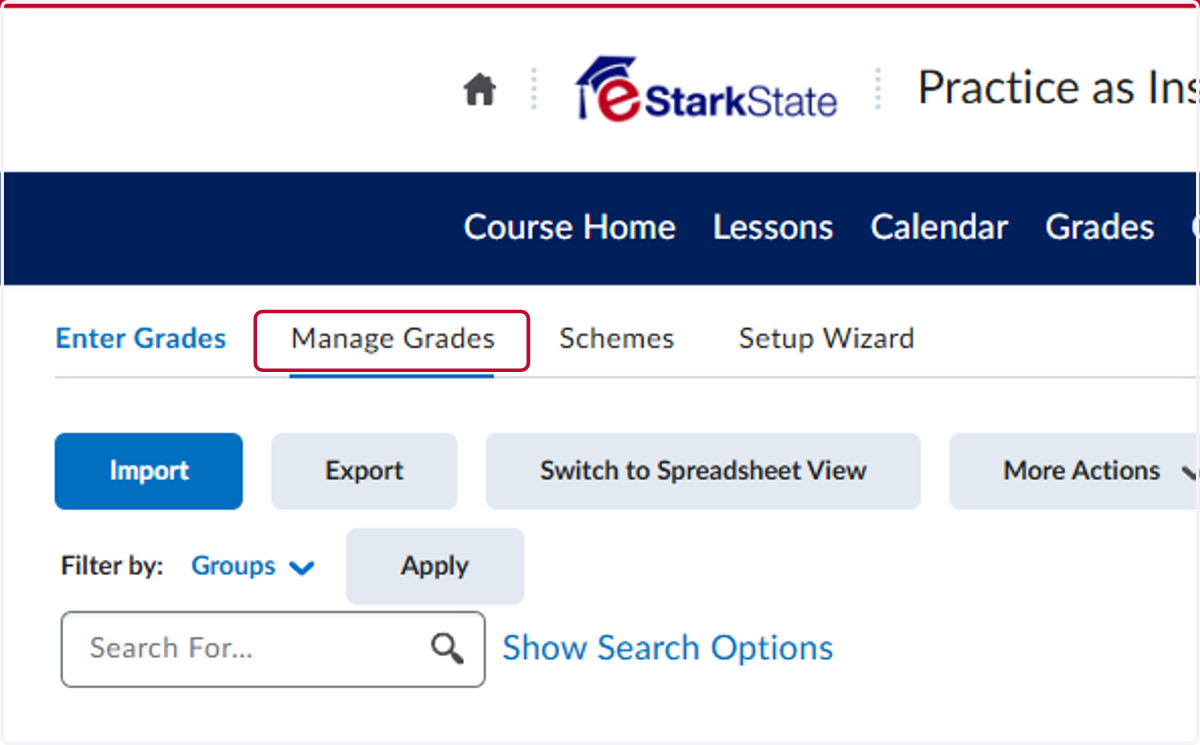
2. Click on Manage Grades
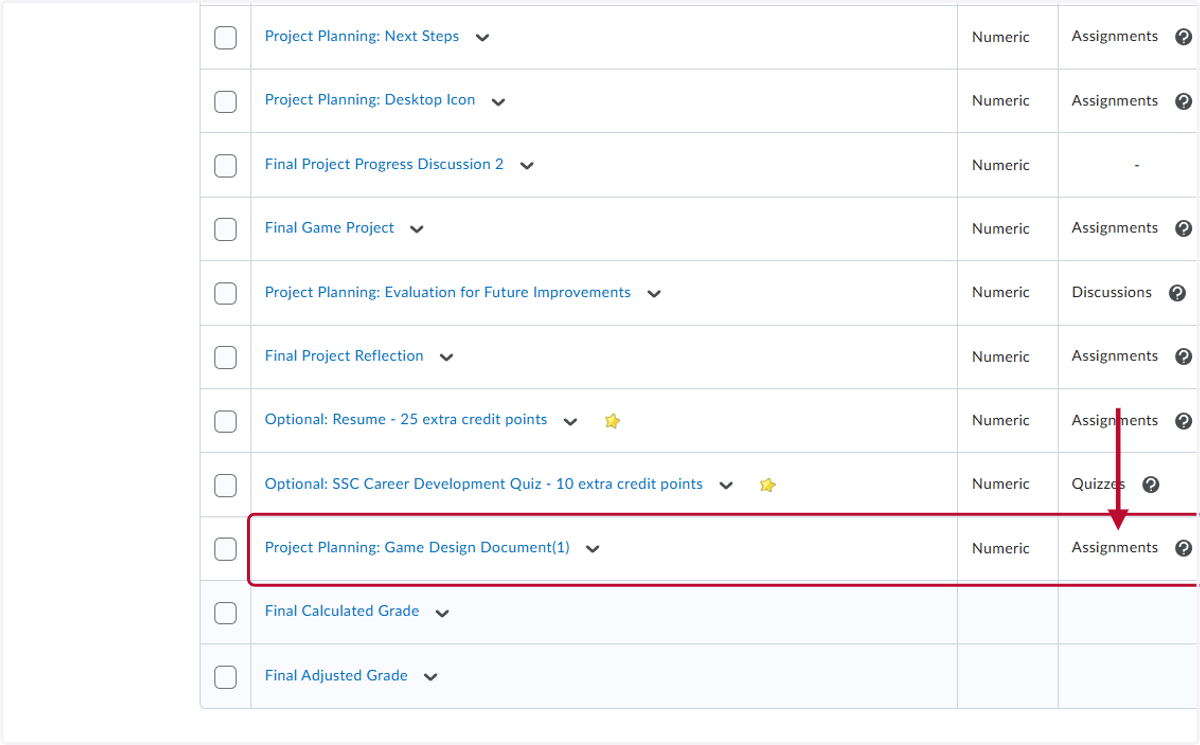
3. Locate the assessment and determine which type it is.
You will see the type to the right of the assessment title.
4. Click on Course Tools
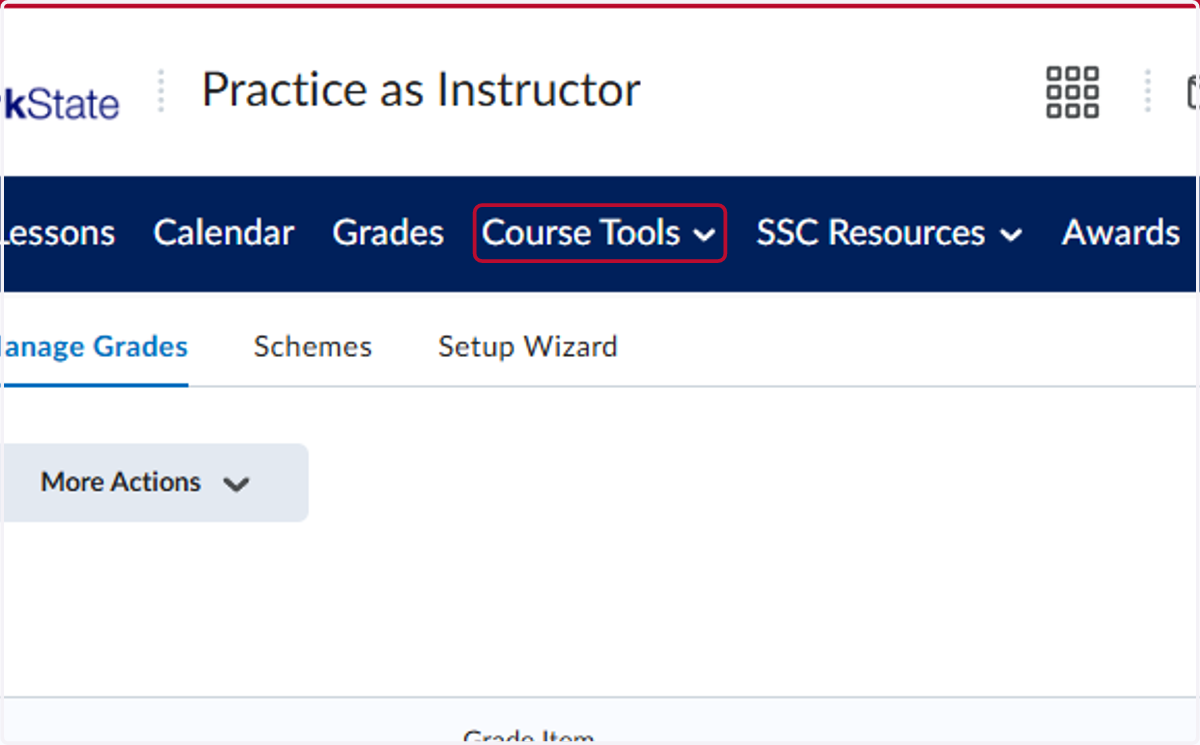
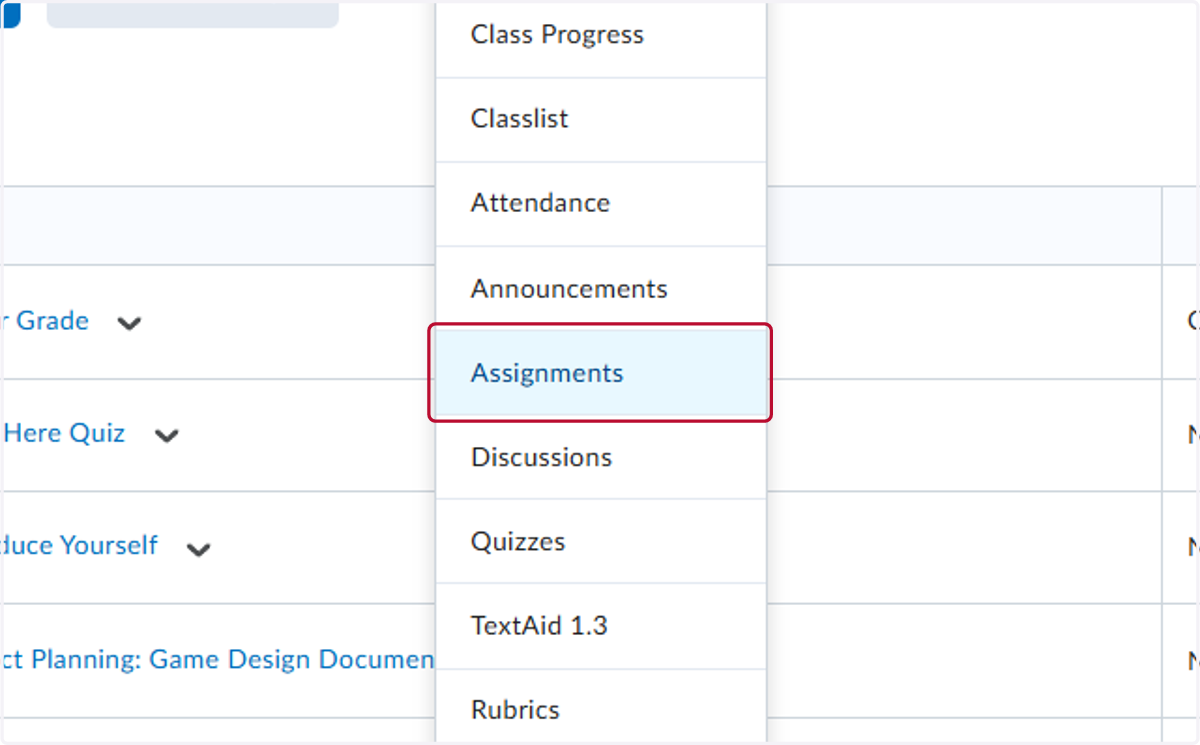
5. Go to the assignment type.
In this case, we are deleting an Assignment.
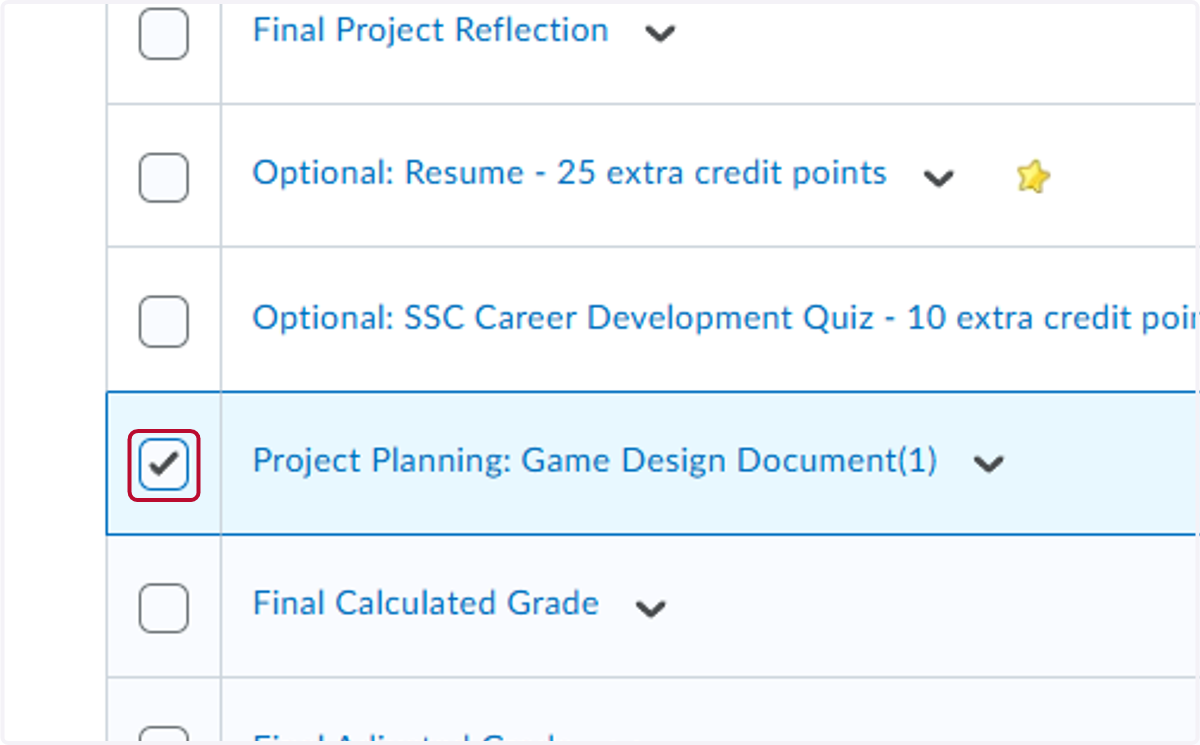
6. Check the box beside the assignment title.
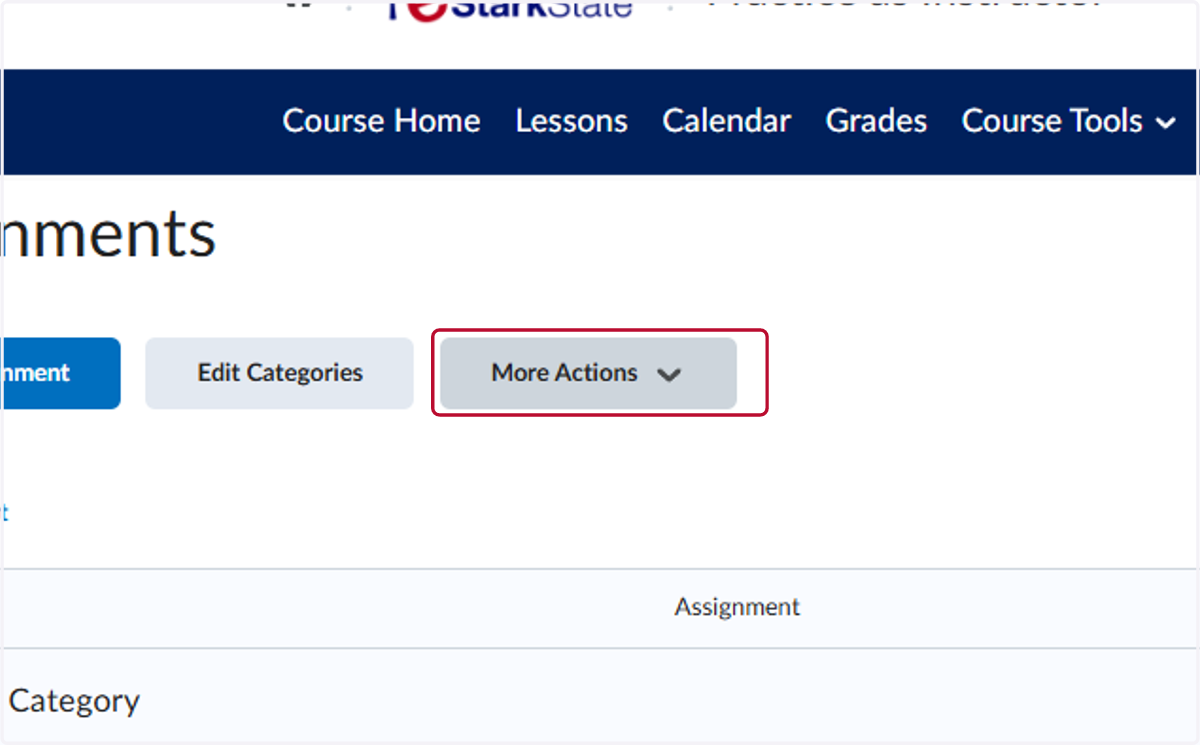
7. Click on More Actions
8. Click on Delete
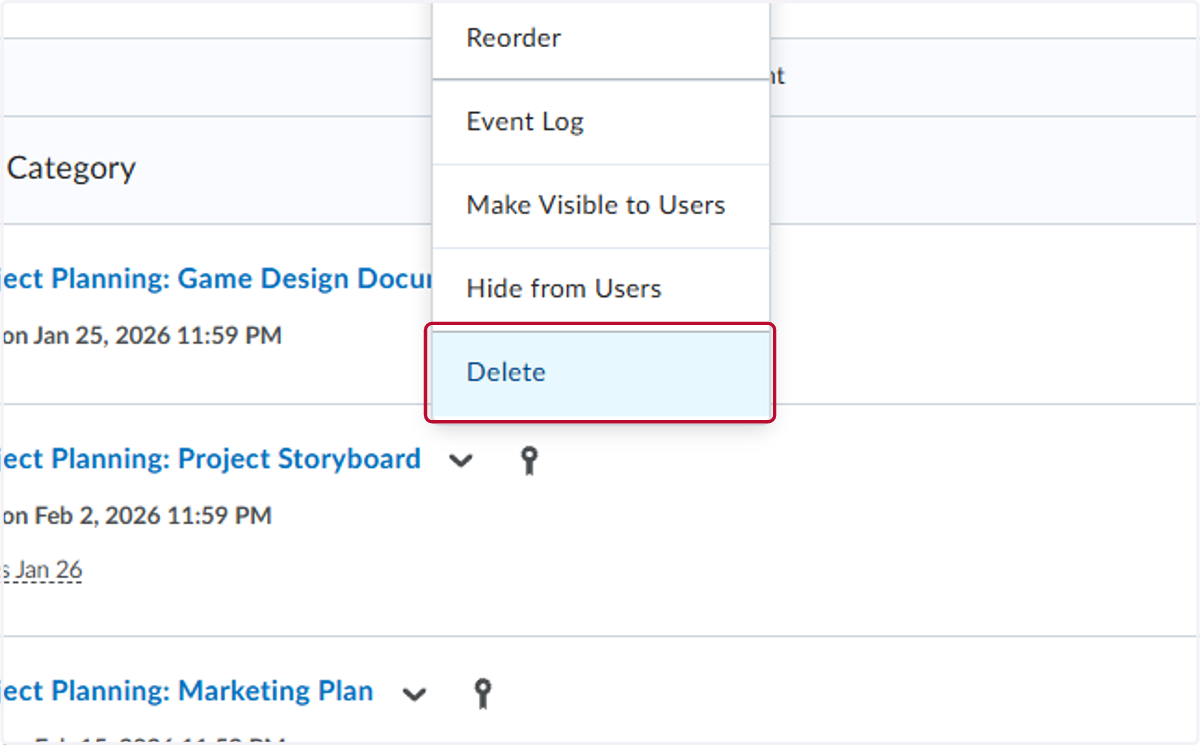
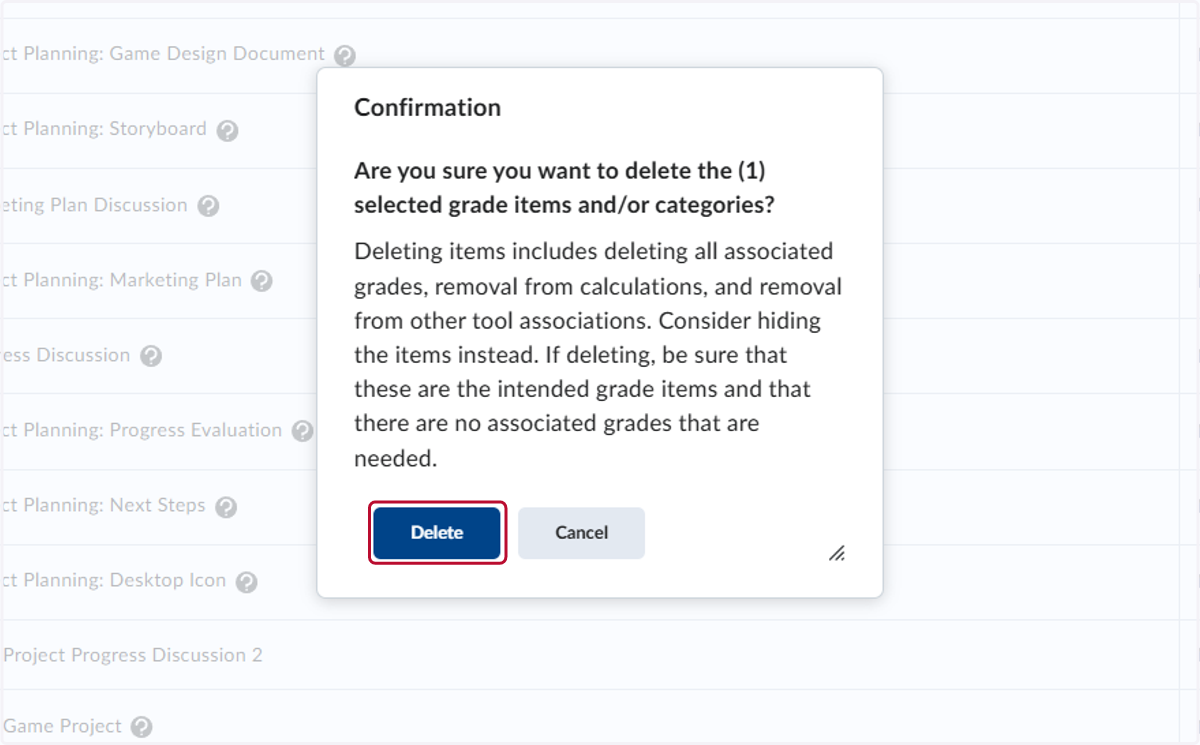
9. Click on Delete
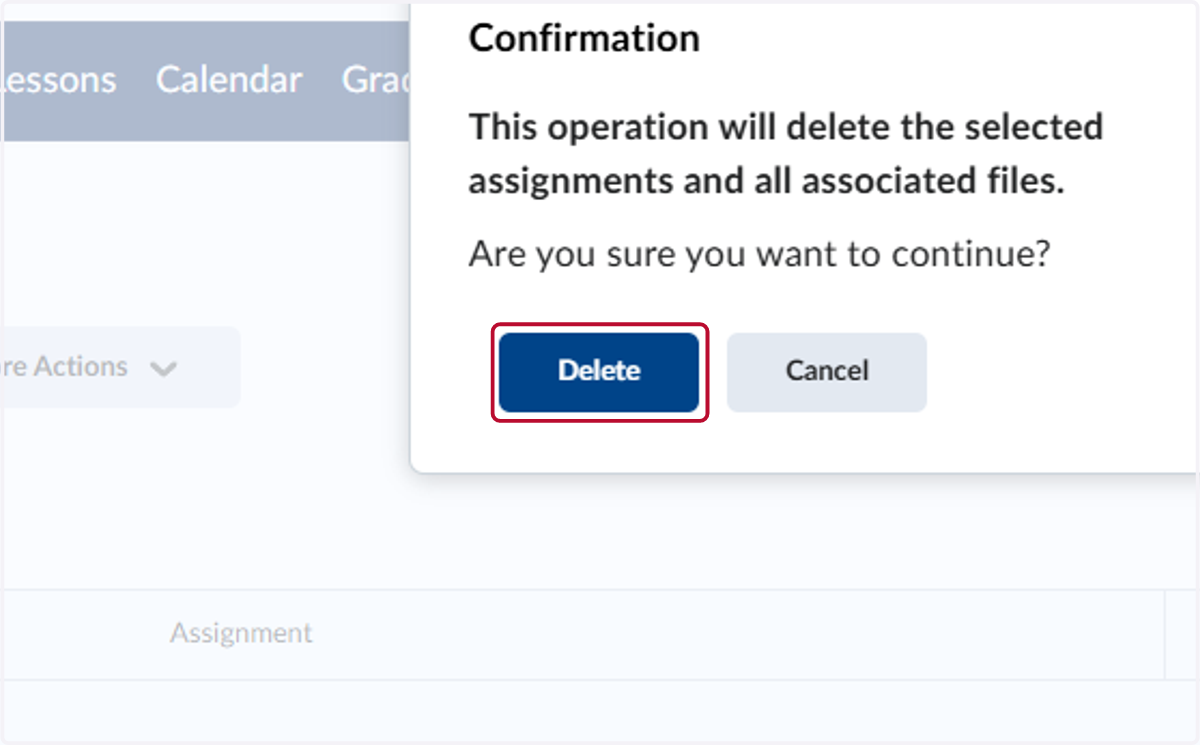
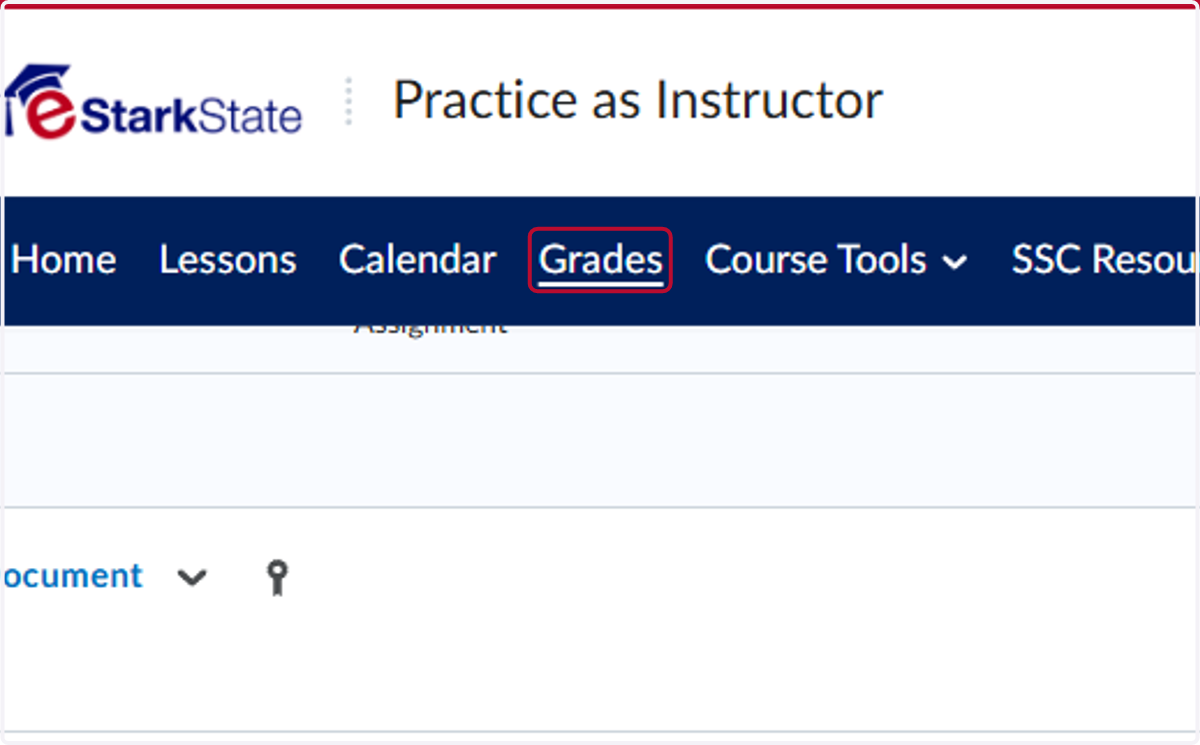
10. Click on Grades
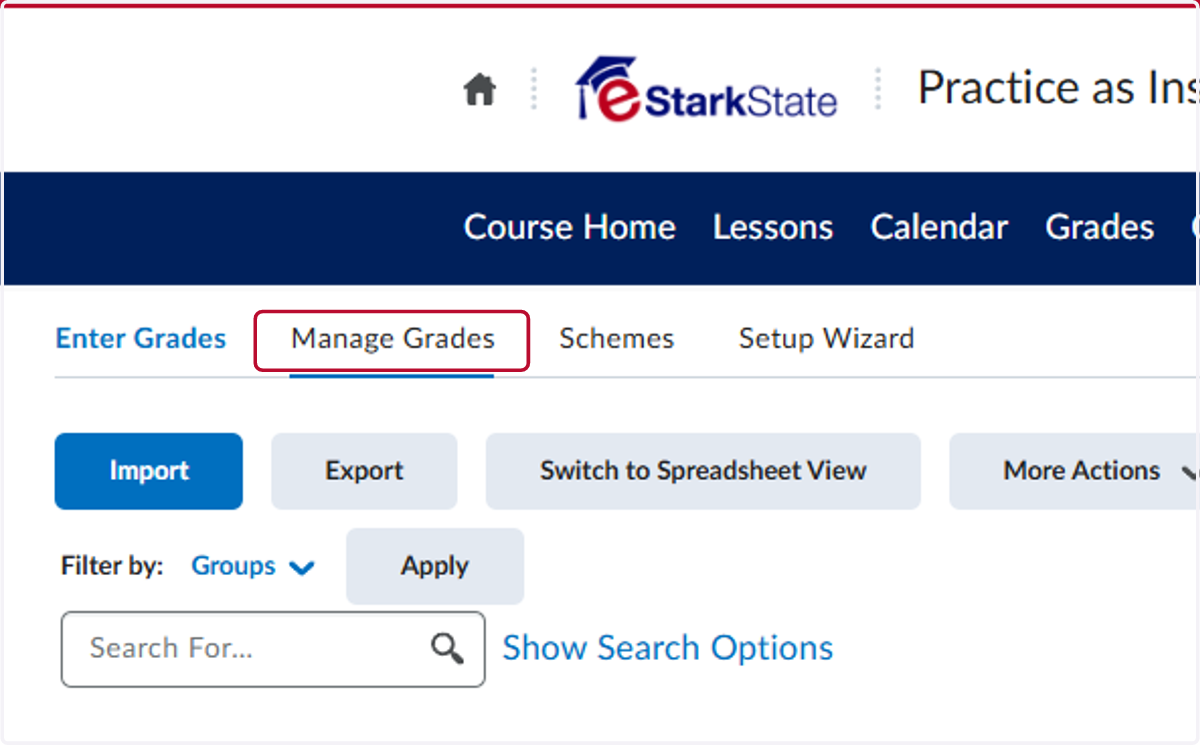
11. Click on Manage Grades
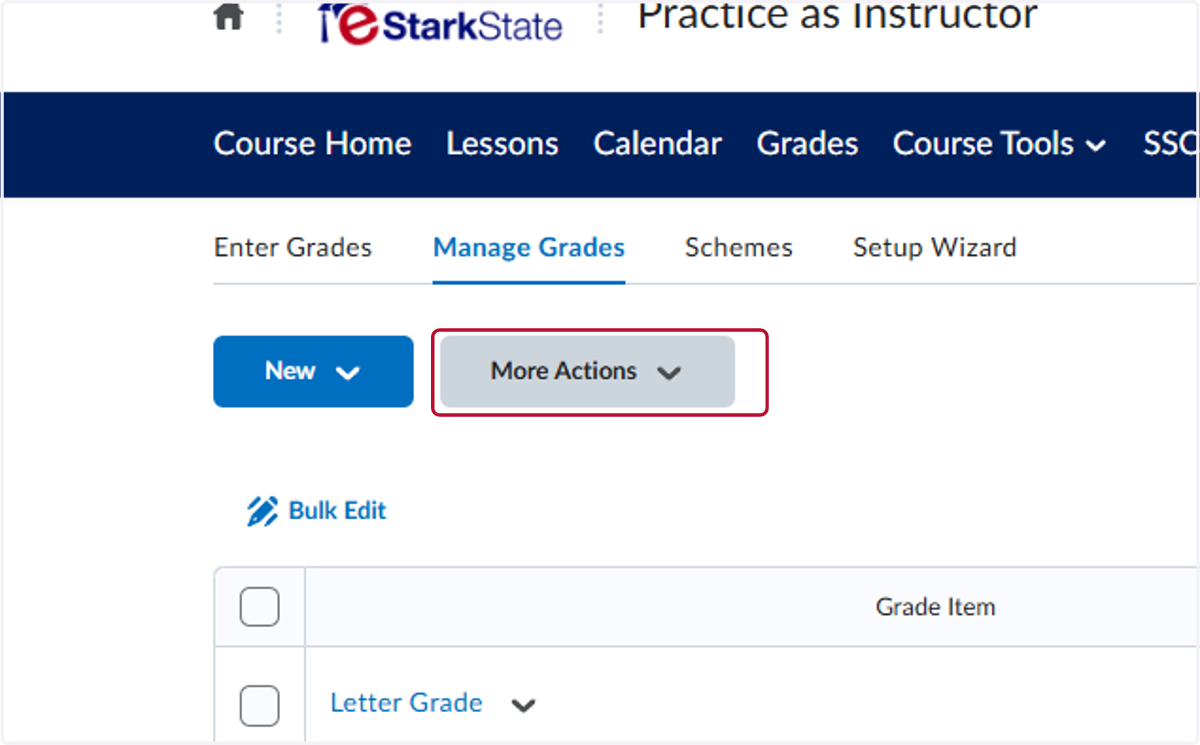
12. Click on More Actions
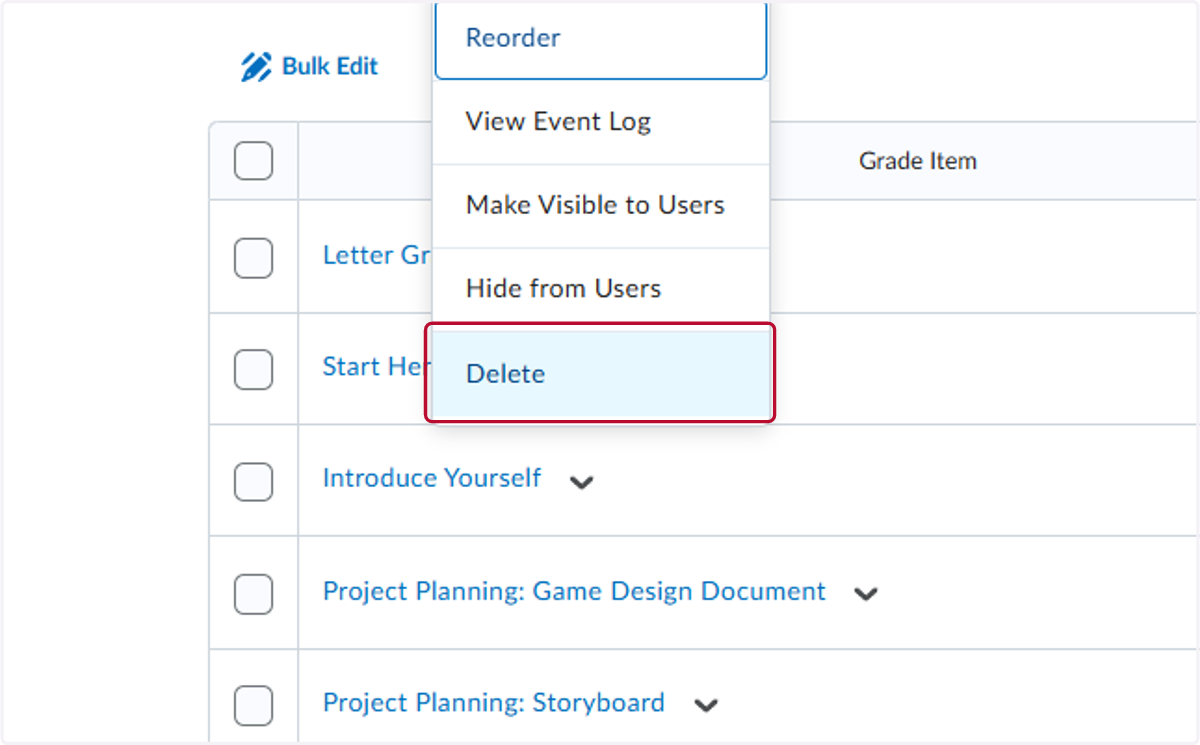
13. Click on Delete
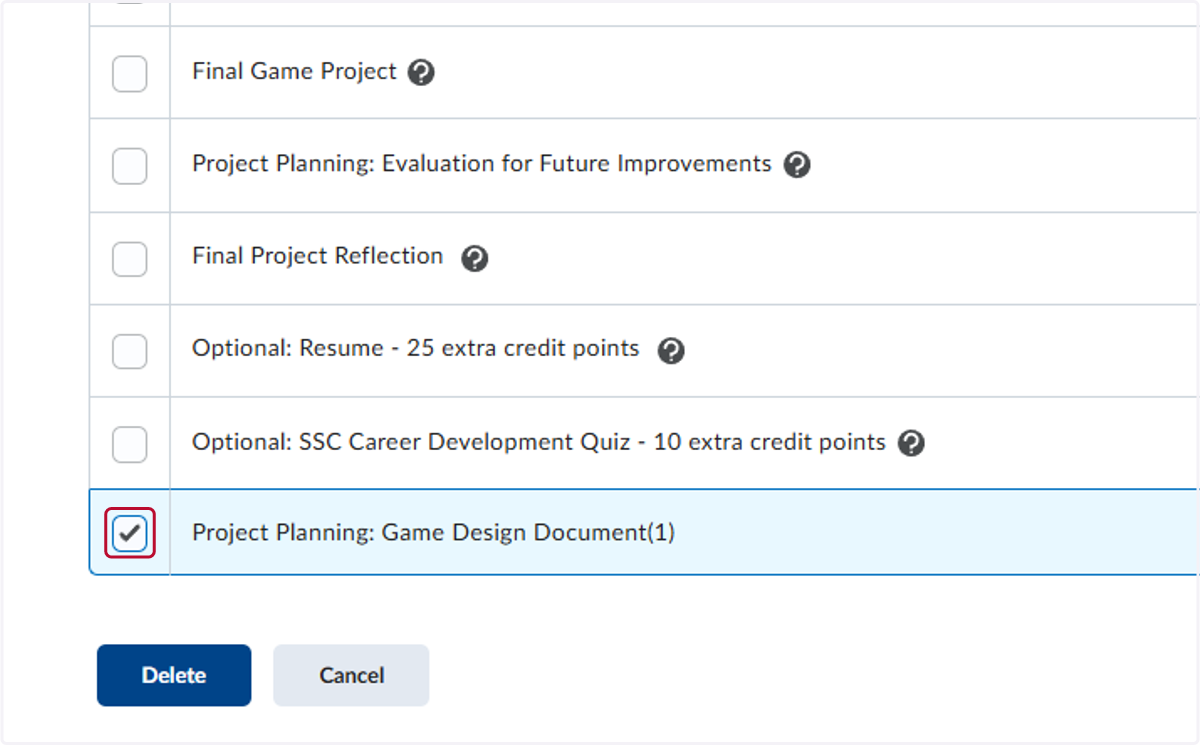
14. Check the box by the assignment title.
15. Click on Delete
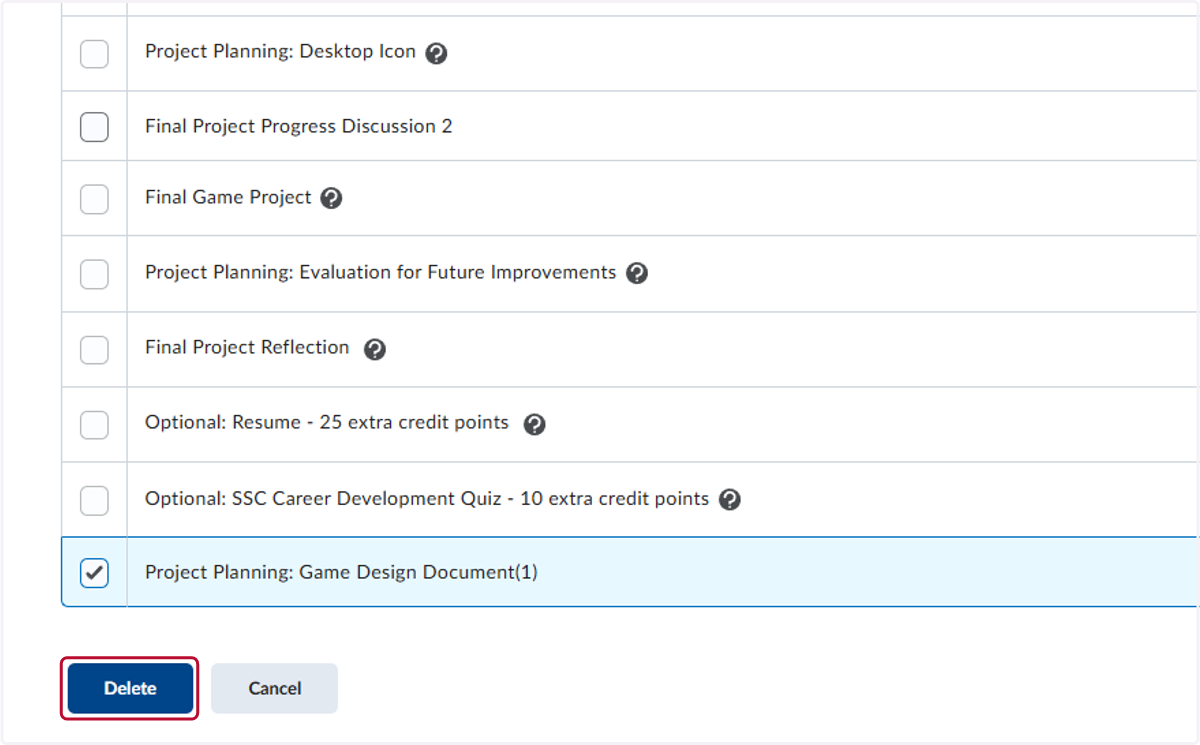
16. Click on Delete