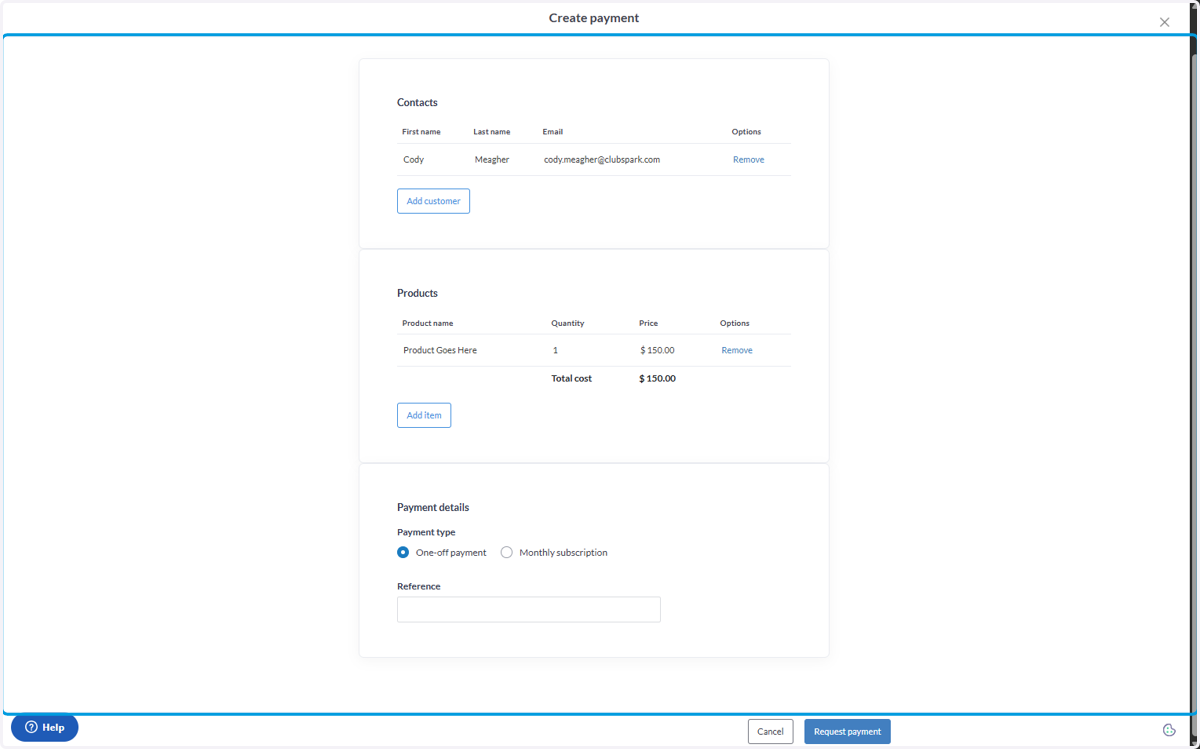
How to Create a Payment (One-off and monthly Payment)
This guide will go through how to create a one-off and monthly payment within the payments module. This will give you the ability to invoice and request payment from your players / members or coaches. This can be used over a range of products. For example: locker room, car parking space, invoicing coaches for courts etc.
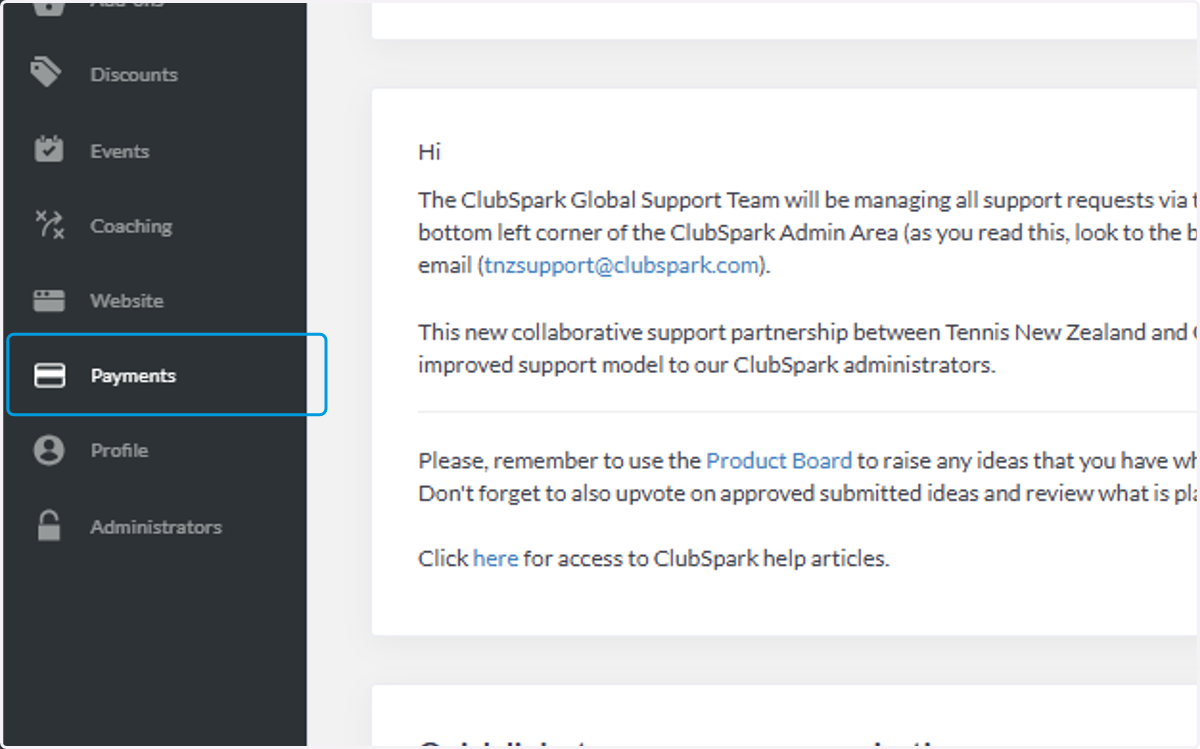
1. Click on Payments
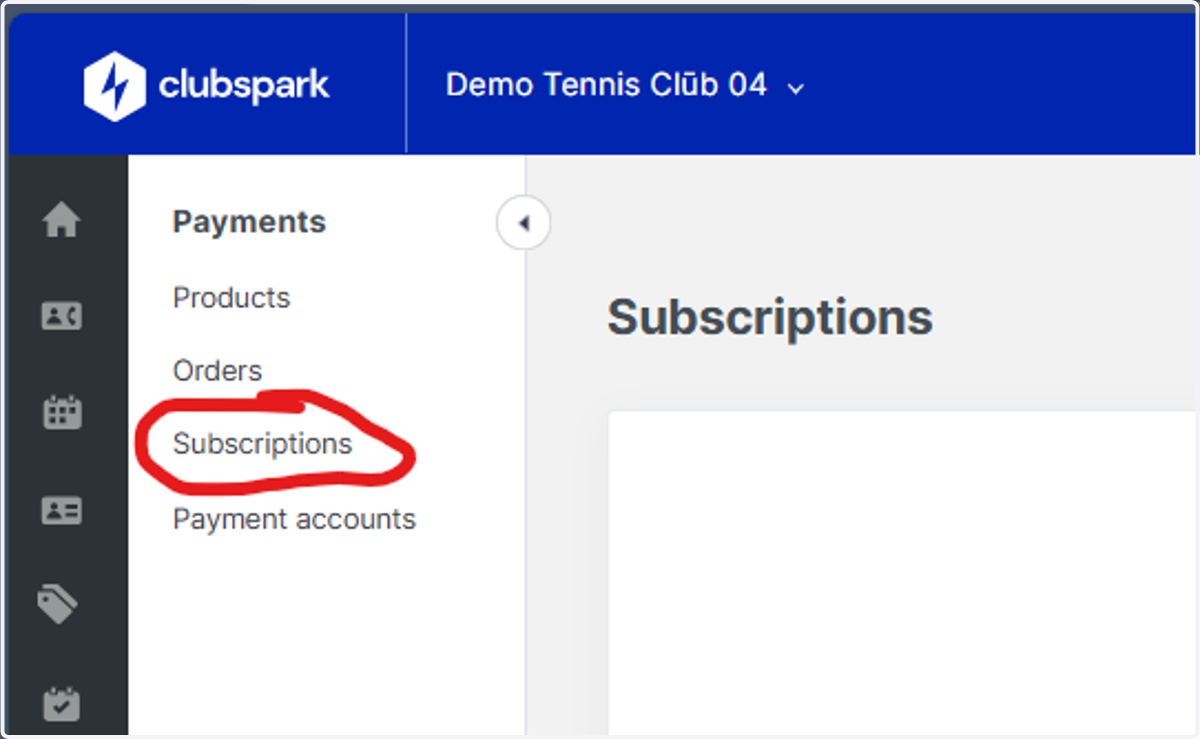
2. Click on Subscriptions
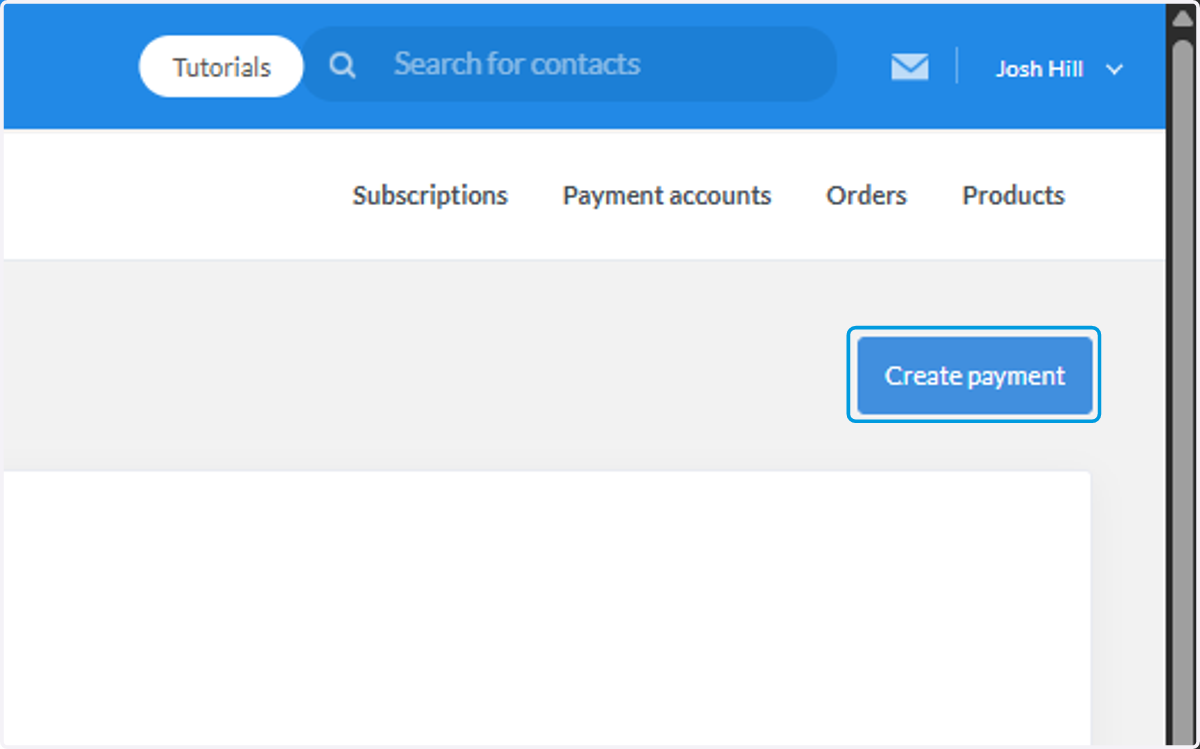
3. Click on Create payment
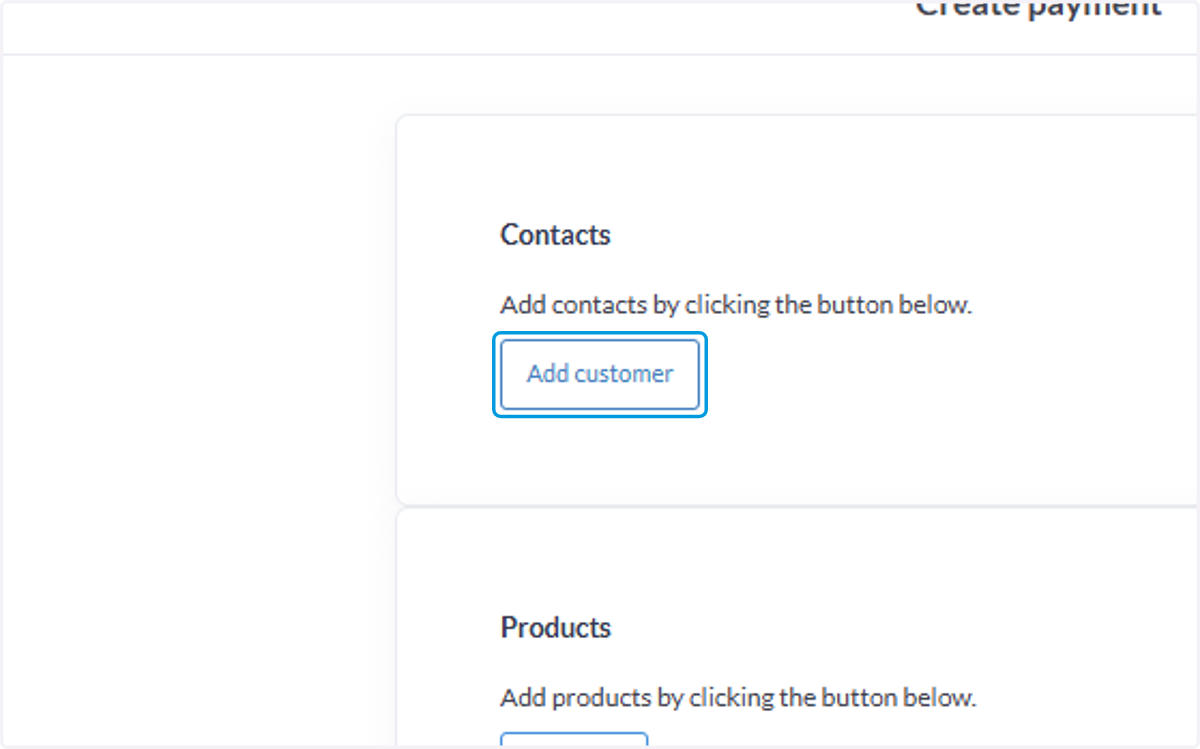
4. Click on Add customer
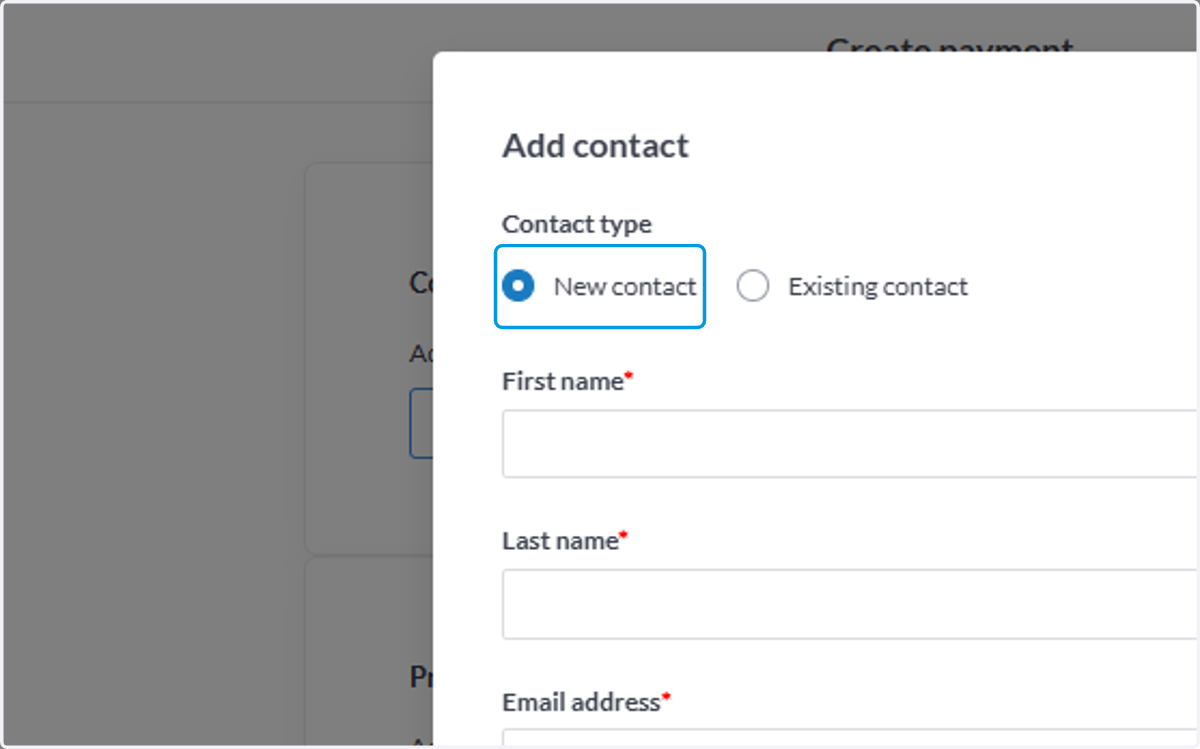
5. Use a New Contact or select Existing Contact
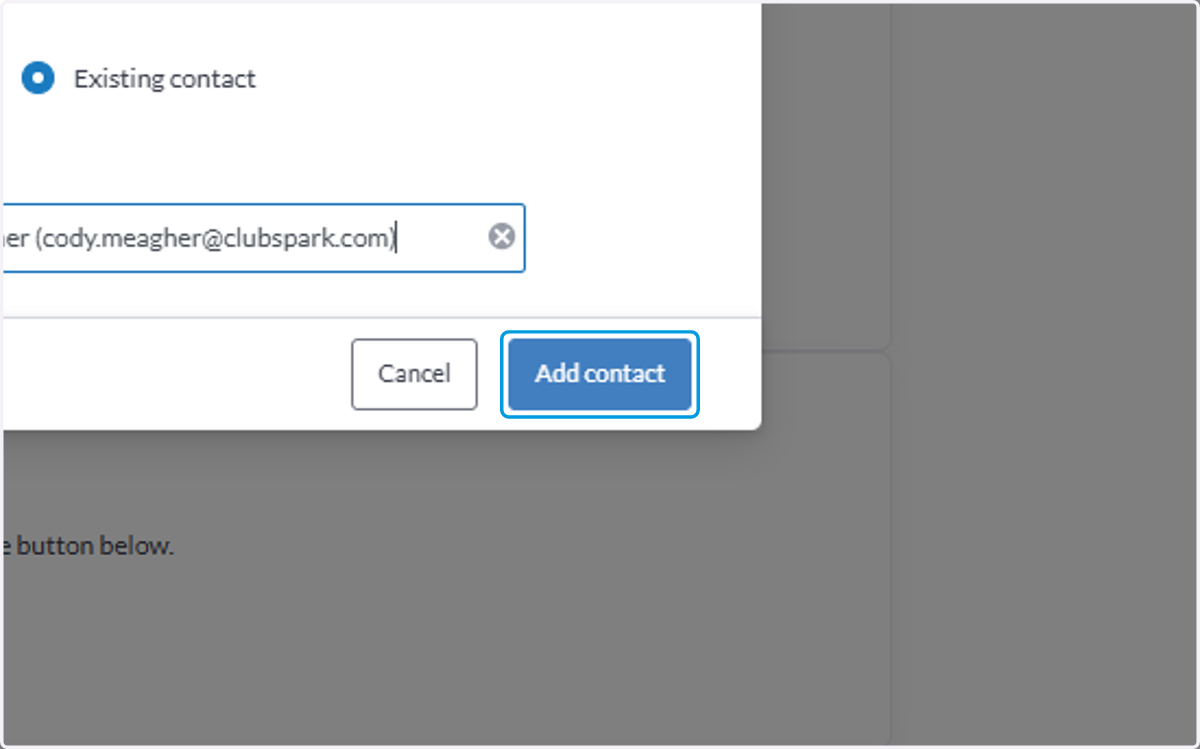
6. Click on Add contact
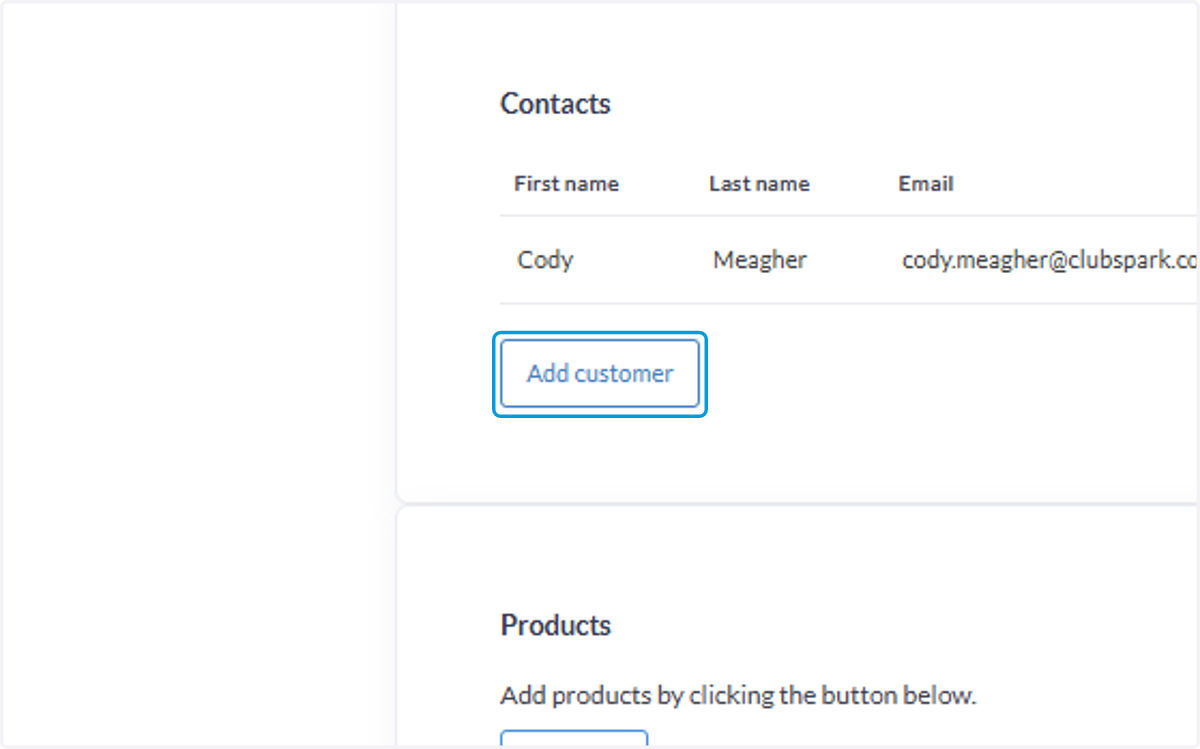
7. If you wish to send to more people, you can add additional contacts
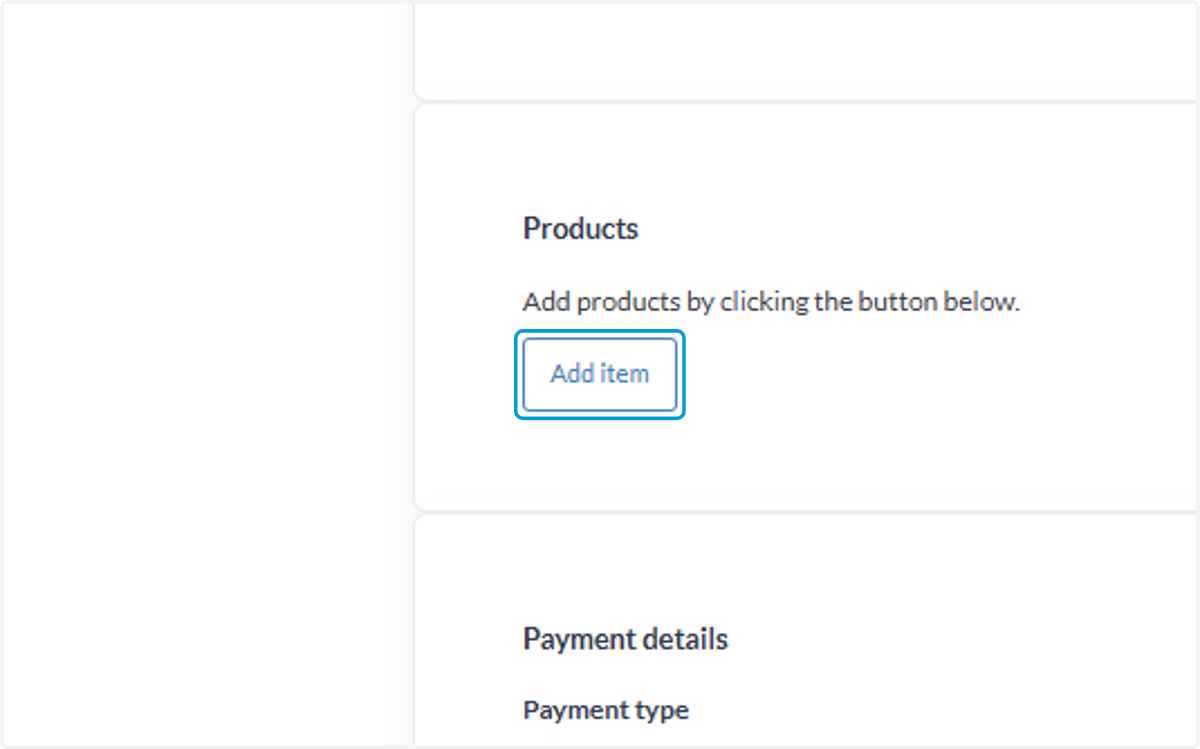
8. Click on Add item
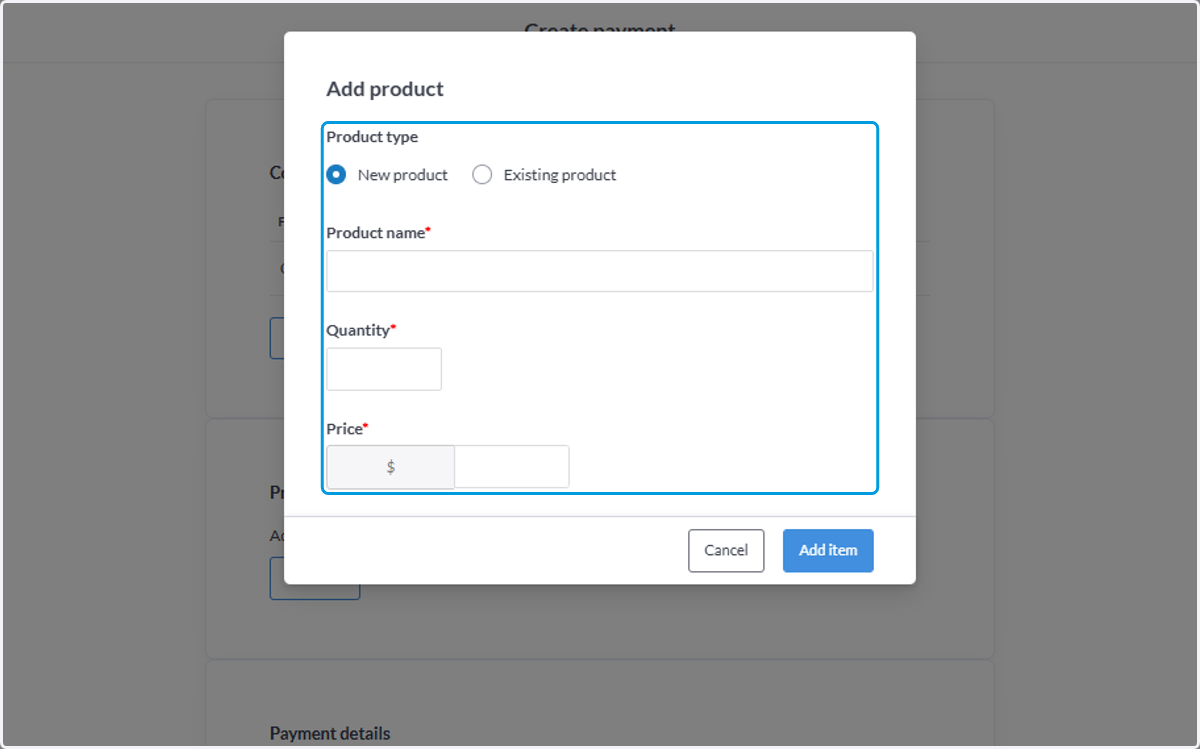
9. You can create a new product or choose from an existing product you have created, set the price, quantity etc..
10. Click on Add item
11. Specify if this is a one -off payment or a monthly subscription
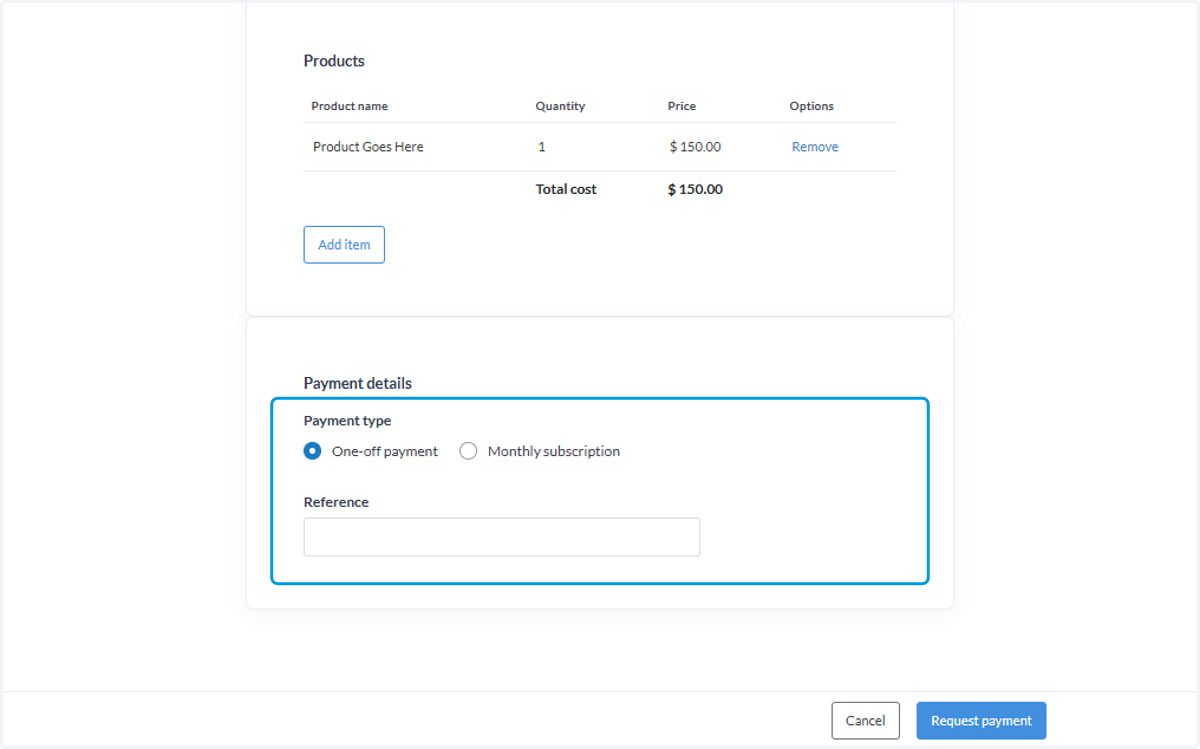
12. Click on Request payment
13. Payment Sent!
The contact will see the payment request via email and their Clubspark account.