How to Create a Group Discussion
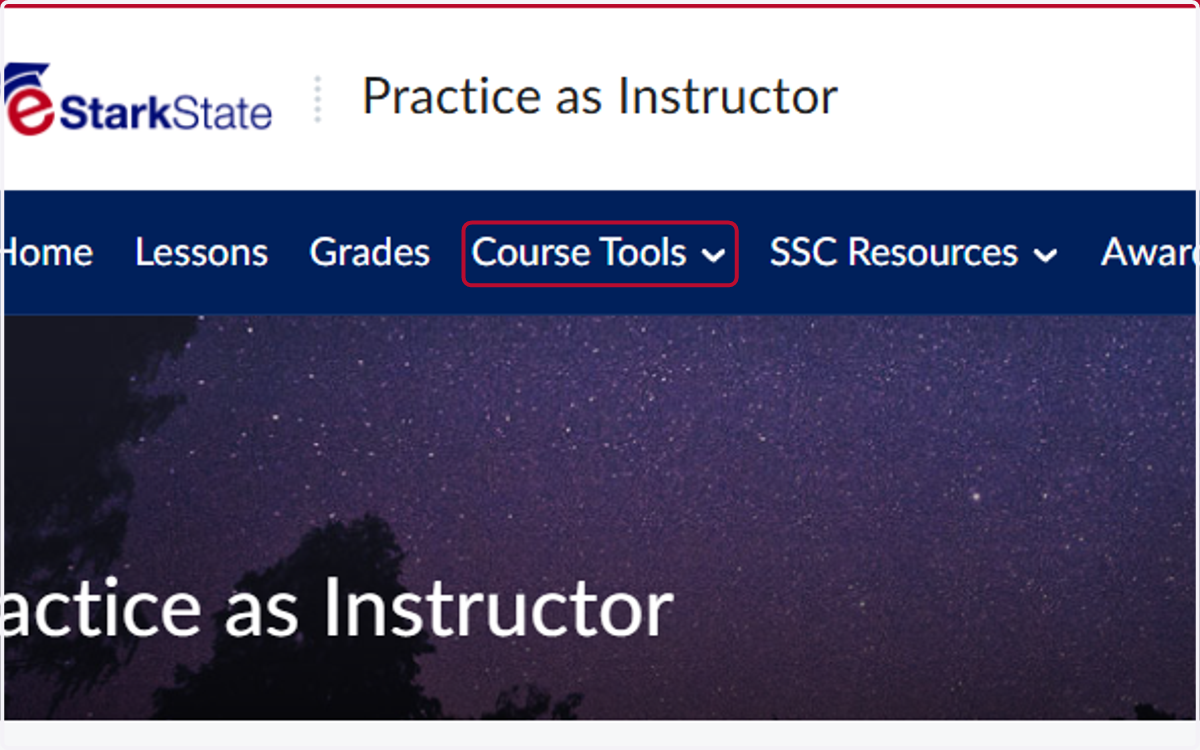
1. Click on Course Tools
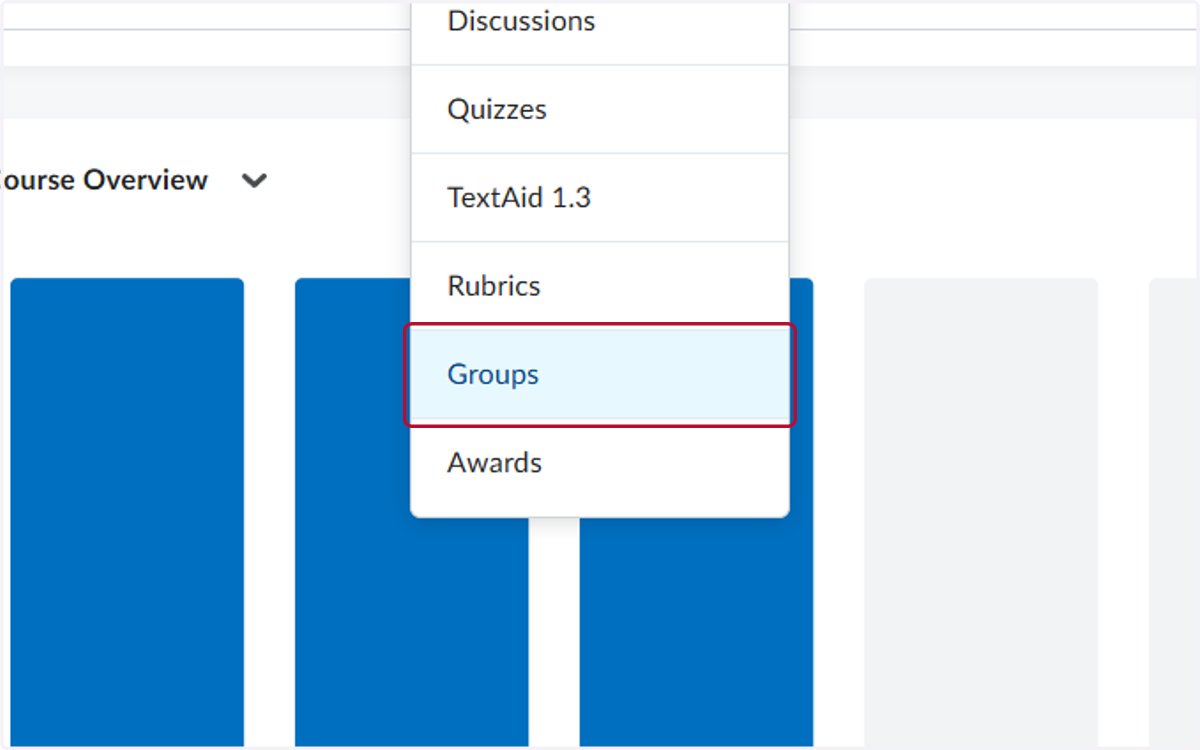
2. Click on Groups
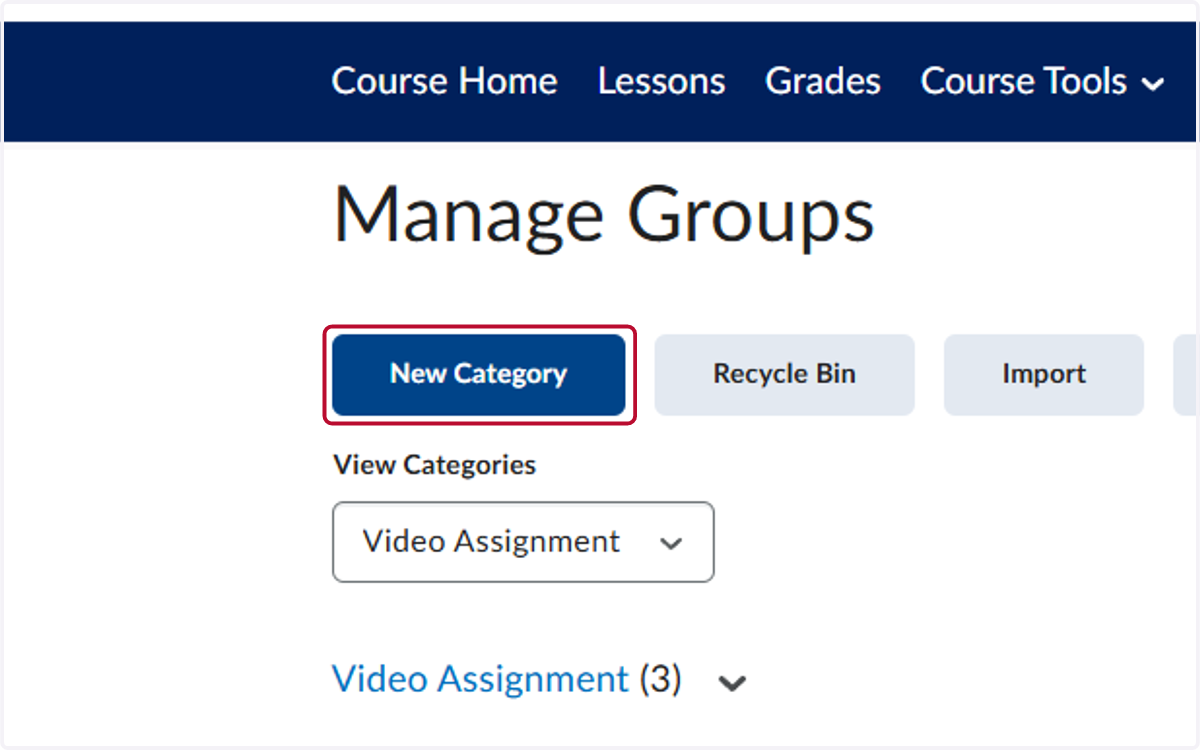
3. Click on New Category
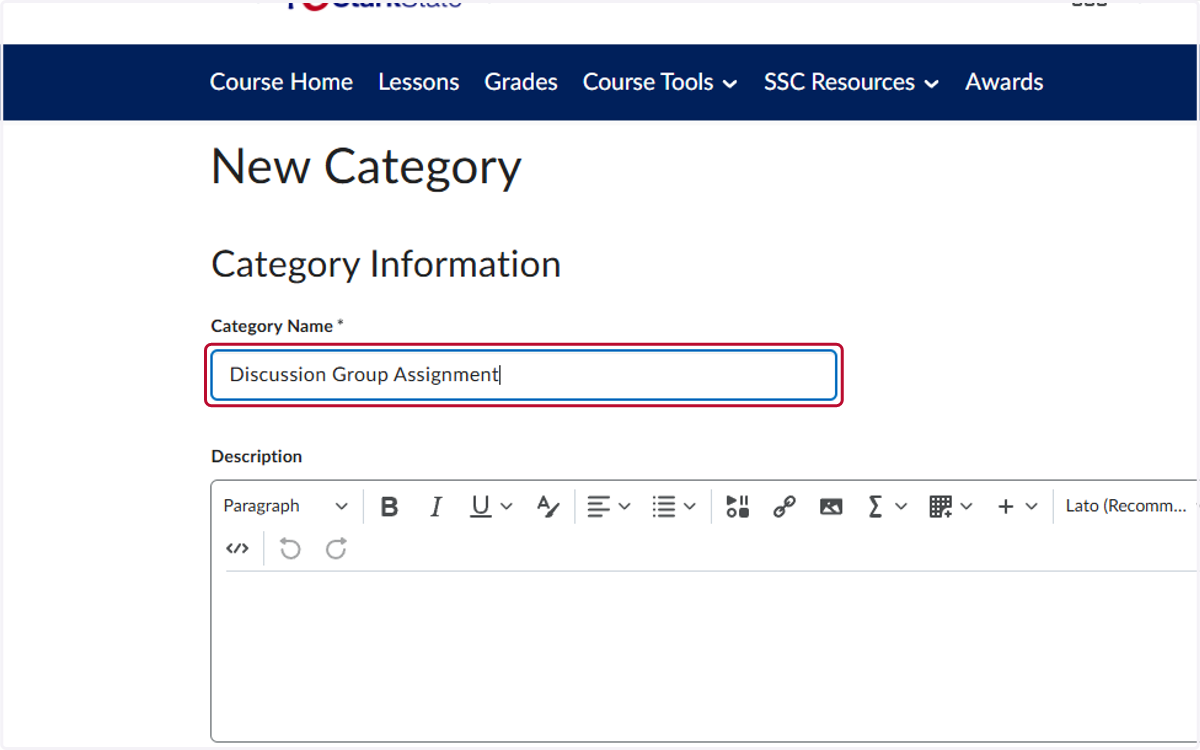
4. Type "Discussion Group Assignment"
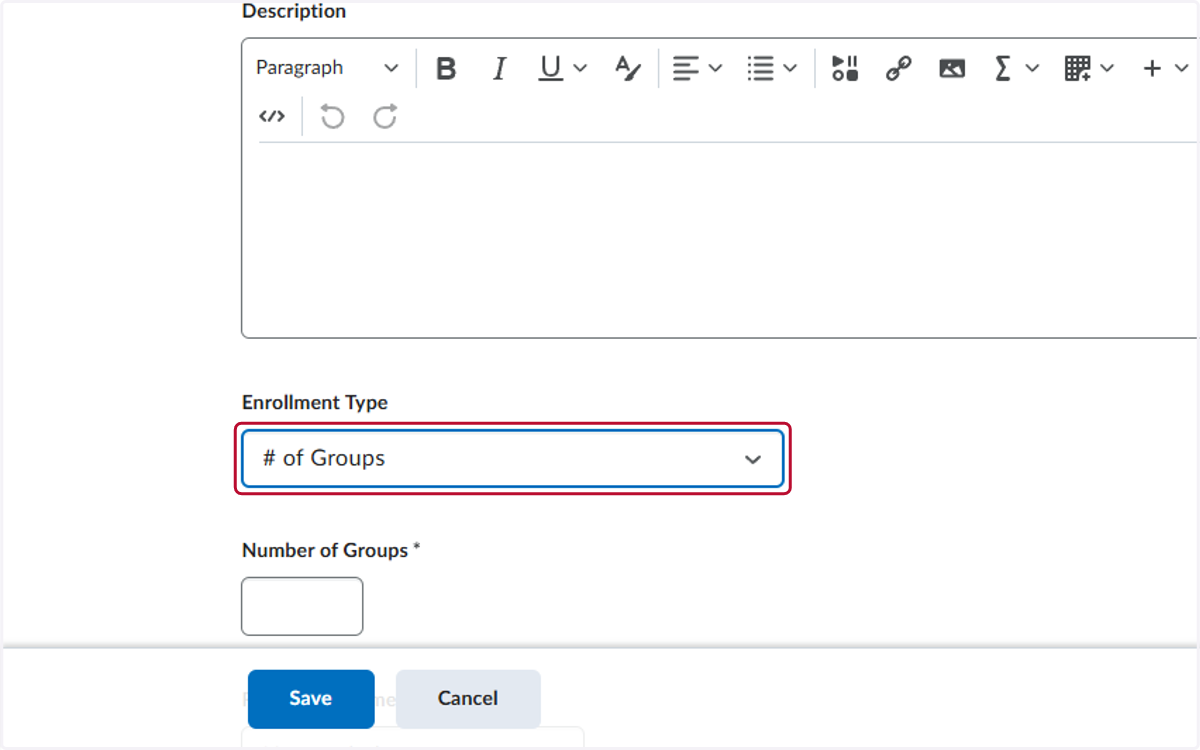
5. Select # of Groups from Enrollment Type
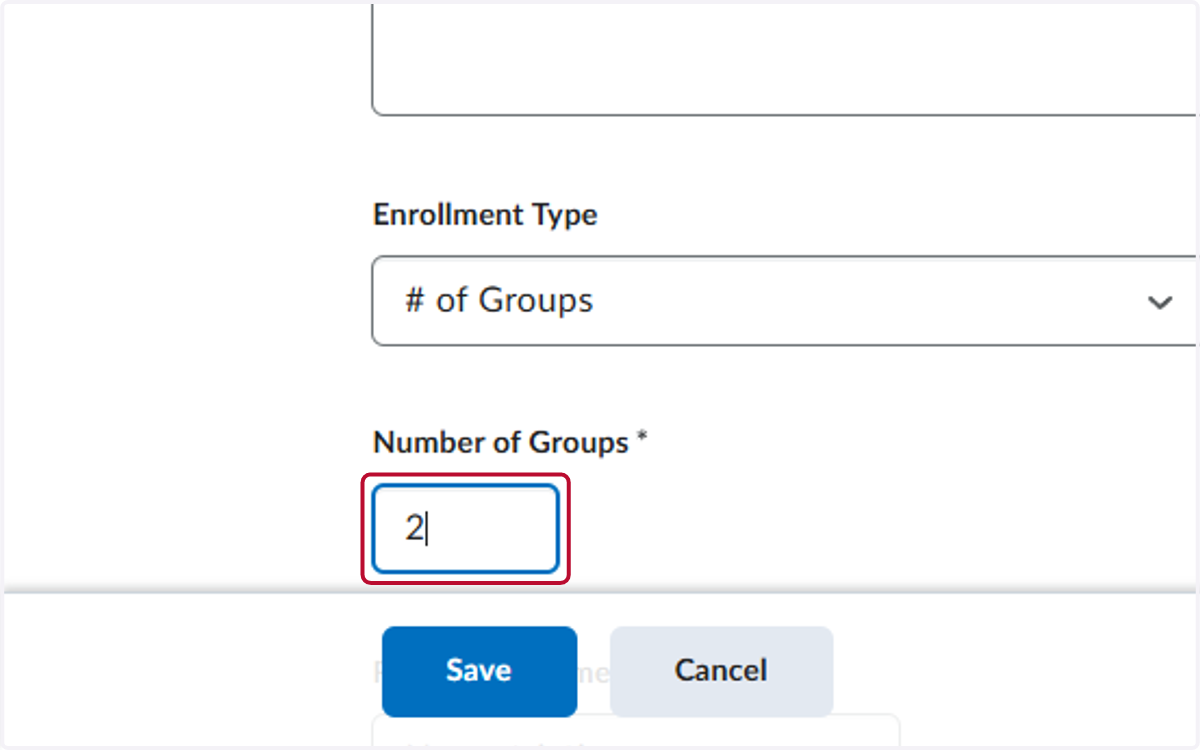
6. Add the number of groups
7. Check Set up discussion areas
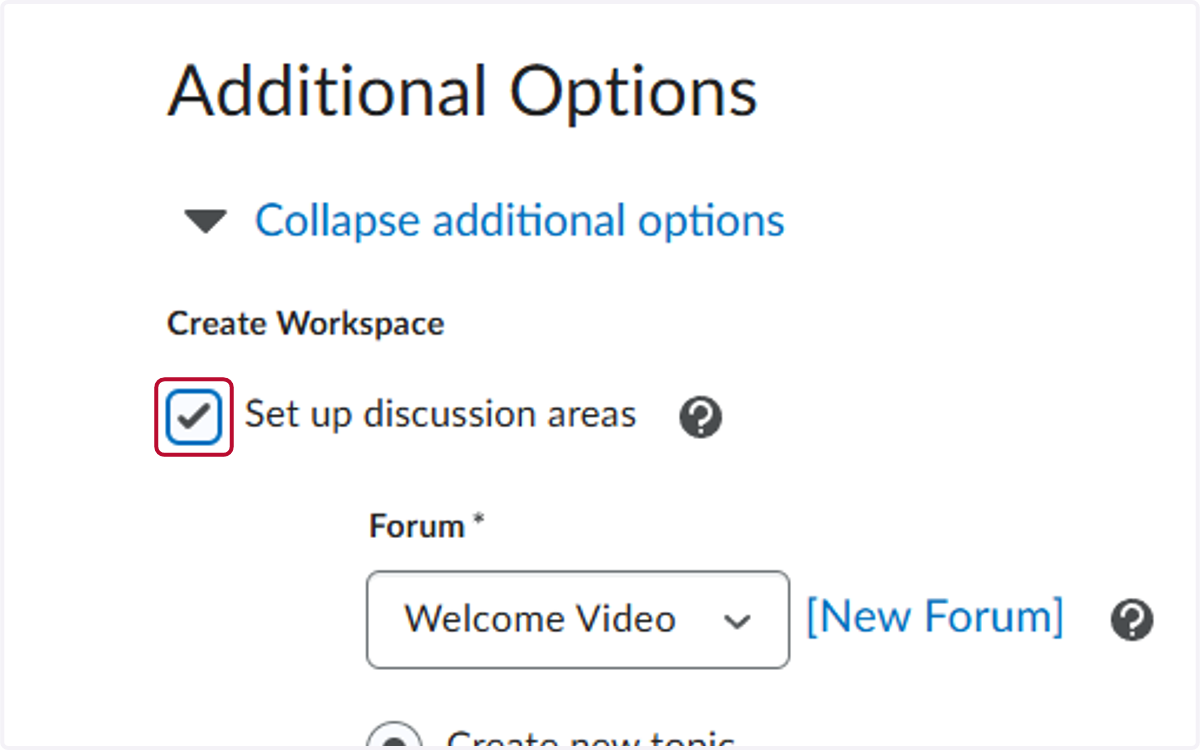
8. Choose an existing forum or create a new one
For this tutorial, we will create a new one
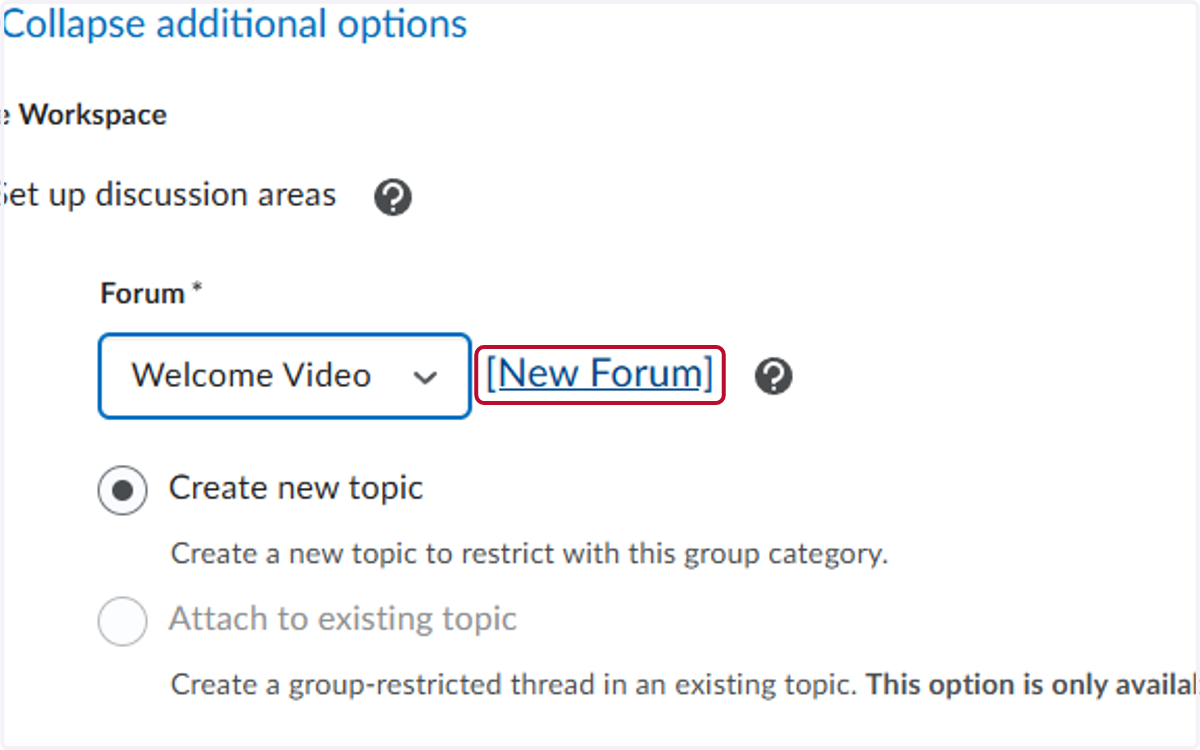
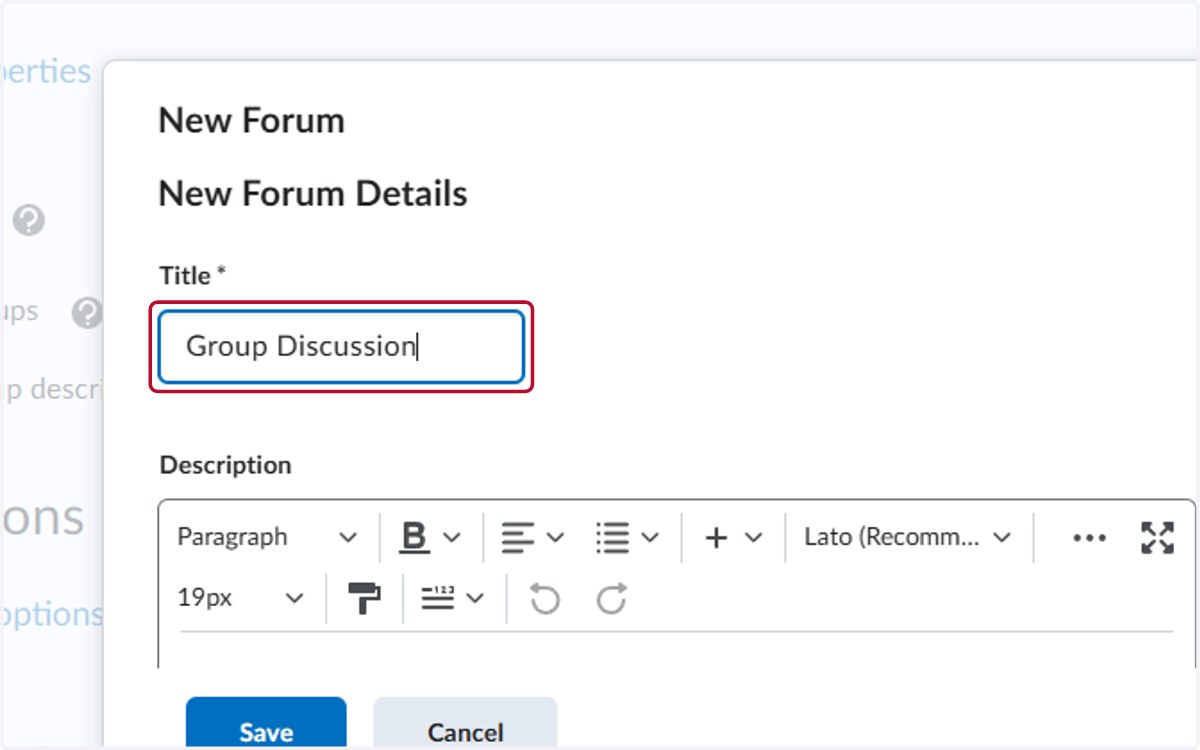
9. Add a title
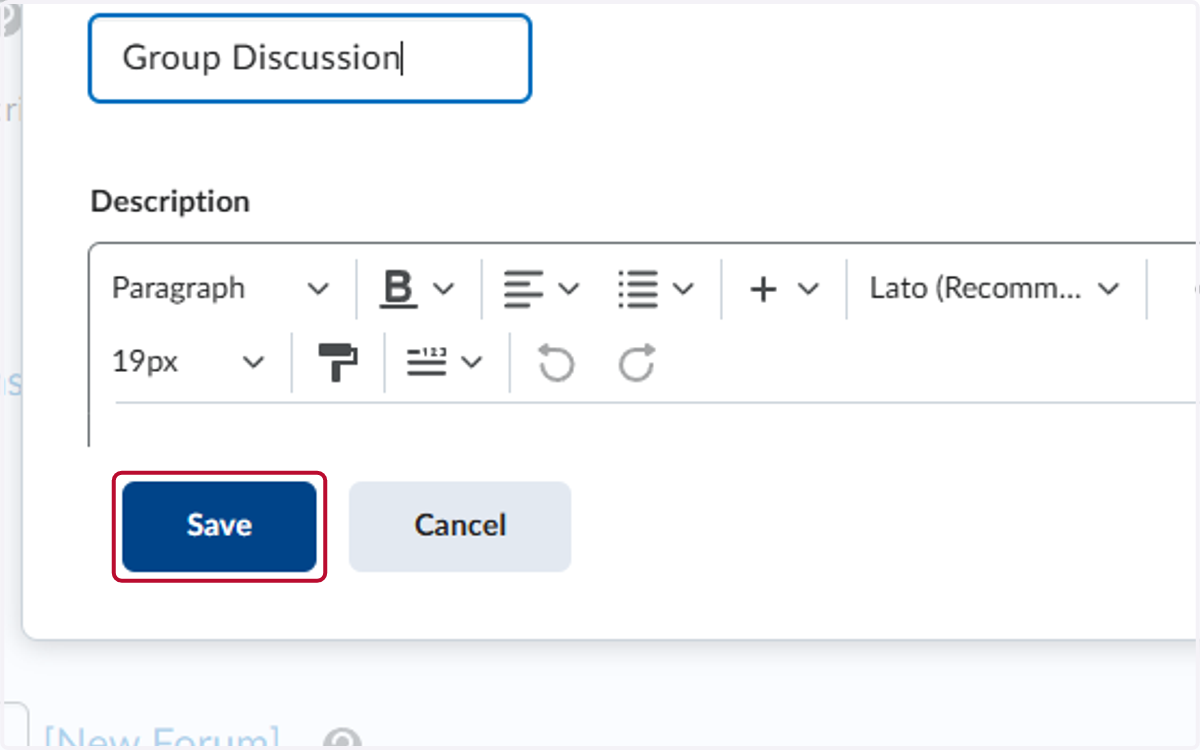
10. Click on Save
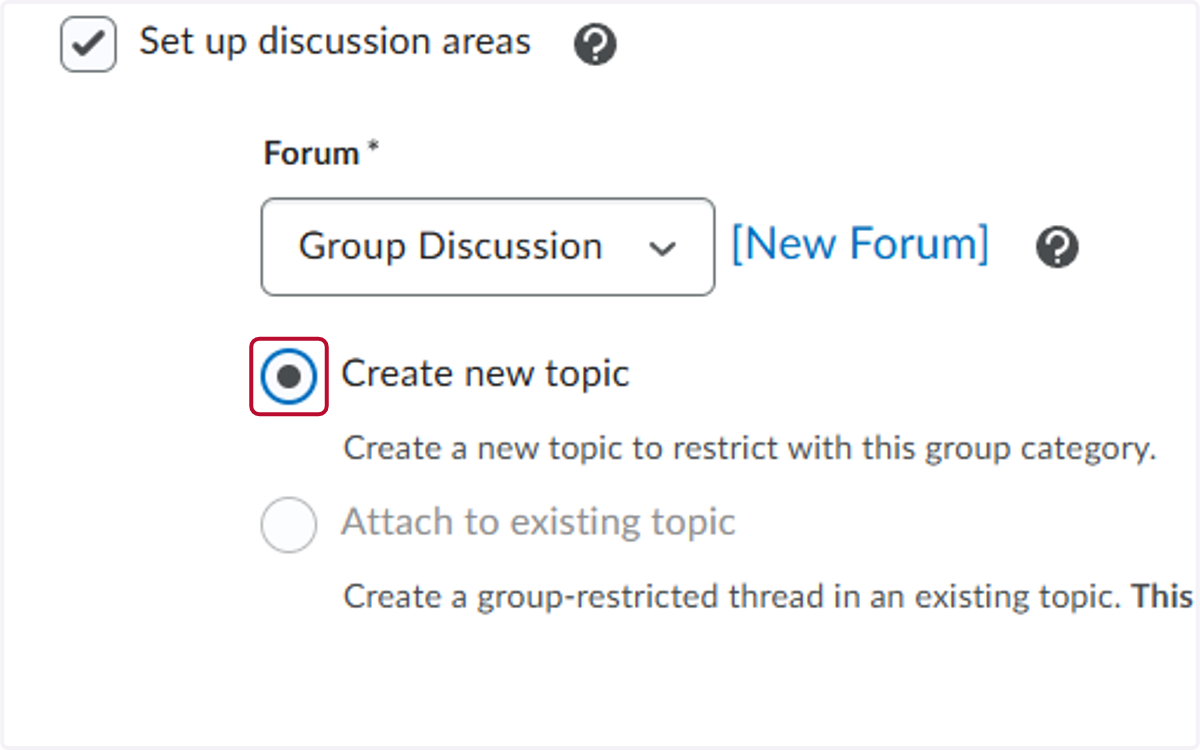
11. Select Create new topic
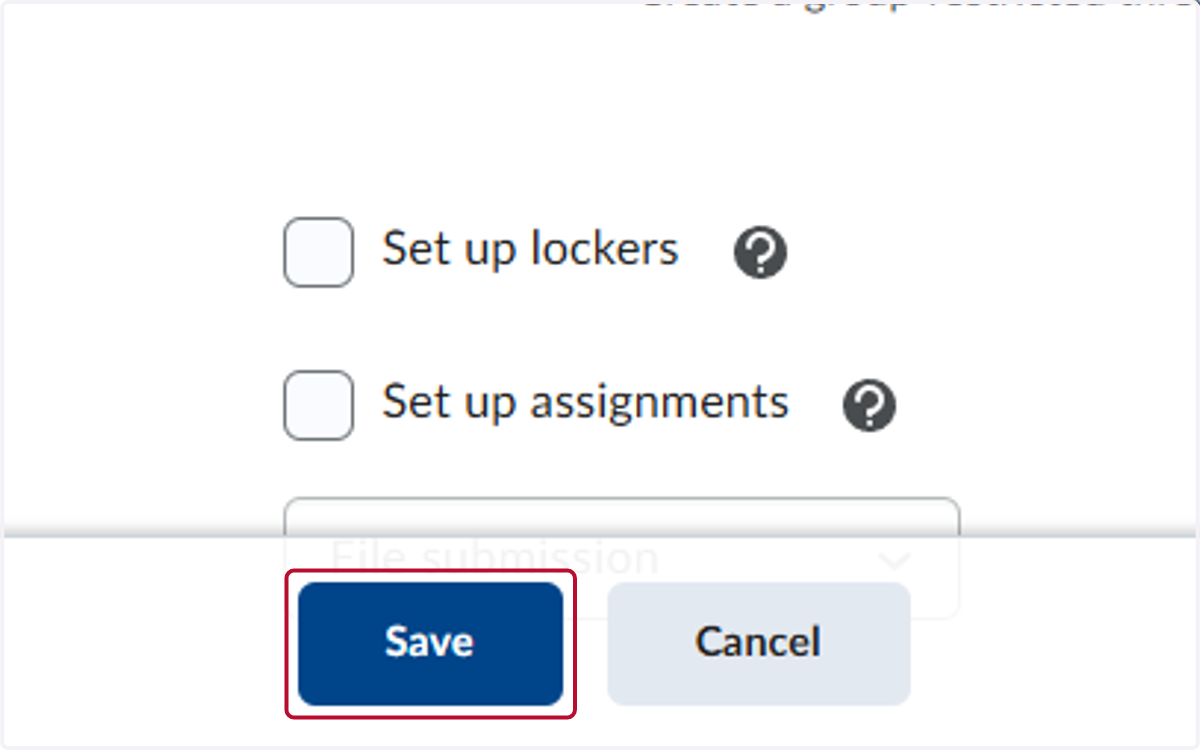
12. Click on Save
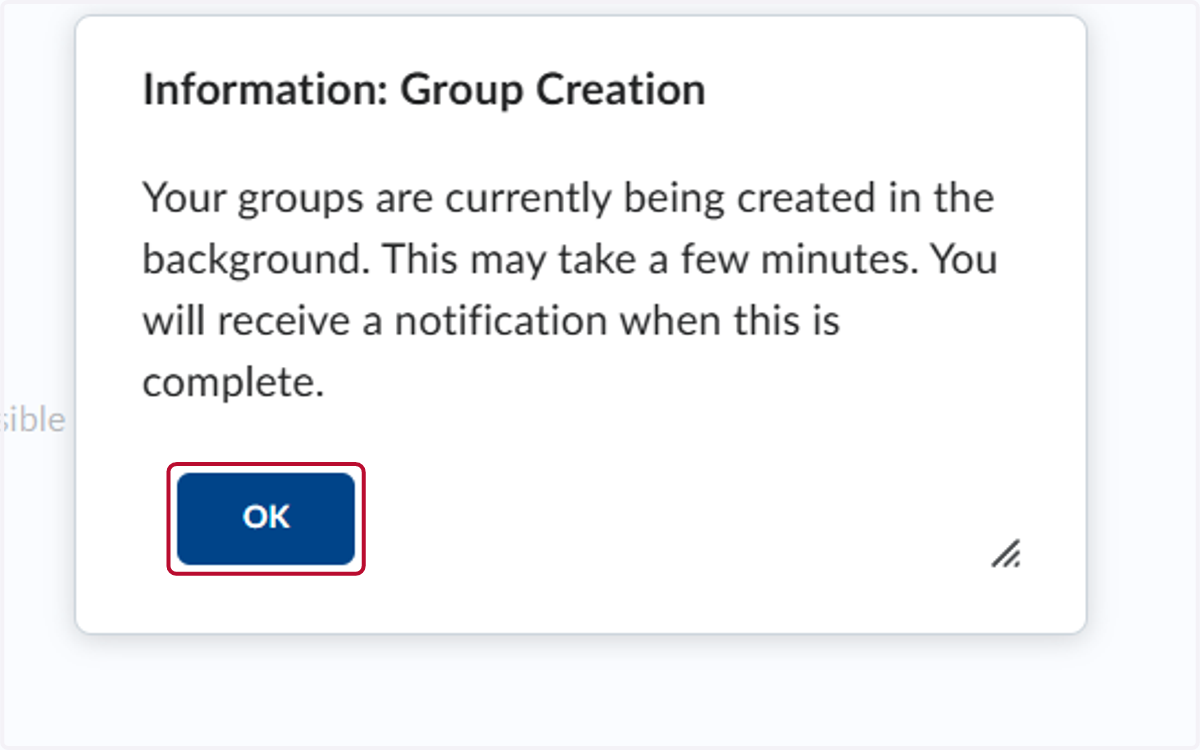
13. Click on OK
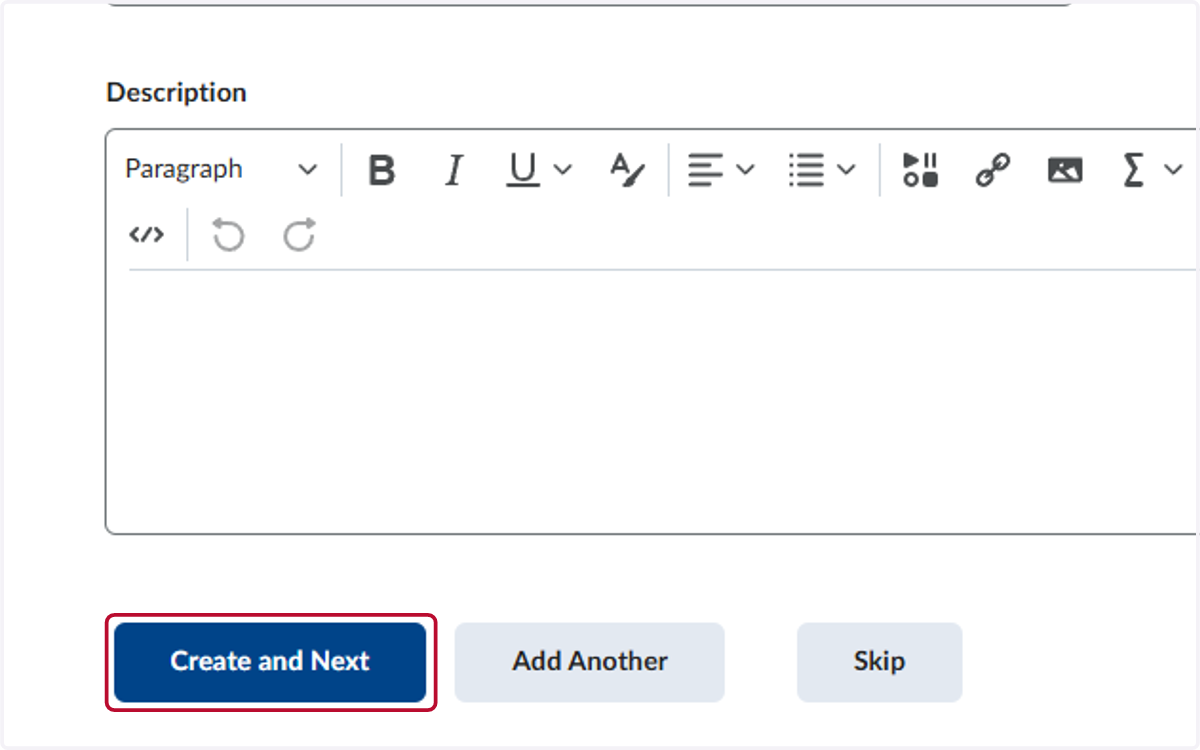
14. Click on Create and Next
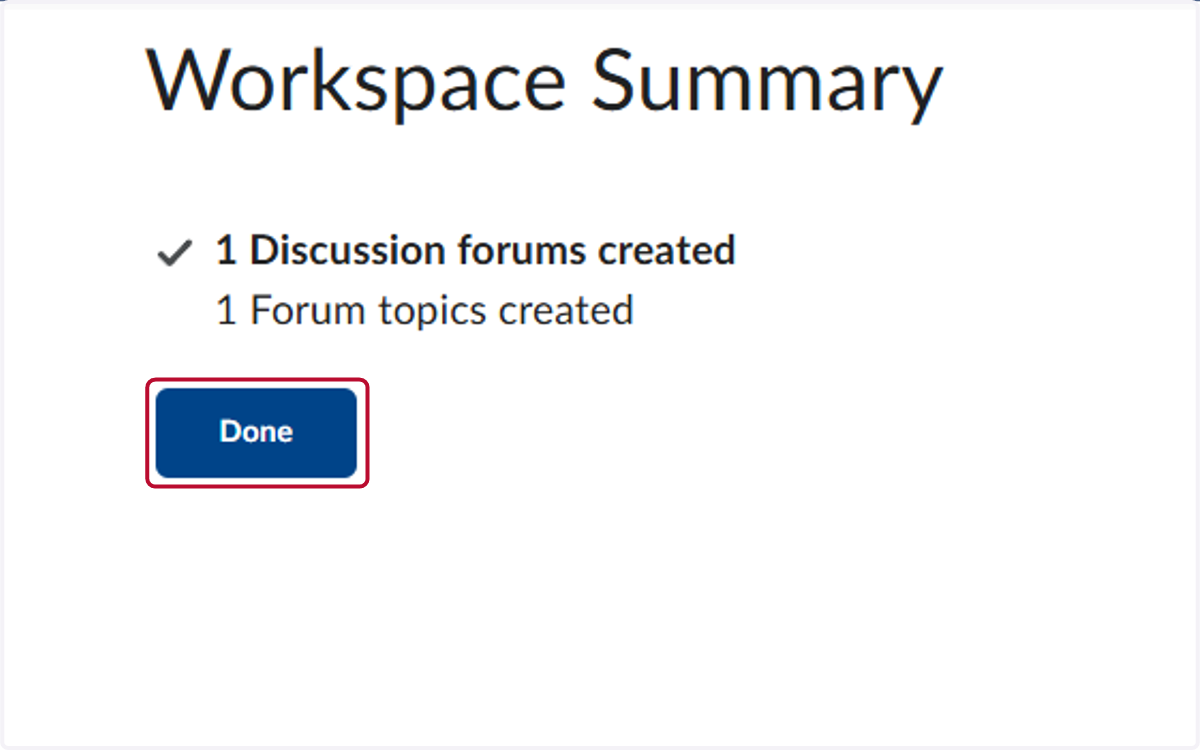
15. Click on Done