How to Create Number of Group
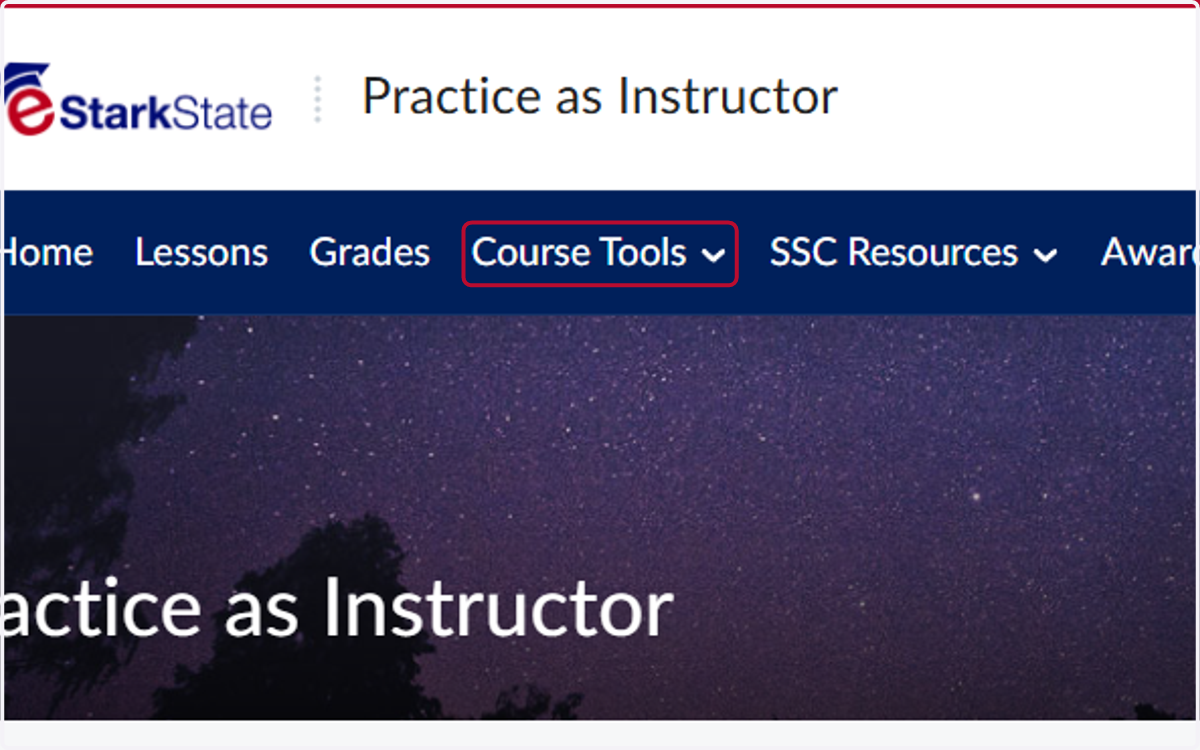
1. Click on Course Tools
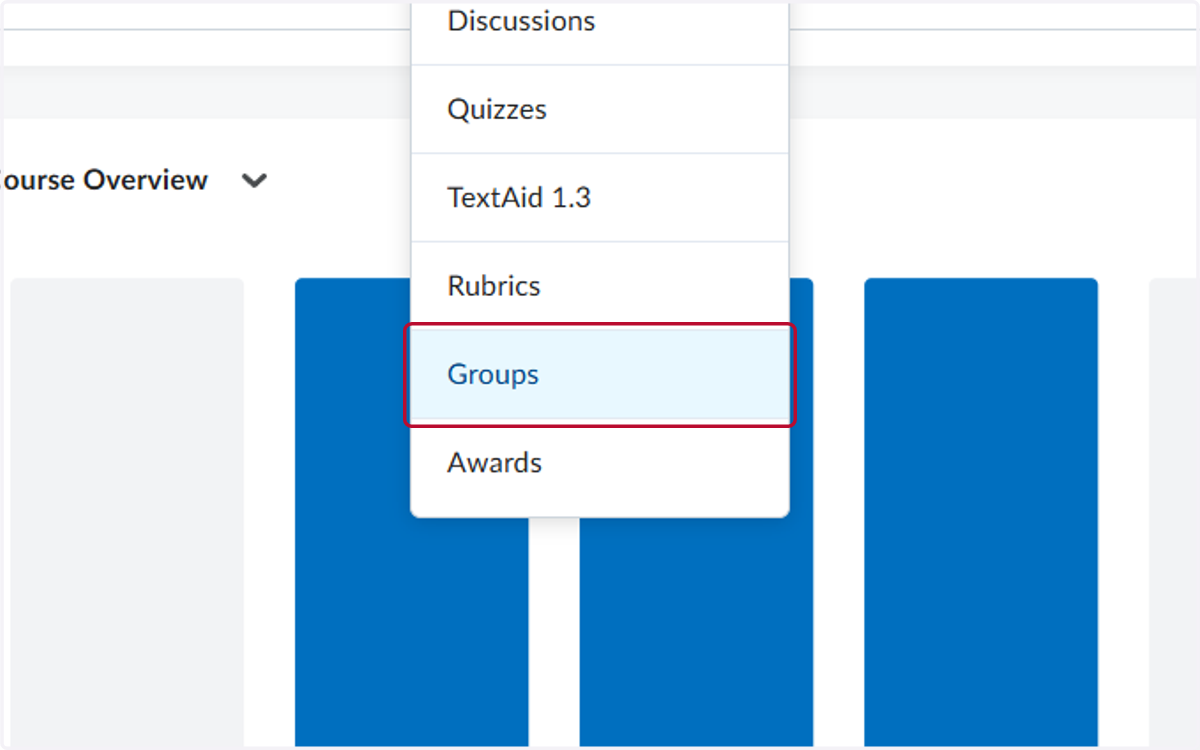
2. Click on Groups
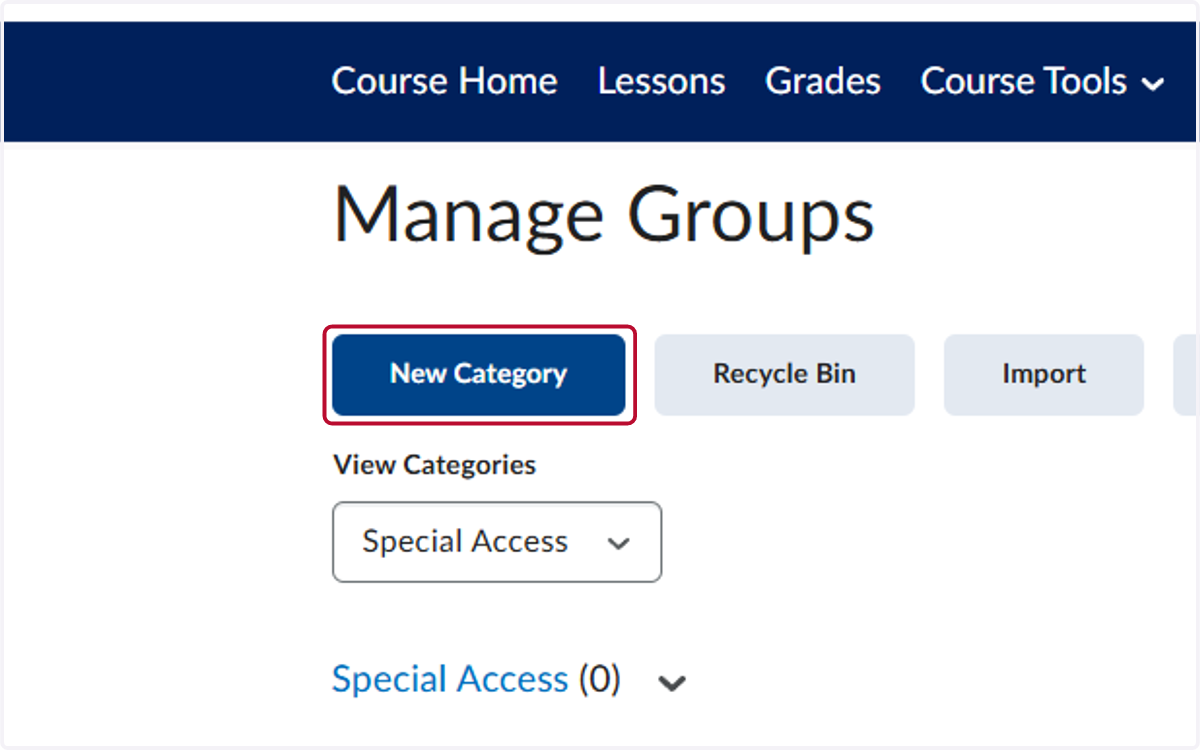
3. Click on New Category
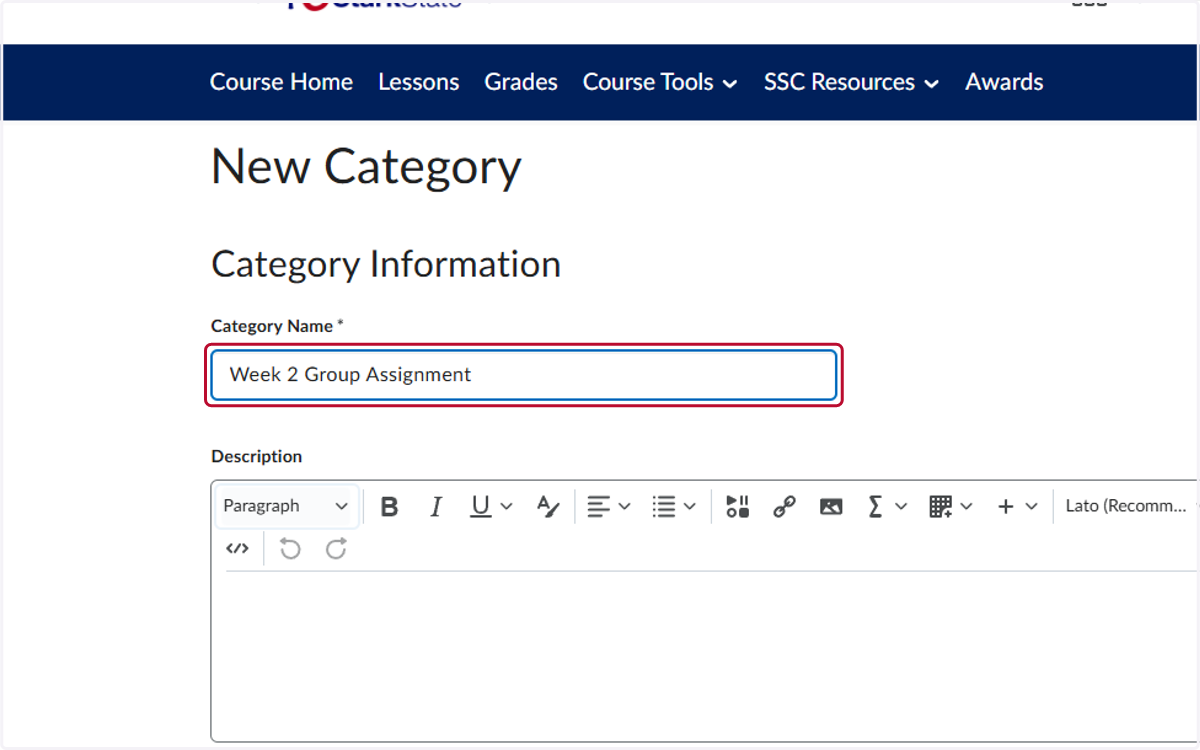
4. Give the Groups a title
We recommend putting the weeks they will work as a group in the title or the description to make it easy for students to understand.
5. Select the Enrollment Type and Number of Users for the Groups
There are several types:
# of Groups - No Auto Enrollments is used if you want to assign the groups manually
# of Groups is used if you want the system to automatically assign students to groups
# of Groups - Self Enrollment is used if you want students to self-enroll in a group
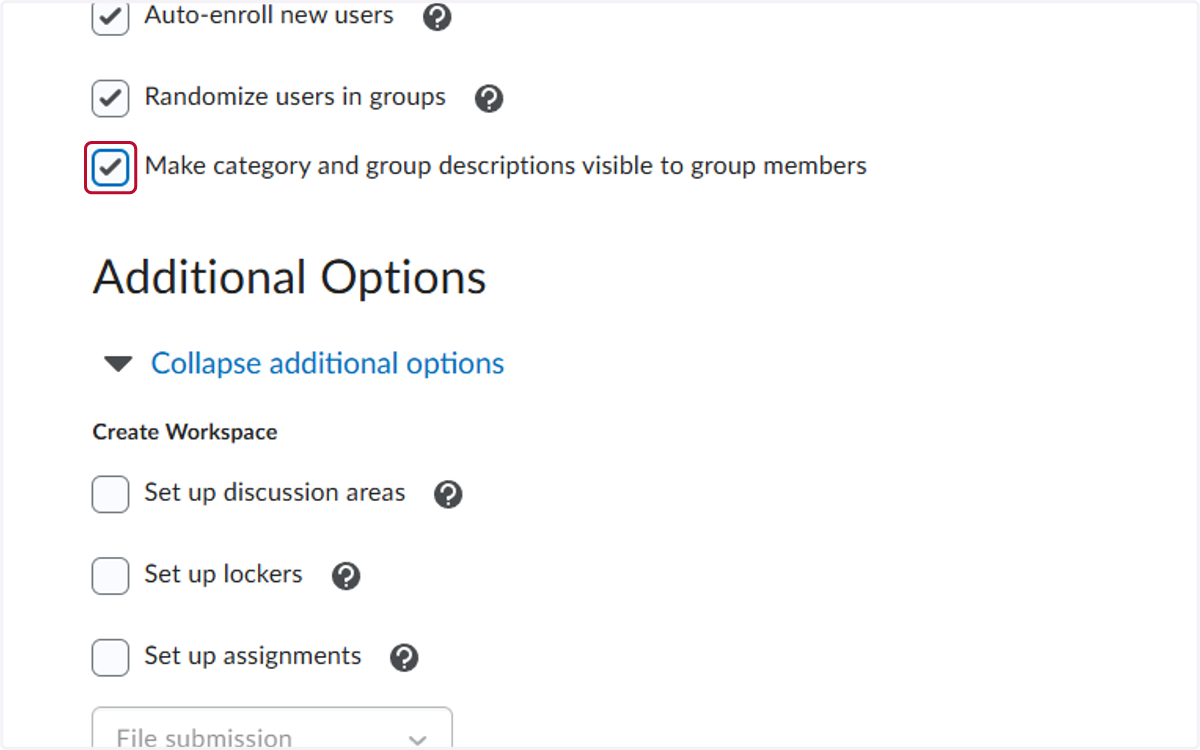
6. Check Make category and group descriptions visible to group members
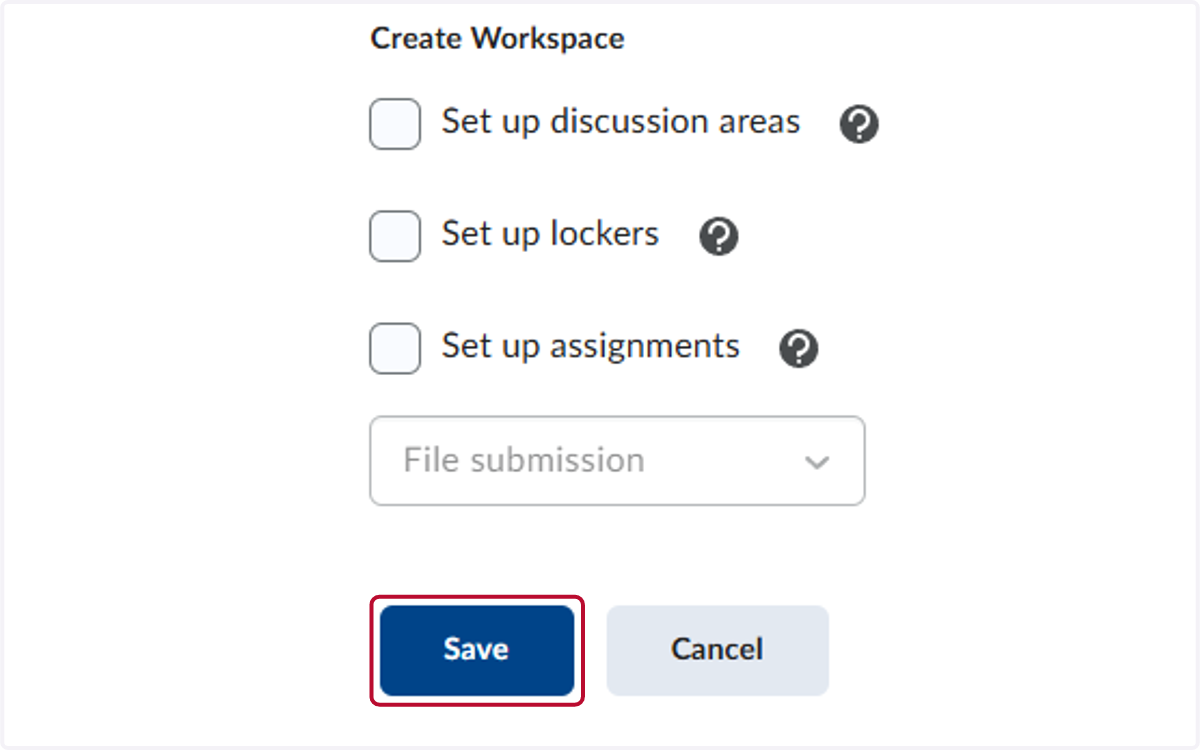
7. Click on Save
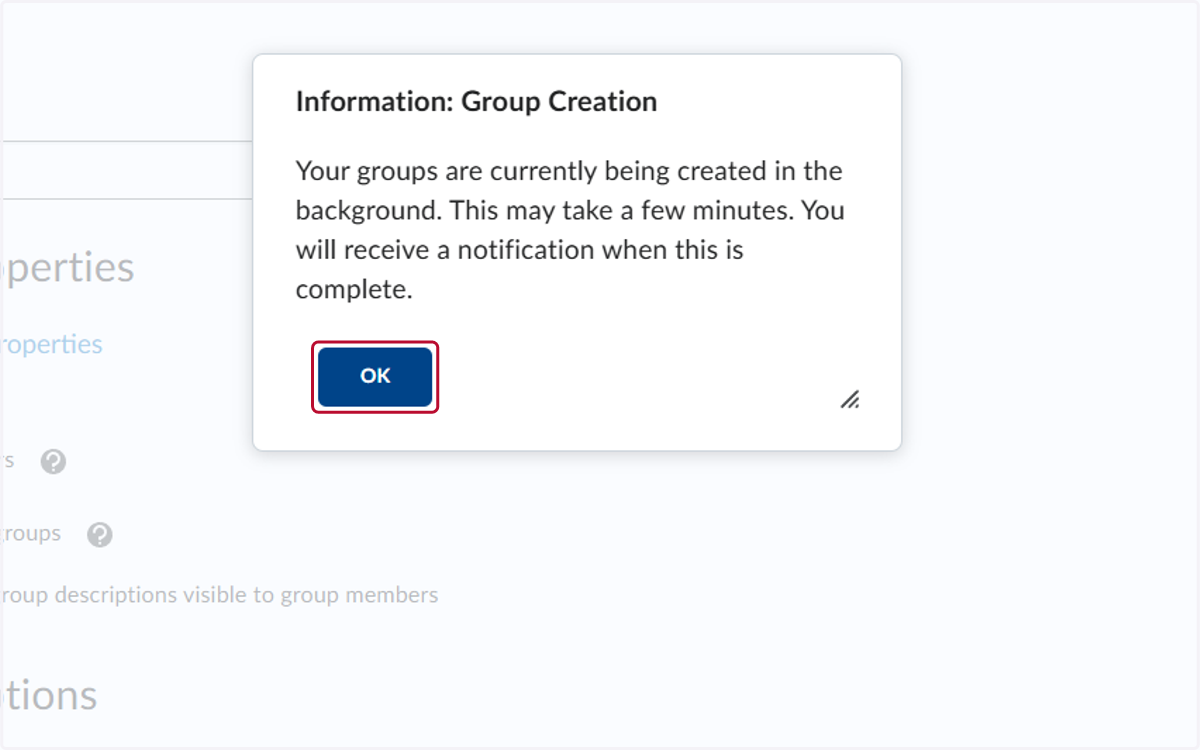
8. Click on OK