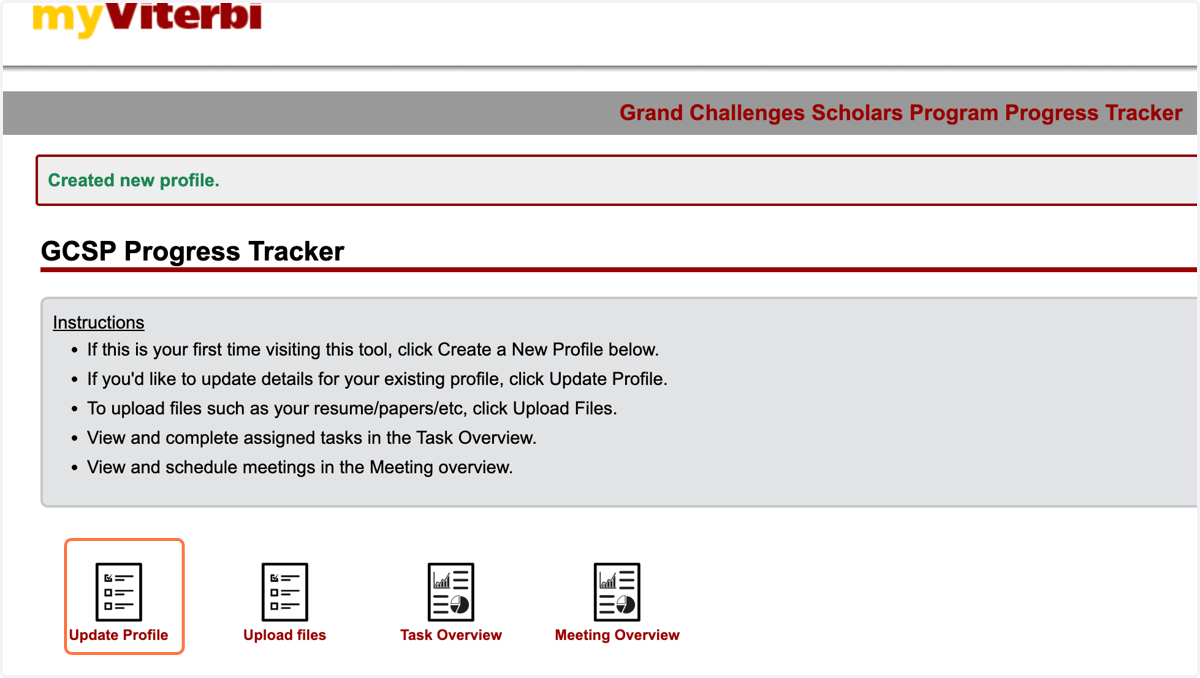
How to Create Grand Challenge Scholar Program Student Progress Tracker Profile
USC Viterbi School of Engineering
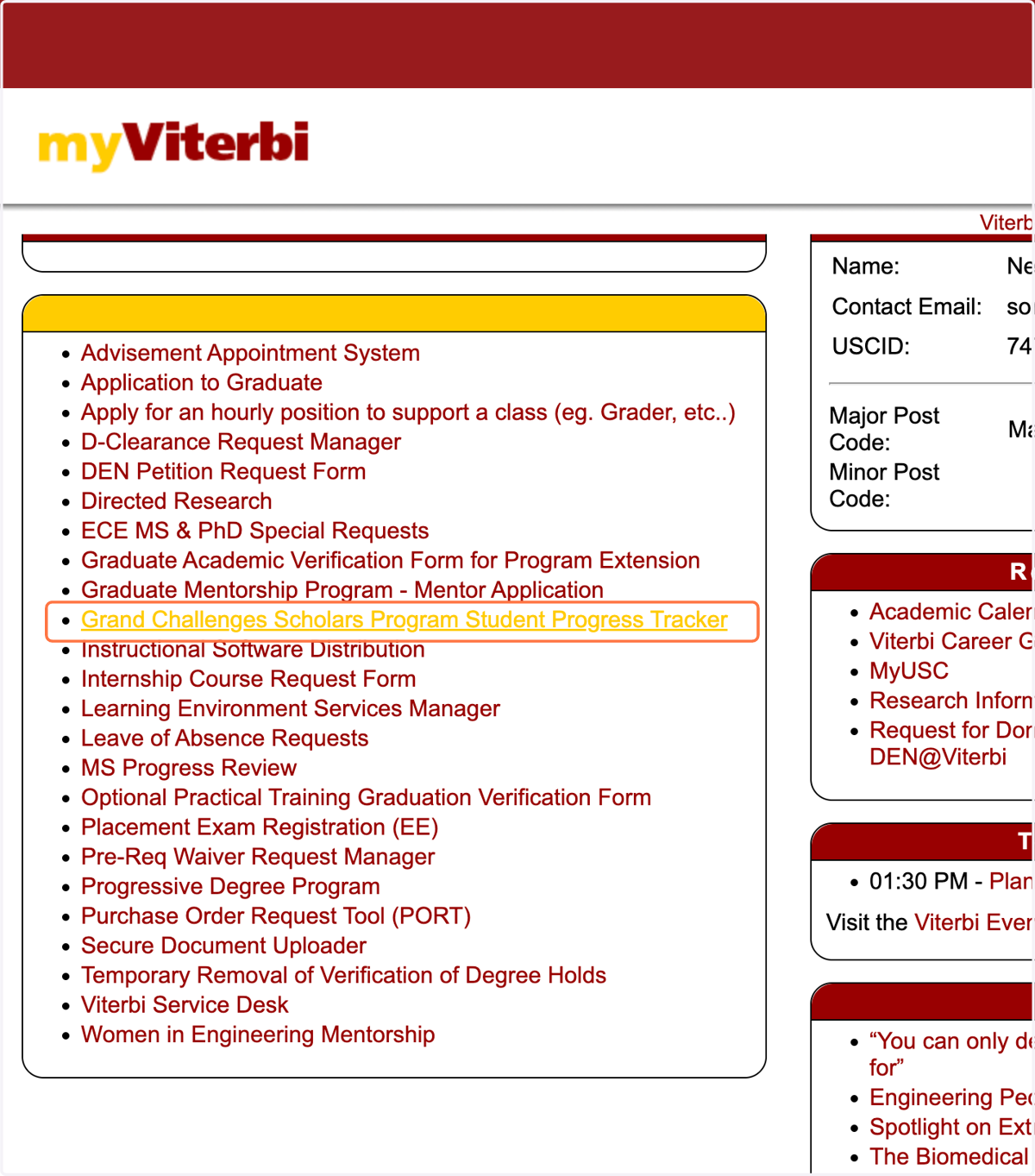
1. Click on Grand Challenges Scholars Program Student Progress Tracker on MyViterbi (myviterbi.usc.edu)
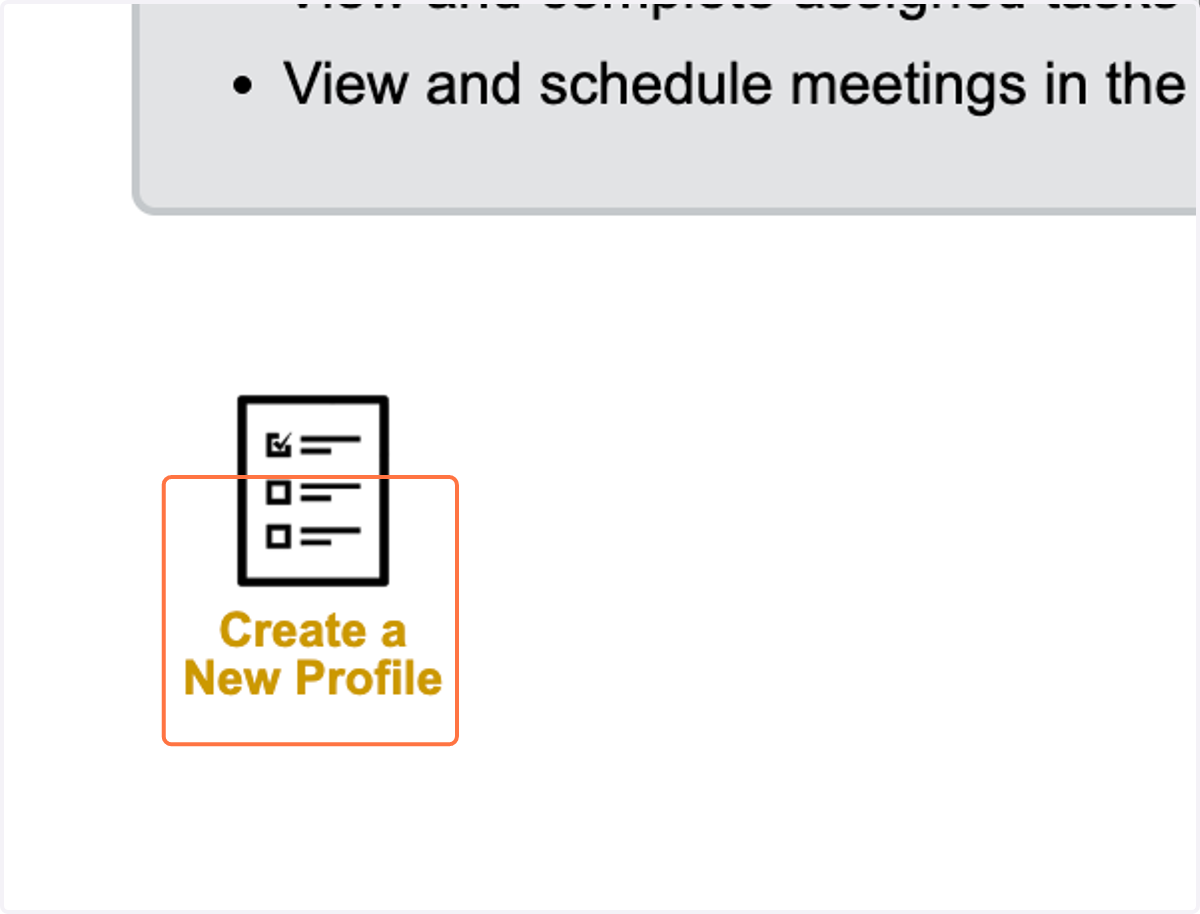
2. Click on Create a New Profile
3. Fill all the required details like "Expected Grad Year"
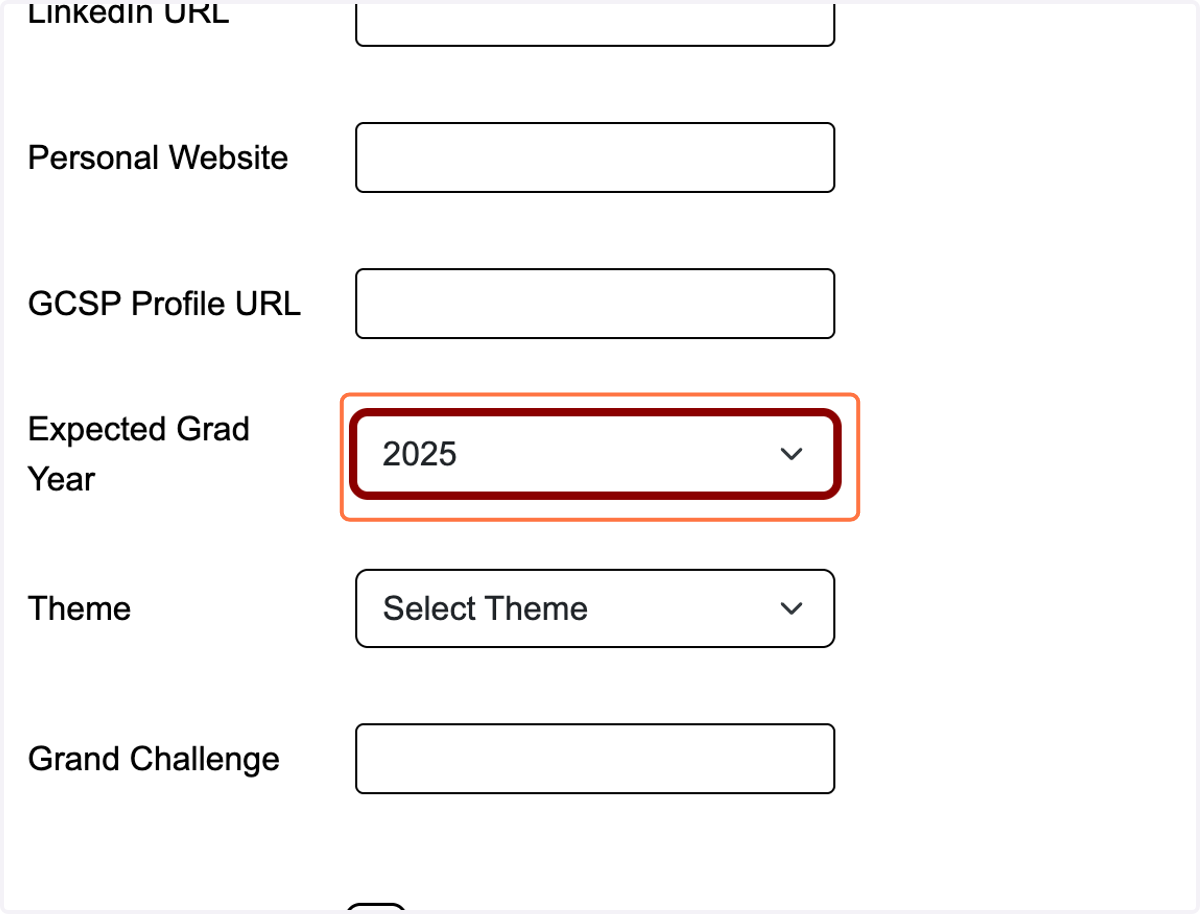
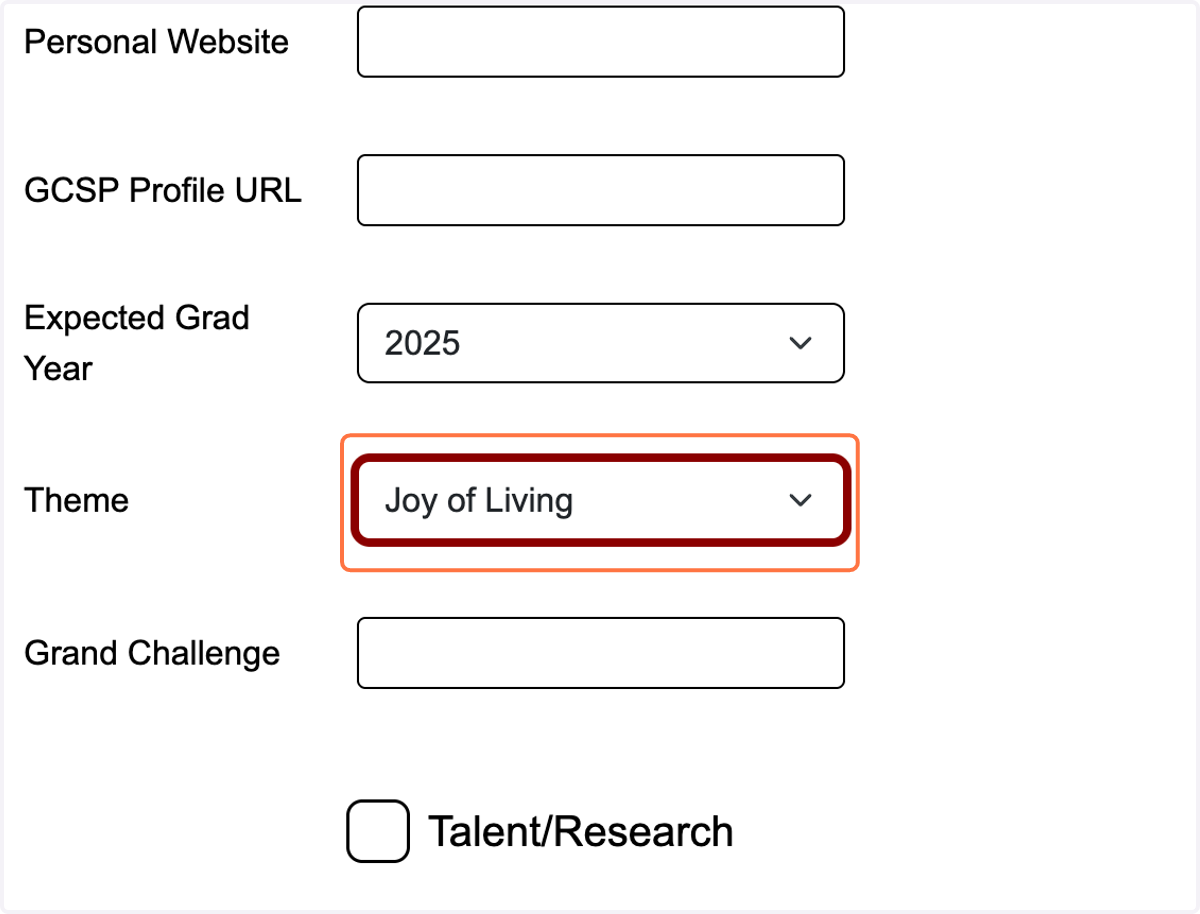
4. Select your GCSP Theme
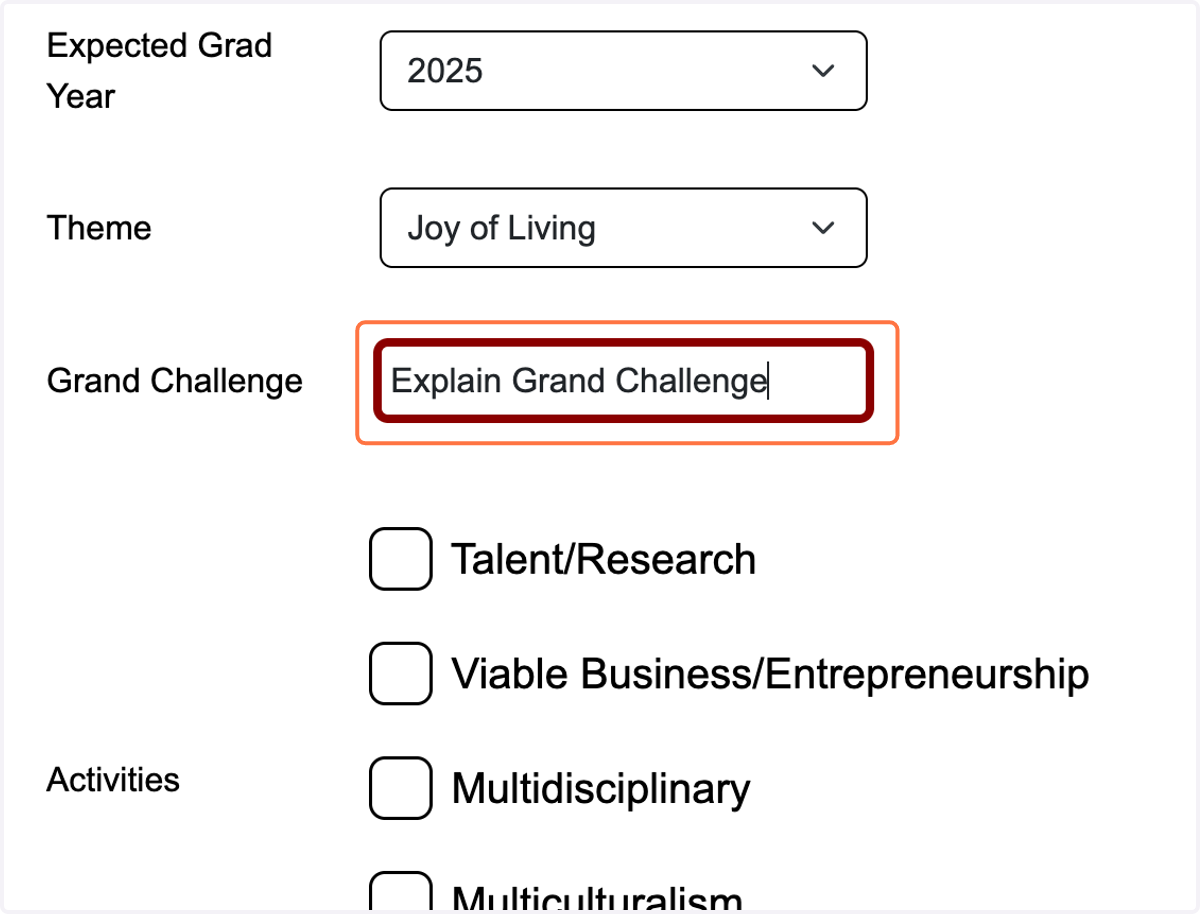
5. Explain your Grand Challenge
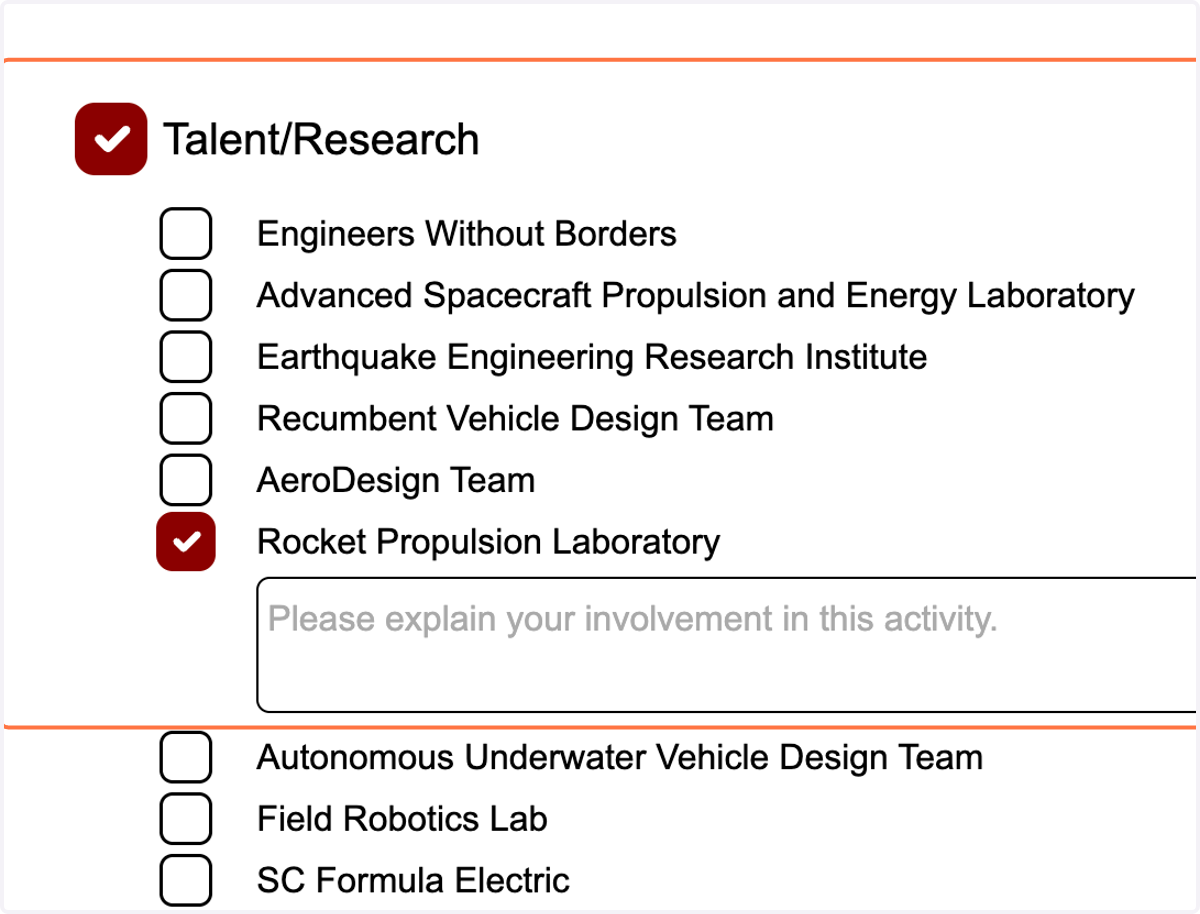
6. Select all applicable activities under the "The Five Mindsets"
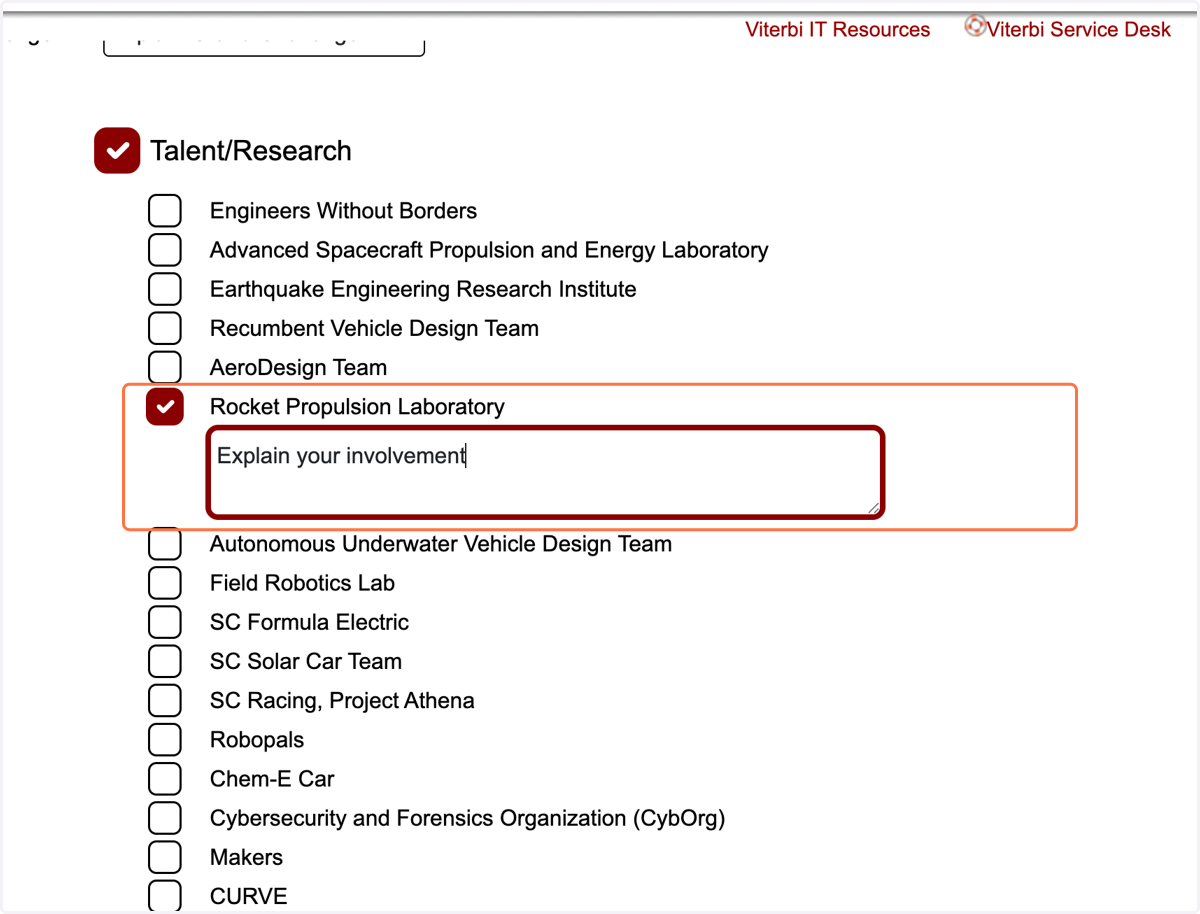
7. Explain your involvement under each activity
8. Click on Submit Button to submit your profile for Admin Approval
9. To Edit/Update your Profile - Click on Update Profile