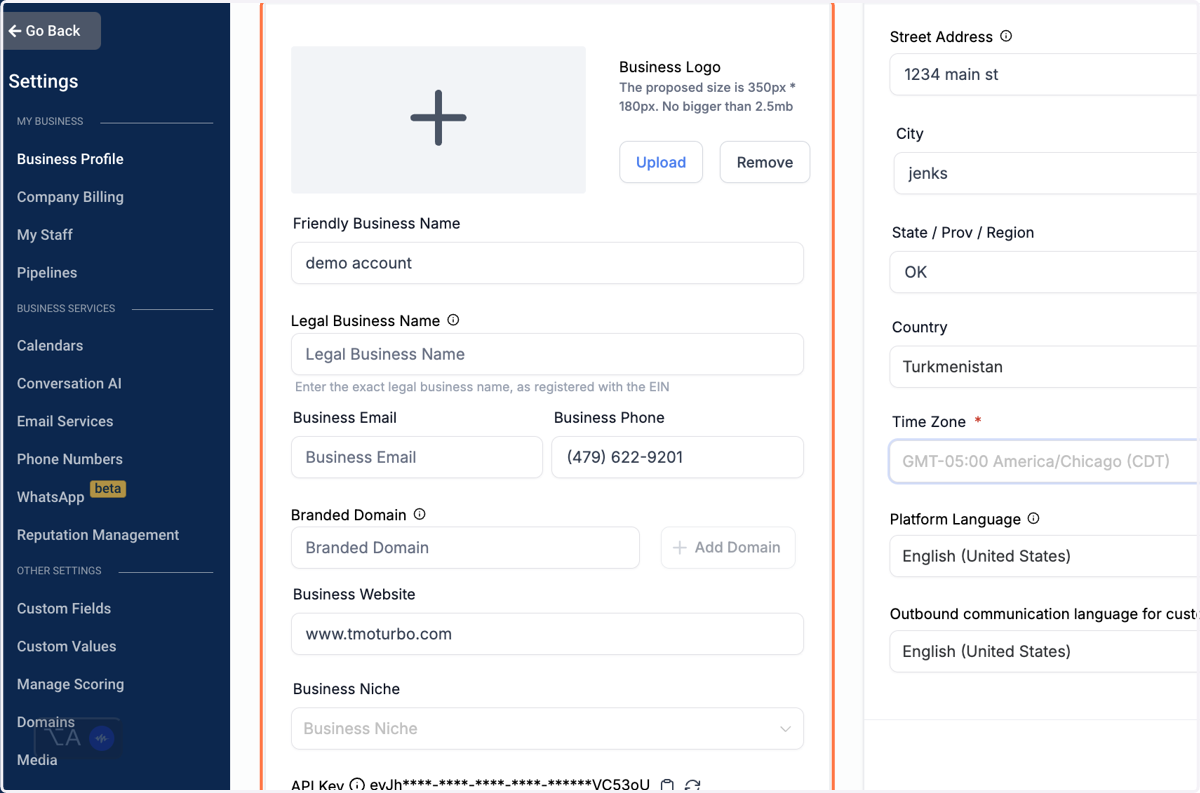
How to Configure TMO Turbo Settings for your Business.
TMO Turbo
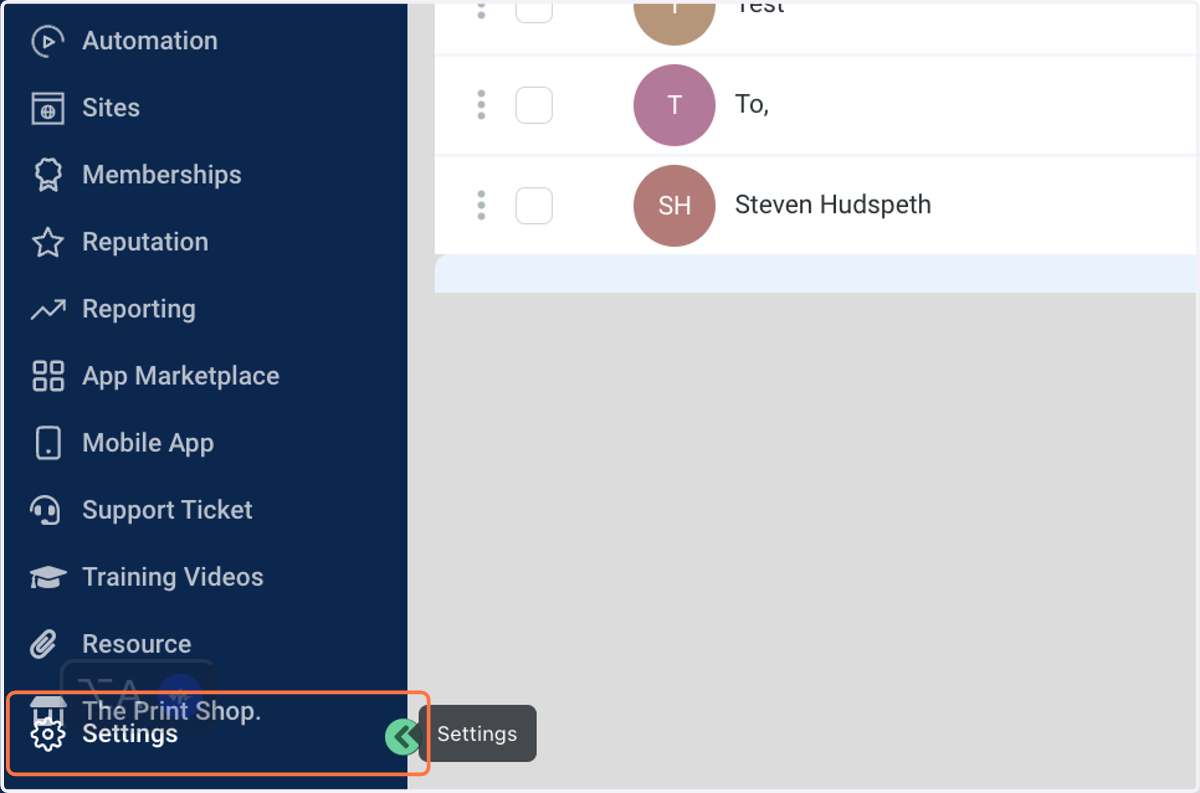
1. Click on Settings
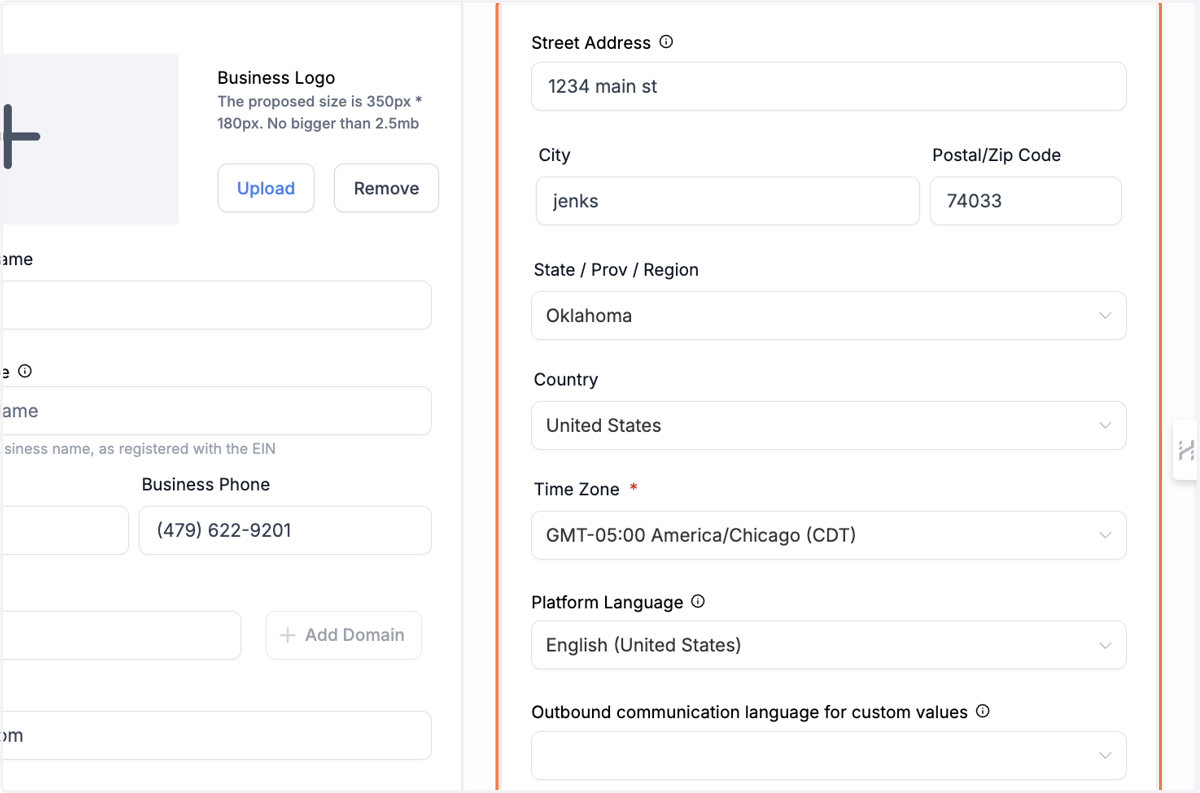
2. Business Physical Address
Fill out all the information On the business's physical address.
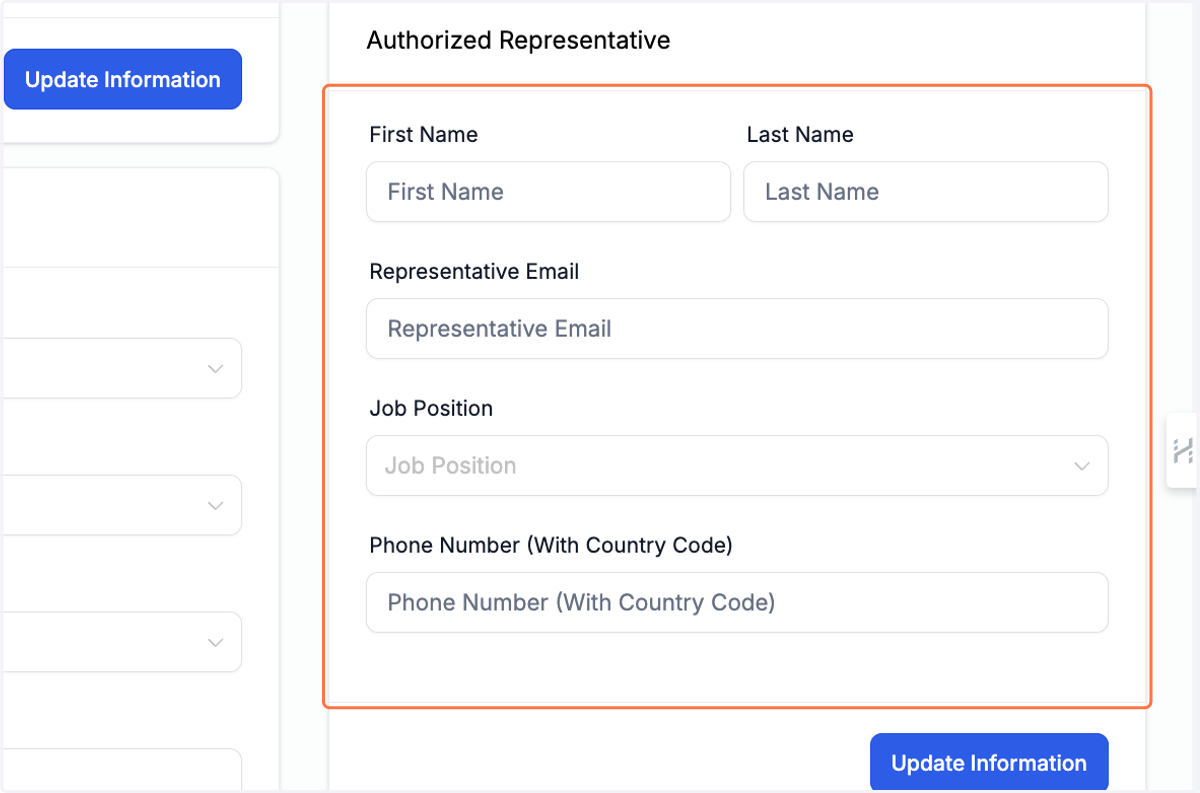
3. Authorized Representative
If the owner is not filling out the A2P certification. Than who ever is should be listed as an authorized Representative.
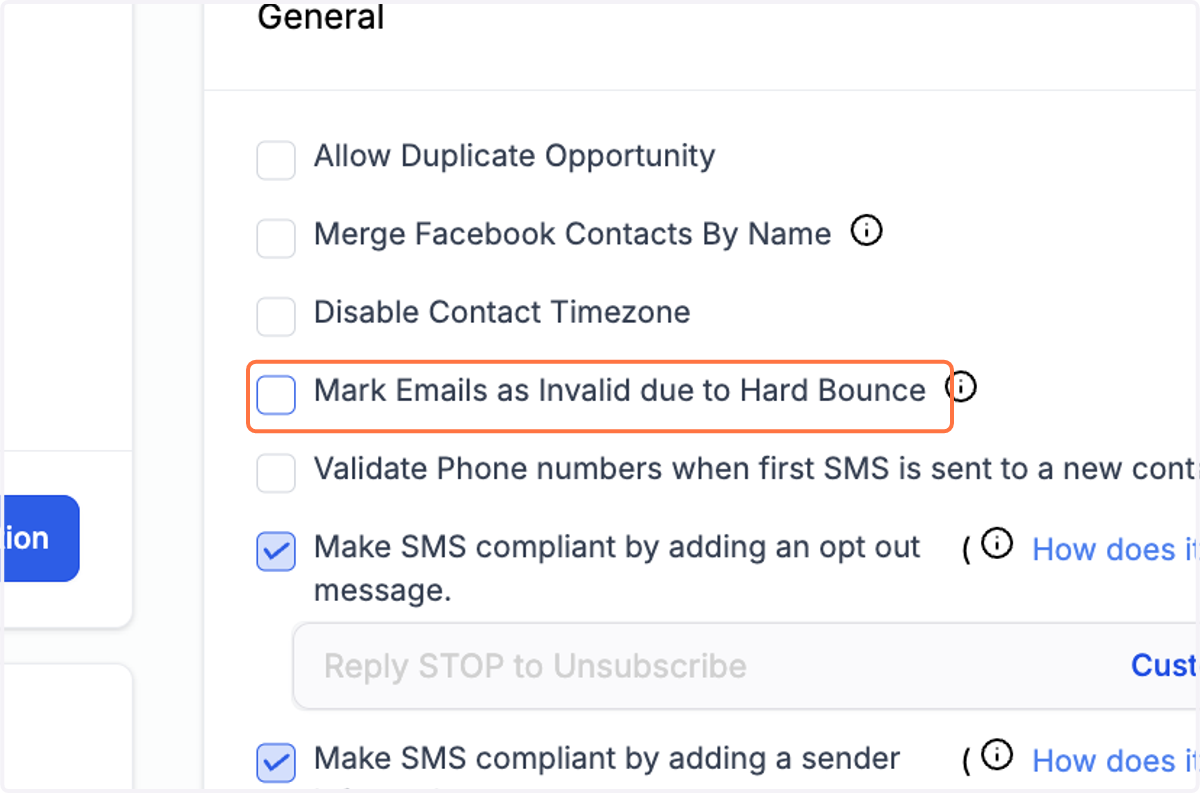
4. General section
You should check all that apply. Our suggestion is everything is checked except the Disable Contact timezone. Unless you want that on as well.
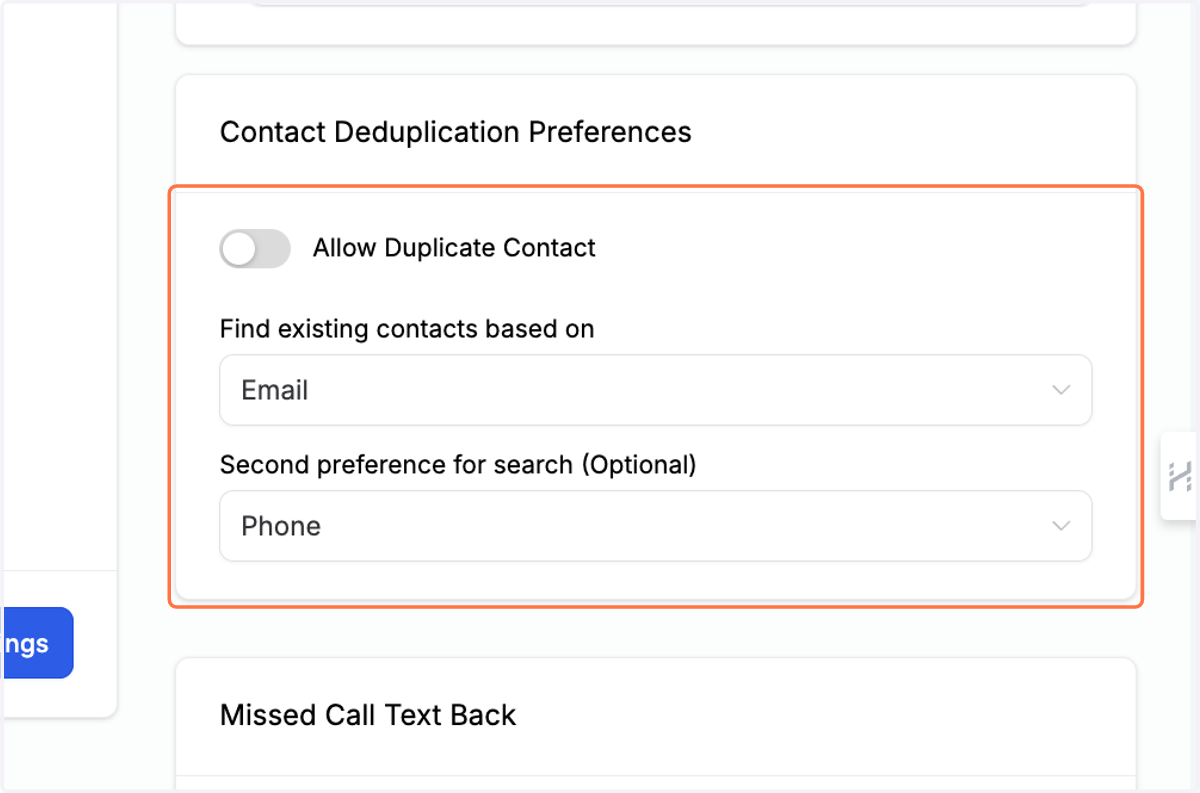
5. If you want to allow duplicate contact in your system fill this out.
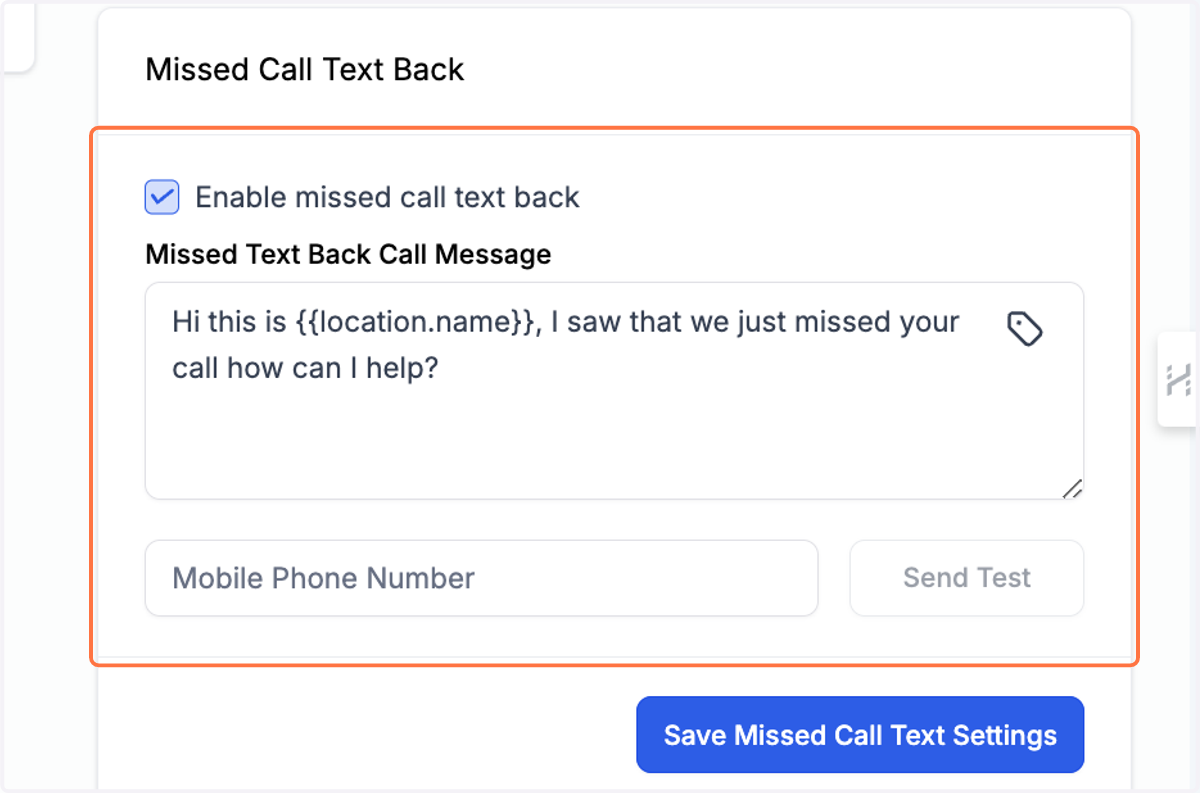
6. If you have this on it will send this message every time a call is missed.
7. Fill out all your business details. Add Your company logo if you have one.