How to Complete Your Housing Application
Log-In to StarRez Portal
Go to my.fairfield and in the search bar type "Star Rez" and select the StarRez Student Portal to launch.
1. Login to the Portal
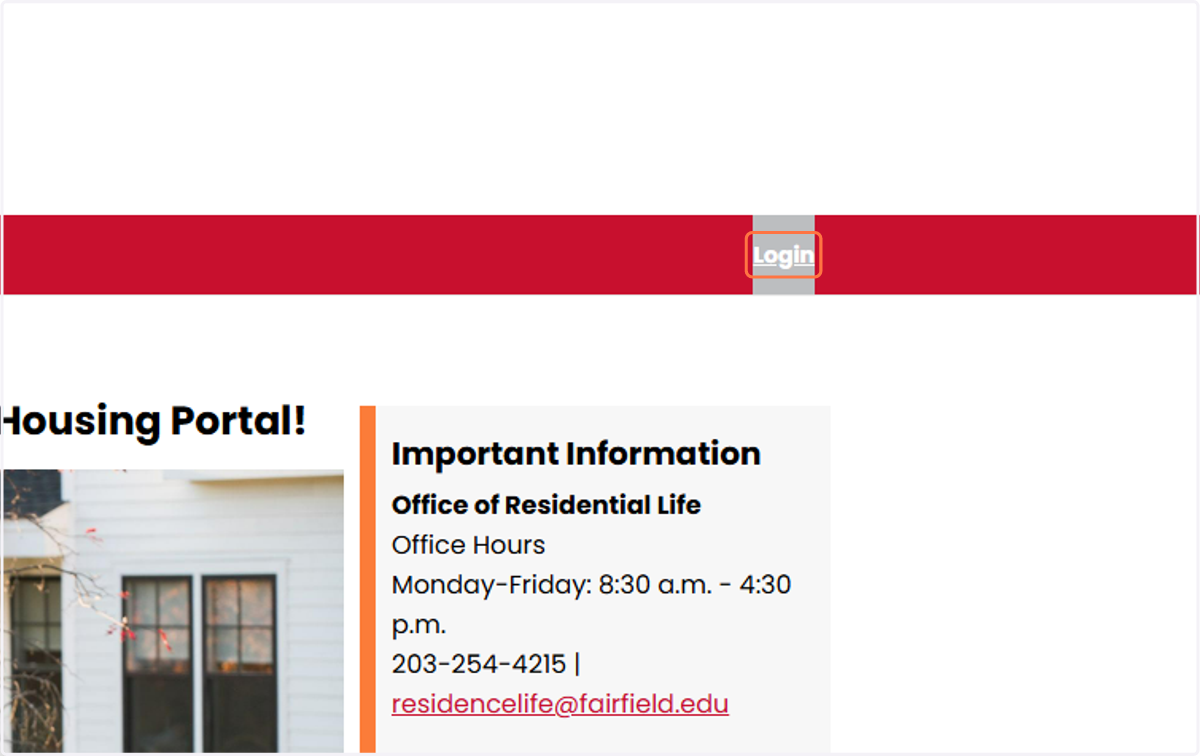
On the Star Rez Home Page, click on the login button on the top right of the page (you may not need to do this if you have already logged in with your NetID and password via my.fairfield.edu).
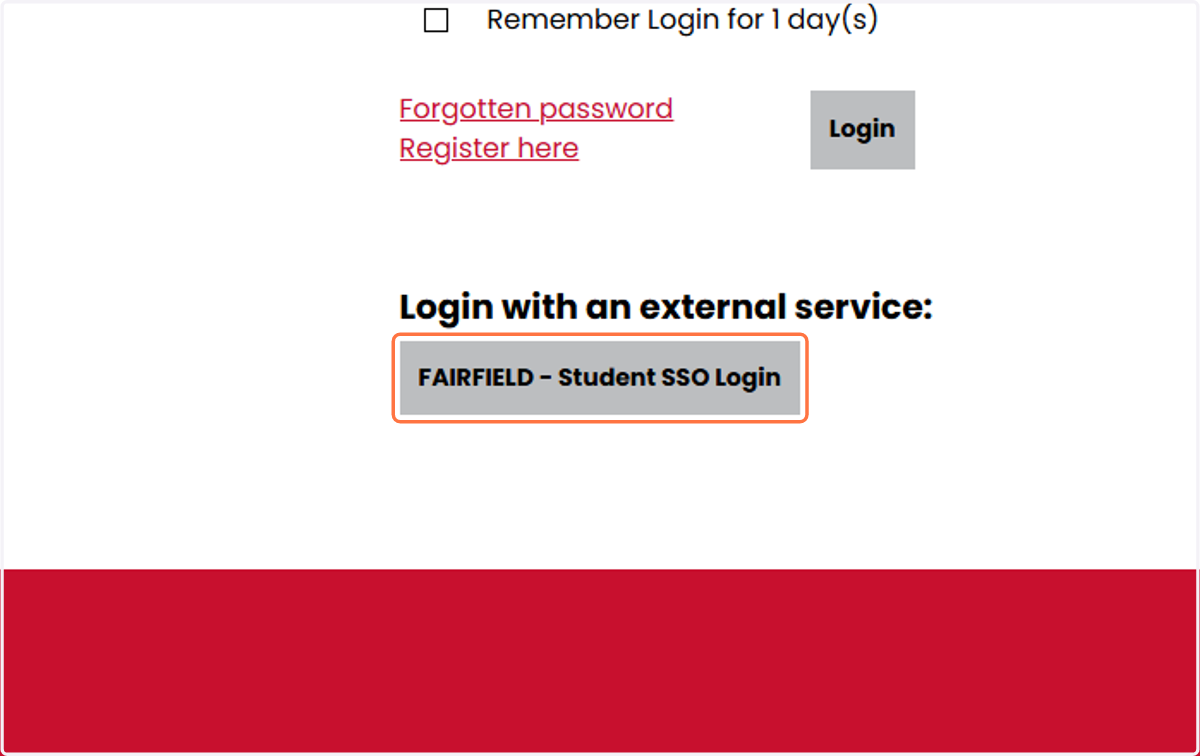
2. Click on FAIRFIELD - Student SSO Login
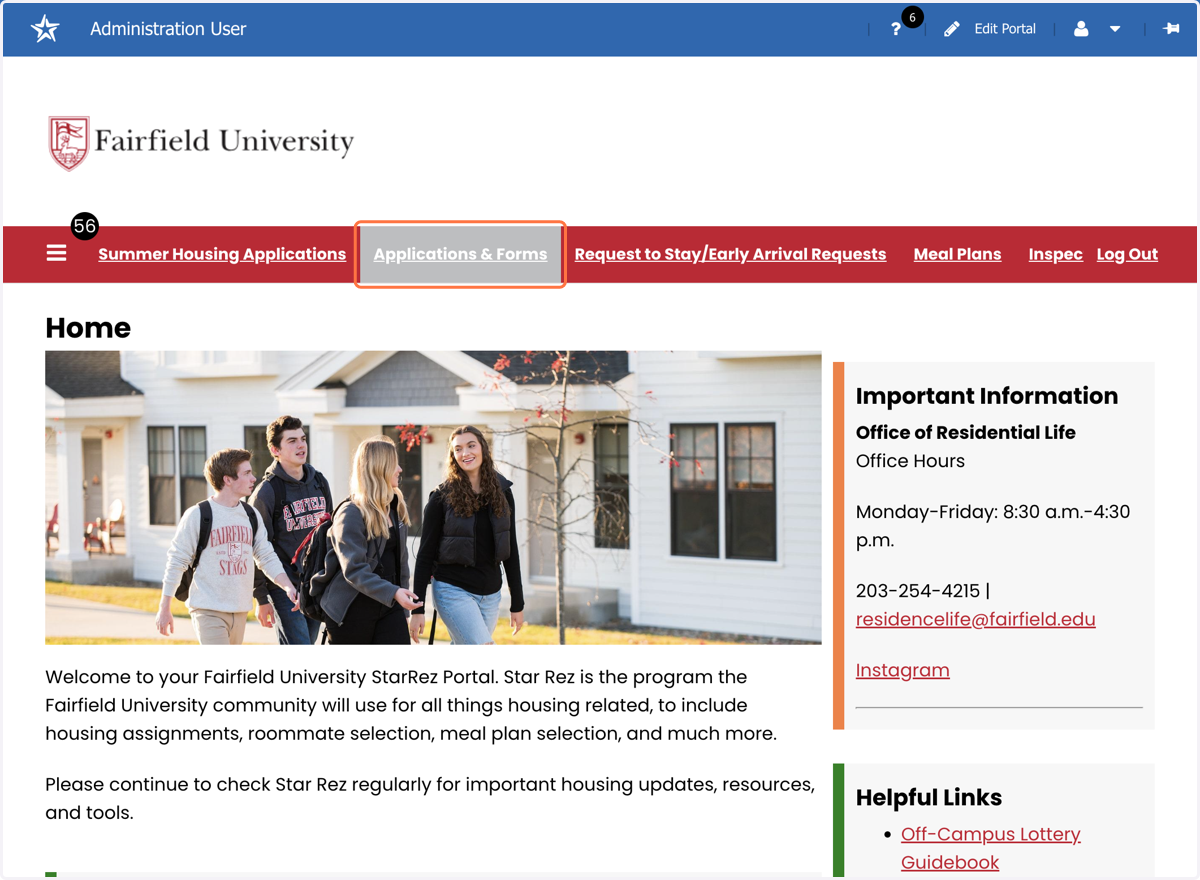
3. Click on Applications & Forms
4. Select "2026-27 Housing Application" from Select Next Step dropdown menu
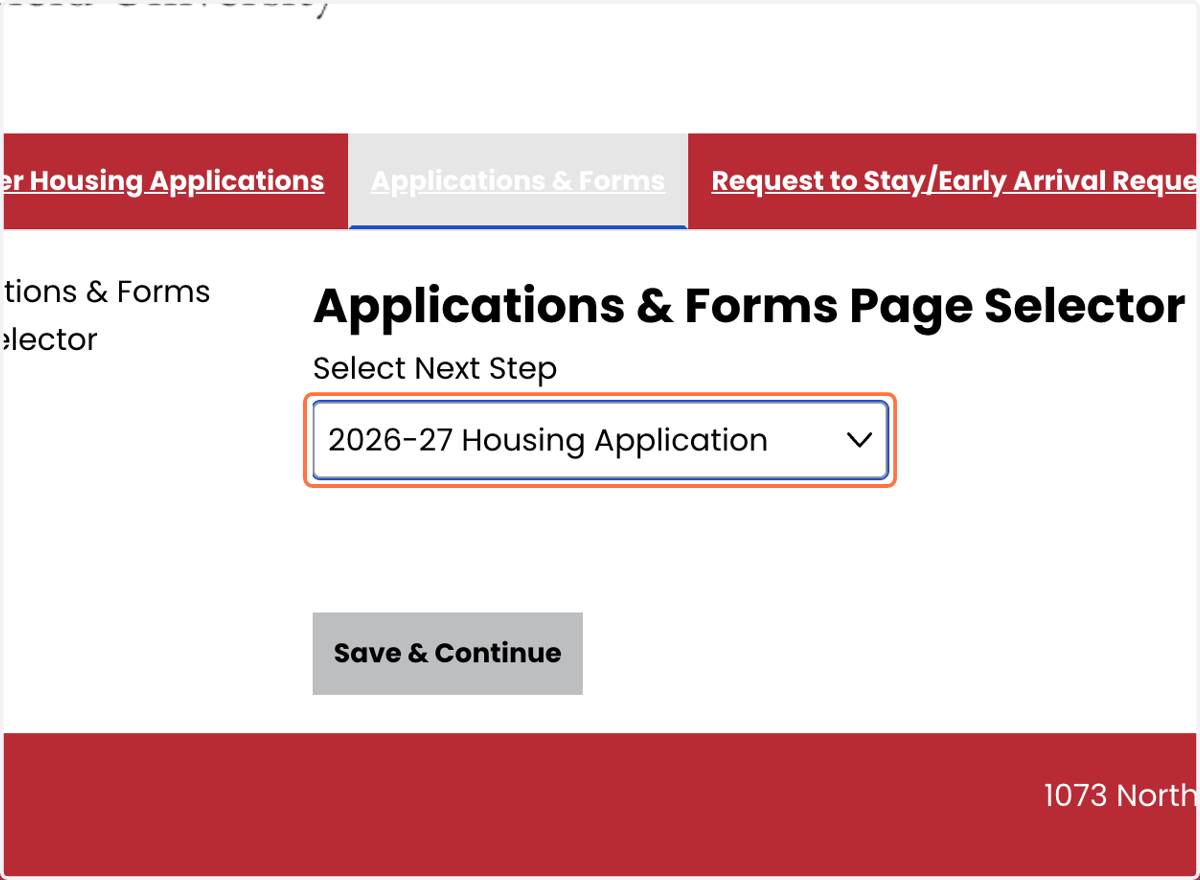
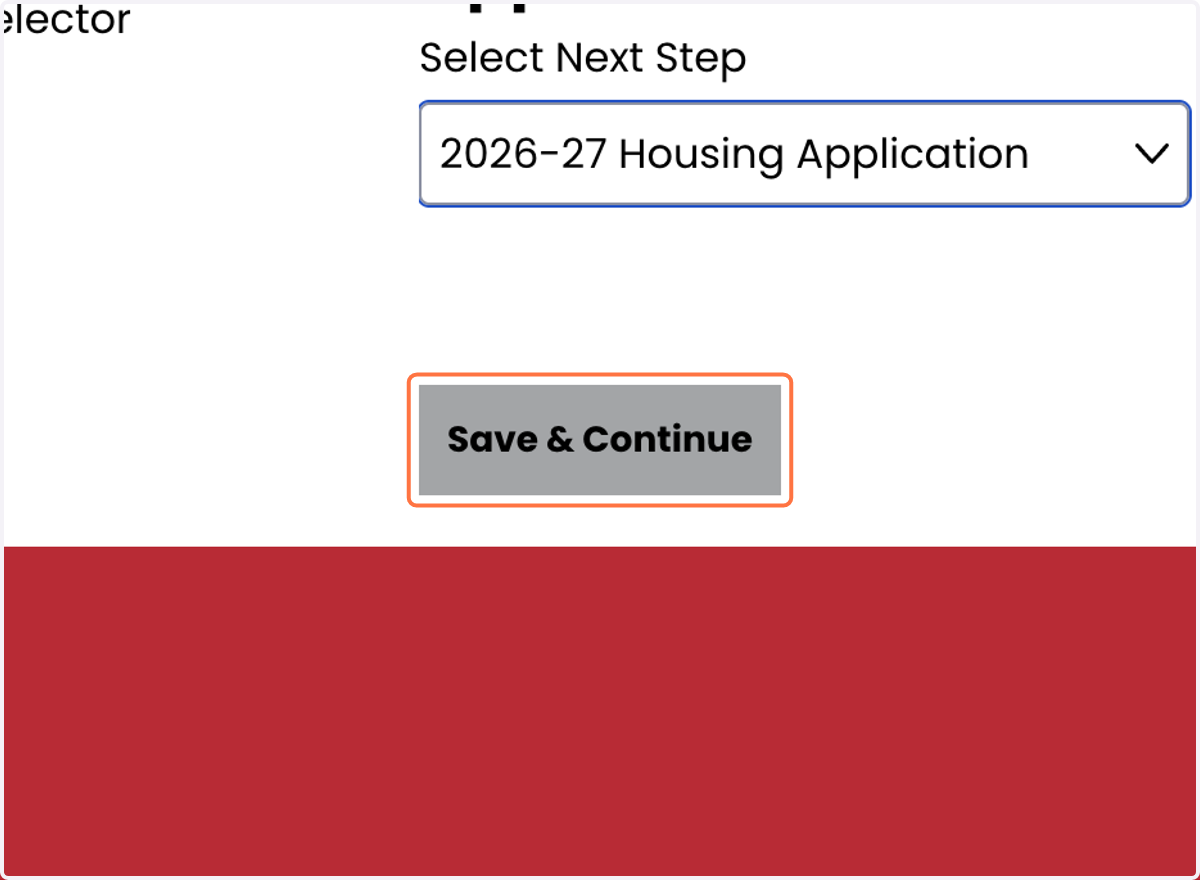
5. Click on Save & Continue
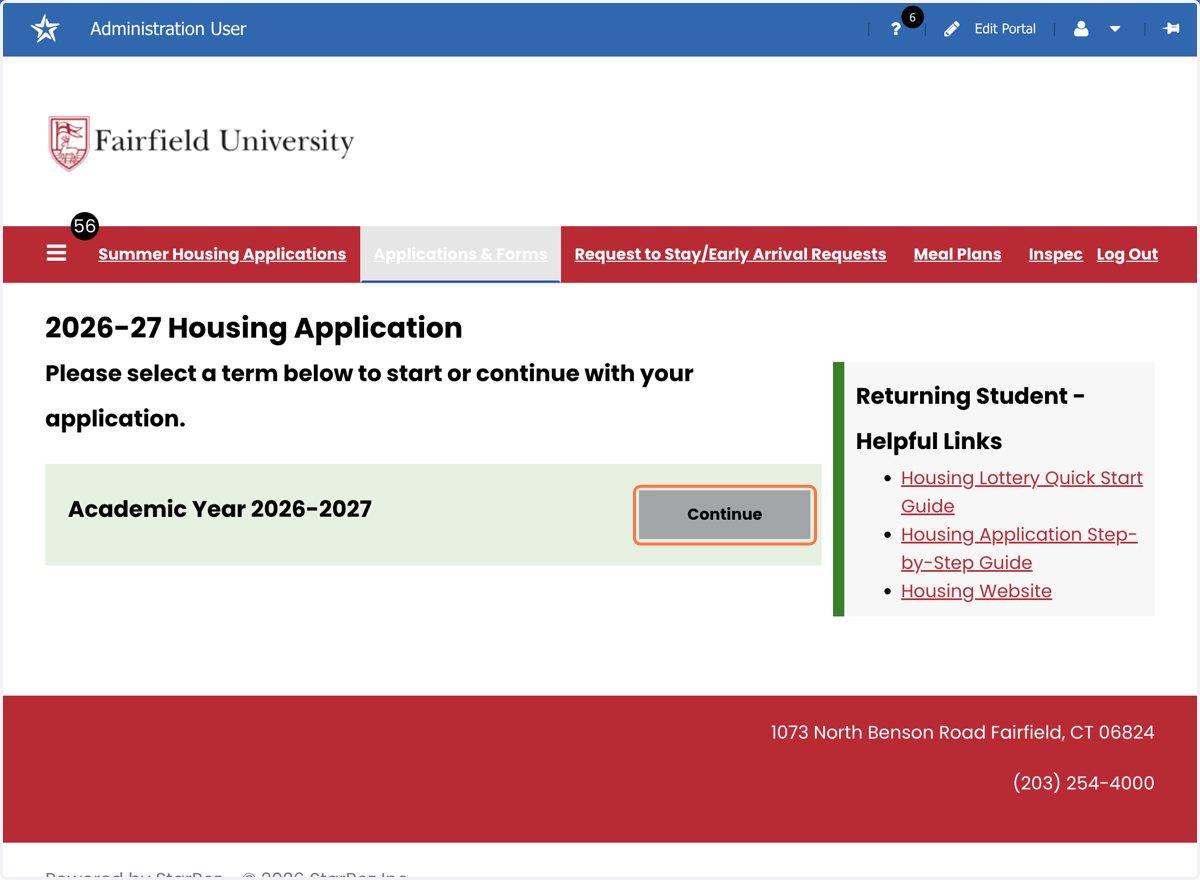
6. Click on "Continue" for Academic Year 2026-2027
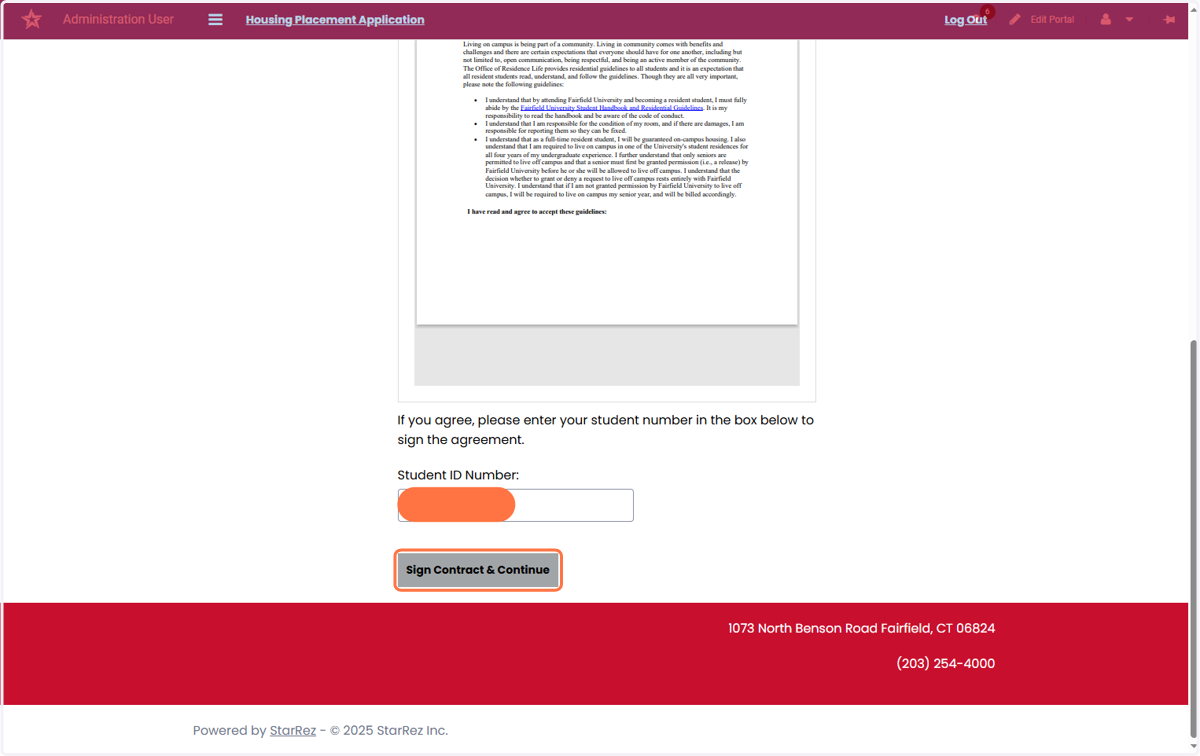
7. Review and Sign the University's Sign Contract & Continue
After reading the Housing Guidelines and Non-Discrimination Statement, you will need to sign the contract by entering your Student ID#.
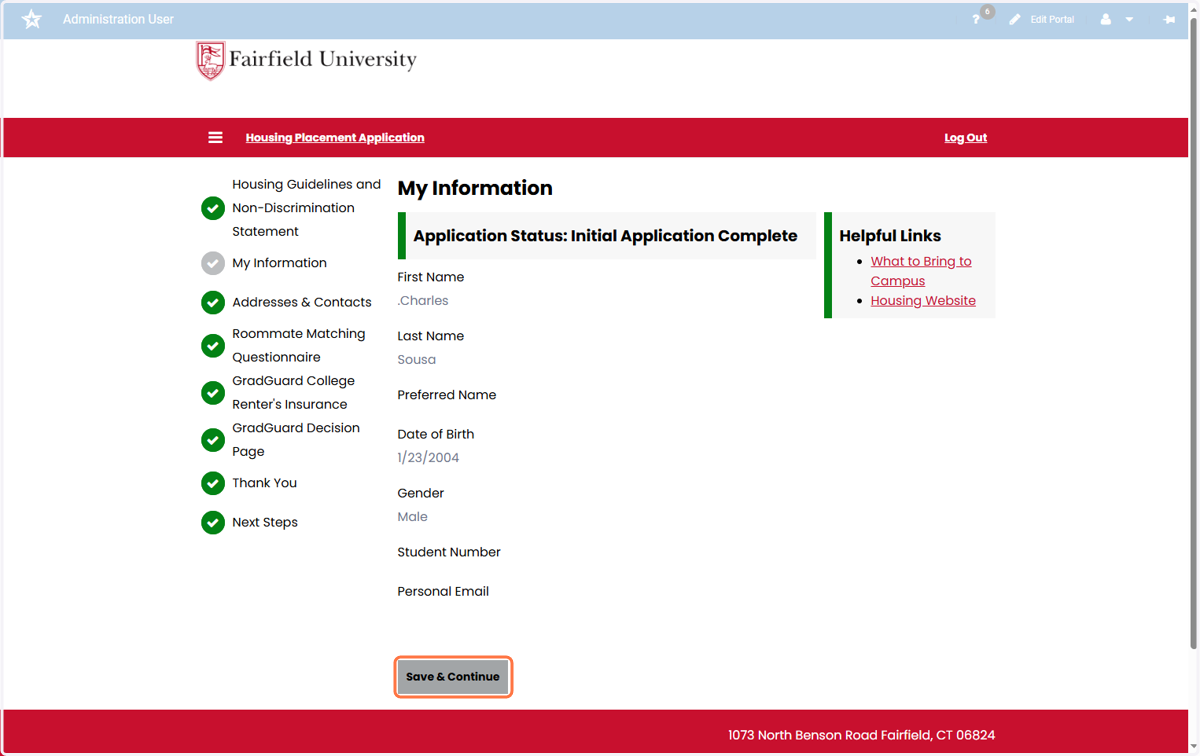
8. Verify your personal Information
The information on this page is imported directly from Workday. If any of the information is incorrect, please update it through your Workday Student account or by contacting the Registrar's Office.
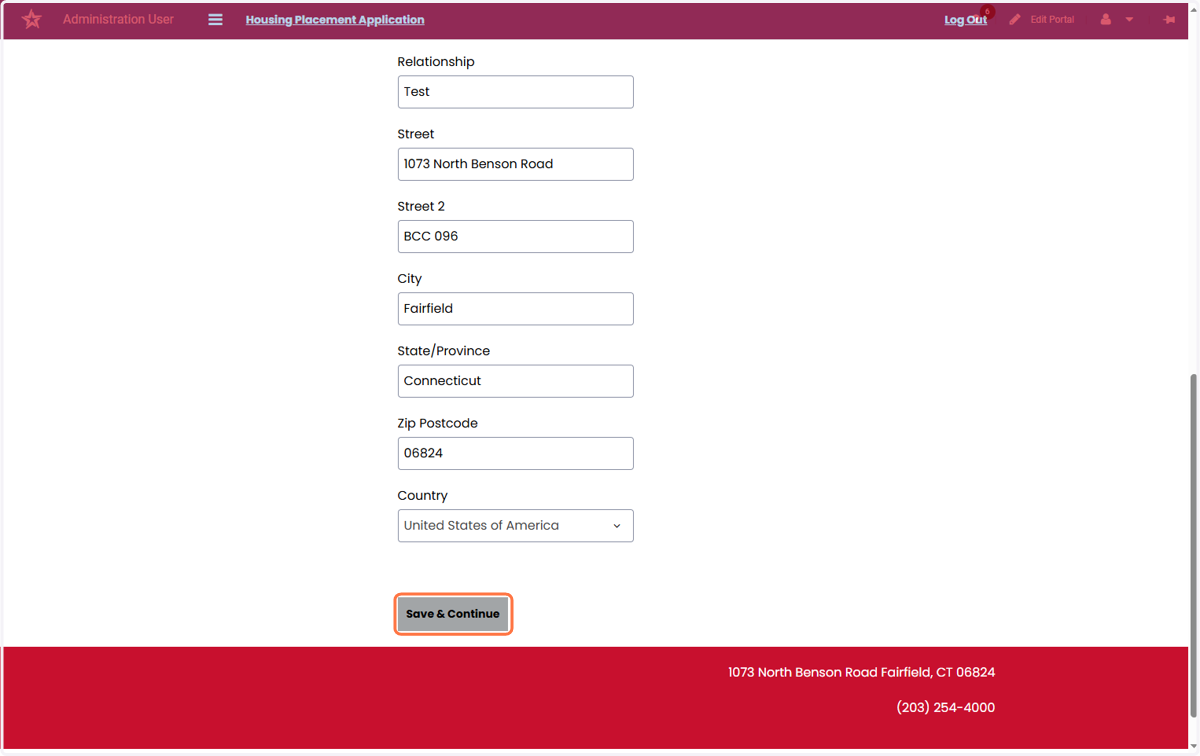
9. Enter Your Emergency Contact's Information
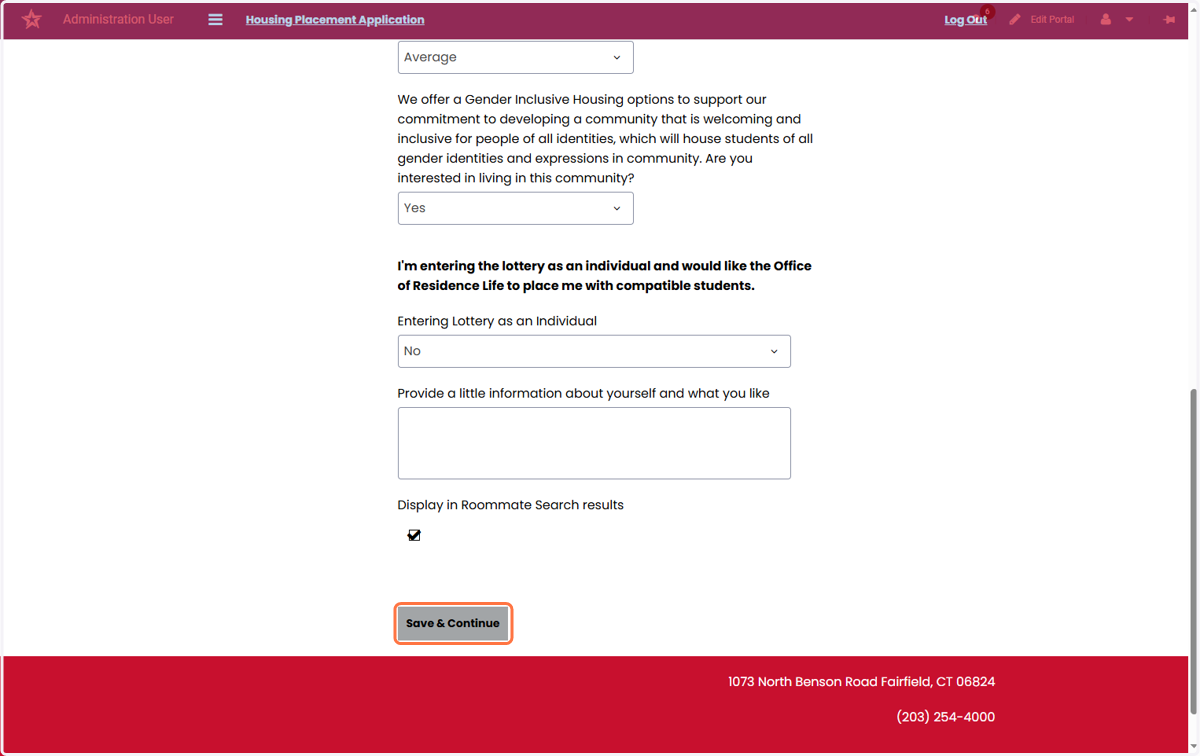
10. Read and Complete the student housing questionnaire
11. Review Grad Guard Information
The University recommends that students have insurance. Grad Guard is a University partners that offers this additional insurance. This is optional and you do not need to purchase.
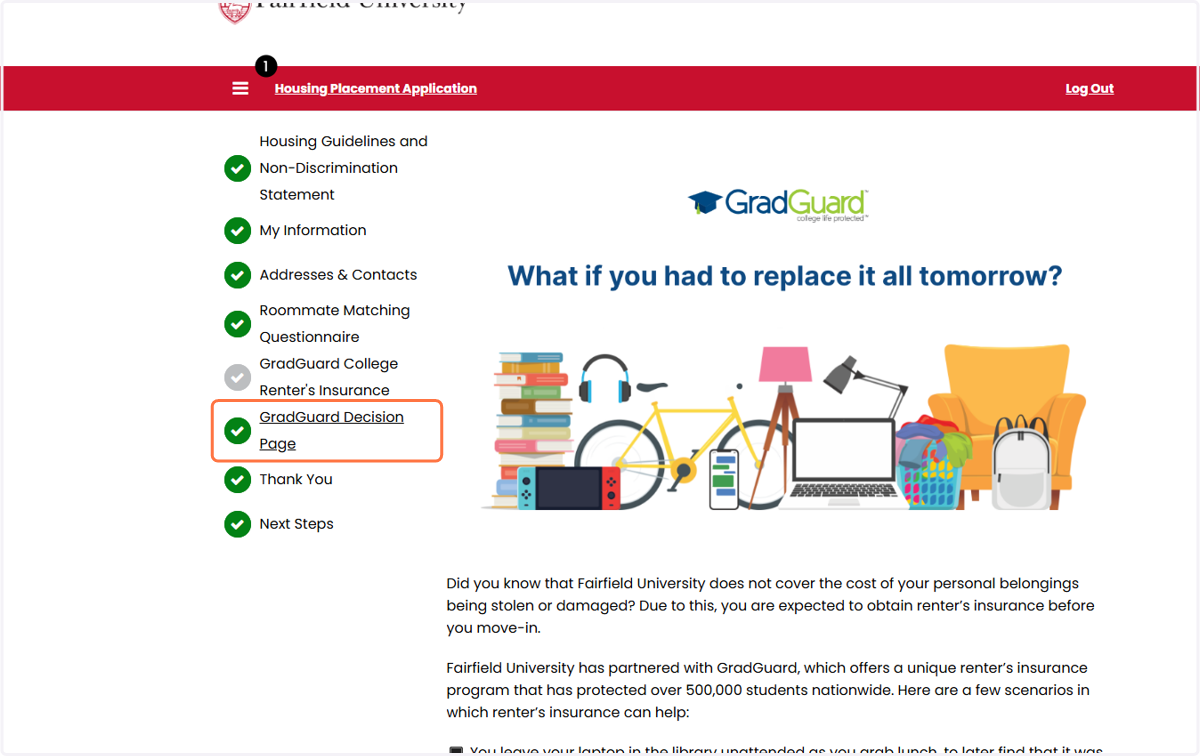
GradGuard - College Life Protected
12. Accept or Decline Grad Guard Coverage
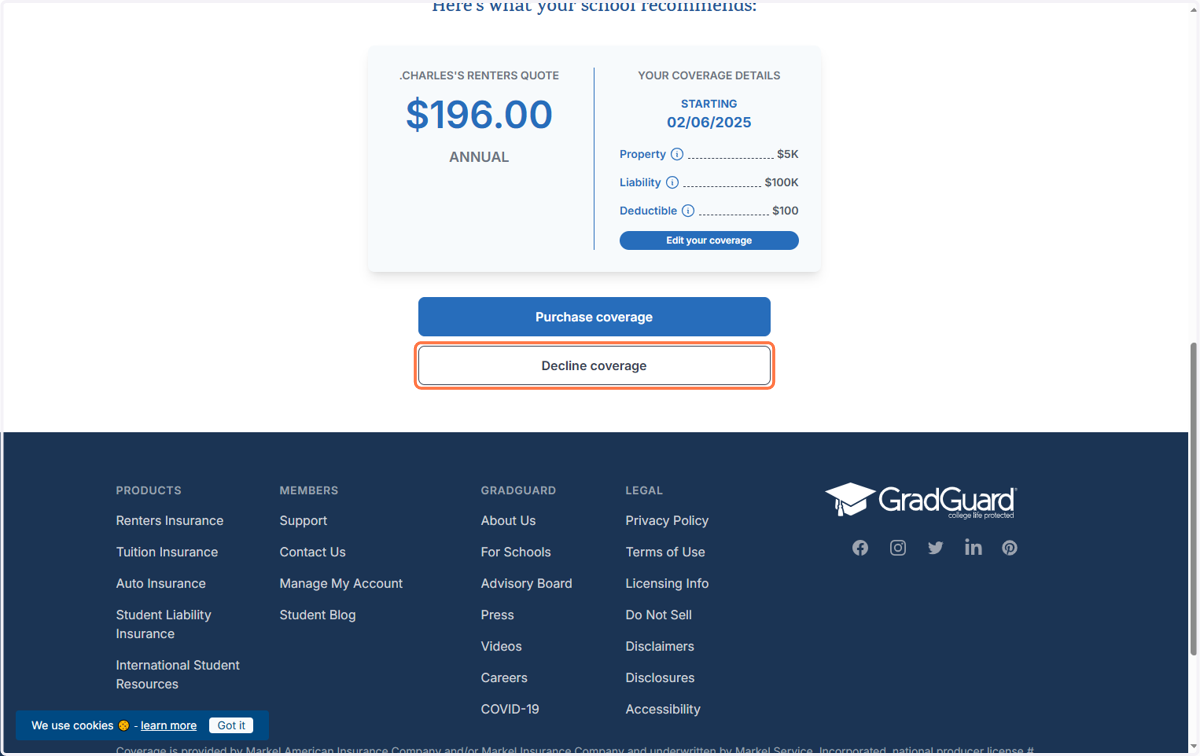
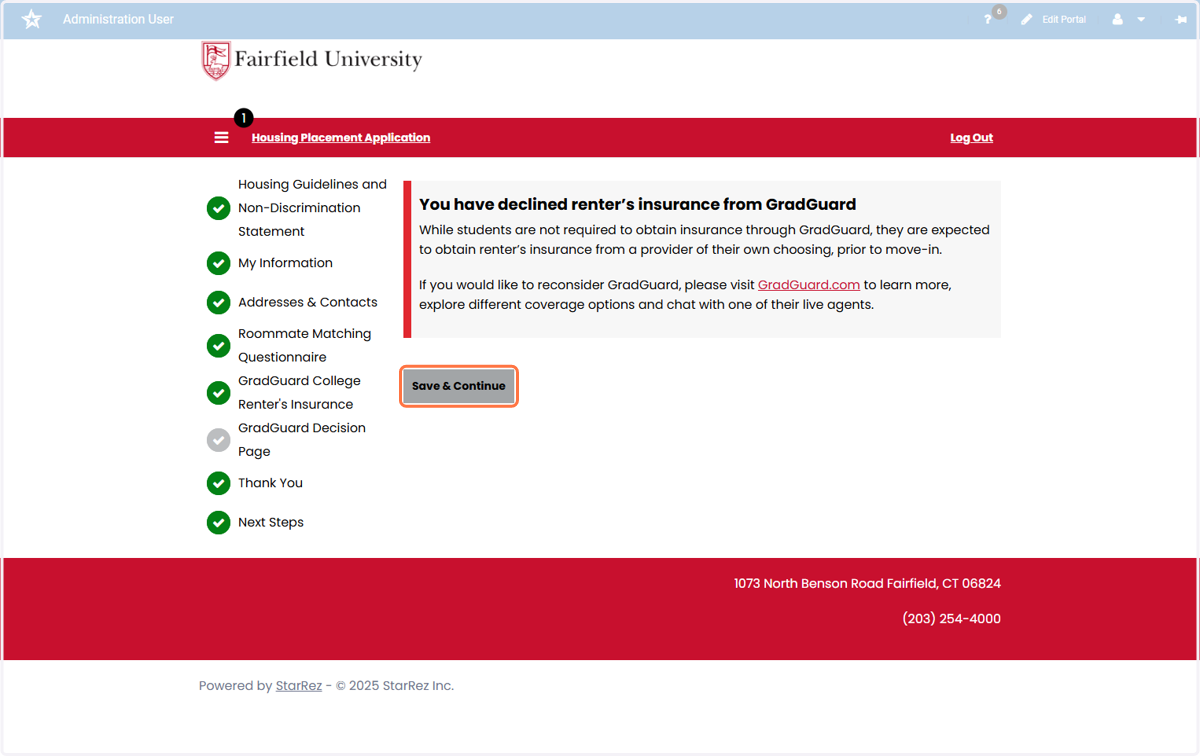
13. After You have made your decision on Grad Guard Insurance, click on Save & Continue
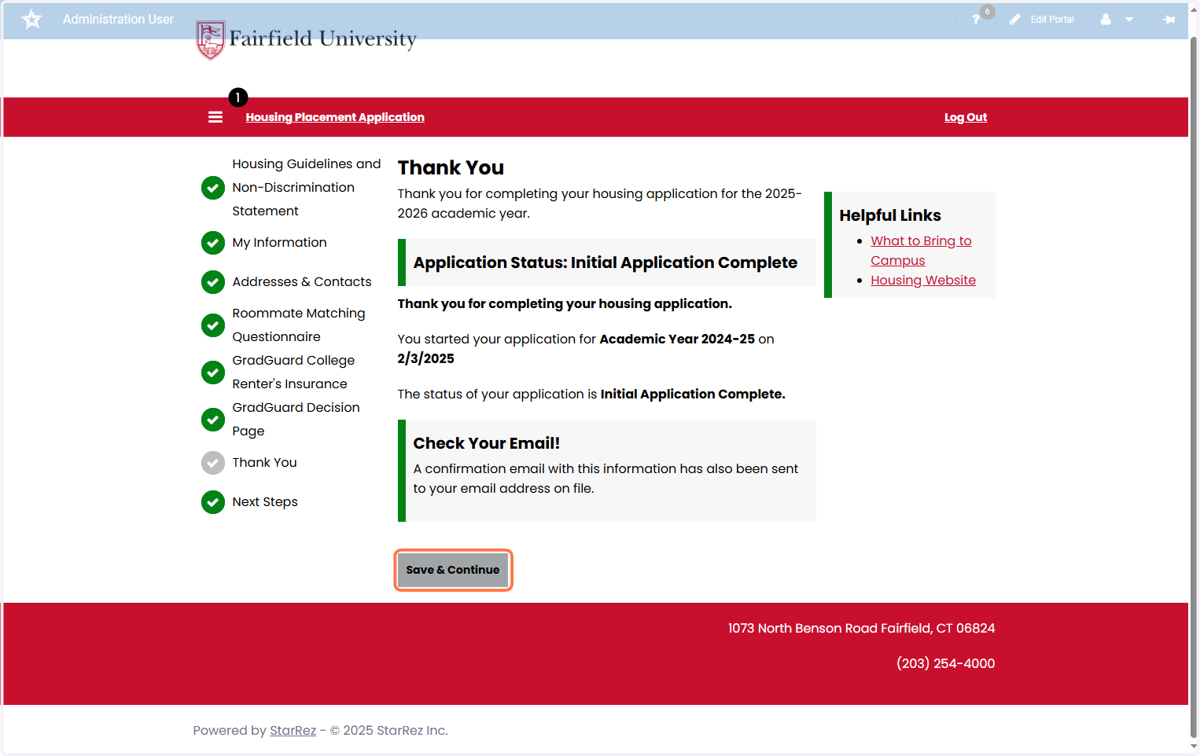
14. Your application is now complete.
Once your application is complete, you will receive a confirmation email to your student email.
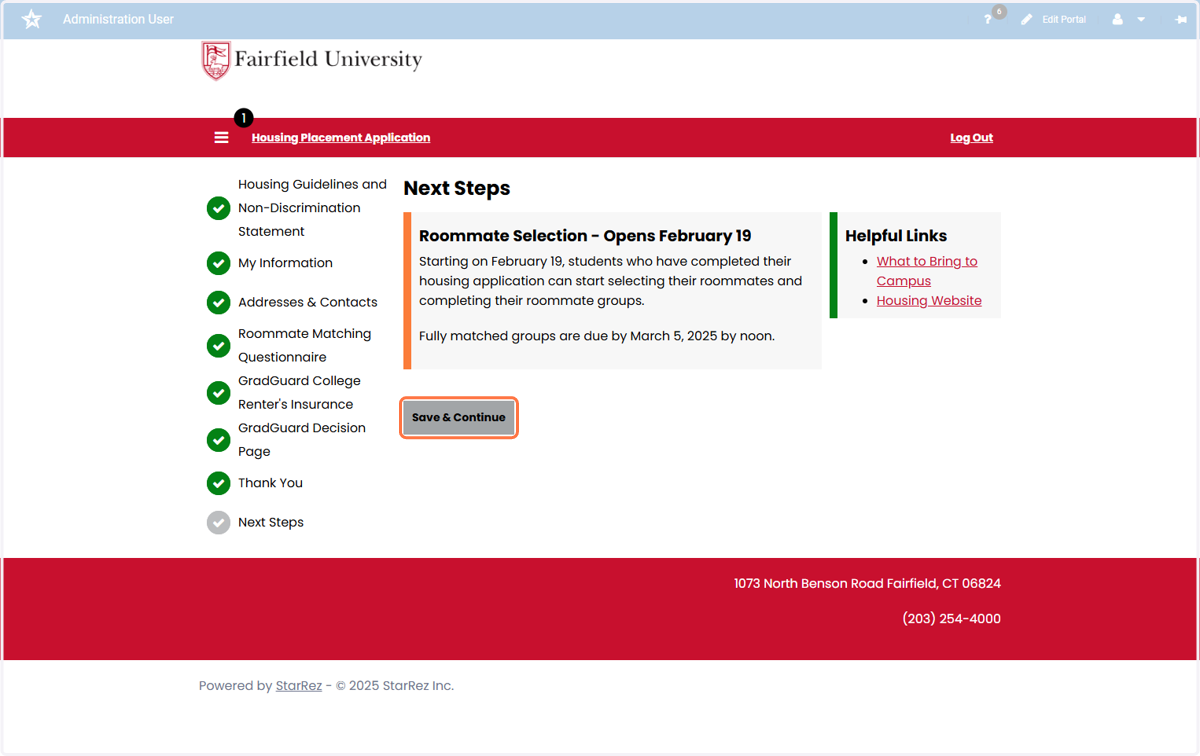
15. Your next step in the Housing Application process is the Roommate Selection.
Please see the Roommate Selection "How to Guide" for more information on the next step in the process.