How to Claim an Organization
For All User Types
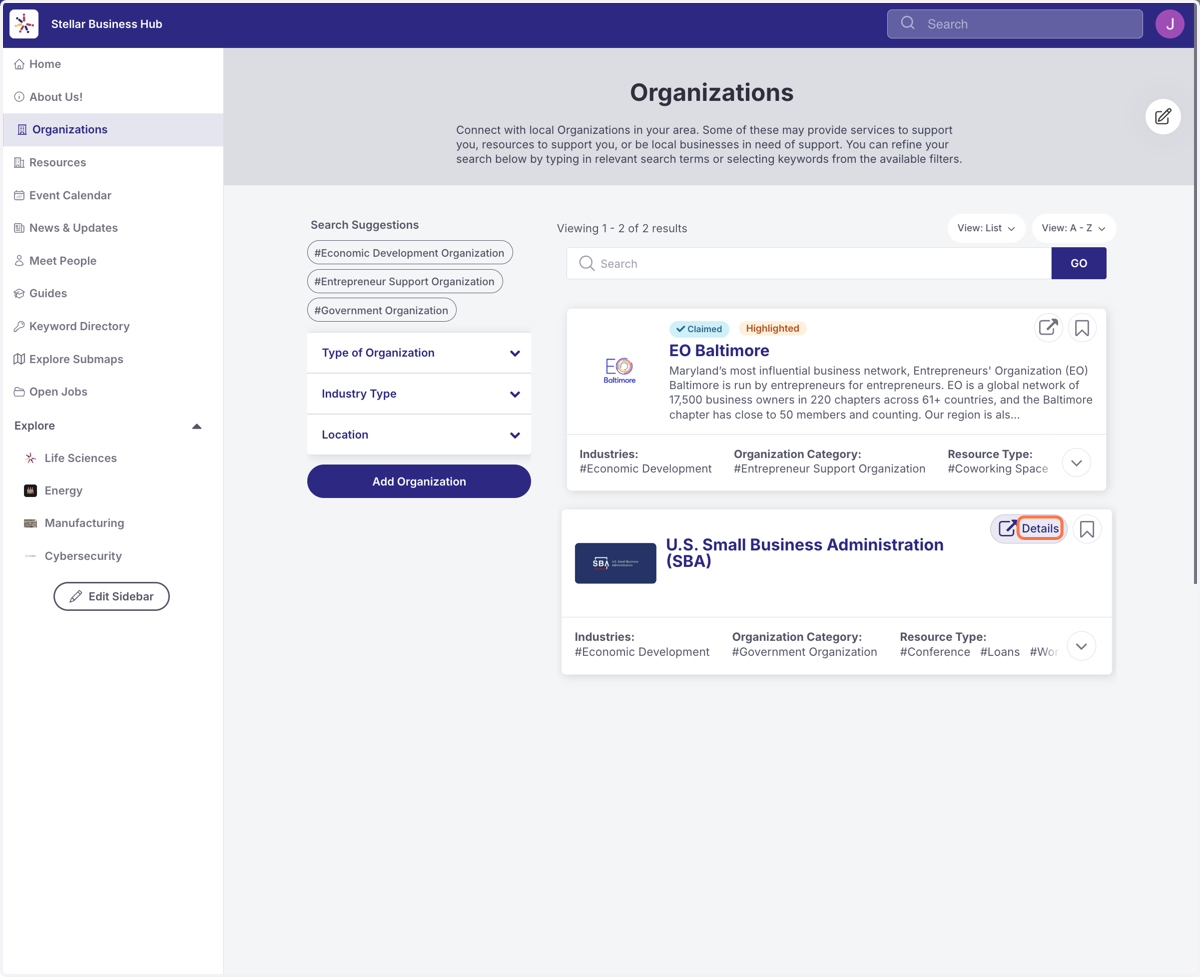
1. From the Organization Directory, Select the Asset you are trying to claim by clicking Details.
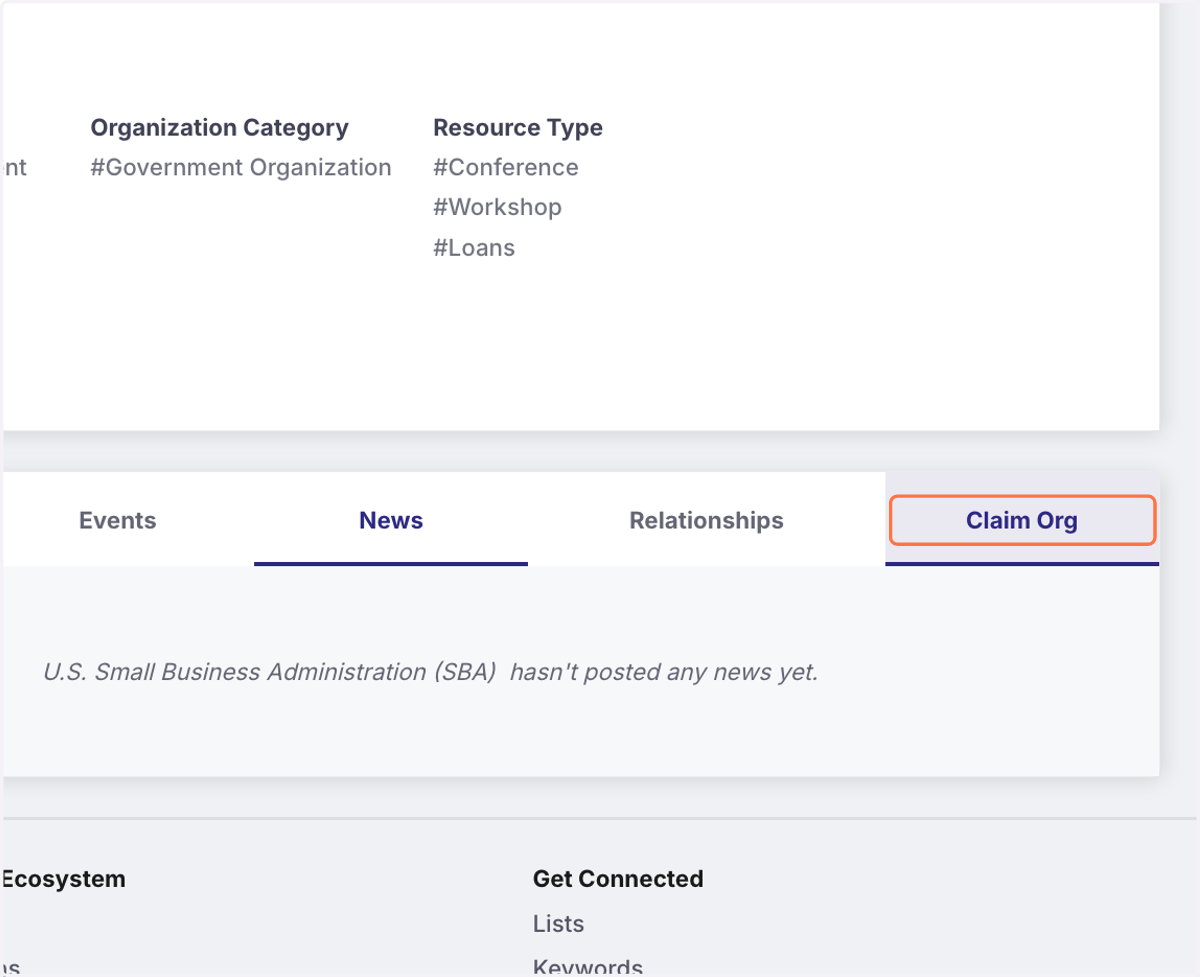
2. Click on the Claim Org tab.
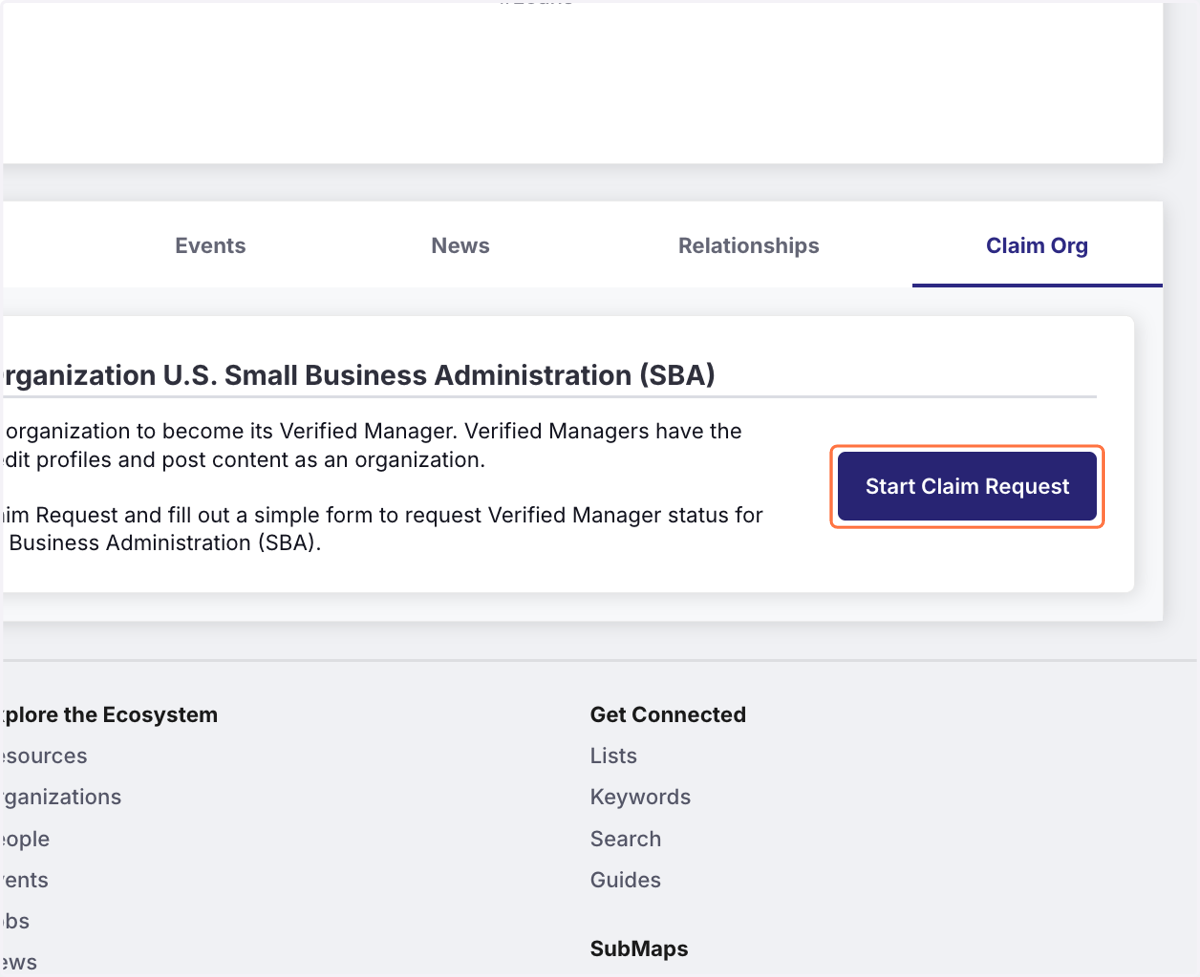
3. Click on Start Claim Request
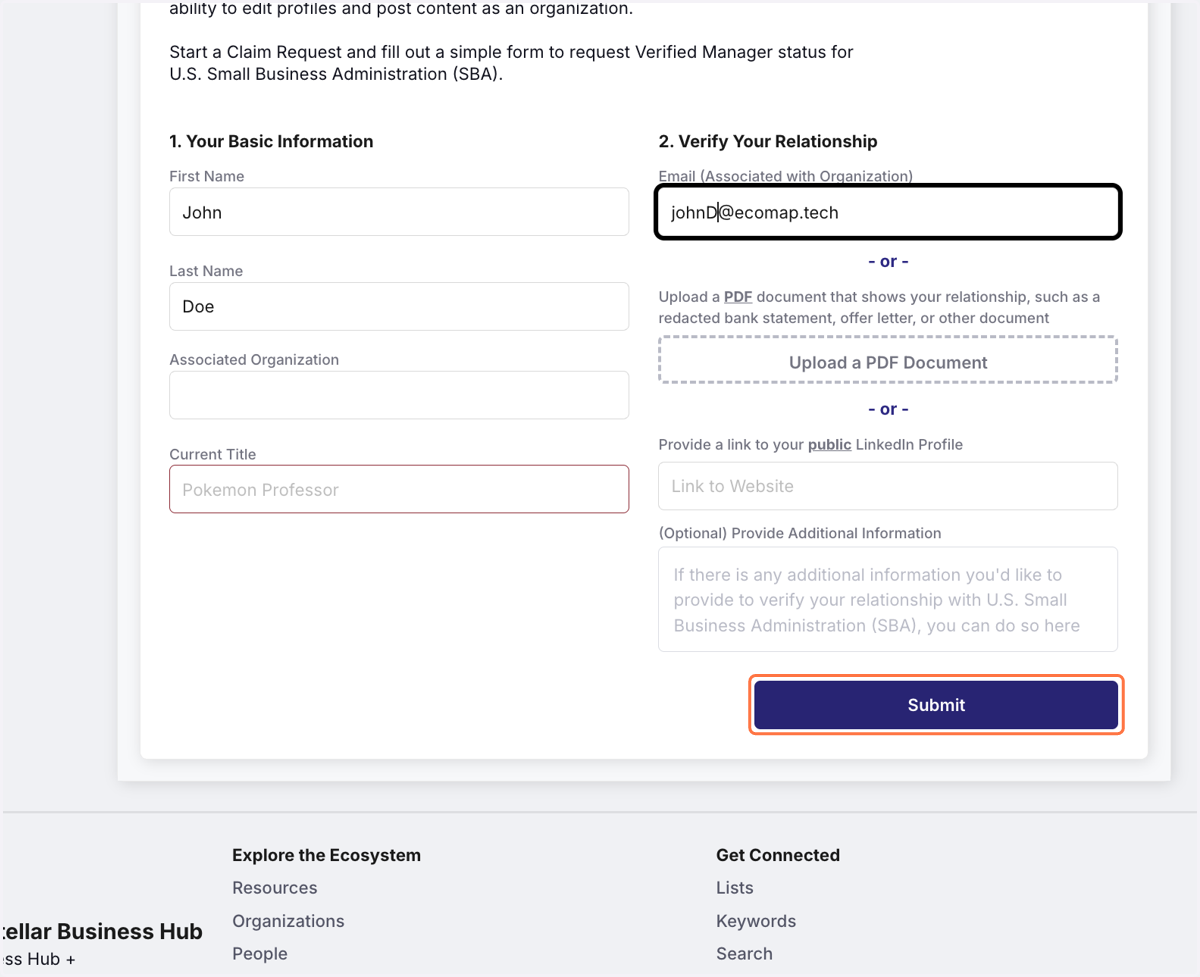
4. Complete the fields and click Submit
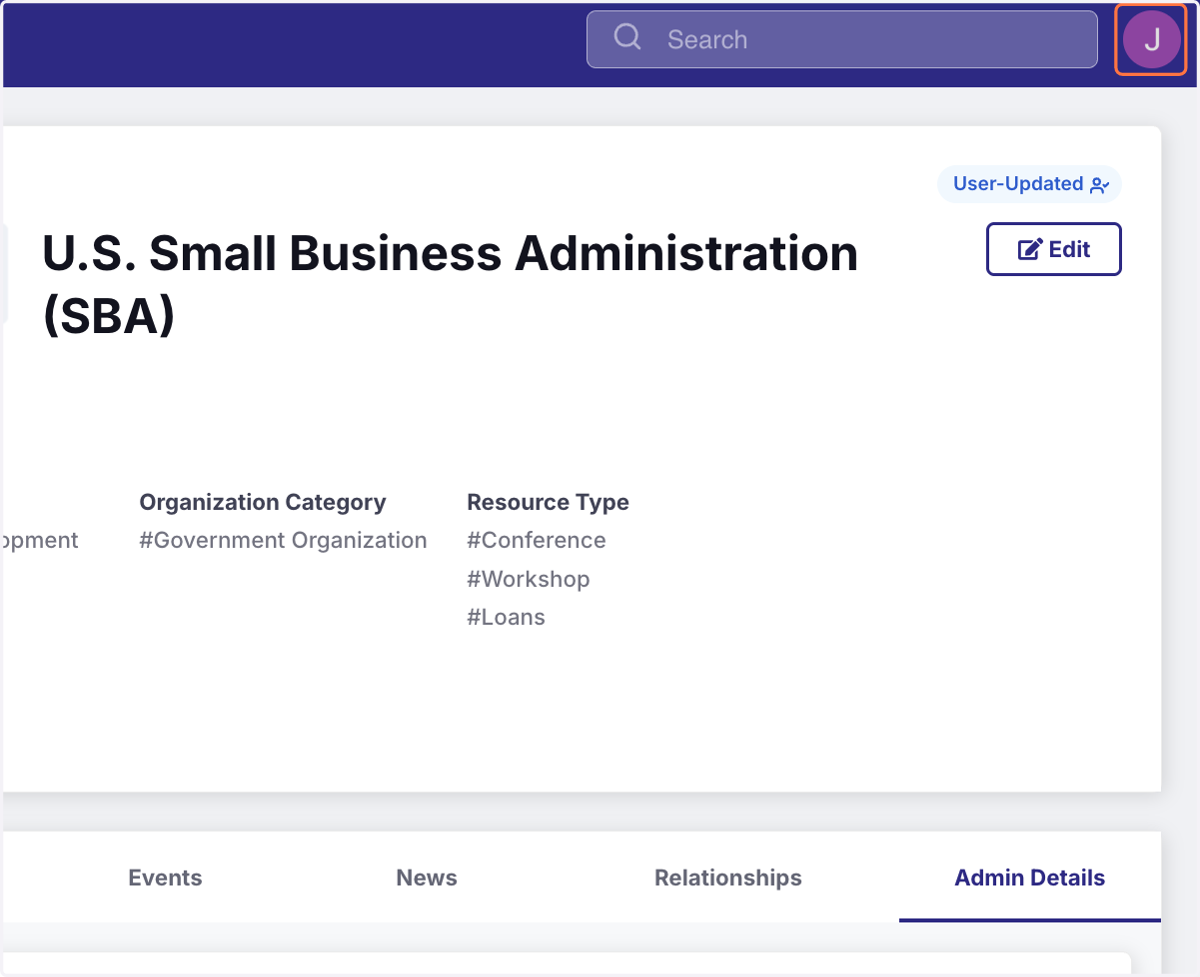
5. The User-Updated Badge indicates that this asset is now managed by you.