How to Check and Resolve Holds
❗ How to Check for Holds
1. Log onto your student portal (My BSU)
2. Click on Infobear
3. Click on Student Profile
4. Click on Holds
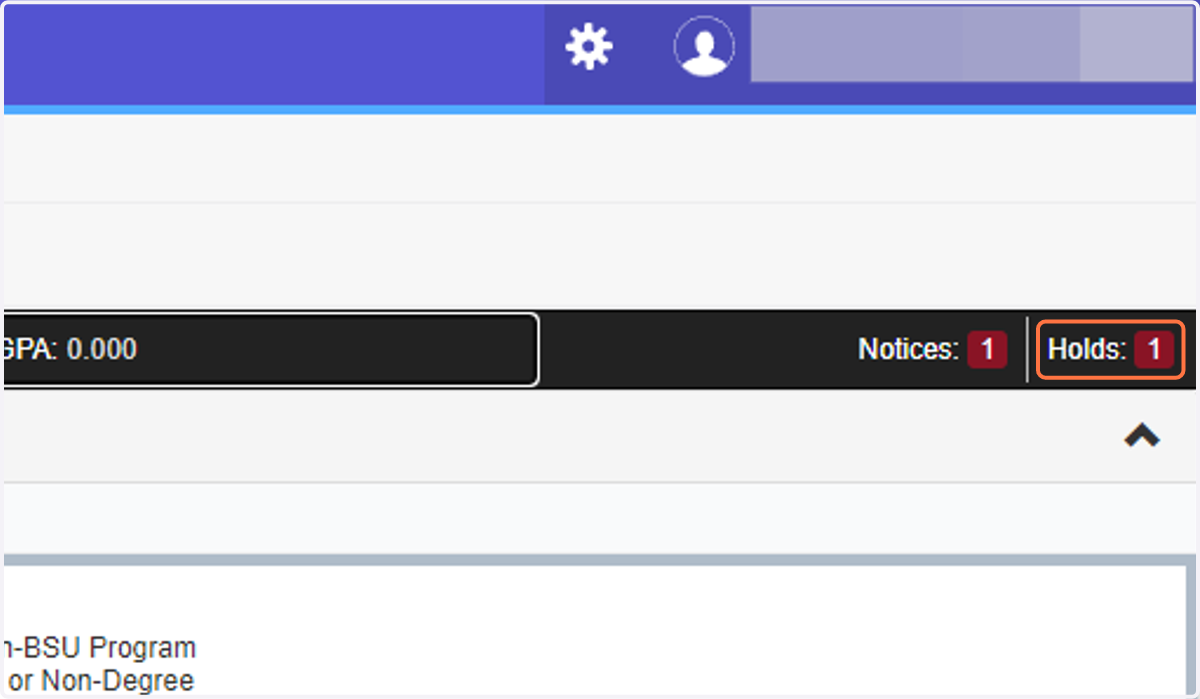
5. Each hold will have a phone number to the directed office. Contact the office(s) listed to go over next steps on how to resolve the hold
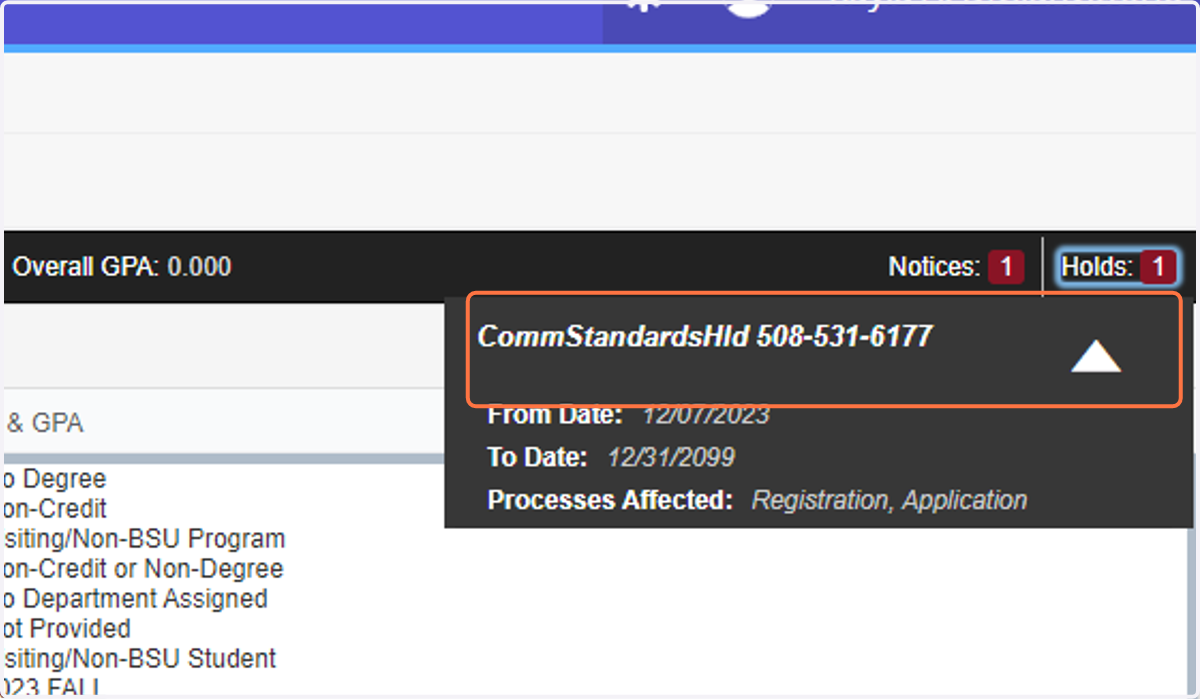
❗ How to Resolve Holds
💡 Common Hold: Health Services
Normally this means the university is missing documentation on a vaccination required by BSU.
To check and see which records you are missing, use the following steps:
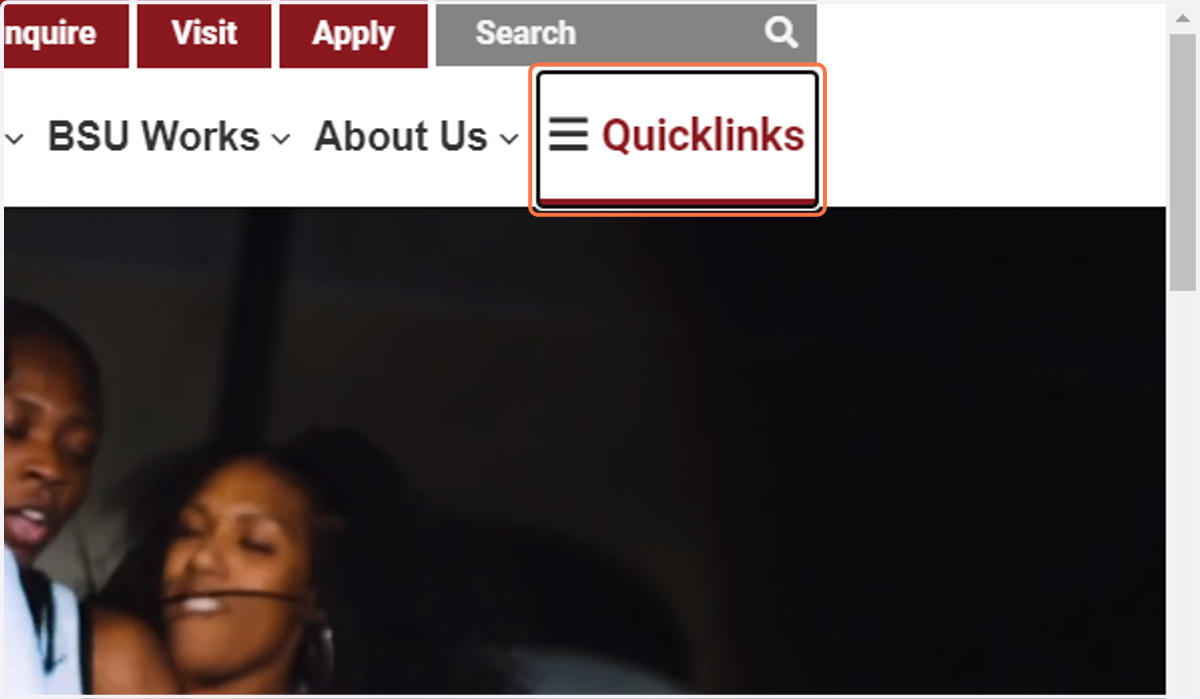
6. Go to www.bridgew.edu and click on Quicklinks
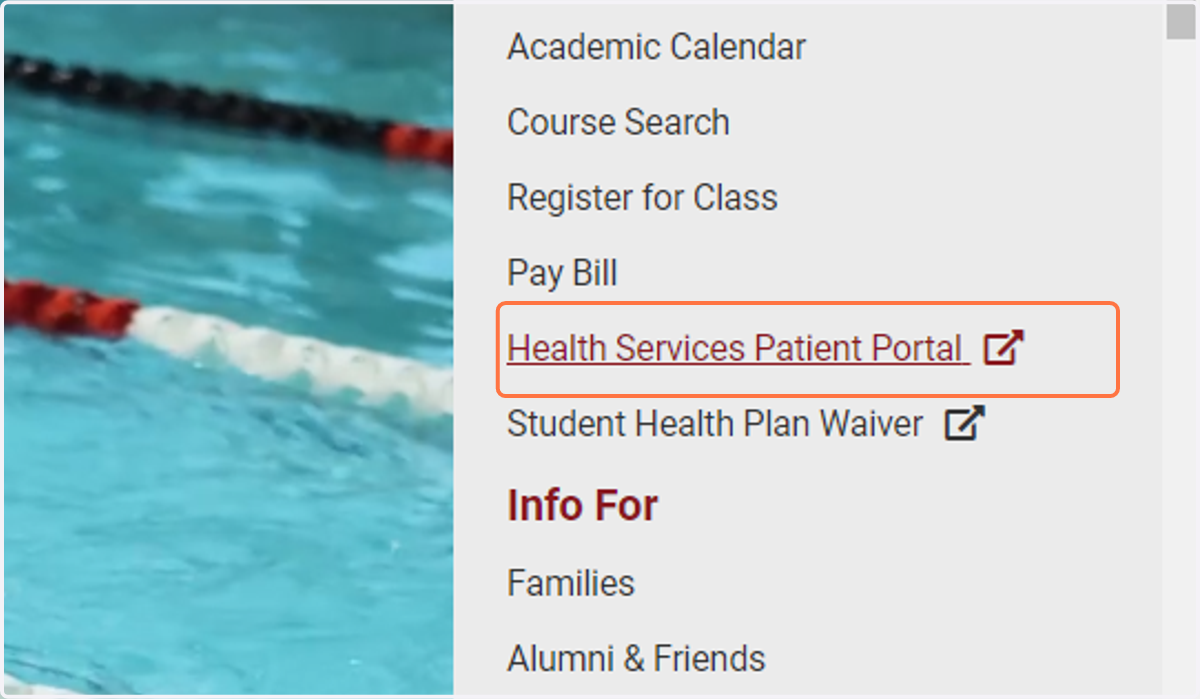
7. Click on Health Services Patient Portal
8. Log in and go to Immunizations
It will list any that you are missing record of
9. Contact your doctor's office to fax over your records to the health services office
Find the health services fax number in Bridgenet, here:
💡 Common Hold: Student Accounts
Normally something to do with a fee, ebill, or something of the like.
Contact the office number for details.