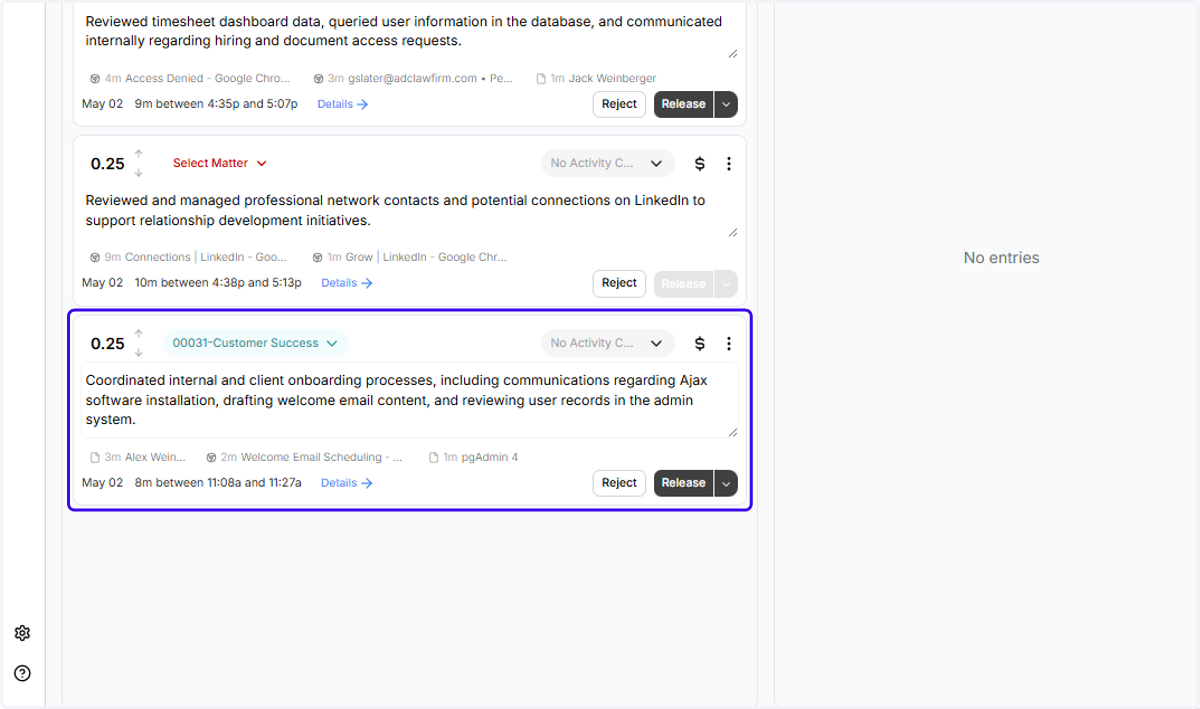
How to Change the Date of an Entry in Ajax
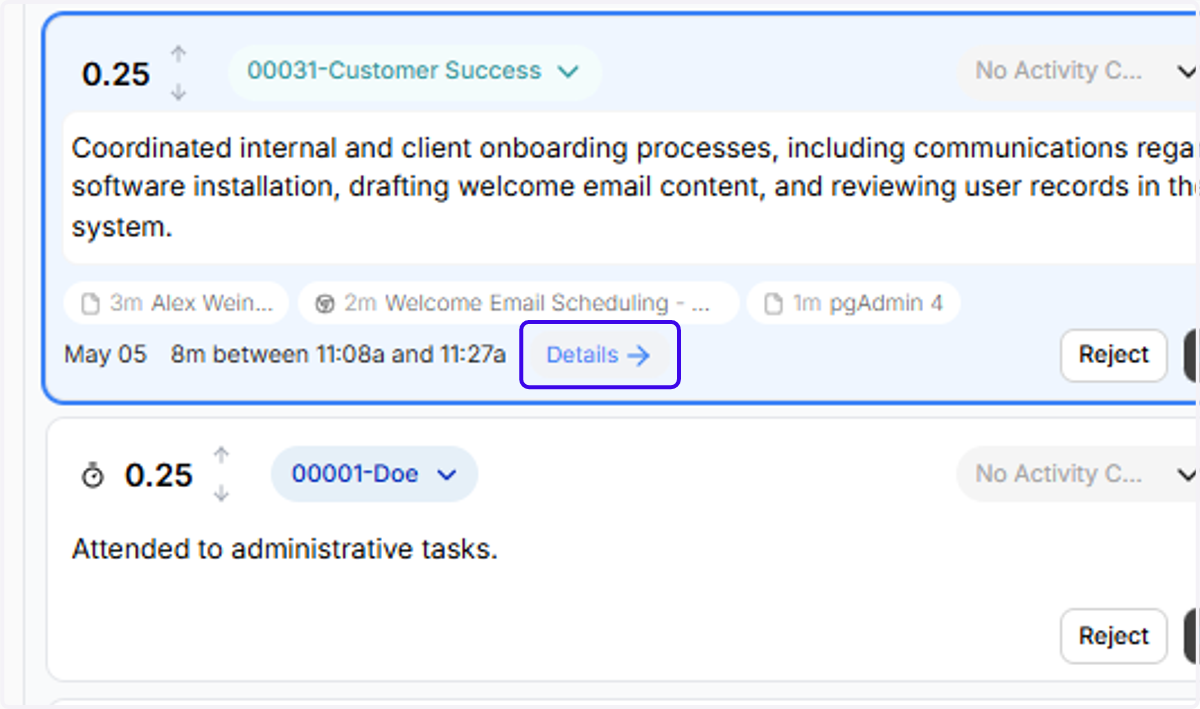
1. Click on Details
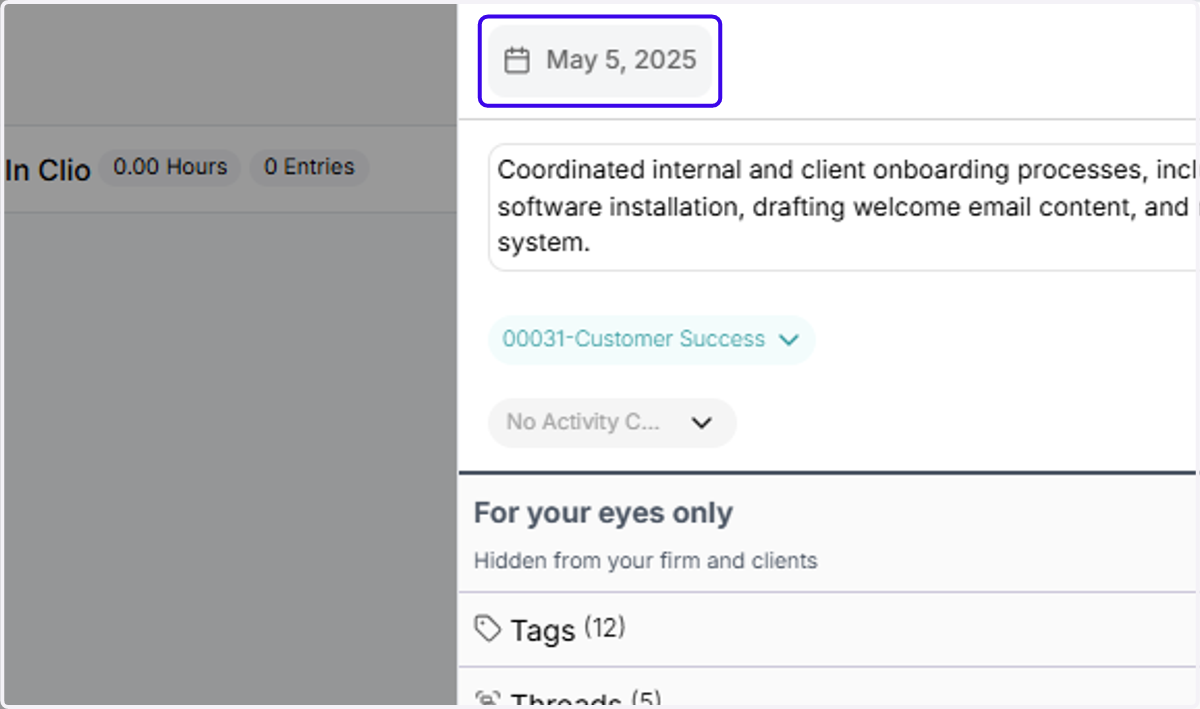
2. Click on the calendar icon in the right panel
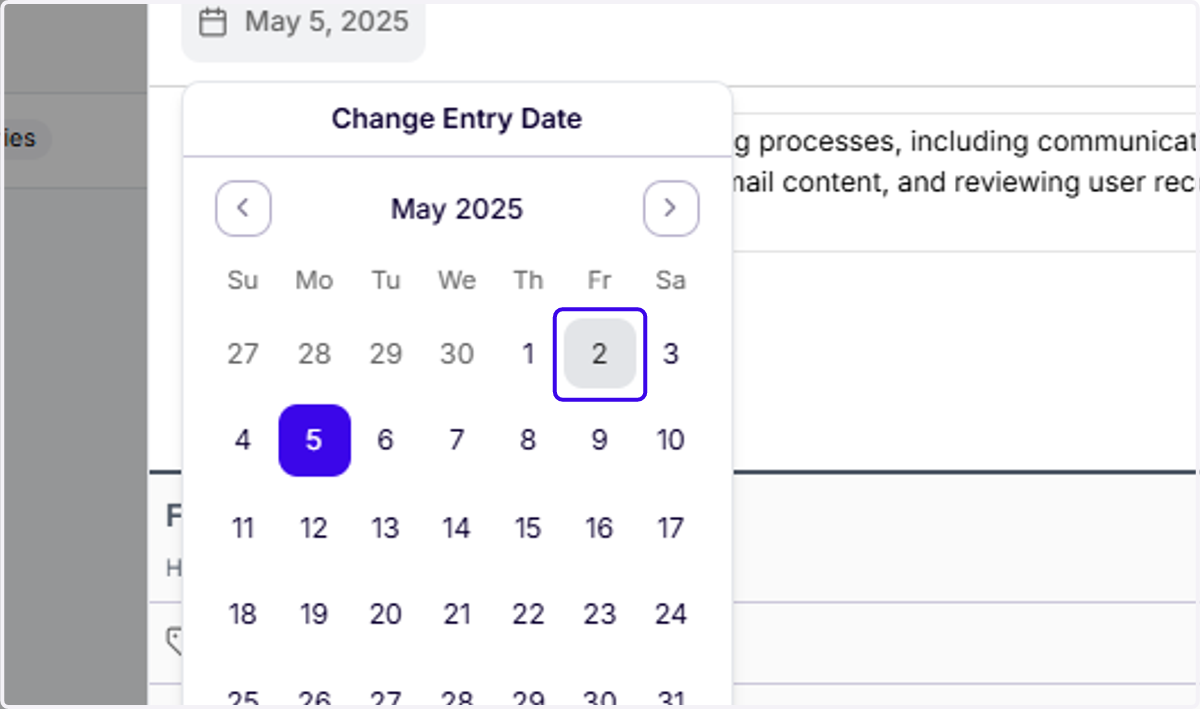
3. Double-click the new date you want to move the entry to (In this case, we're moving it to May 2nd)
4. To check that the entry has been correctly moved, click the Calendar dropdown on the main page
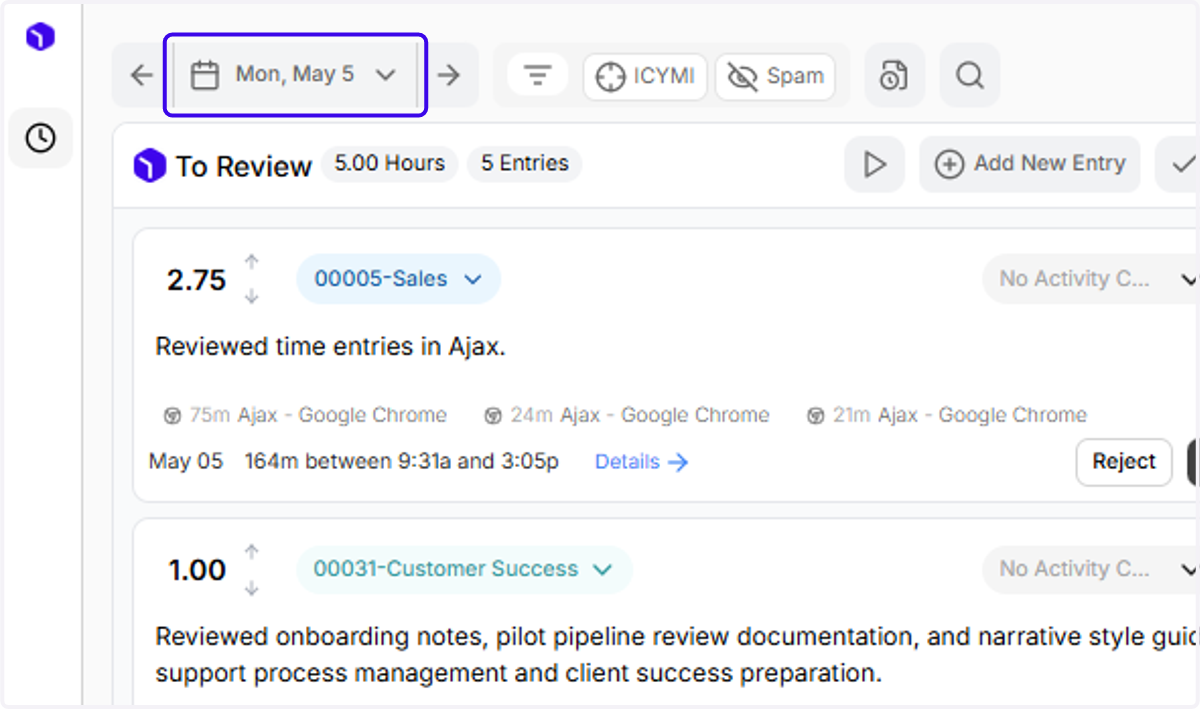
5. Double-click the date you want to jump to
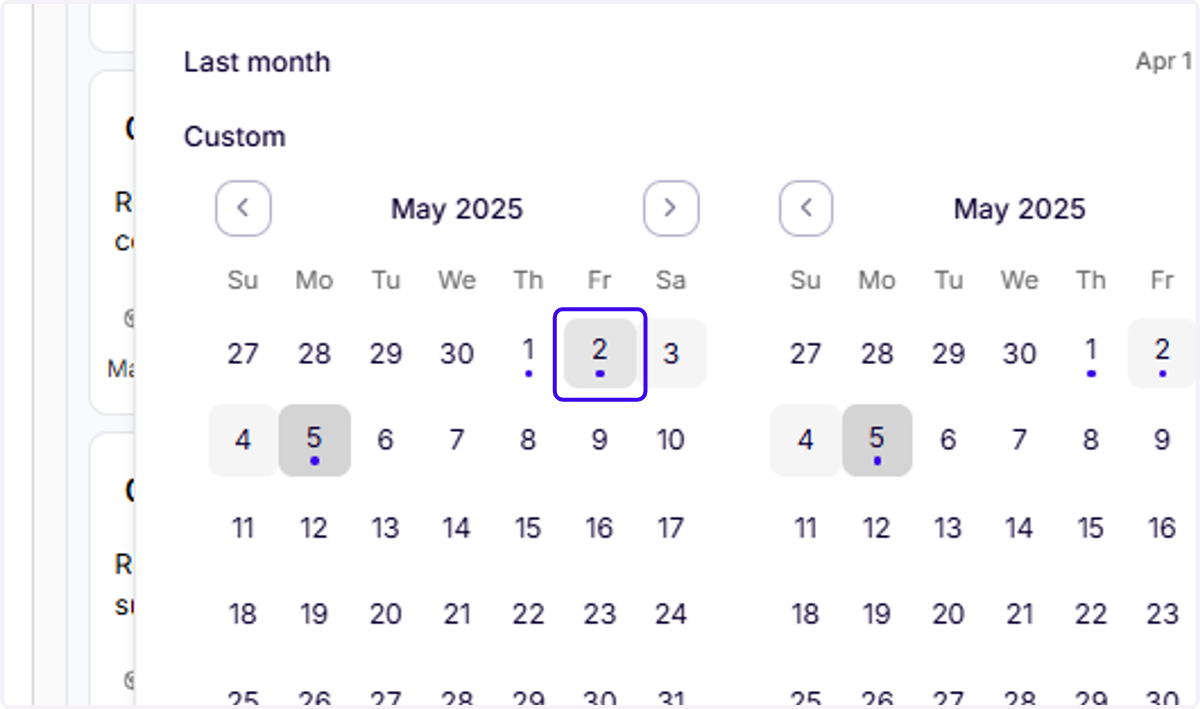
6. Our new entry is here!