How to Change Your Trading Account Password
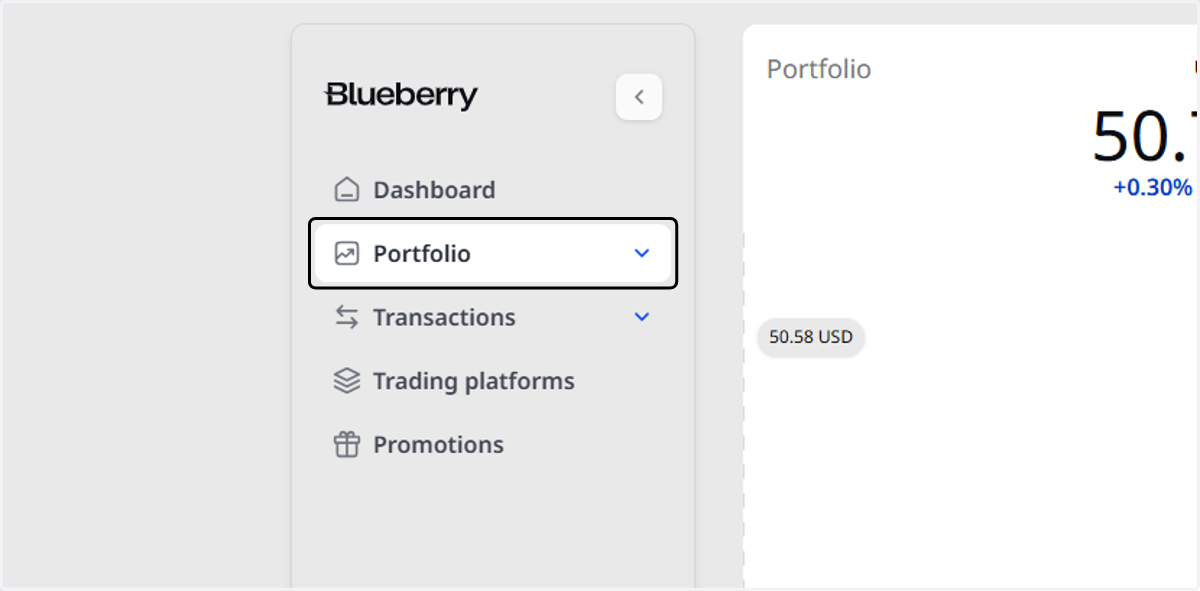
1. Click on Portfolio
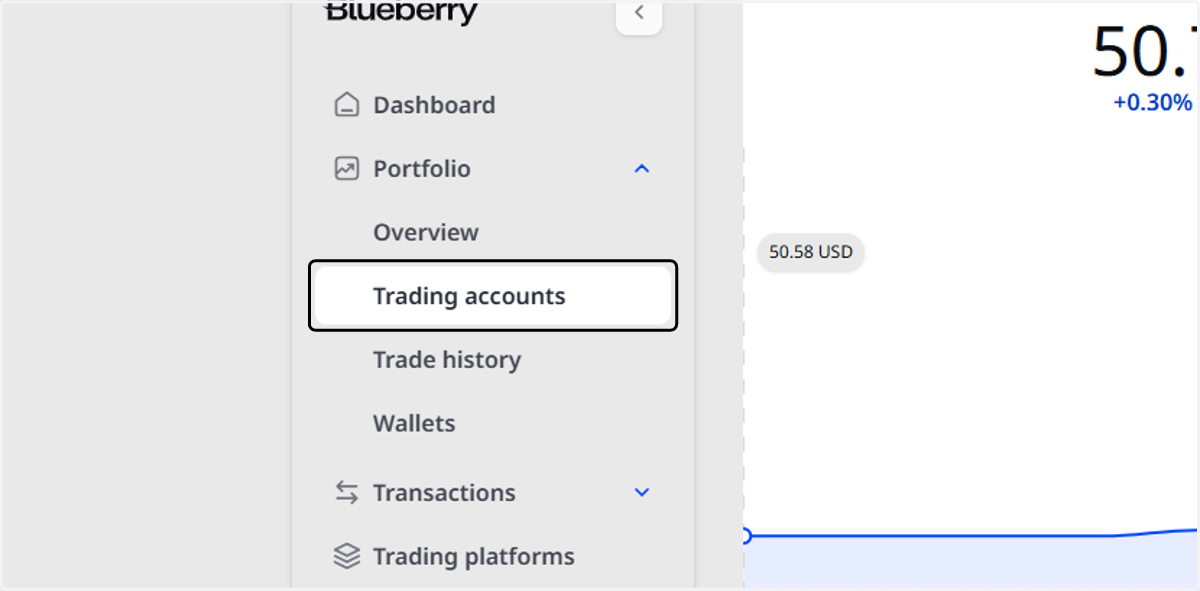
2. Click on Trading accounts
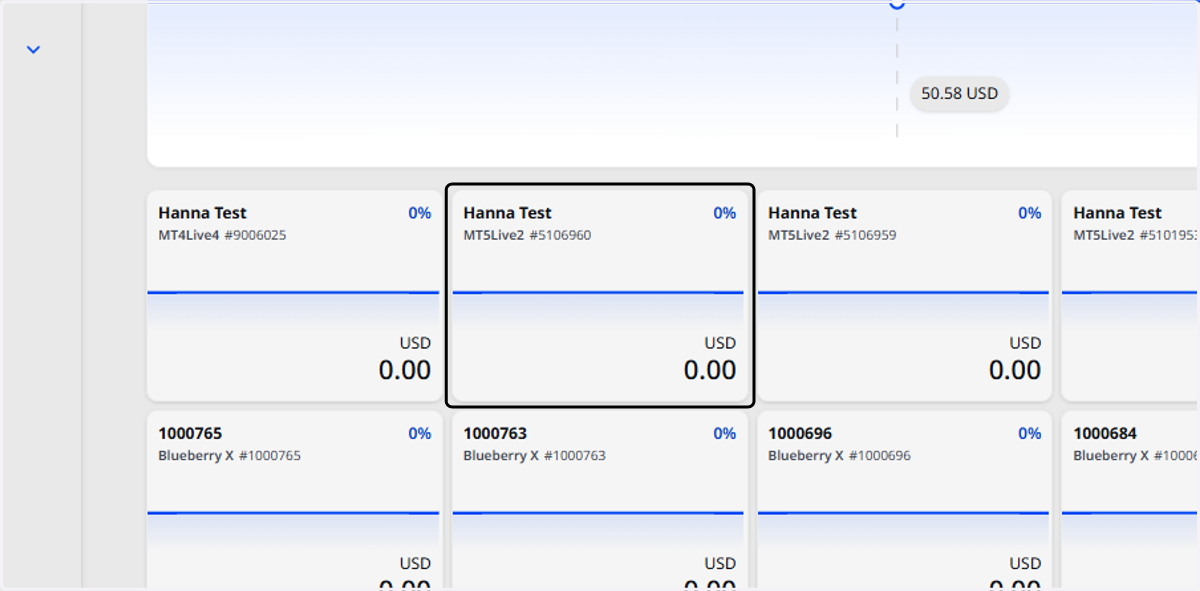
3. Select the trading account to reset the password.
4. Click Reset in the Password row.
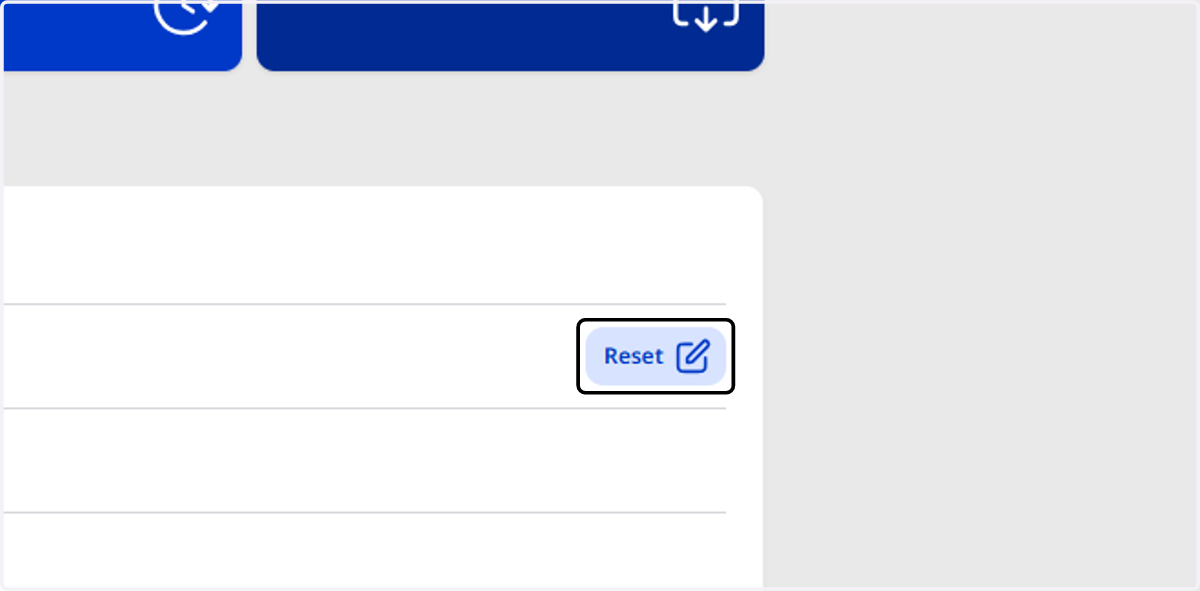
5. If you’d like to change your read-only password, click Reset in the Investor Password row.
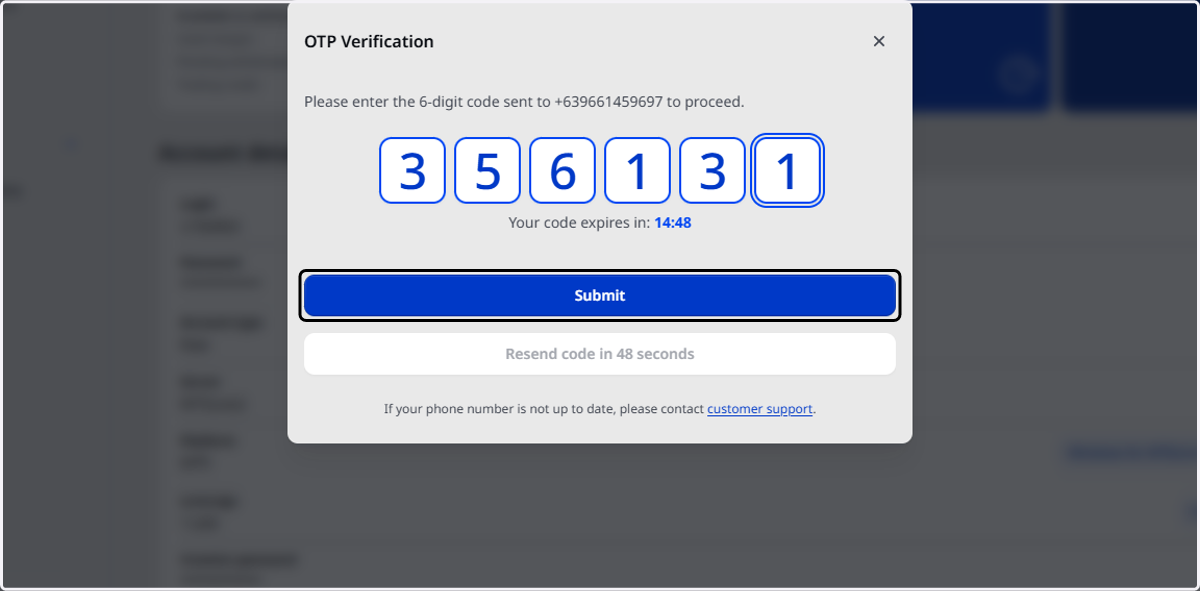
6. Enter your OTP
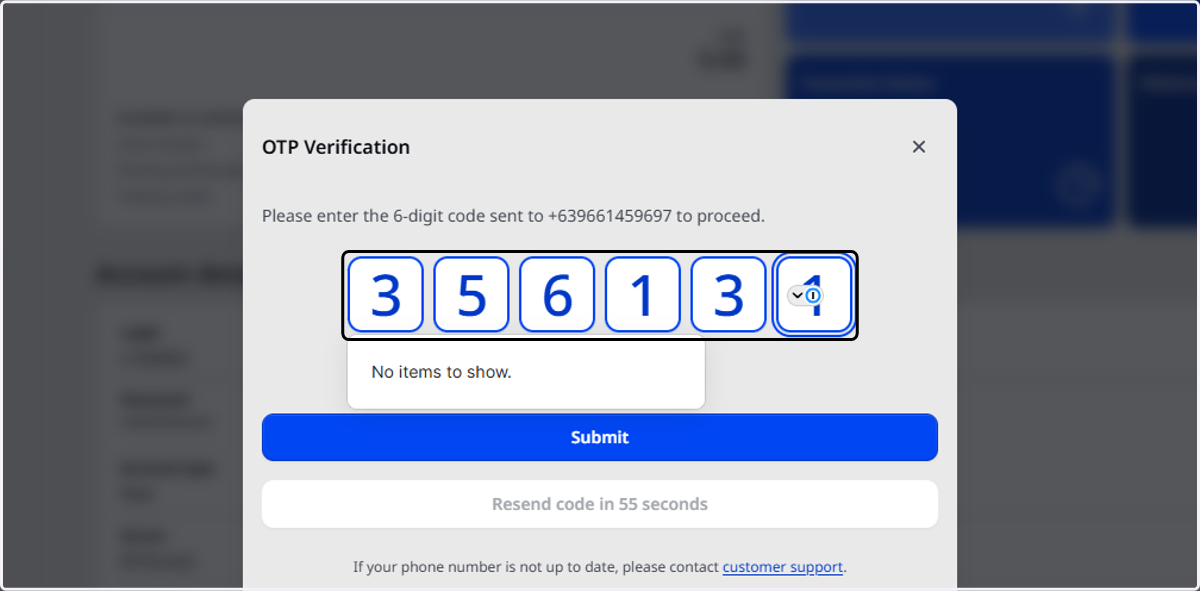
7. Click on Submit