How to Cancel a Class in Coursedog

Academic Scheduling Platform | Coursedog

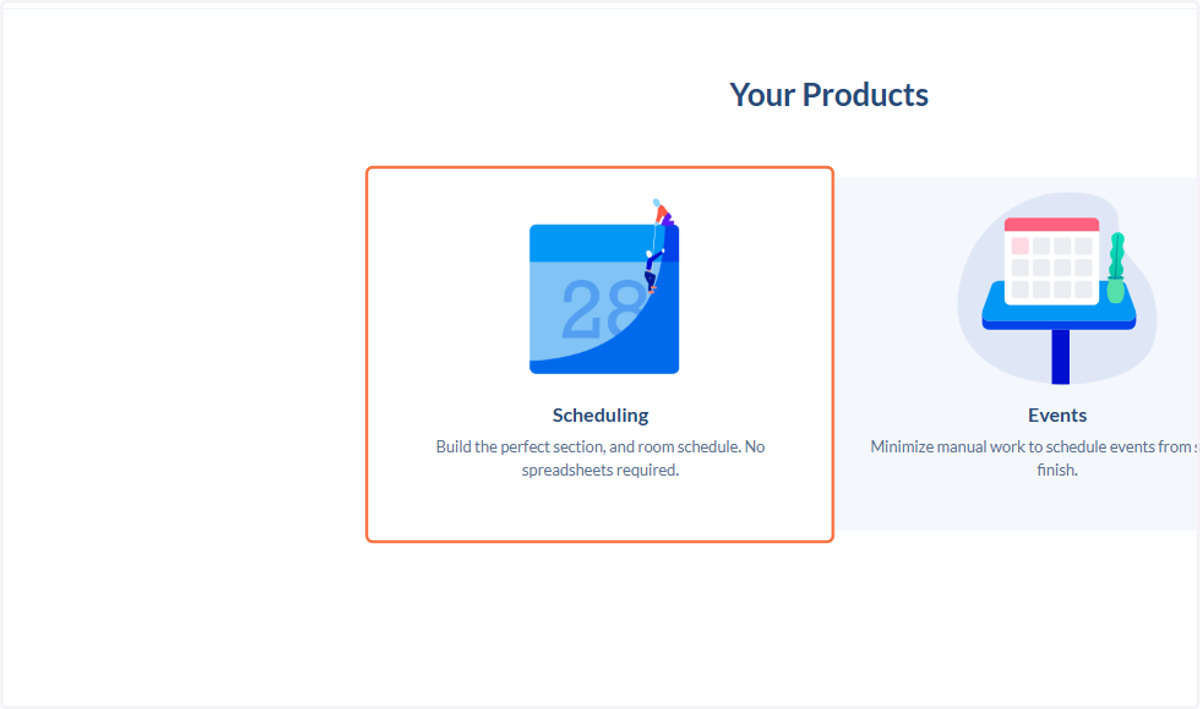
  1. 1. Click on Scheduling…

    Click on Scheduling…
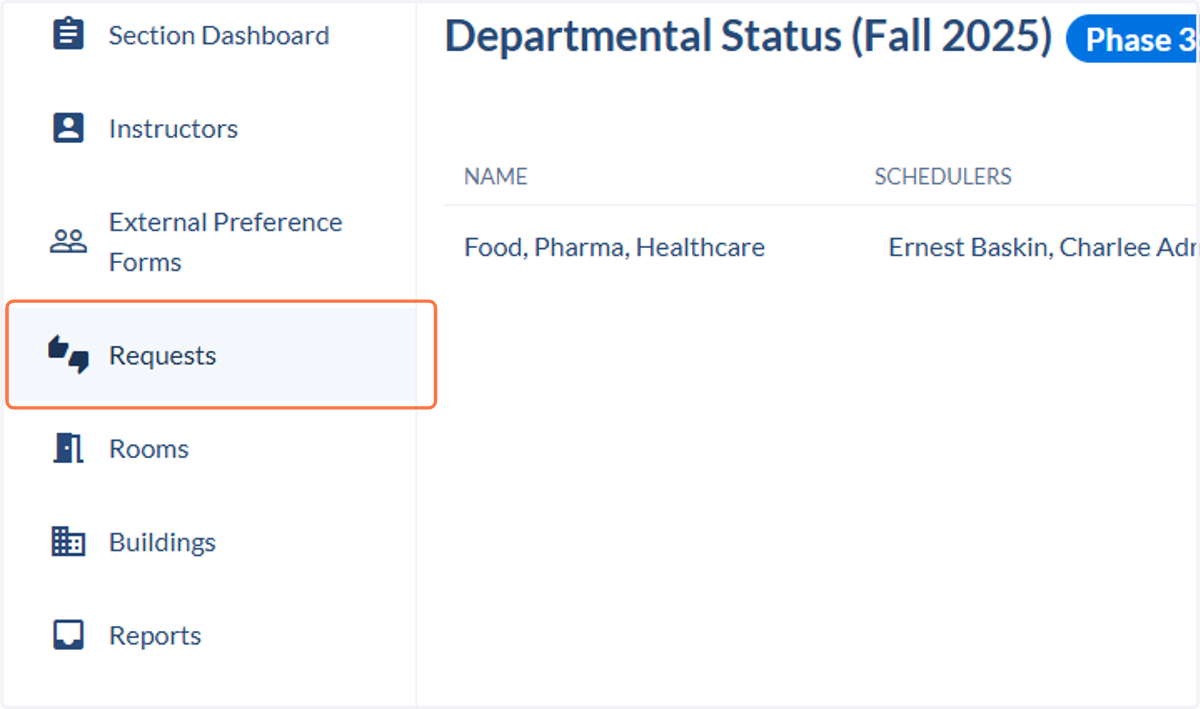
  2. 2. Click on Requests

    Click on Requests
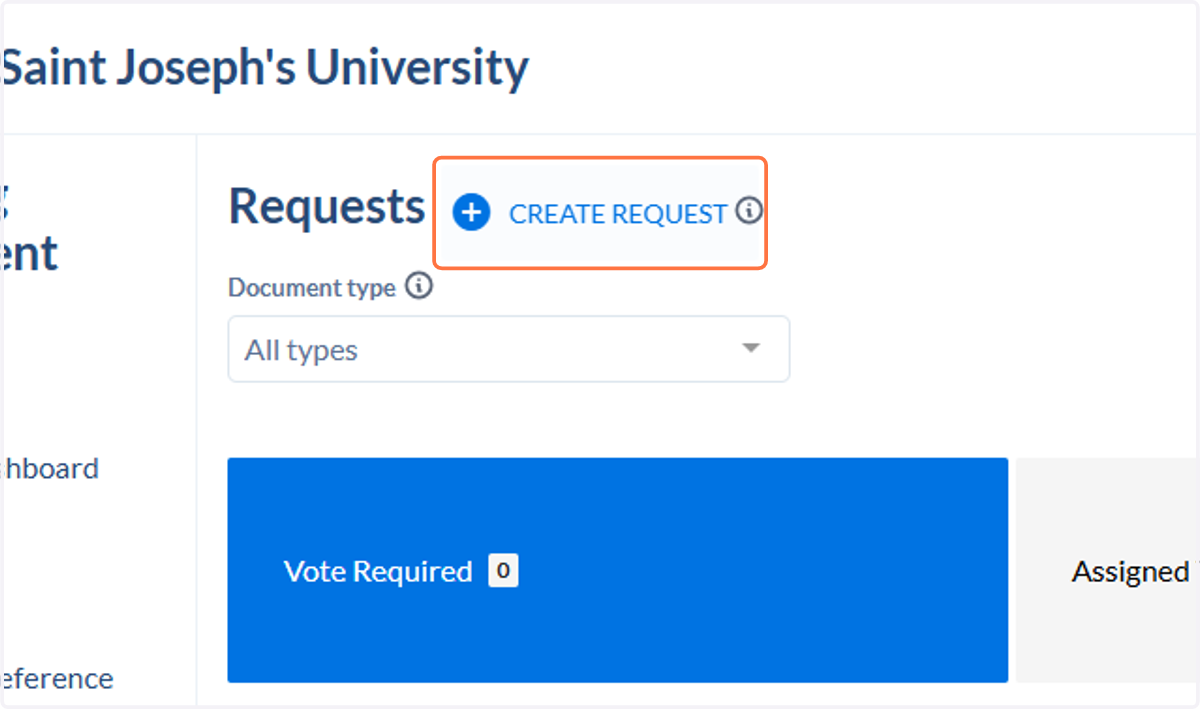
  3. 3. Click on Create Request

    Click on Create Request
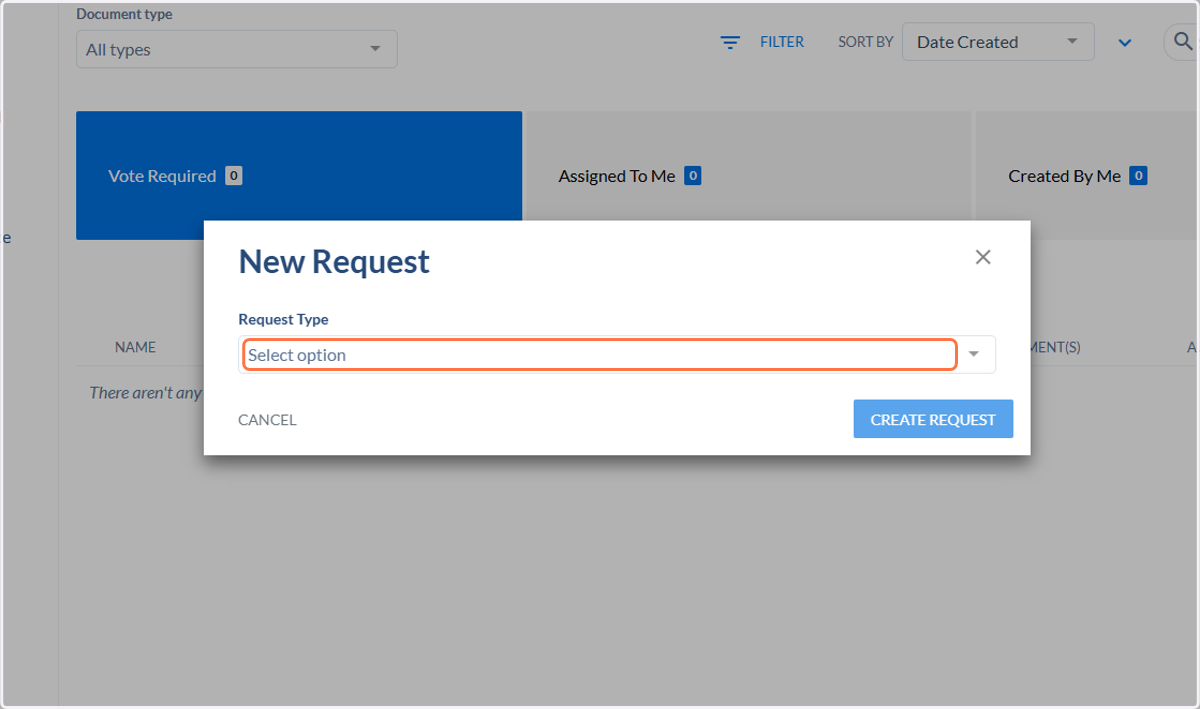
  4. 4. Click on Select option

    Click on Select option
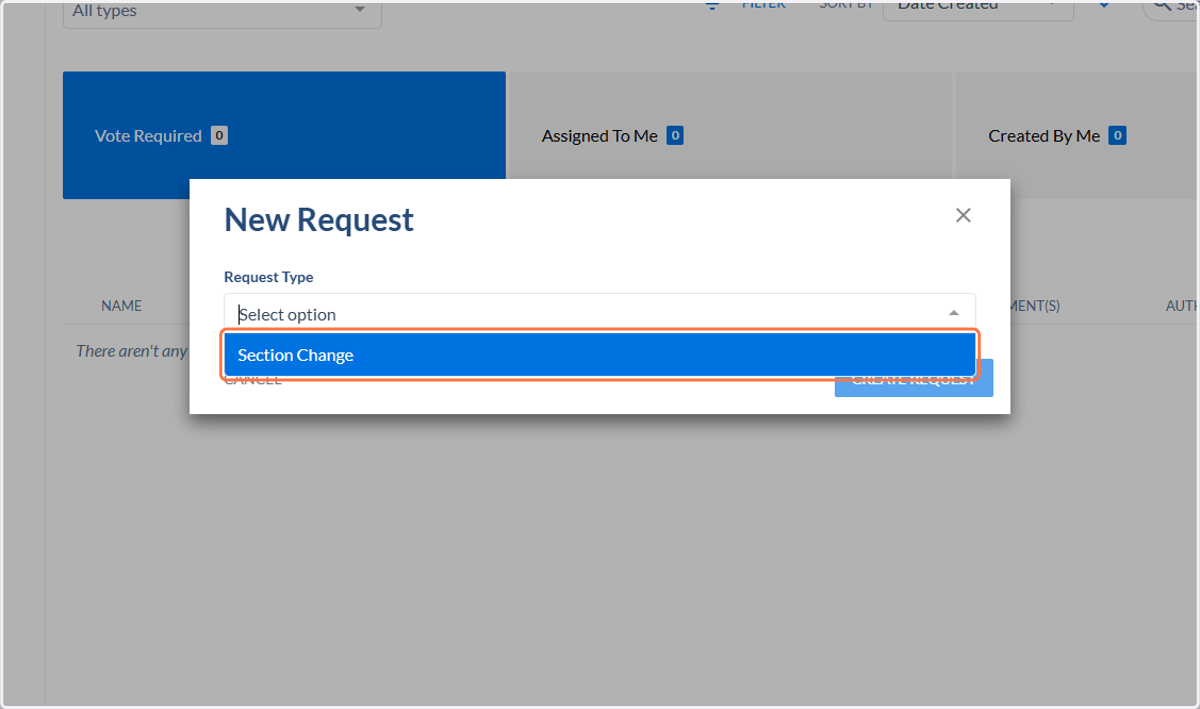
  5. 5. Click on Section Change

    Click on Section Change
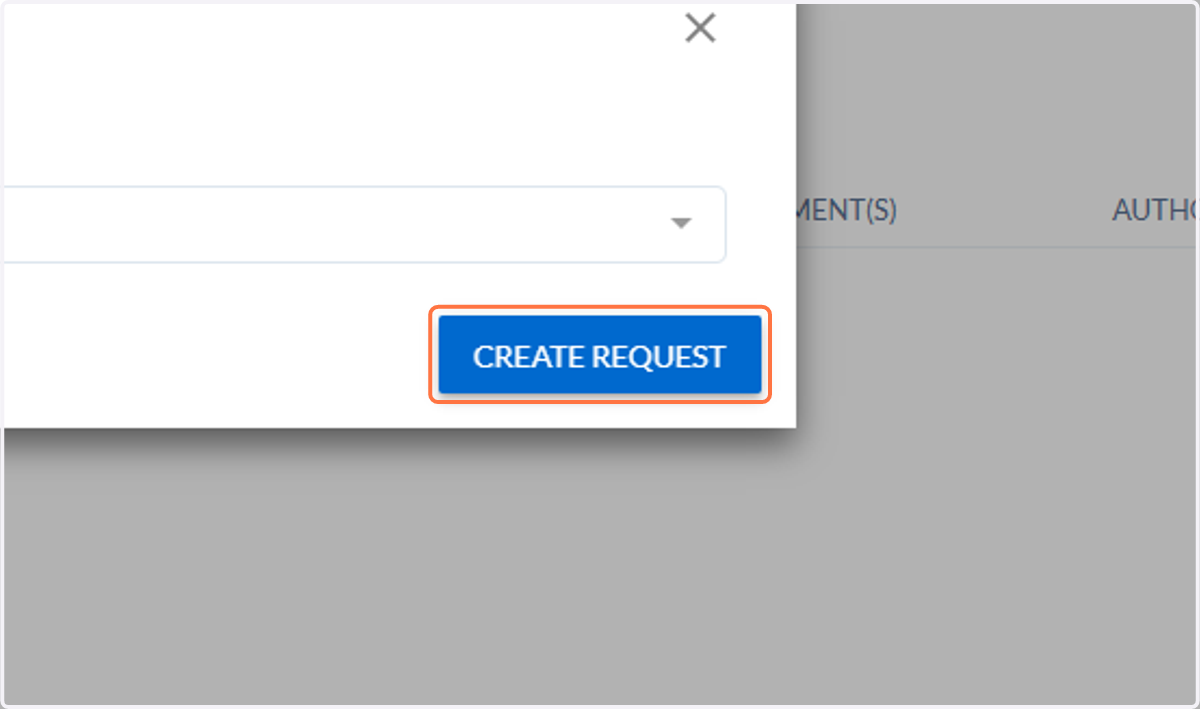
  6. 6. Click on CREATE REQUEST

    Click on CREATE REQUEST
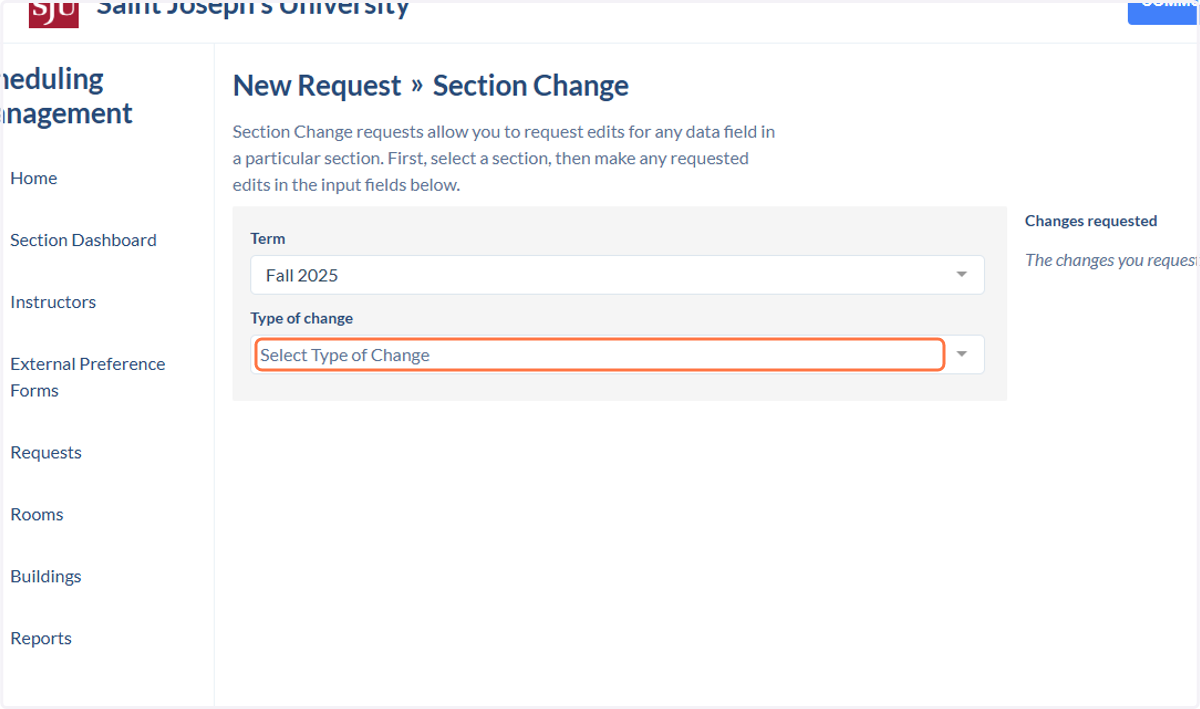
  7. 7. Click on Select Type of Change

    Click on Select Type of Change
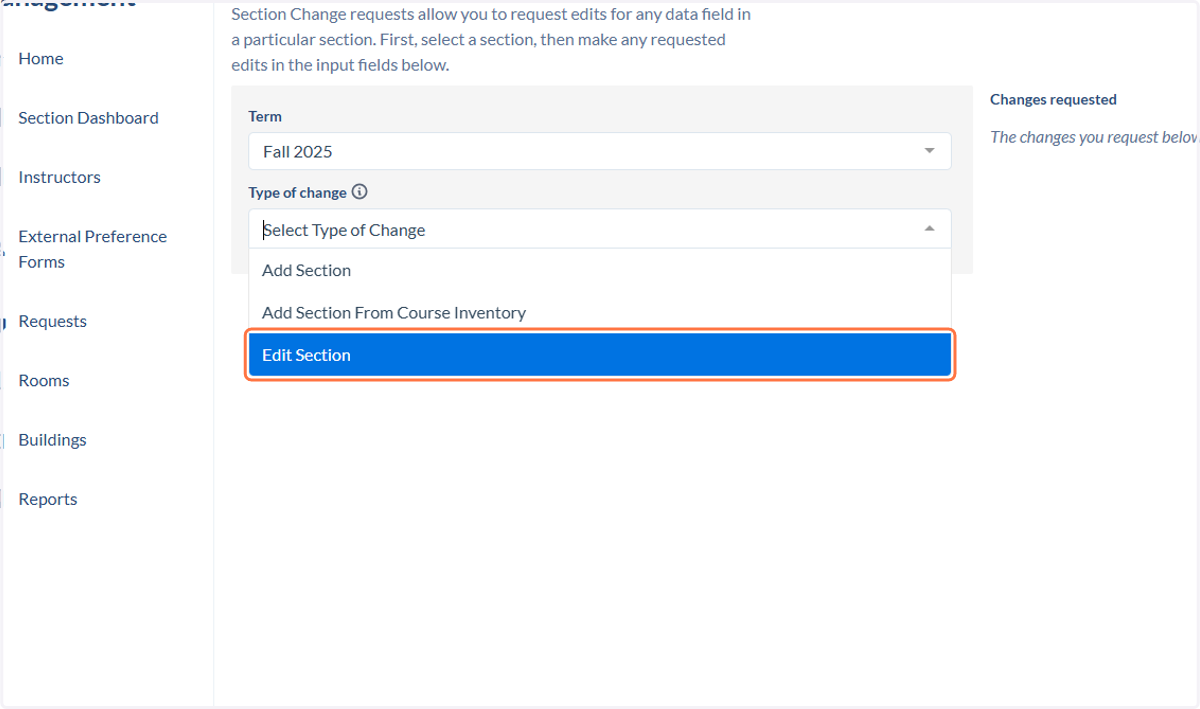
  8. 8. Click on Edit Section

    Click on Edit Section
  9. 9. Click on Type to search for courses
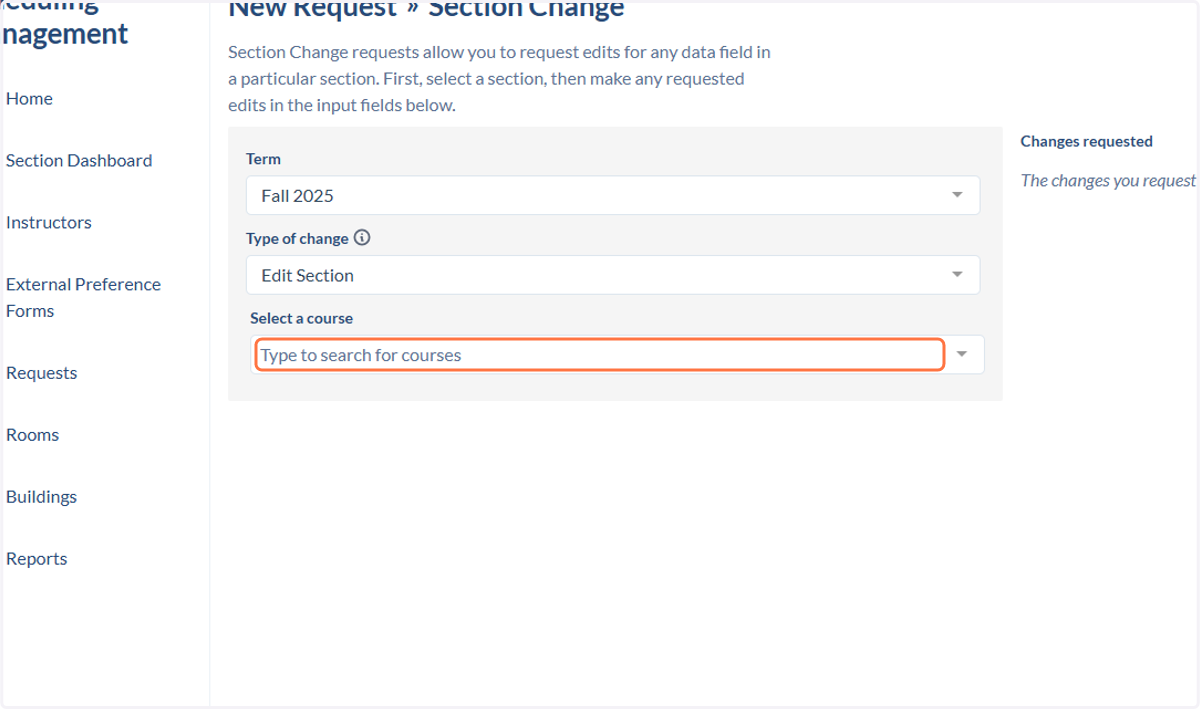
    Click on Type to search for courses
  10. 10. Find the class you wish to cancel
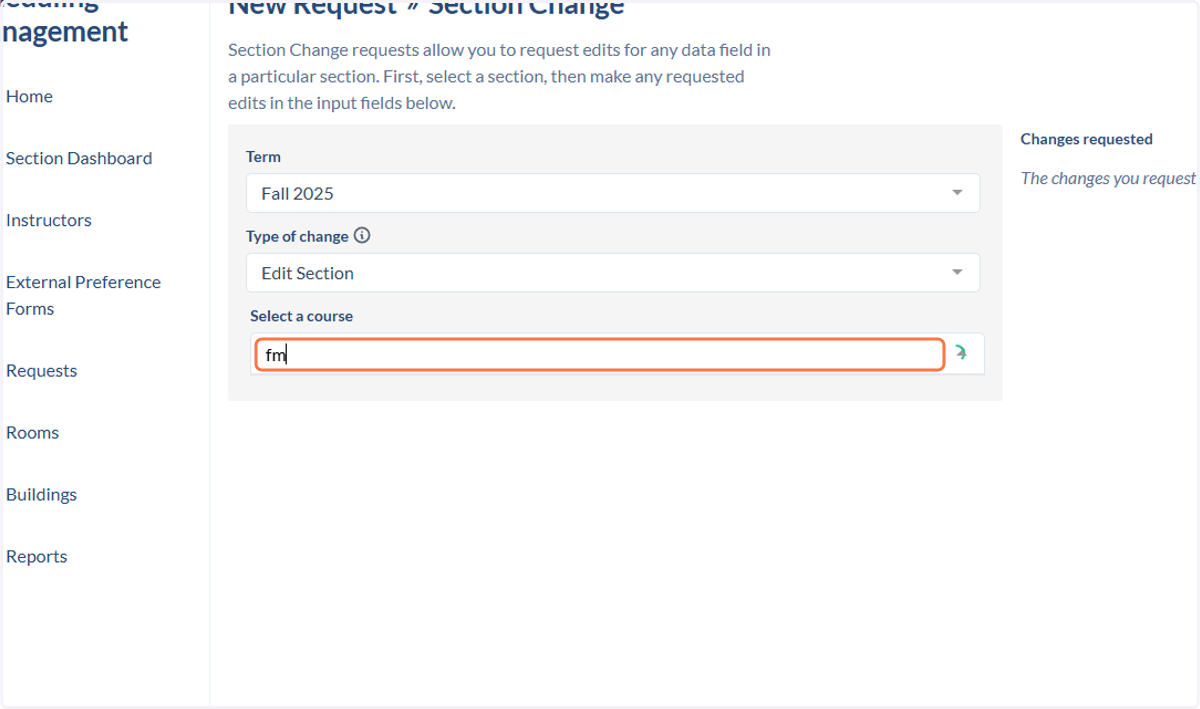
    Find the class you wish to cancel
  11. 11. Click on the class you wish to cancel
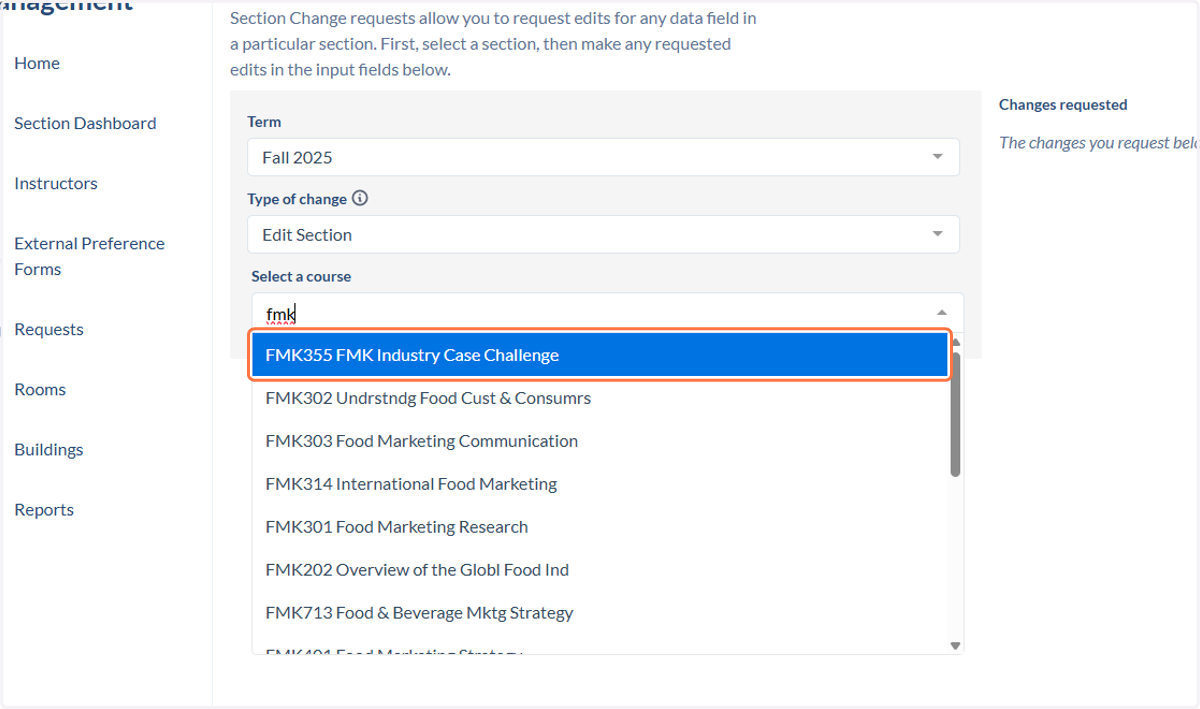
    Click on the class you wish to cancel
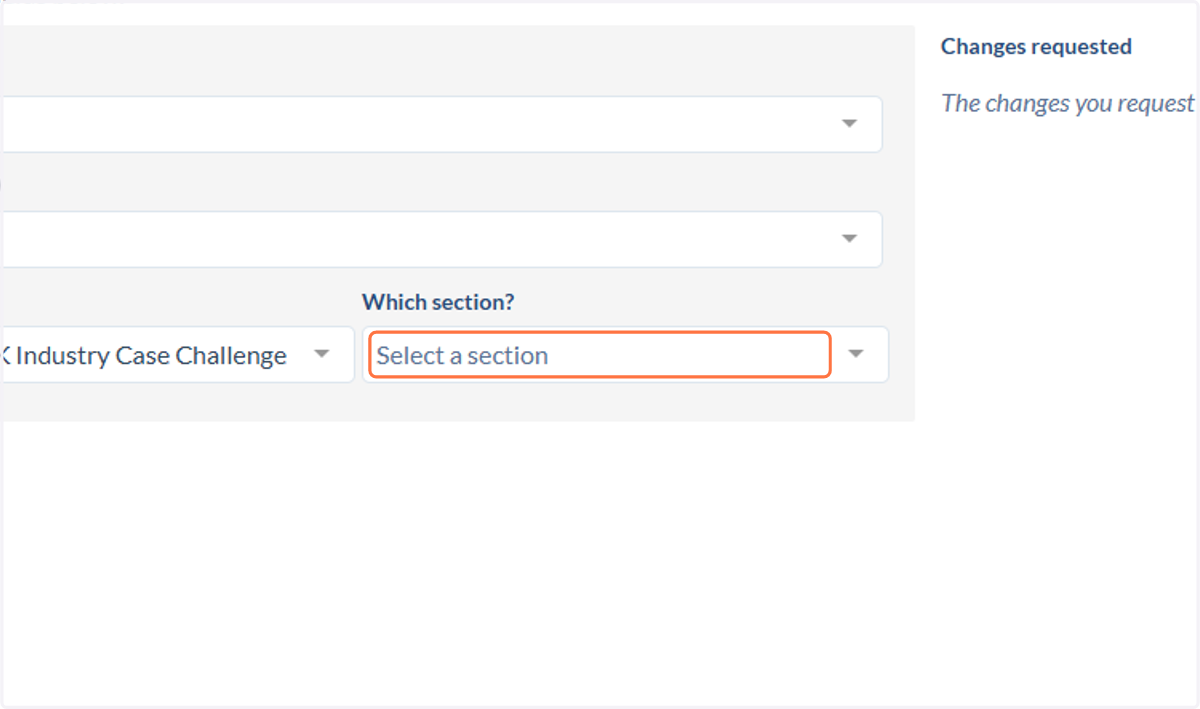
  12. 12. Click on Select a section

    Click on Select a section
  13. 13. Click on the correct section (there may be more than one option)
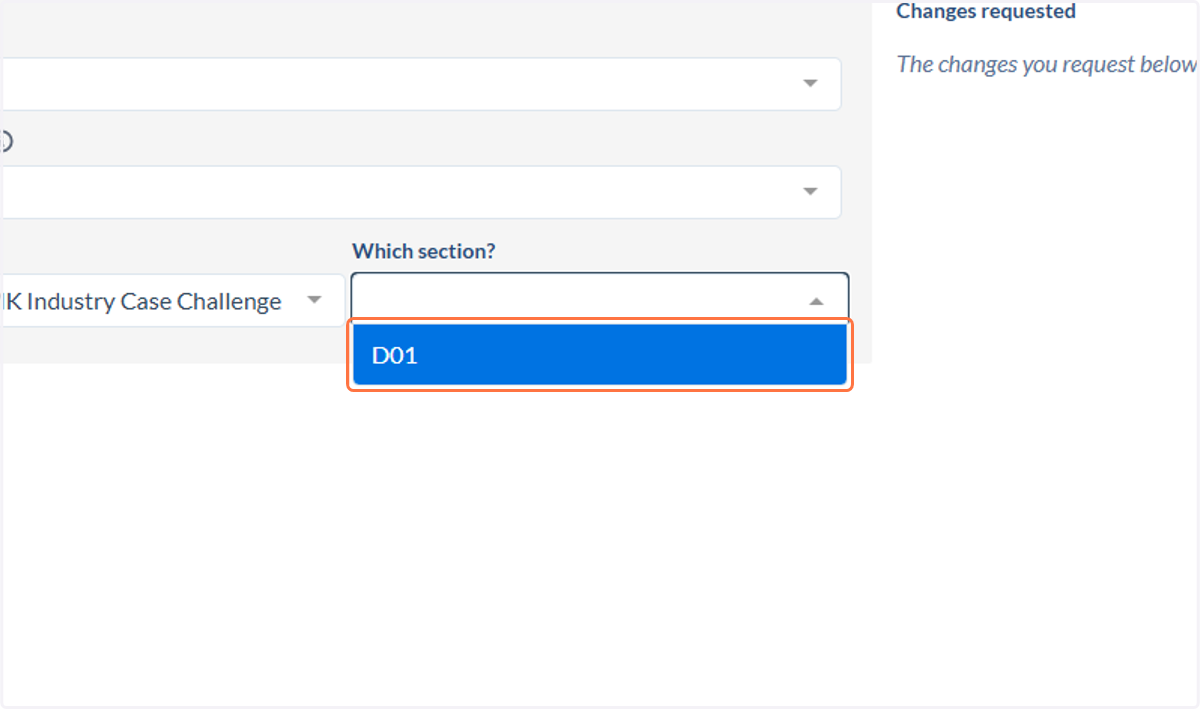
    Click on the correct section (there may be more than one option)
  14. 14. Type "cancel due to low enrollment"
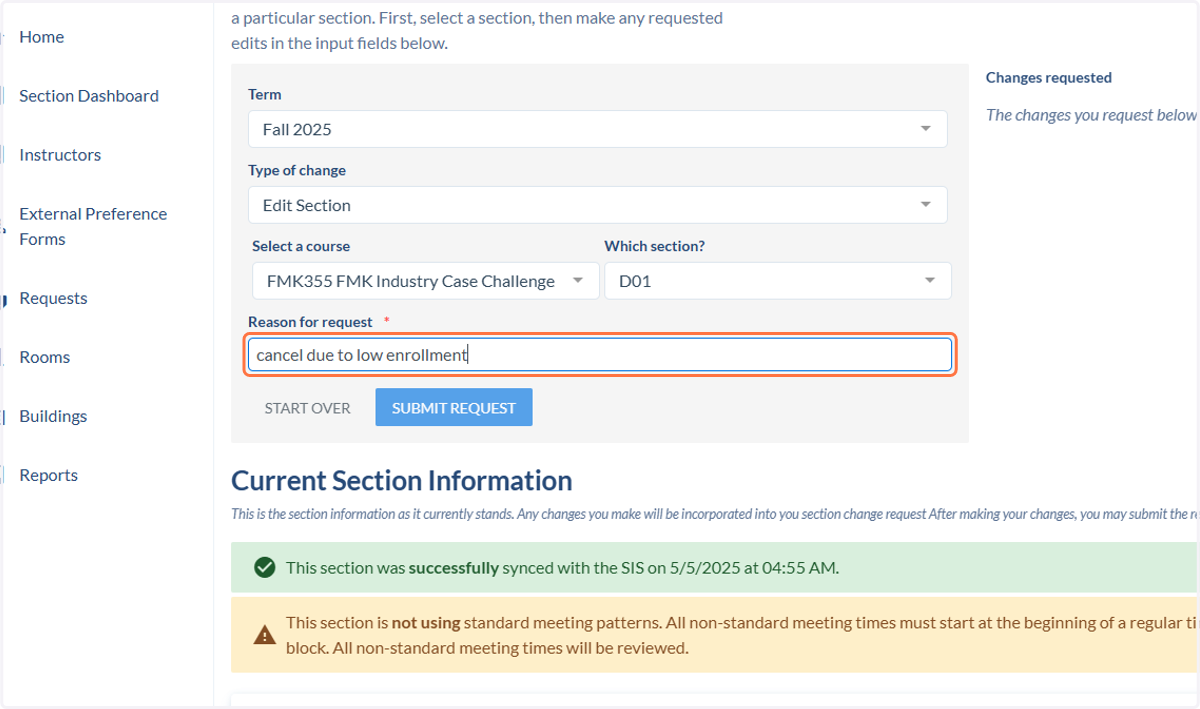
    Type "cancel due to low enrollment"
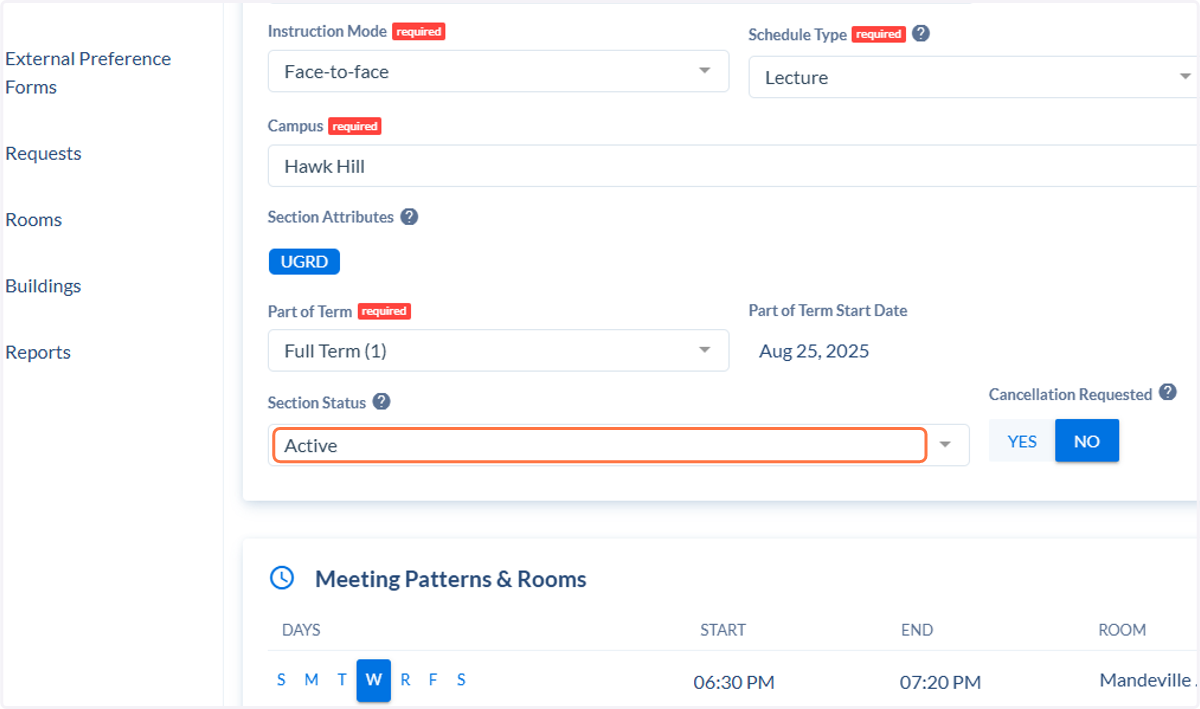
  15. 15. Click on Section Status

    Click on Section Status
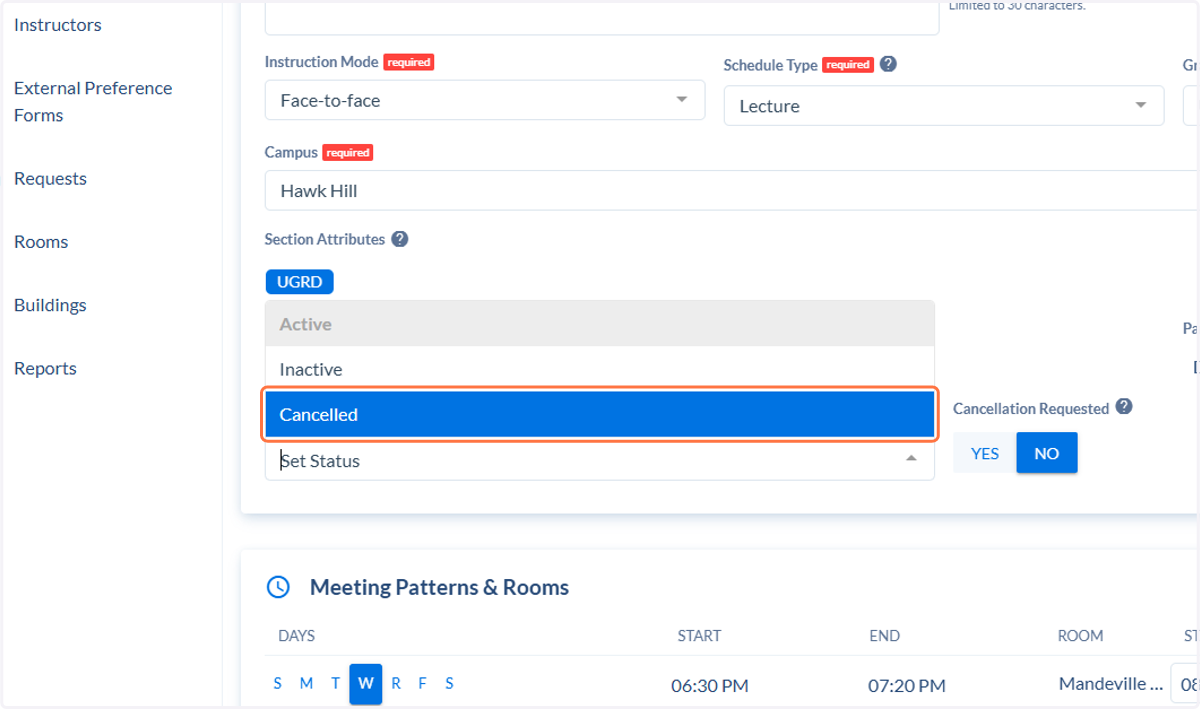
  16. 16. Select Cancelled

    Select Cancelled
  17. 17. Go to Cancellation Requested. Click on YES
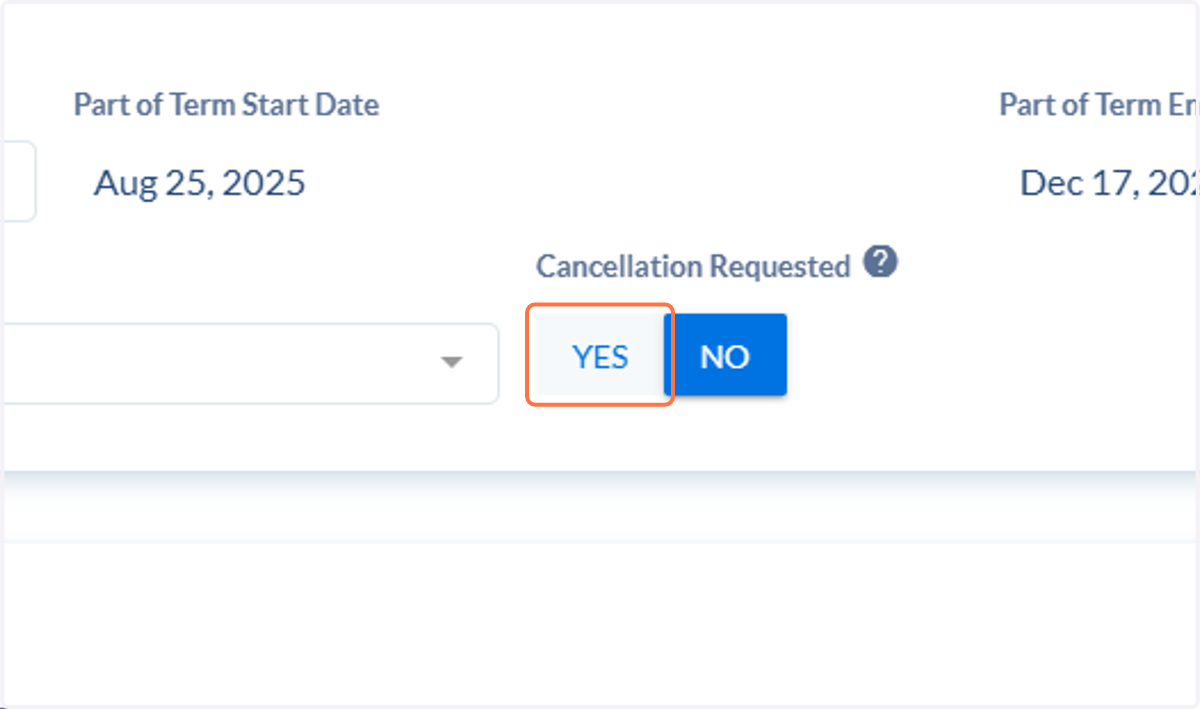
    Go to Cancellation Requested. Click on YES
  18. 18. Delete any Meeting Patterns & Rooms
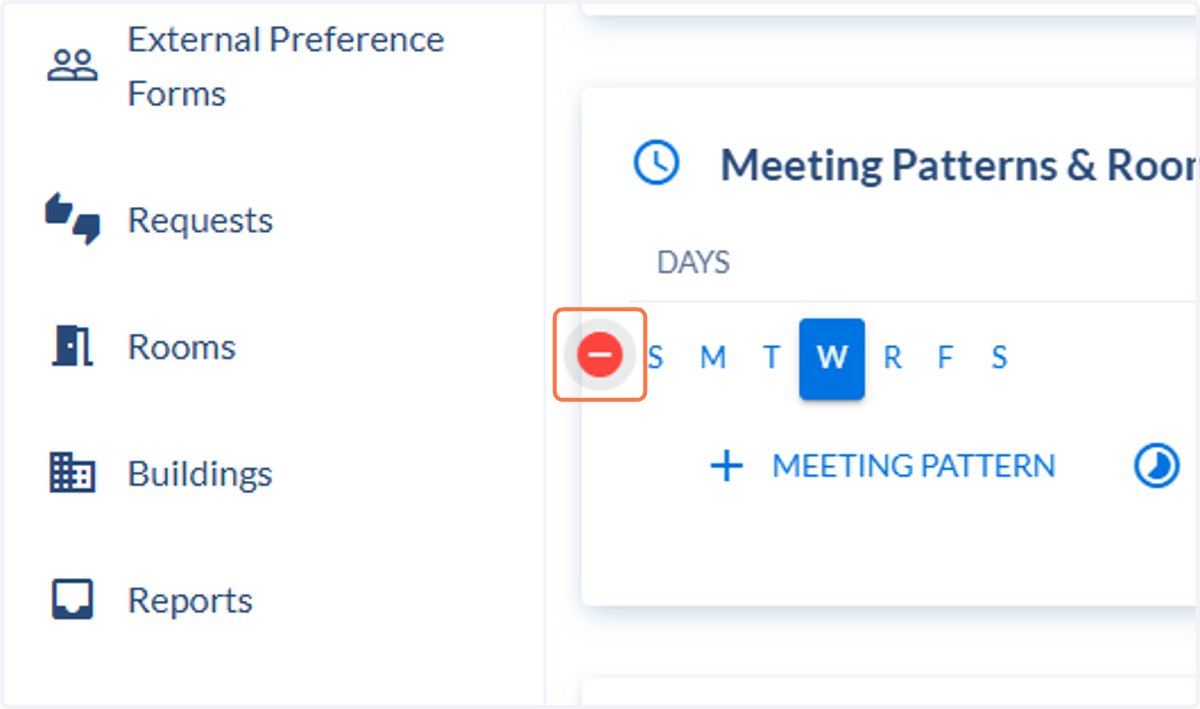
    Delete any Meeting Patterns & Rooms
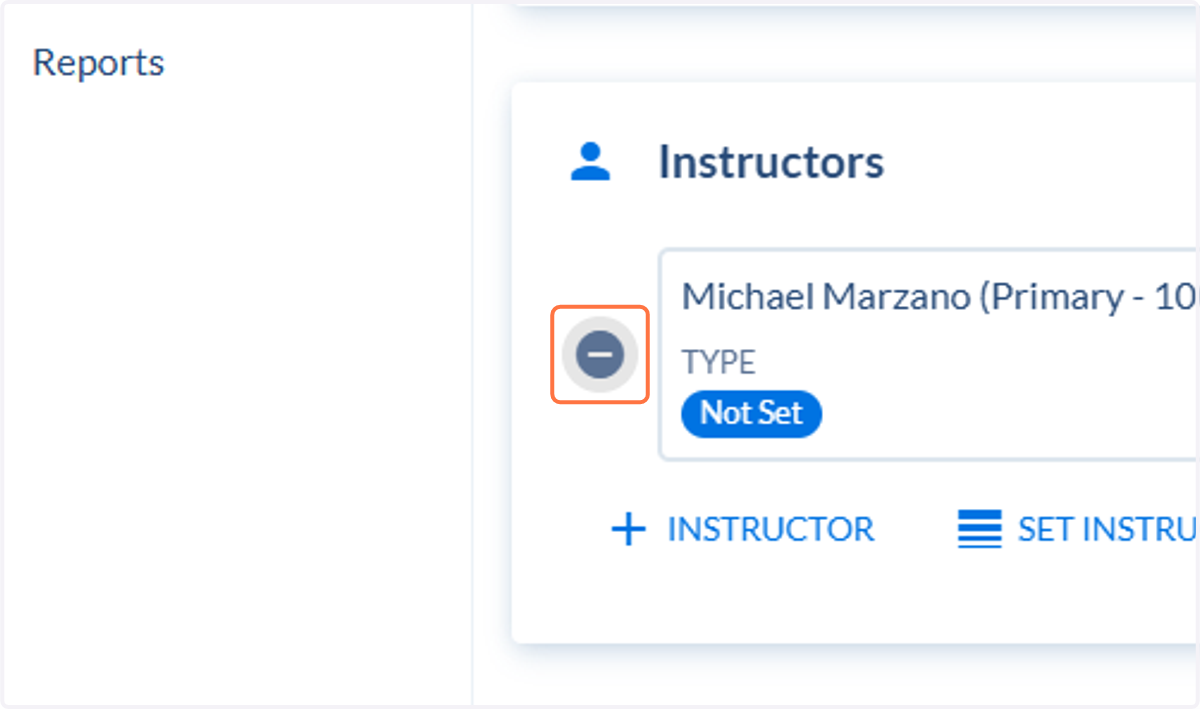
  19. 19. Remove all Instructors

    Remove all Instructors
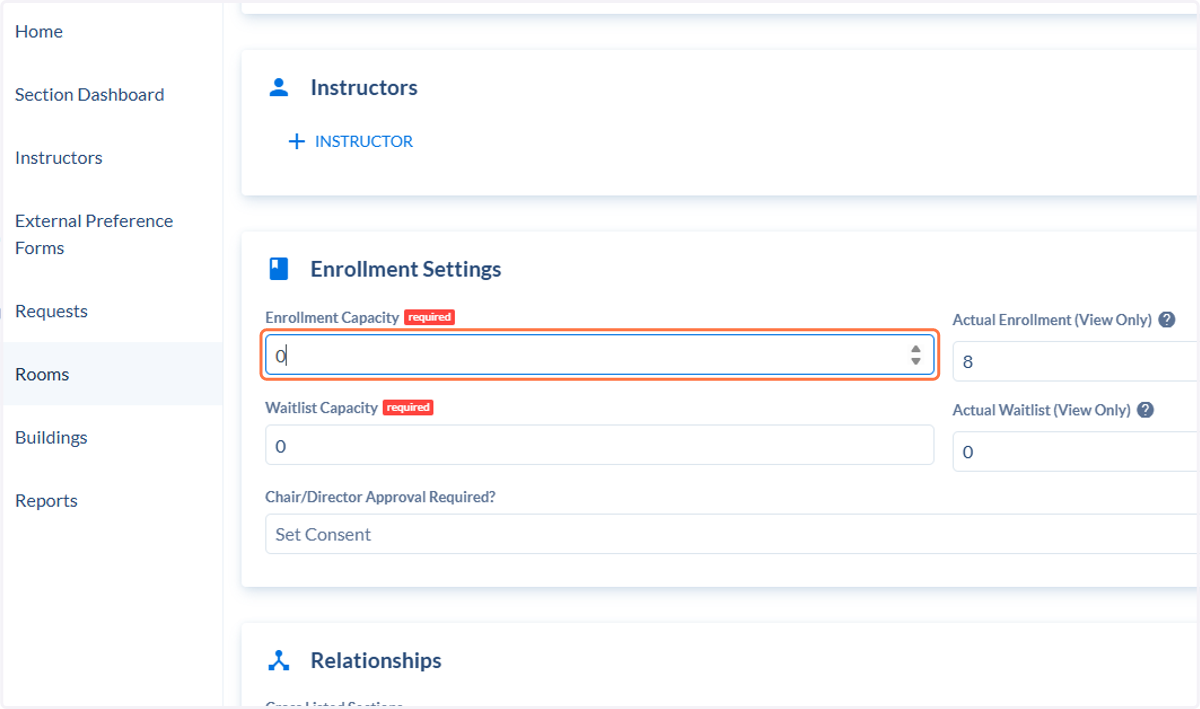
  20. 20. Set Enrollment to 0

    Set Enrollment to 0
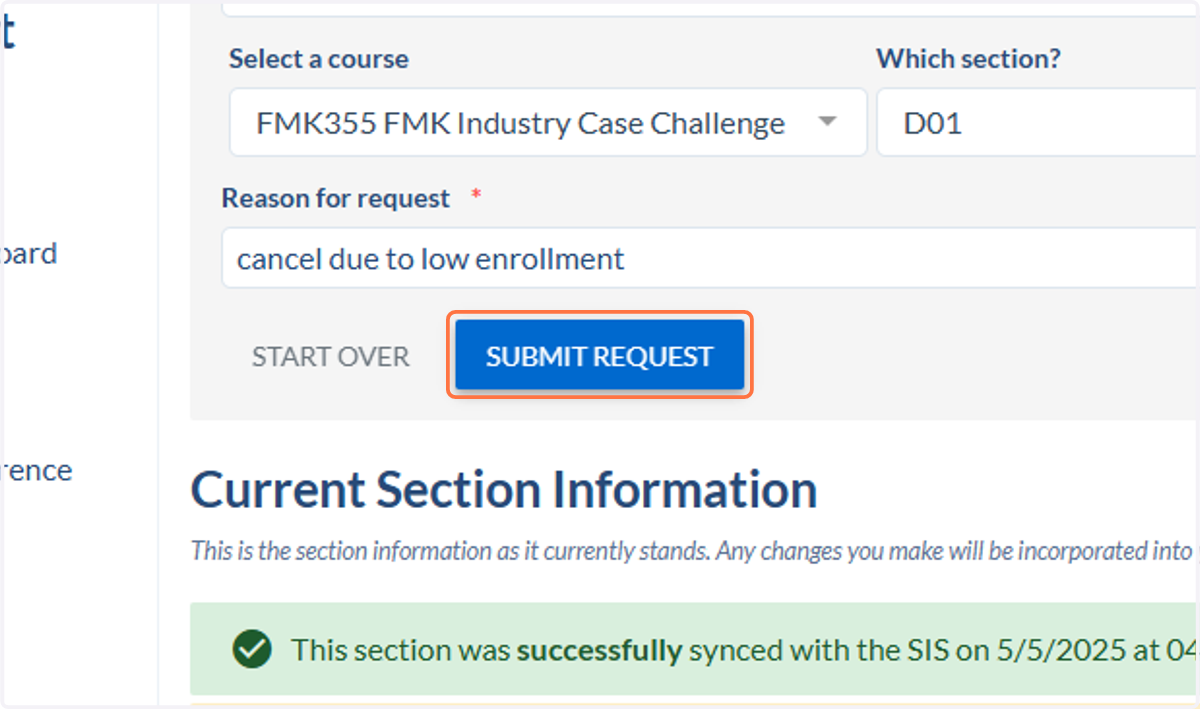
  21. 21. Click on SUBMIT REQUEST

    Click on SUBMIT REQUEST