How to Cancel Your Tango Subscription
We're sad to see you 😢 Please let us know what we can do better!
Tango
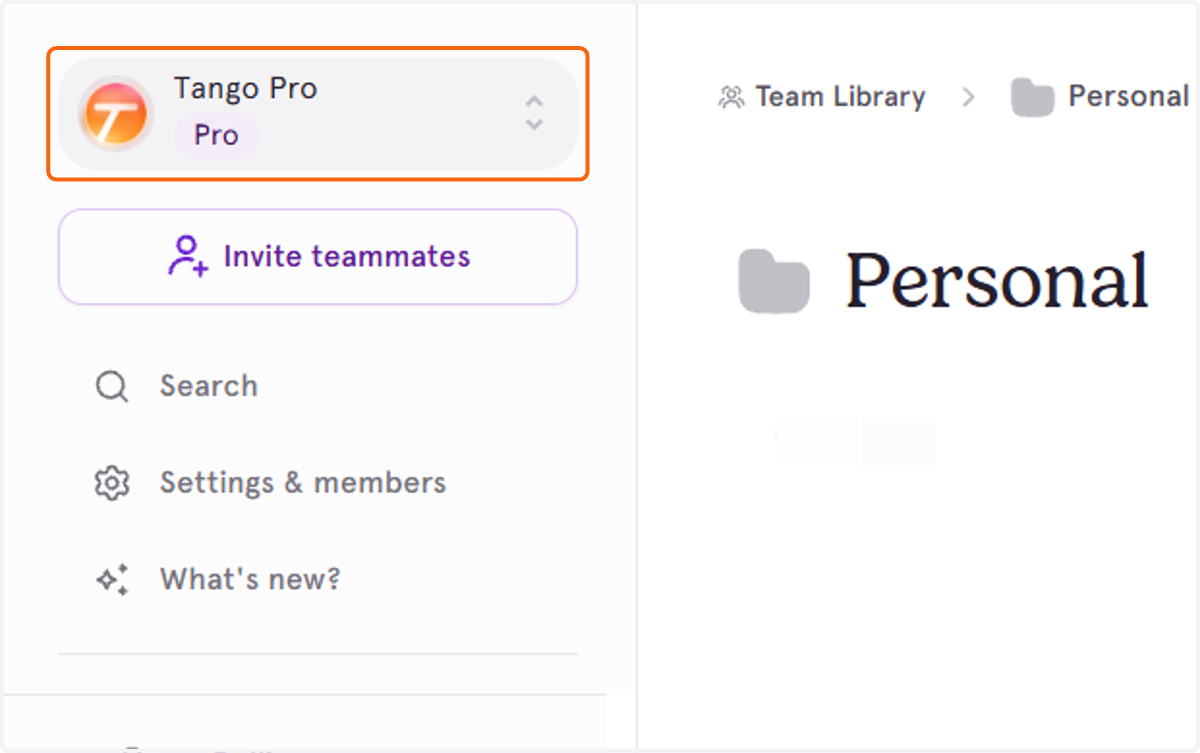
1. First, make sure you are in the Workspace that you want to cancel by clicking on the Workspace toggle.
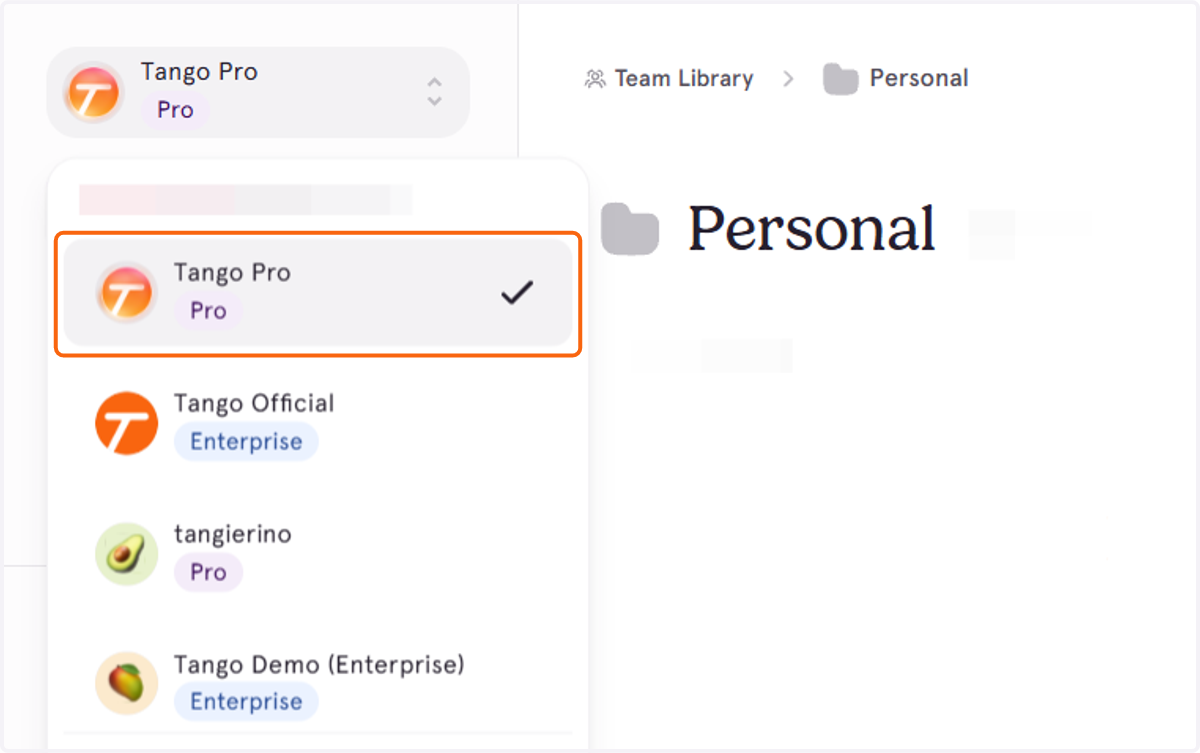
2. Click on the Workspace you want to cancel
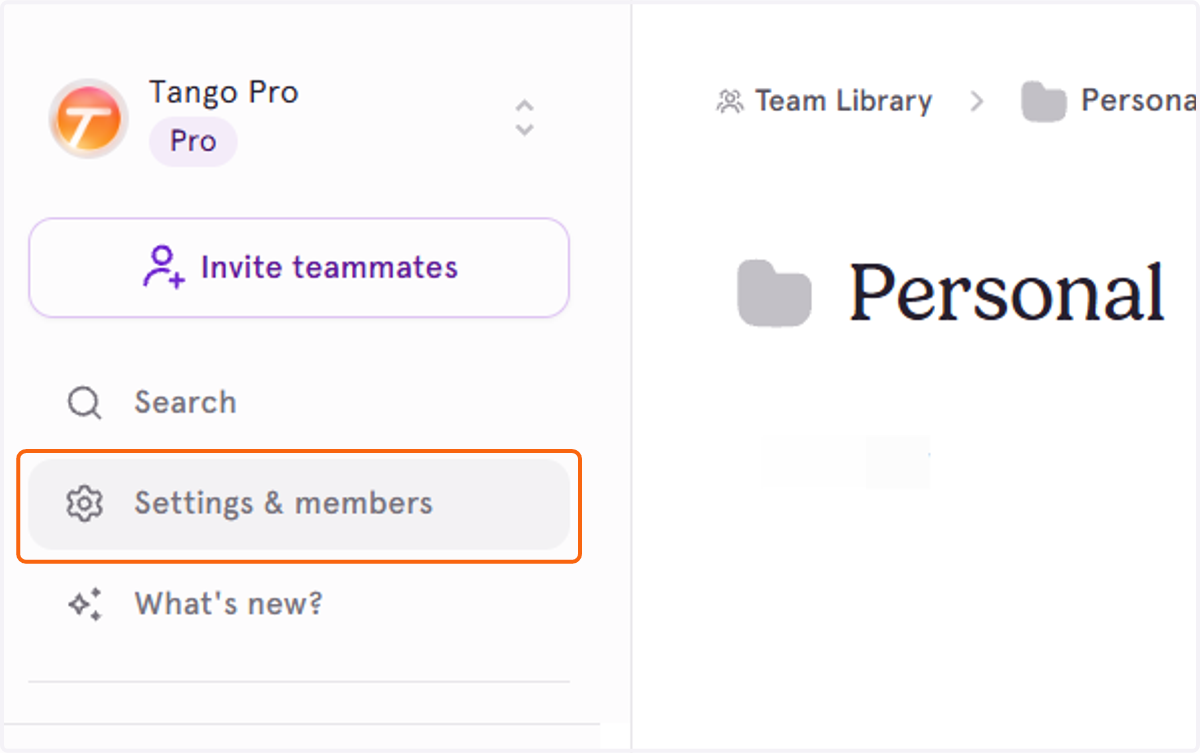
3. Then, click on Settings & members
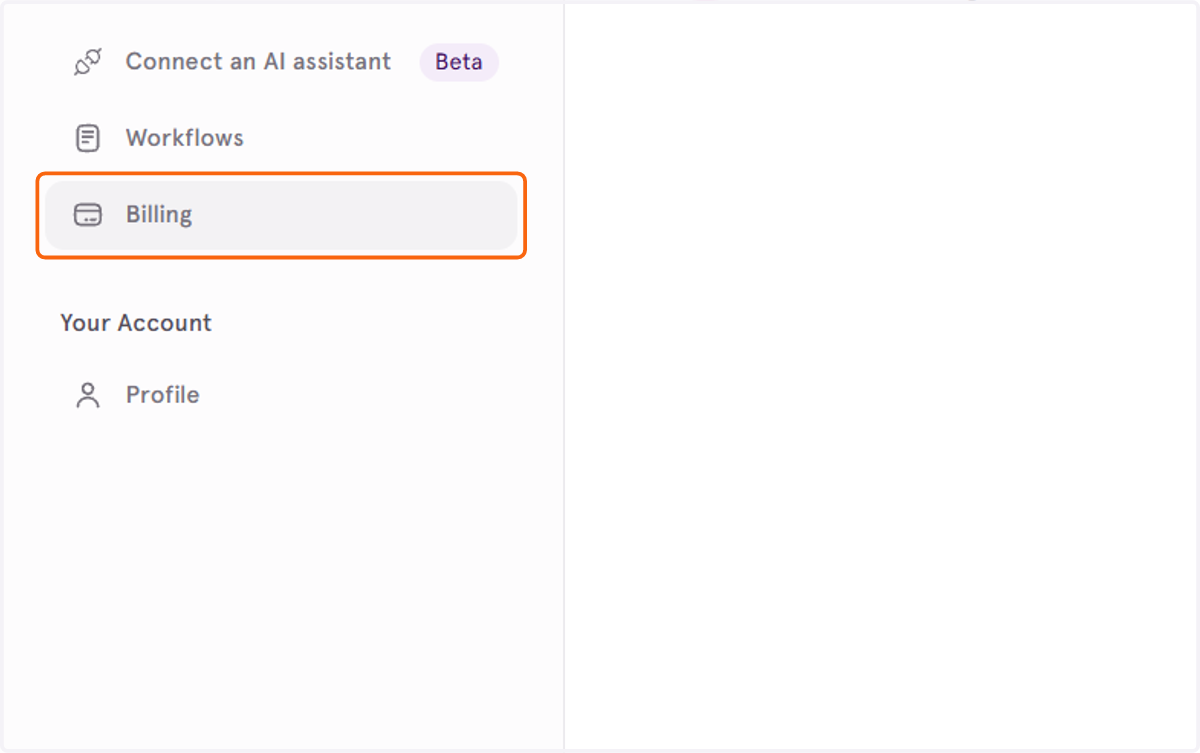
4. Click on Billing
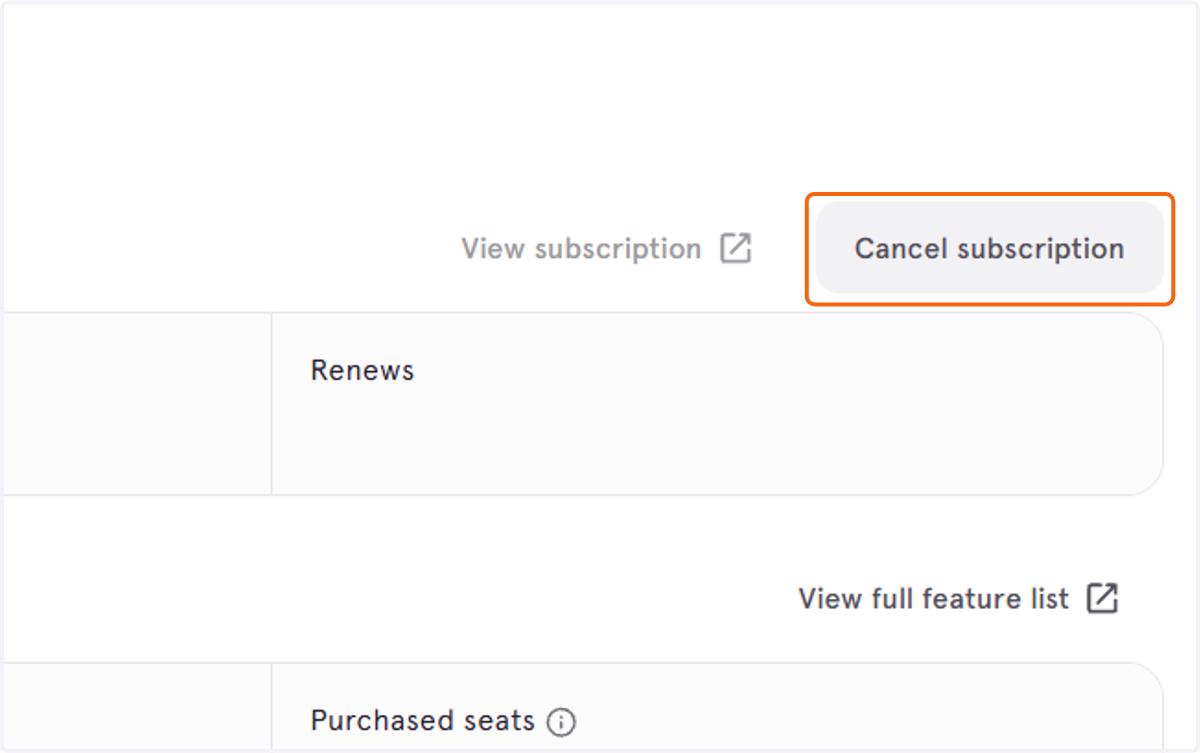
5. Click on Cancel subscription
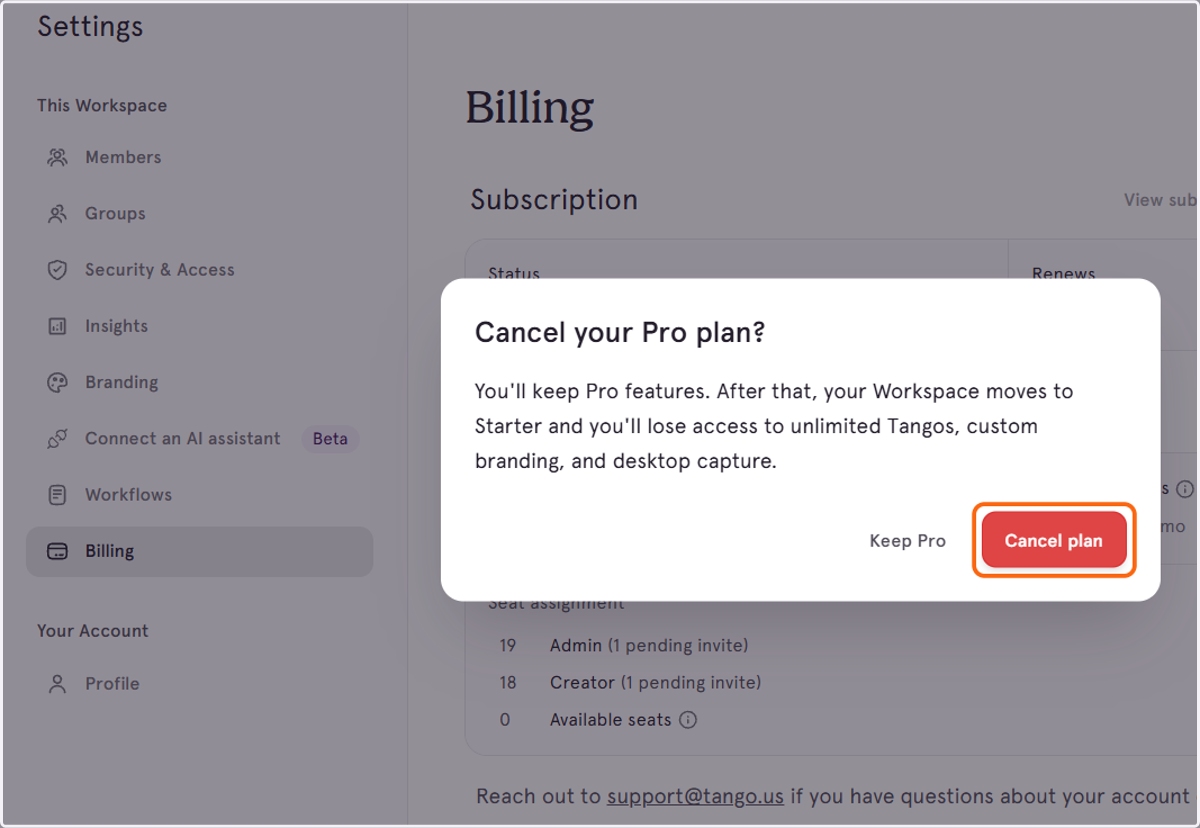
6. Click Cancel plan again to confirm