How to Bulk Edit Dates

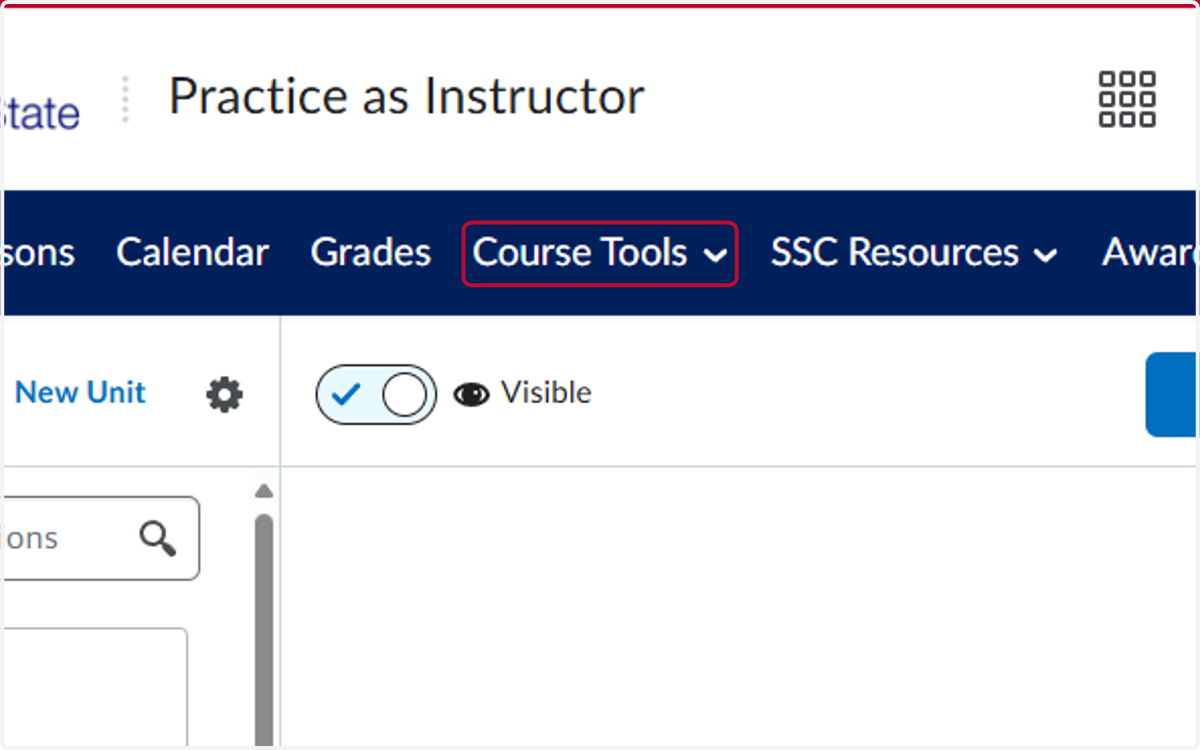
  1. 1. Click on Course Tools

    Click on Course Tools
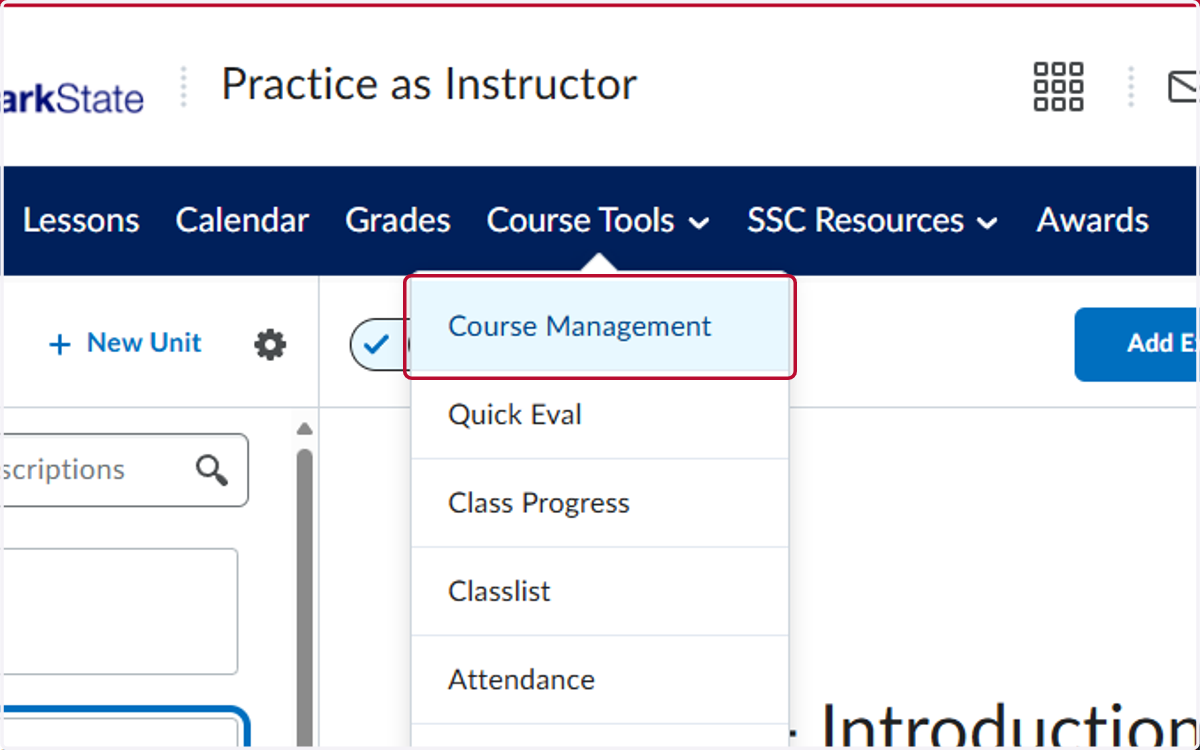
  2. 2. Click on Course Management

    Click on Course Management
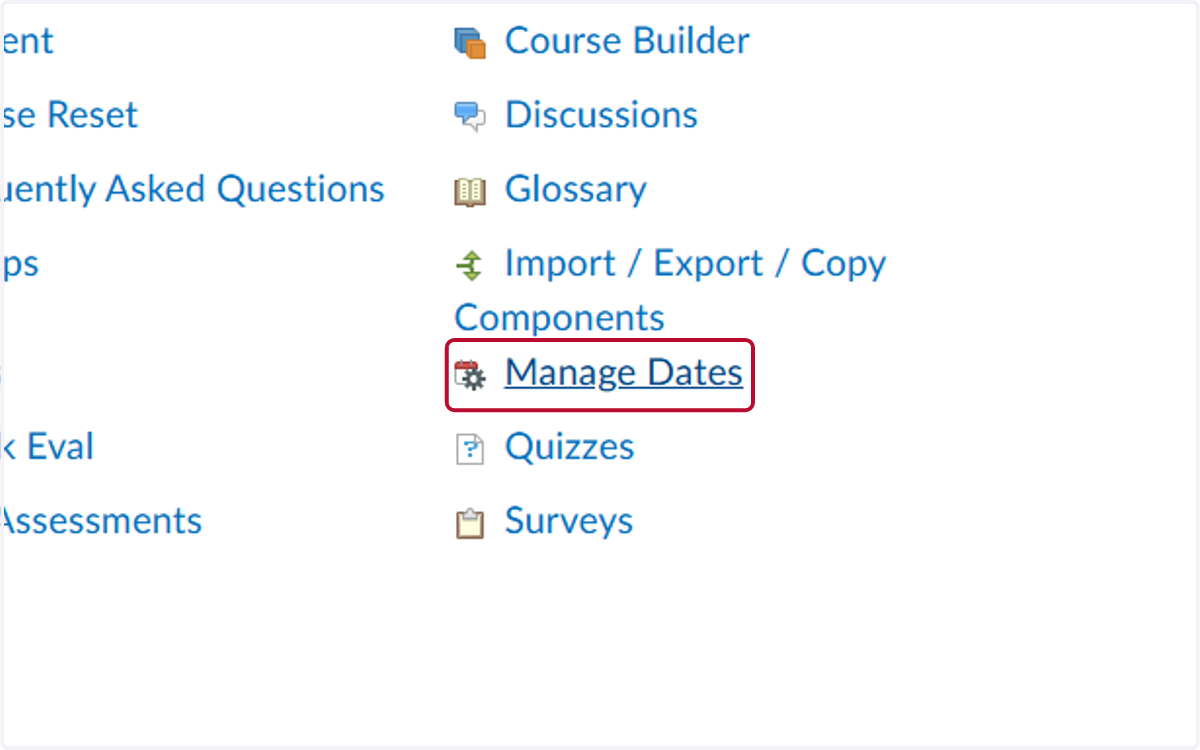
  3. 3. Click on Manage Dates

    Click on Manage Dates
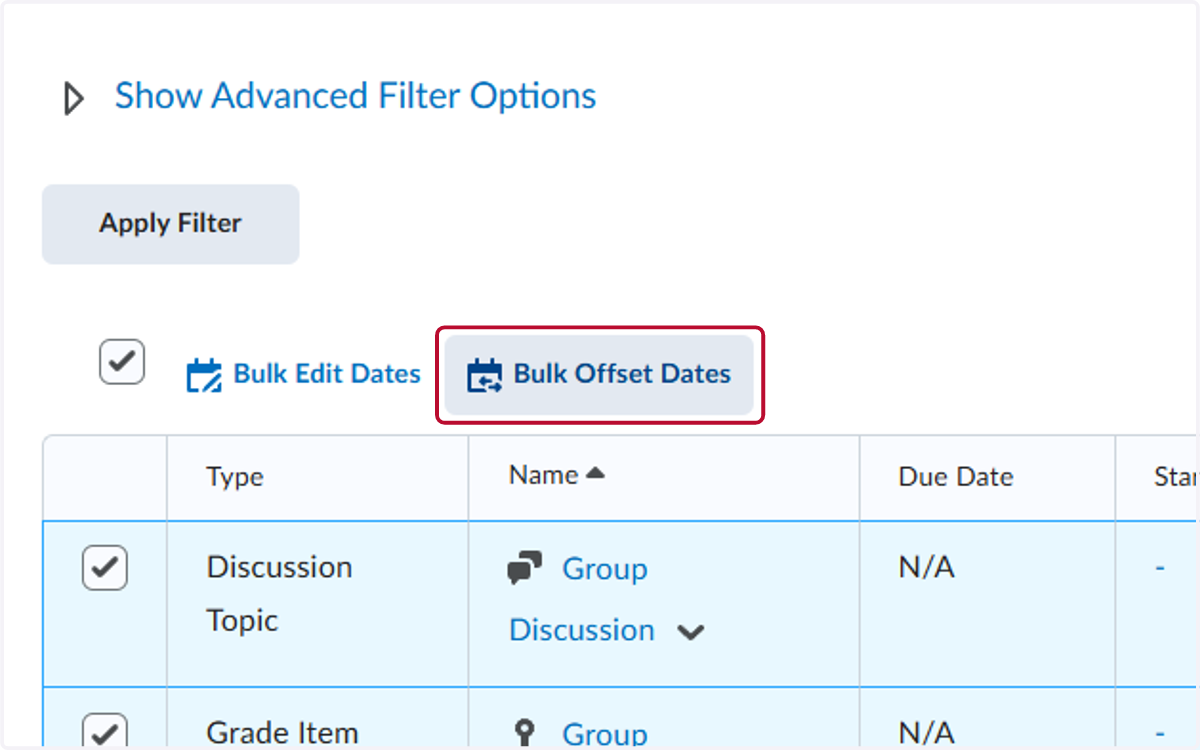
  4. 4. Check on the top box to select all assignments
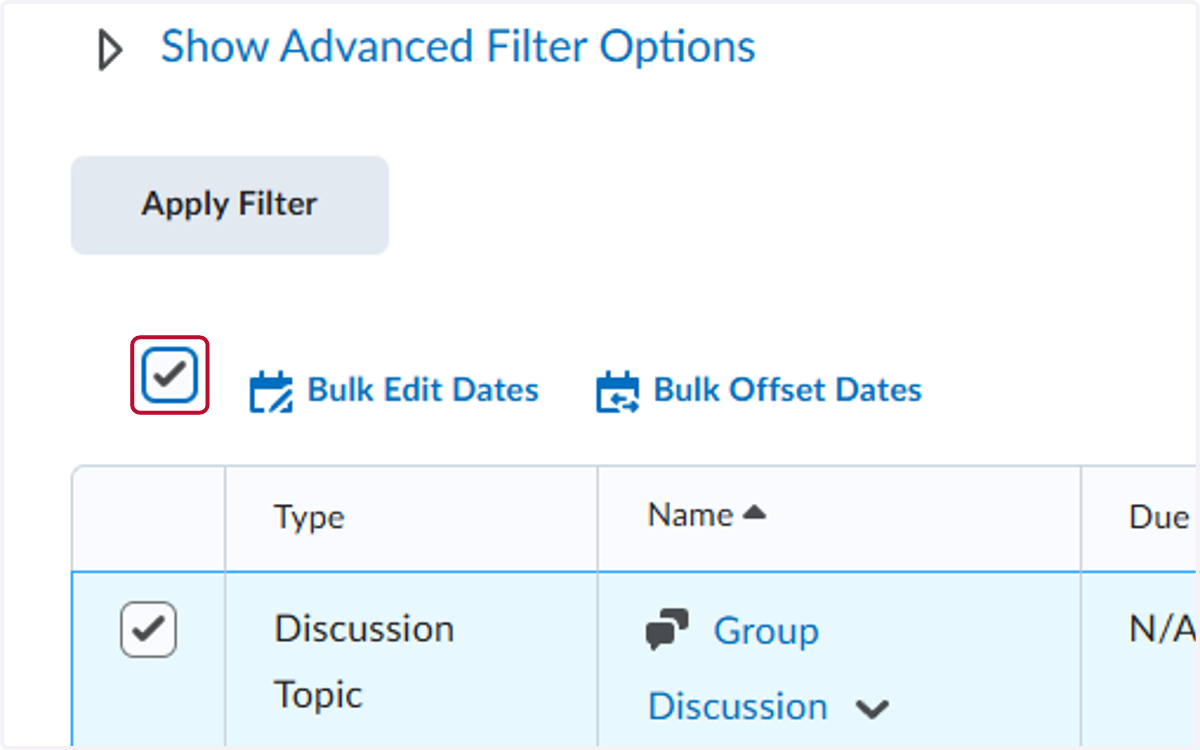
    Check on the top box to select all assignments
  5. 5. Click on Bulk Offset Dates

    Click on Bulk Offset Dates
  6. 6. Select Calculate range between two dates
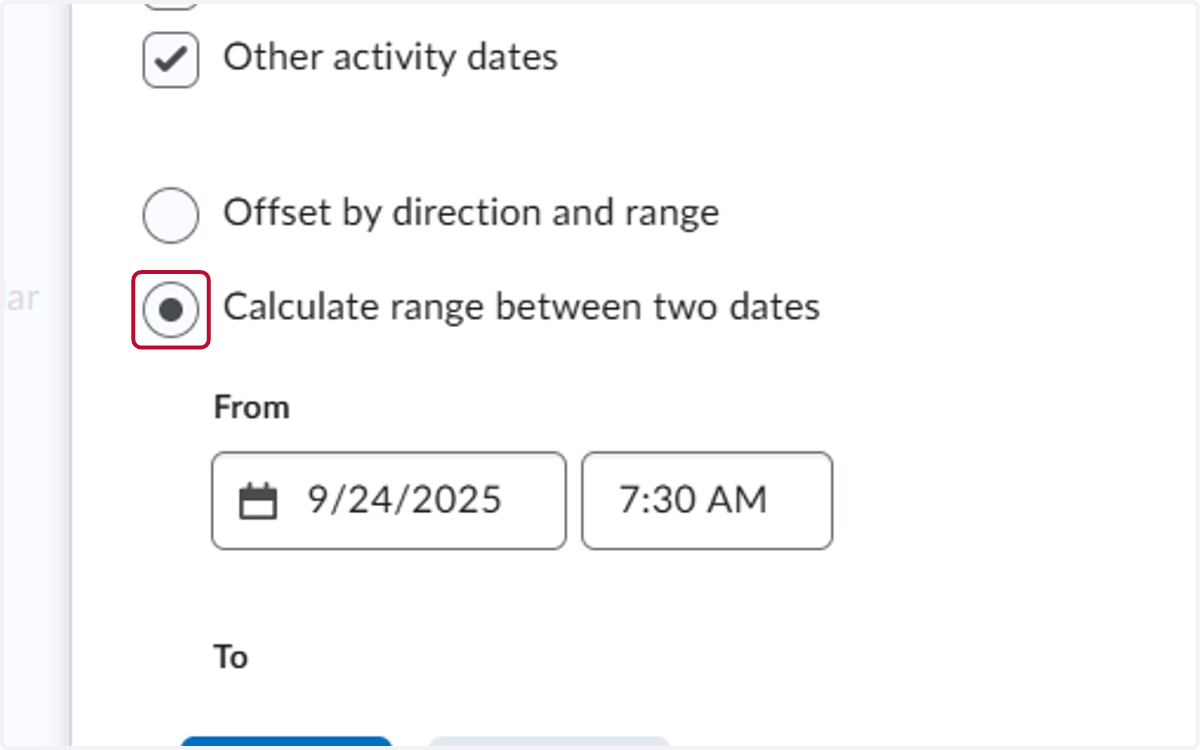
    Select Calculate range between two dates
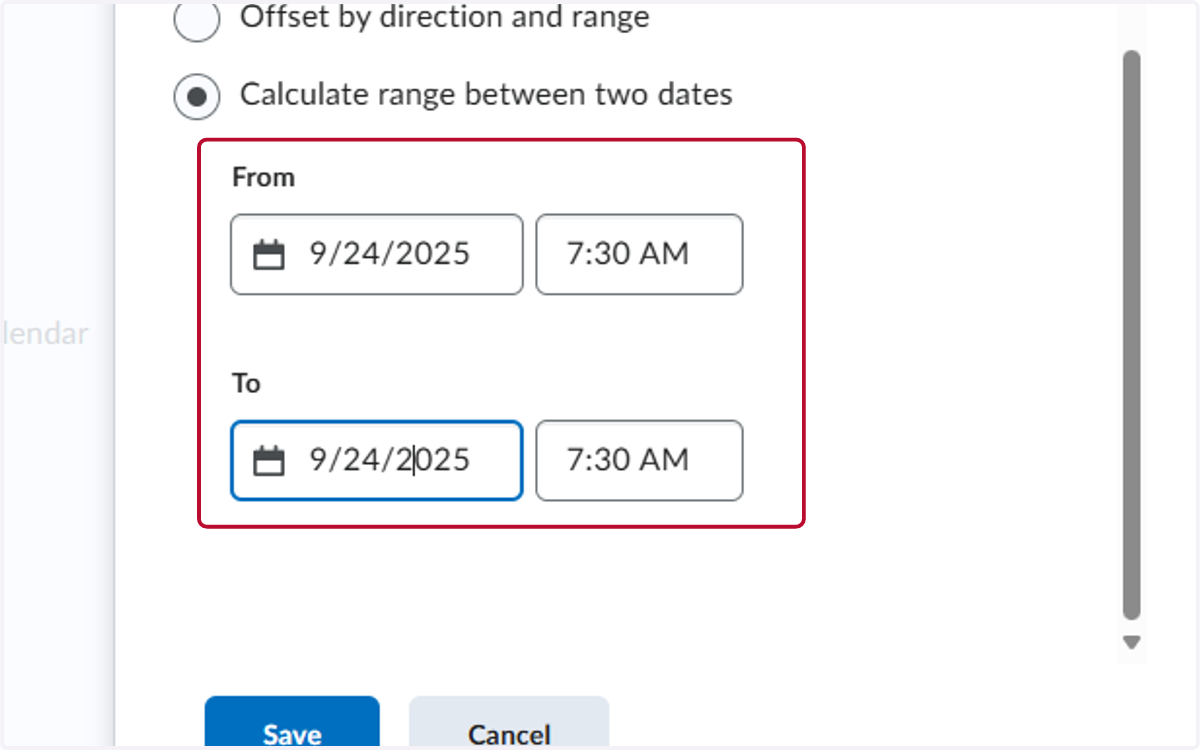
  7. 7. Select the dates for the range

    Select the dates for the range
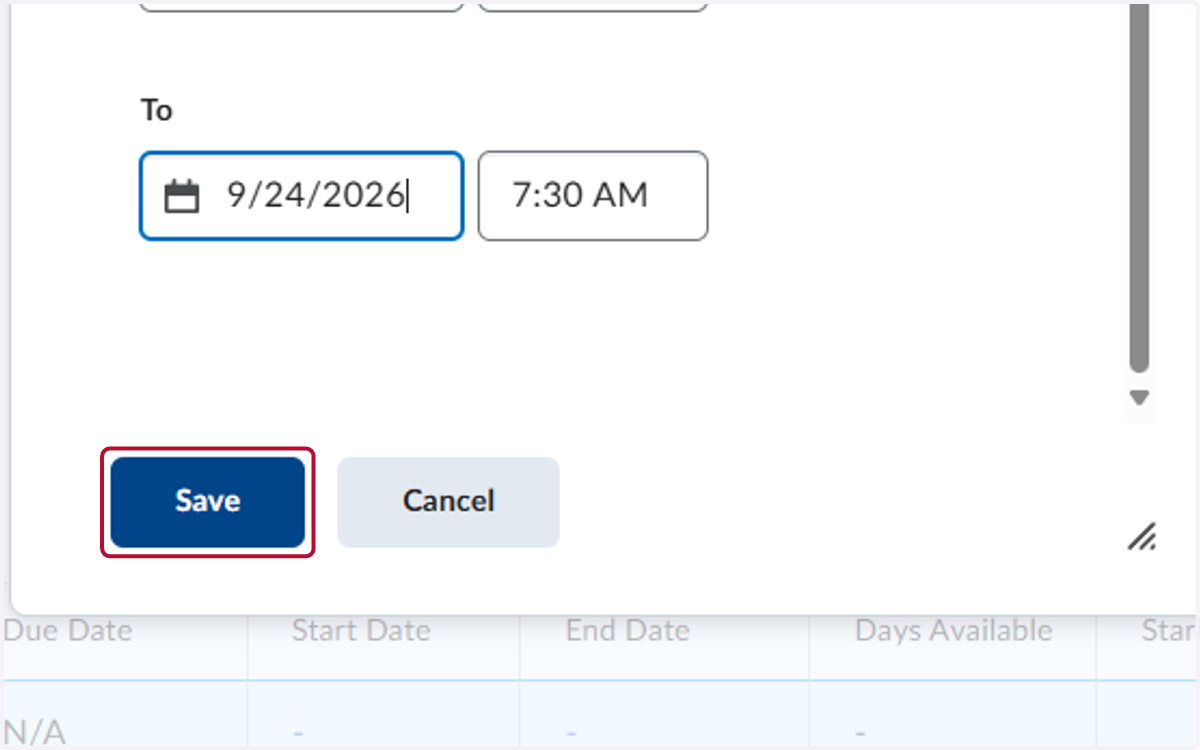
  8. 8. Click on Save

    Click on Save