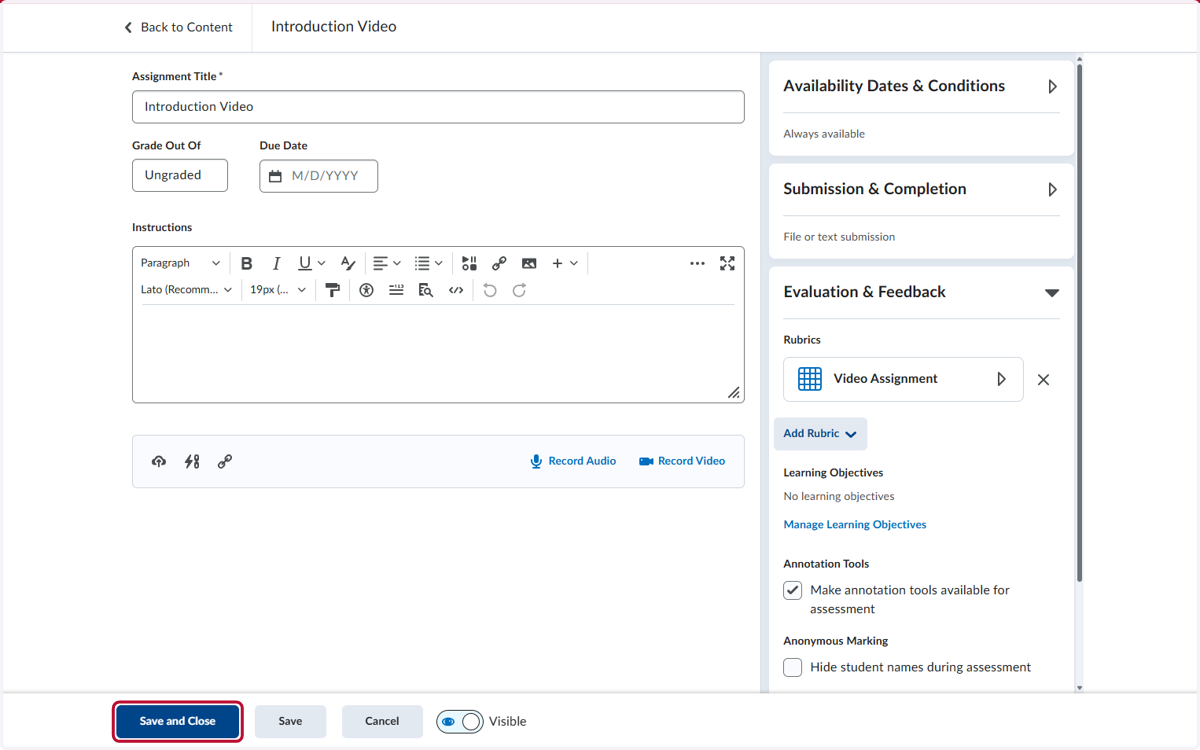
How to Attach a Rubric to an Assignment
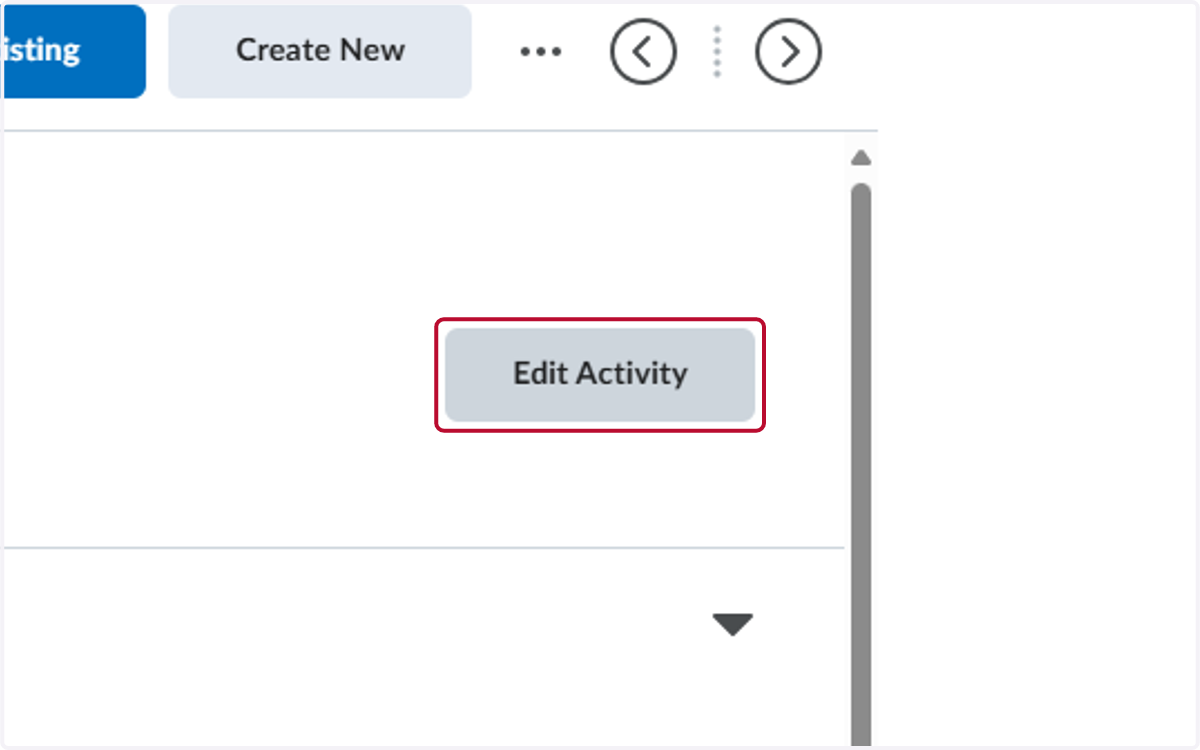
1. Select the assignment and click on Edit Activity
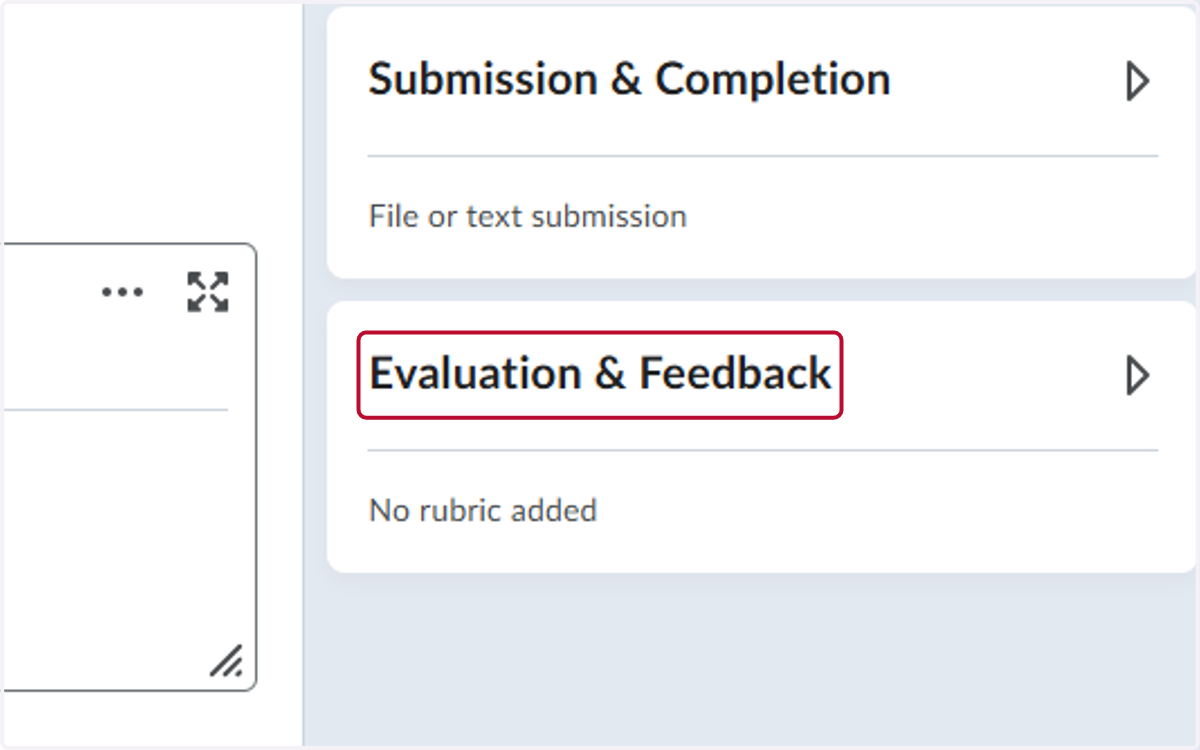
2. Click on Evaluation & Feedback
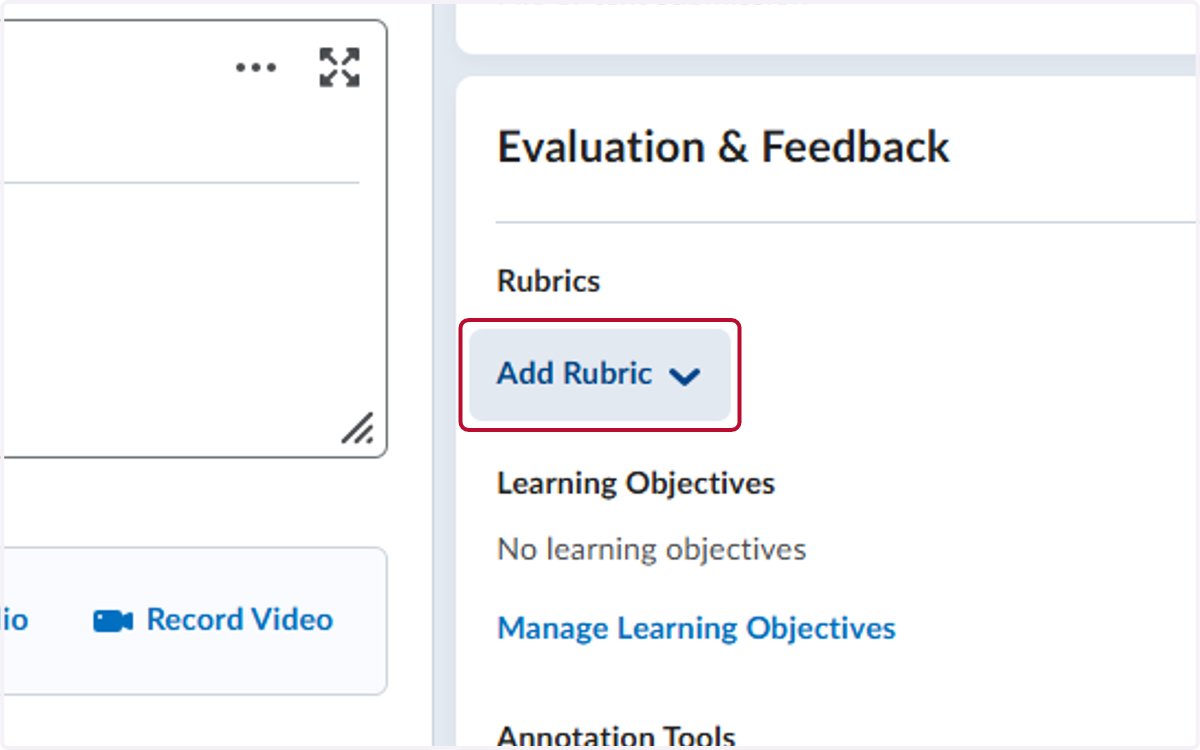
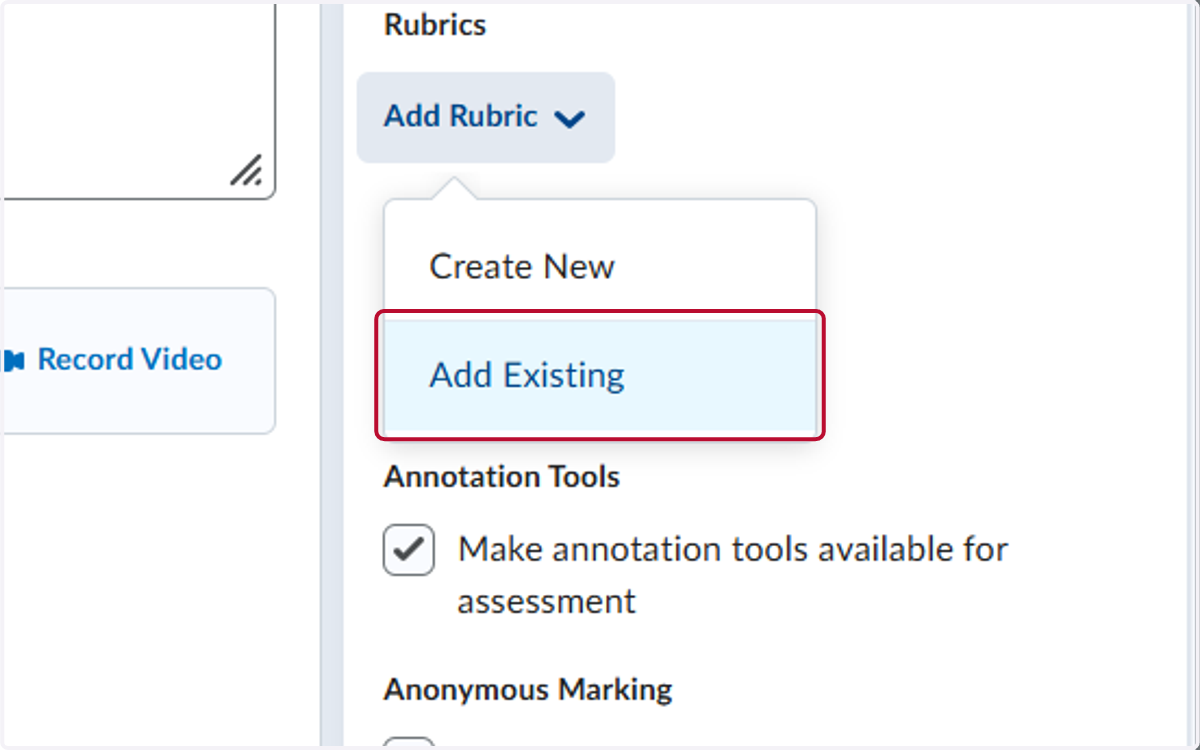
3. Click on Add Rubric
4. Click on Add Existing
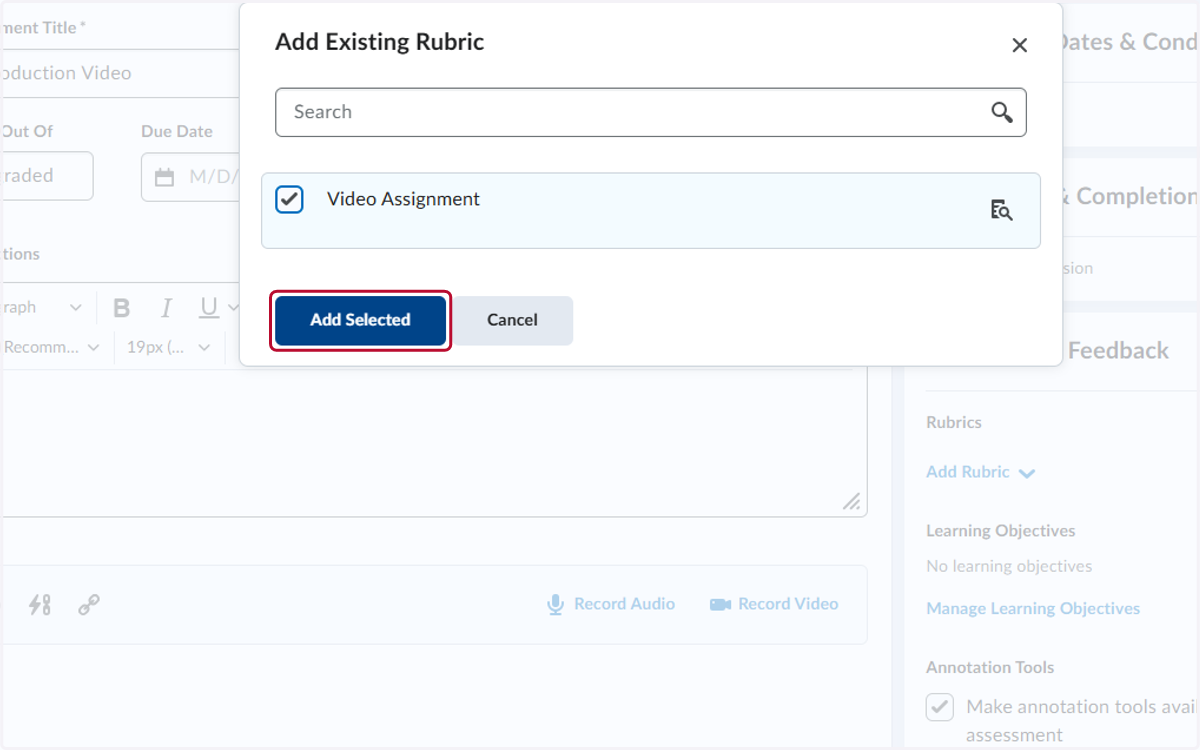
5. Locate the rubric you want to add and select it
6. Click on Save and Close