How to Apply: Dominican MSED + Teaching Credential
Dominican
1. Go to www.dominican.edu
2. Click on Dominican University of California Logo

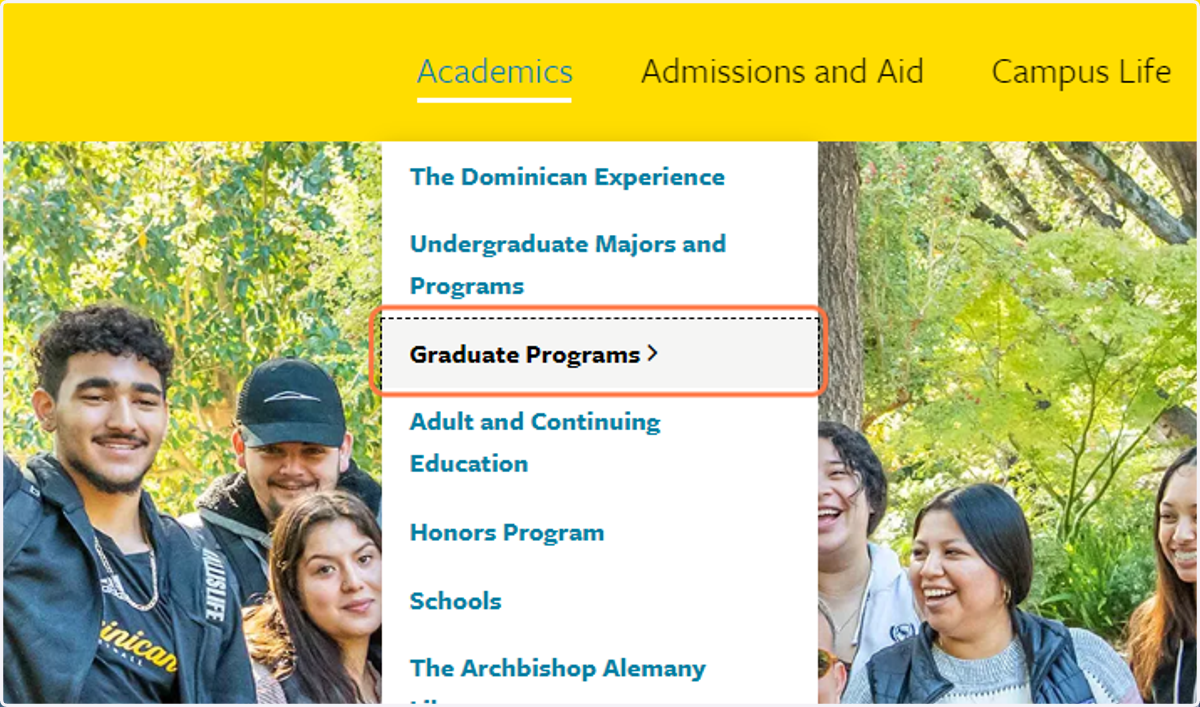
3. Click on Graduate Programs
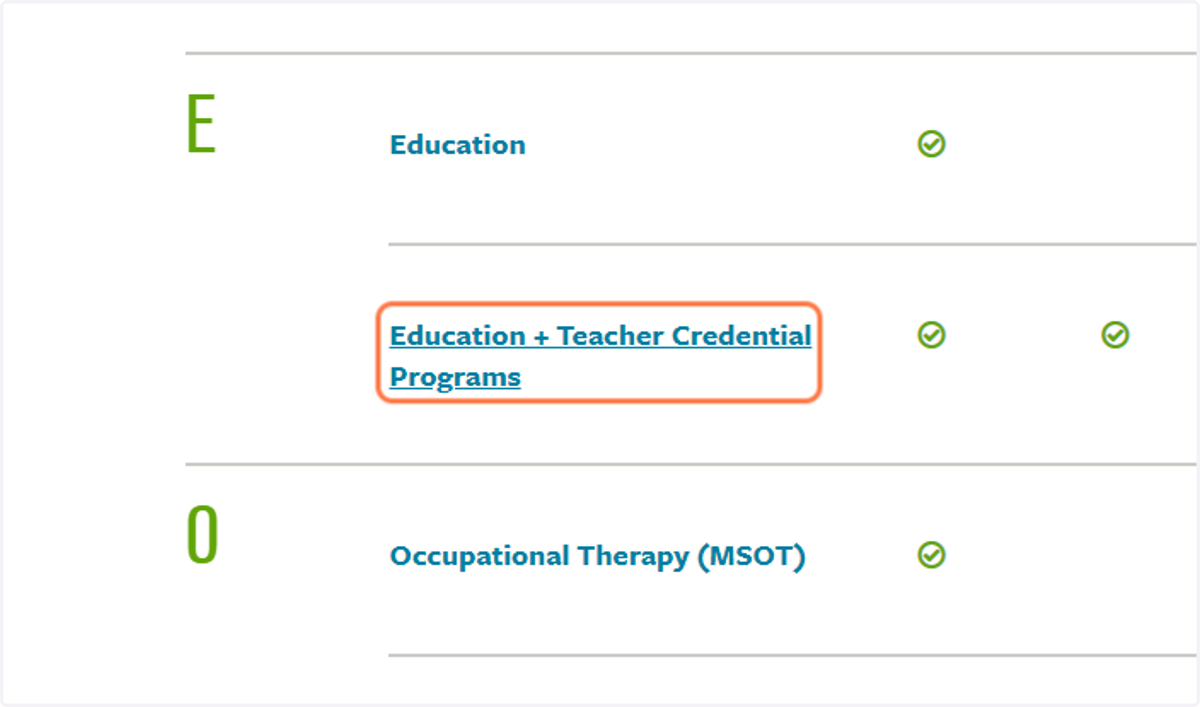
4. Click on Education + Teacher Credential Programs
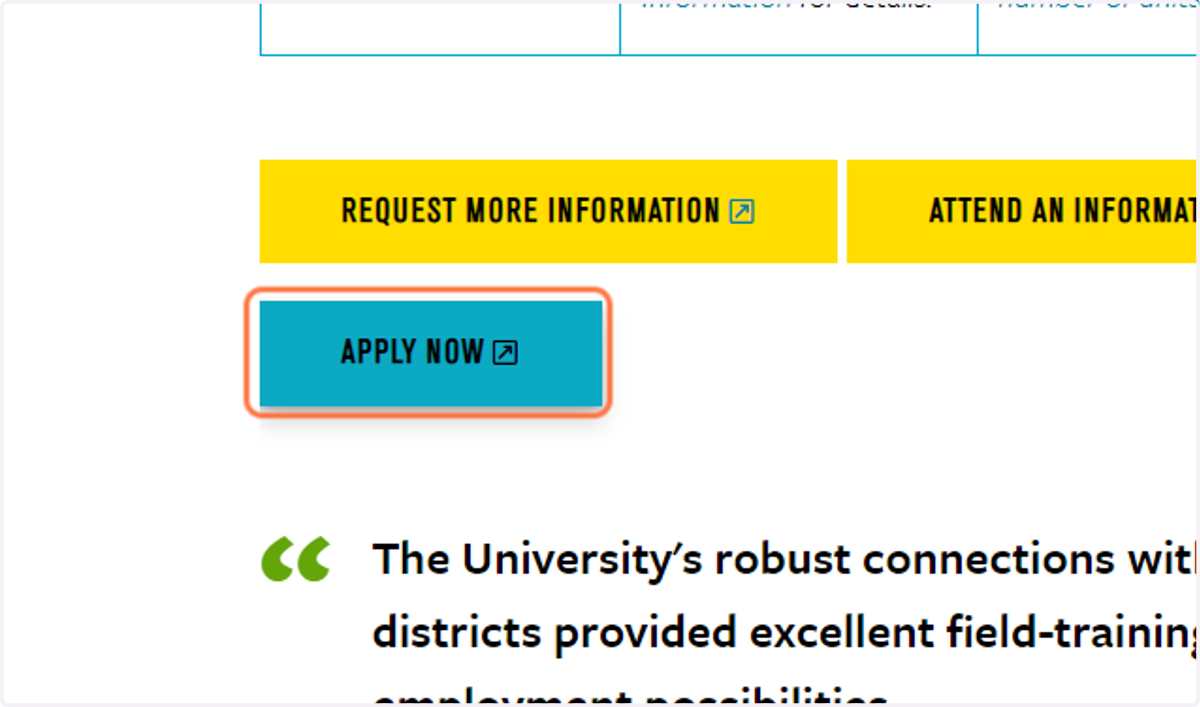
5. Click on APPLY NOW
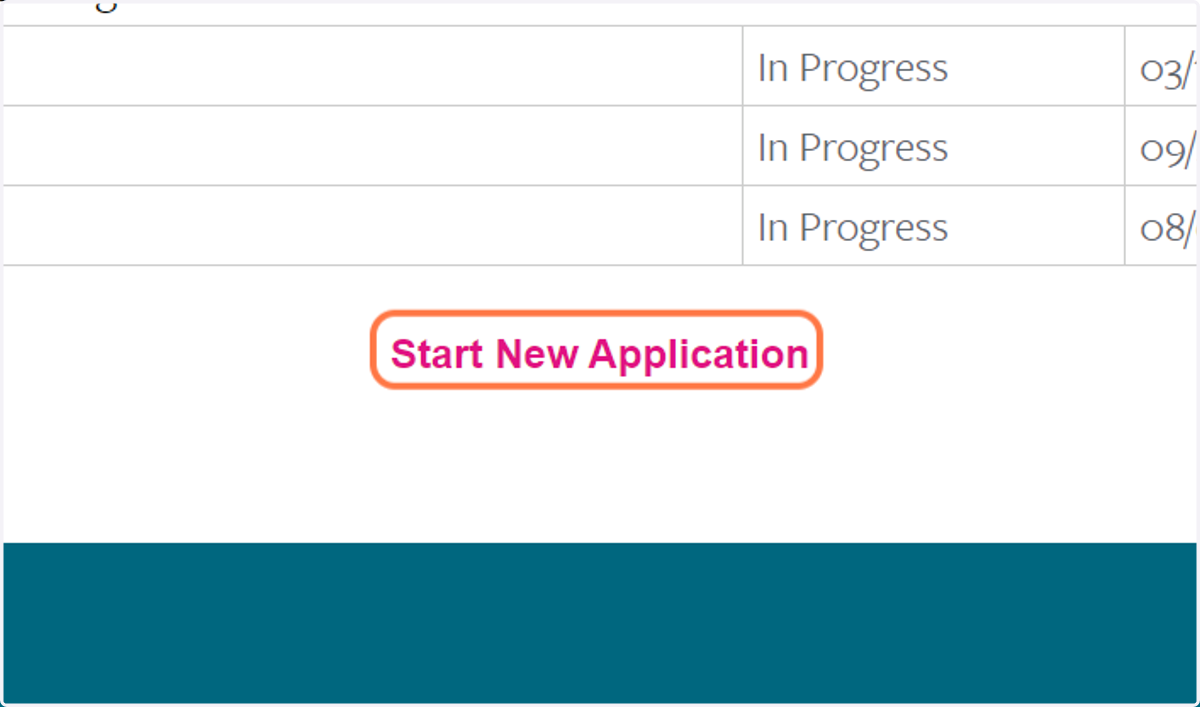
6. Click on Start New Application
7. Click on 2023
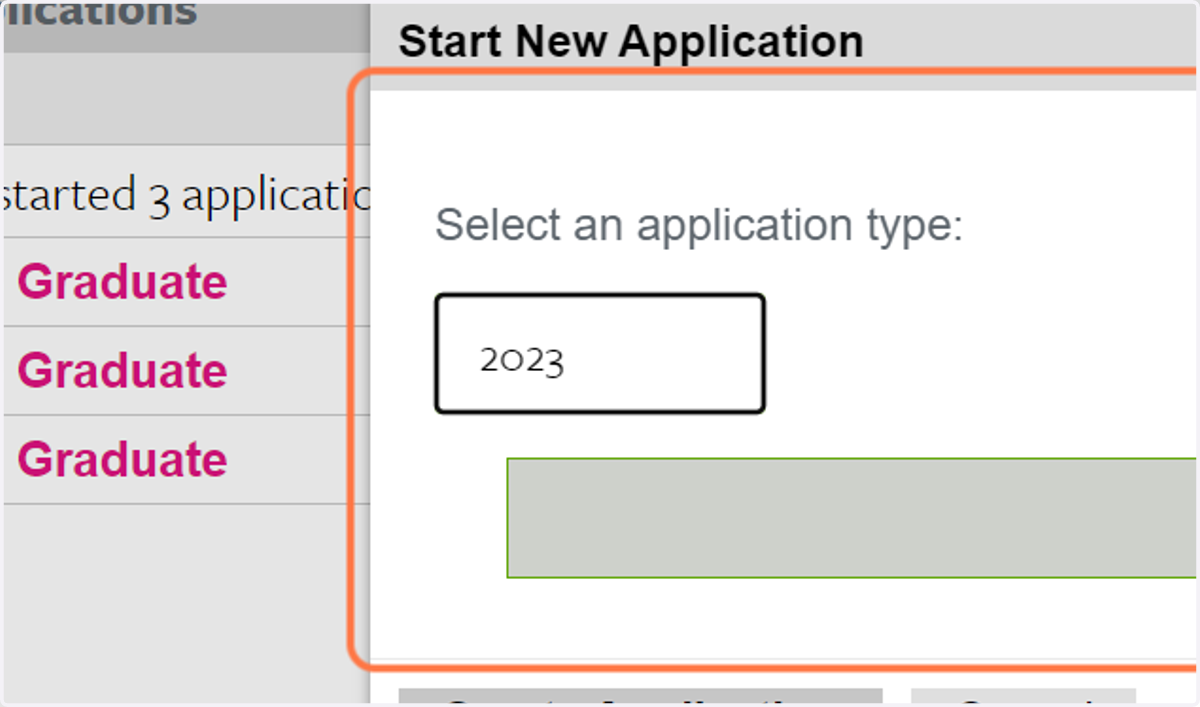
8. Select your desired start term:
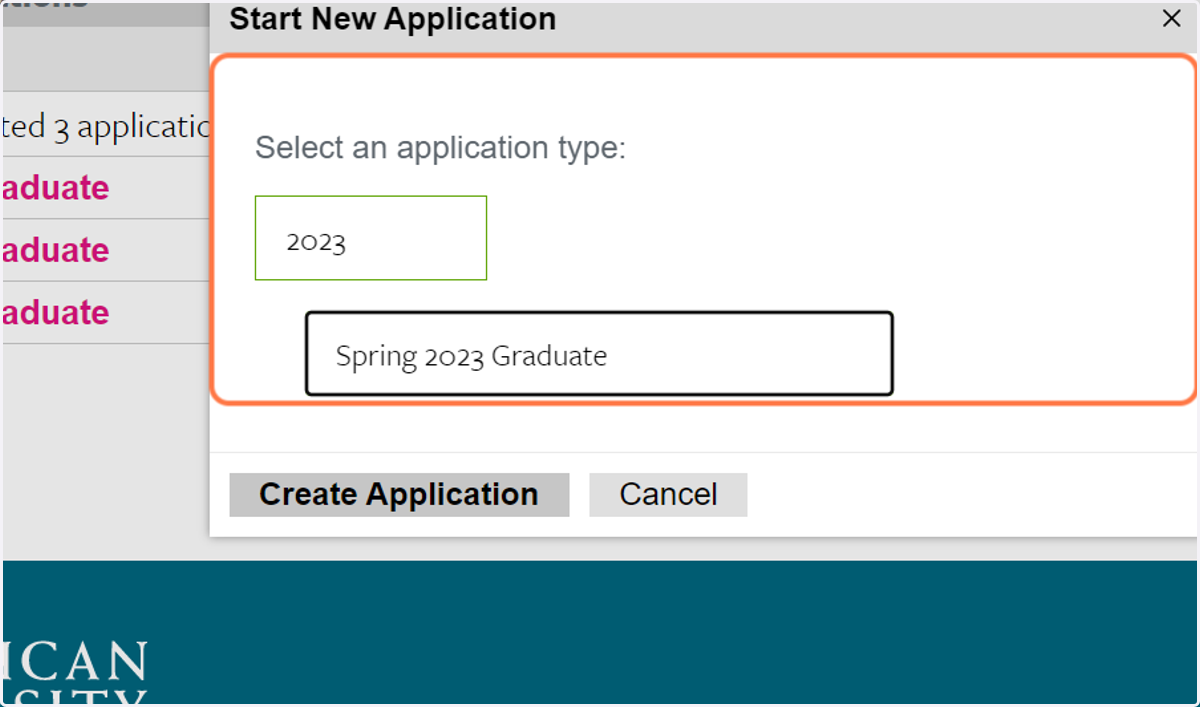
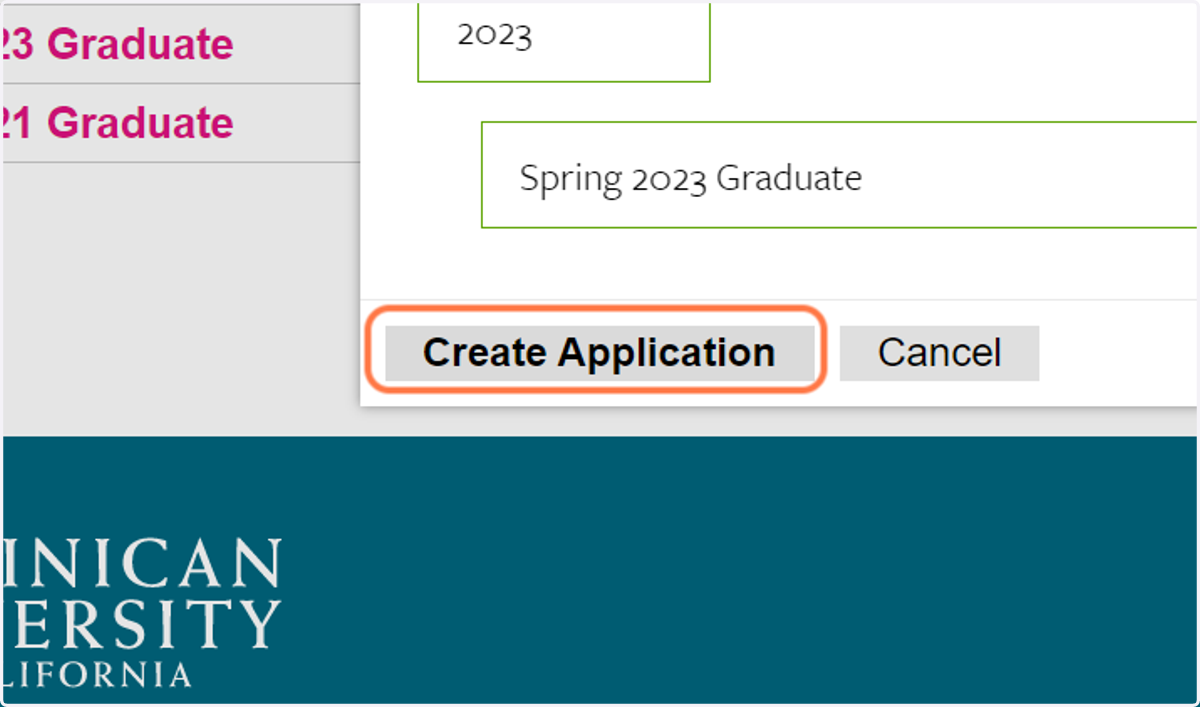
9. Click on Create Application
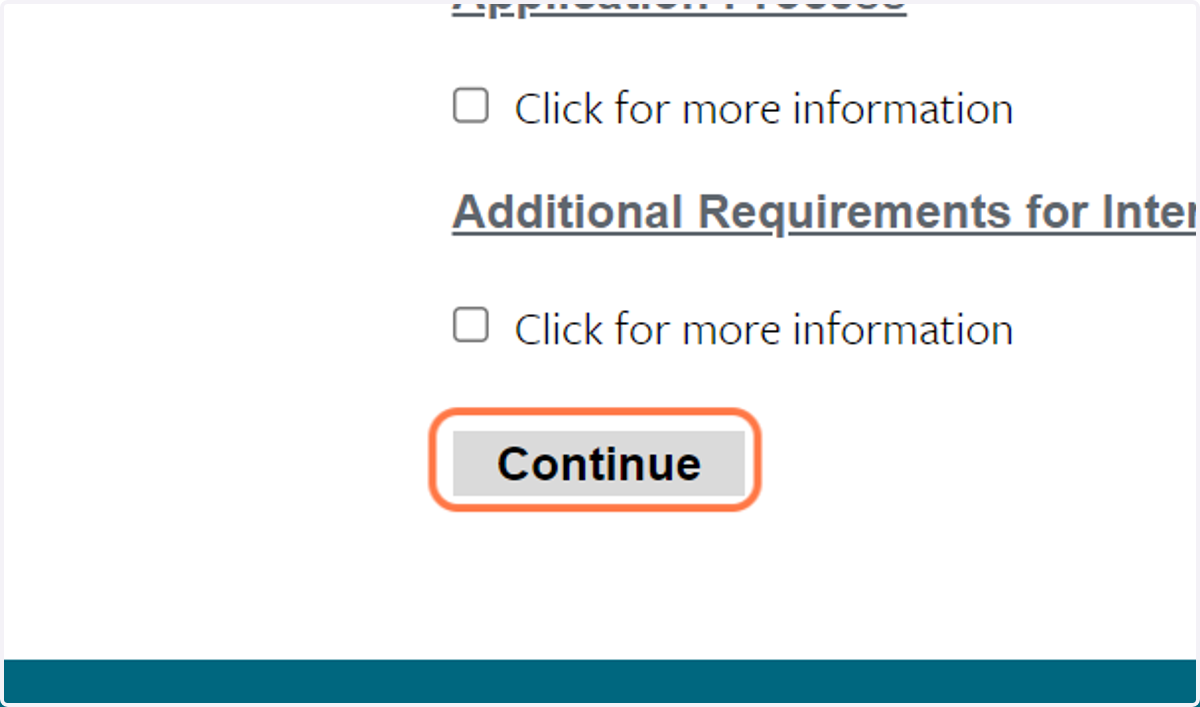
10. Click on Continue
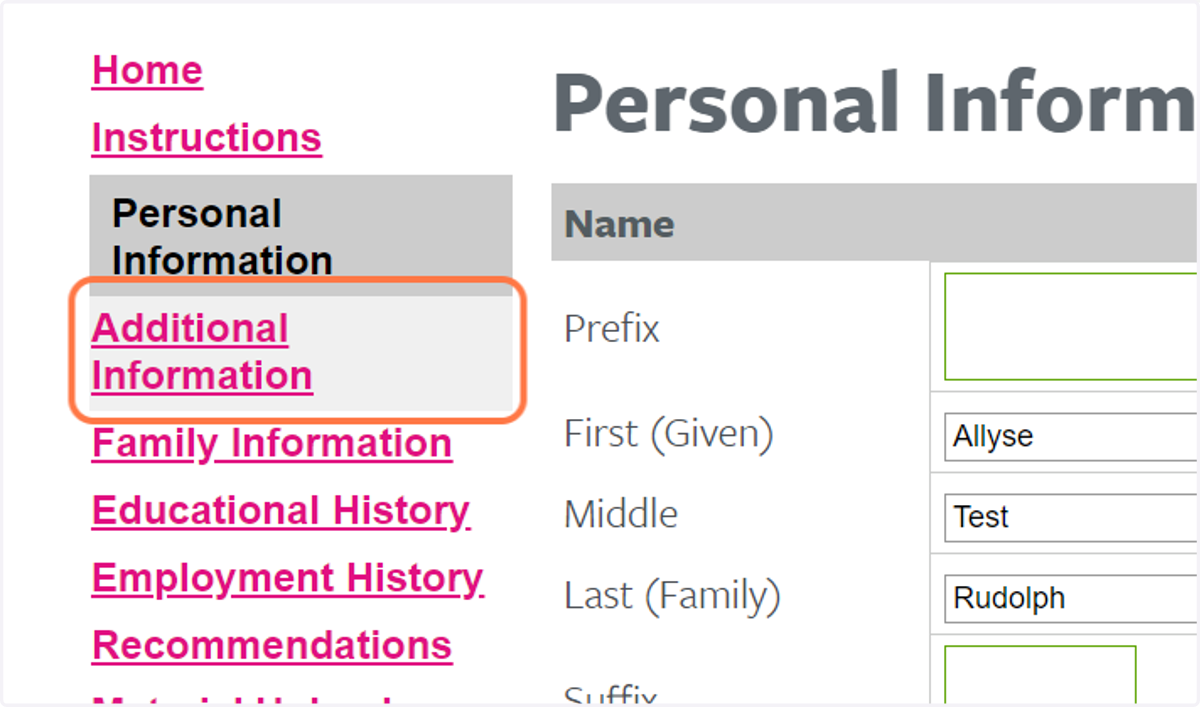
11. Click on Additional Information
Dominican
12. Click on MS in Education from Which Graduate Program would you like to apply to?
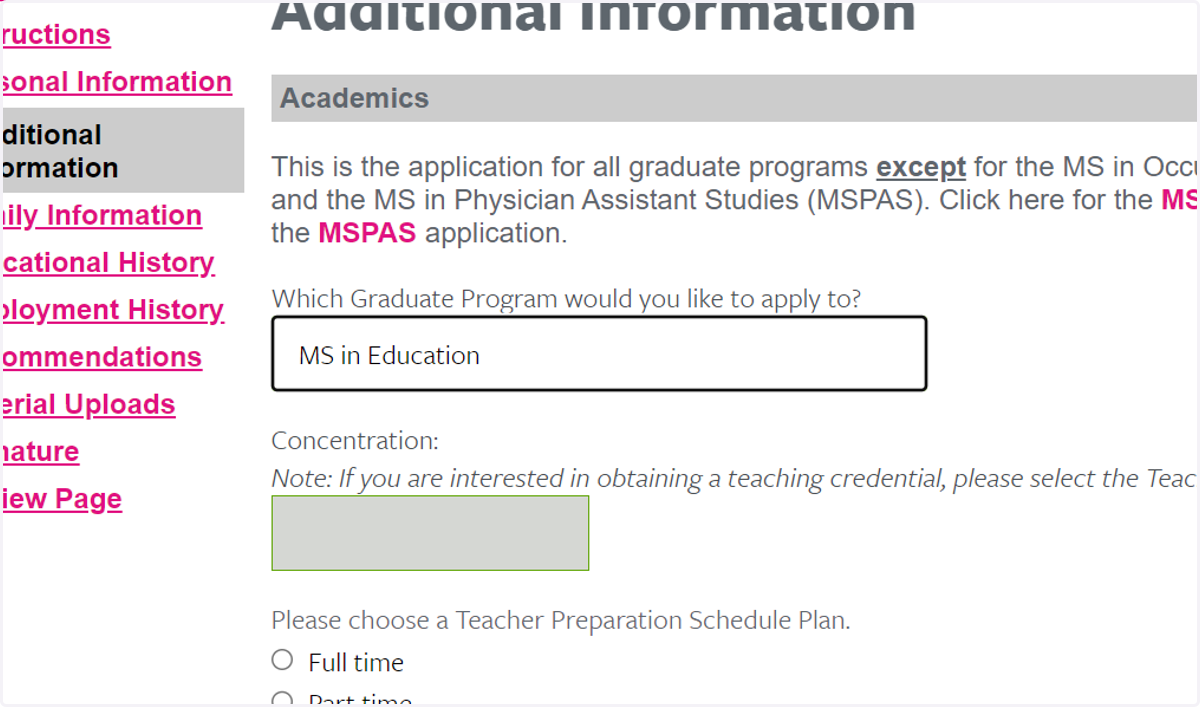
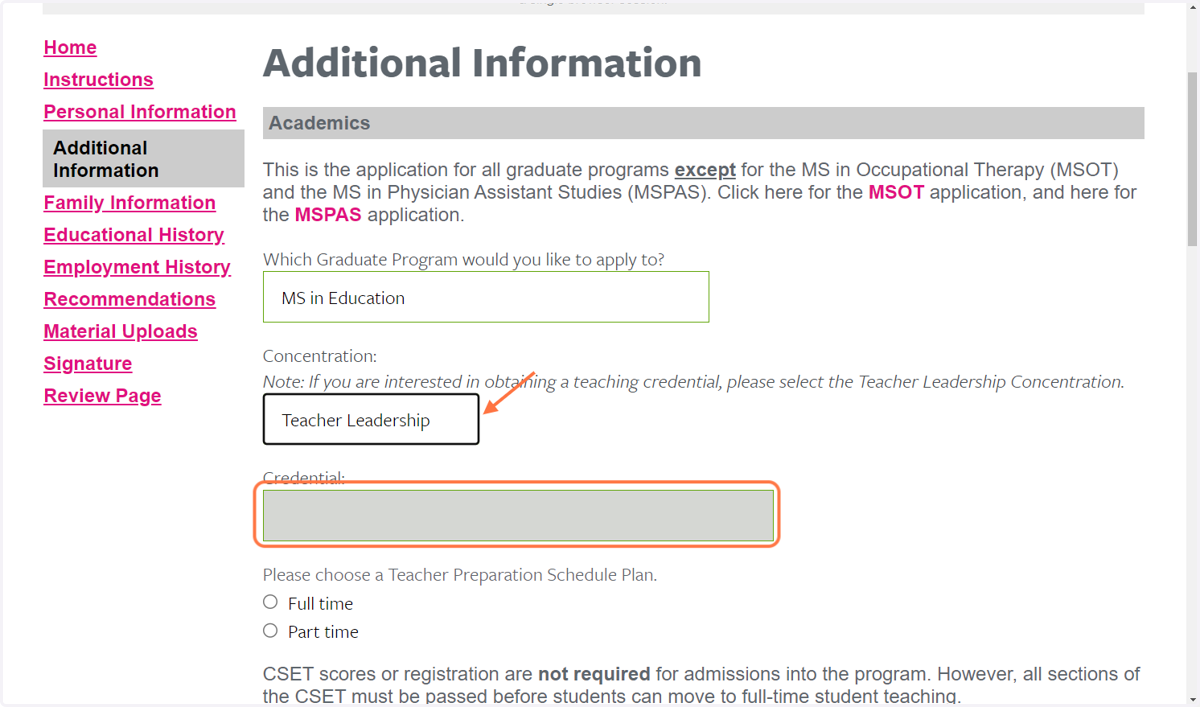
13. Click on Teacher Leadership from Concentration:…
Dominican
14. Select your preferred Credential:
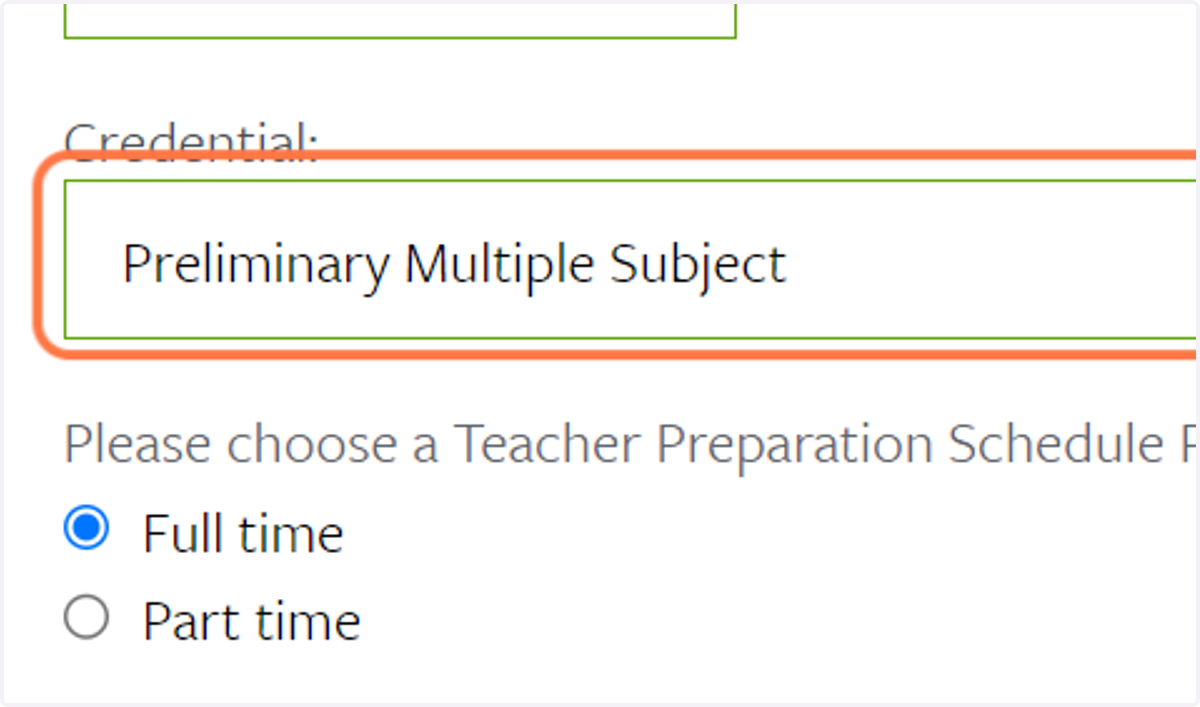
15. Select Part time or Full time:
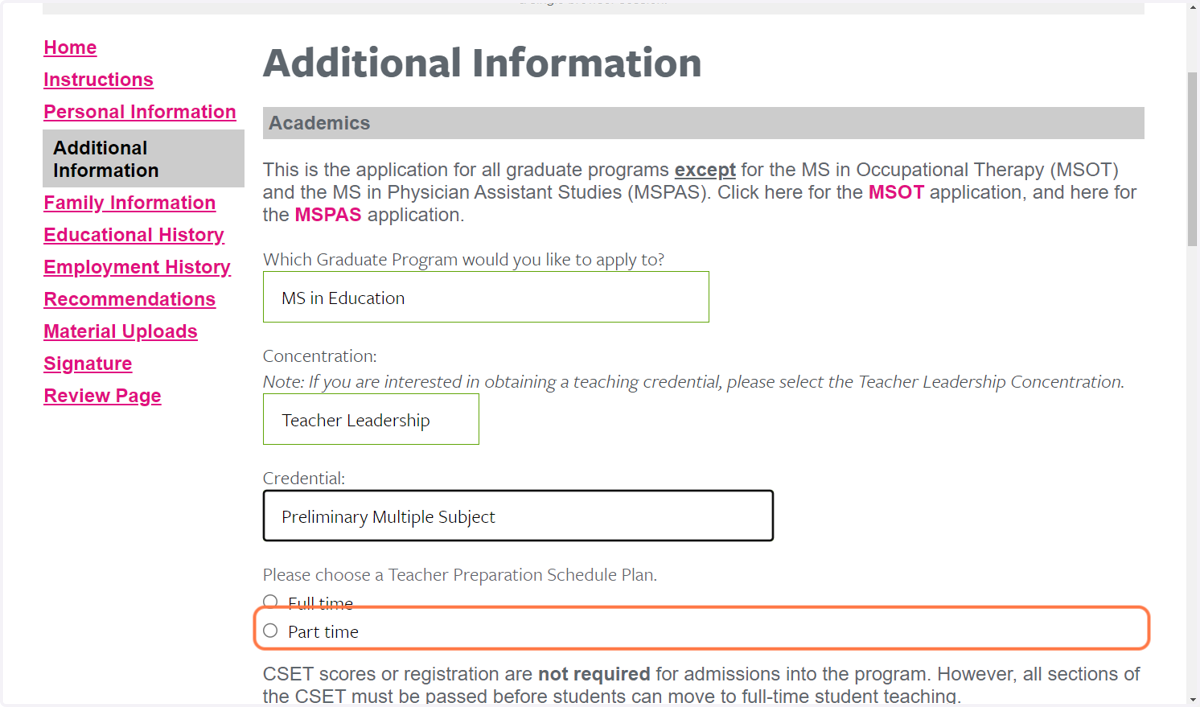
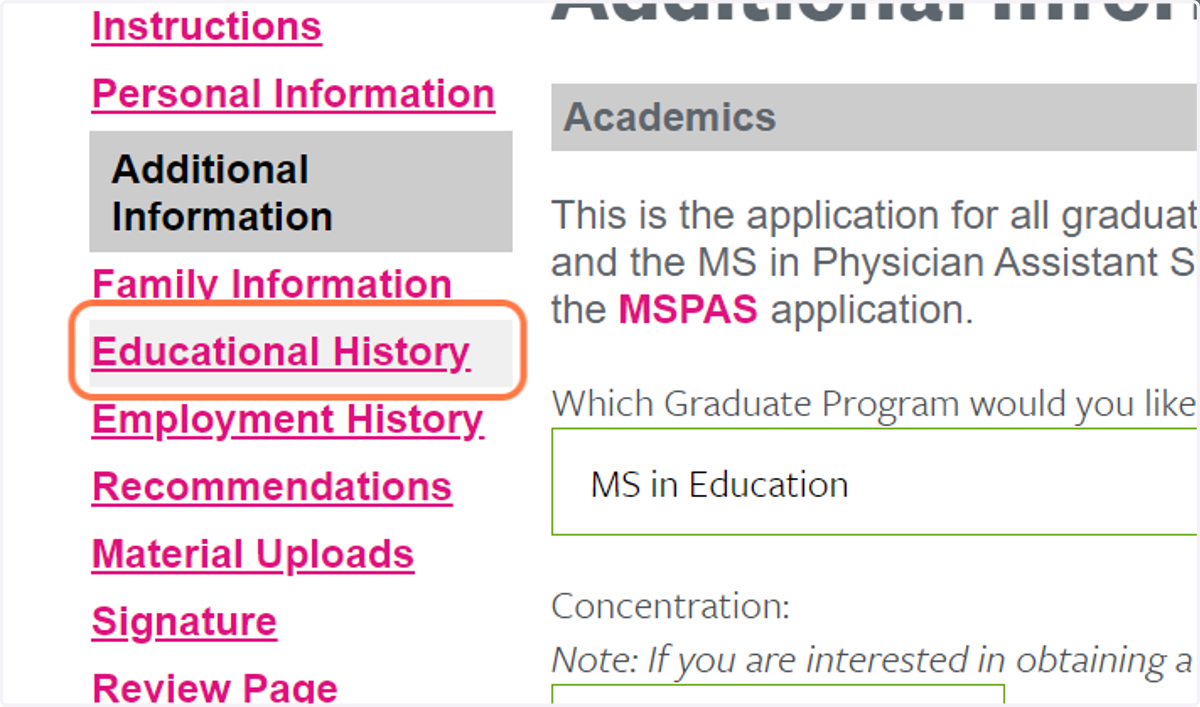
16. Click on Educational History
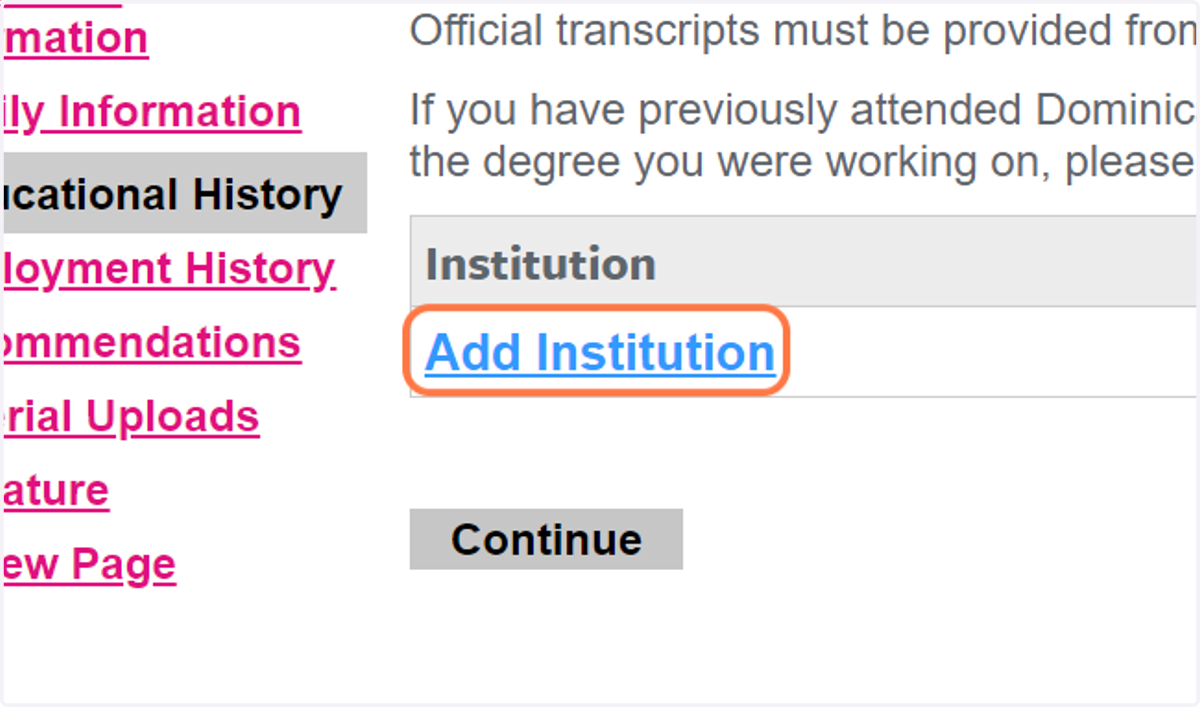
17. Click on Add Institution to add all of the schools you've previously attended
You will need to provide official transcripts for all schools you have attended.
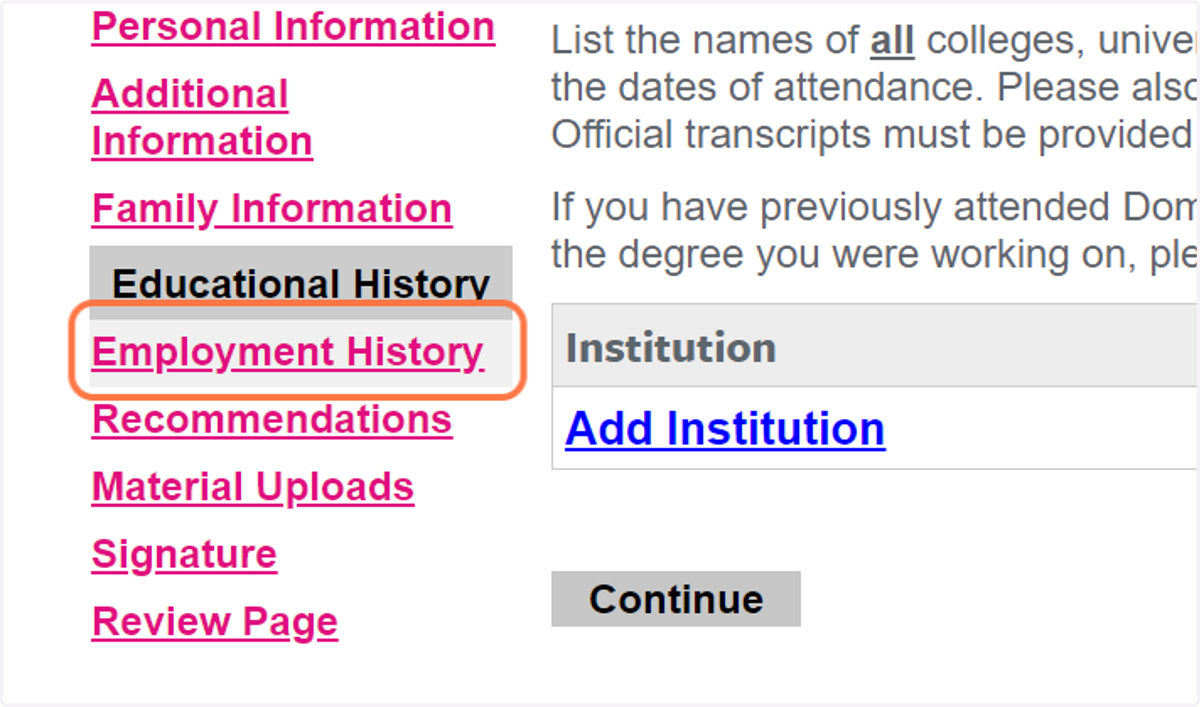
18. Click on Employment History
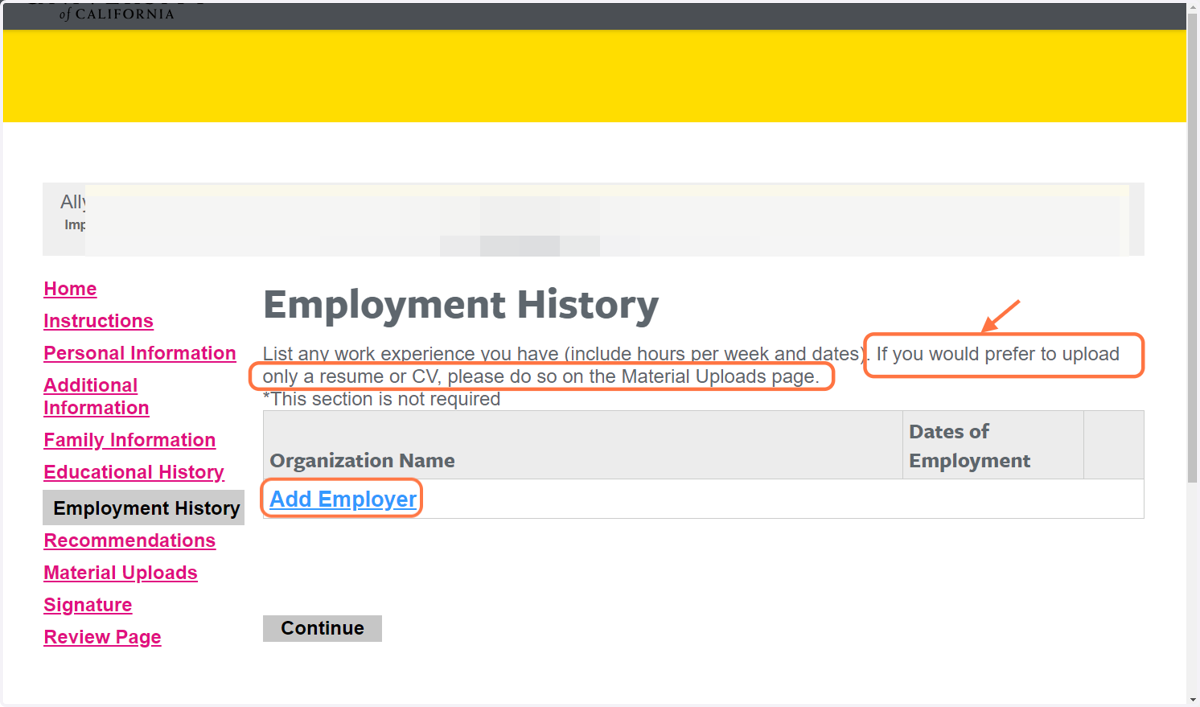
19. You DO NOT have to fill out the employment history section. uploading a resume is acceptable:
20. Click on Close
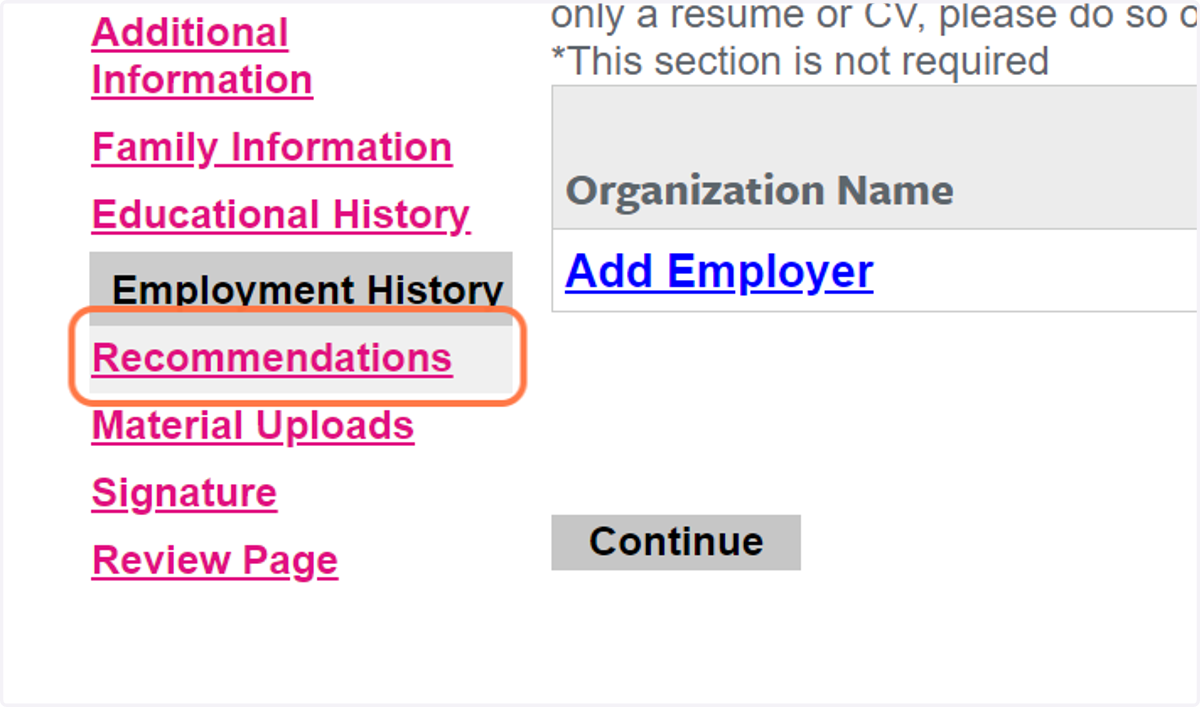
21. Click on Recommendations
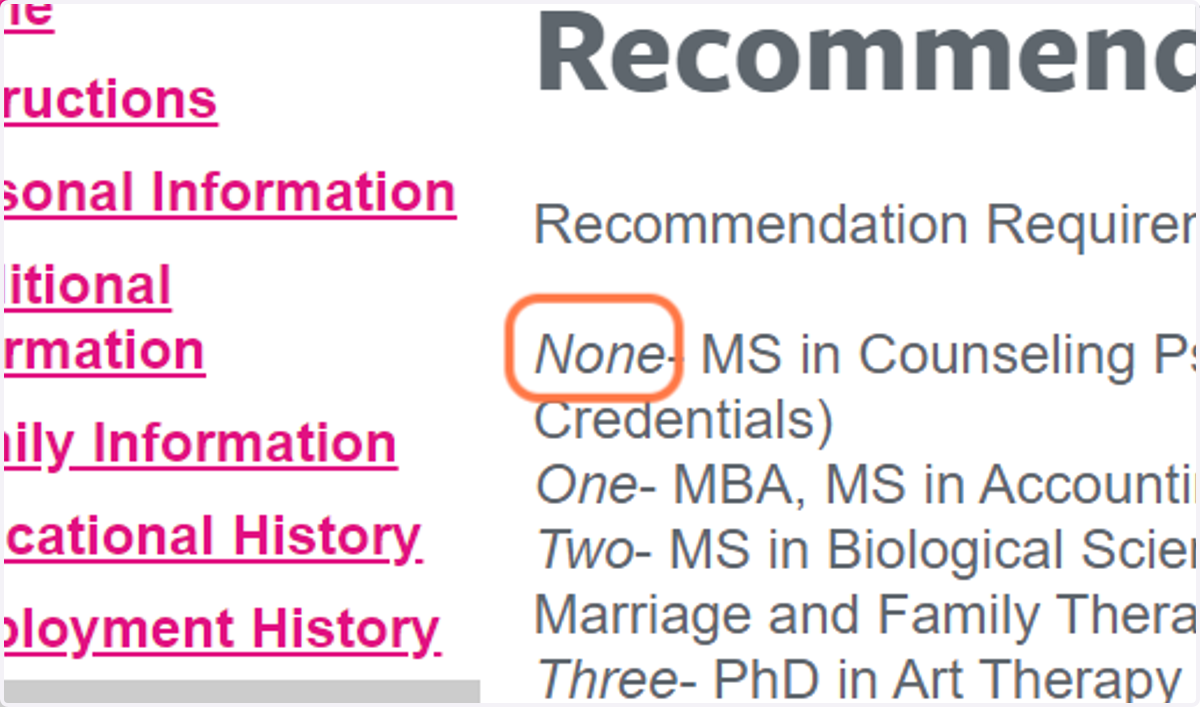
22. You DO NOT need letters of recommendation or references:
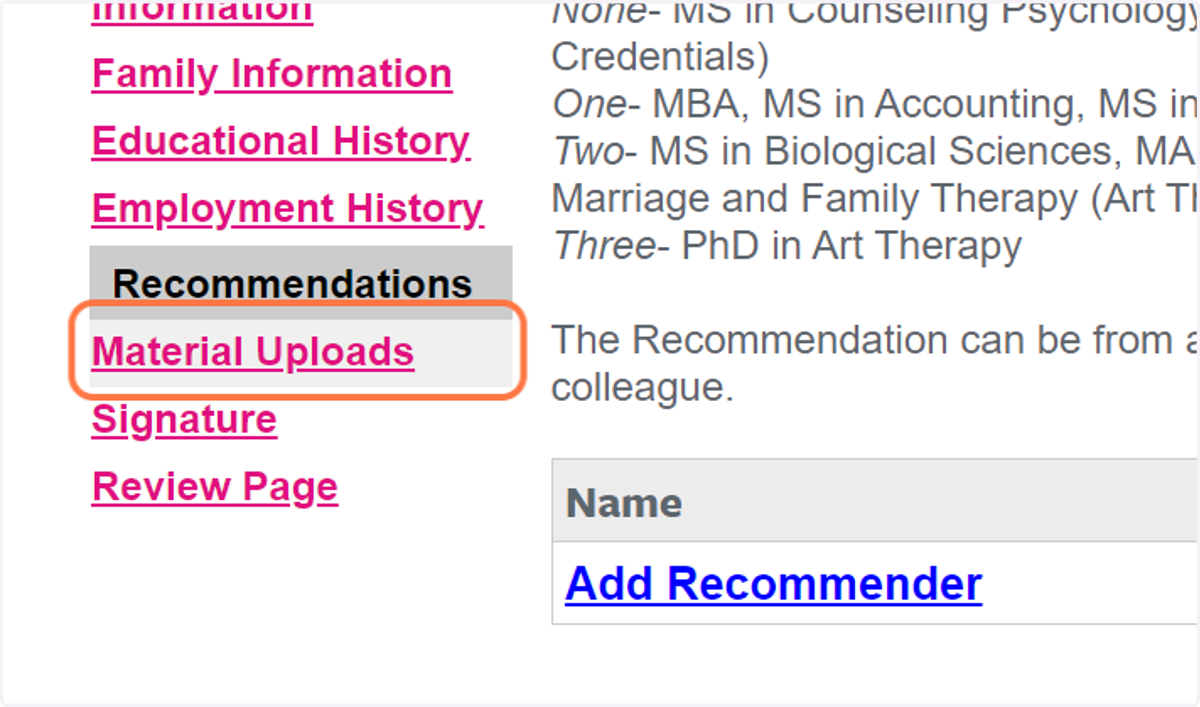
23. Click on Material Uploads
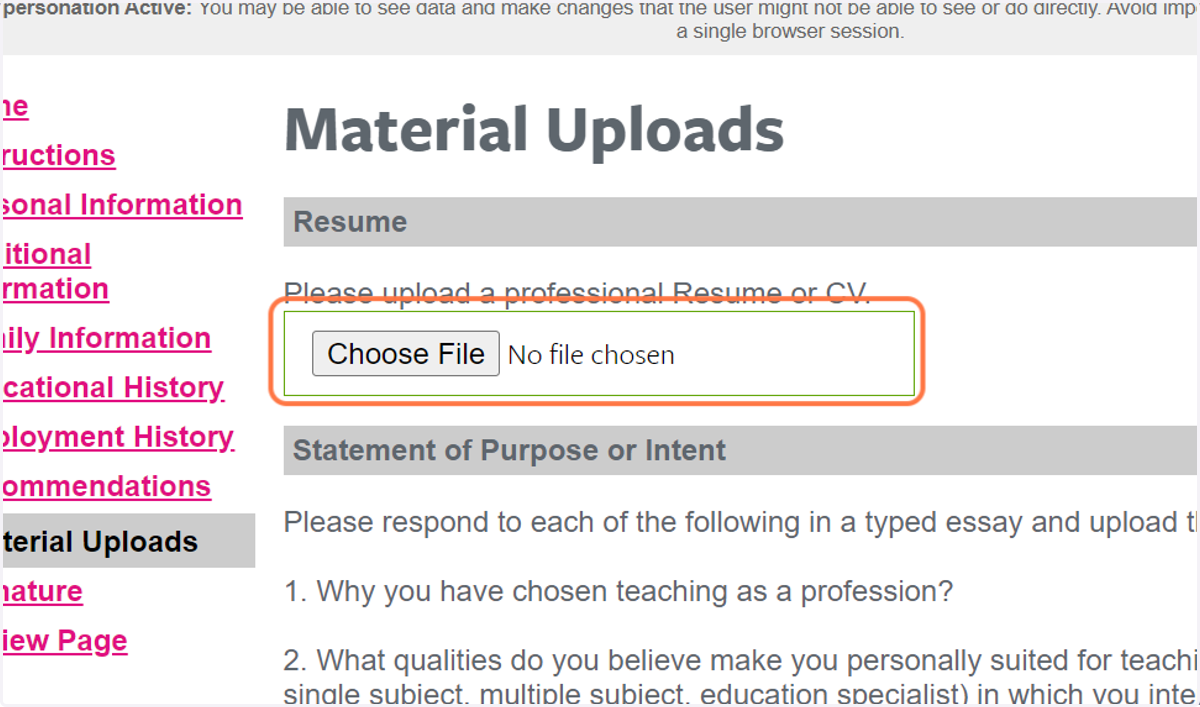
24. Upload your resume:
Dominican
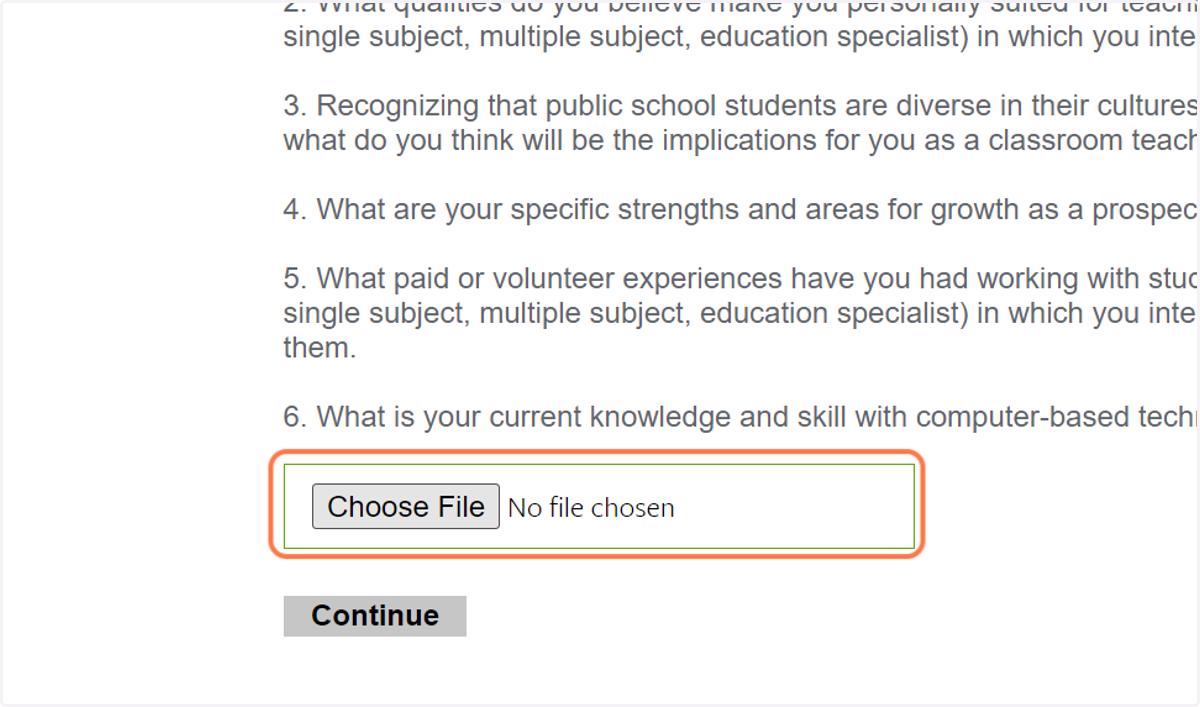
25. Please upload your personal statement:
26. Click on Signature
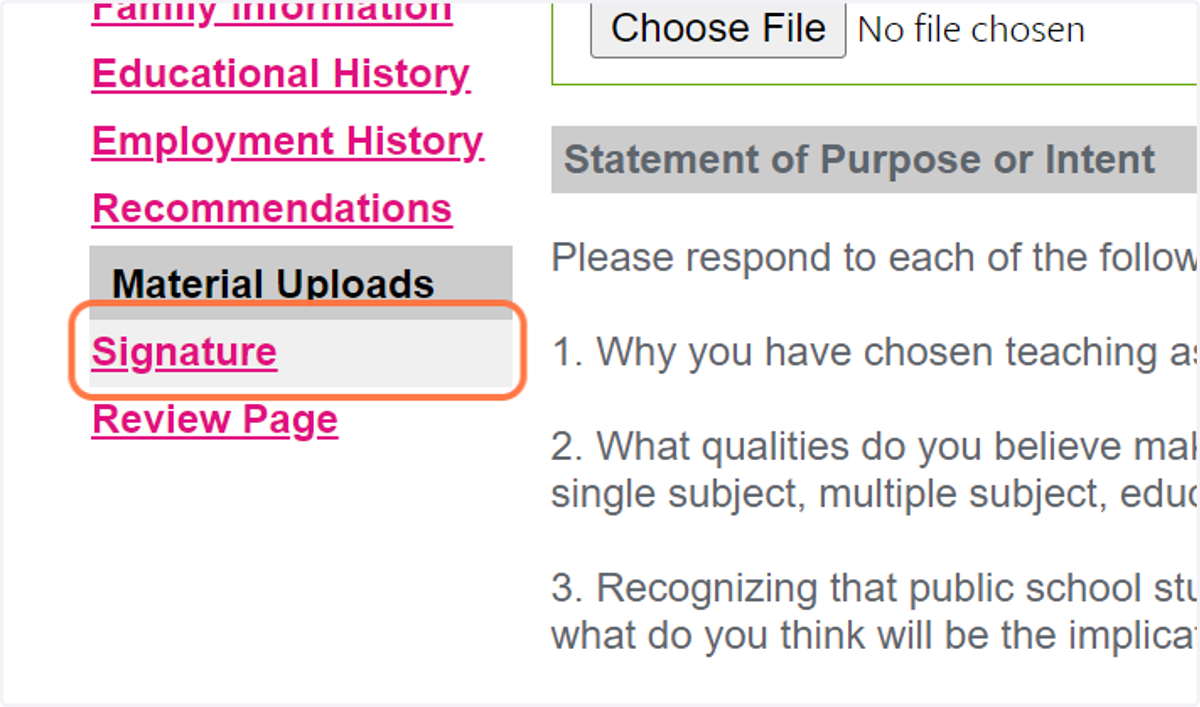
27. Click on signature
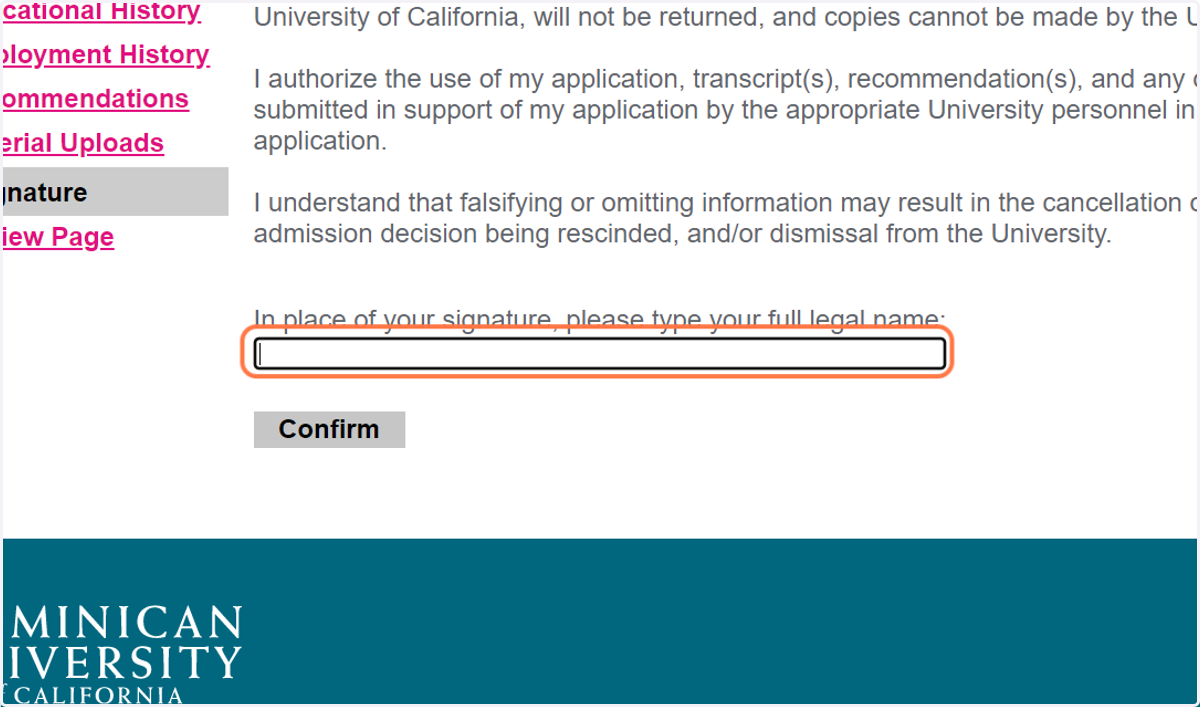
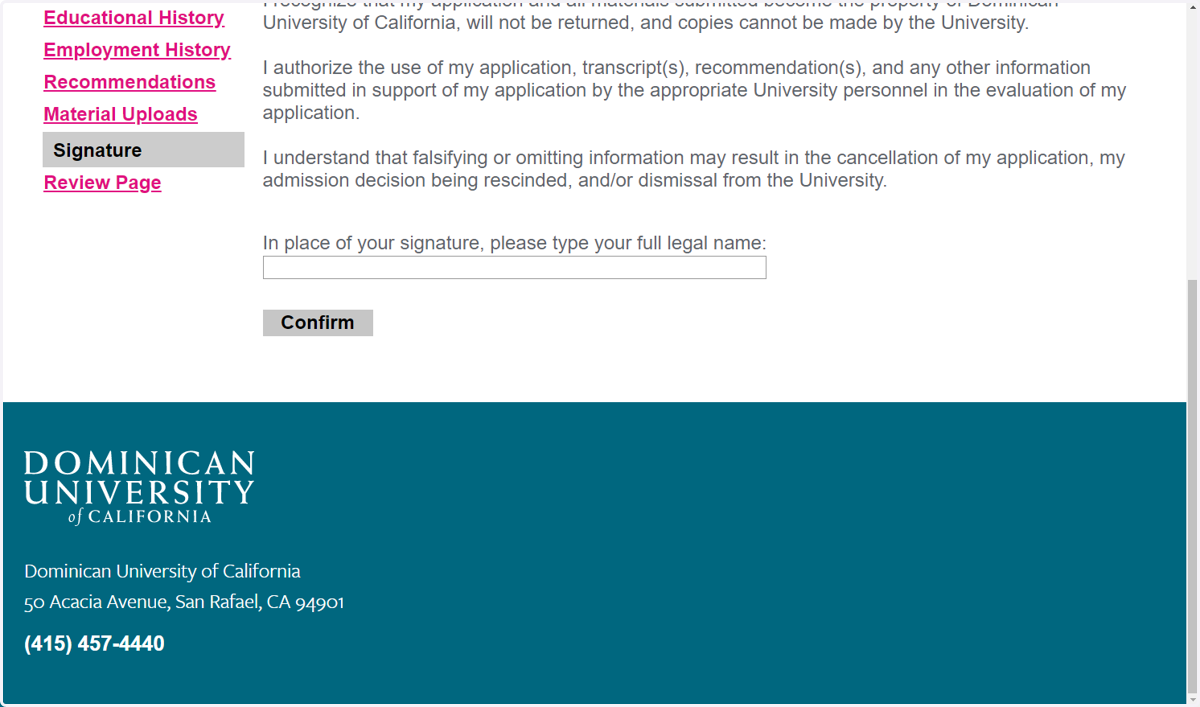
28. Click on Signature…
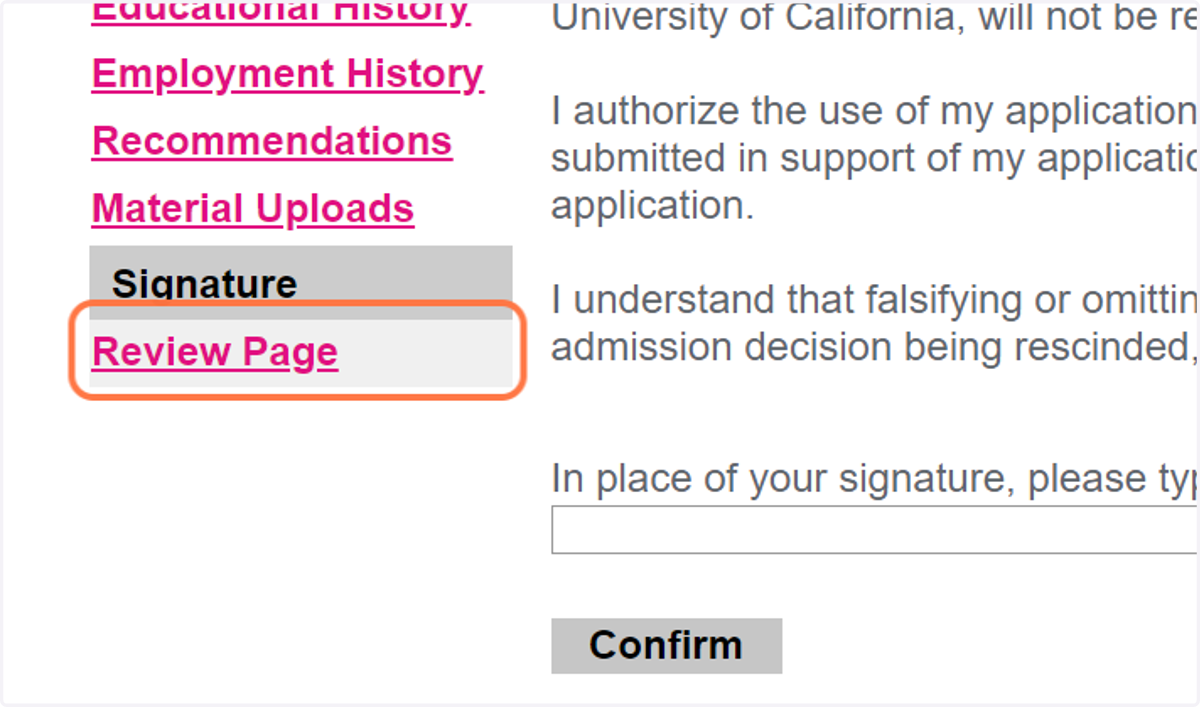
29. Click on Review Page
30. Review any missing materials or information:
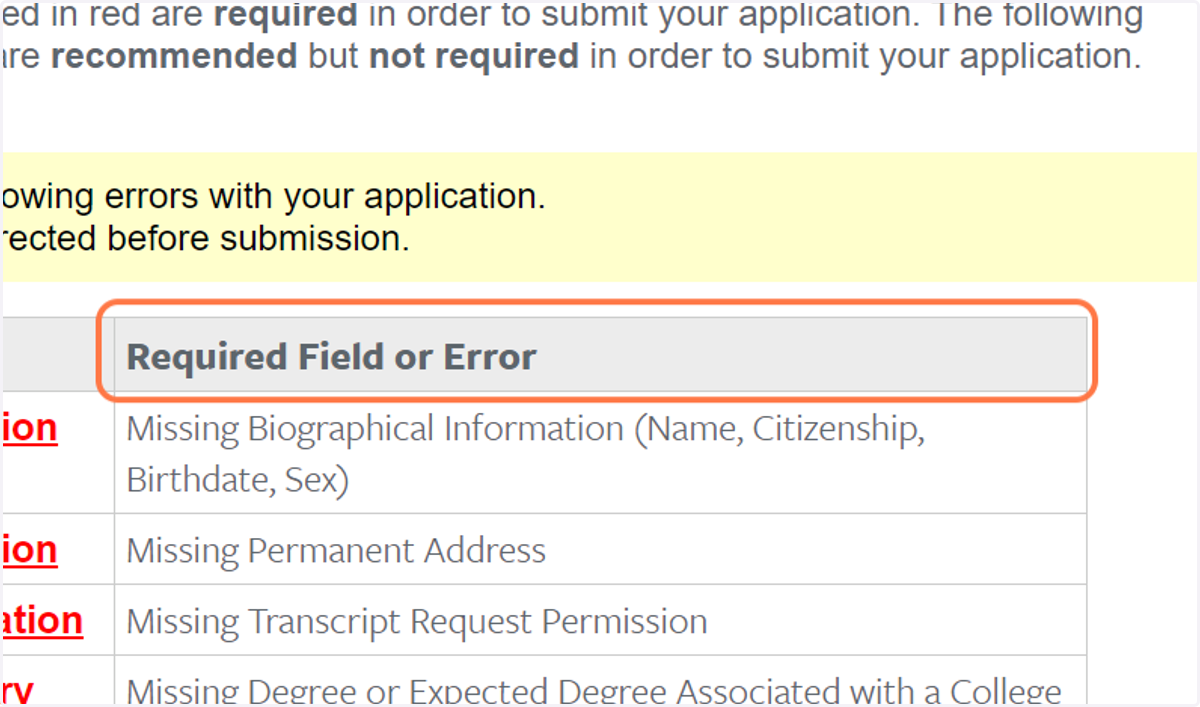
31. Review any missing materials or information:
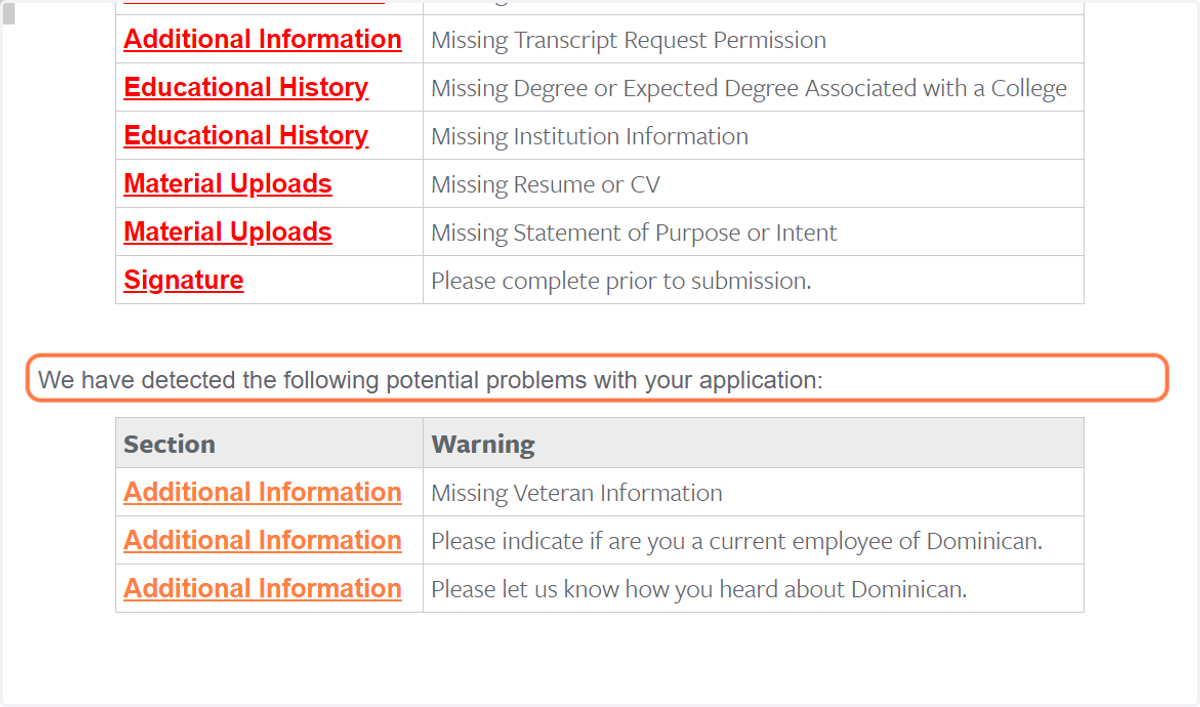
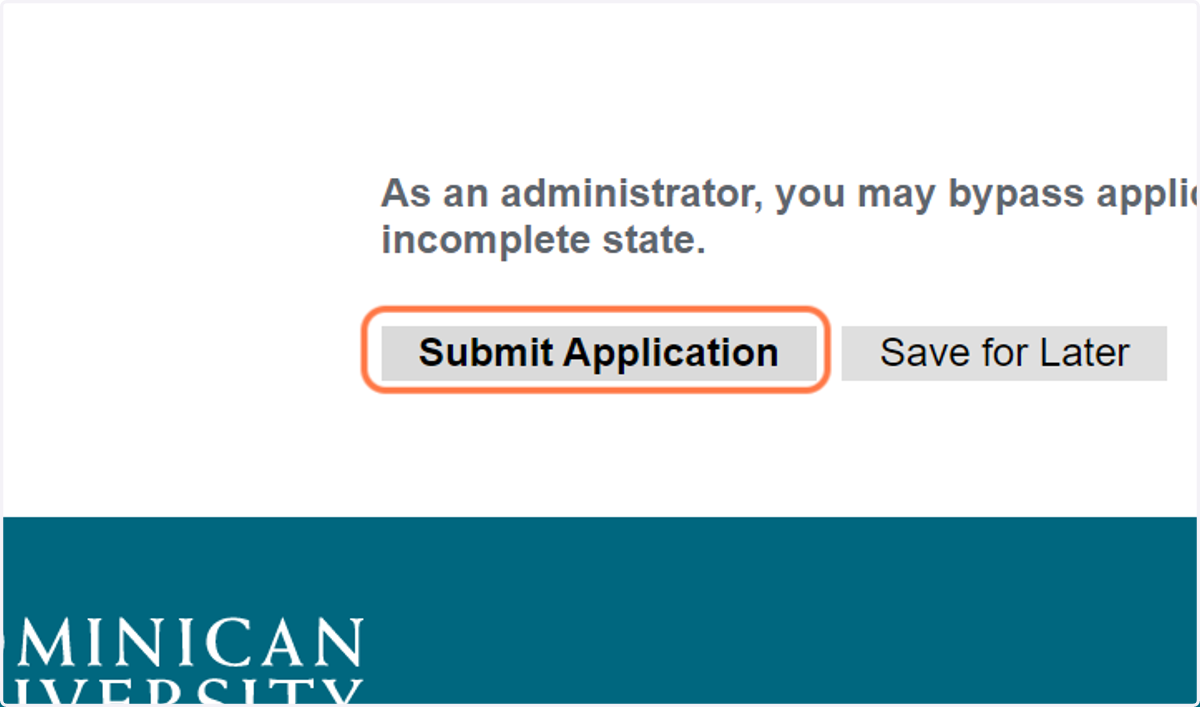
32. When you're ready, click on Submit Application