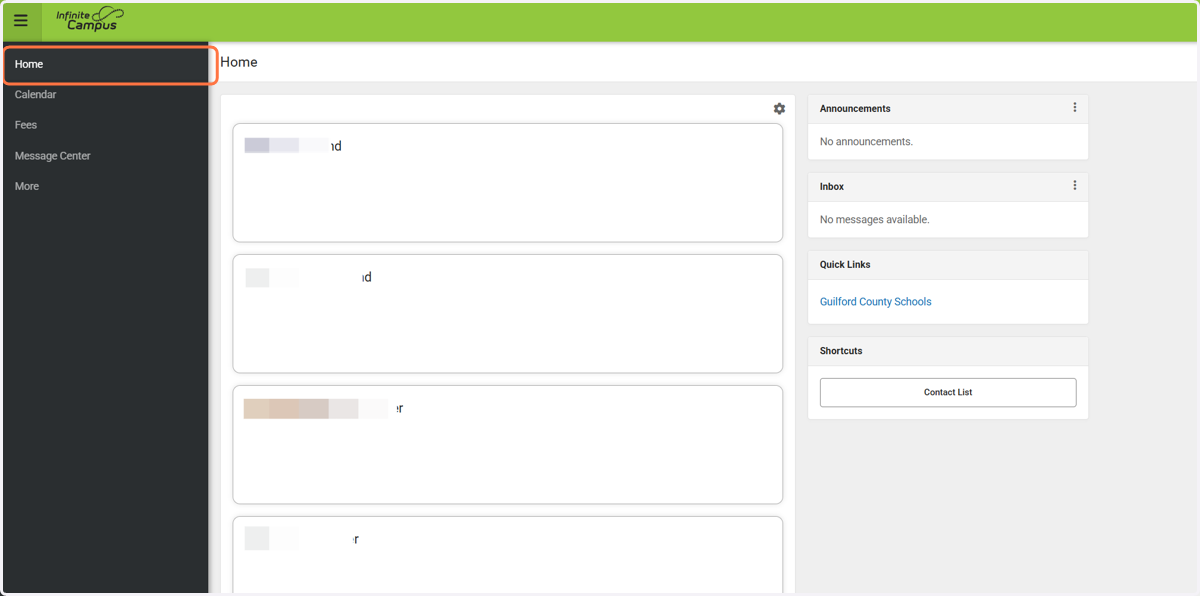
How to Activate Your NCSIS - Campus Parent Account
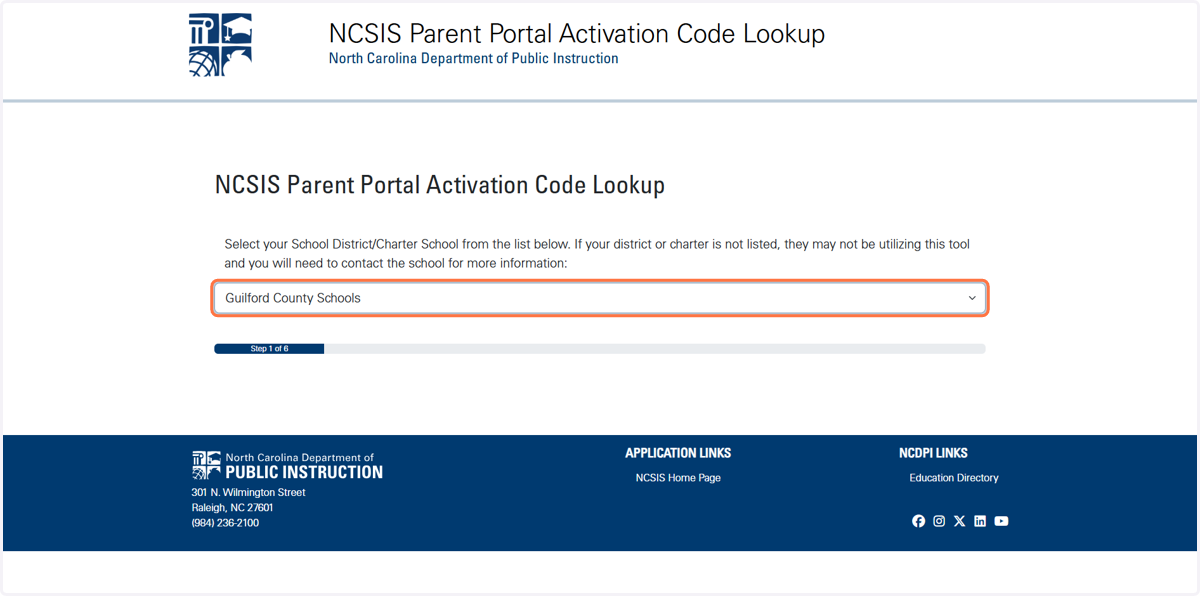
NCSIS Parent Portal Activation Code Lookup
1. Type https://portalaccess.ncsis.gov in your Google Chrome web browser.
Select Guilford County Schools from the drop down.
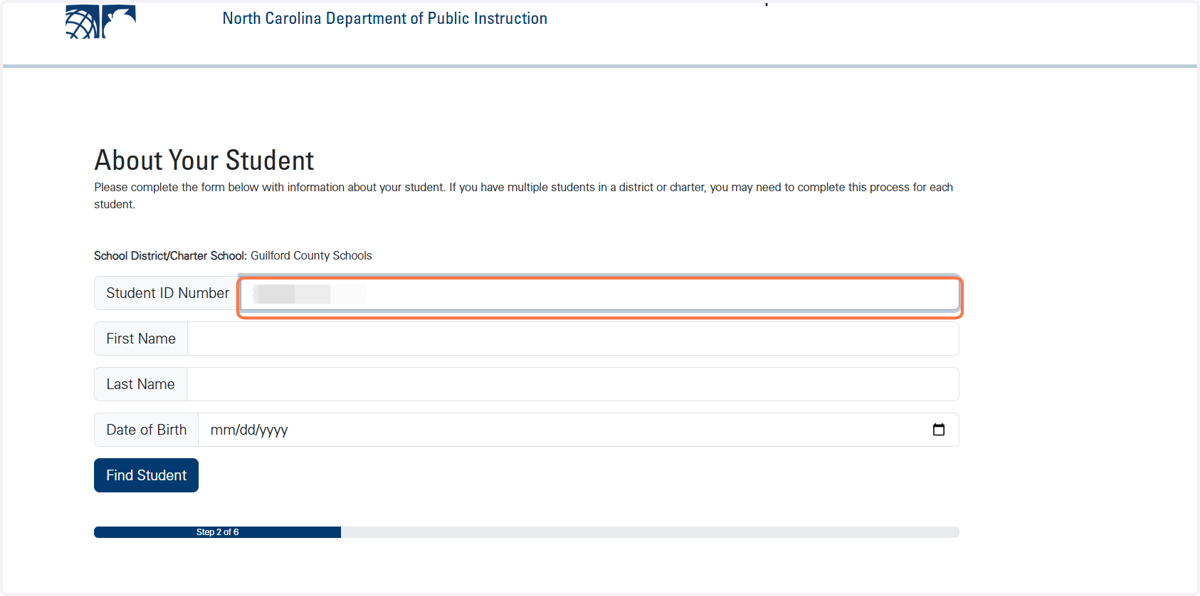
2. Enter your child's Student ID Number.
This number is their lunch number or can also be found on their report cards. You will only need this information for one of your children. You will automatically have access to everyone once your Campus Parent account is established.
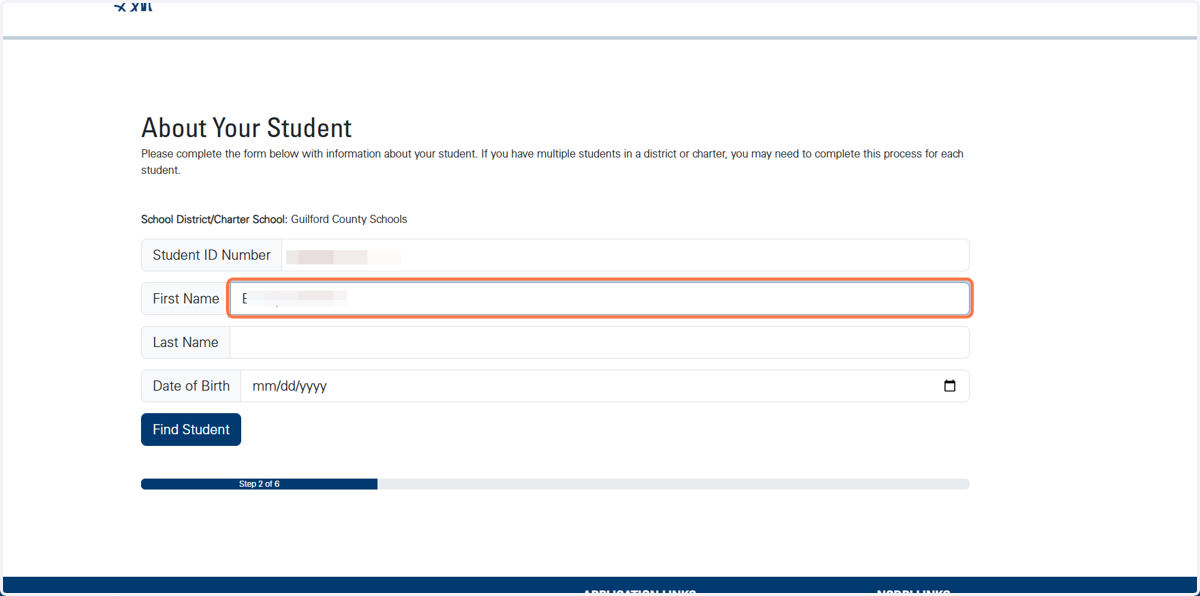
3. Enter your child's first name.
4. Enter your child's last name.
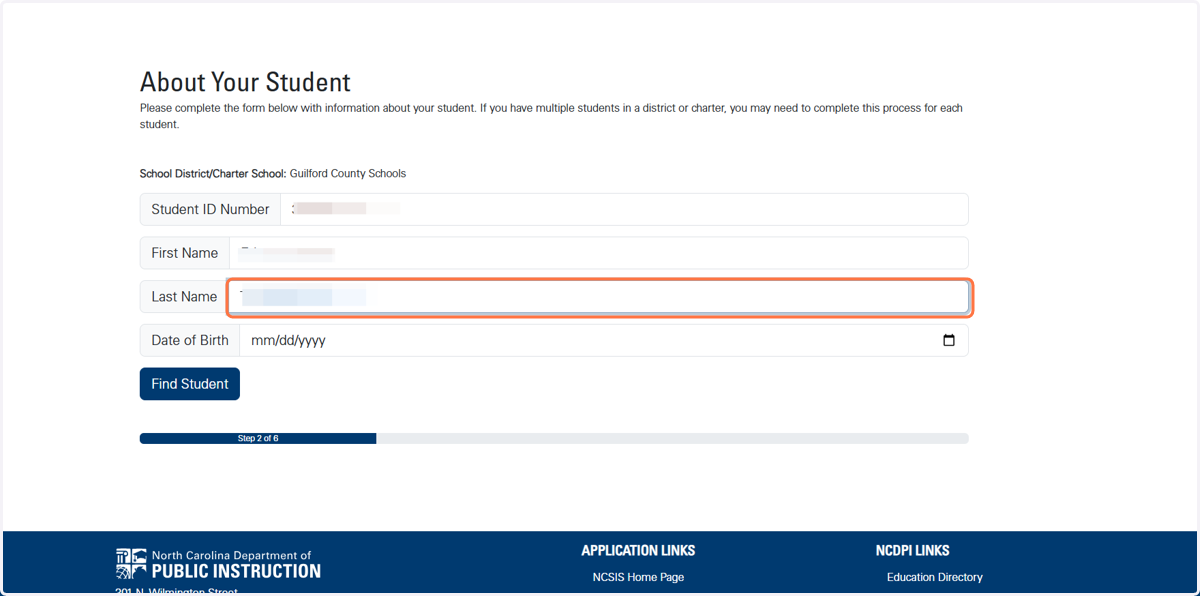
5. Enter your child's date of birth.
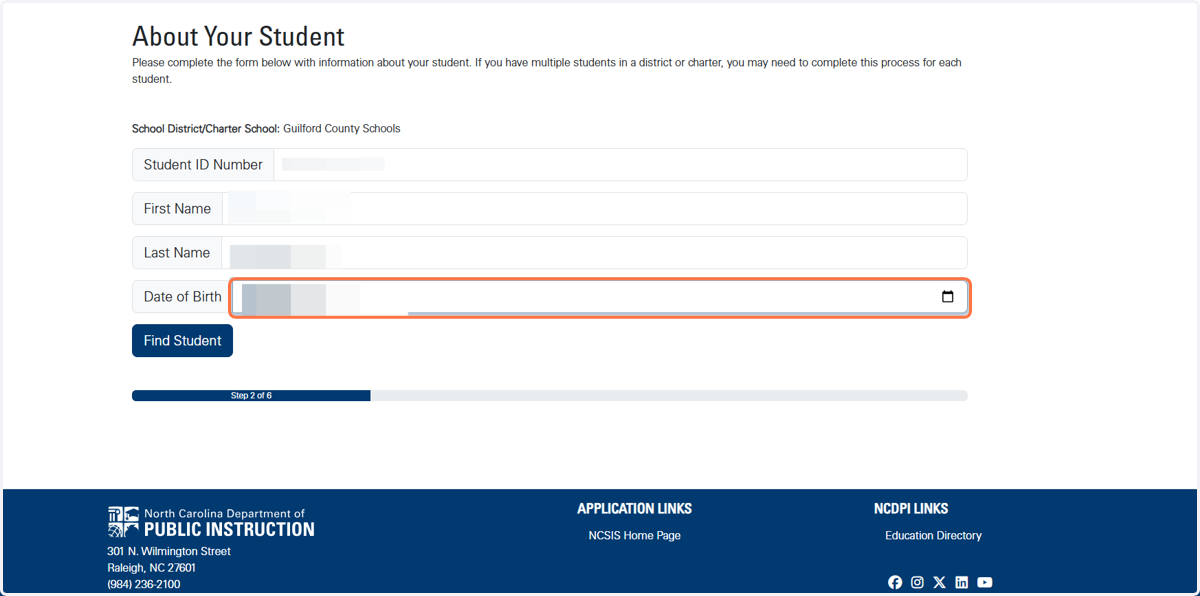
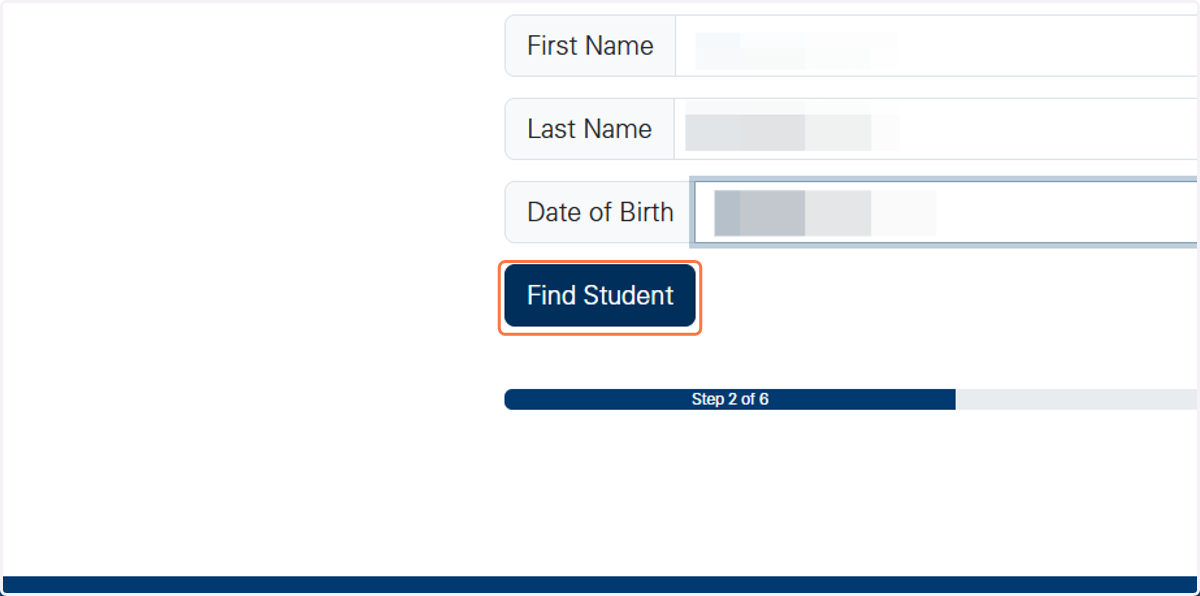
6. Click on Find Student
7. Select your name and verification method.
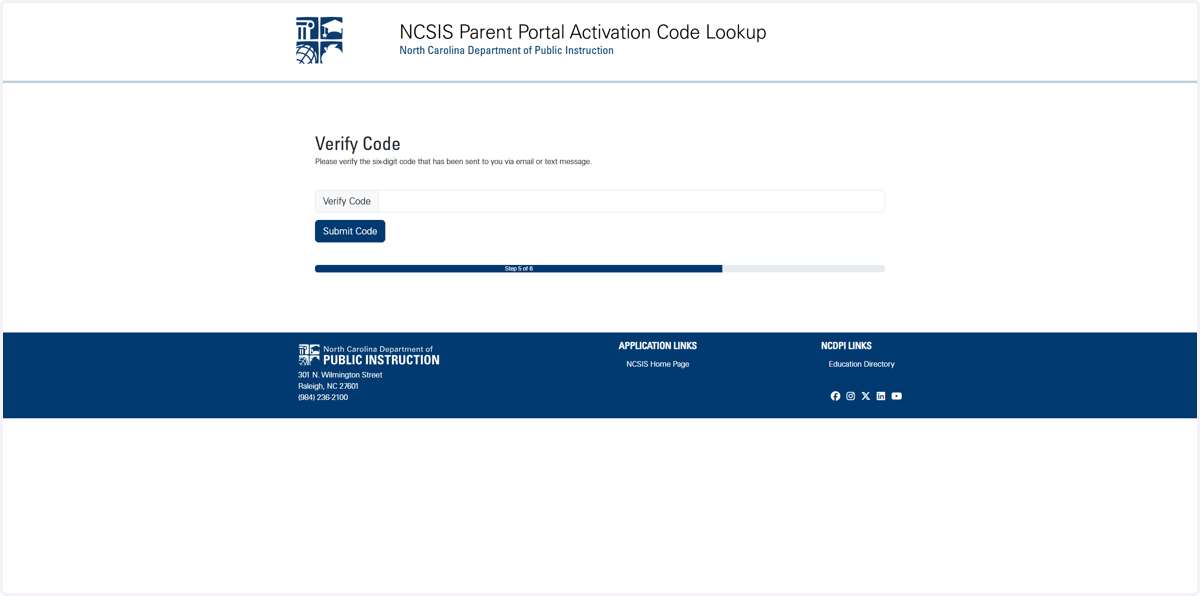
8. Once you receive your verification code, enter it and select Submit Code.
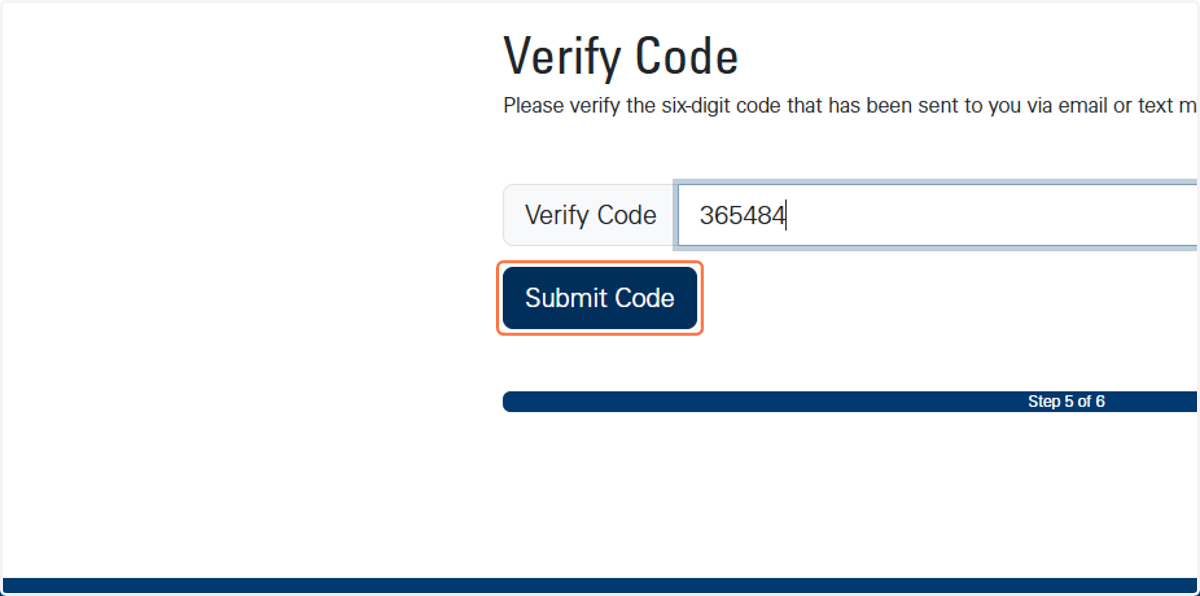
9. Copy the activation coded provided.
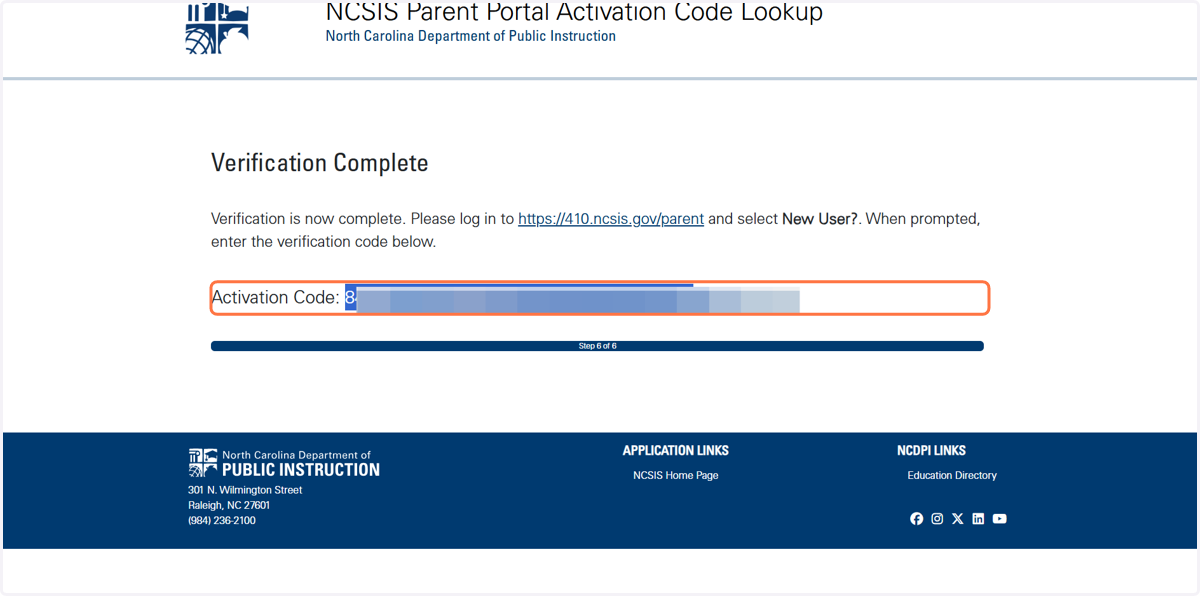
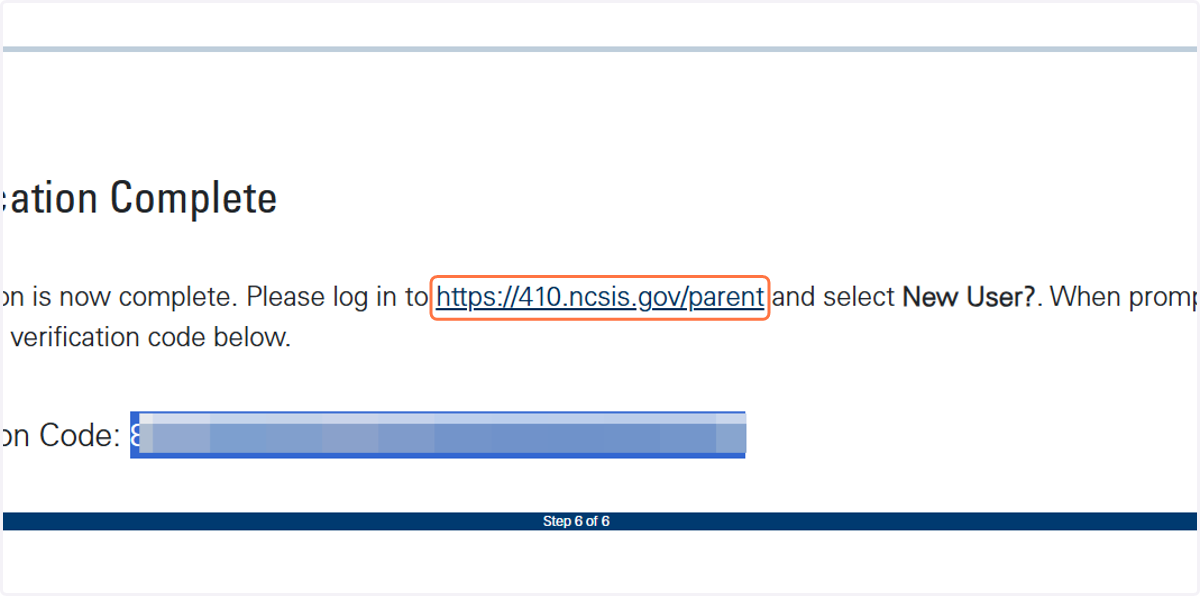
10. Click on the link provided above your Activation Code.
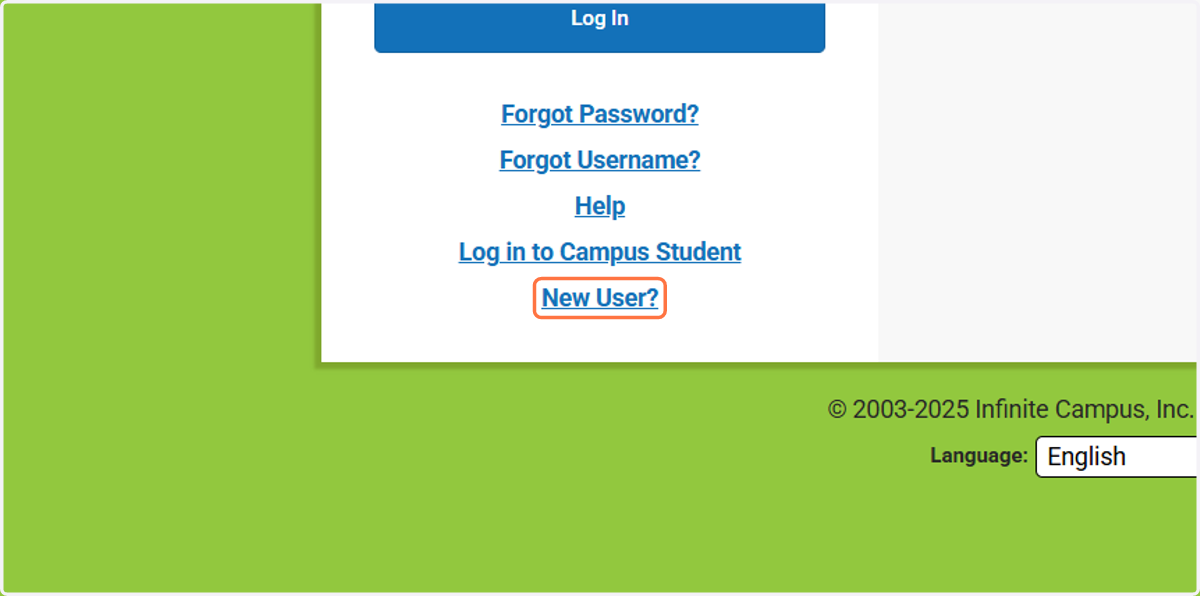
11. Click on the New User Link
12. Enter the Activation Code provided in Step 9 and click on Submit
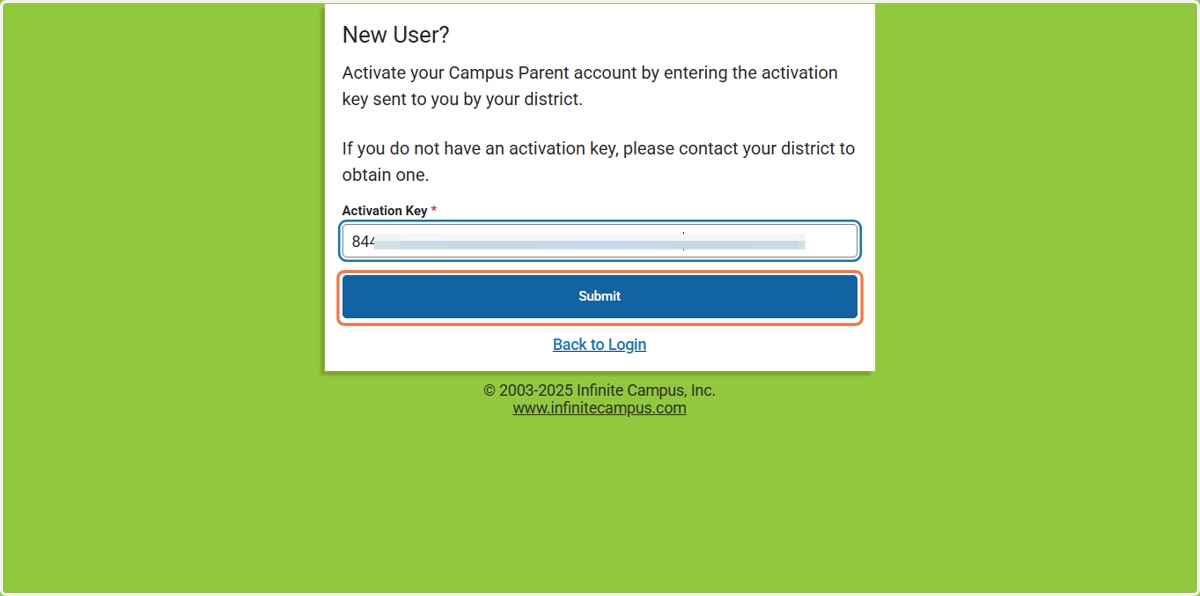
13. Create and enter your desired username.
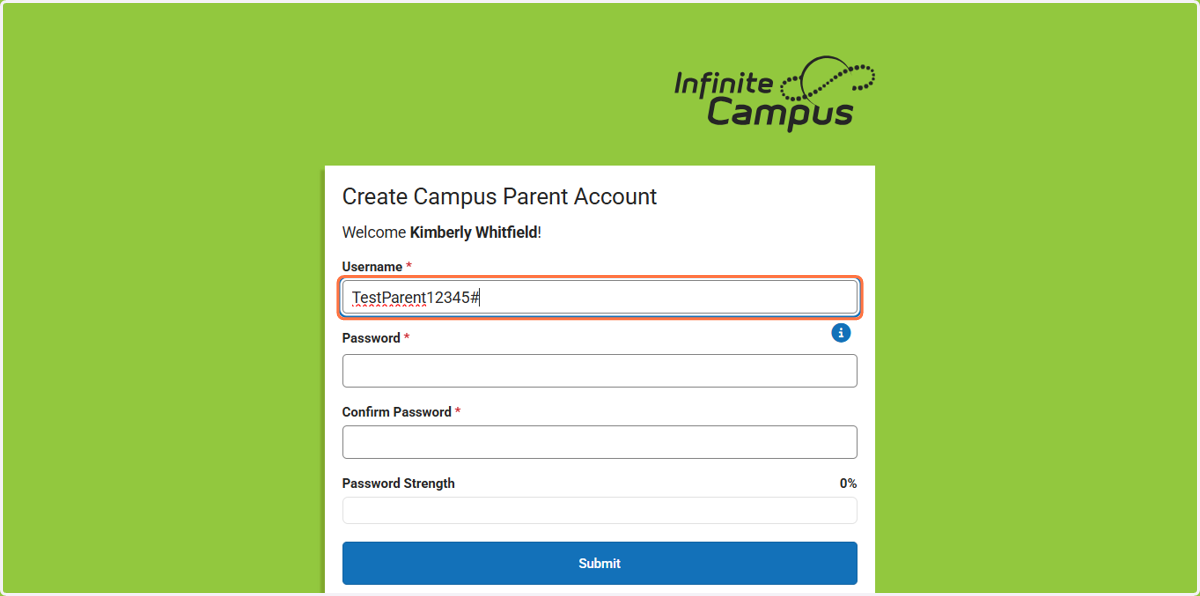
14. Enter your desired password.
It should contain at least 10 digits using letters and at least 1 number and symbol.
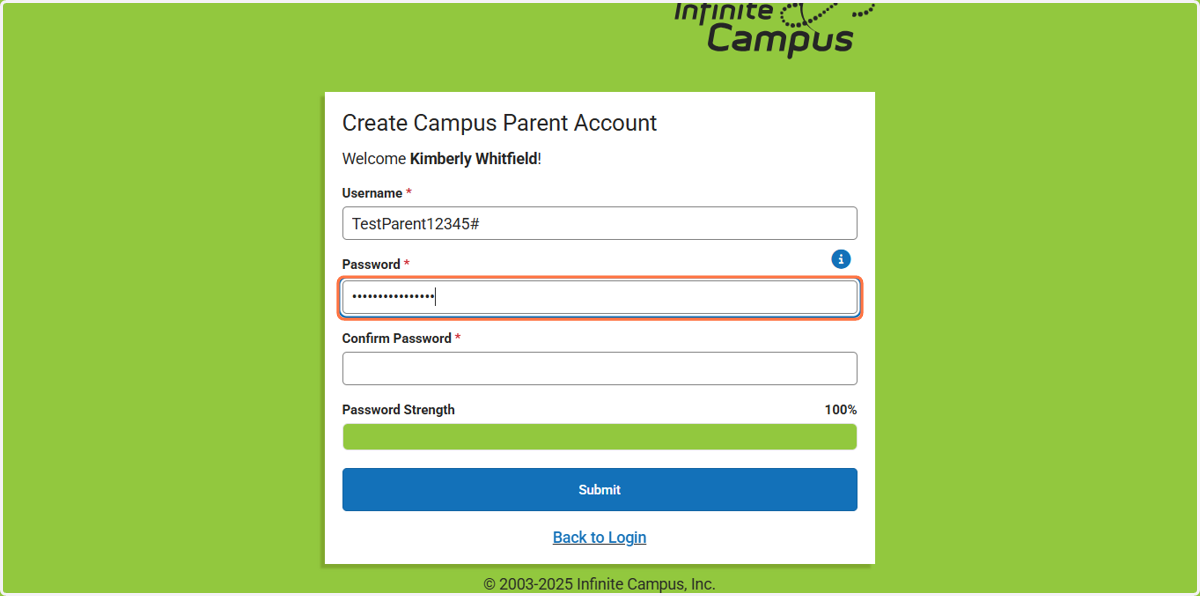
15. Confirm your password.
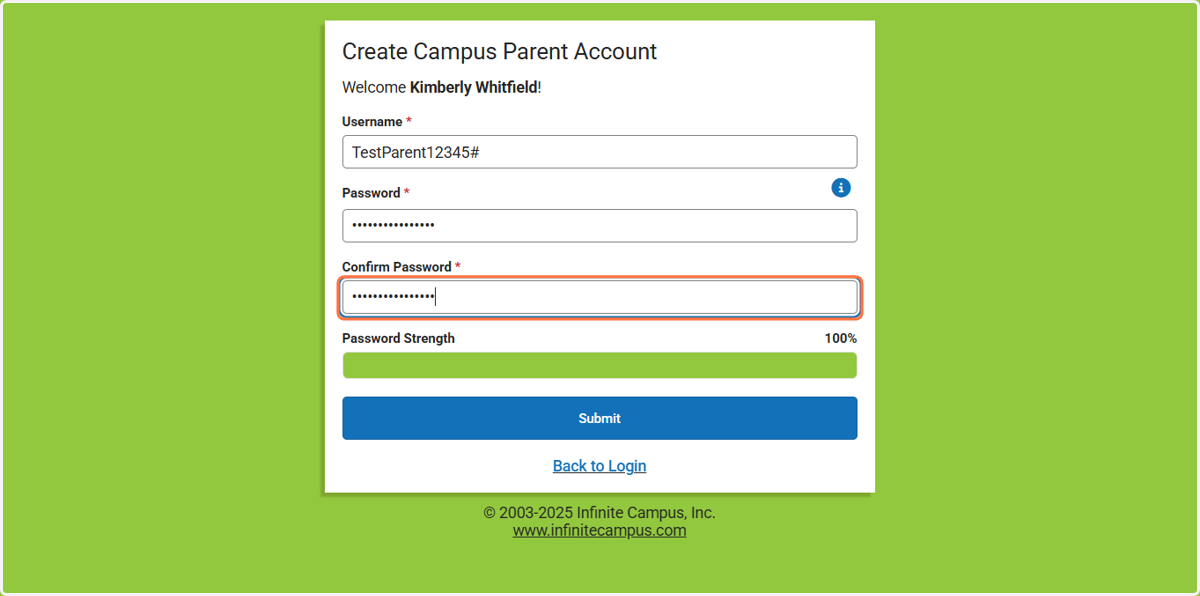
16. Click on Submit
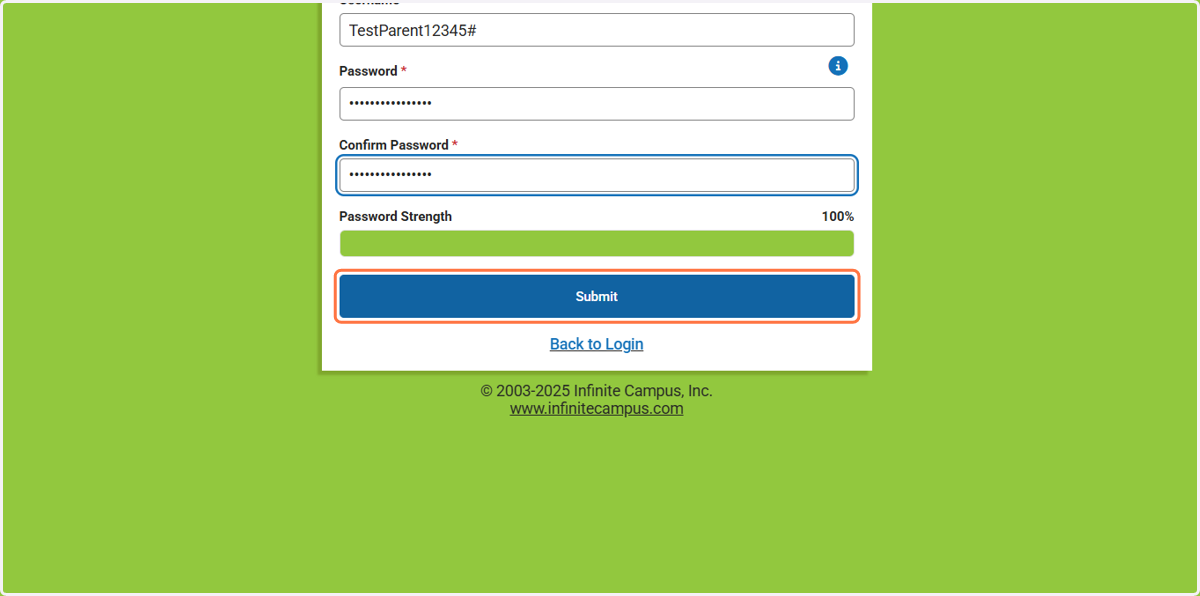
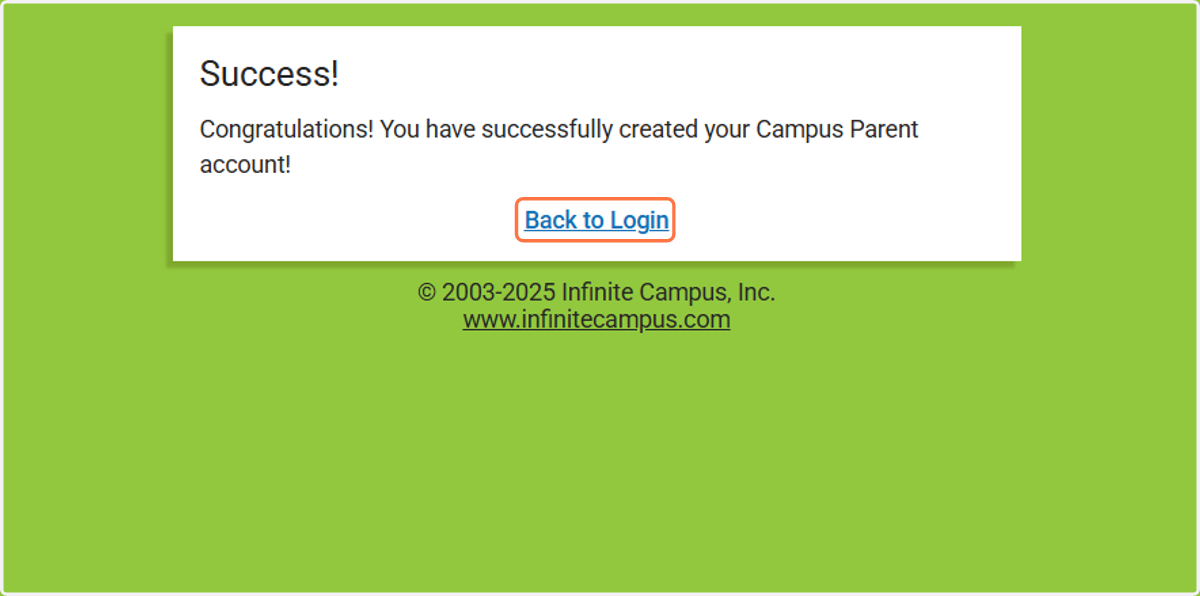
17. You are almost there! Now click on Back to Login in to complete the registration process.
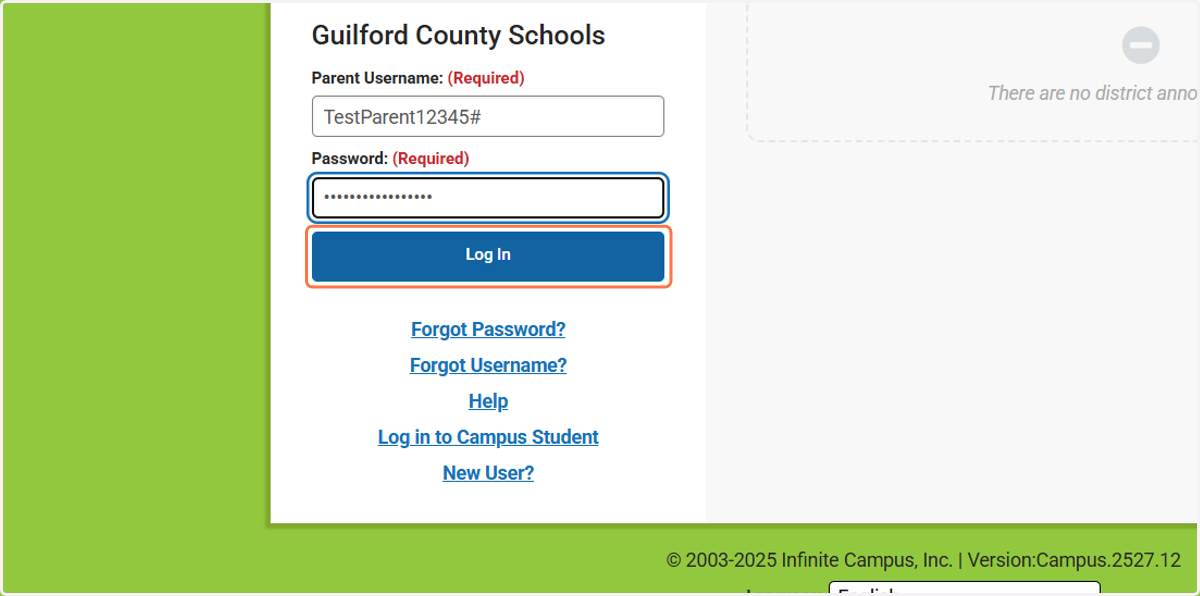
18. Type in the Parent Username and Password that you just created. Click on Log In.
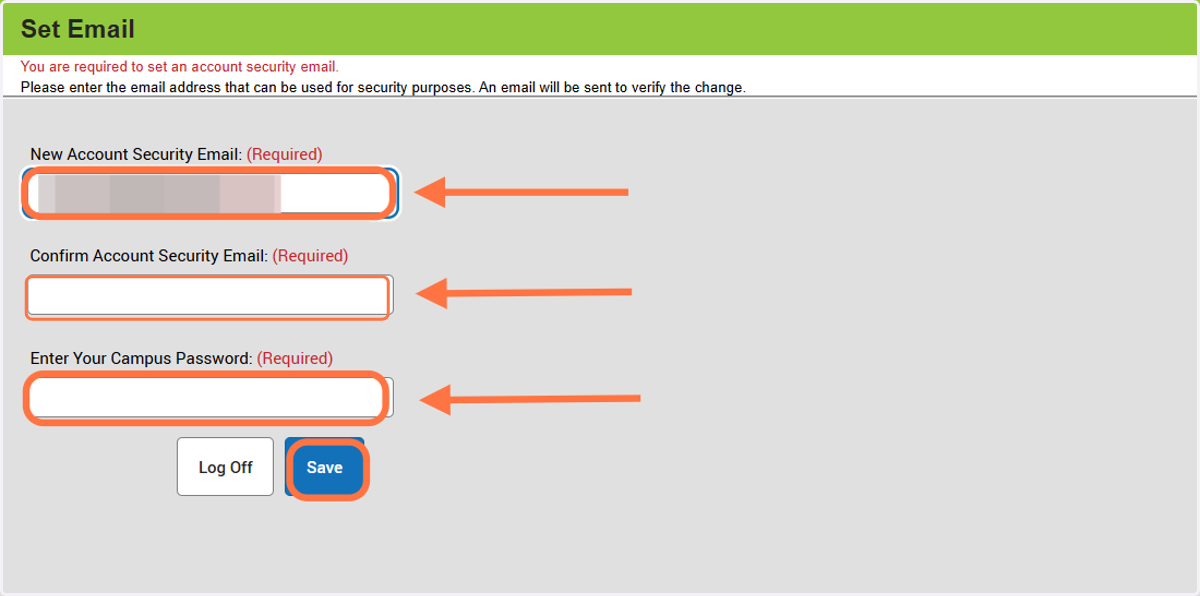
19. Lastly, you are required to set an account security email. Enter your email address, confirm the email address and enter Campus Parent password. Click on Save.
You will only be required to enter this information during your initial login setup.
20. Click on Close
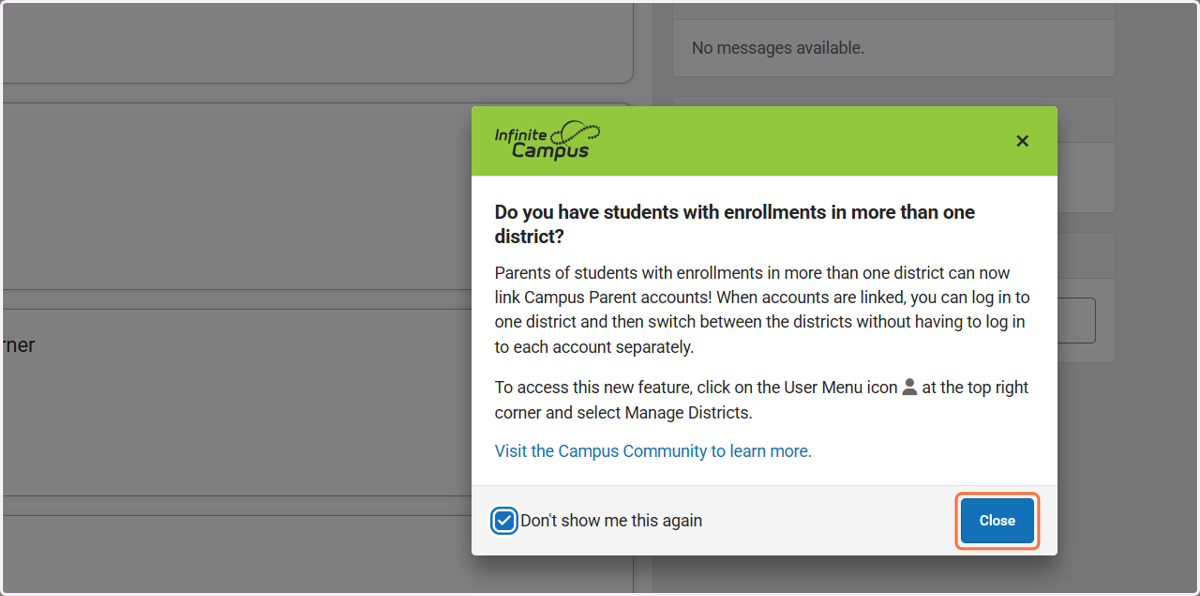
21. Welcome to Campus Parent! You now have access to all your children under one account!
Check out some of the great benefits of having a Campus Parent account!