How to Activate Authenticator for Applicant Portal
Applicant Login
After you have successfully verified your email address, you will be directed towards login page.
Follow the below steps and activate authentication for your account.
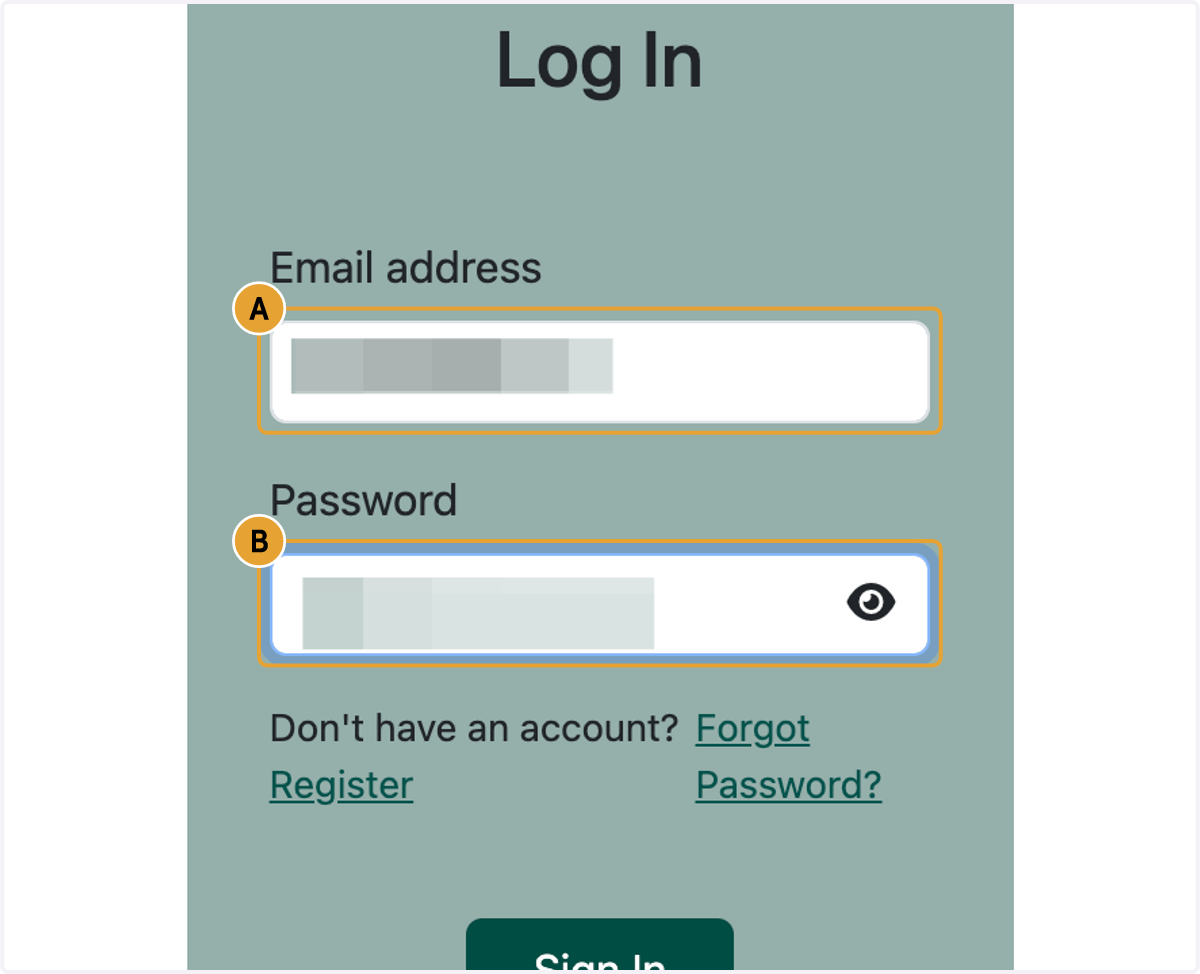
1. A. Paste text into input
1. B. Type password
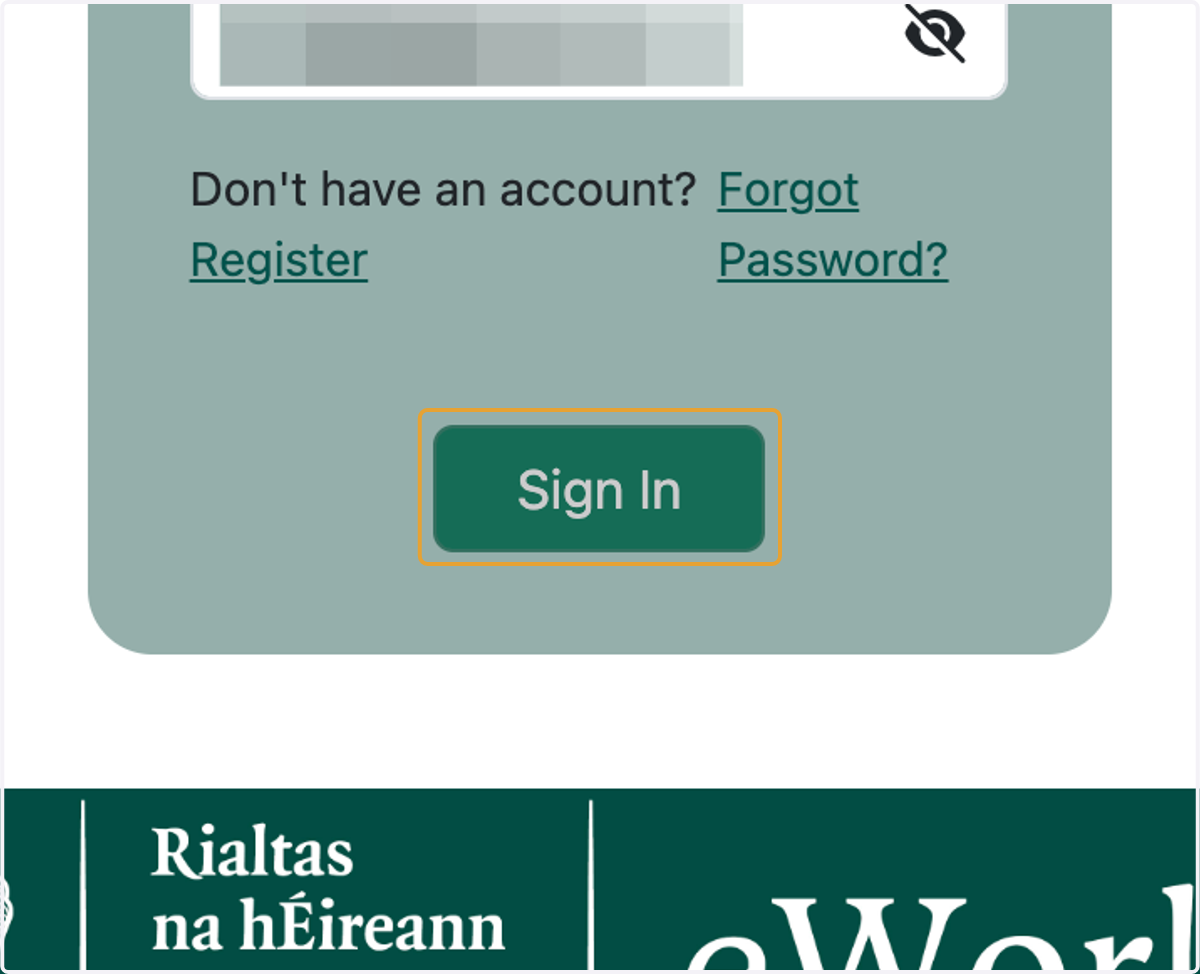
2. Click on Sign In
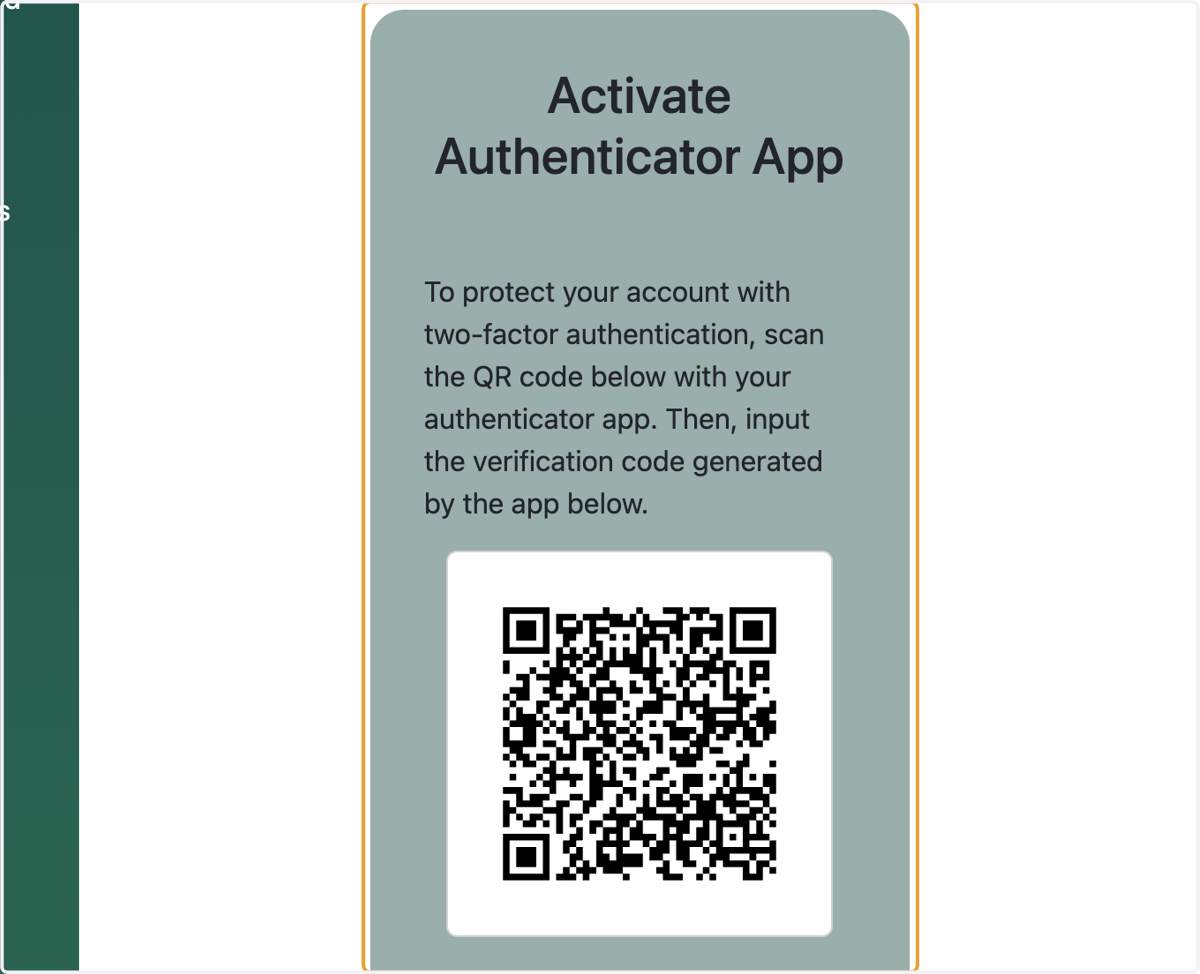
3. Scan the QR code with your Authenticator App
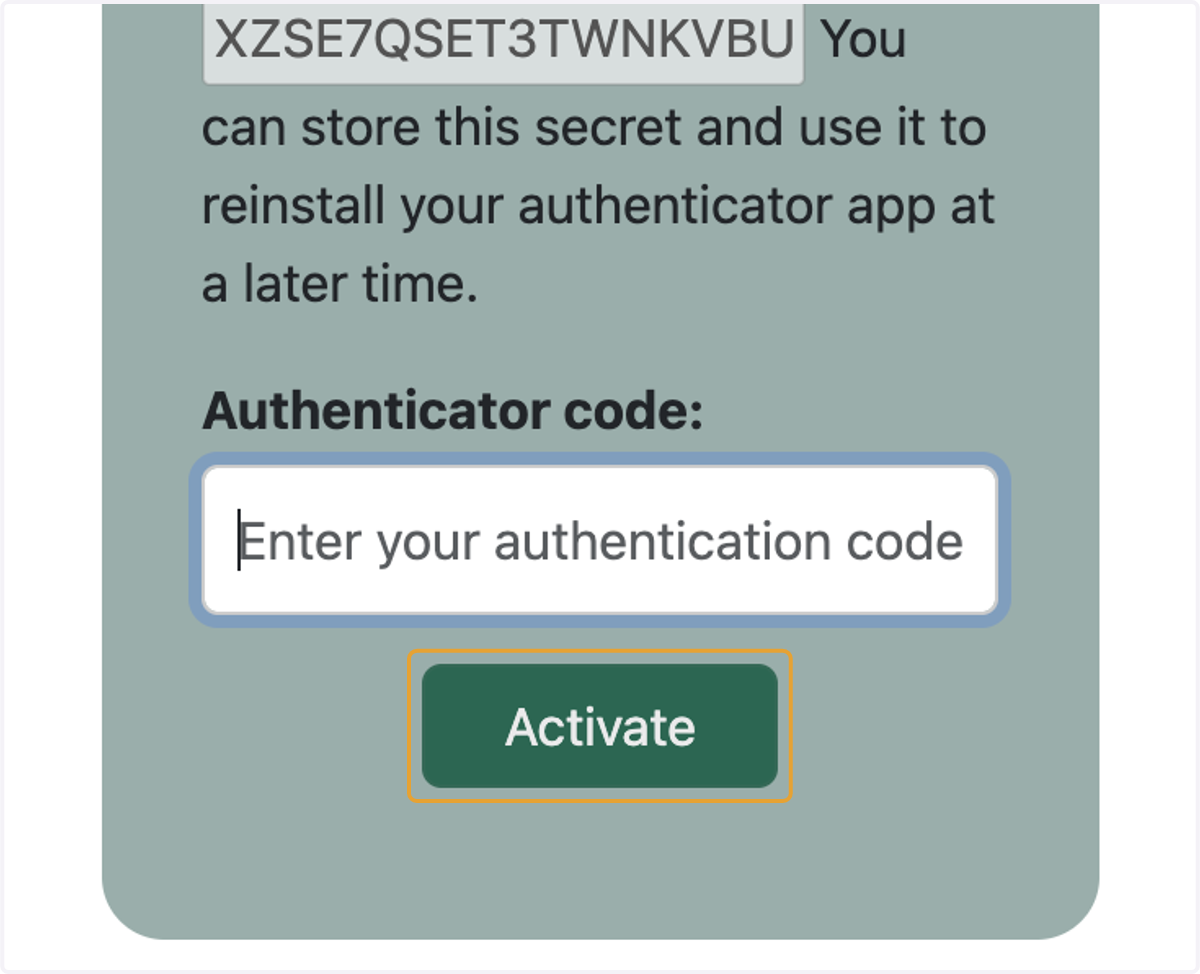
4. Enter the Authenticator code shown on your Authenticator App
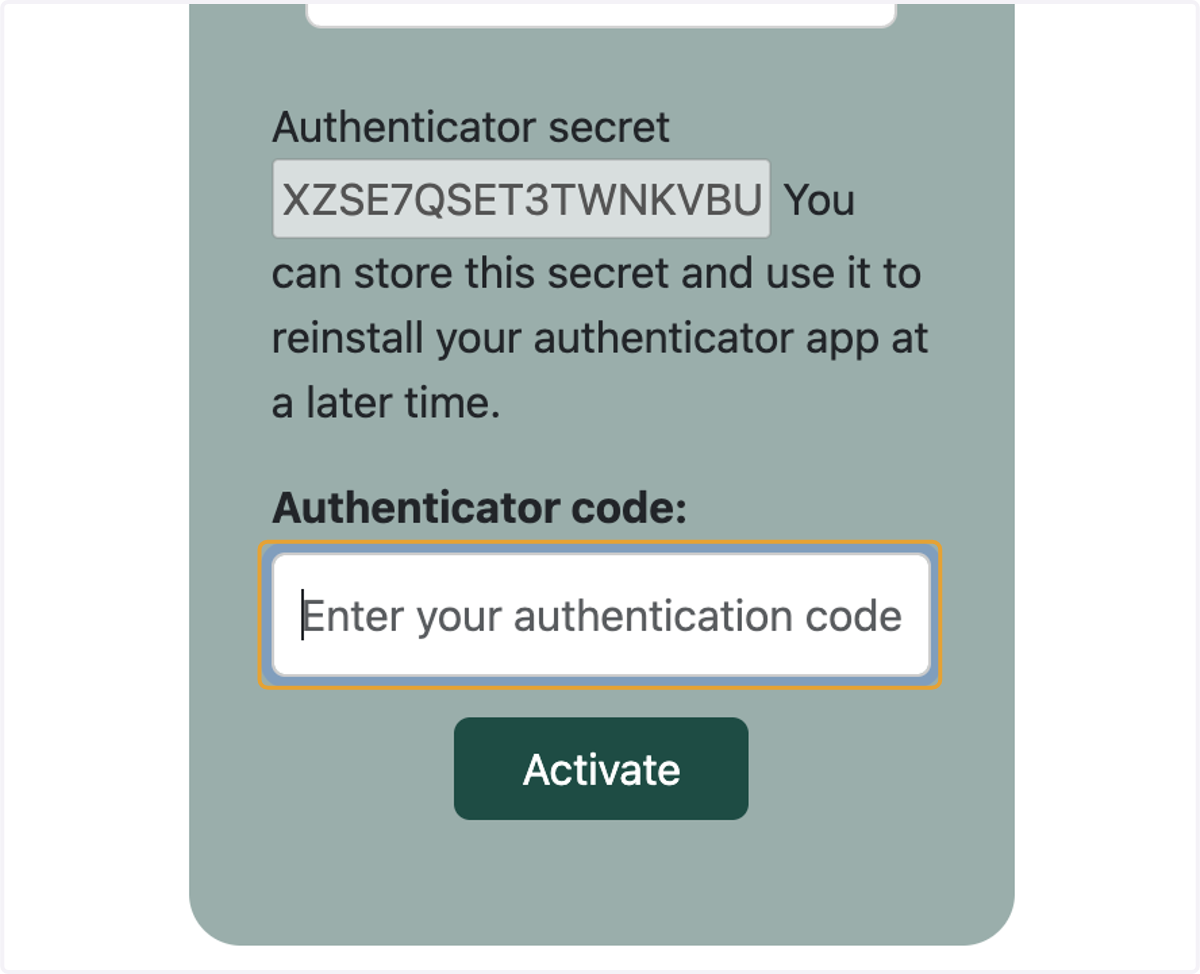
5. Click on Activate