How to Activate/Accept Order?
😇 Login to Wetransact portal.
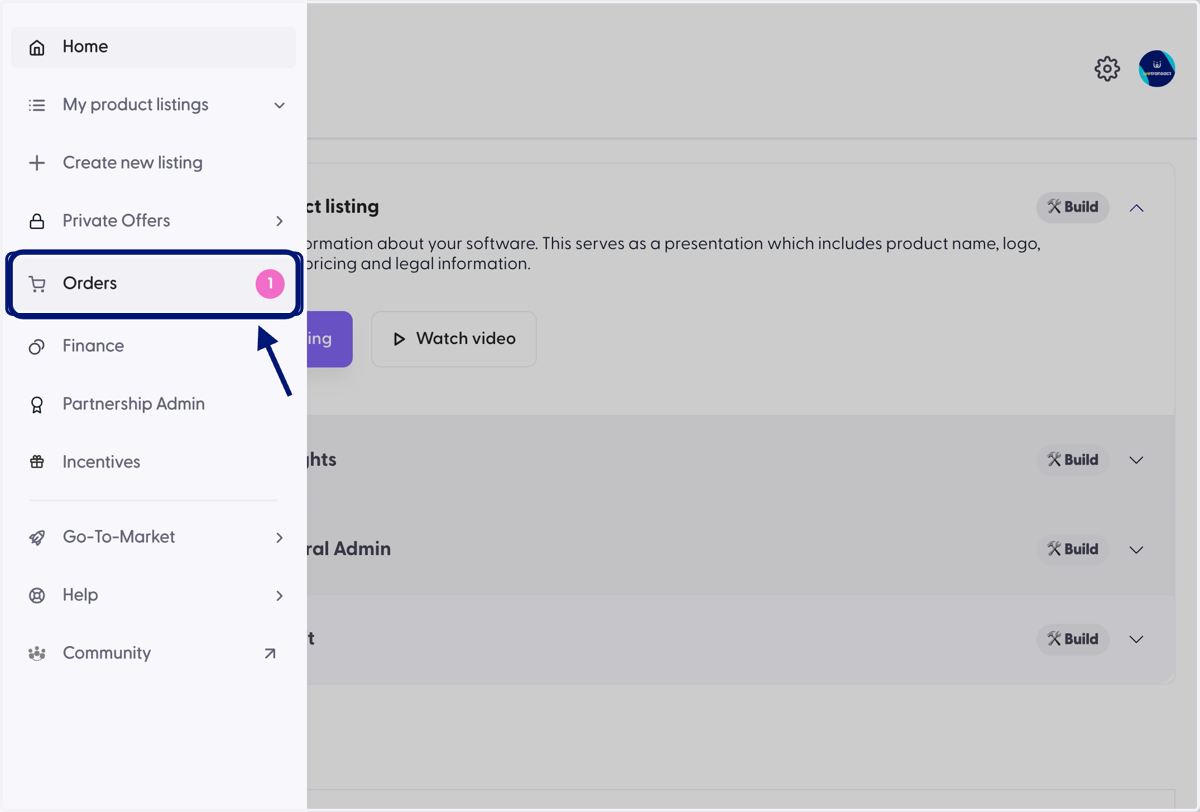
1. Click on Orders Tab on the left menu.
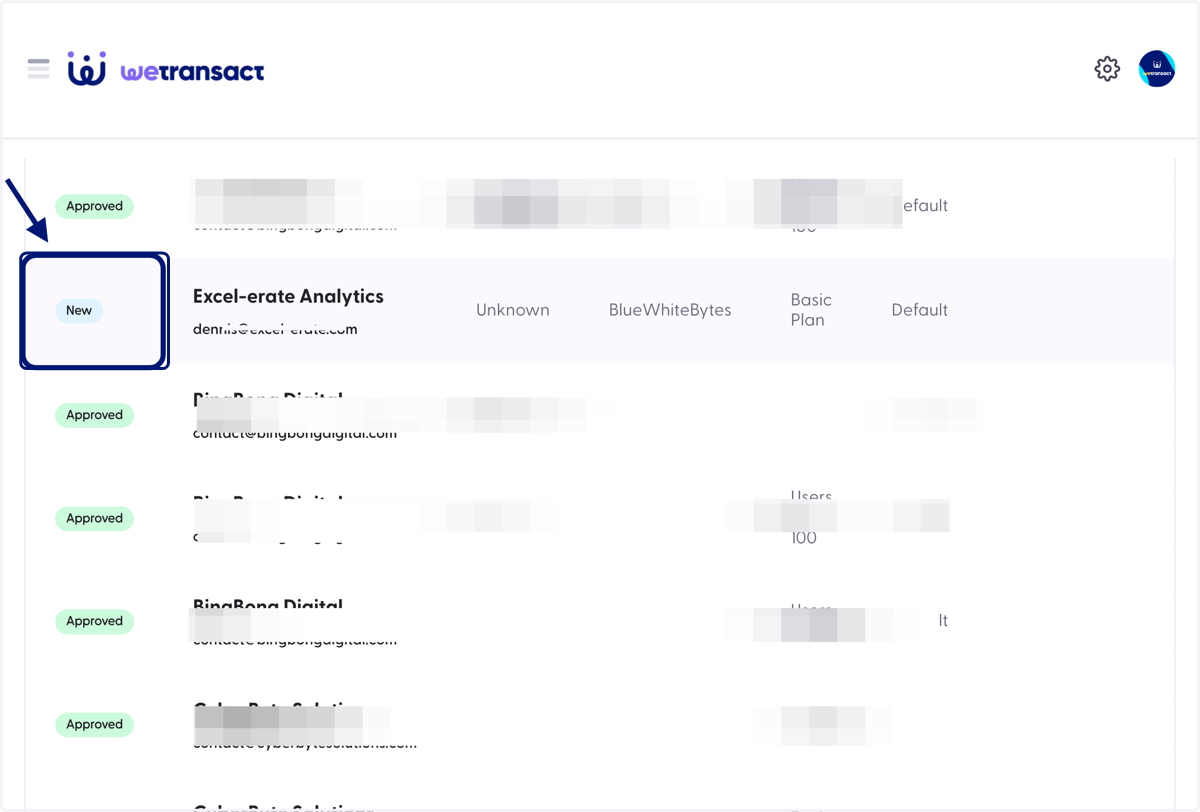
2. You will see the new order, Scroll on the right to see the action button.
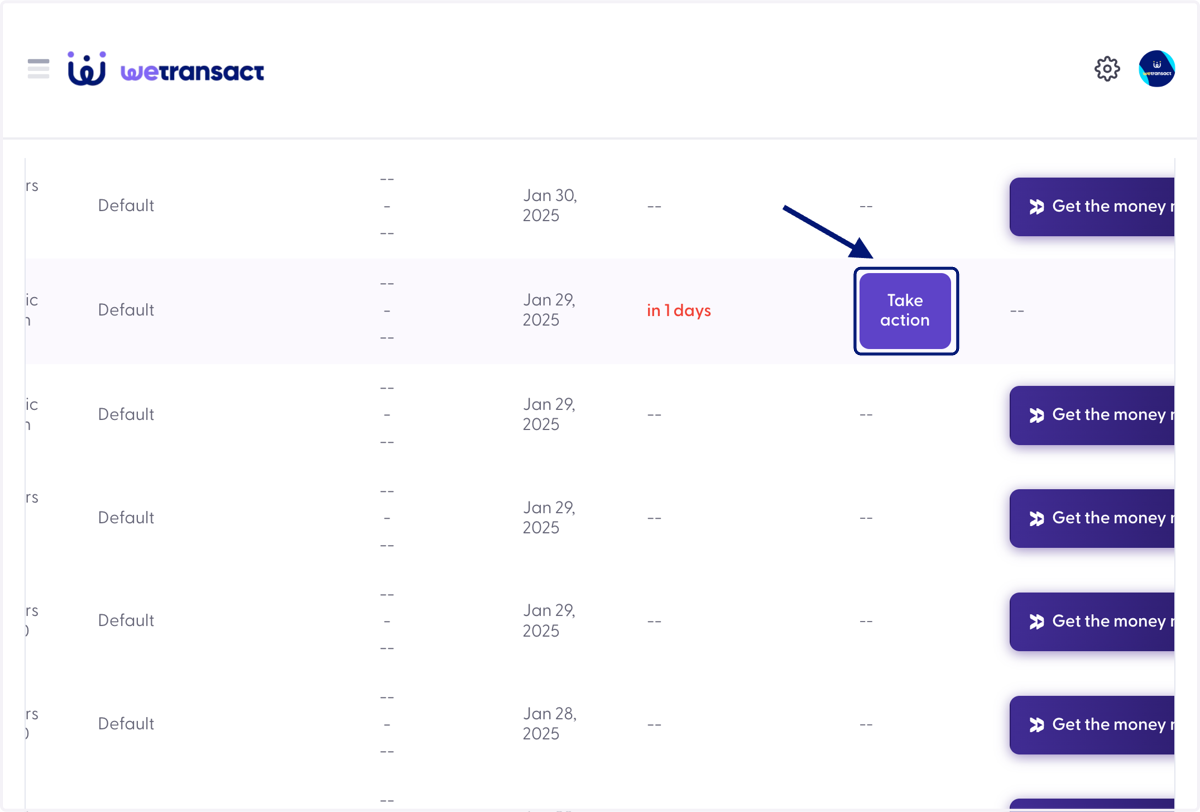
3. Click on Take action button
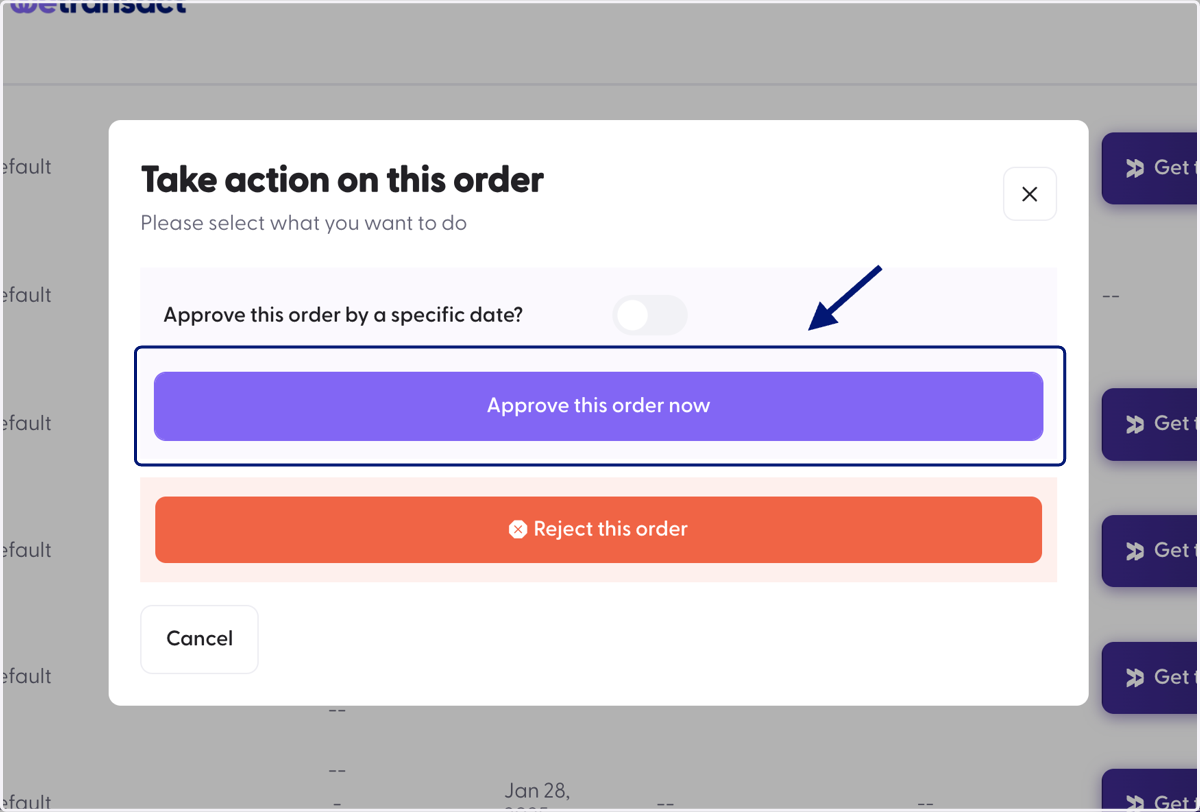
4. A window will pop up, Click on 'Approve this order now' option.