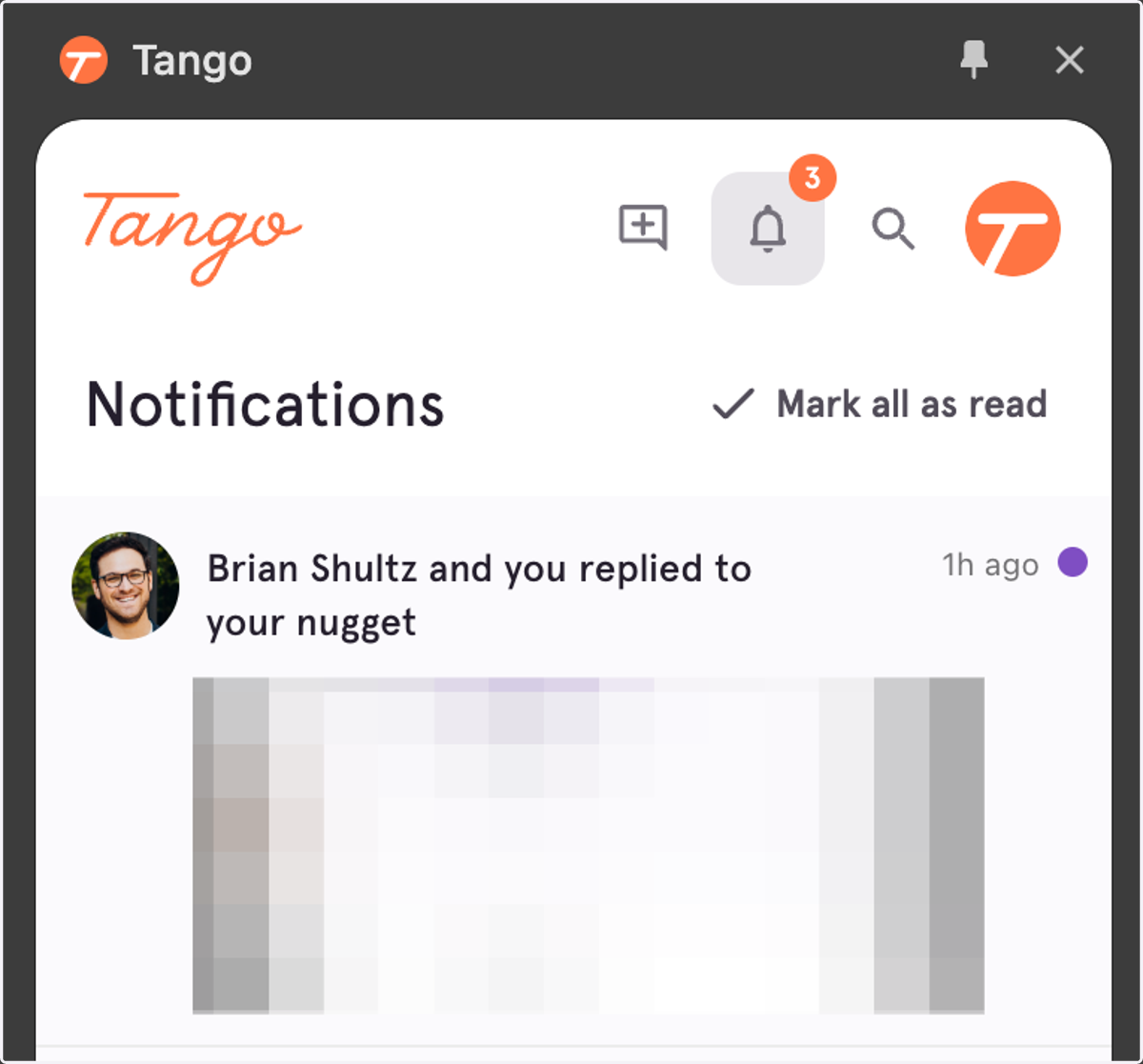
How to Access Your Notifications
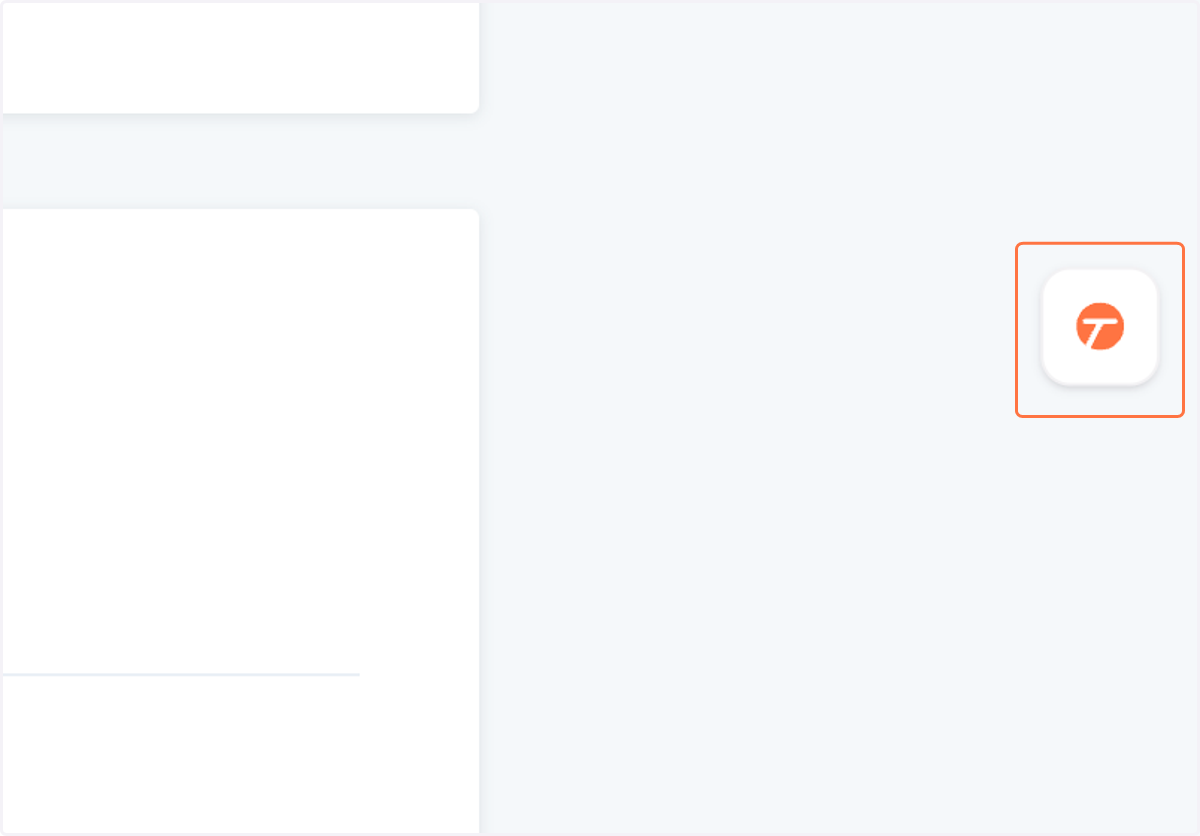
1. Hover over your Tango controller to expand it
This will either be on the right or left side of your browser, depending on if it has been moved.
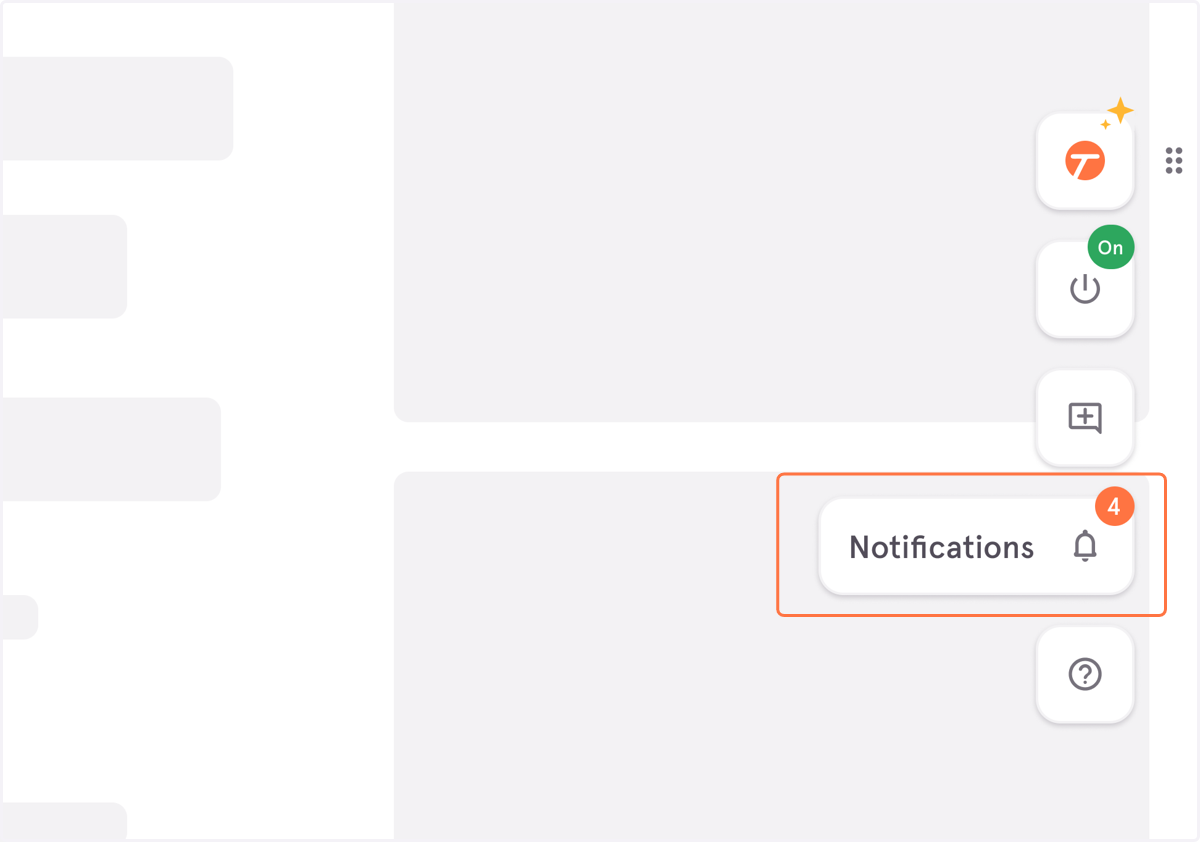
2. Click on "Notifications"
A badge with the number of new, unread notifications will be displayed in the upper right of the button.
3. Your notifications will open in the side panel of your browser.