How To Submit Part 2 Application
Users
1. Click on project access link for expression of interest
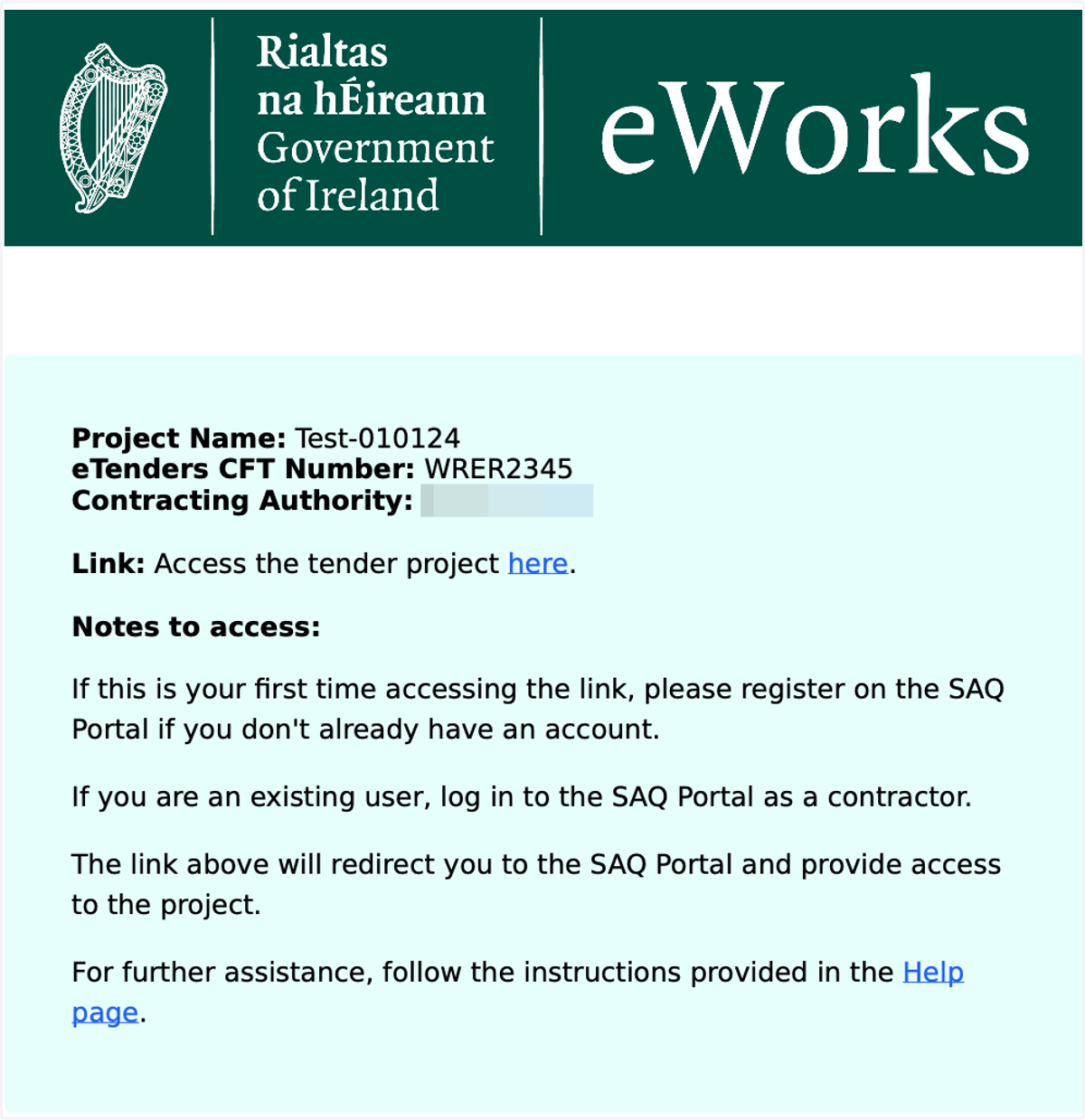
Each digital SAQ posted on eTenders a project pdf is attached. Open the pdf document and click on the link to access the tender project.
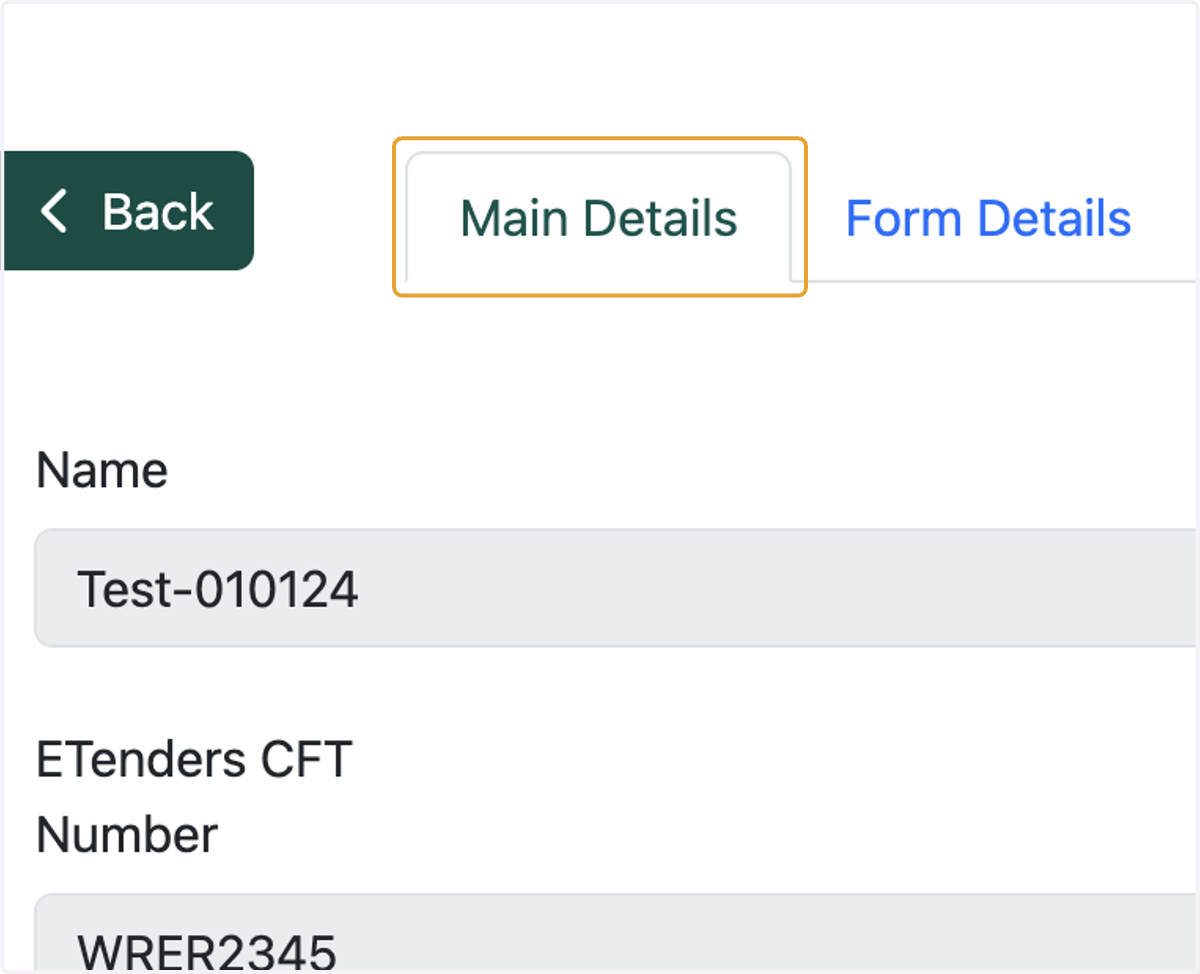
2. Click on main details
Once you click on the link, you will be directed to eWorks. Click on main details to view the details of the project
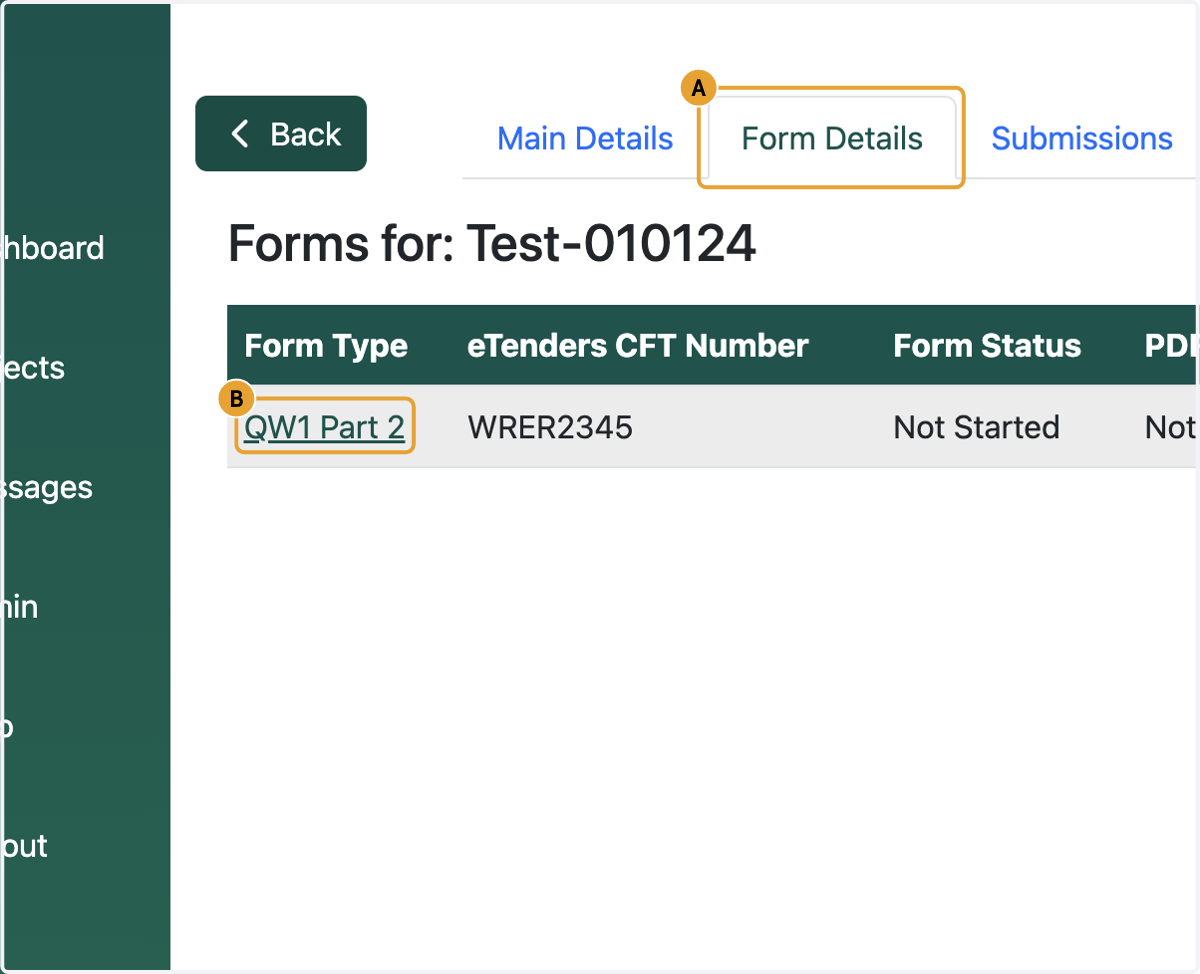
3. A. Click on form details
3. B. Click on form type
4. Fill the form and scroll down to the bottom of the page
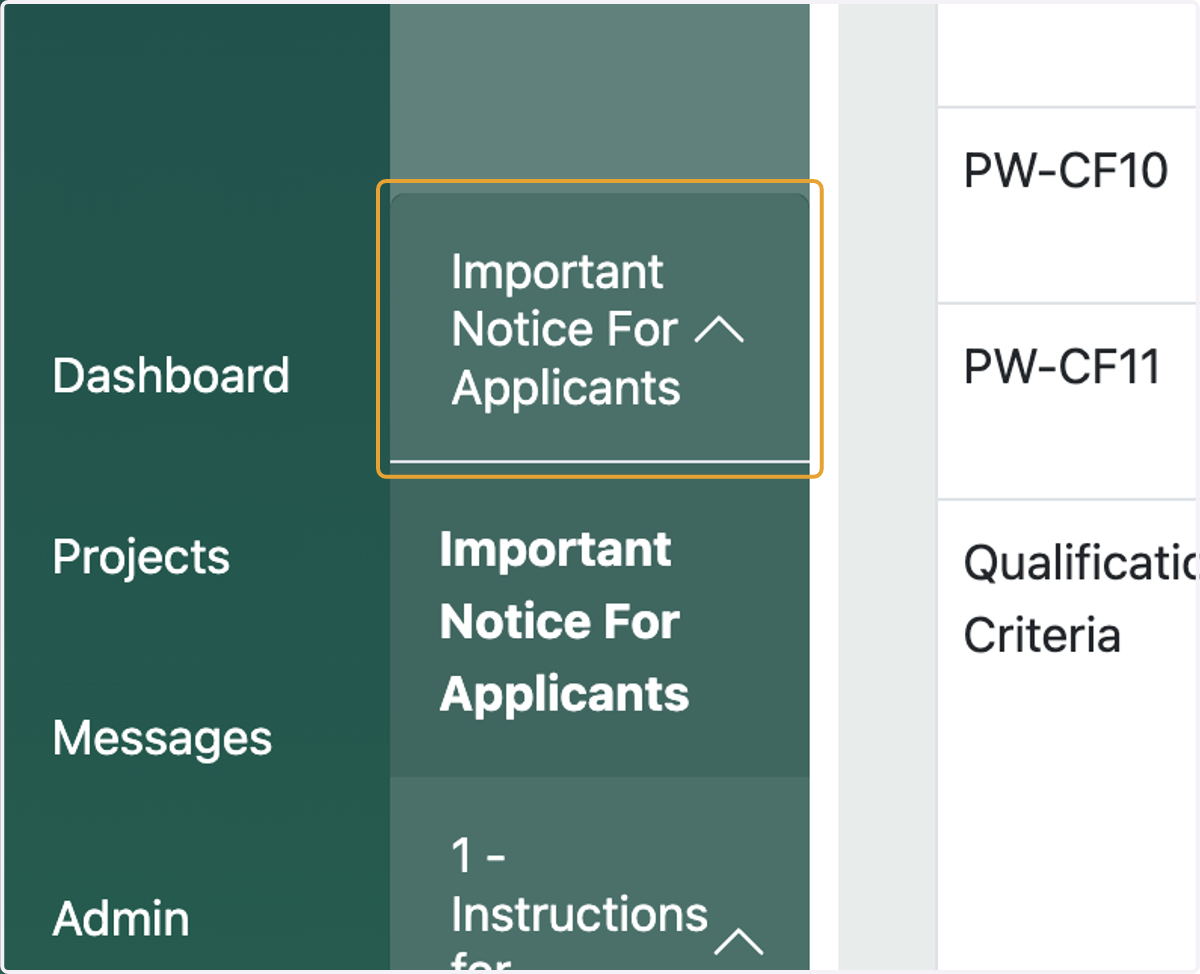
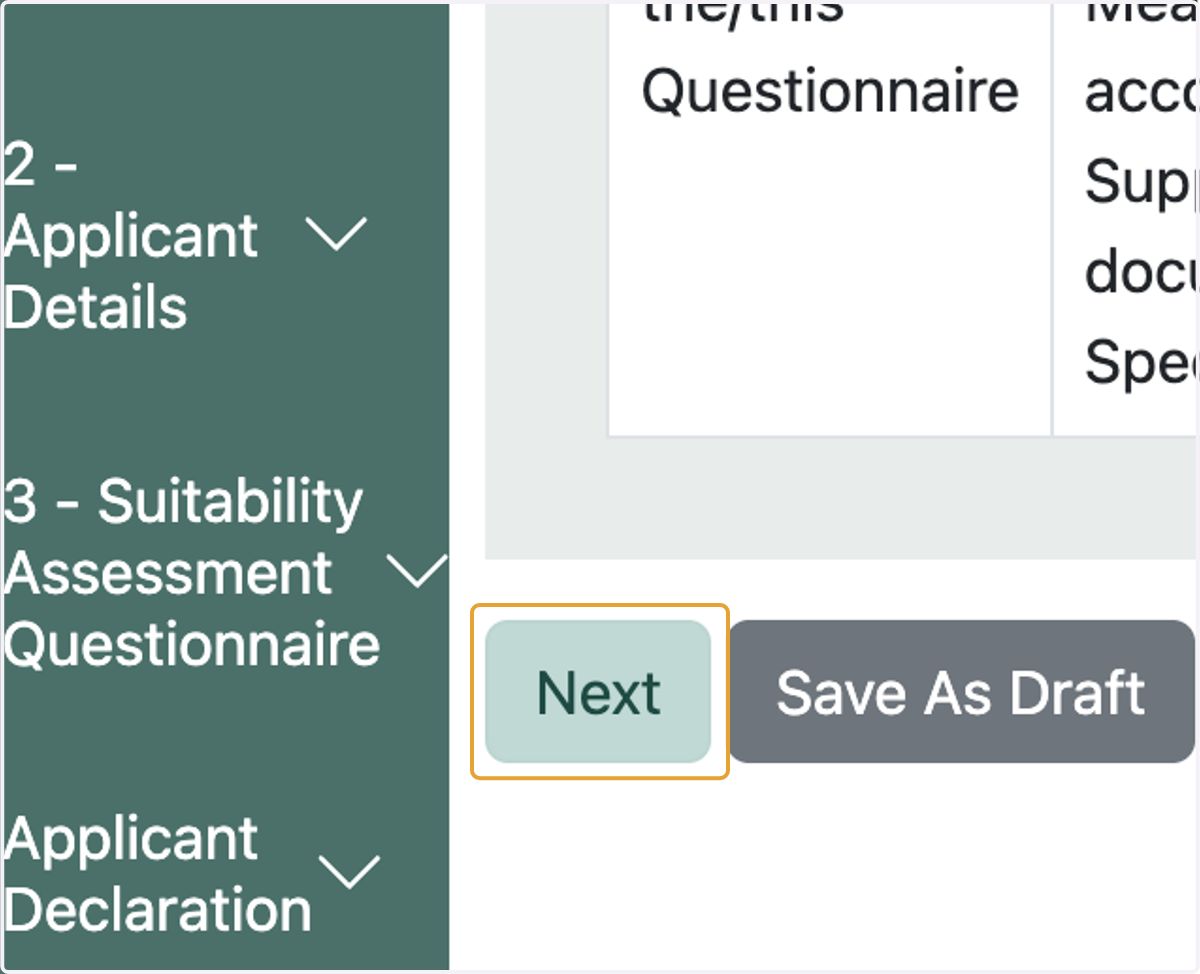
5. Click on next to fill go to the next section of the form
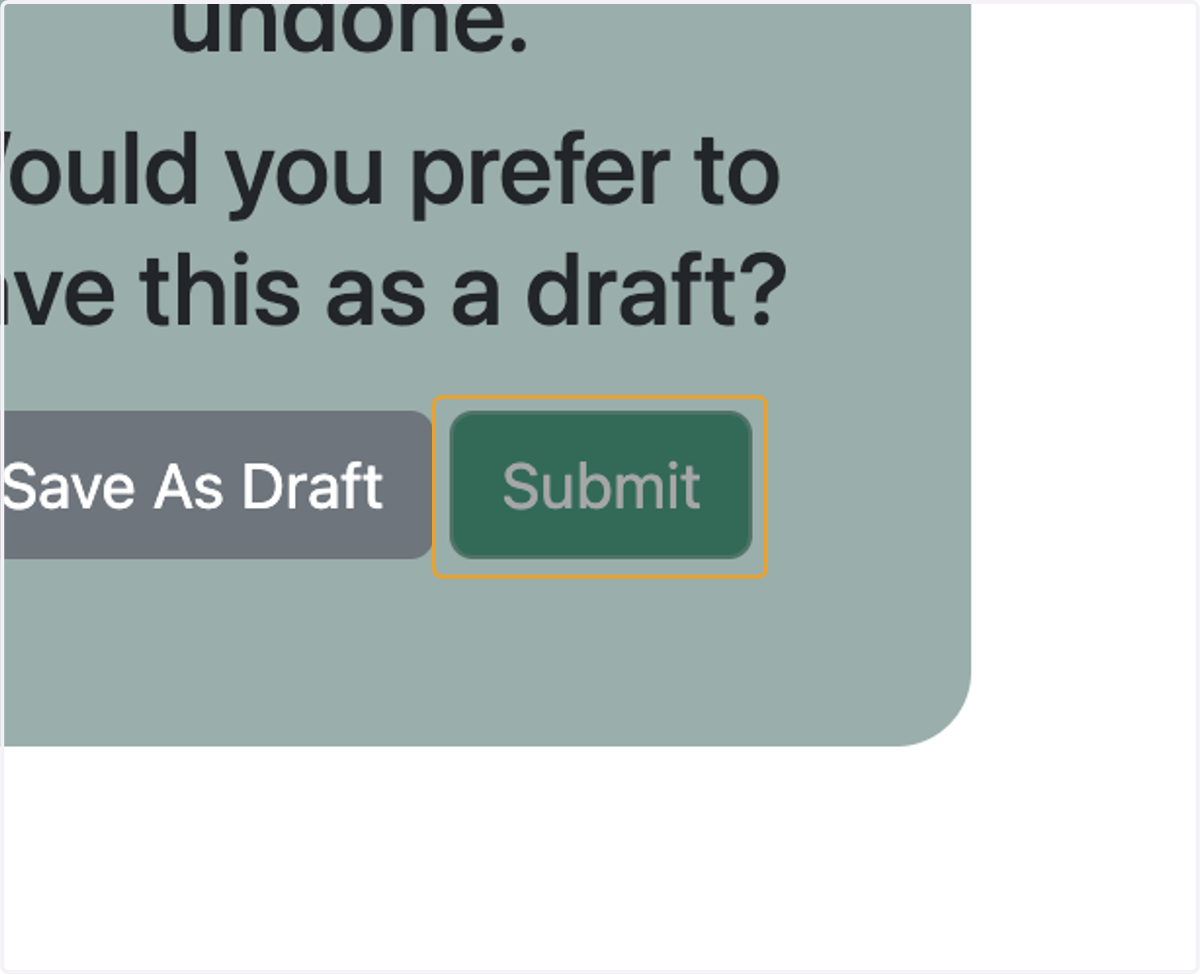
6. Click on submit
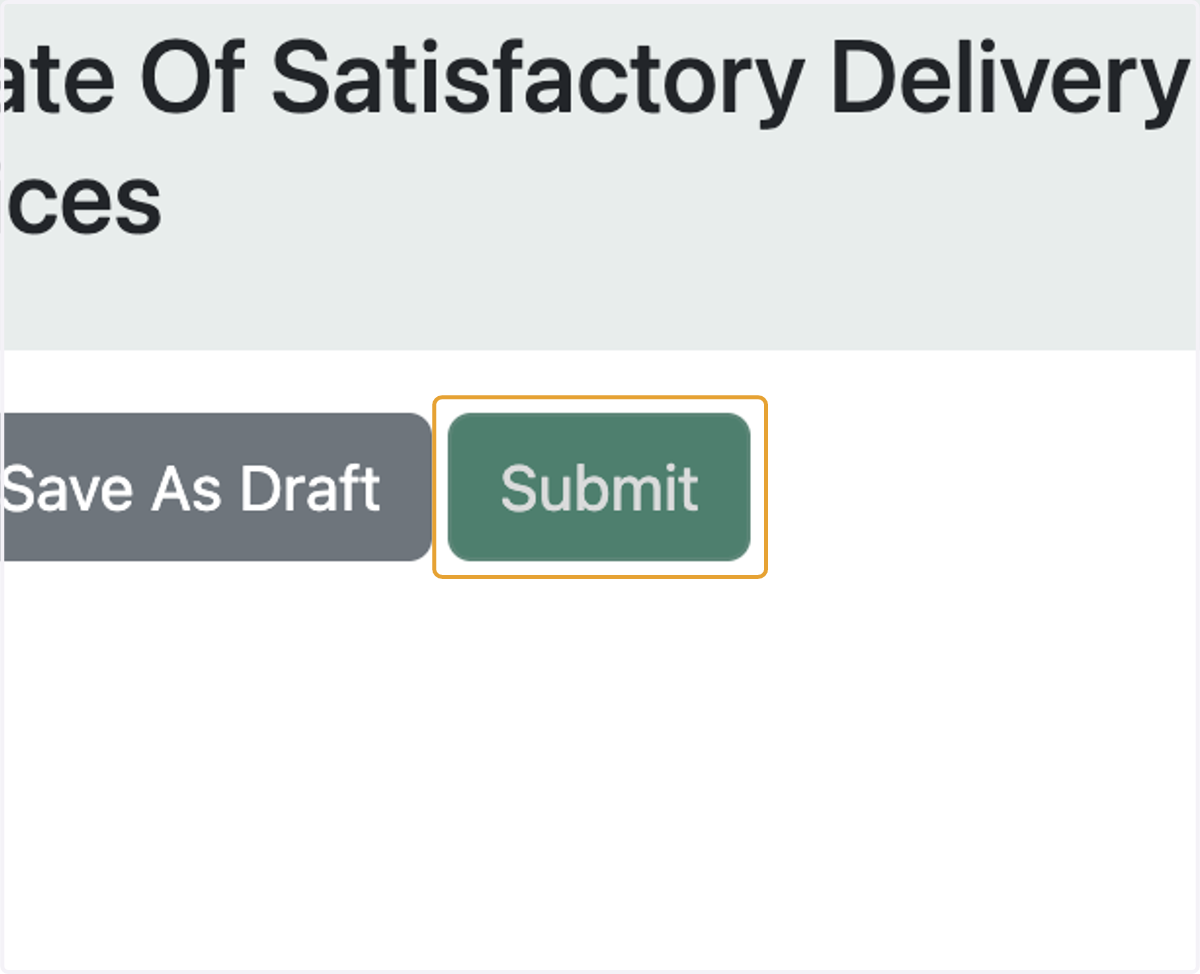
7. Click on submit
If you wish to save the form and review before submitting then click on save as draft