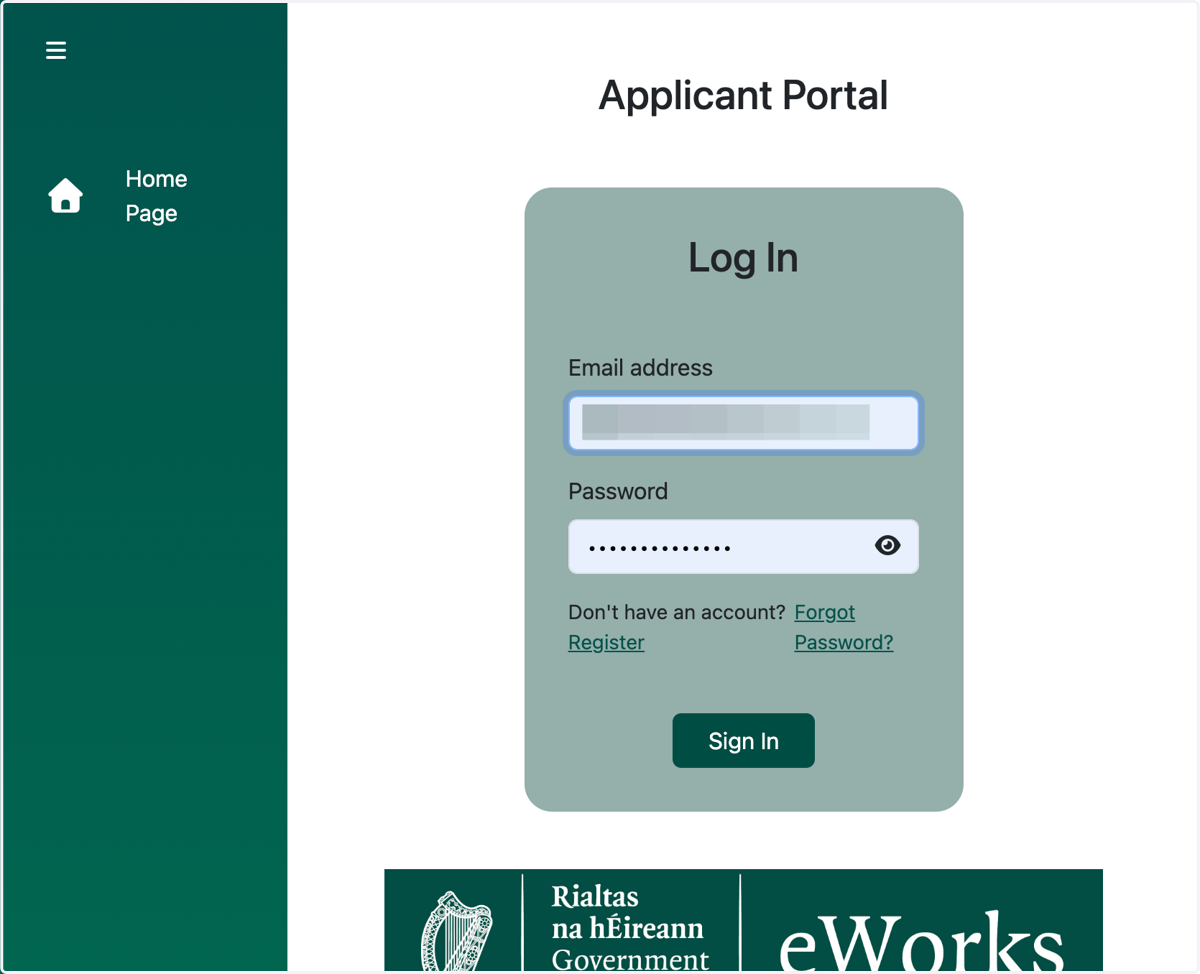
How To Register and Access eWorks Applicant Portal
eWorks Portal
1. A. Visit the website
1. B. Click on Log in as an Applicant
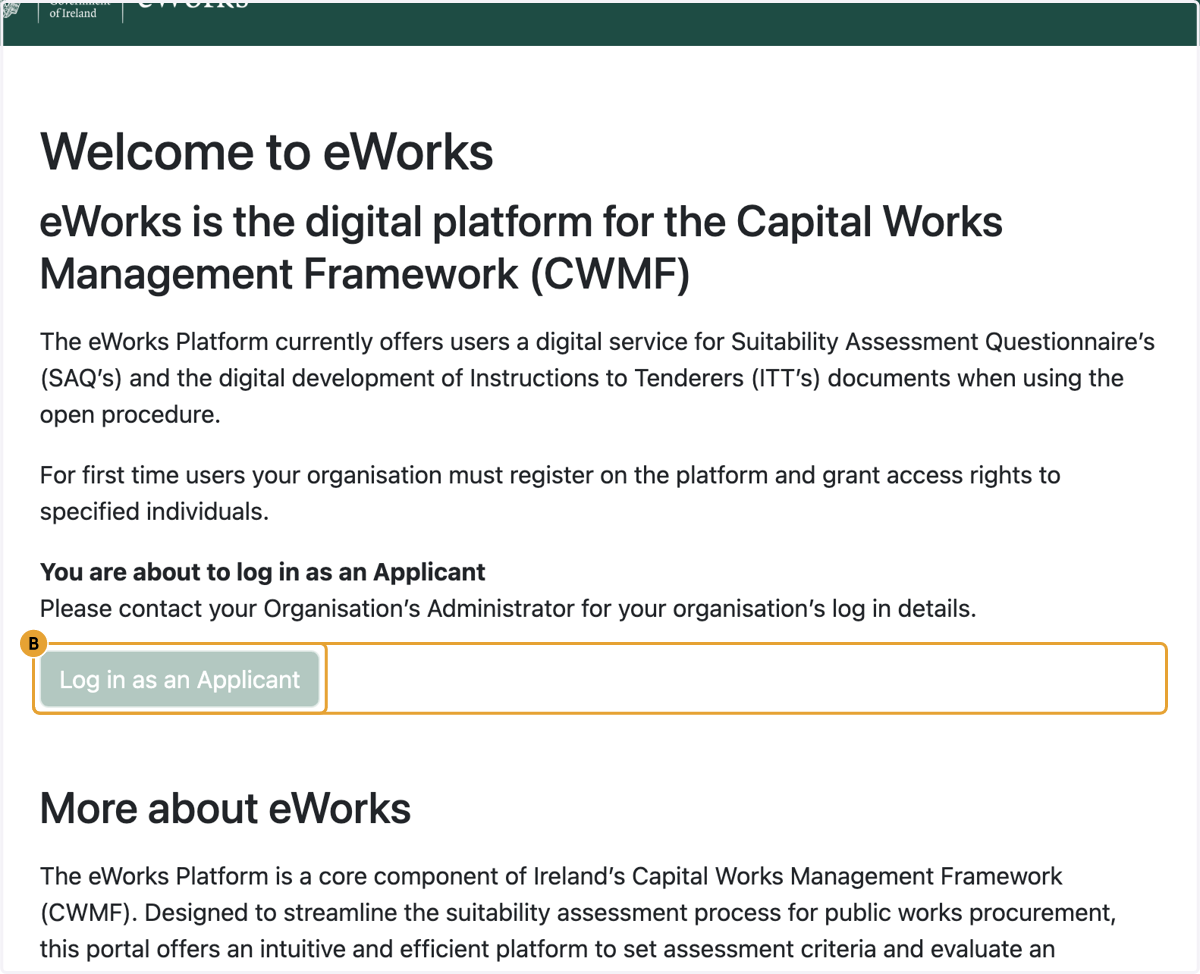
2. Click on Register

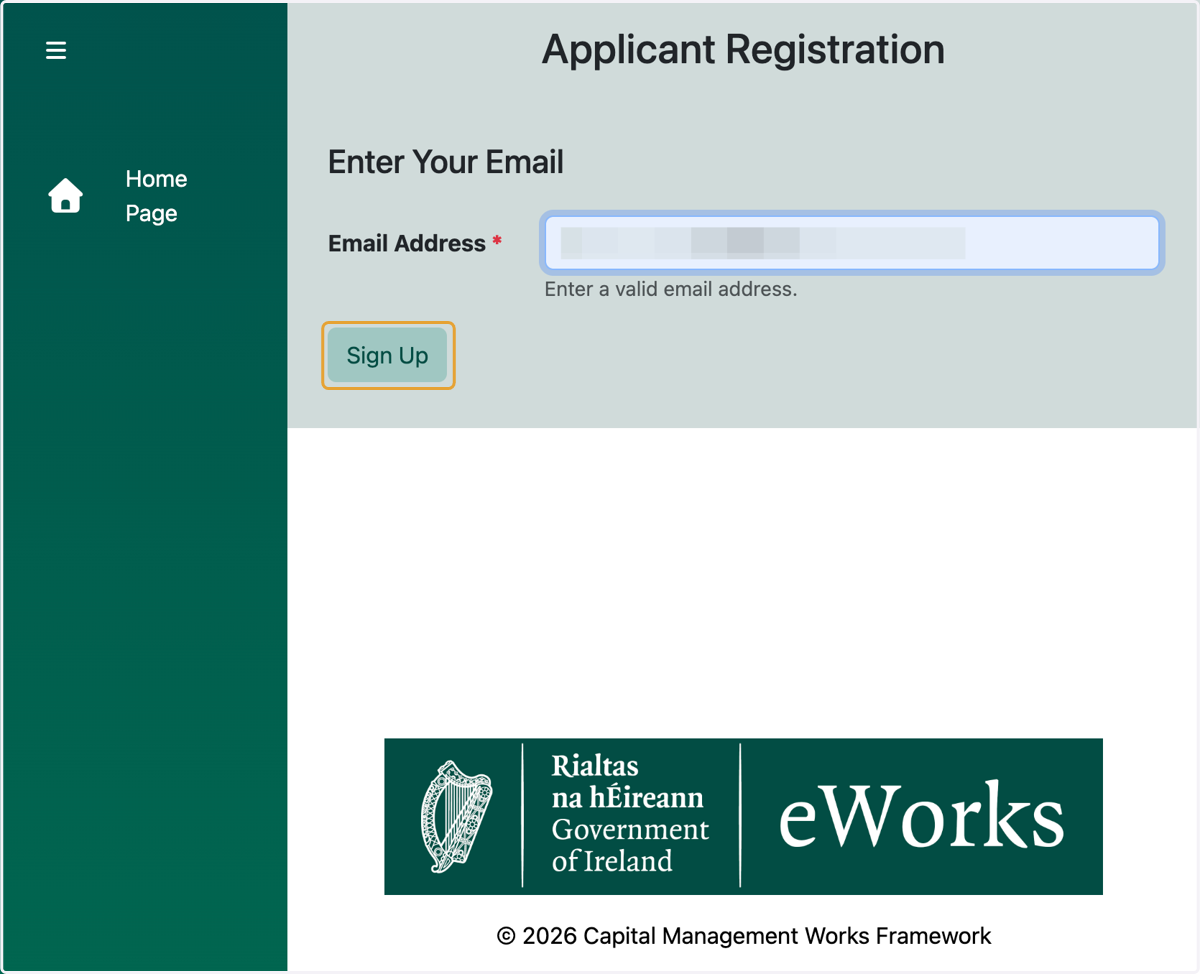
3. Provide your email address and click on Sign Up
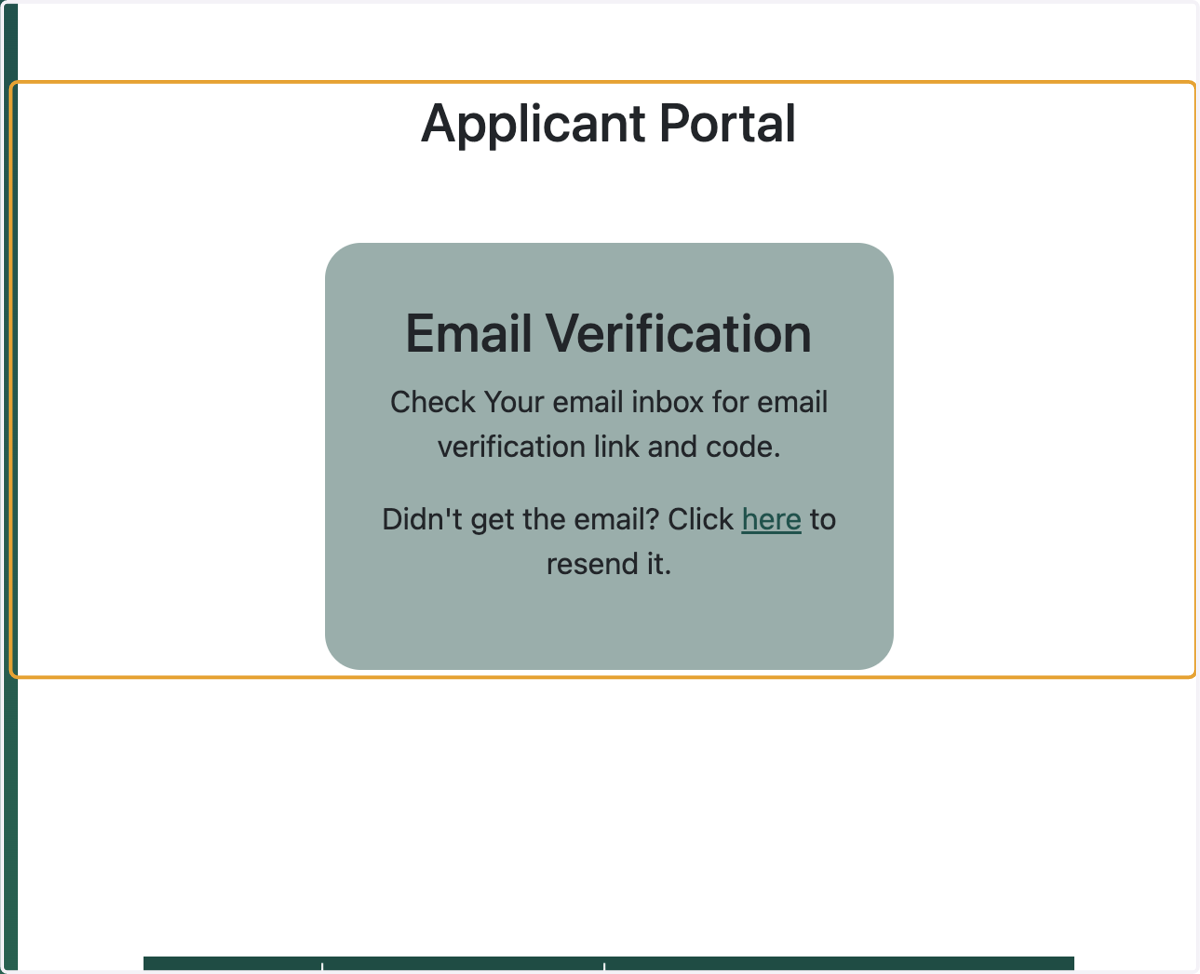
4. Verify your Email Address
You will receive an email on your email address with a verification link. Link on the link and you will be directed to the registration page on eWorks applicant portal.
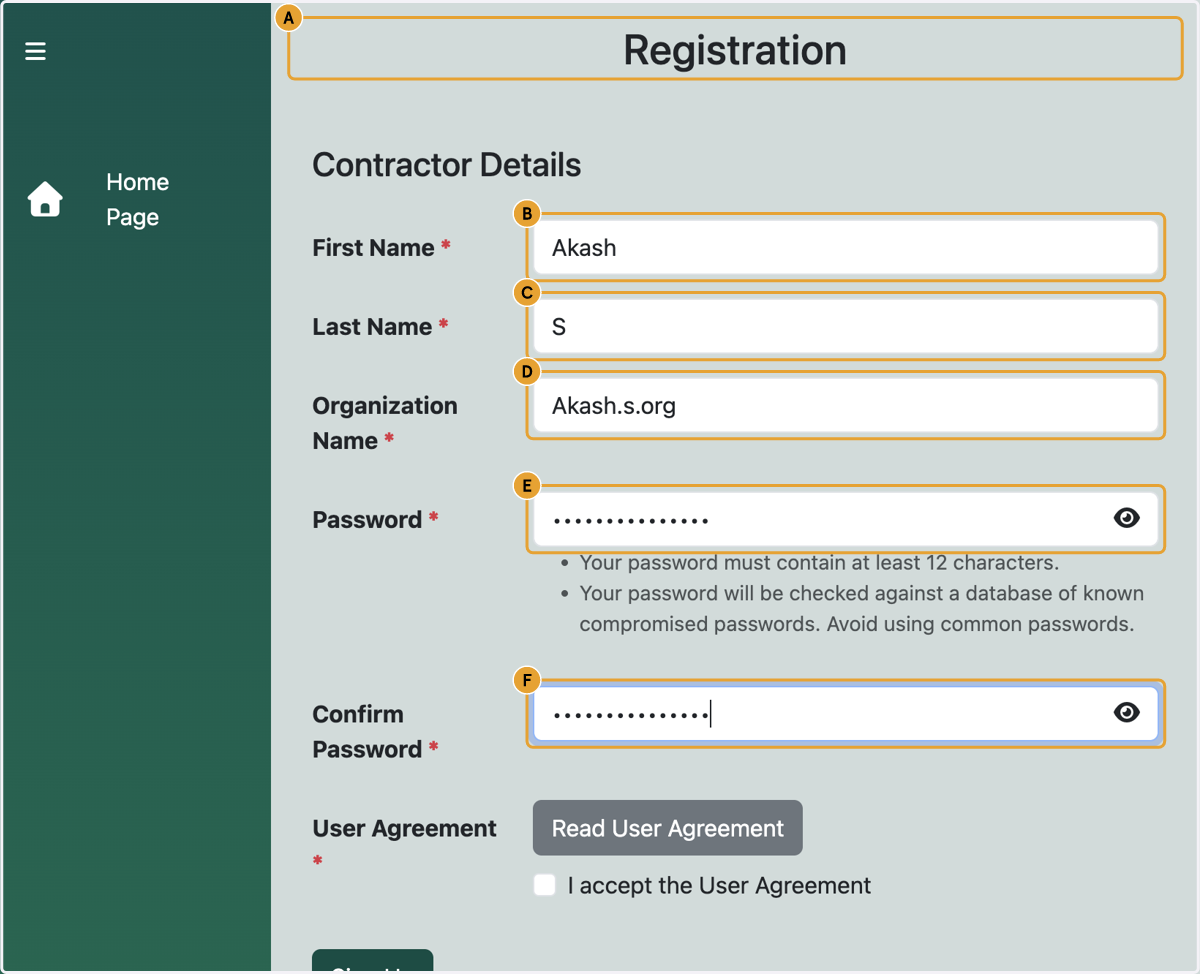
5. A. Complete the registration form
5. B. Type First Name
5. C. Type Last Name
5. D. Type Organization Name
5. E. Type password
5. F. Confirm password
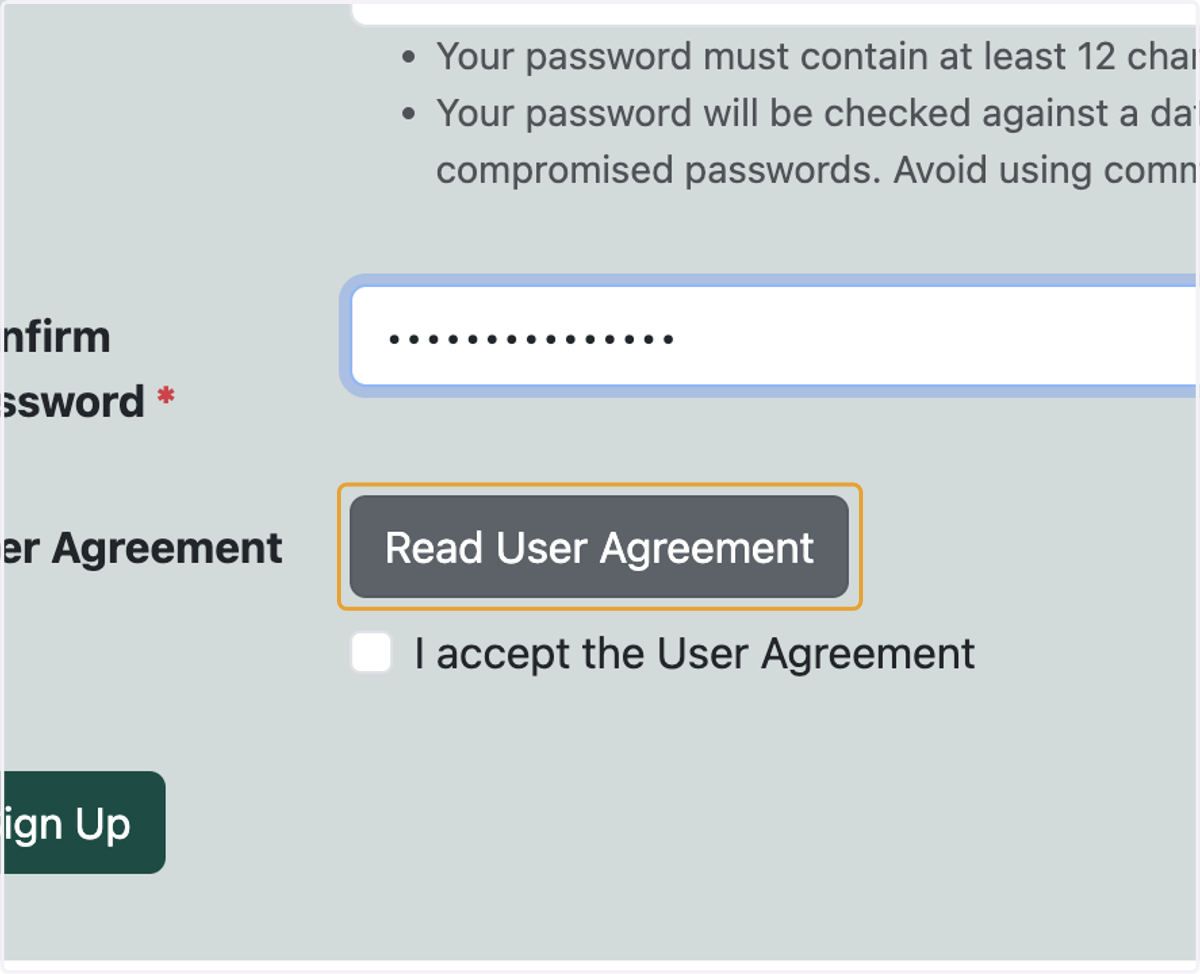
6. Read User Agreement
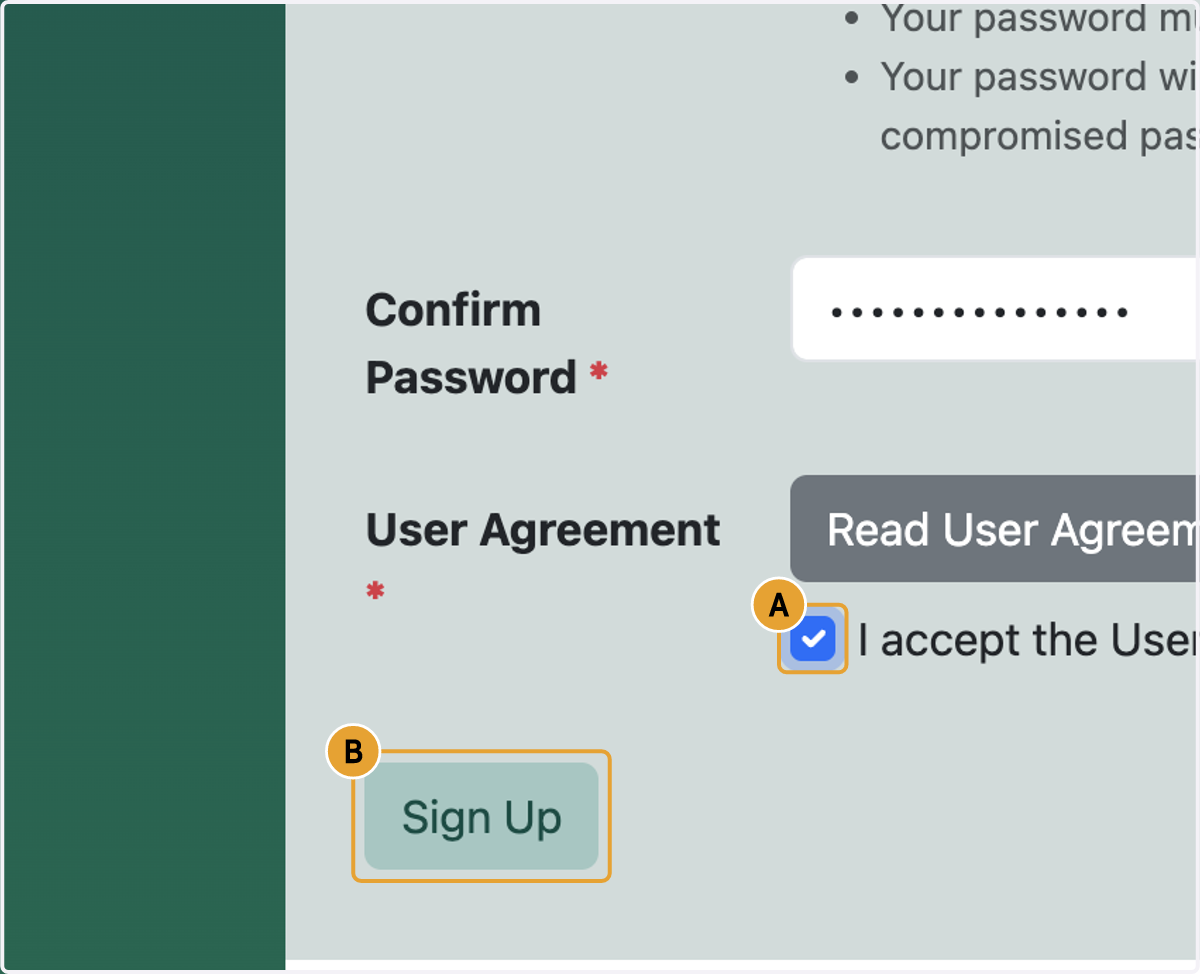
7. A. Select I accept the User Agreement
7. B. Click on Sign Up
8. On successful registration, you will be directed to login. Please log in to continue.