How To Publish a Form
Contracting Authority Dashboard
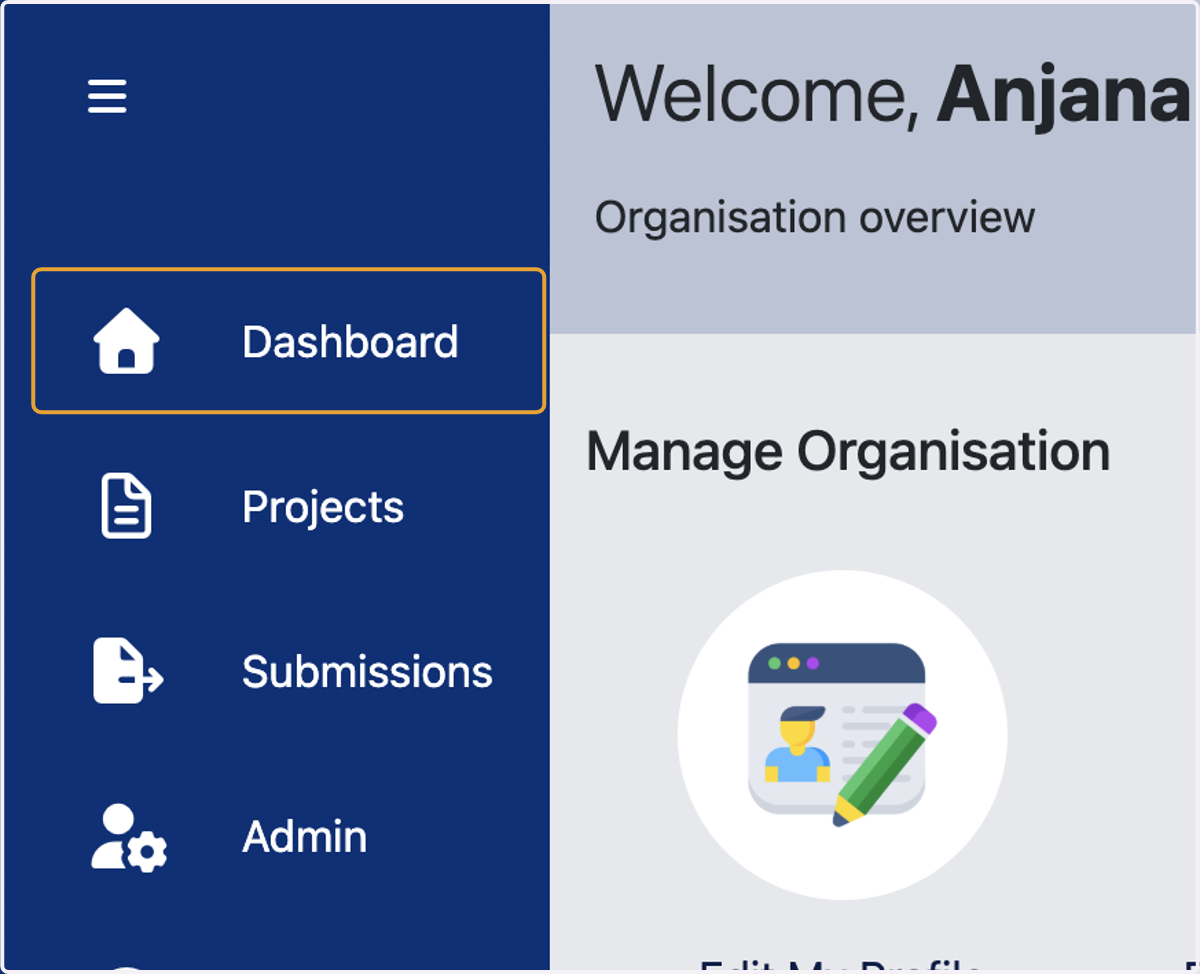
1. Click on Dashboard
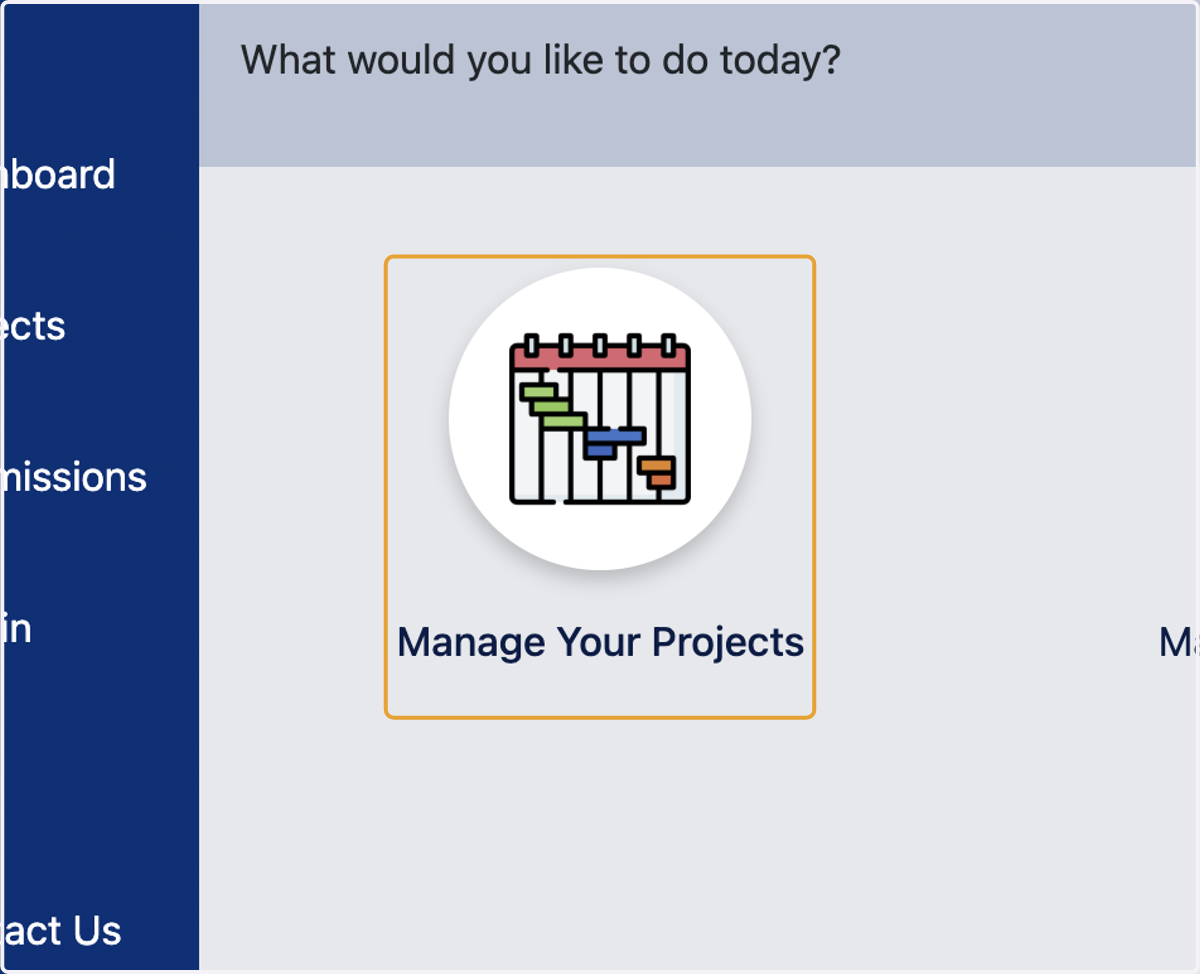
2. Click on Manage Your Projects
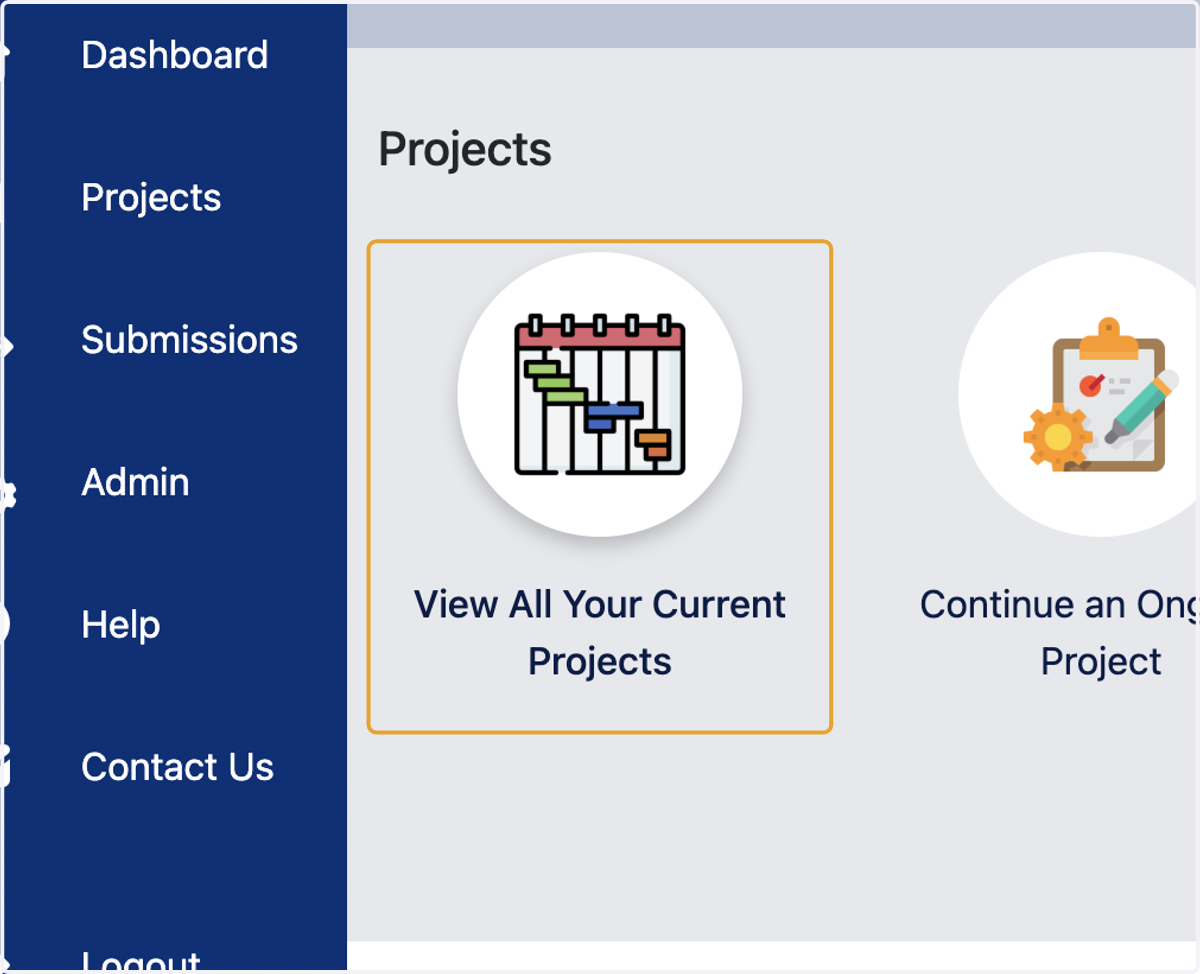
3. Click on View All Your Current Projects
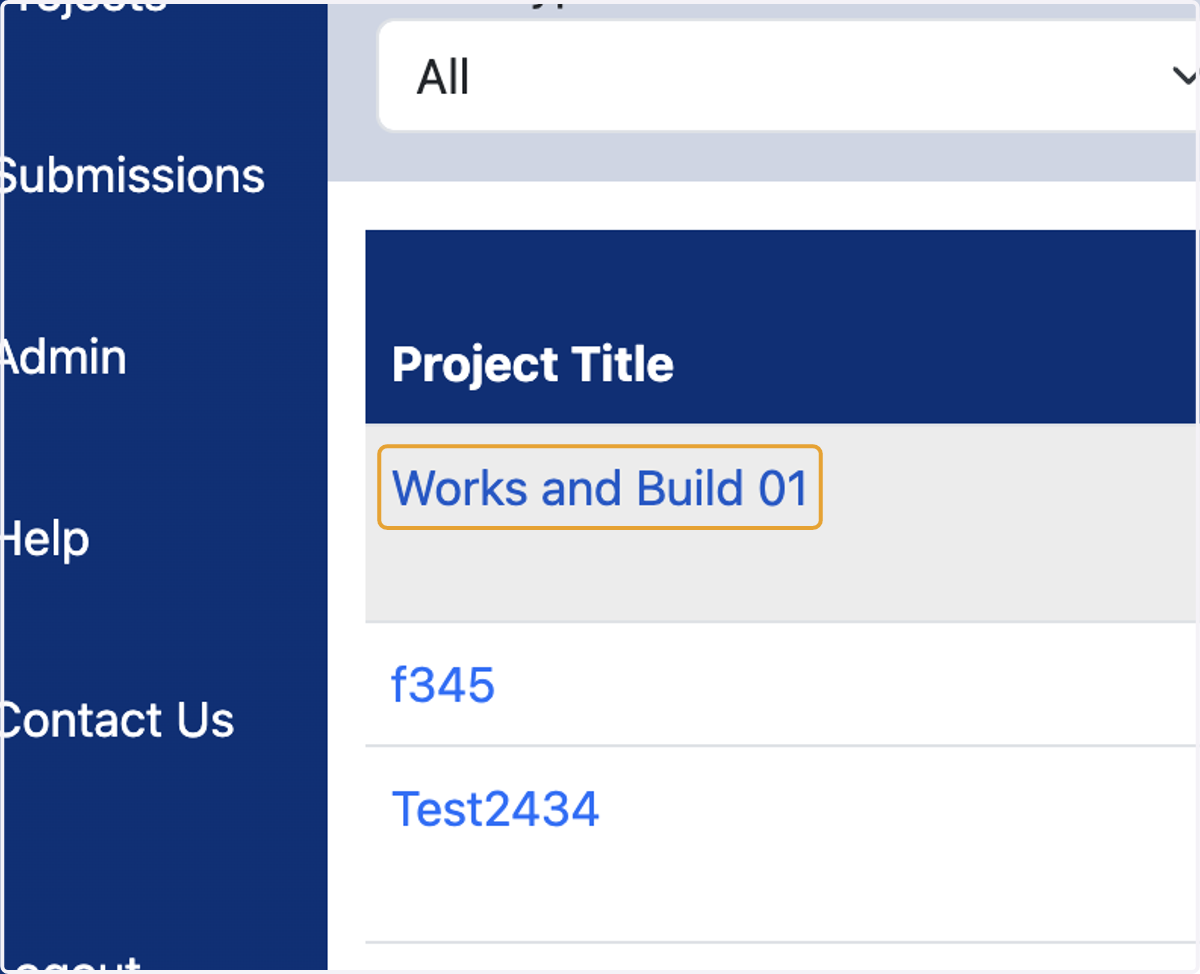
4. Click on the Project
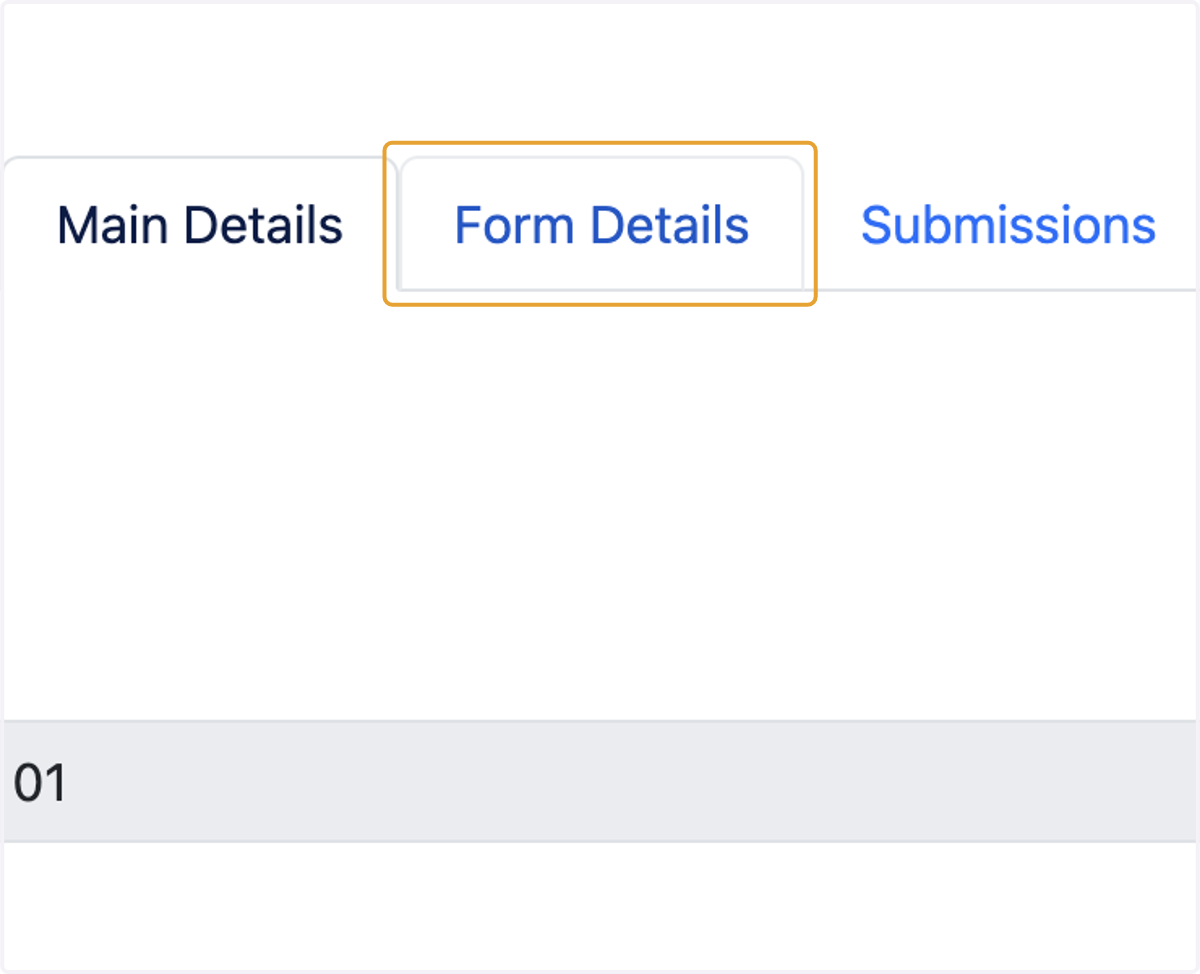
5. Click on Form Details
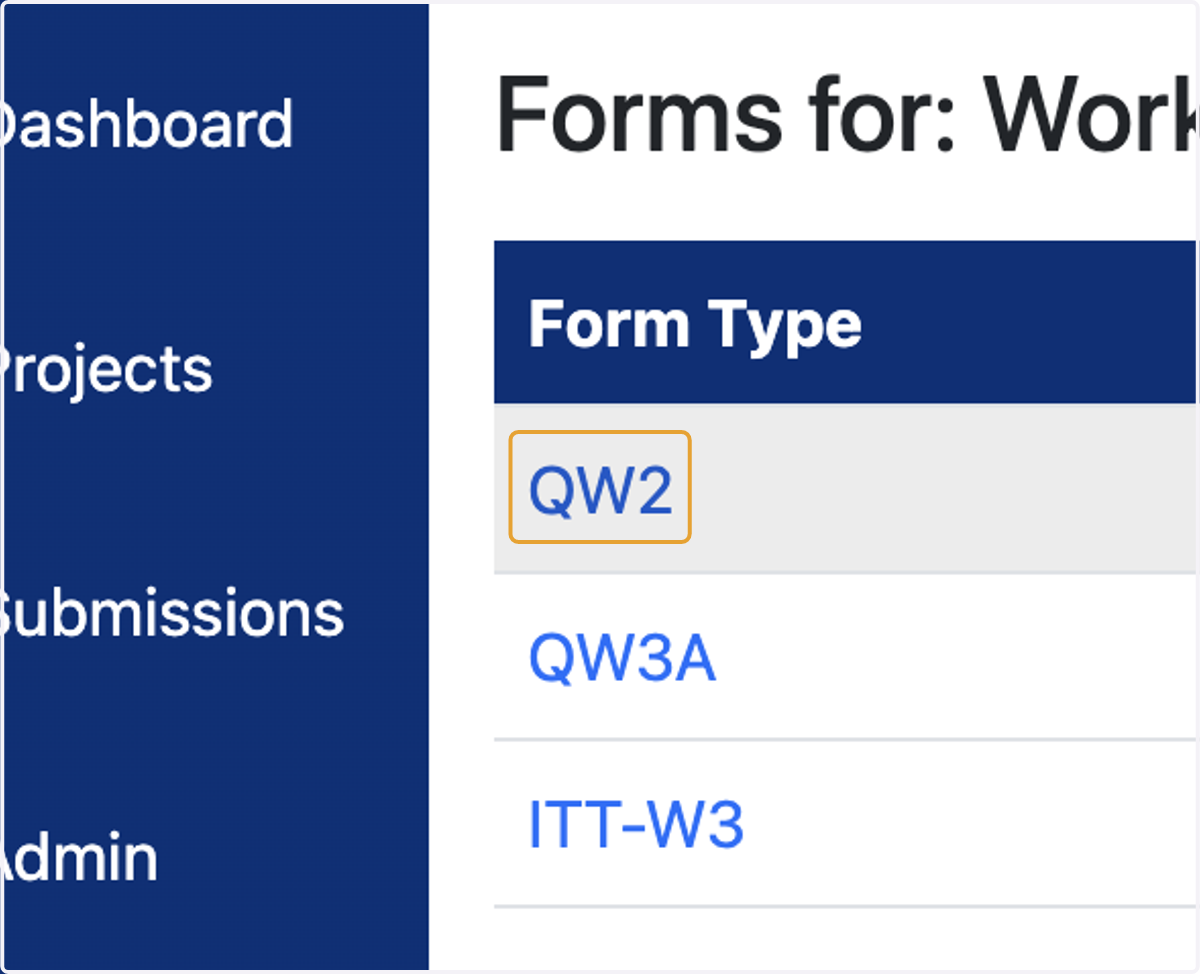
6. Click on QW2
7. Fill Each Section of Form and Click on Next
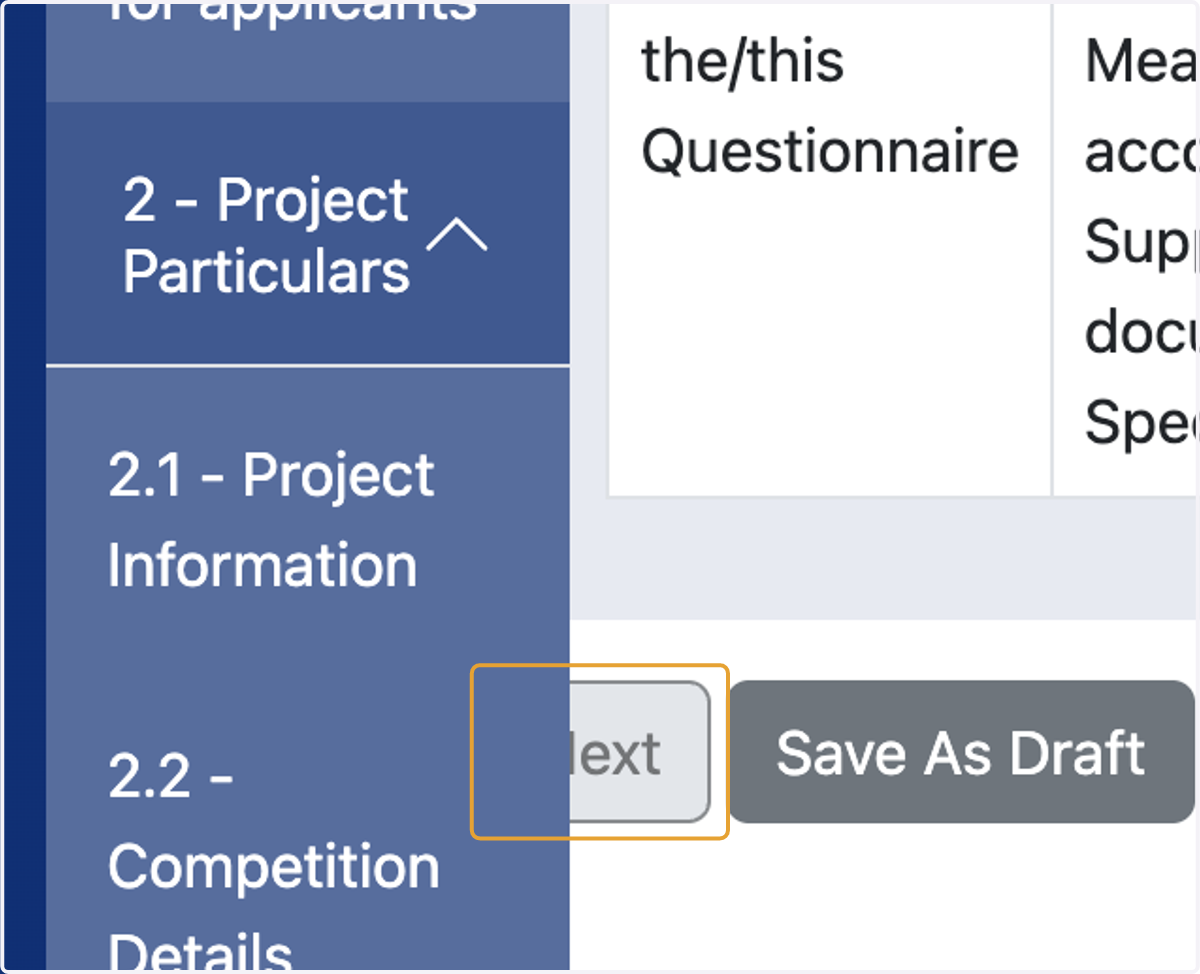
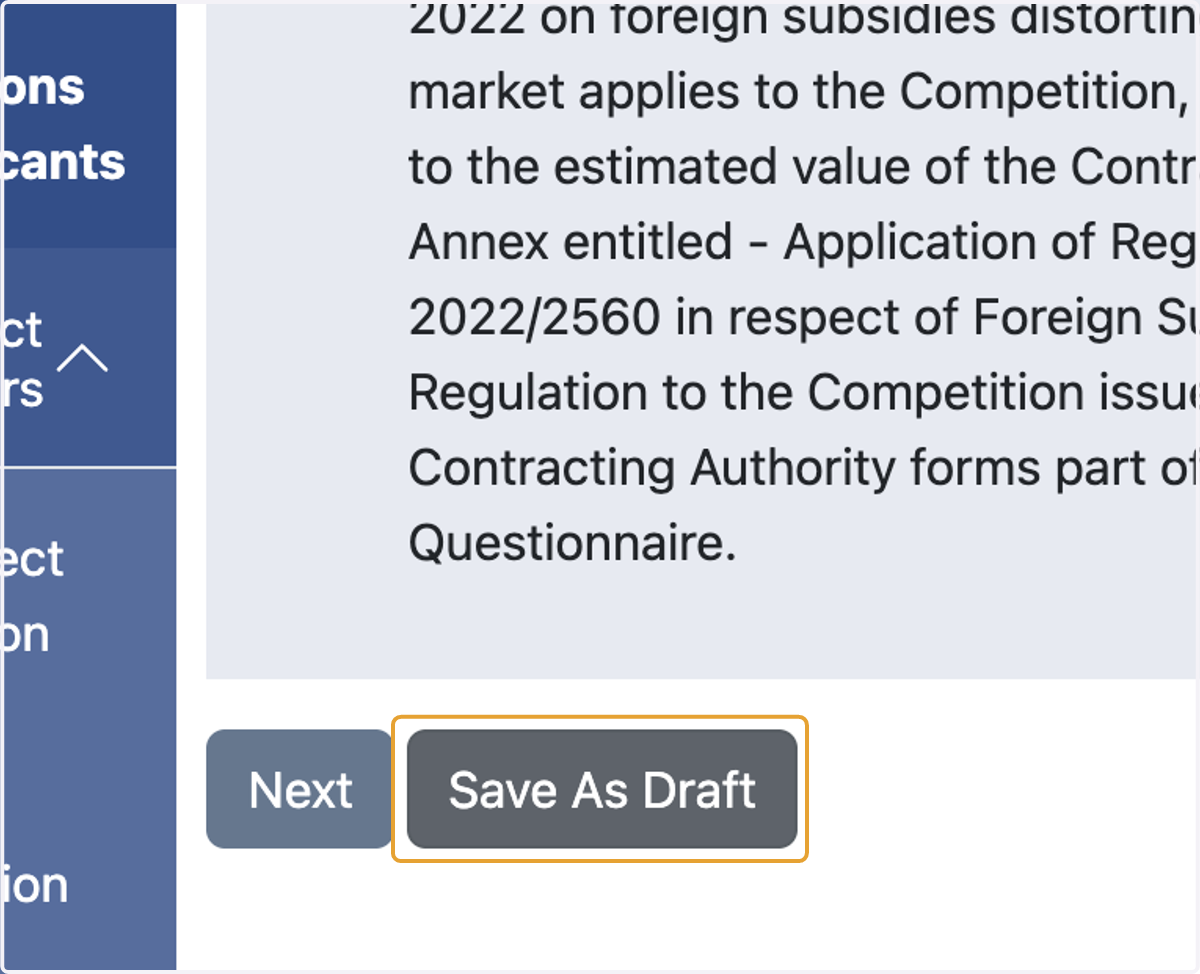
8. Click on Save As Draft to Save Progress
9. Click on Submit
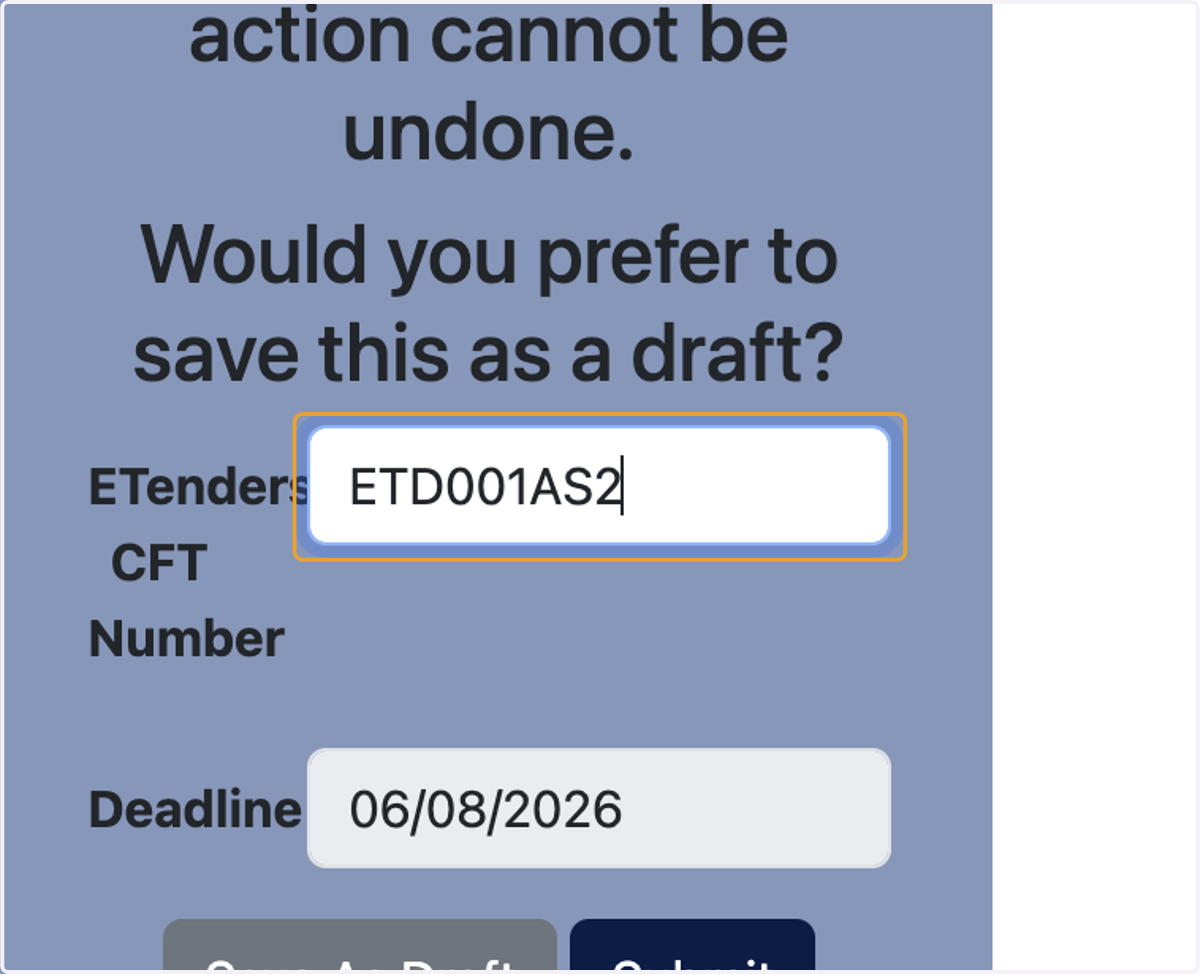
10. Type ETenders CFT Number
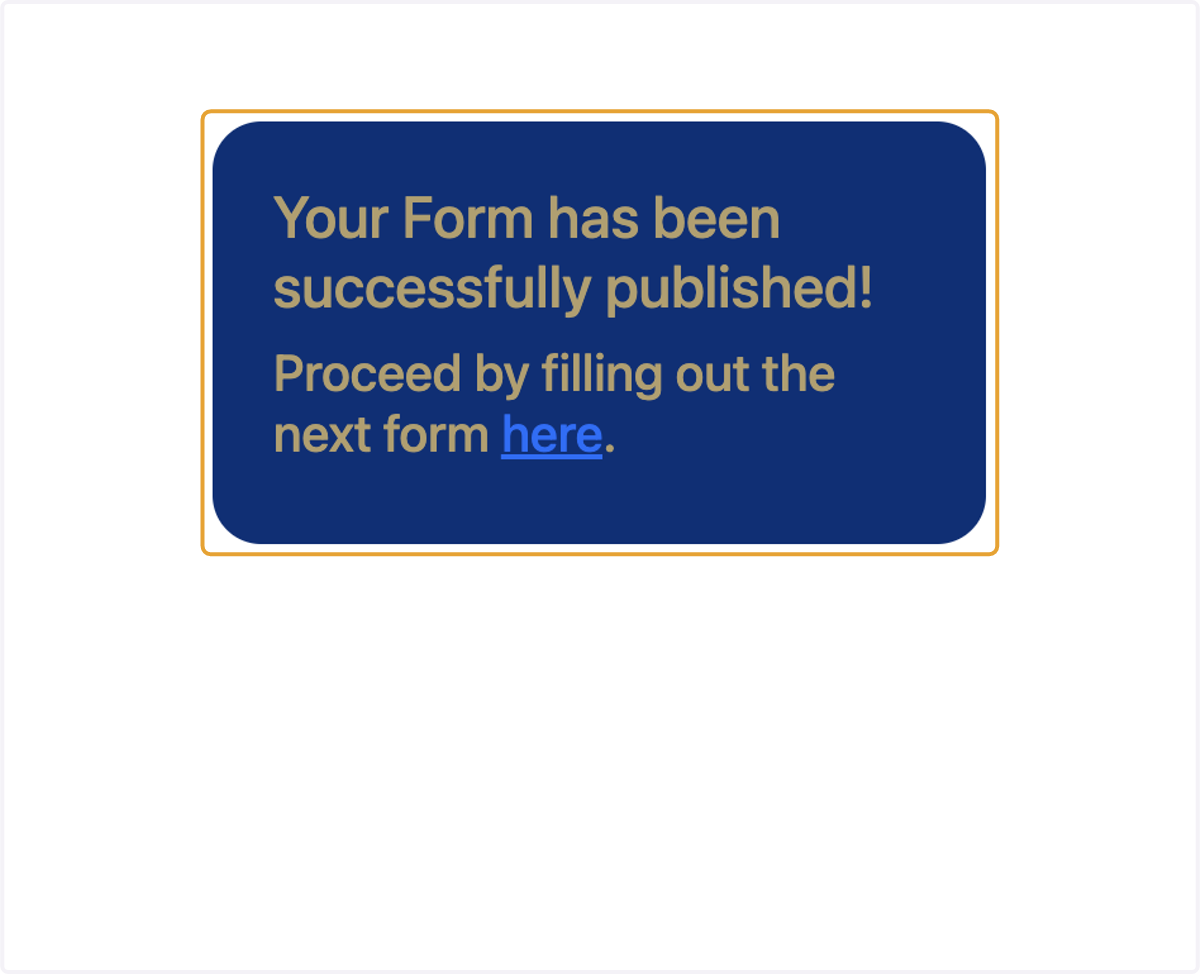
11. Click on Submit
12. Your Form has been successfully published. Now Click on Here and Fill Out the Next Form