How To Add User to Organisation in Applicant Dashboard
Applicant Dashboard
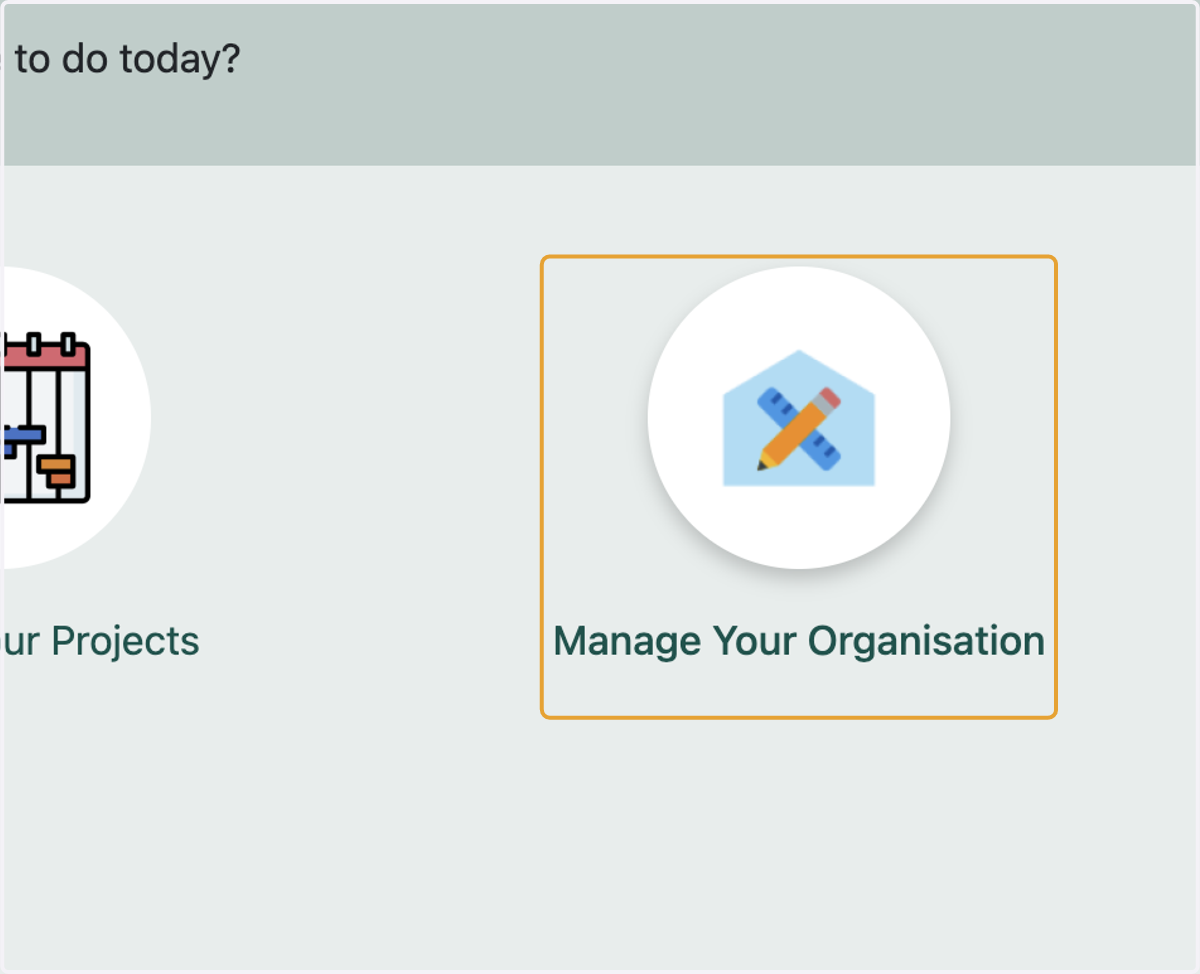
1. Click on Manage Your Organisation
Note- Within an organisation, multiples users can be added. Multiple users can login to an organisation simultaneously through their individual login accounts.
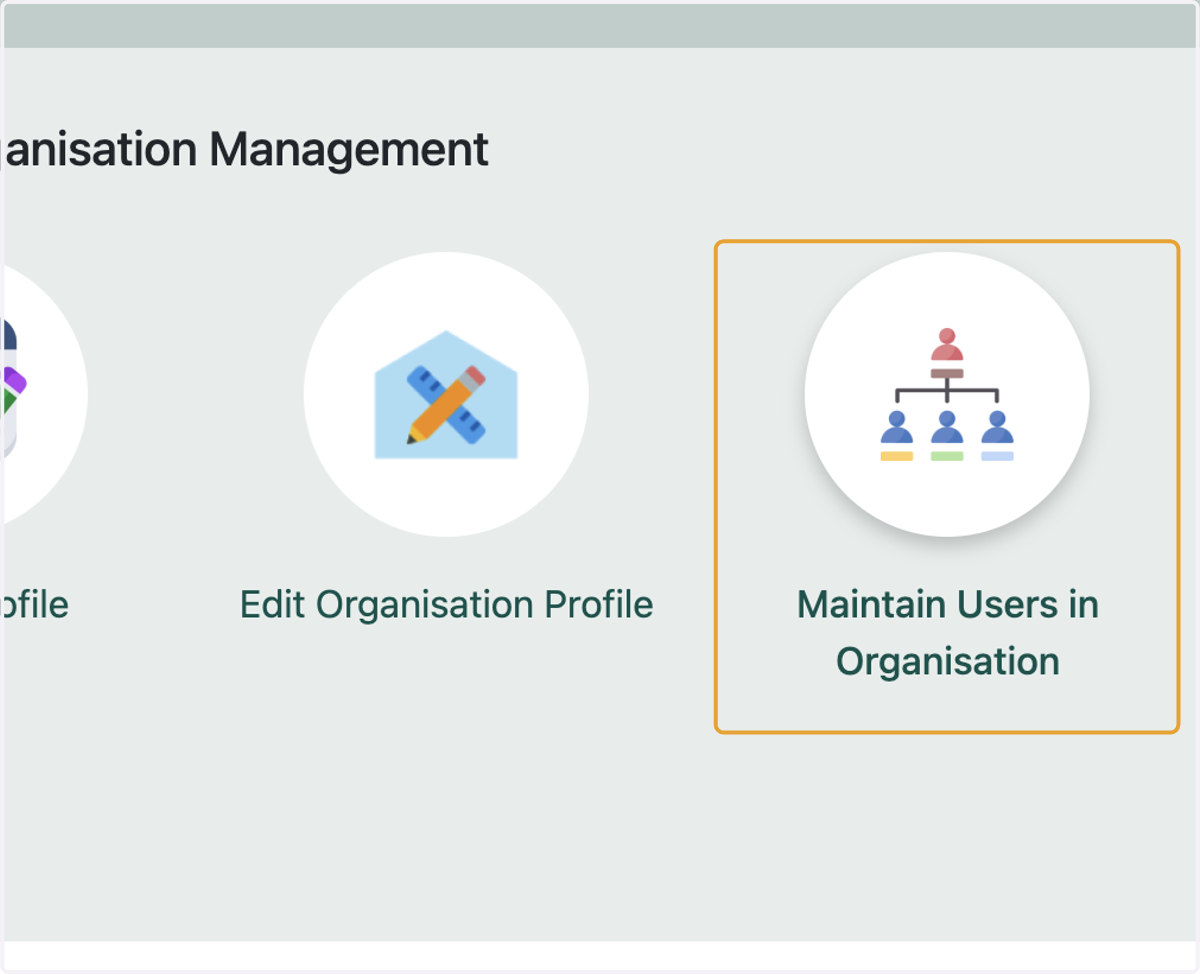
2. Click on Maintain Users in Organisation
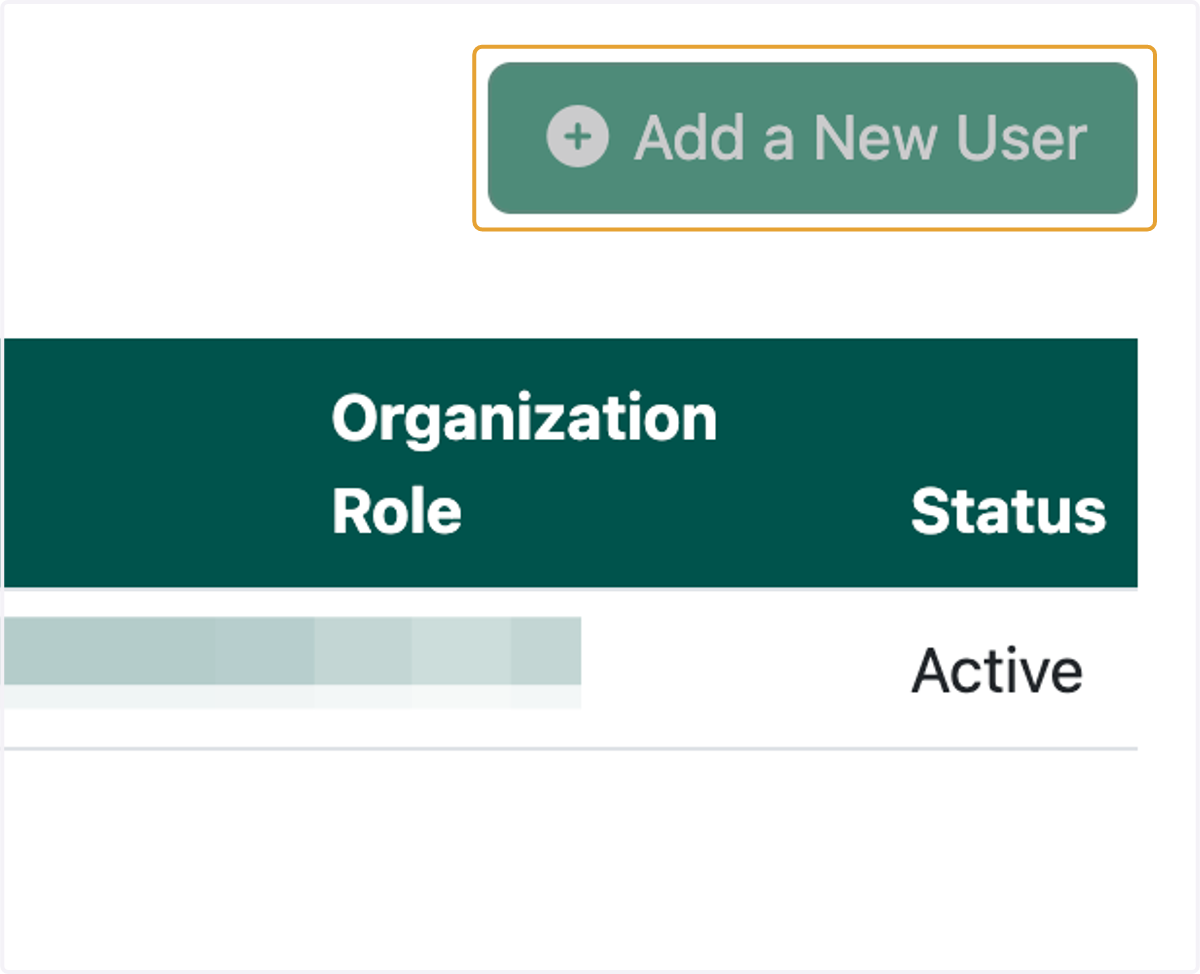
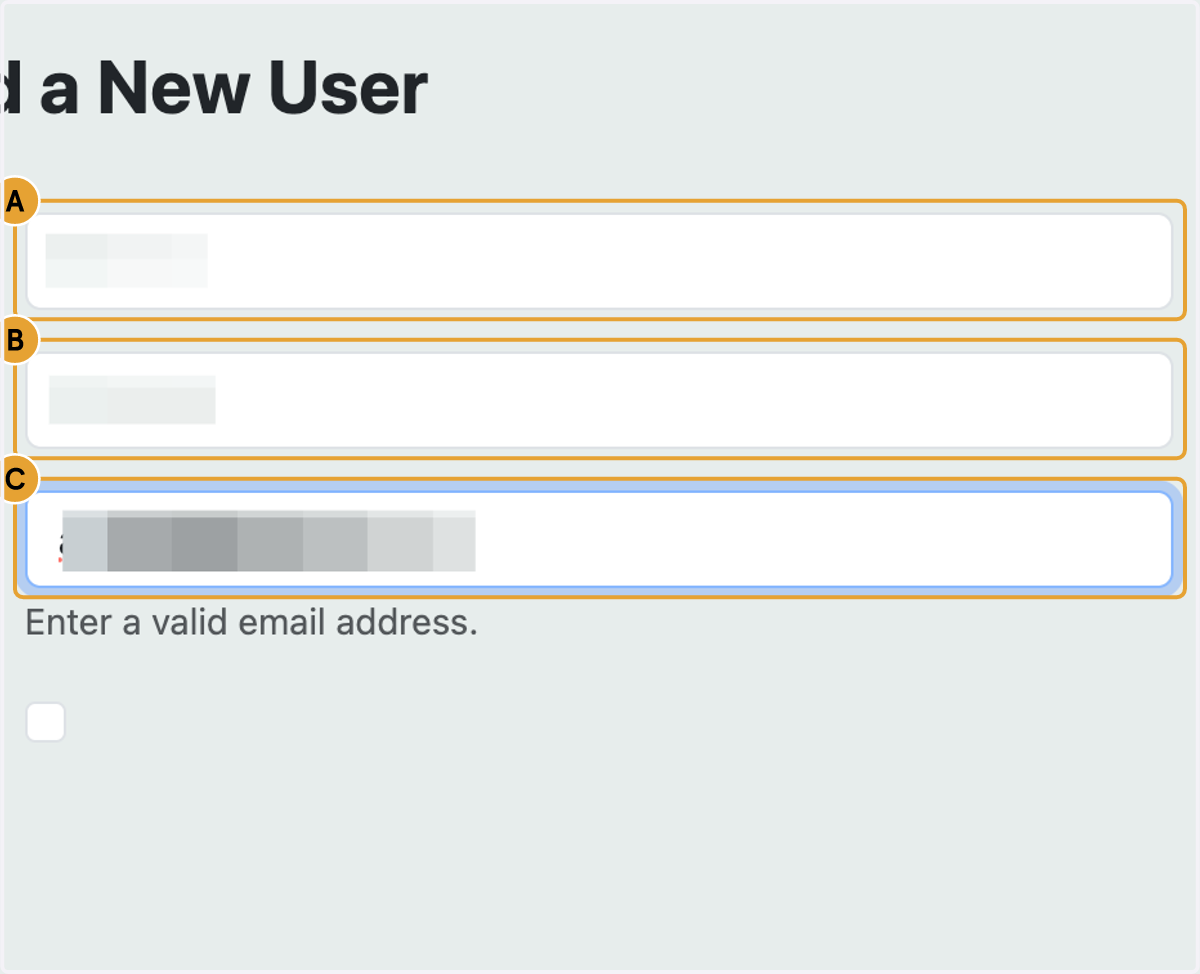
3. Click on Add a New User
A new user can access the portal only if either they have have been added by an admin.
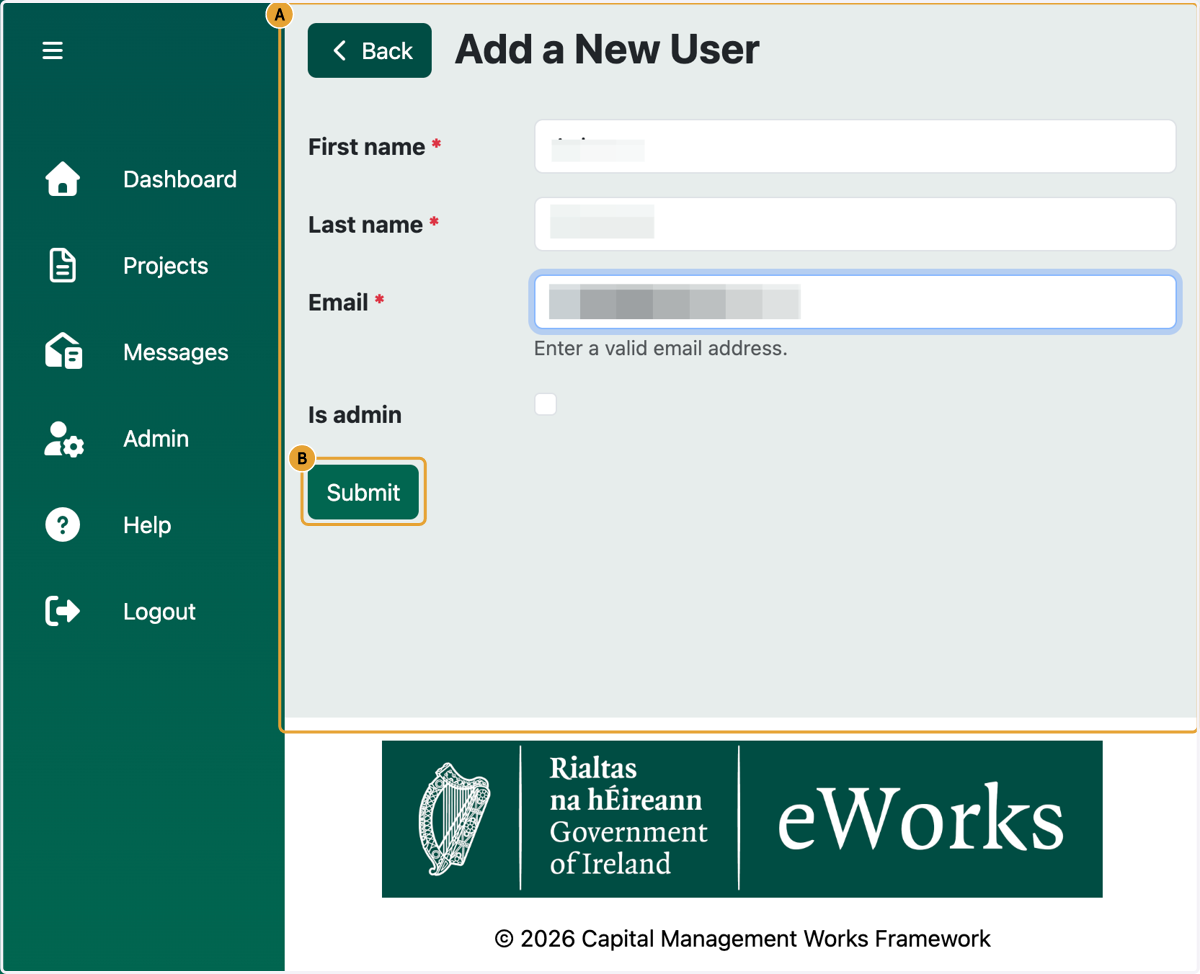
4. A. Type First name
4. B. Type Last name
4. C. Type Email
5. A. Click on Back…
5. B. Click on Submit