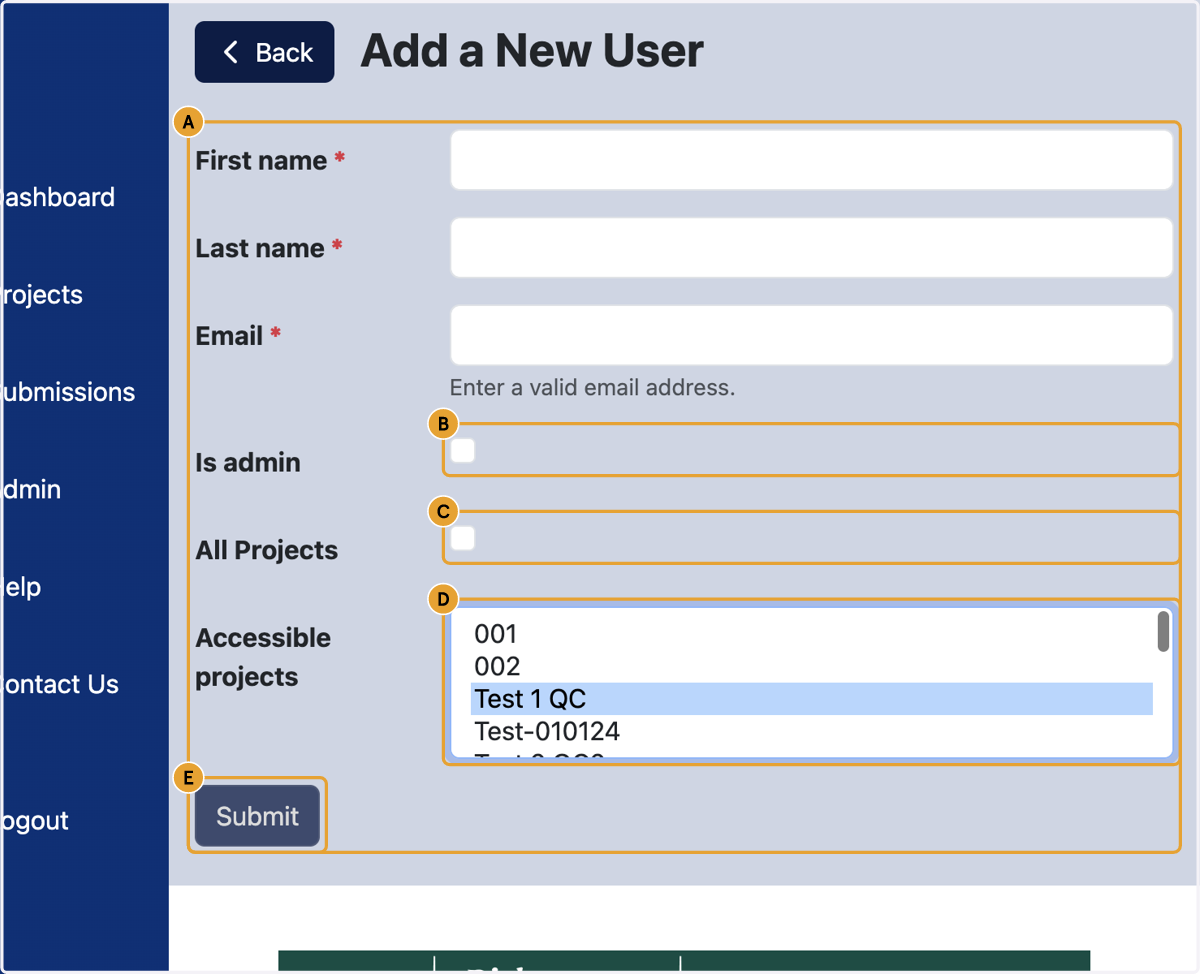
How To Add Organisation User in Contracting Authority Dashboard
Contracting Authority Dashboard
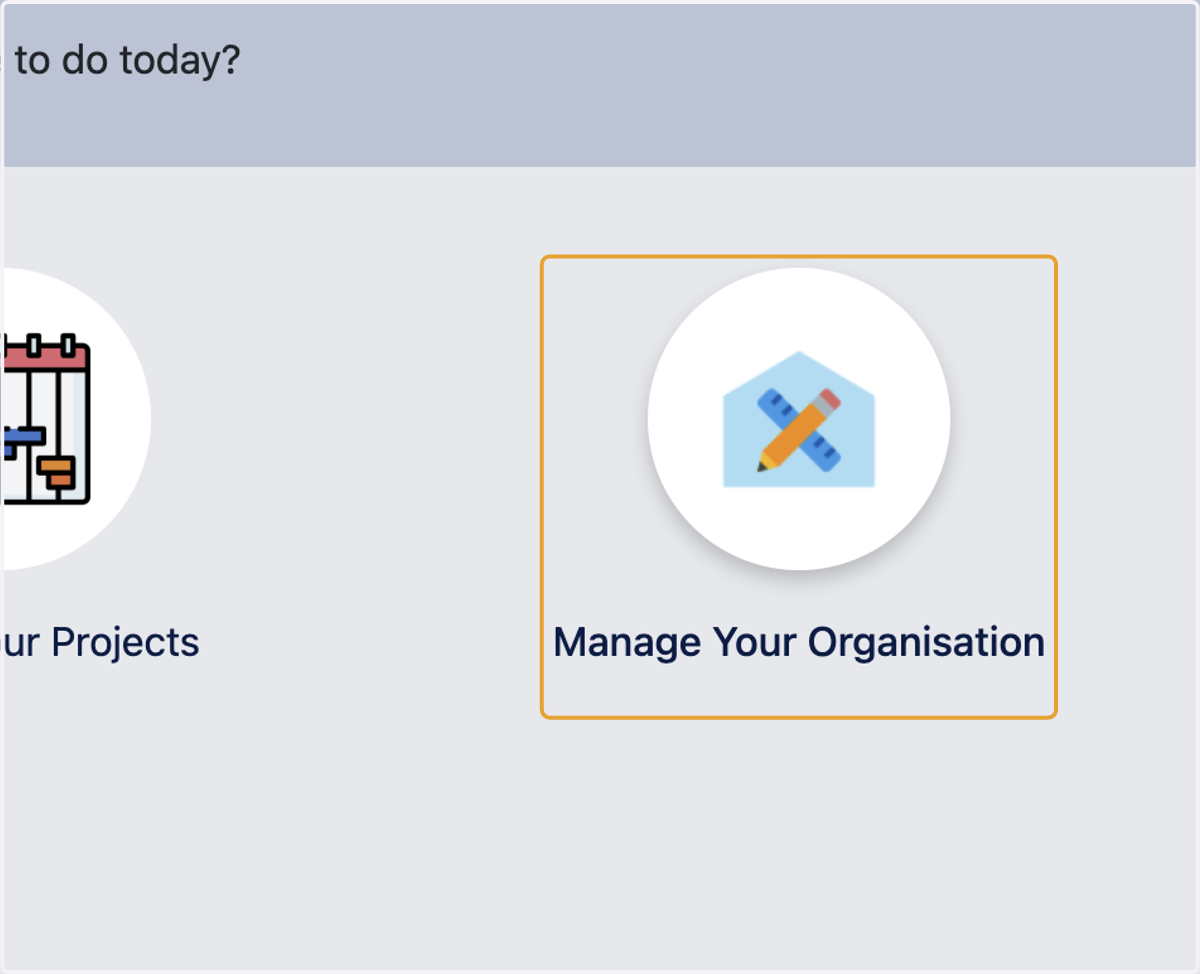
1. Click on Manage Your Organisation
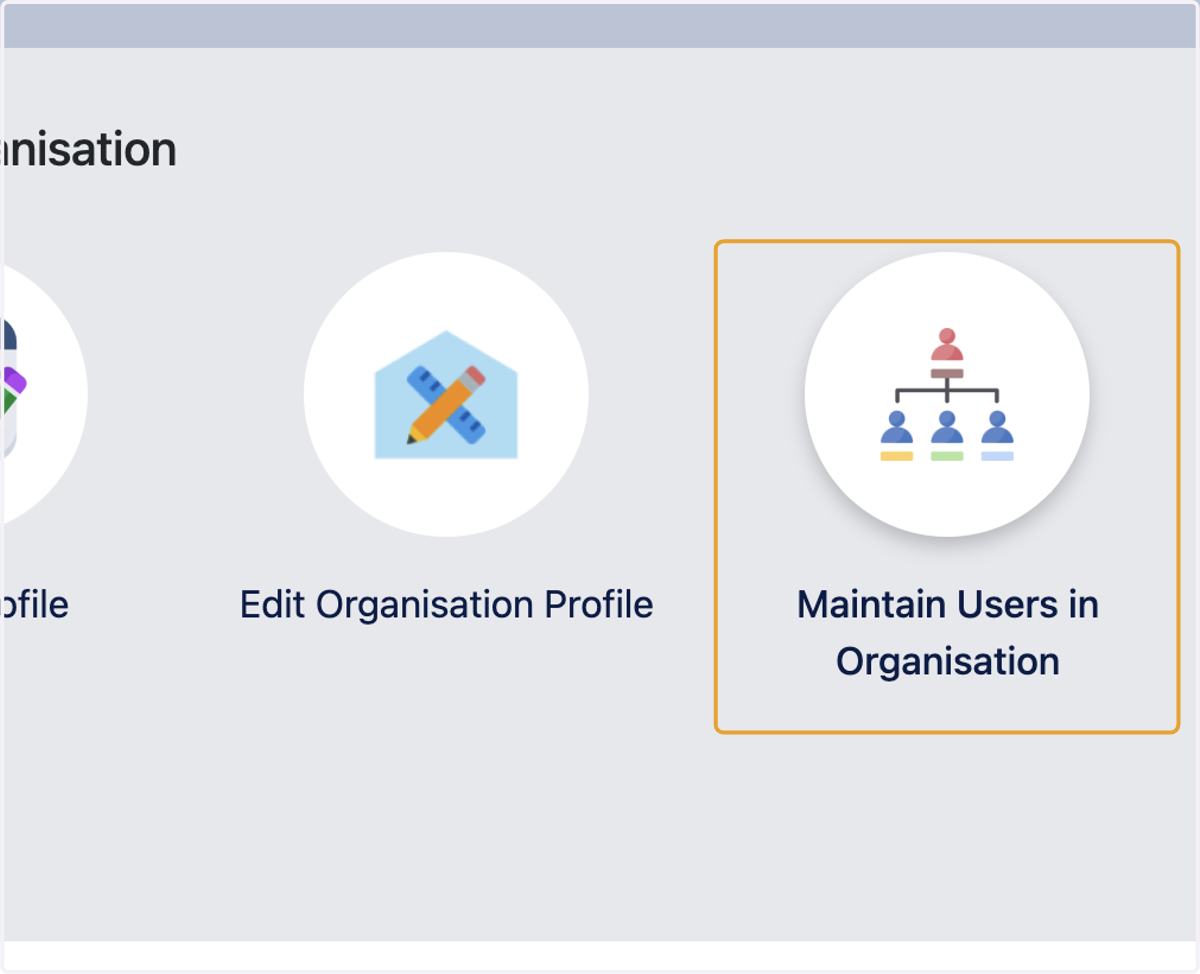
2. Click on Maintain Users in Organisation
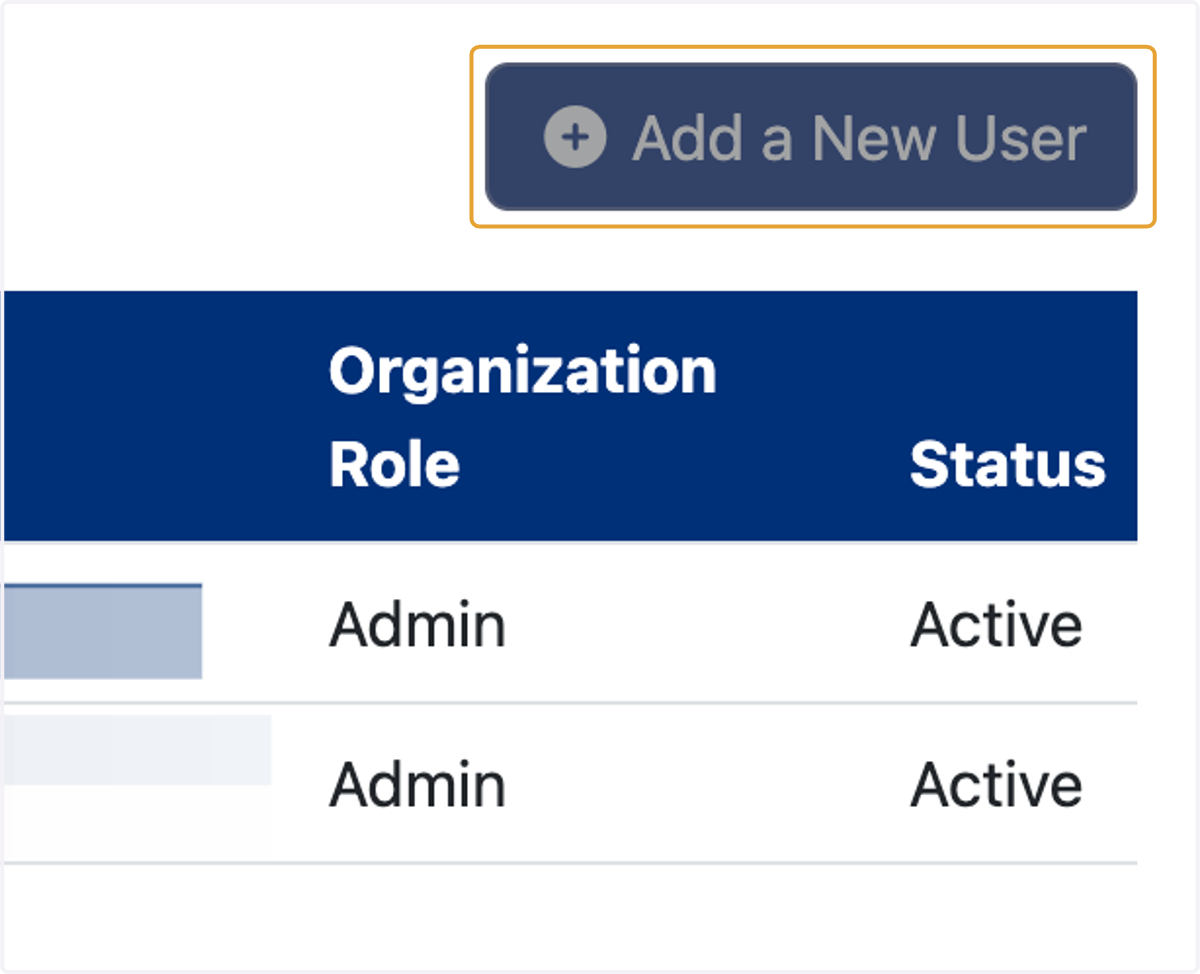
3. Click on Add a New User
4. A. Enter first name, last name and email address
4. B. Select 'Is admin' if the new user being added should have admin rights
4. C. Select 'All projects' if you wish to provide the new user access to all projects
4. D. Select Accessible projects to give access to specific projects only
4. E. Click on Submit