How To Access a Project on Applicant Portal
EOI Projects
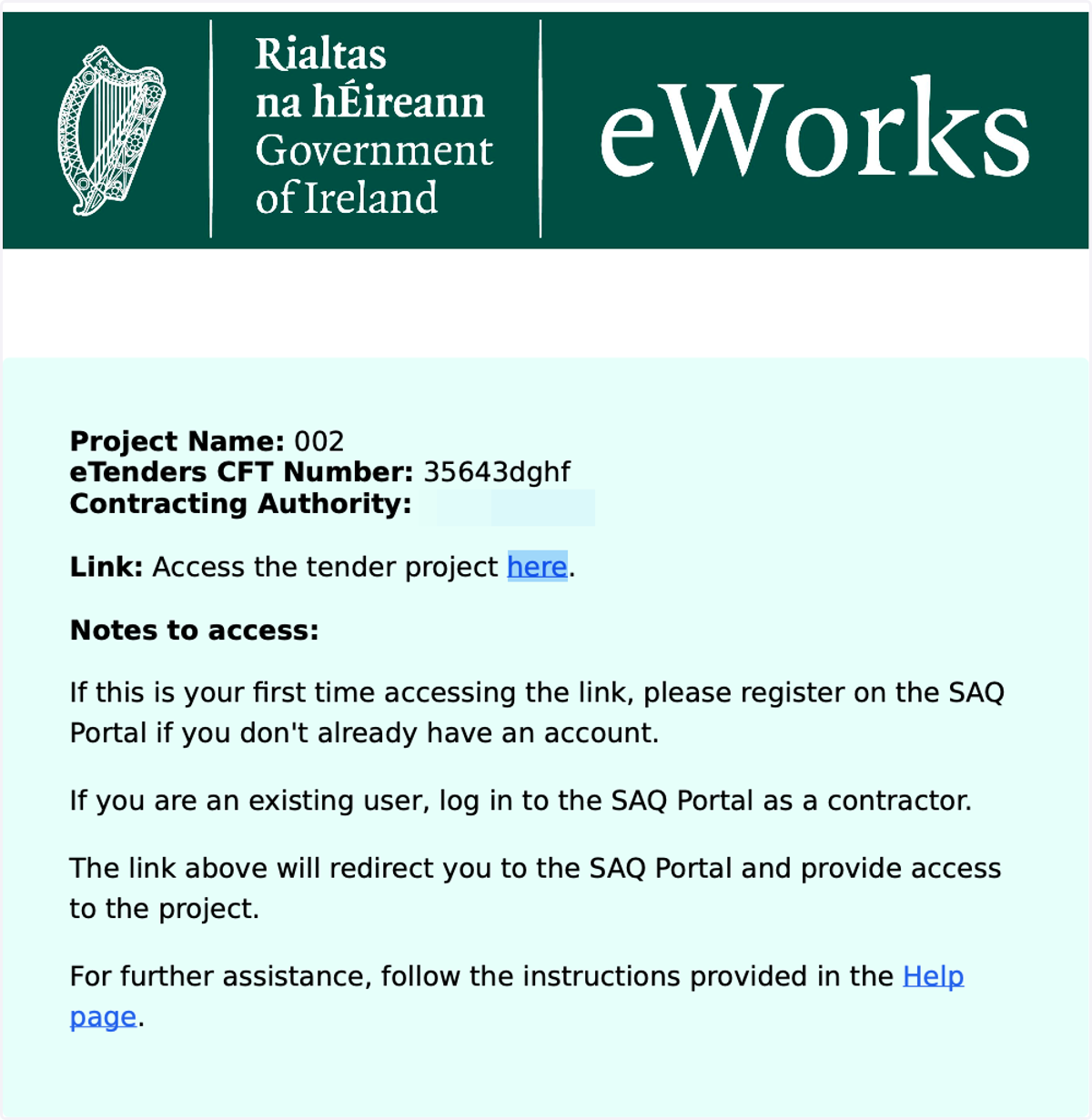
Projects against which a digital SAQ posted on eTenders can be access on eWorks. The digital SAQ includes an EOI project document with link to the project. Click on the link. You will be directed to eWorks.
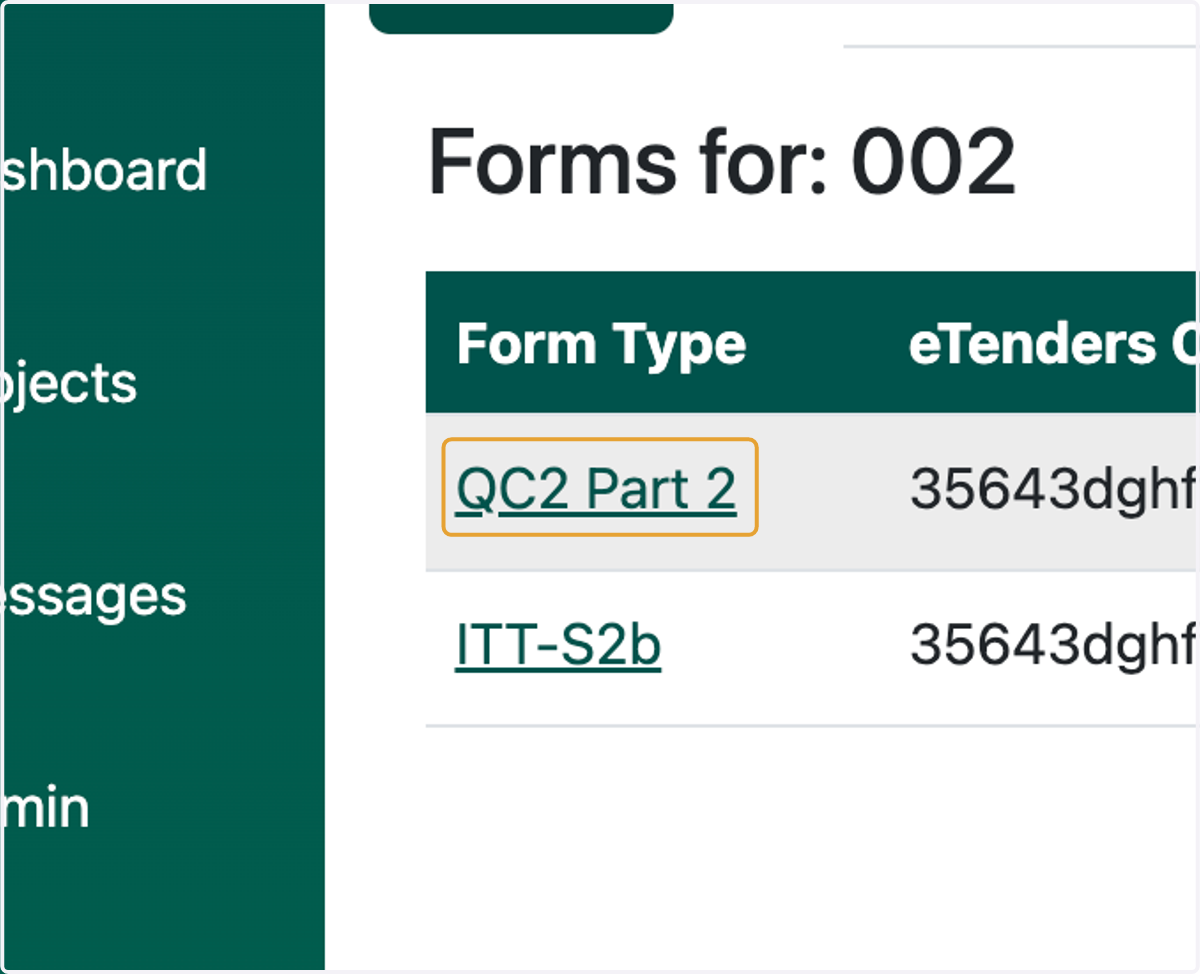
1. Click on project link
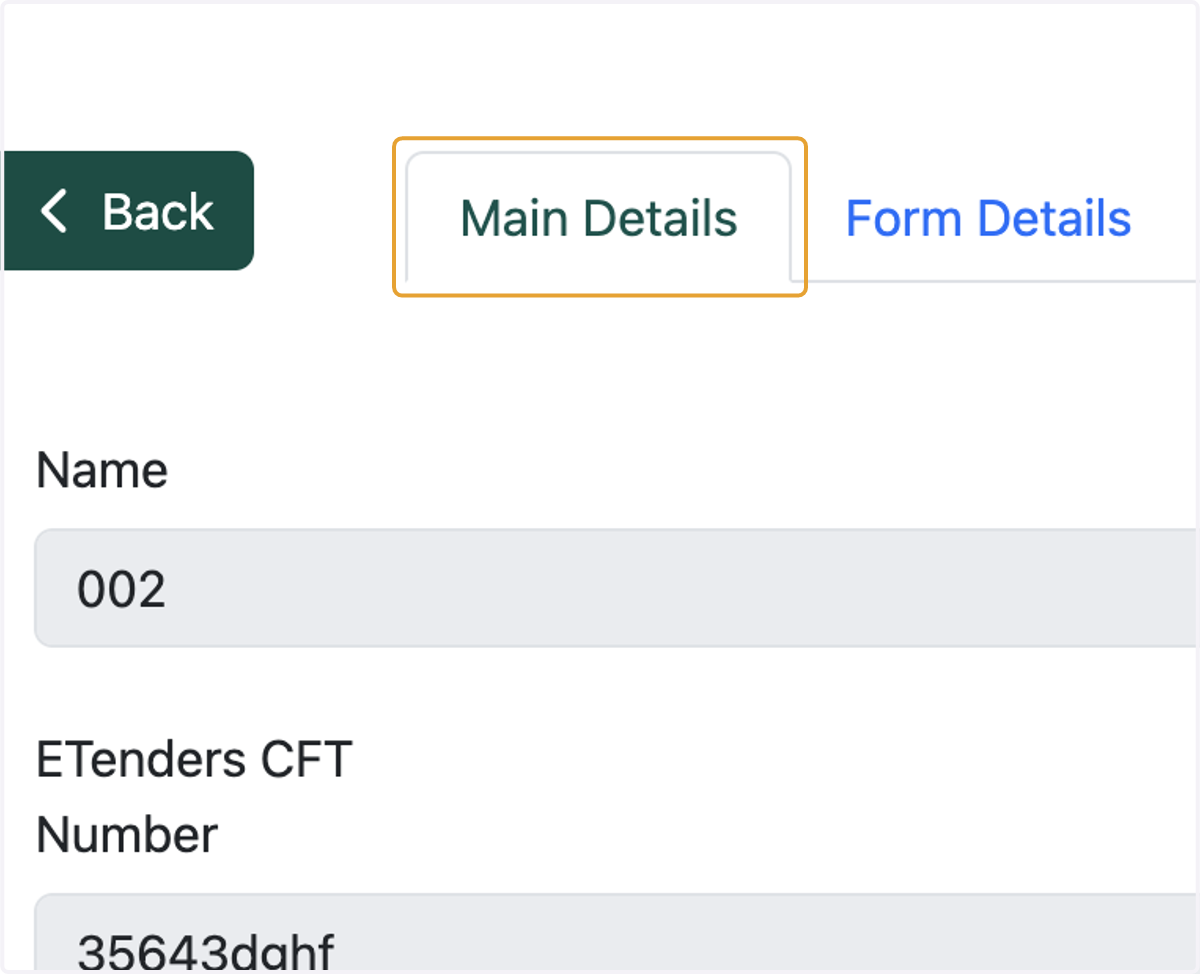
2. Click on Main Details
Once you click on the project link provided in the pdf document, you xan view
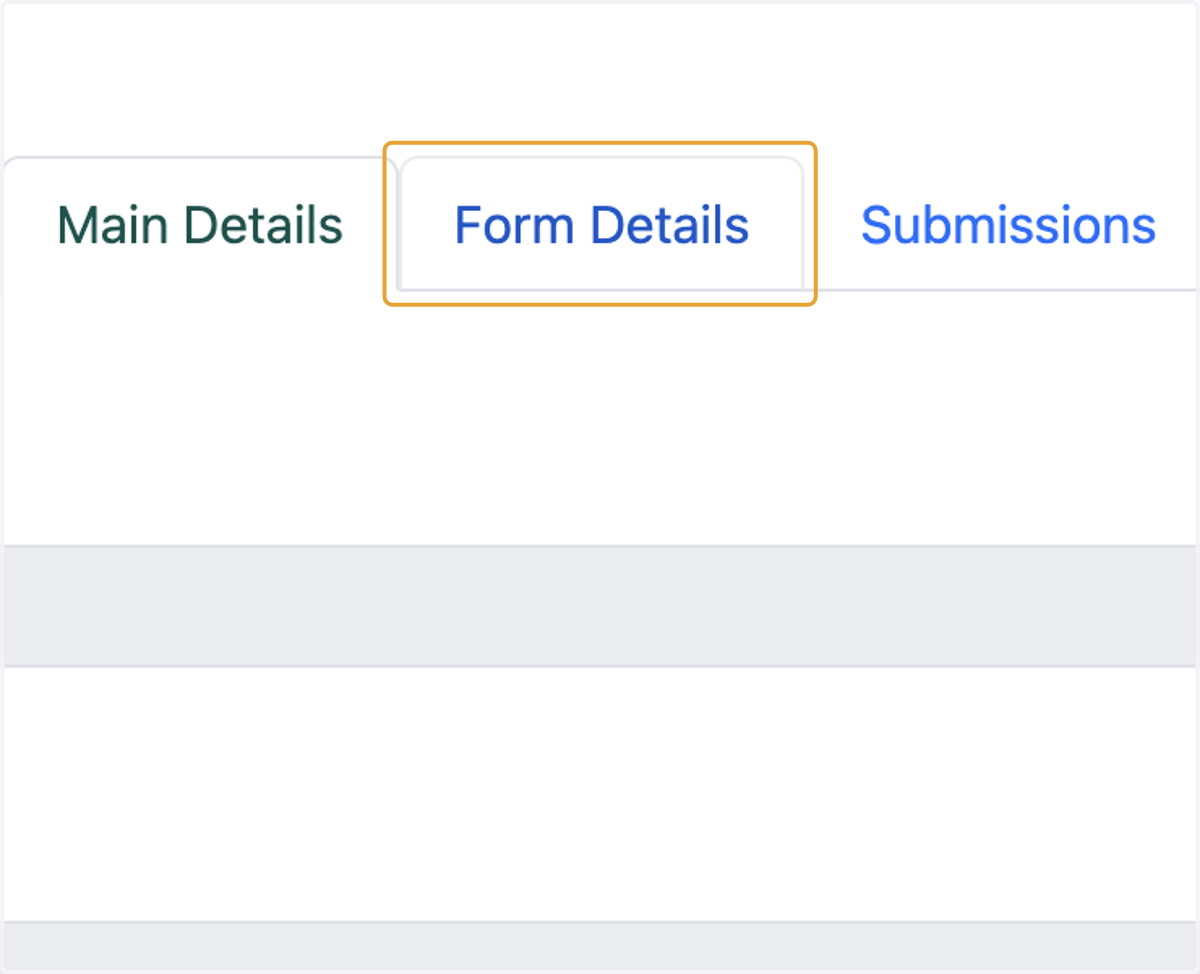
3. Click on Form Details
4. Click on Form Type
To start filling the form click on form type.