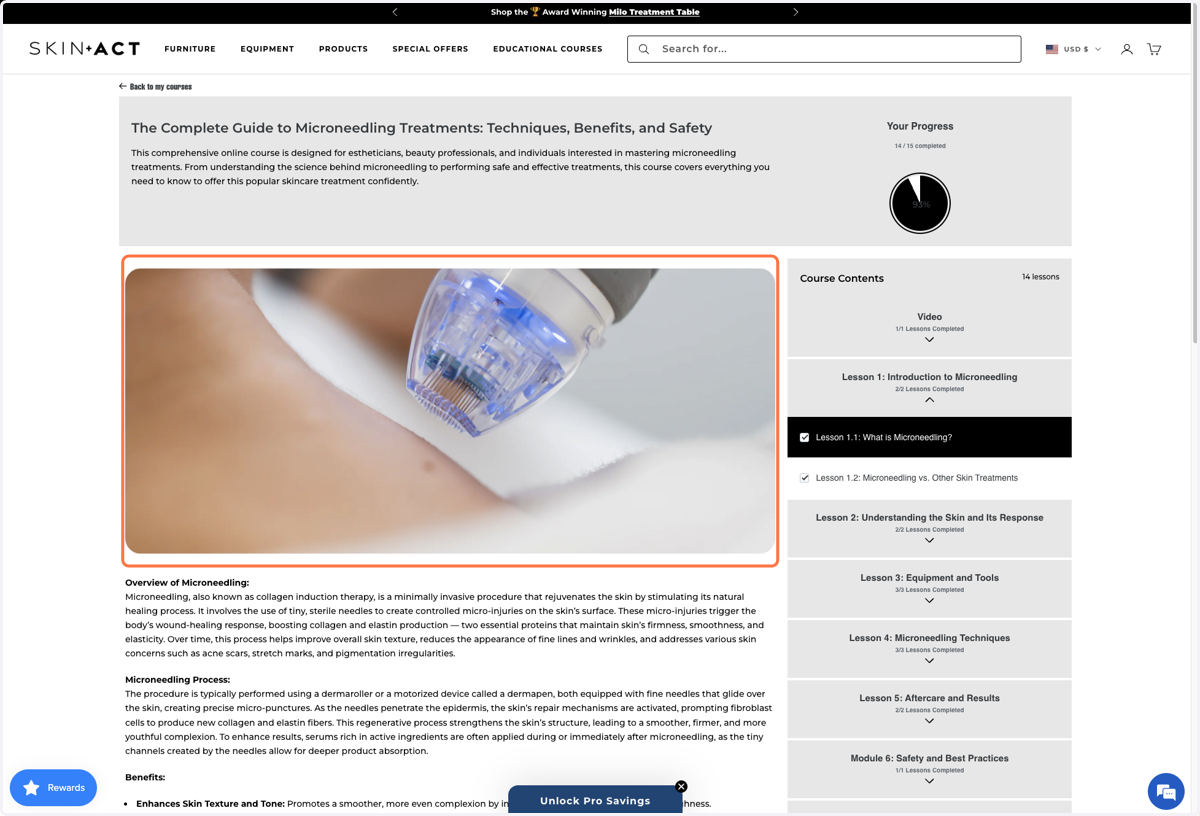
How To Access Educational Courses on SkinAct
SkinAct
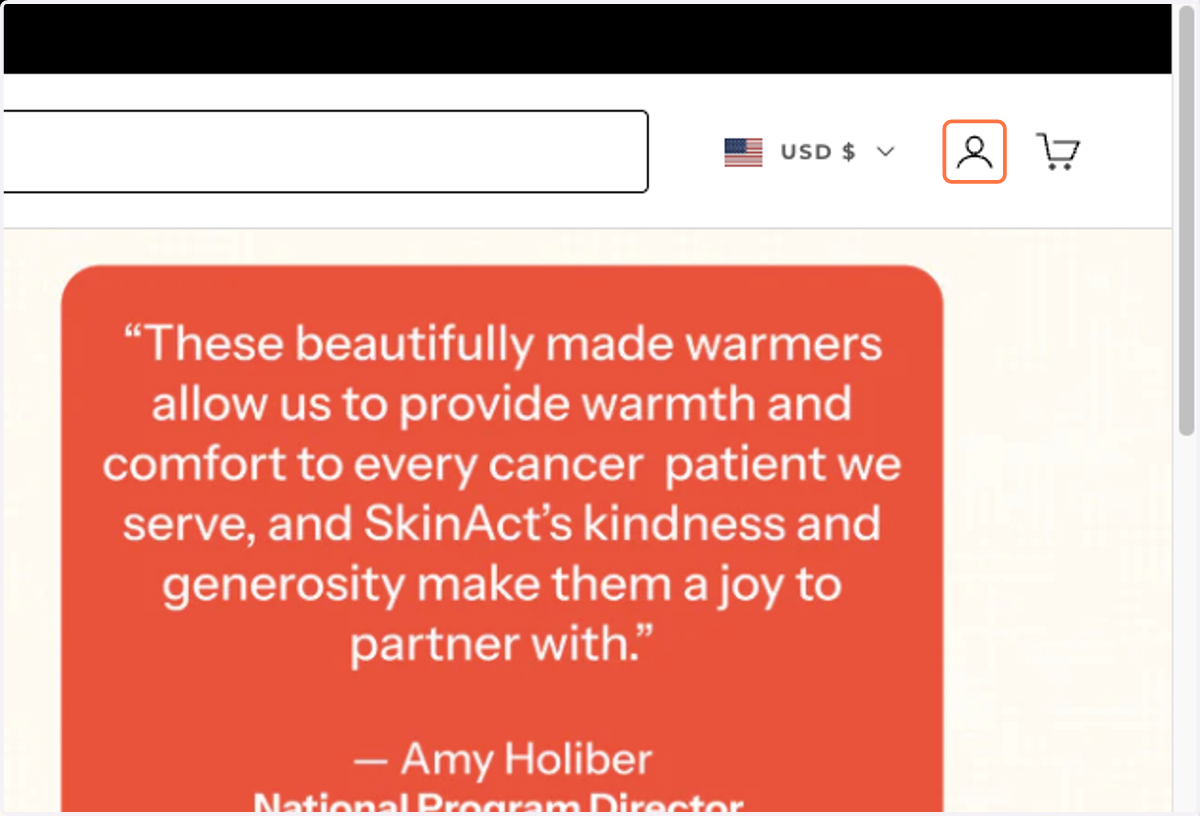
1. At the home page, look at the menu bar

2. Click on Open account page
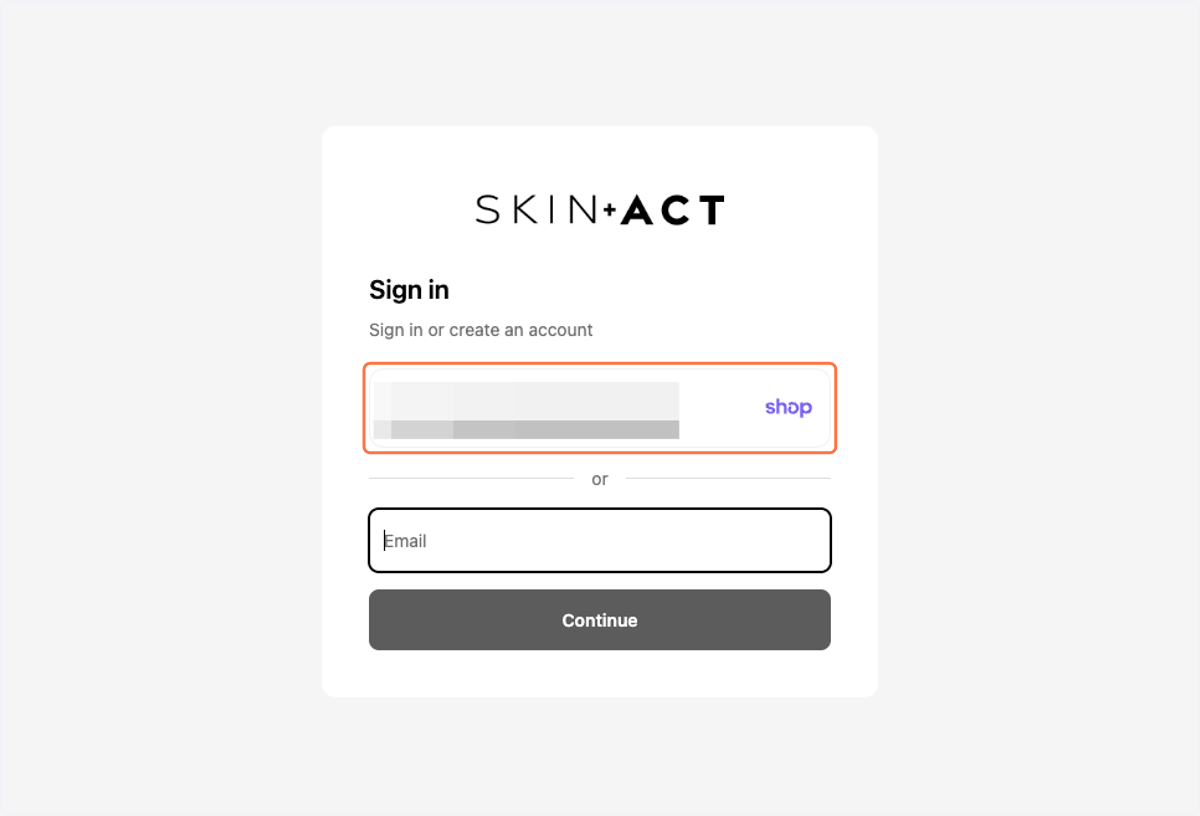
3. Login through your preferred Method
4. Click on Profile in the top left
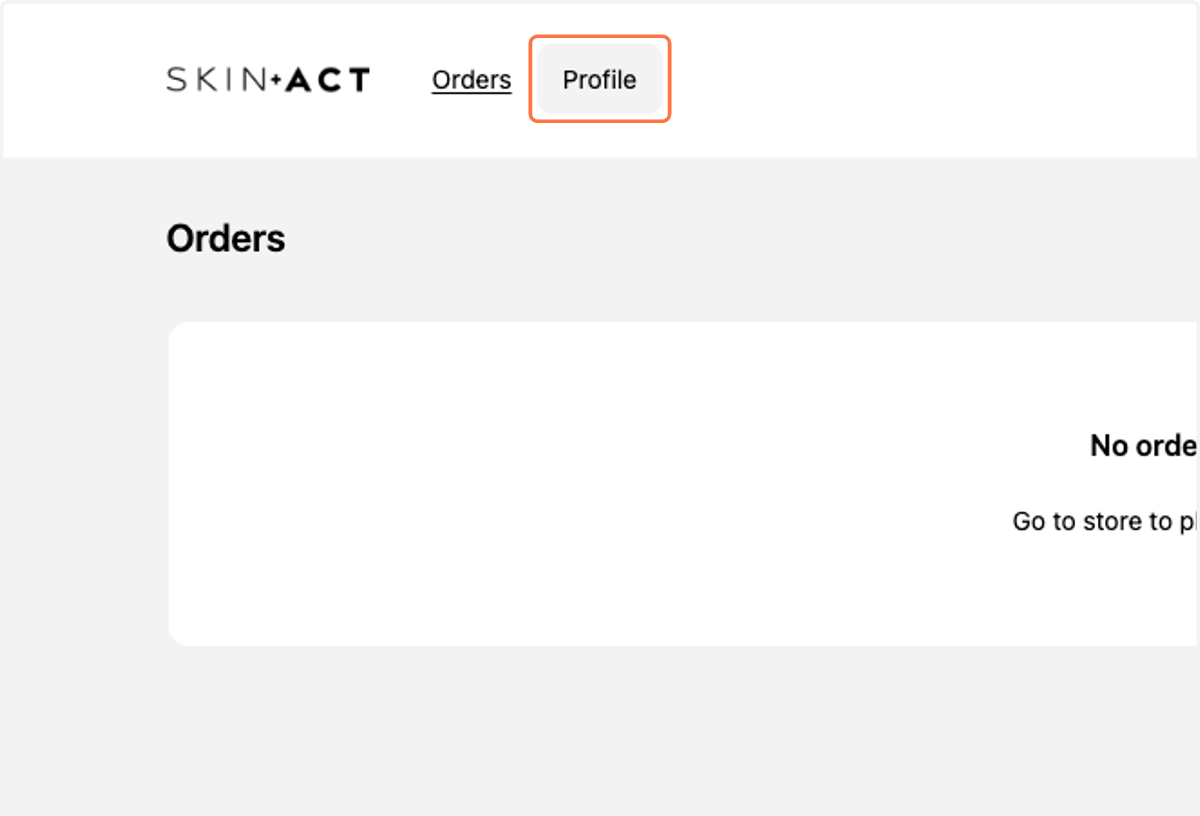
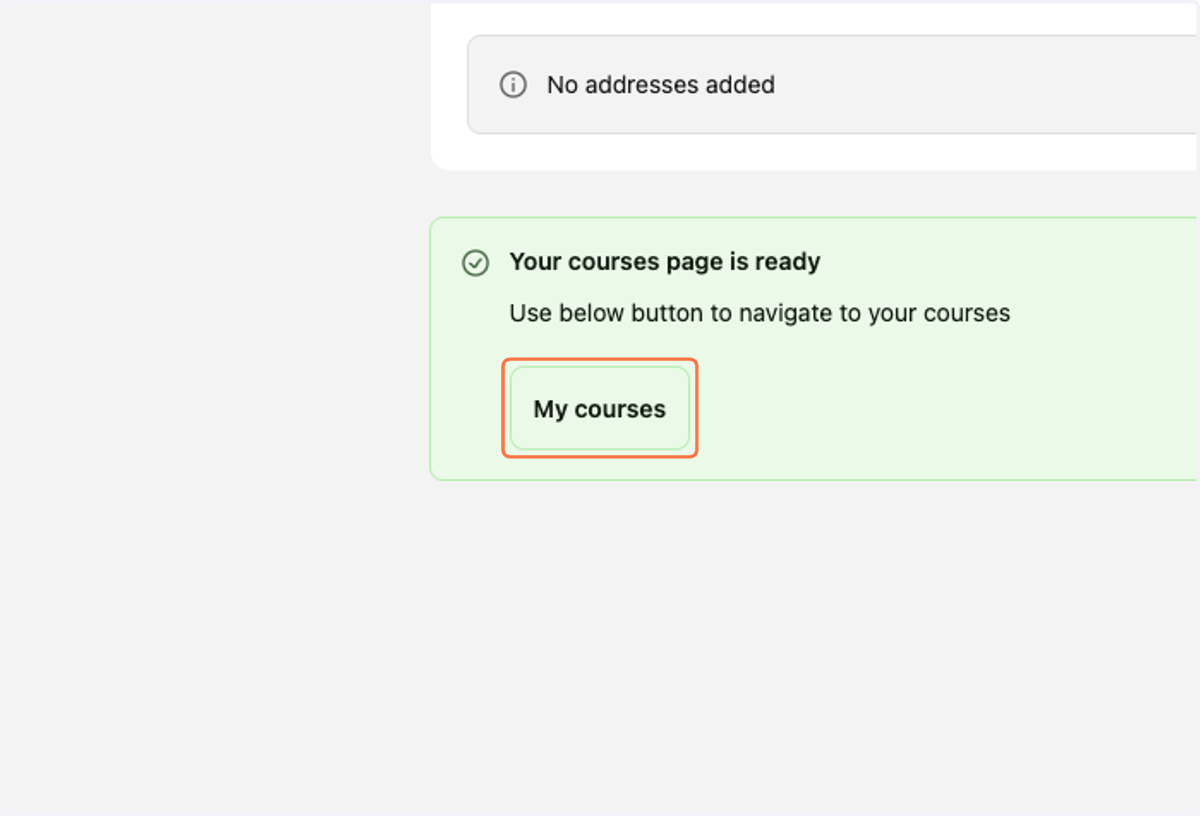
5. Click on the My courses button
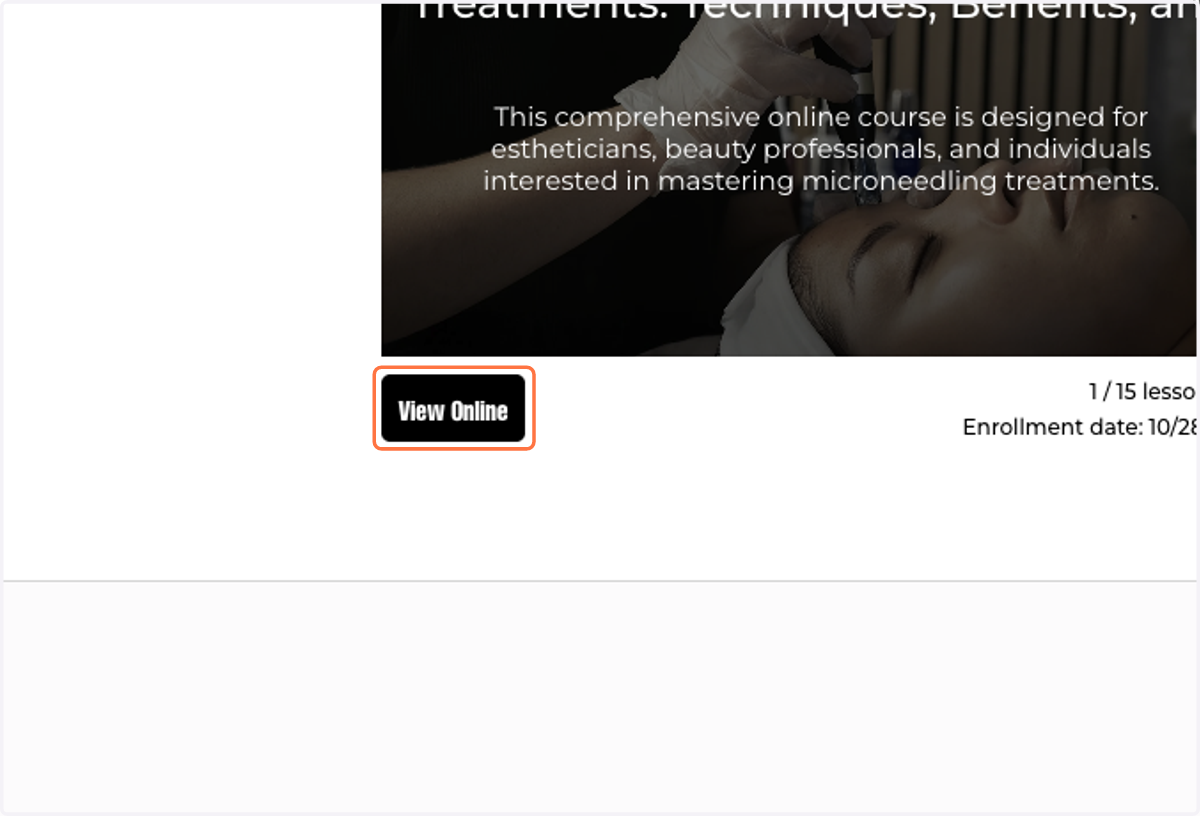
6. Access your available courses by clicking the View Online button
7. Now you can begin your training!