How Do I Use An Enrollment Key (As a Current User)?
Enrollment keys are sent directly to the purchaser for distribution. Below is a sample email that may be received.
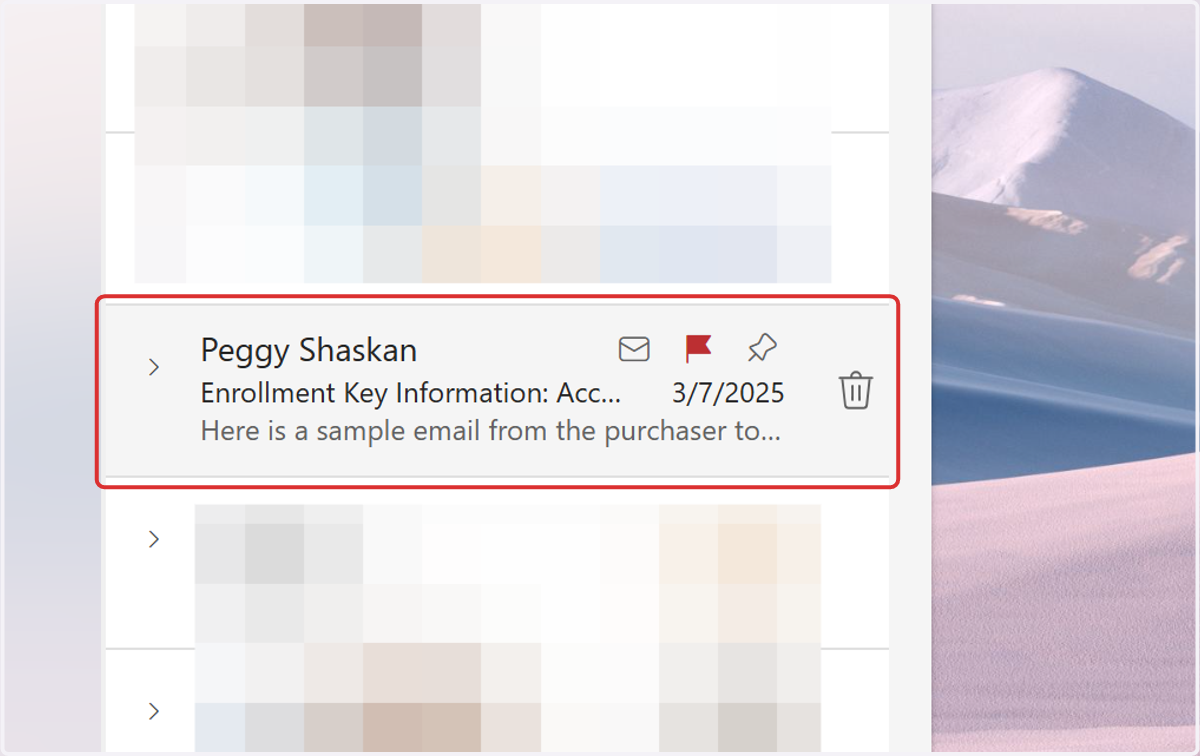
1. Find Enrollment Key Information Email
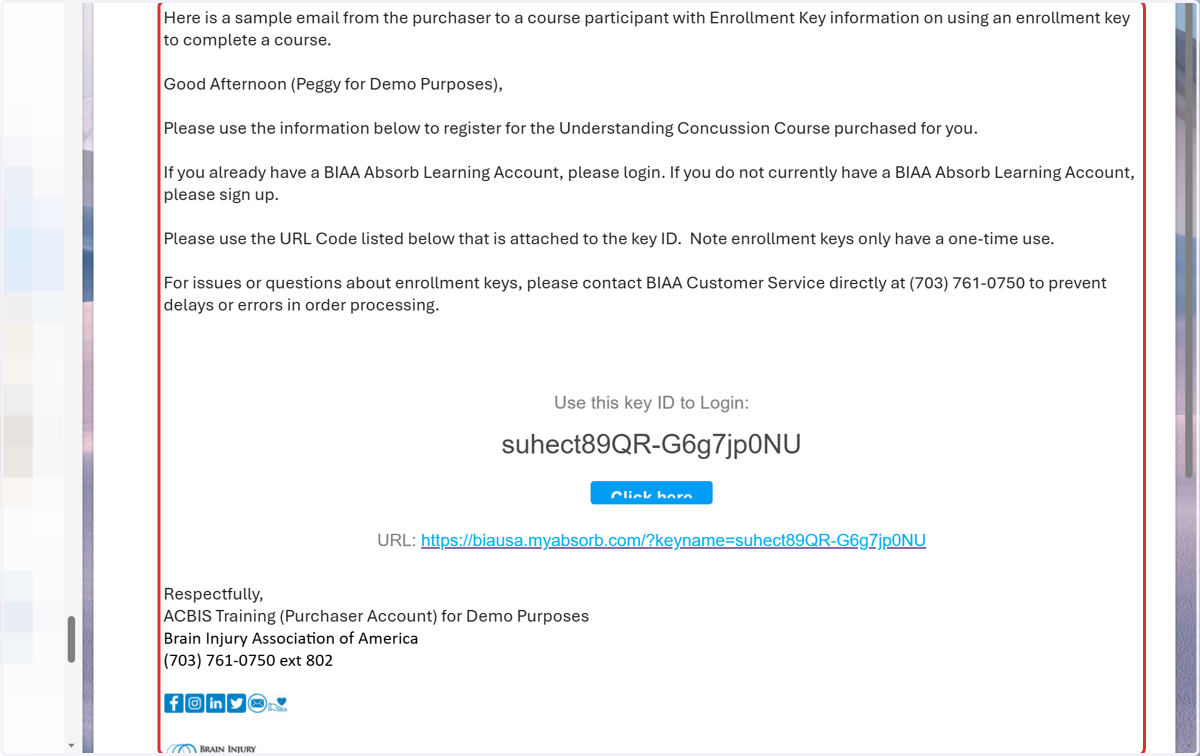
2. Click on Message body
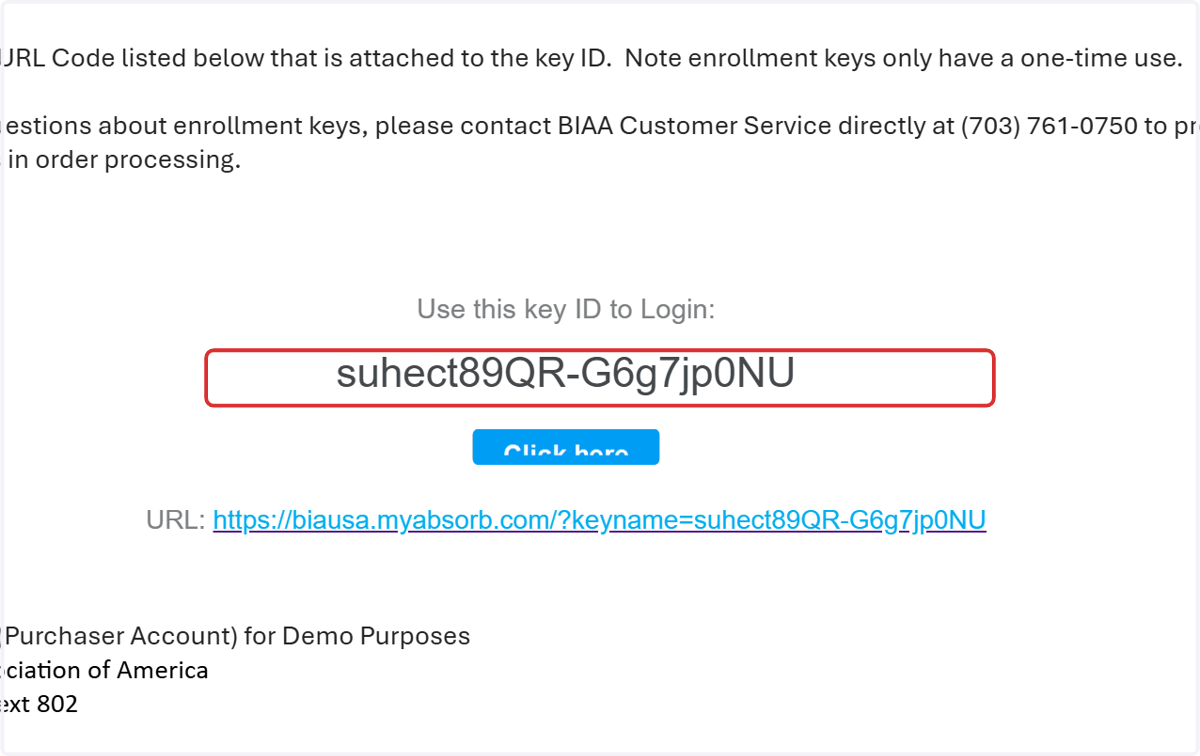
3. Copy the Enrollment Key OR Click the URL
4. Go to the BIAA Learning Platform: learn.biausa.org, then Click on Login
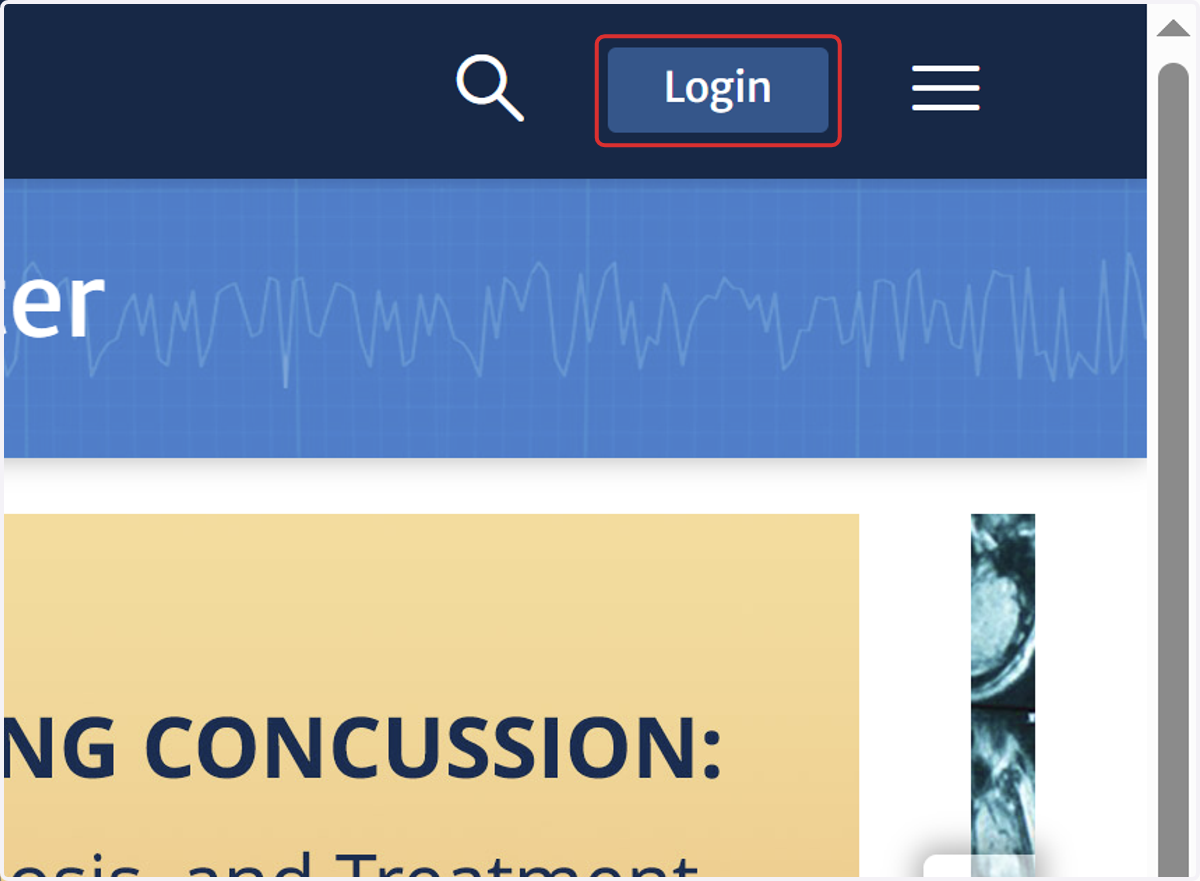
5. Click on Login
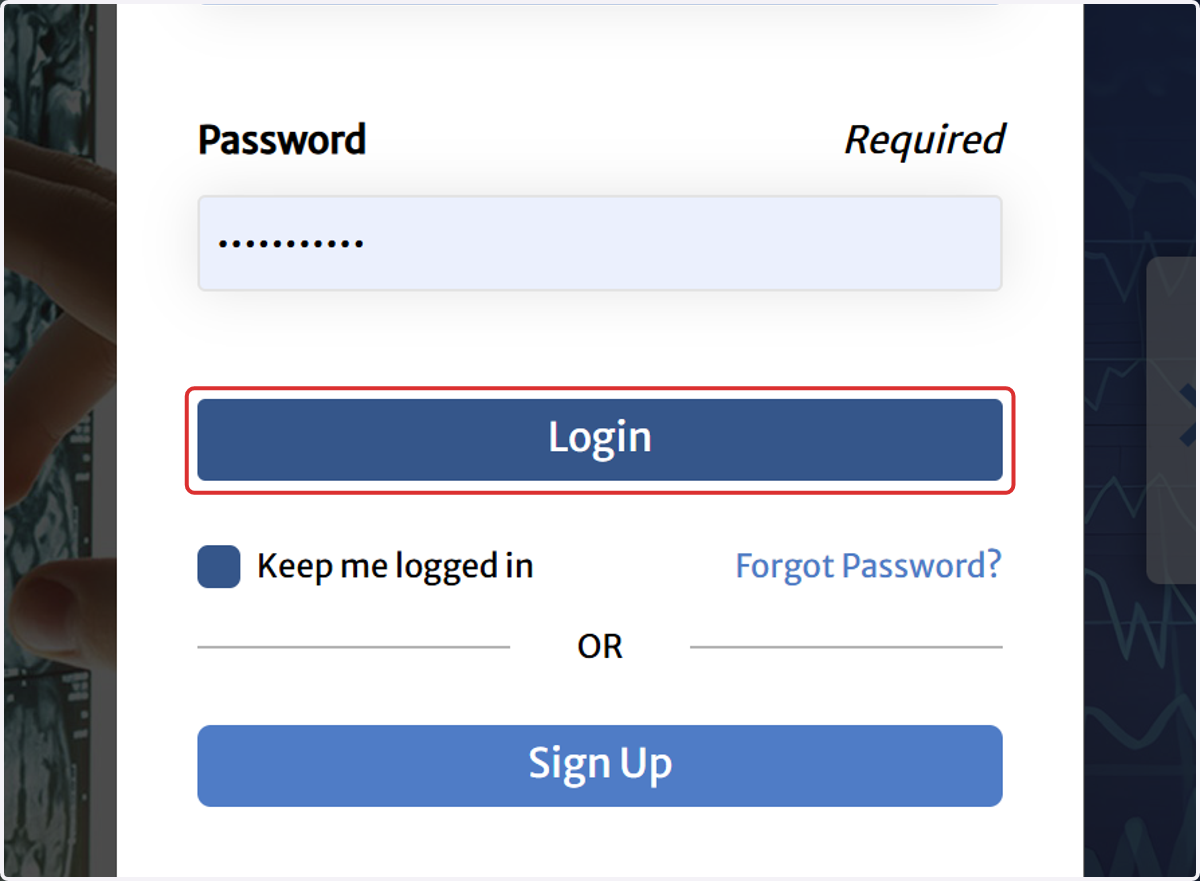
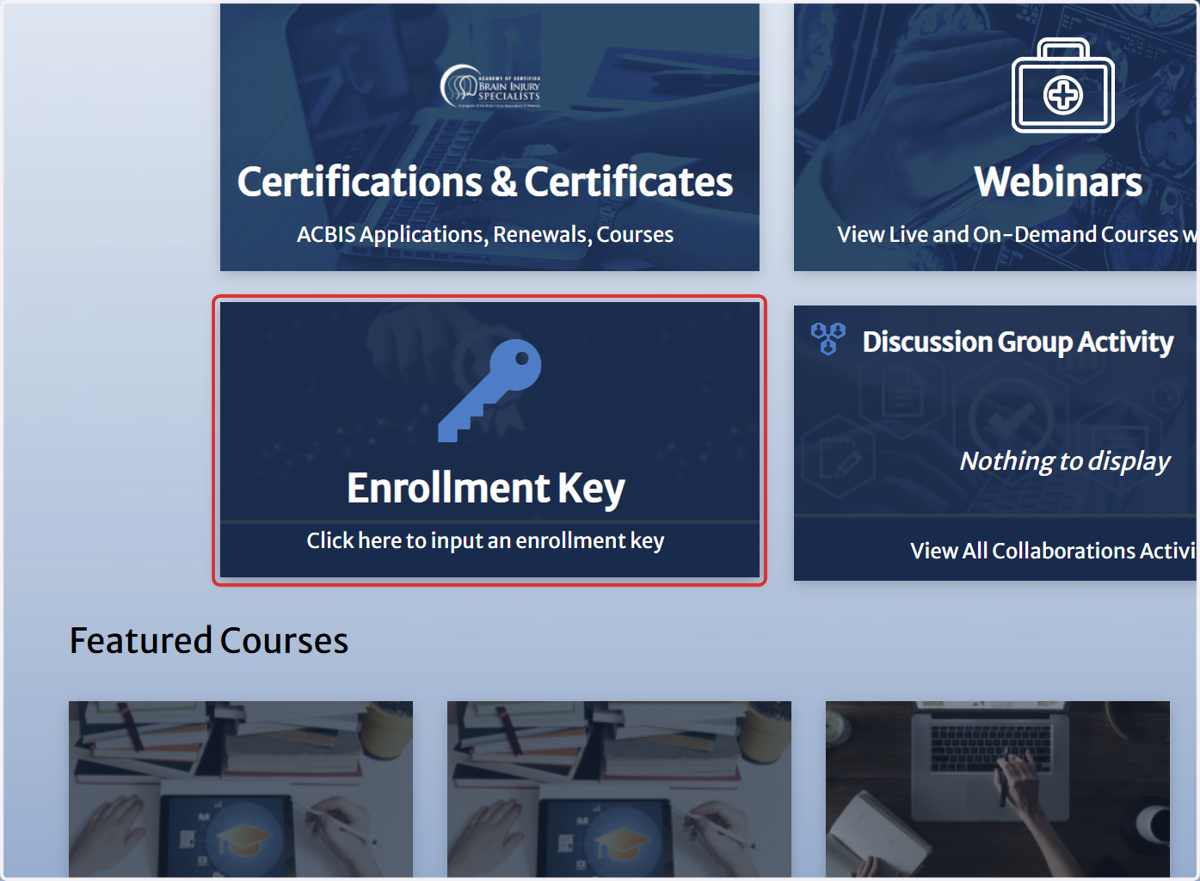
6. Scroll down, then click on Enrollment Key…
7. Click on Enroll
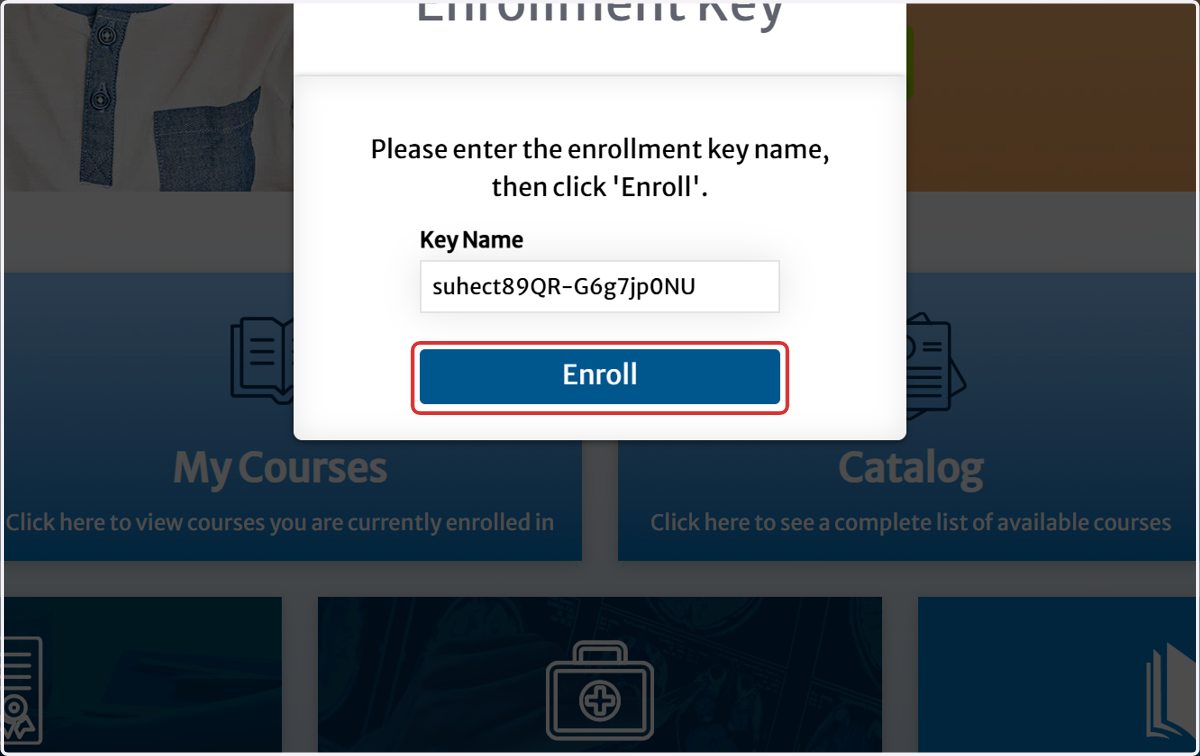
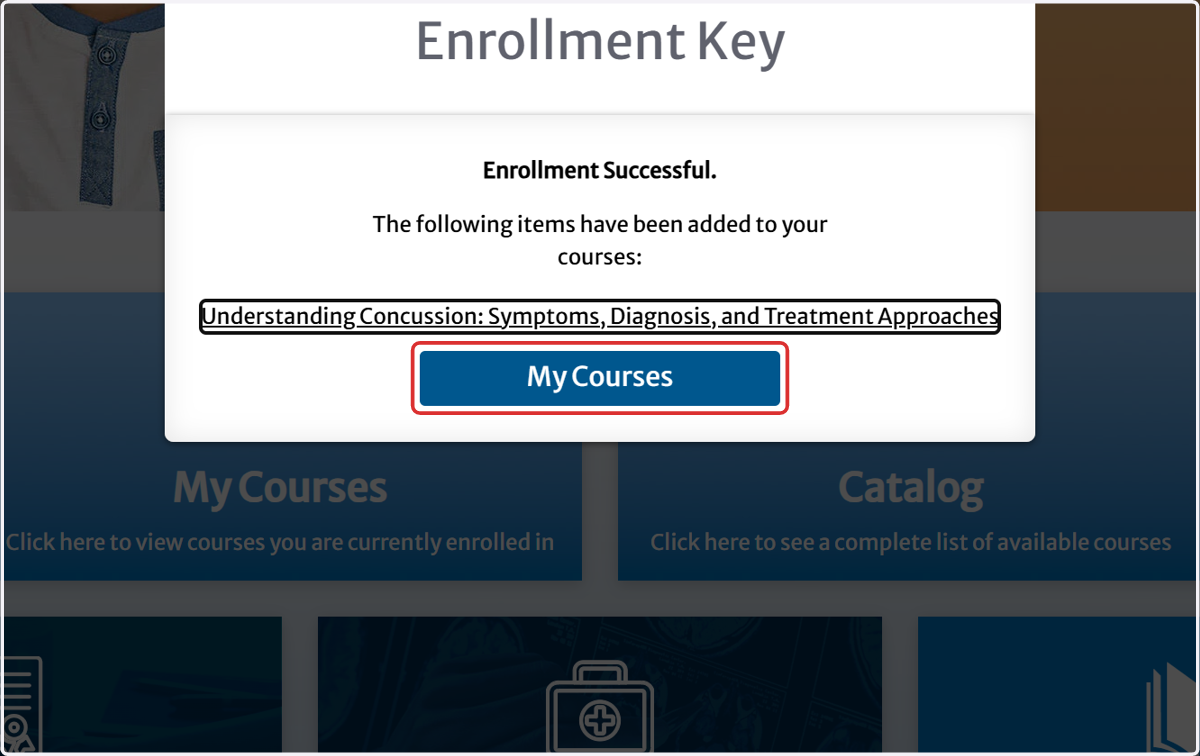
8. Click on My Courses
9. See the FAQ Section on How Do I Find....(if needed)
10. Click on BIAA: Brain Injury Association of America Dashboard
To returne back to the dashboard homepage