How Do I Make A Purchase on Behalf of Others (NOT for Myself)?
Private Dashboard | Brain Injury Association of America
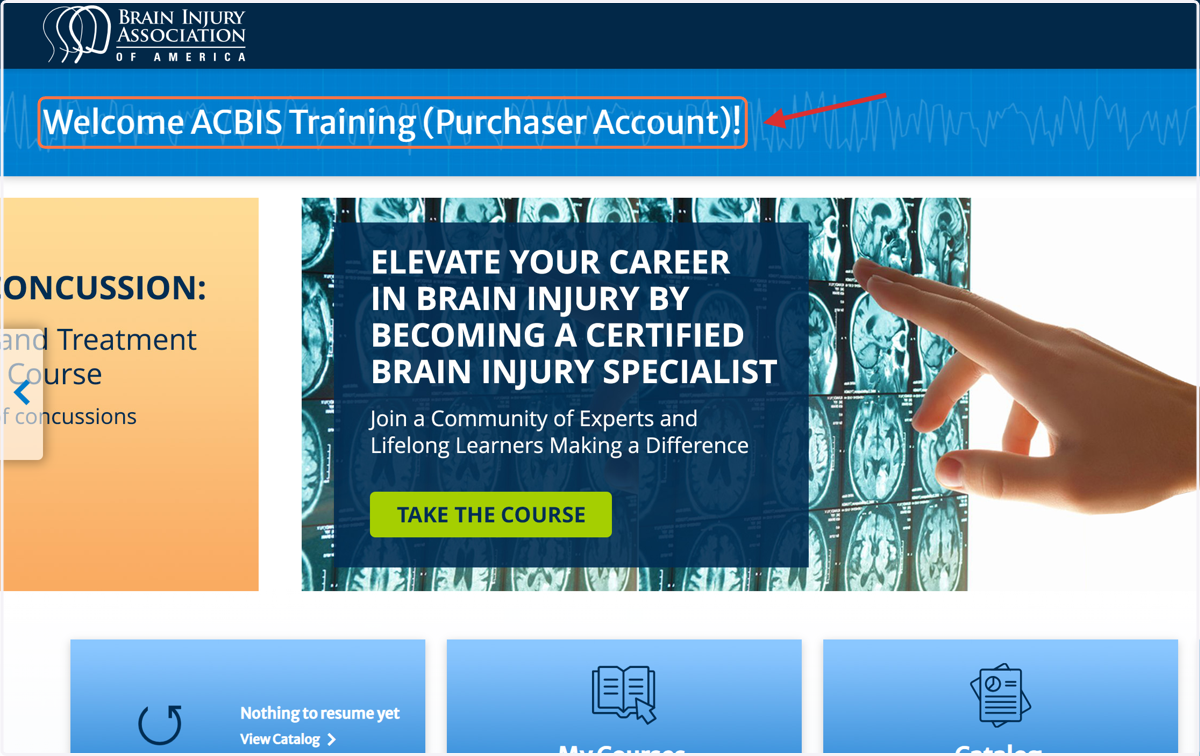
1. Click on Welcome ACBIS Training (Purchaser Account)!
Important: Ensure you are logged into the correct account when using a secondary purchasing account to purchase on behalf of others.
Note: Users create their account names. However, it is strongly advised to have "Purchaser Account" indicated in the user name. If you plan to purchase renewals, please contact us before your first purchase so we can ensure your account is ready.
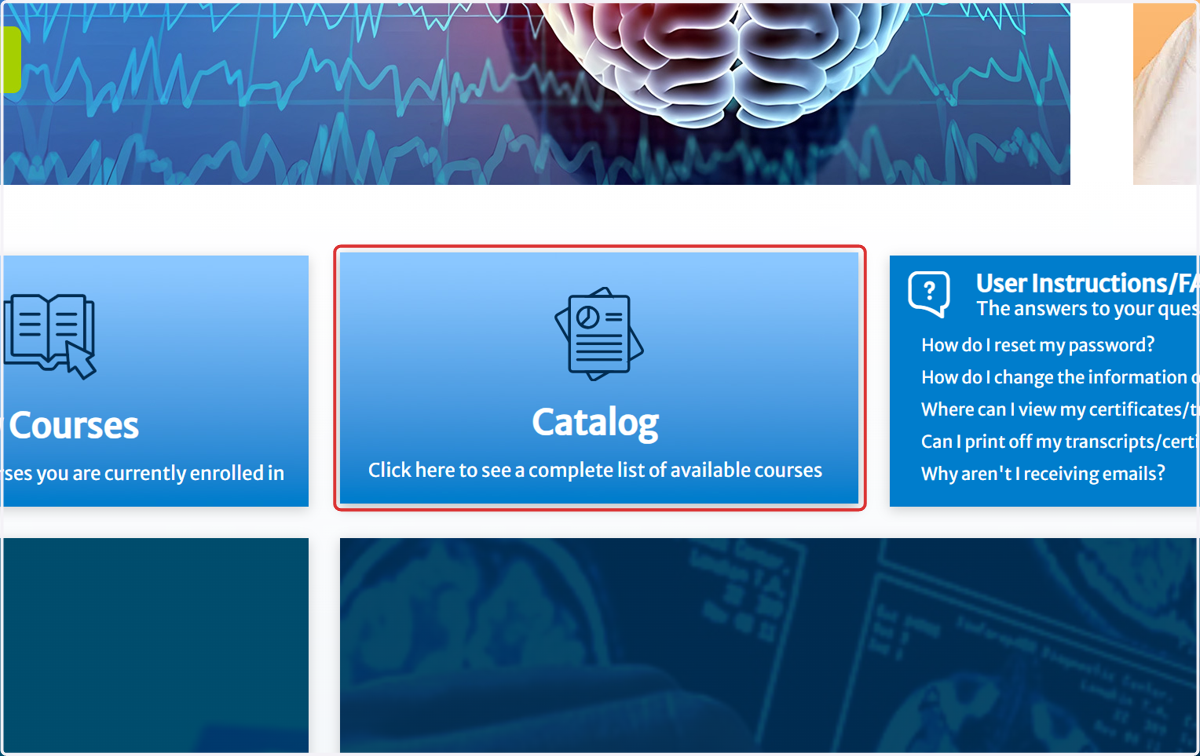
2. Click on Catalog…
Important Purchasing Instructions
If you are purchasing a course on behalf of others, you must use a secondary purchaser account. Otherwise, the course will be assigned to your personal course catalog, and others will not be able to access or enroll. Additional information is located in the User Instructions resource section.
If you have questions or need assistance with course purchases, please contact BIAA Customer Service directly at (703) 761-0750 to prevent delays or errors in order processing.
3. Select the courses intended for purchase (see How Do I Find... if needed)
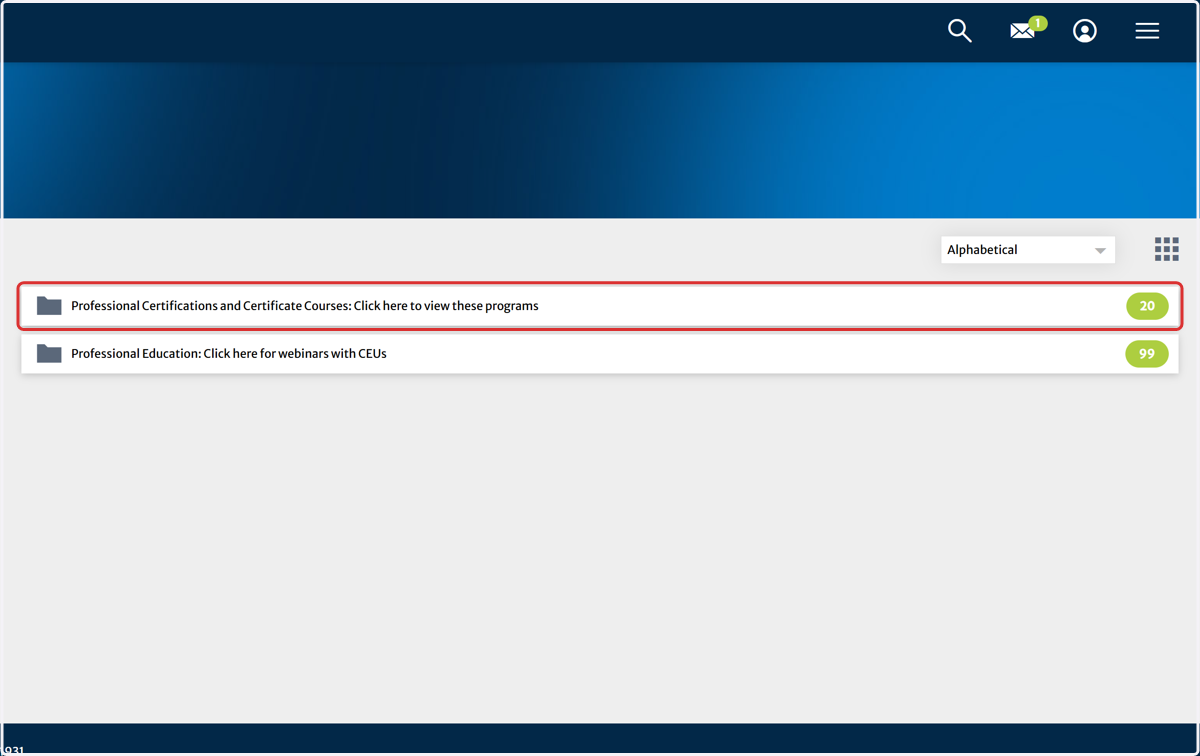
4. Select the courses intended for purchase (see How Do I Find... if needed)
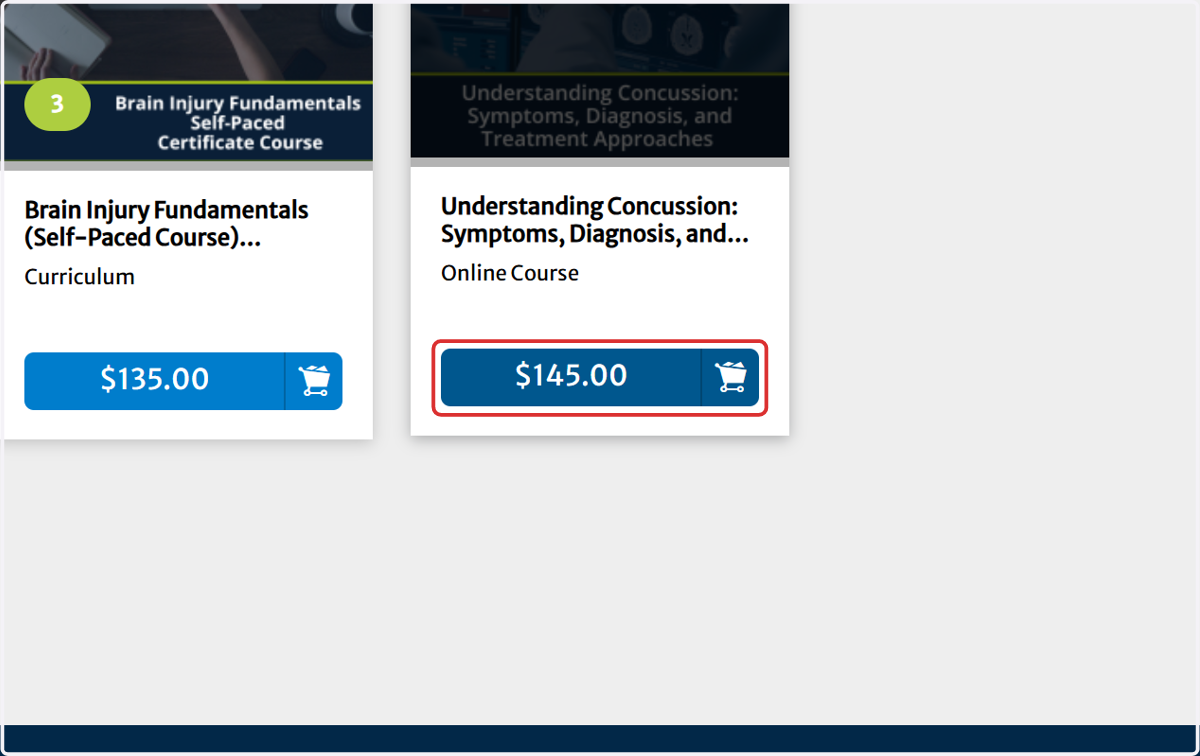
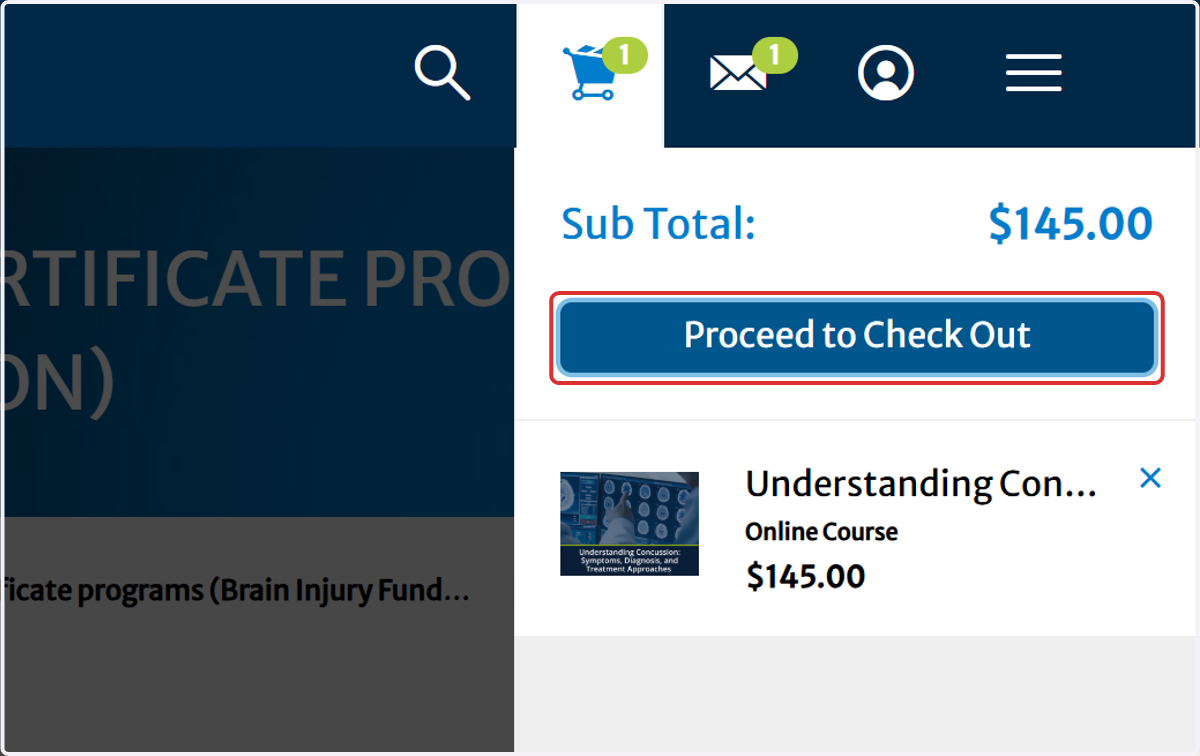
5. Click on Proceed to Check Out
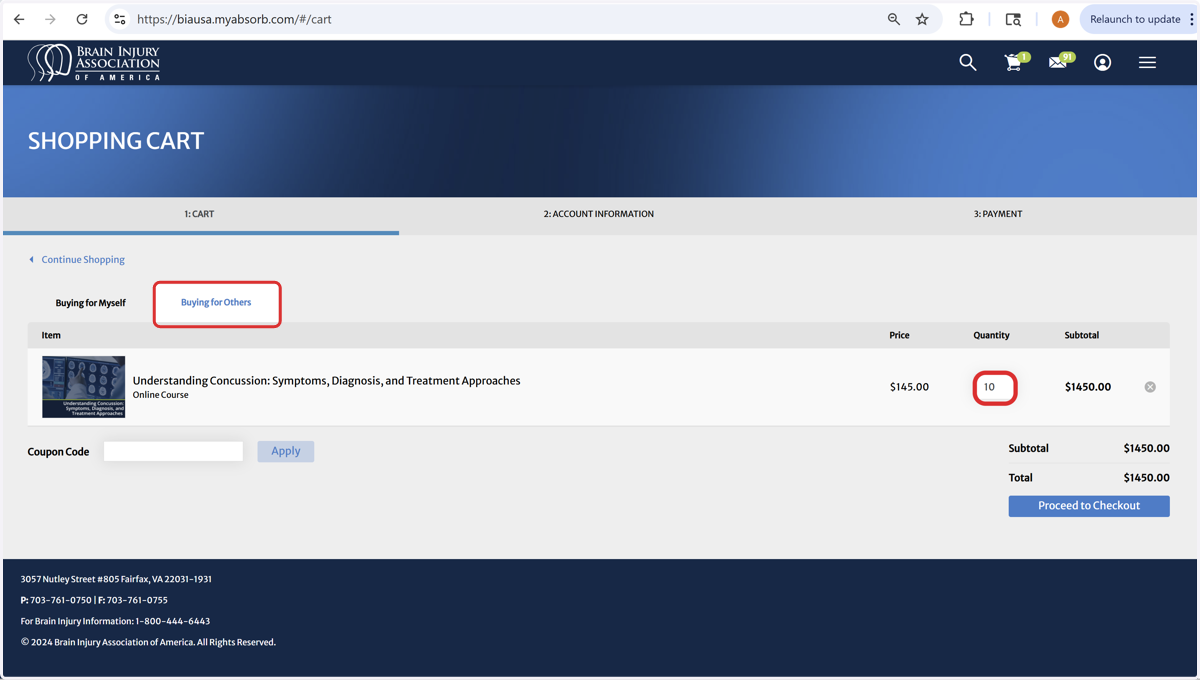
6. Update the Quantity Needed - then click the enter key to update cart. Click the tab 'Buying for others.'
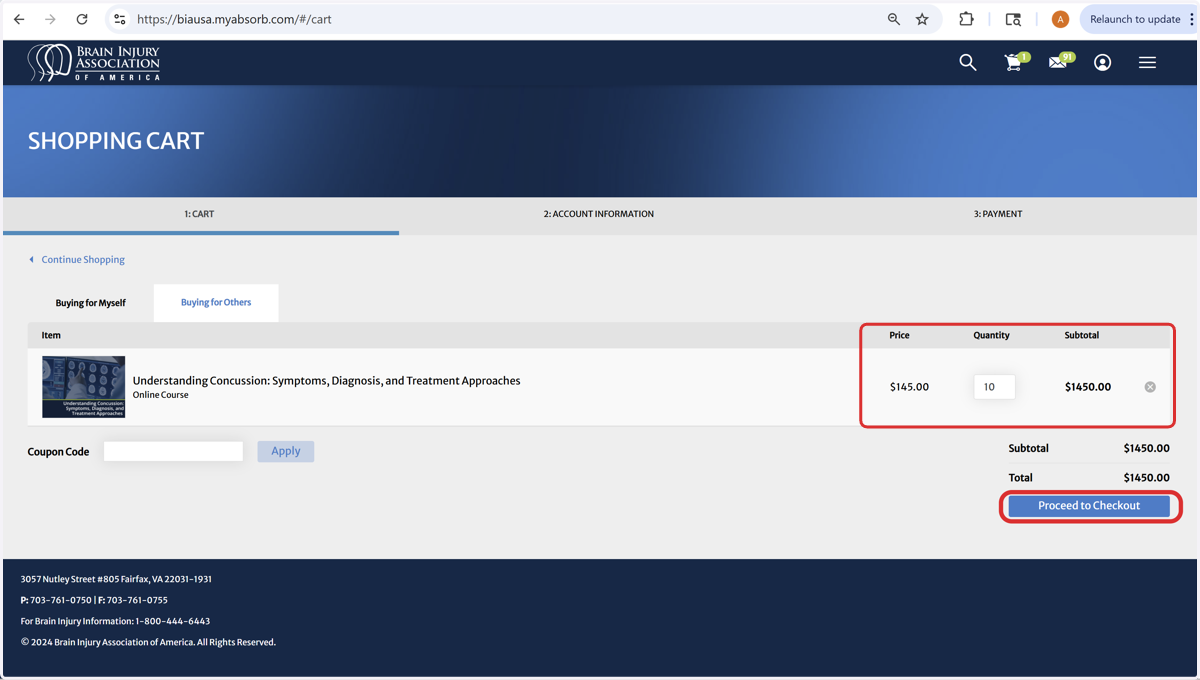
7. Click on Proceed to Checkout - Please Read Below!
If purchasing multiple courses with different quantities (e.g., Concussion Course: 10, Fundamentals Course: 7), you must complete separate transactions. This is an ABSORB system setting that BIAA staff cannot override.
If you have questions or need assistance with course purchases, please call BIAA Customer Service at (703) 761-0750 to prevent order processing delays or errors.
8. Important: Ensure you are logged into the correct account when using a secondary purchasing account to purchase on behalf of others. Proceed to Checkout
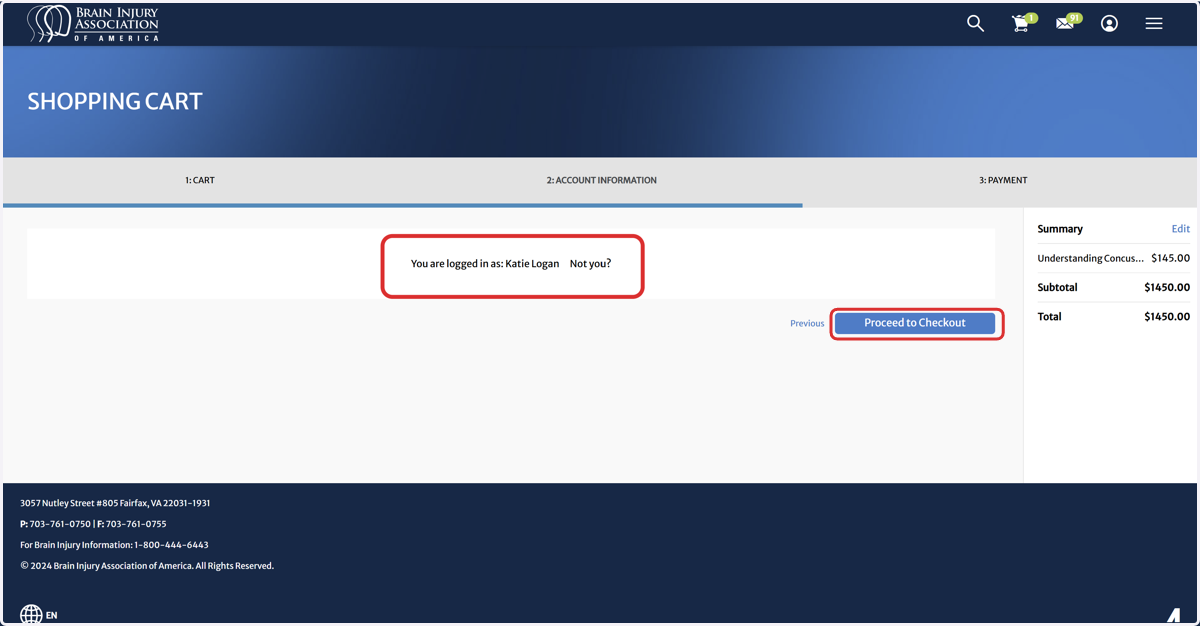
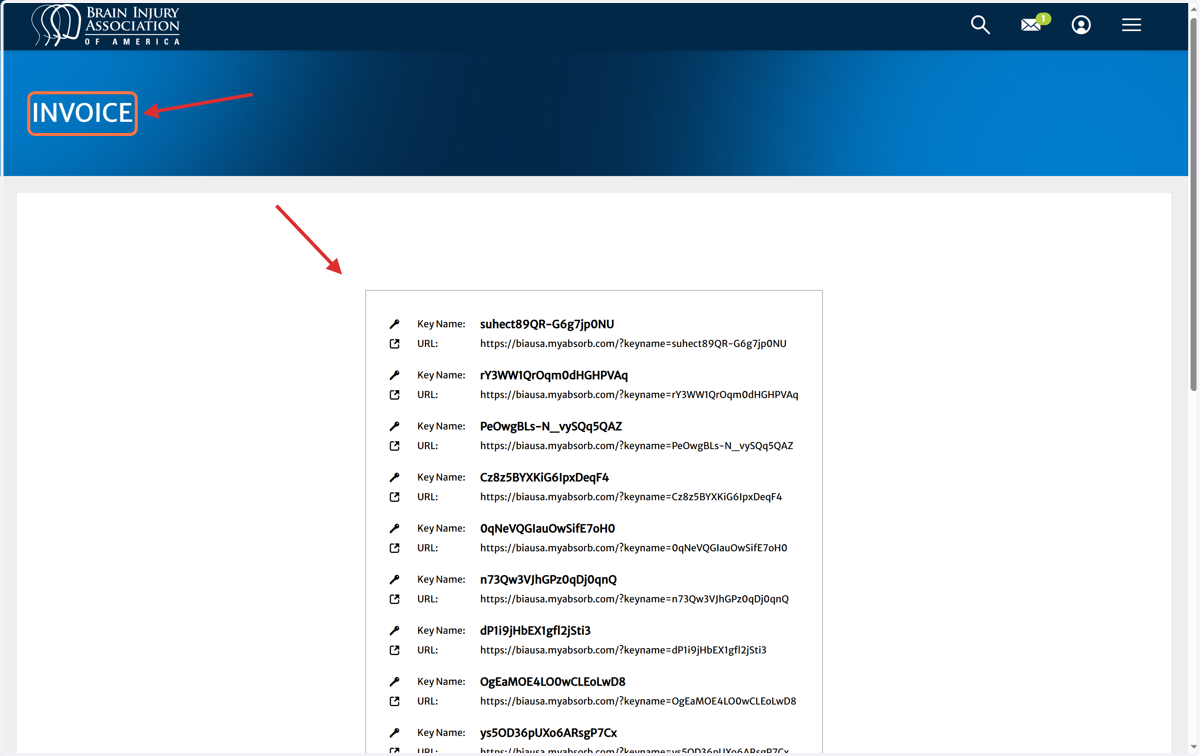
9. Enrollment Key Instructions - Please Read Important Information Below
Enrollment keys are sent directly to the purchaser.
The purchaser must distribute the keys to the intended participants.
Each enrollment key can only be used once.
The key name and URL are linked, so both must be sent to participants for successful enrollment.
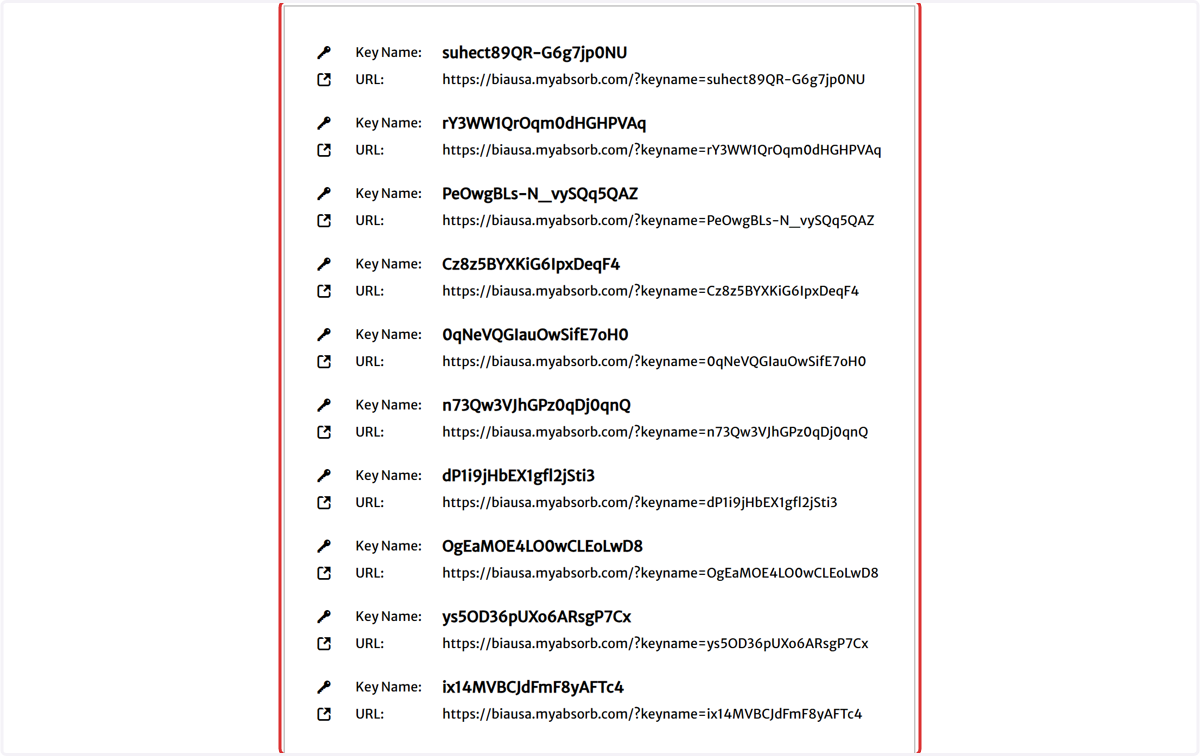
10. Primary (Personal) Account Versus a (Secondary Purchaser) Account
Important Purchasing Instructions
To avoid enrollment issues, keep personal purchases separate from those made on behalf of others.
If you have questions or need assistance with course purchases, please contact BIAA Customer Service directly at (703) 761-0750 to prevent delays or errors in order processing.
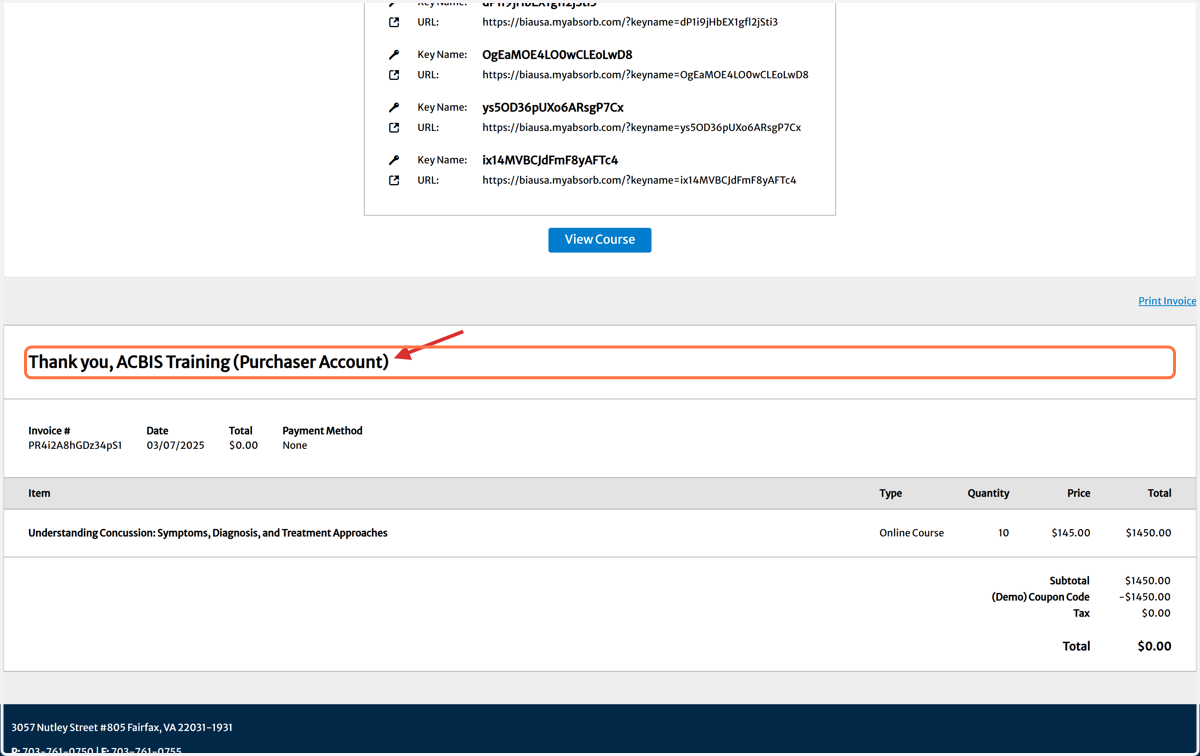
11. Click on BIAA: Brain Injury Association of America Dashboard
To return to the user dashboard homepage.
12. Click on Profile
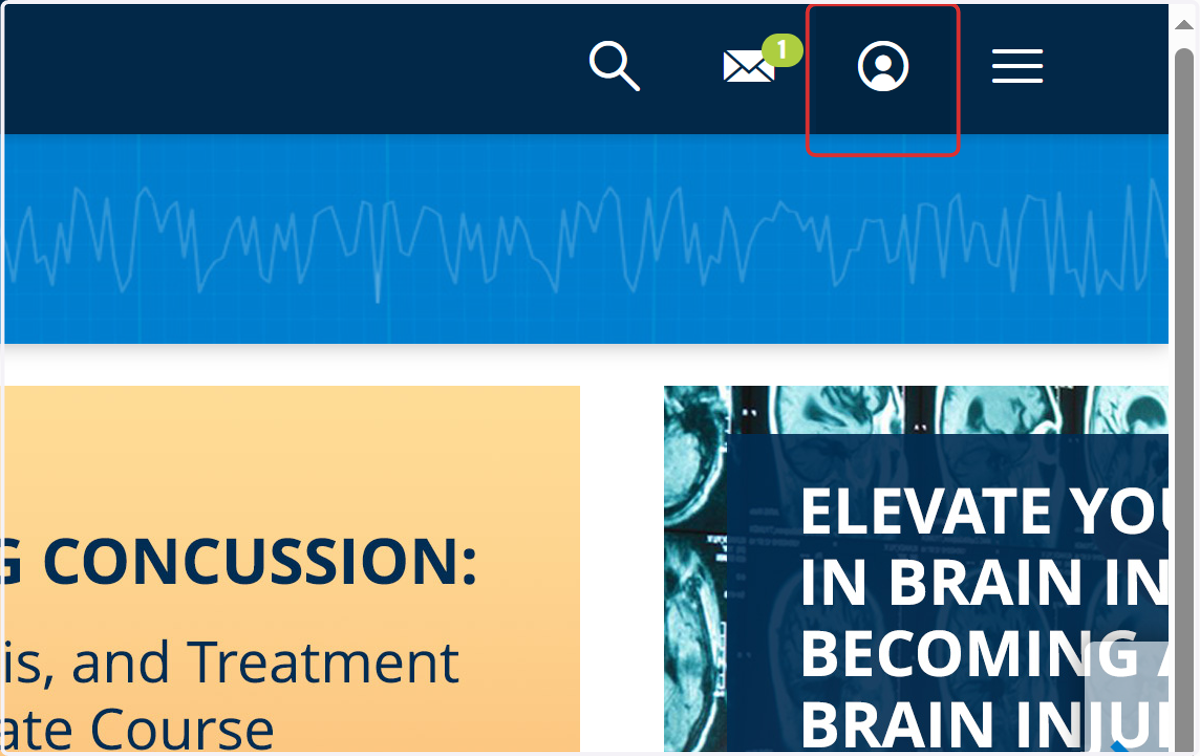
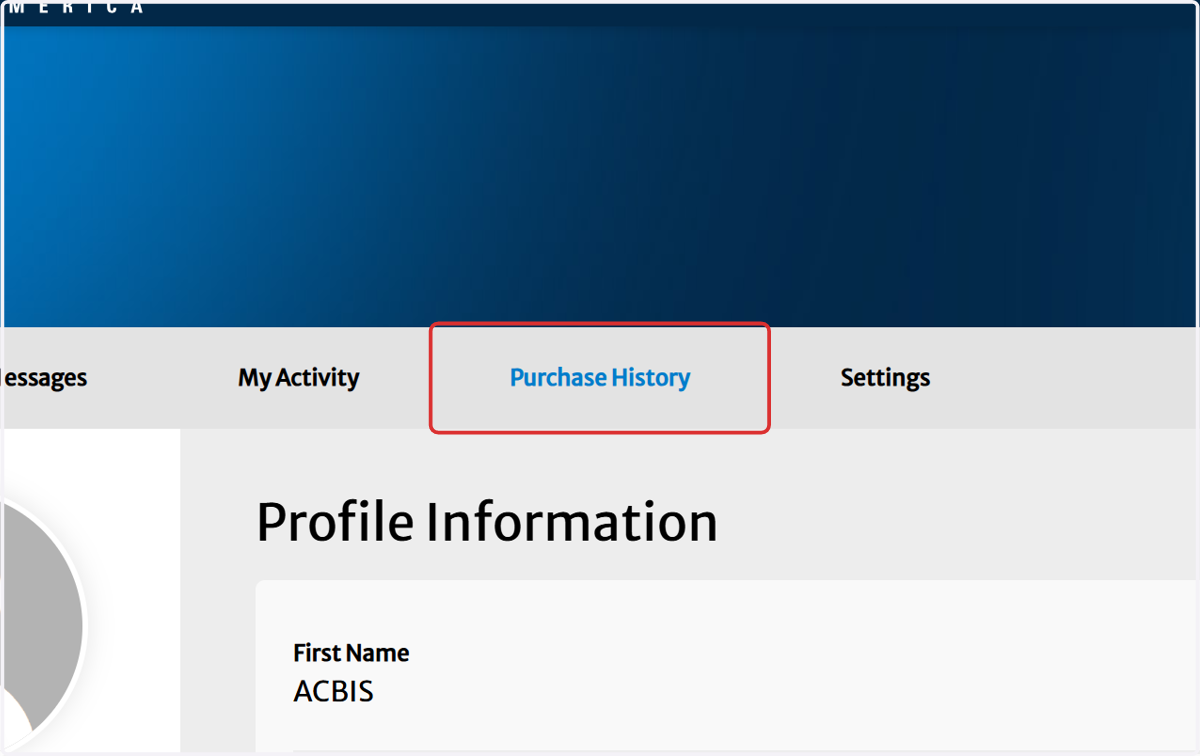
13. Click on View Purchase History
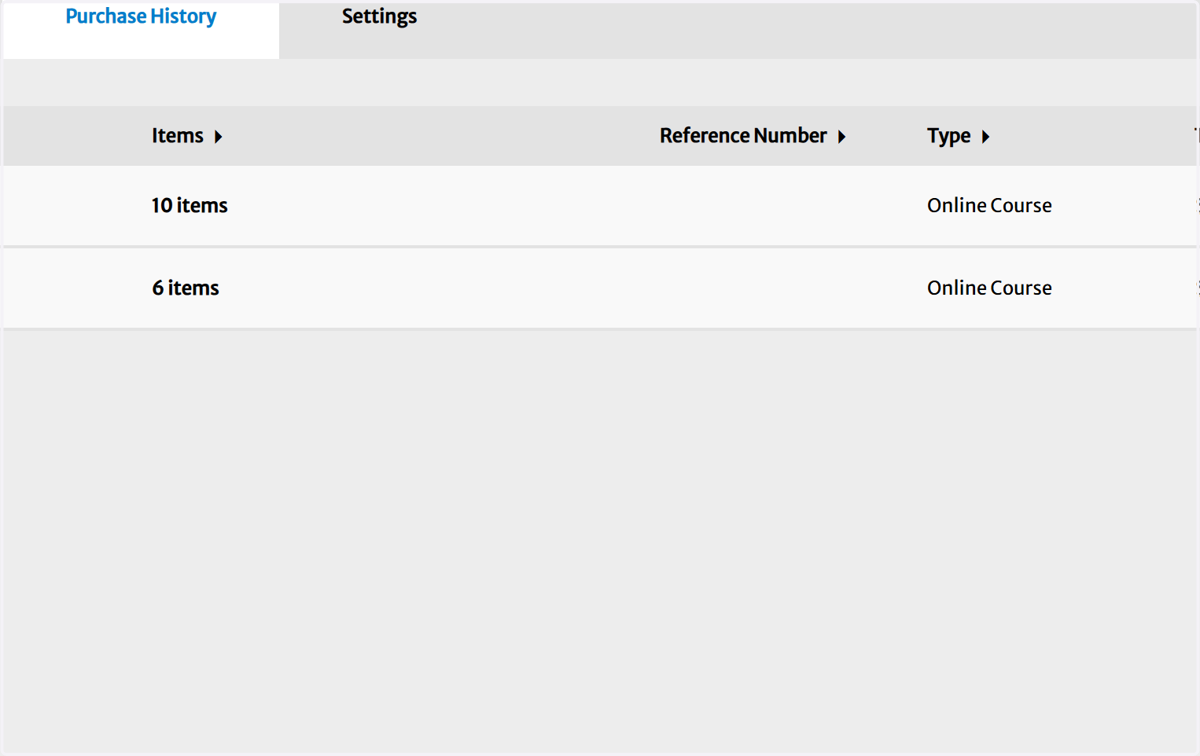
14. Click on View Invoice
15. Click on INVOICE
16. Click on BIAA: Brain Injury Association of America Dashboard
To return to the user dashboard homepage.