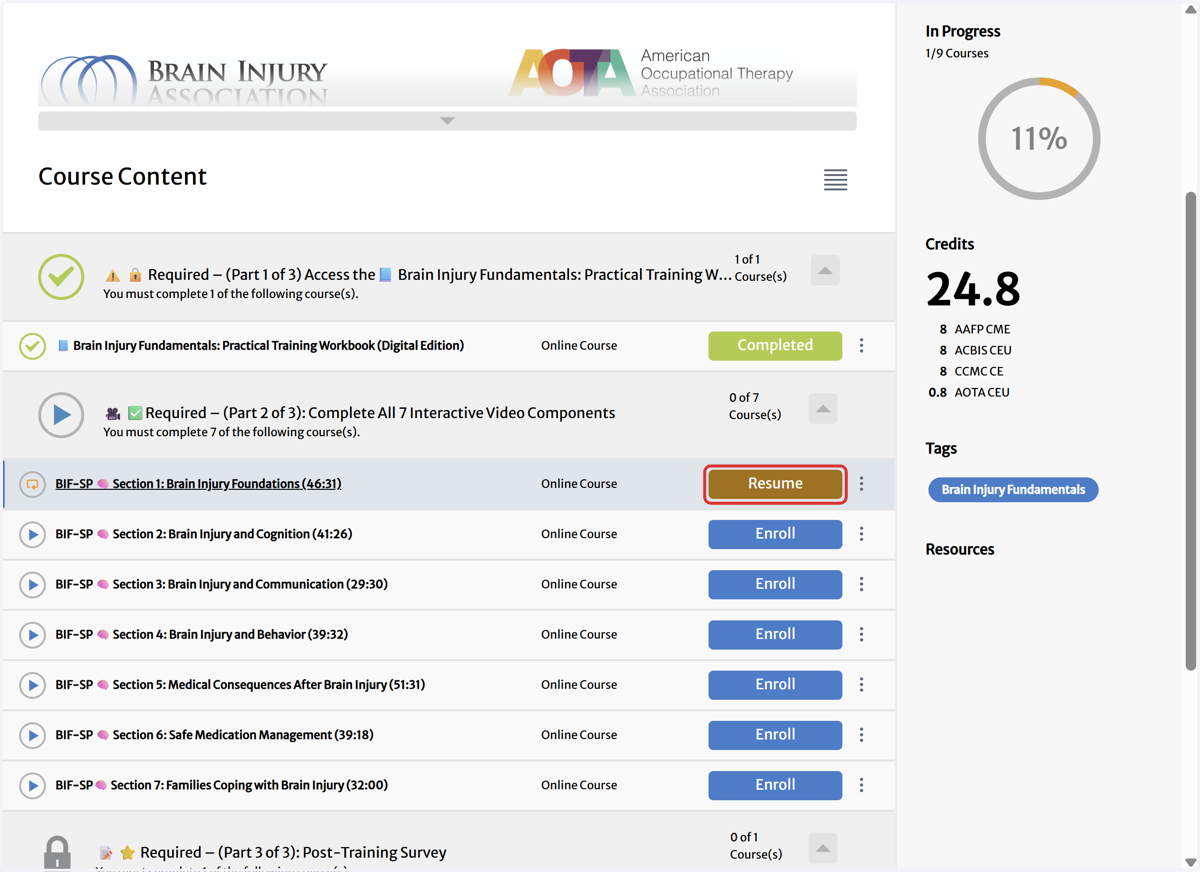
How Do I Find the Brain Injury Fundamentals Self-Paced Course?
How to purchase the Brain Injury Fundamentals Self-Paced Course from the Public Dashboard | Brain Injury Association of America.
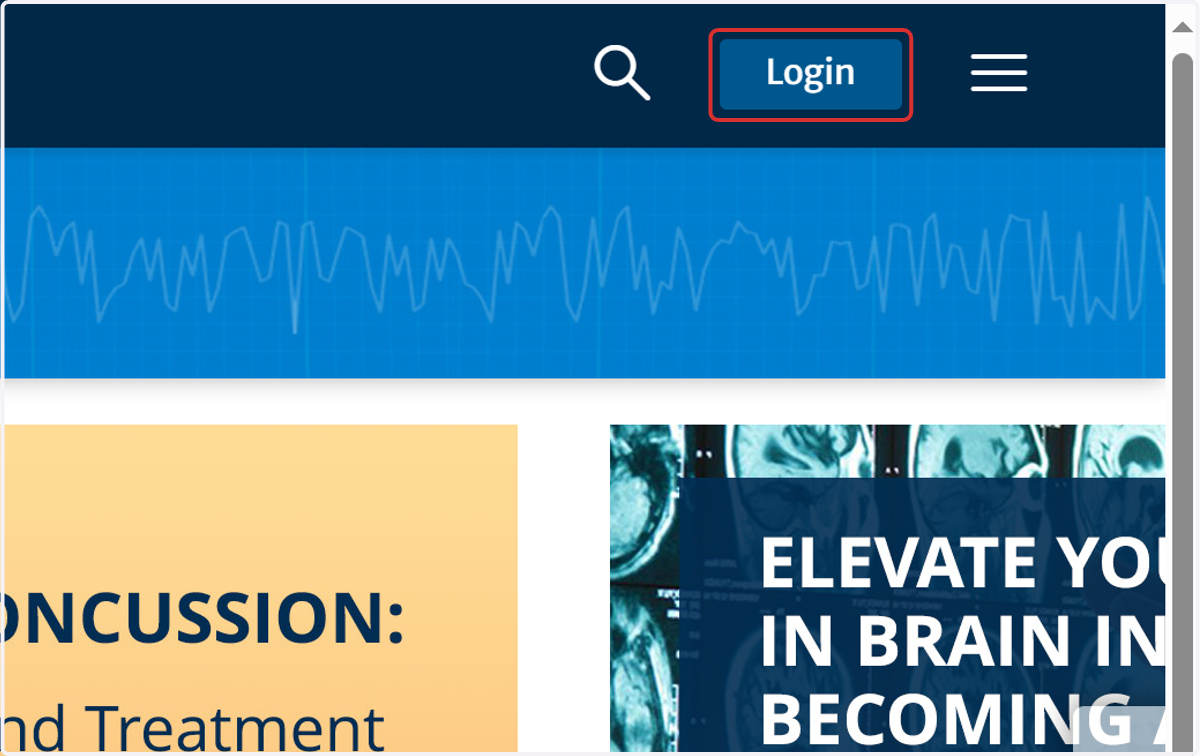
1. Click on Login
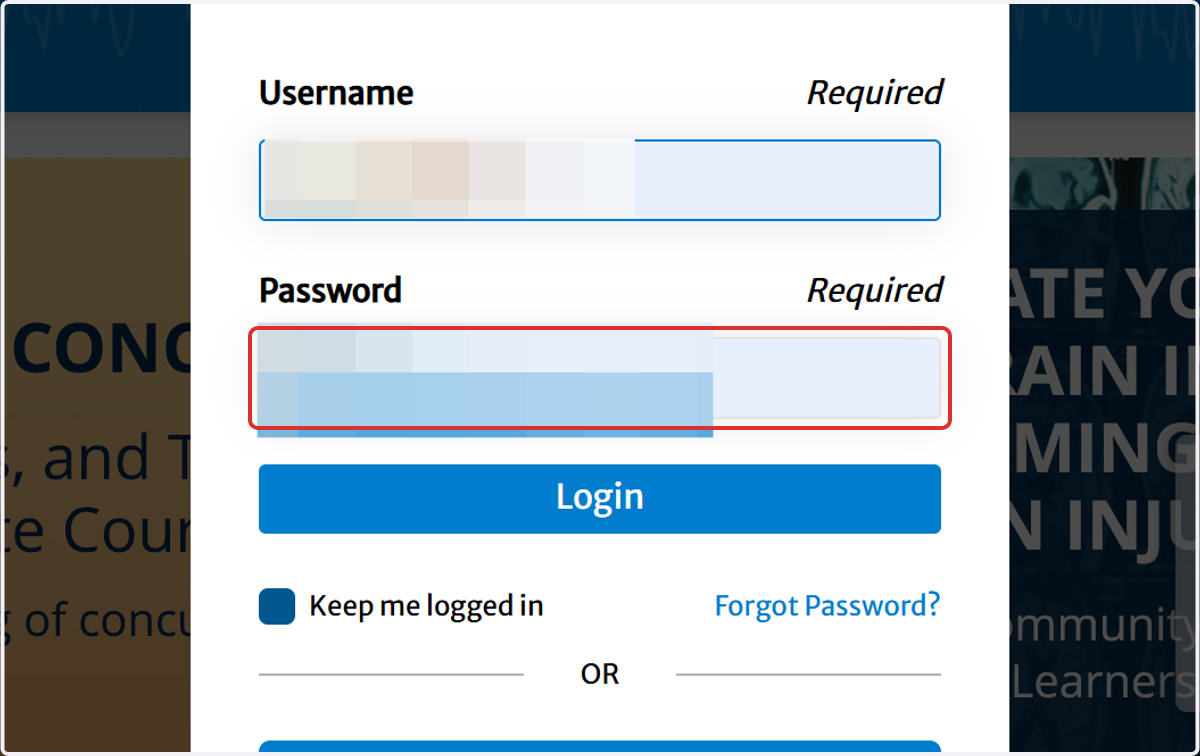
2. Type the username and password
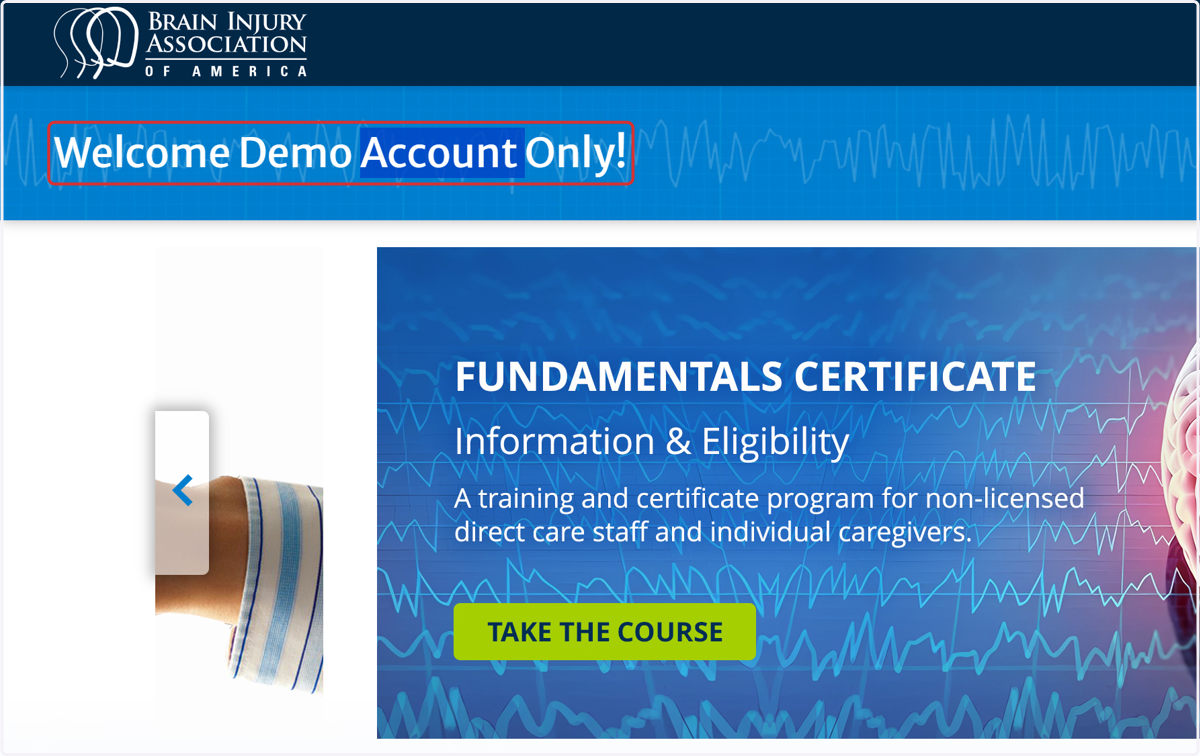
Important: Ensure you are logged into the correct account when using a second purchasing account to purchase on behalf of others.
3. Important: Ensure you are logged into the correct account when using a second purchasing account to purchase on behalf of others.
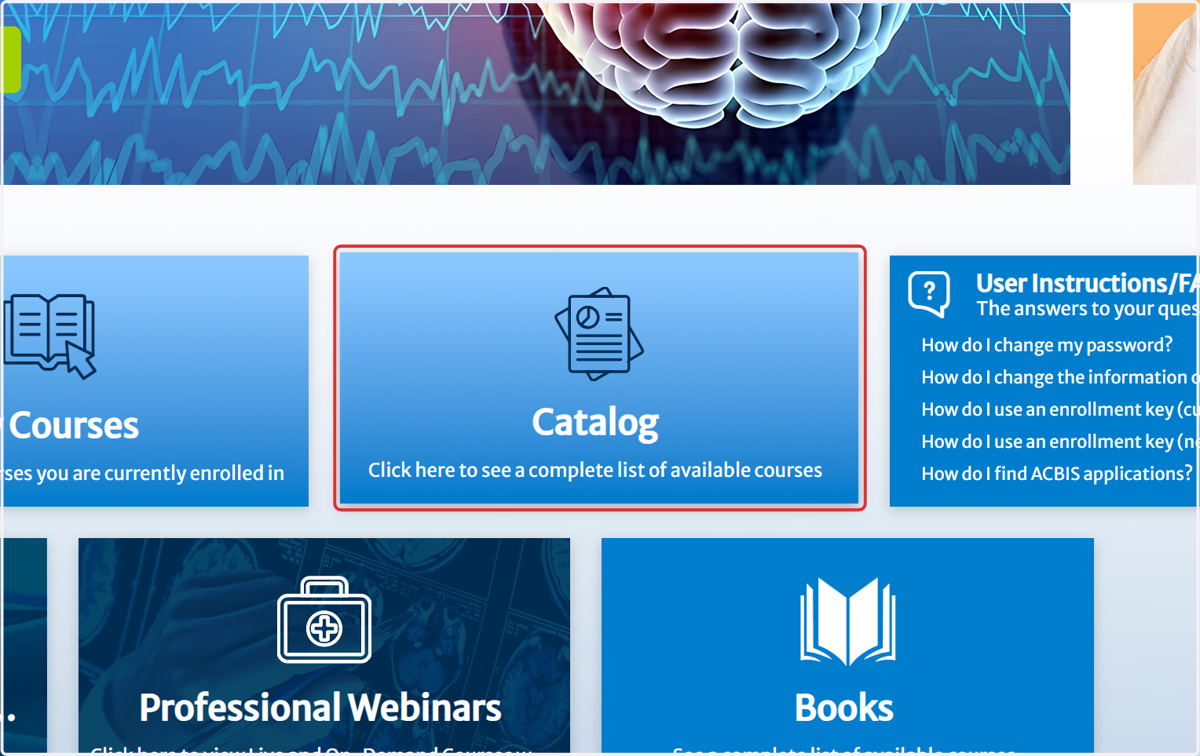
4. Click on Catalog…
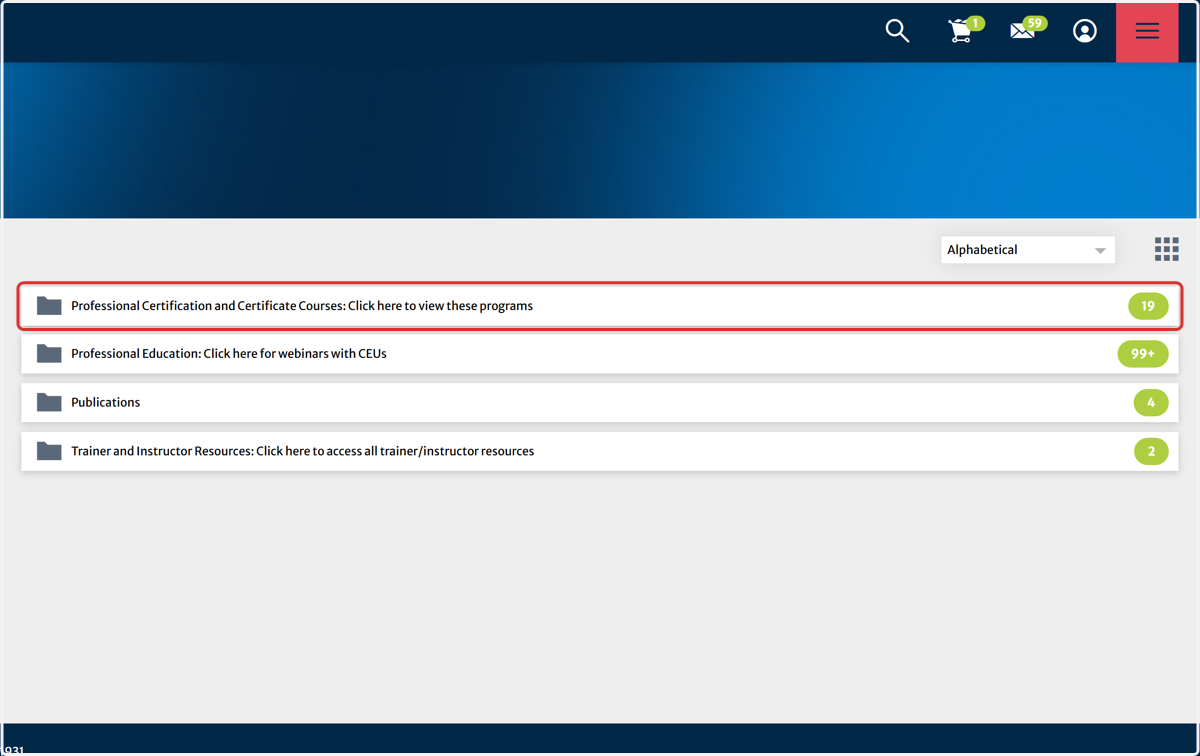
5. Click on Professional Certification and Certificate Courses: Click here to view these programs
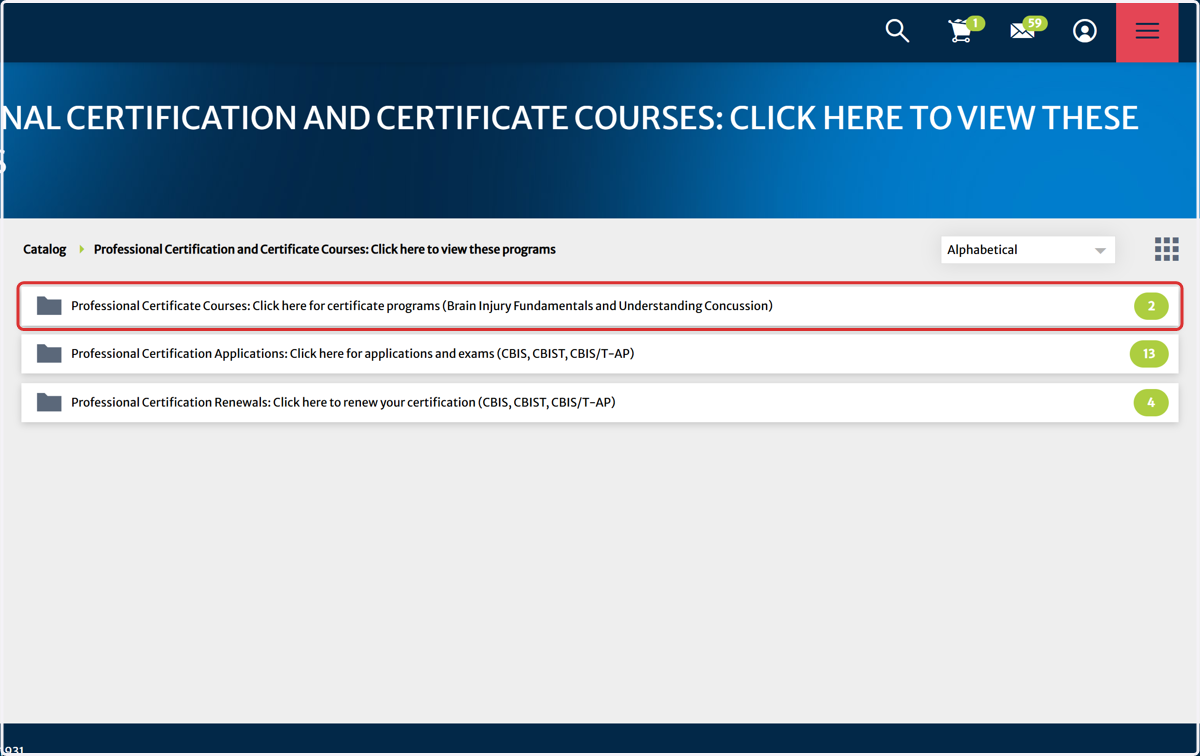
6. Click on Professional Certificate Courses: Click here for certificate programs (Brain Injury Fundamentals and Understanding Concussion)
7. Click on Professional Certificate Courses: Click here for certificate programs (Brain Injury Fundamentals and Understanding Concussion)…
This is a curriculum that has three parts also know as a courses (video modules, live webinar session and quiz).
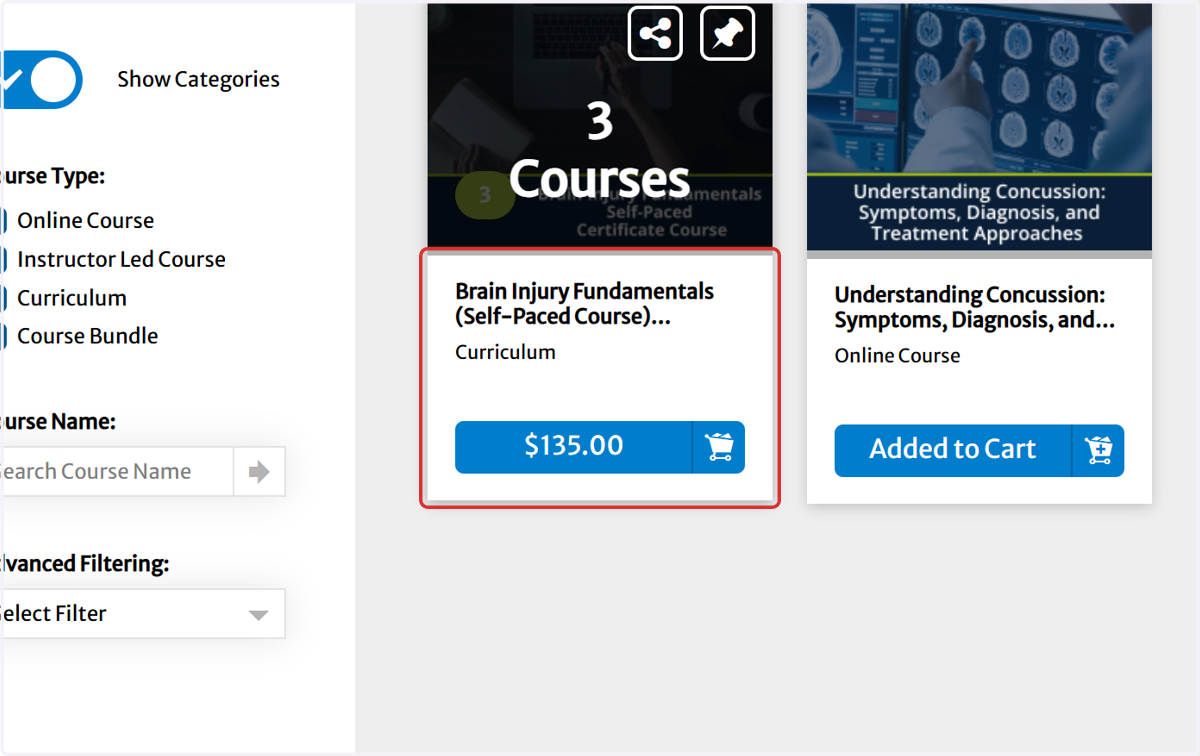
8. Add to cart
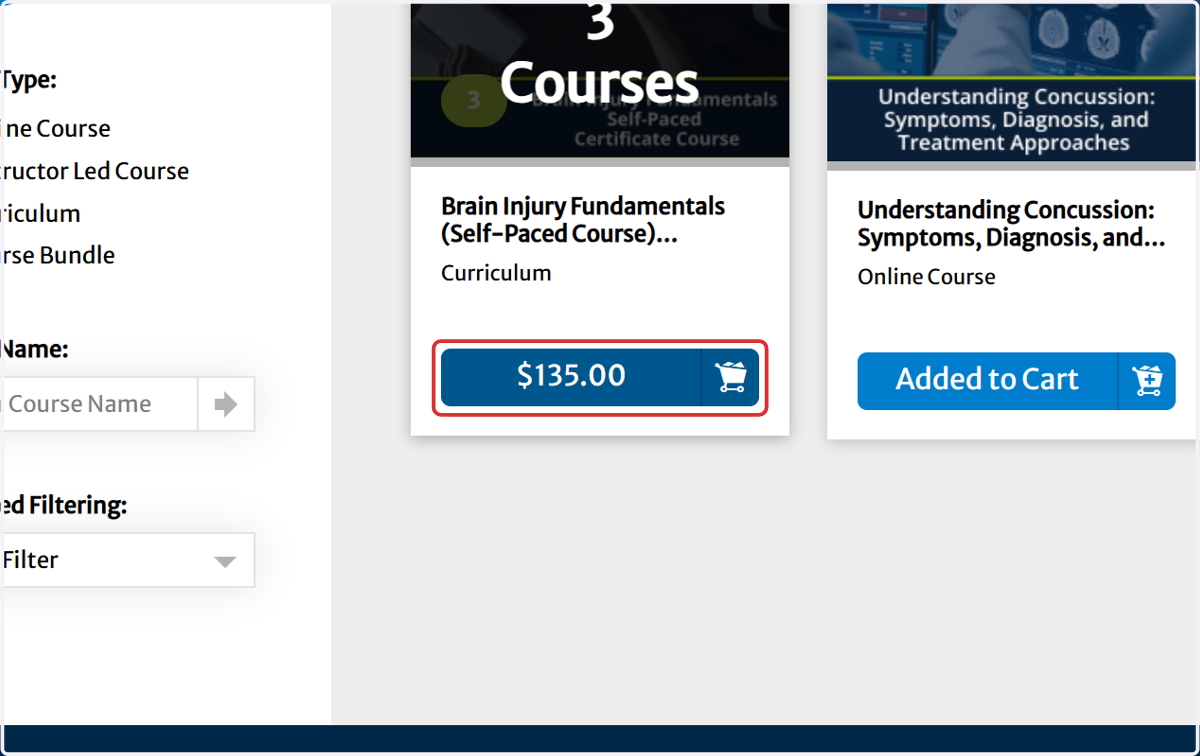
9. Click on Proceed to Checkout
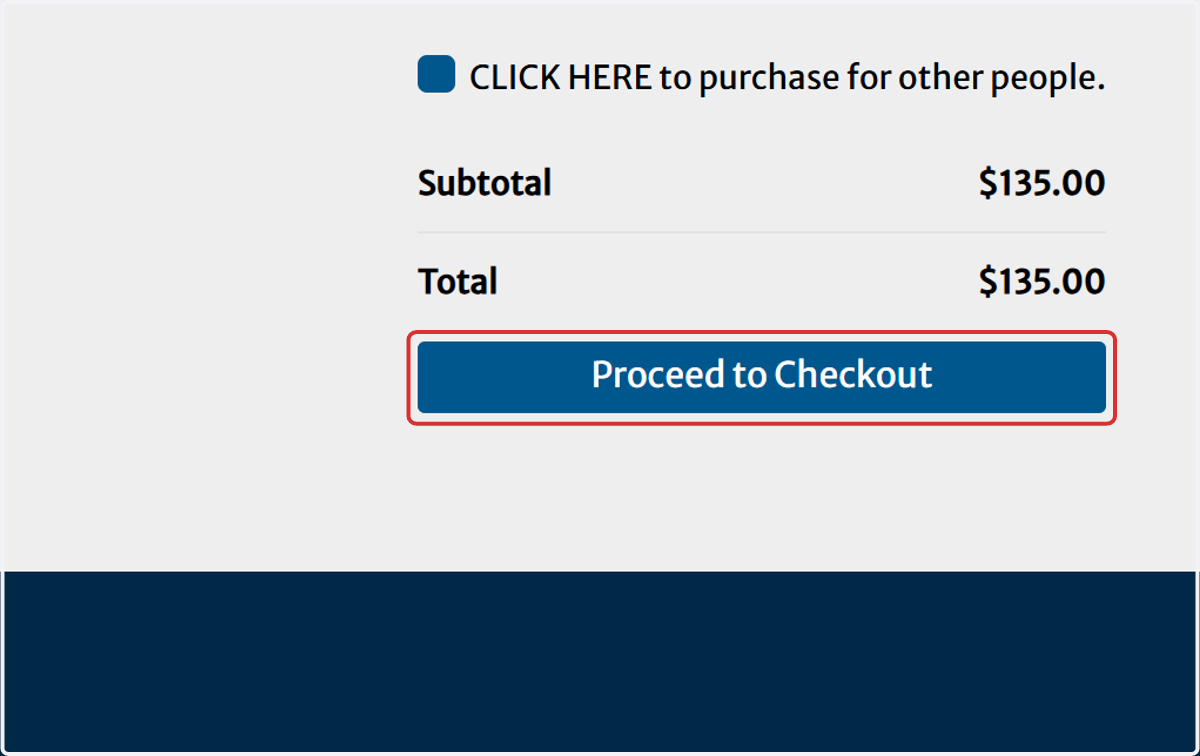
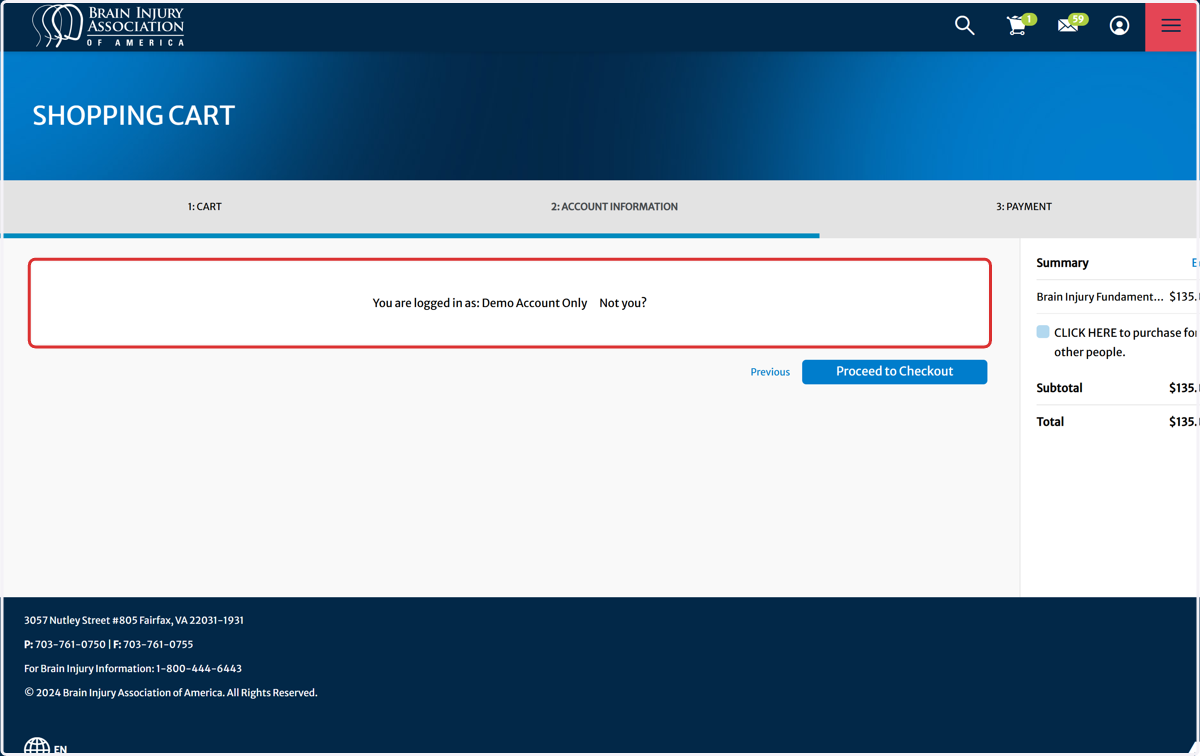
10. Important: Ensure you are logged into the correct account when using a secondary purchasing account to purchase on behalf of others.
11. Click on BIAA: Brain Injury Association of America Dashboard
To reutrn back to the dashboard home page.
How to access Brain Injury Fundamentals Self-Paced Course
Private Dashboard | BIAA Learning Portal
Make sure to be logged in to the account used to enroll in the Brain Injury Fundamentals Self-Paced Course.
12. Click on My Courses…
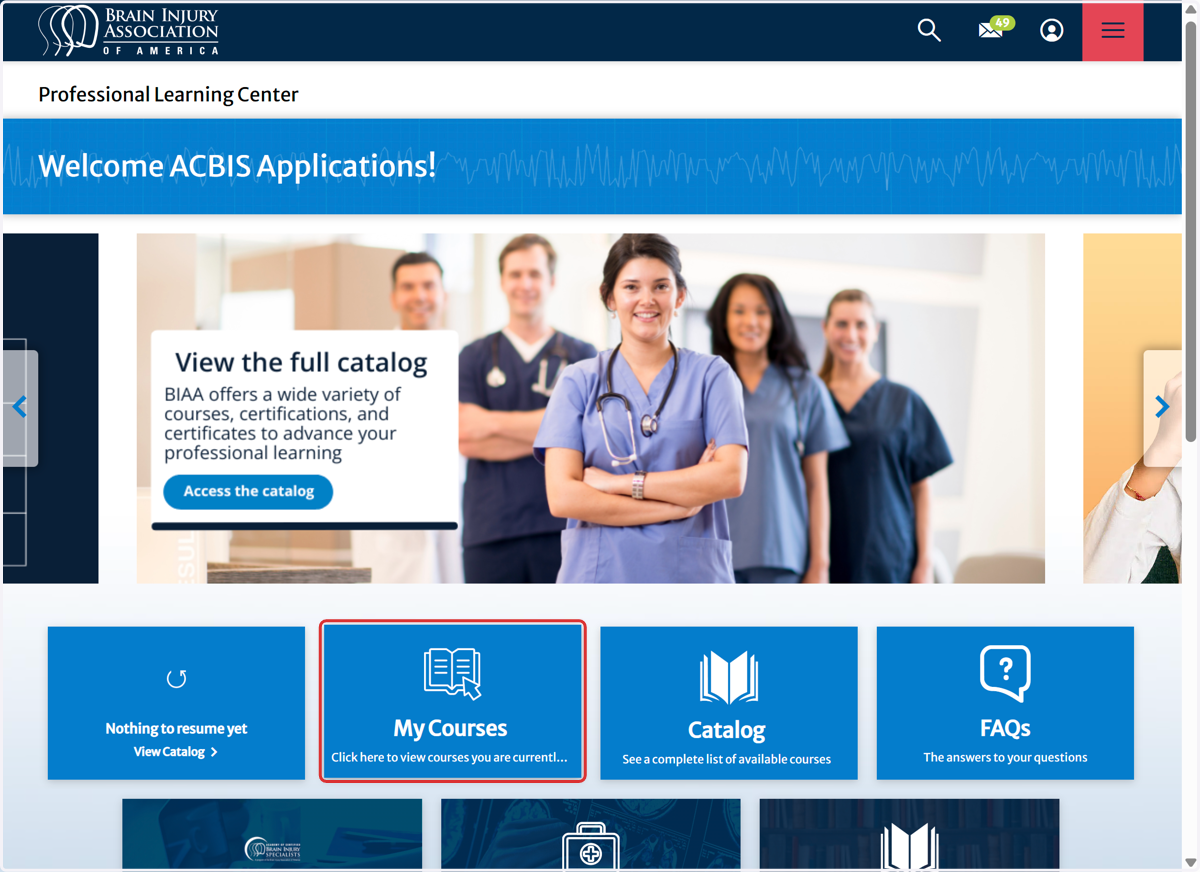
13. Click on Start on Brain Injury Fundamentals (Self-Paced Course)
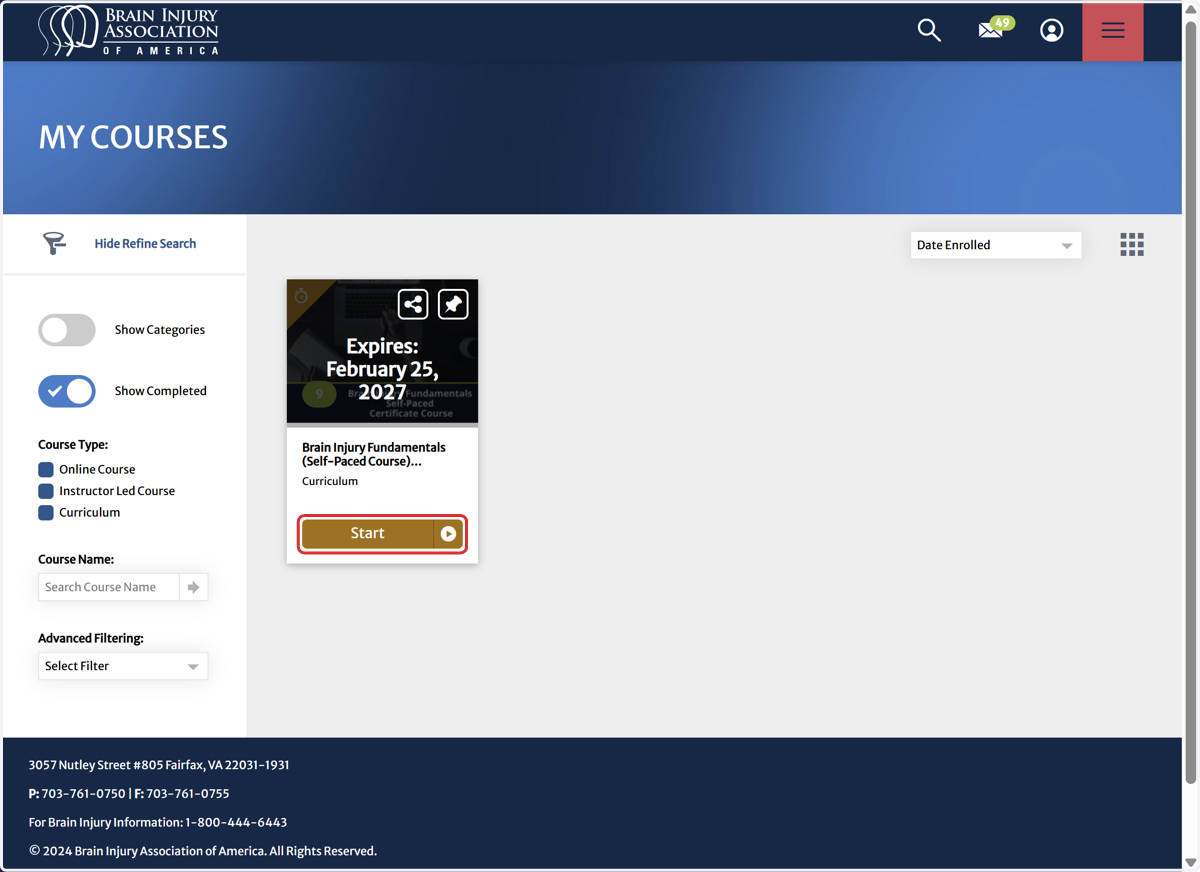
14. Click on Continue on the Terms, Conditions & Instructions
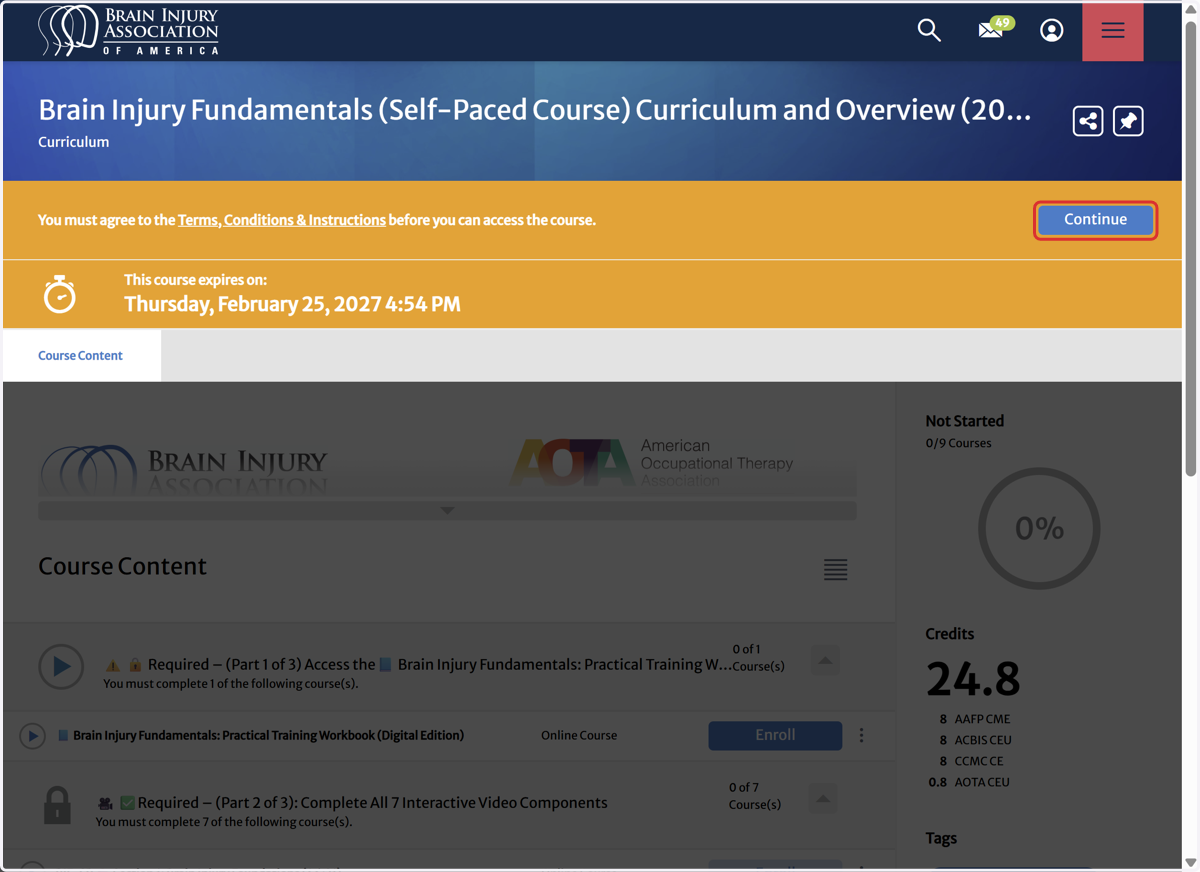
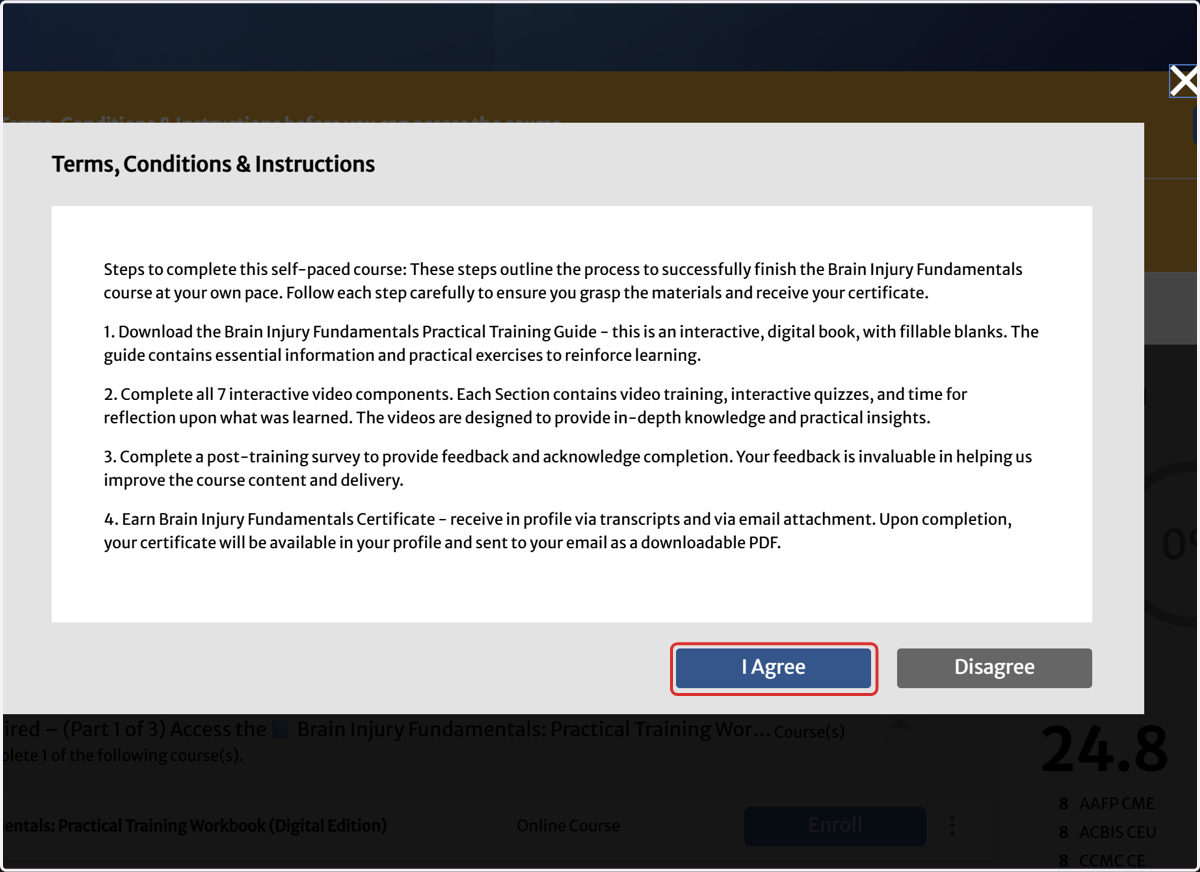
15. Click on I Agree on the Terms, Conditions & Instructions
How to access the Brain Injury Fundamentals Practical Training Workbook
Participants are encouraged to use the Brain Injury Fundamentals Practical Training Workbook (Digital Edition) throughout the course to enhance engagement, strengthen learning retention, and create a personalized reference tool for future practice.
16. Click 'Enroll' on: Required - (Part 1 of 3) Access to the Brain Injury Fundamentals Practical Training Workbook
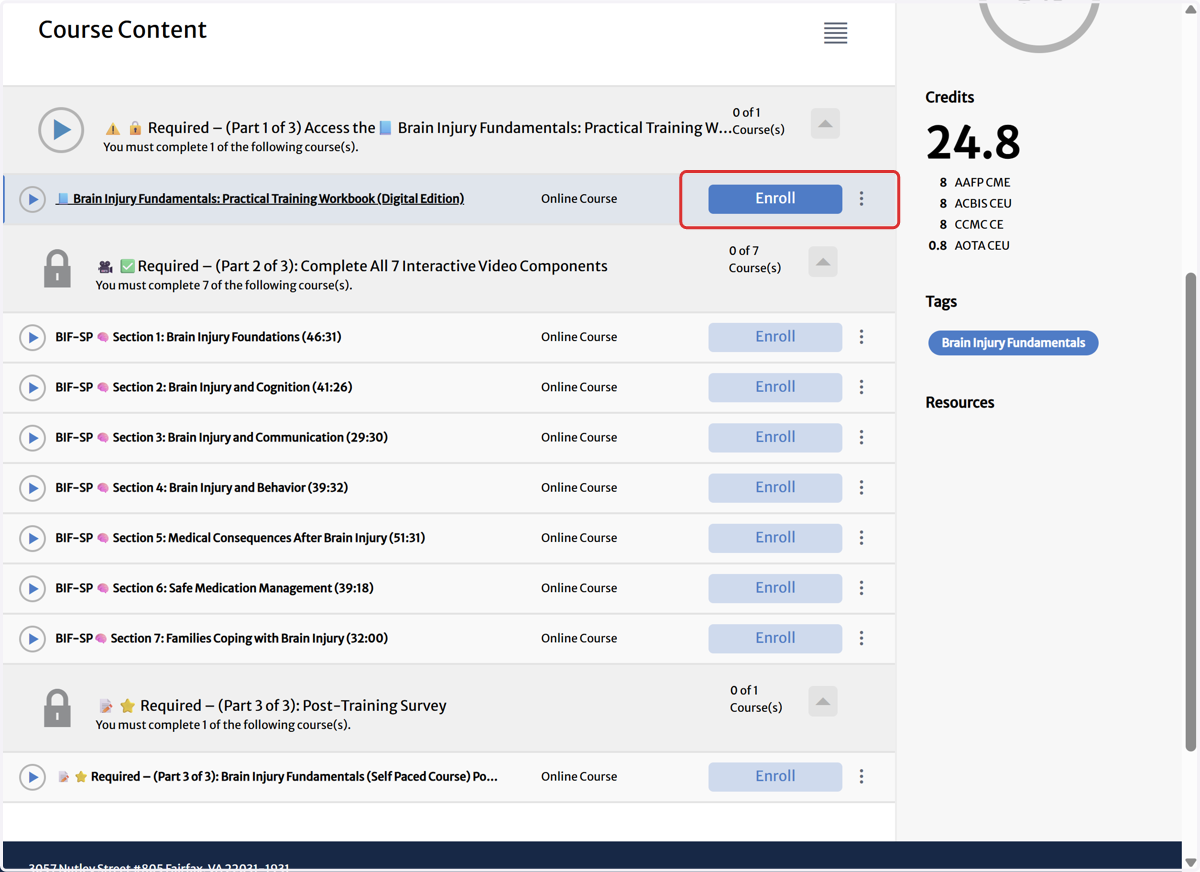
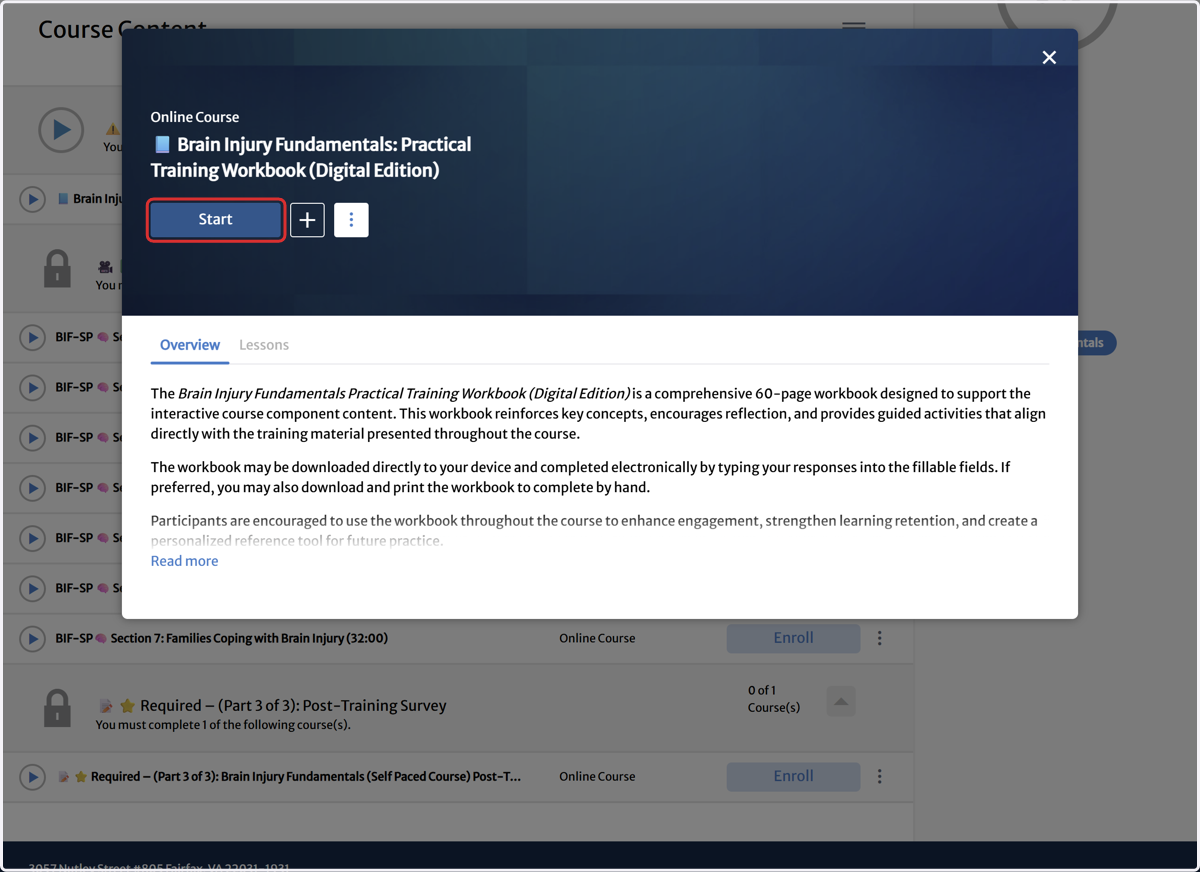
17. Click on Start
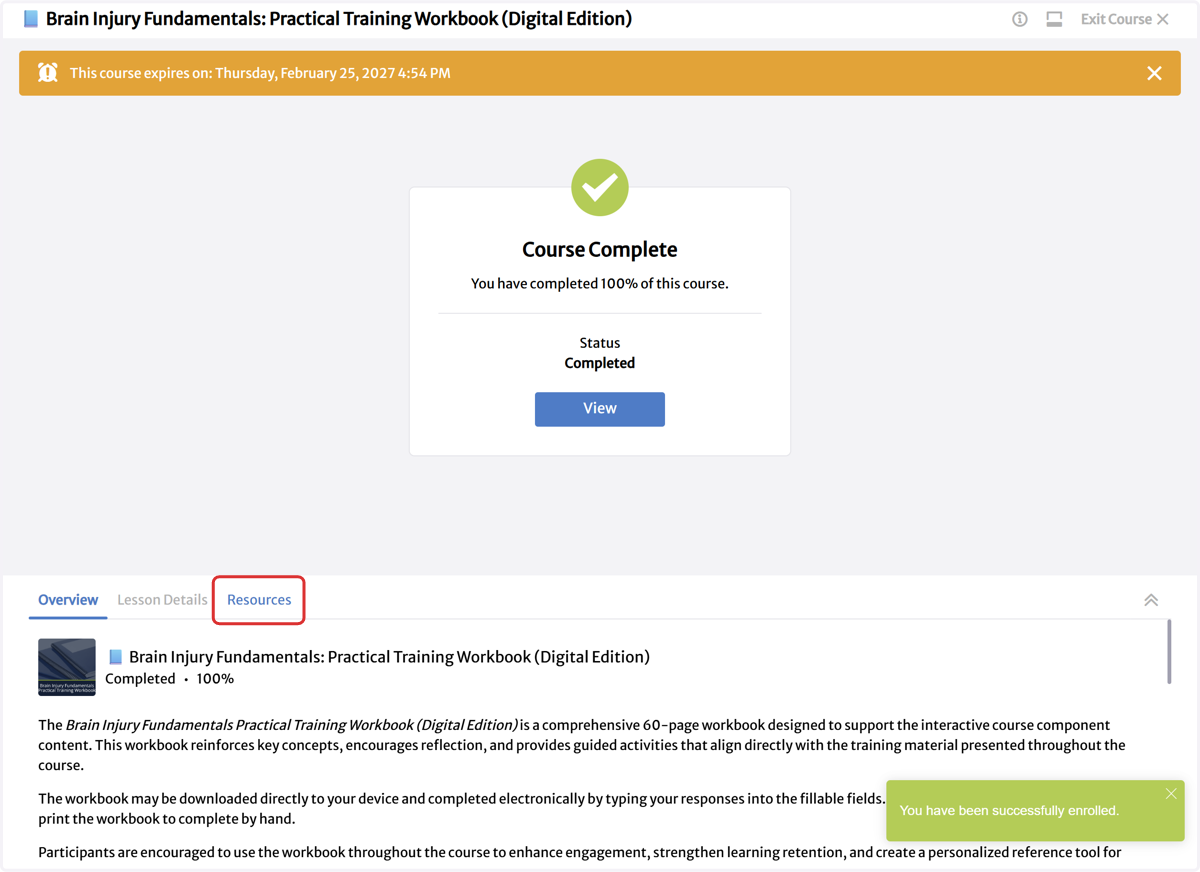
18. Click on Resources
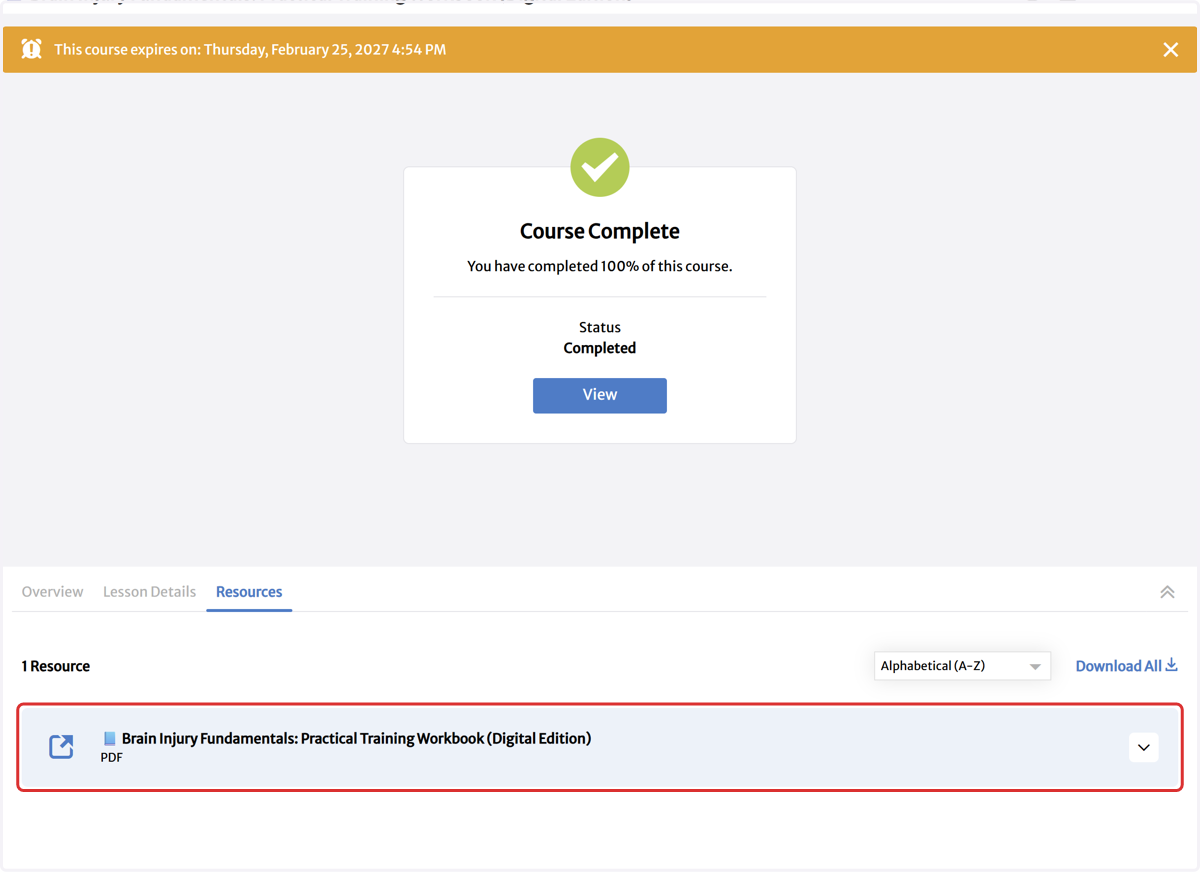
19. Click on 📘 Brain Injury Fundamentals: Practical Training Workbook (Digital Edition)…
The PDF will open in a new window with ability to print and/or download.
20. Click on Exit Course
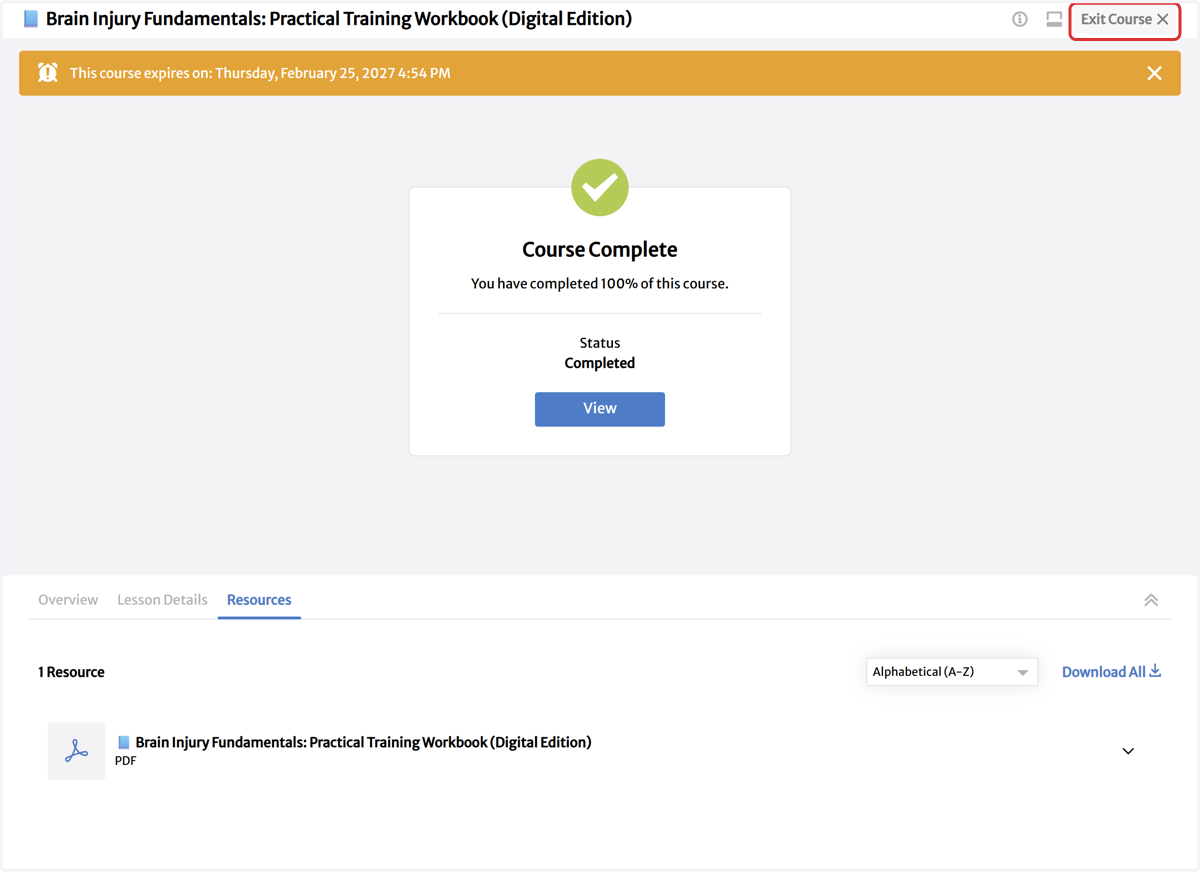
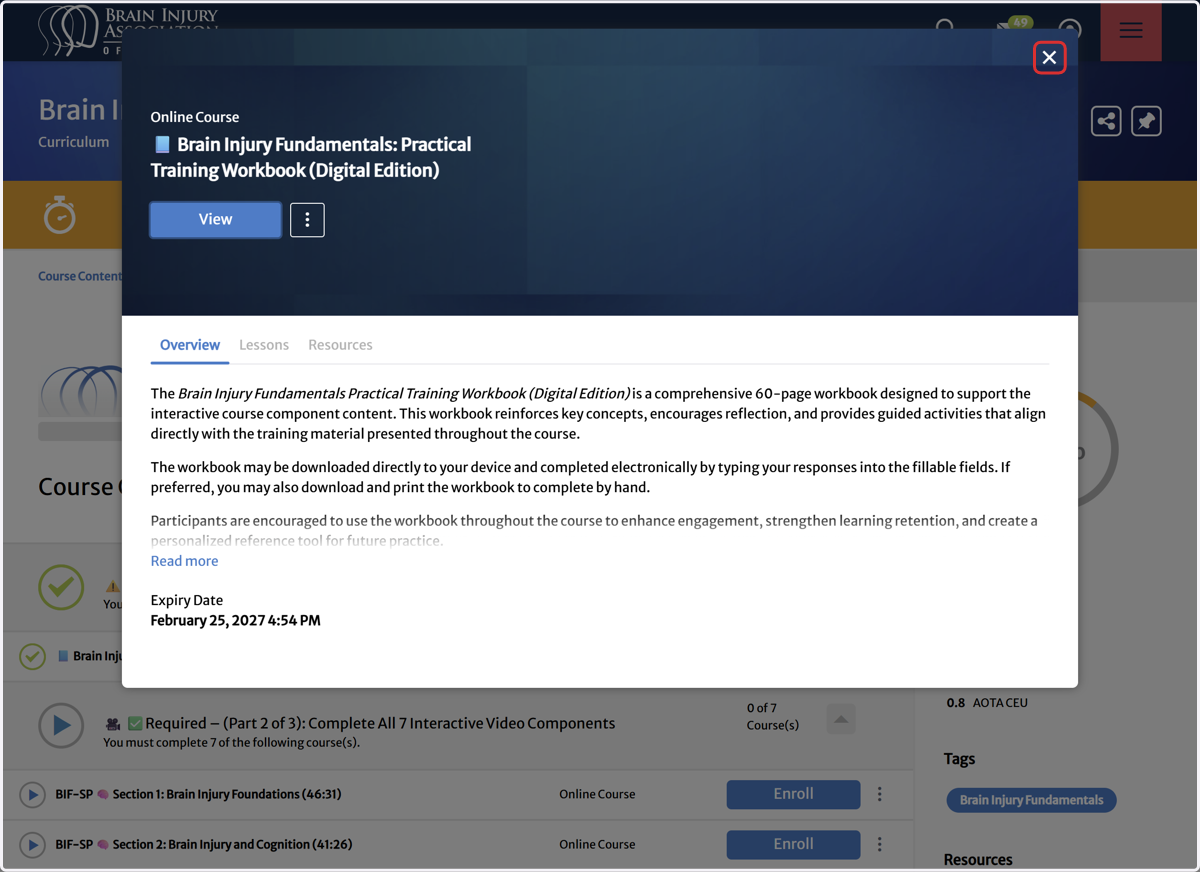
21. Click on Close 📘 Brain Injury Fundamentals: Practical Training Workbook (Digital Edition)
How to navigate Brain Injury Fundamentals Self-Paced Course Videos
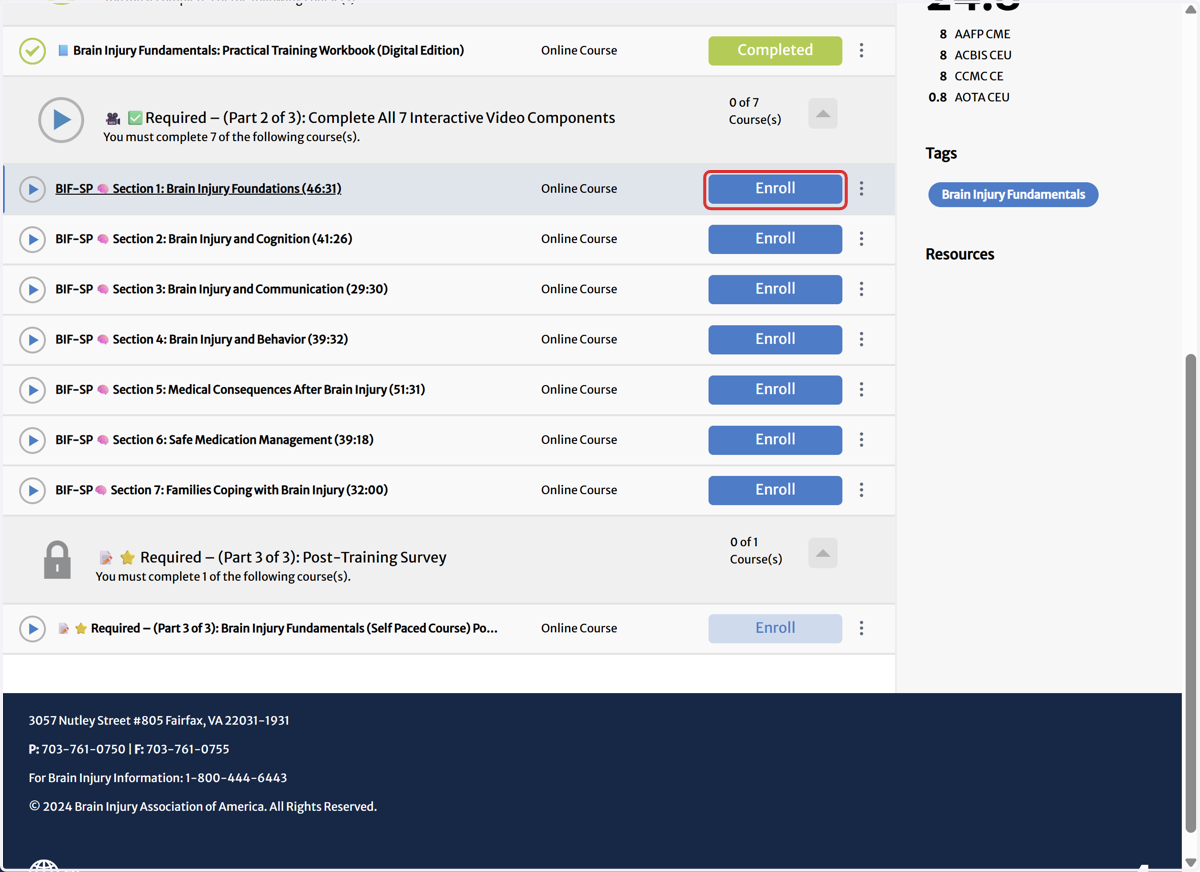
22. Click on Enroll. The video will appear in a pop-up browser window.
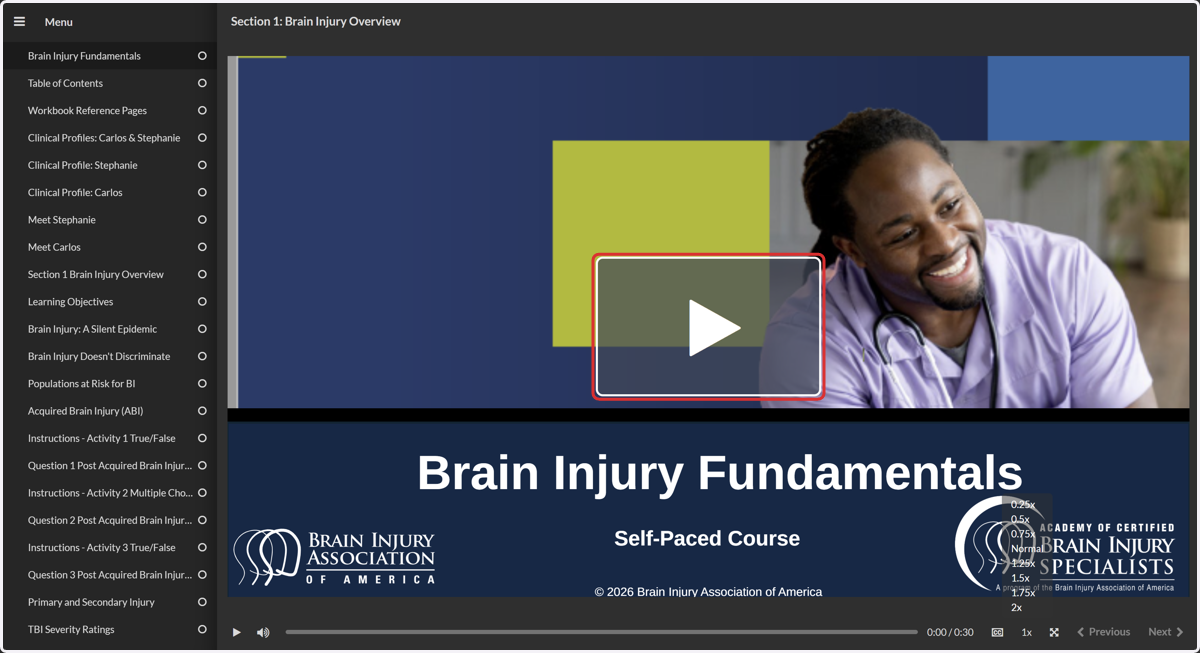
23. Click on Play to play video
24. Click on the CC Toggle to enable Captions
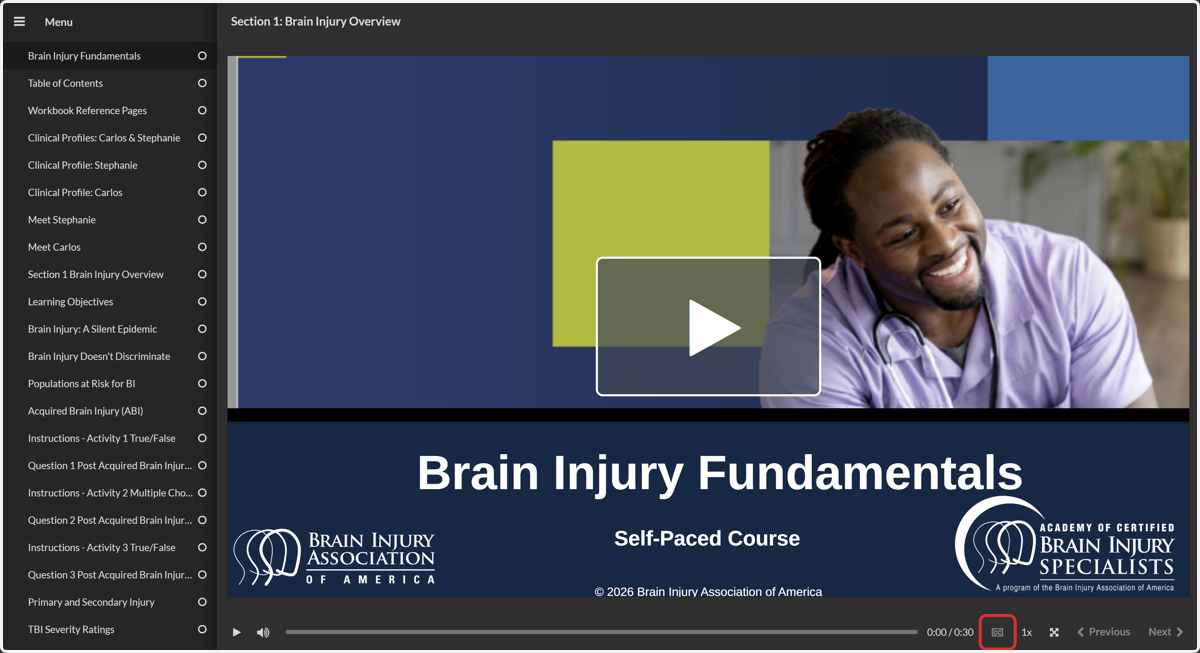
25. Click on Playback Rate to adjust video speed.
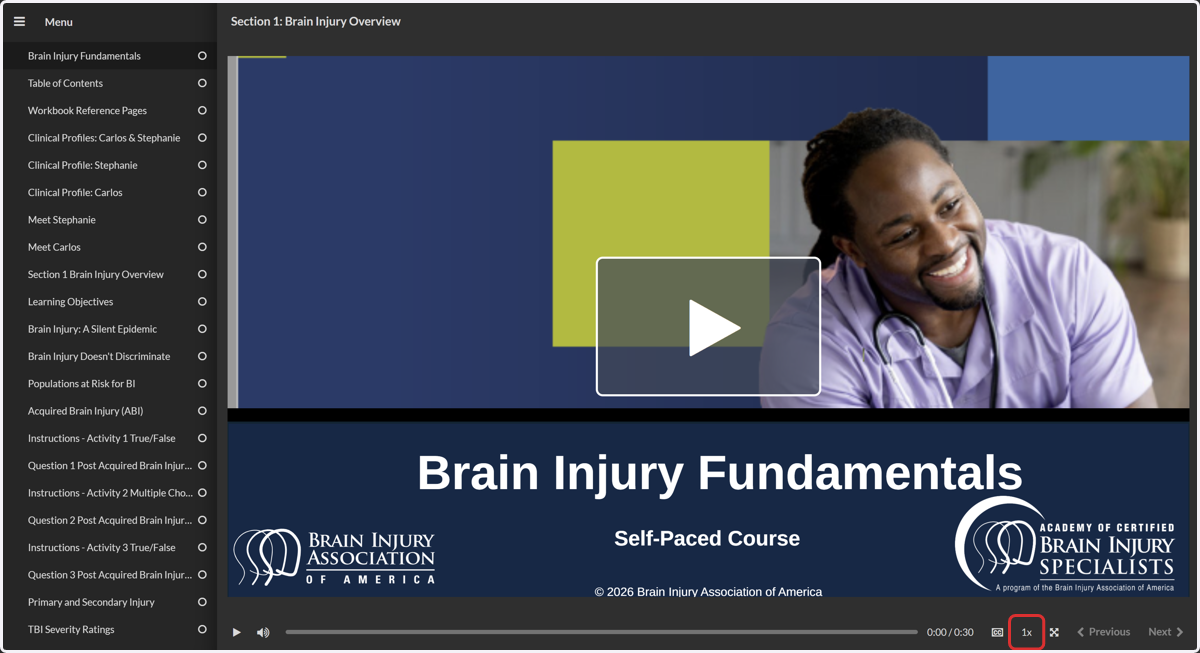
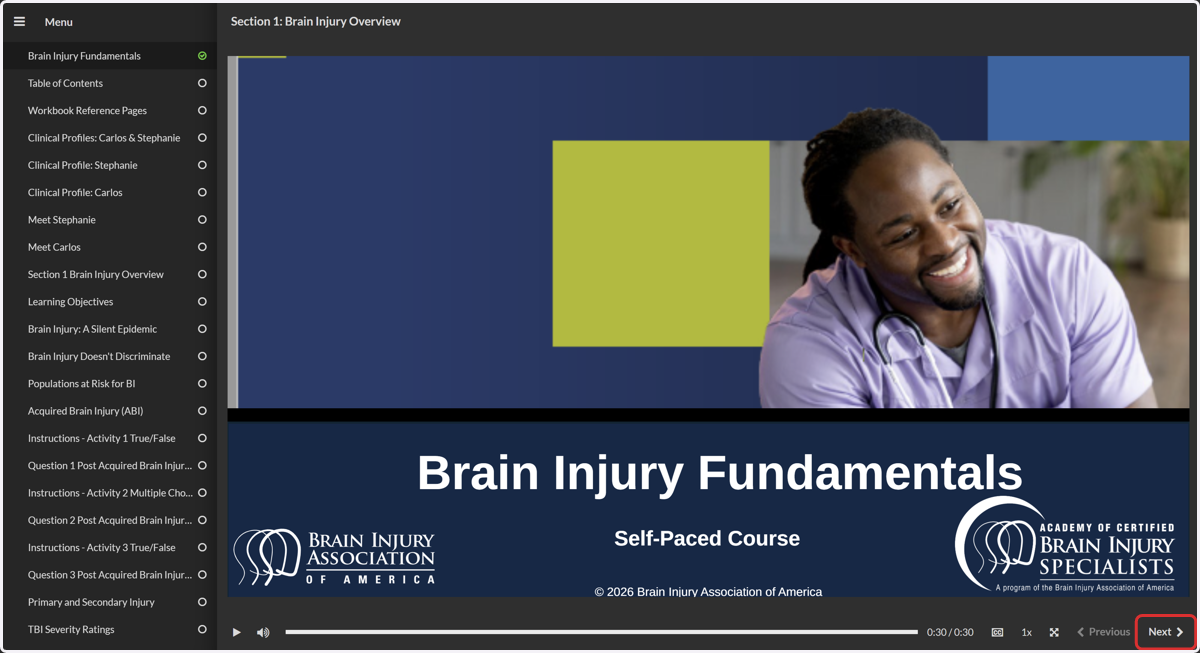
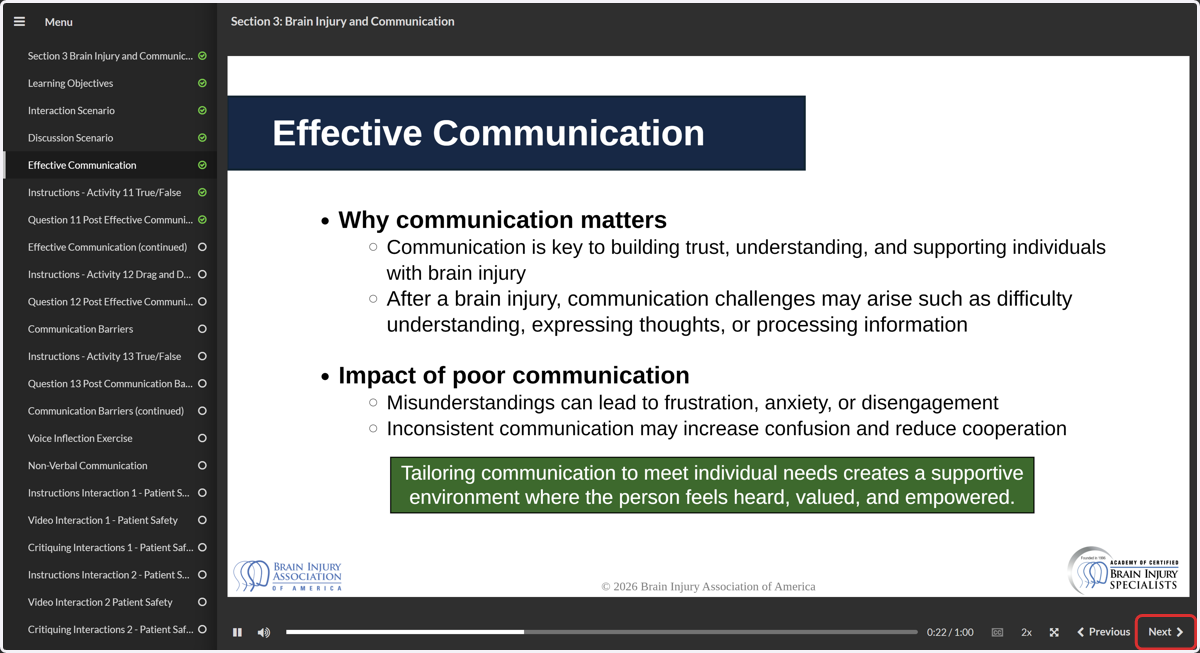
26. Click on Next to move to the next slide.
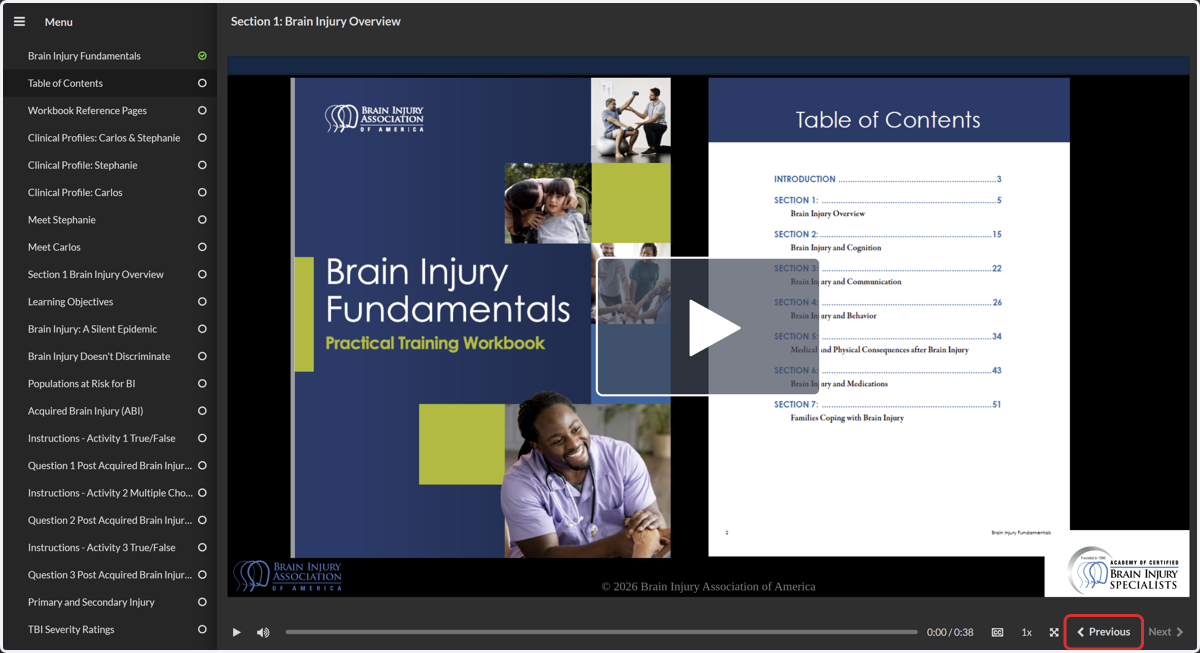
27. Click on Previous to go back to the previous slide.
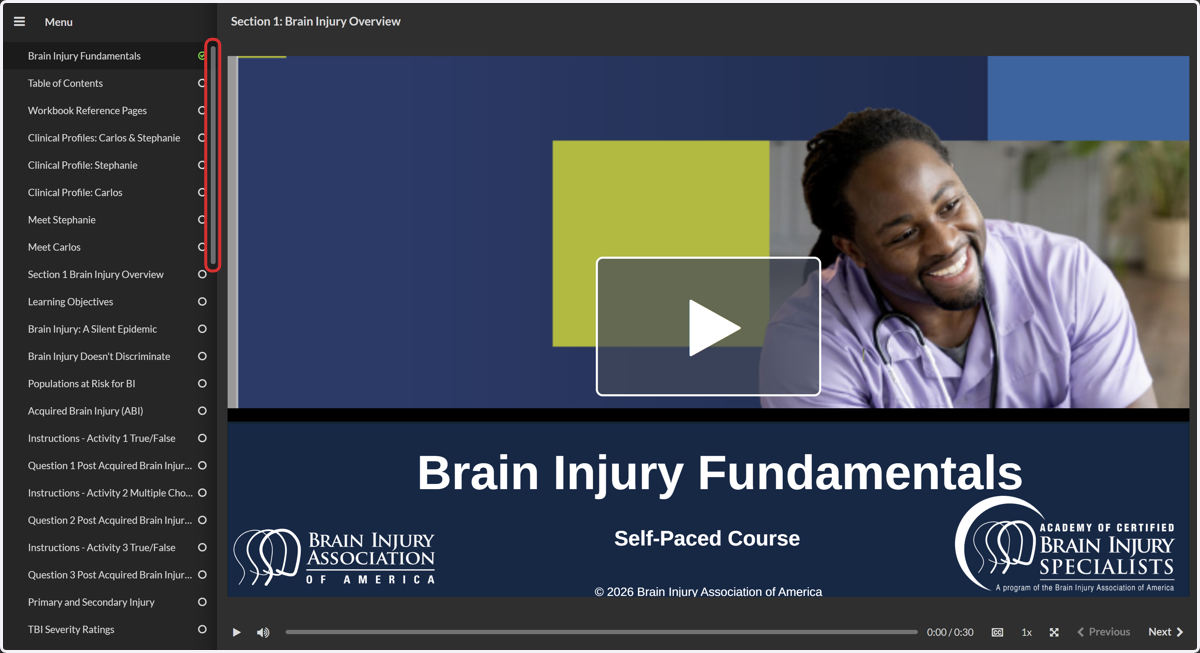
28. Drag slidebar to view slide titles. Please note, participants must watch videos in full and in order.
How to Answer Quiz Questions
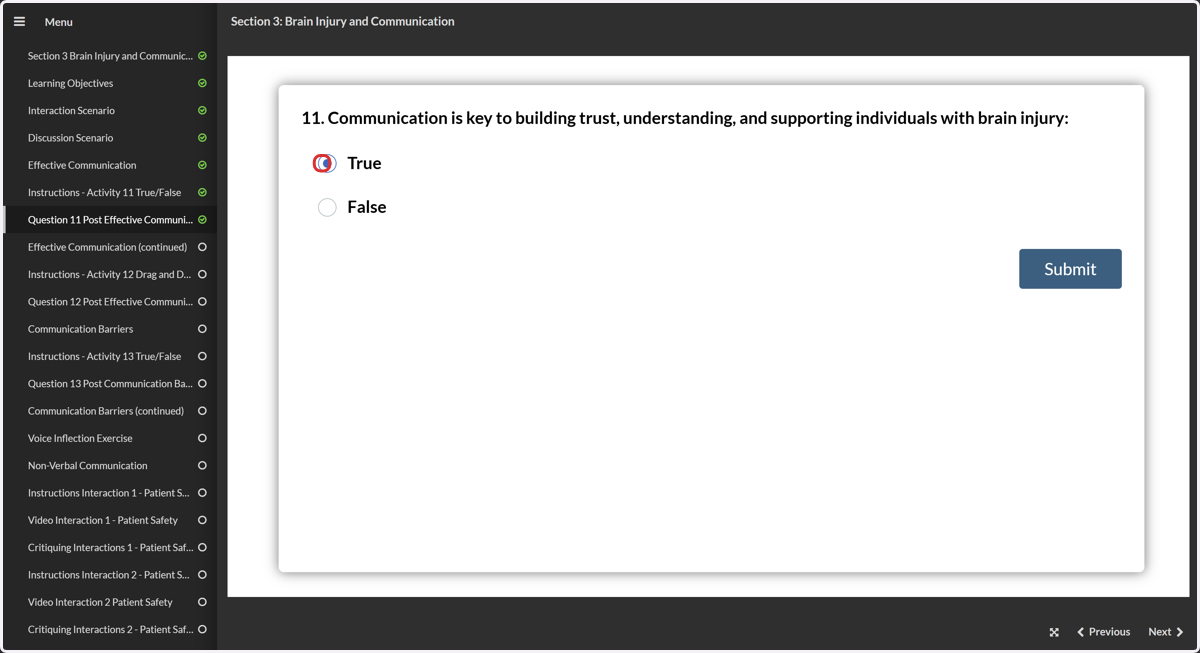
29. Select True or False
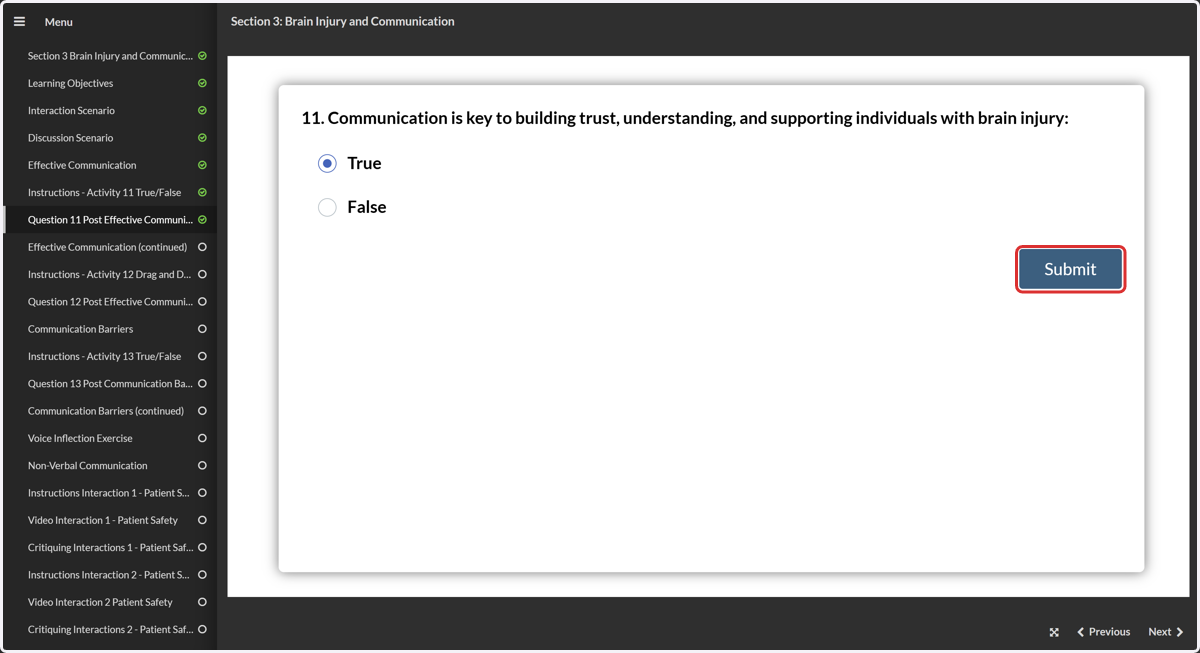
30. Click on Submit
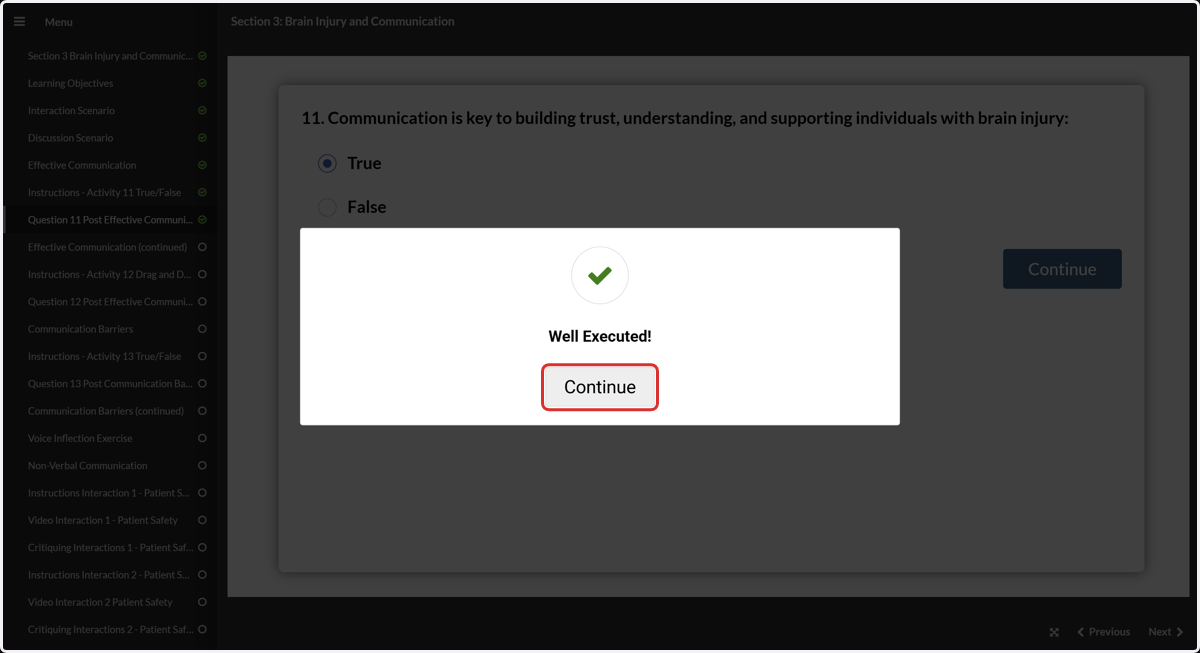
31. Click on Continue
32. Here's an example for answering incorrectly by answering false.
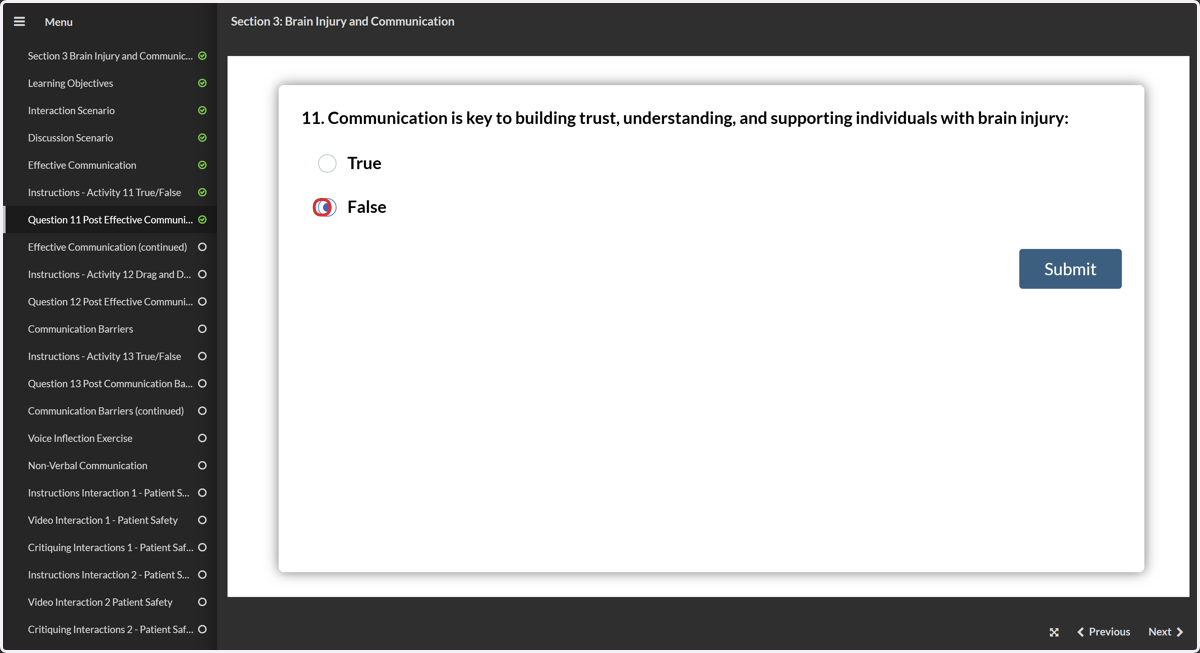
33. Click on Submit
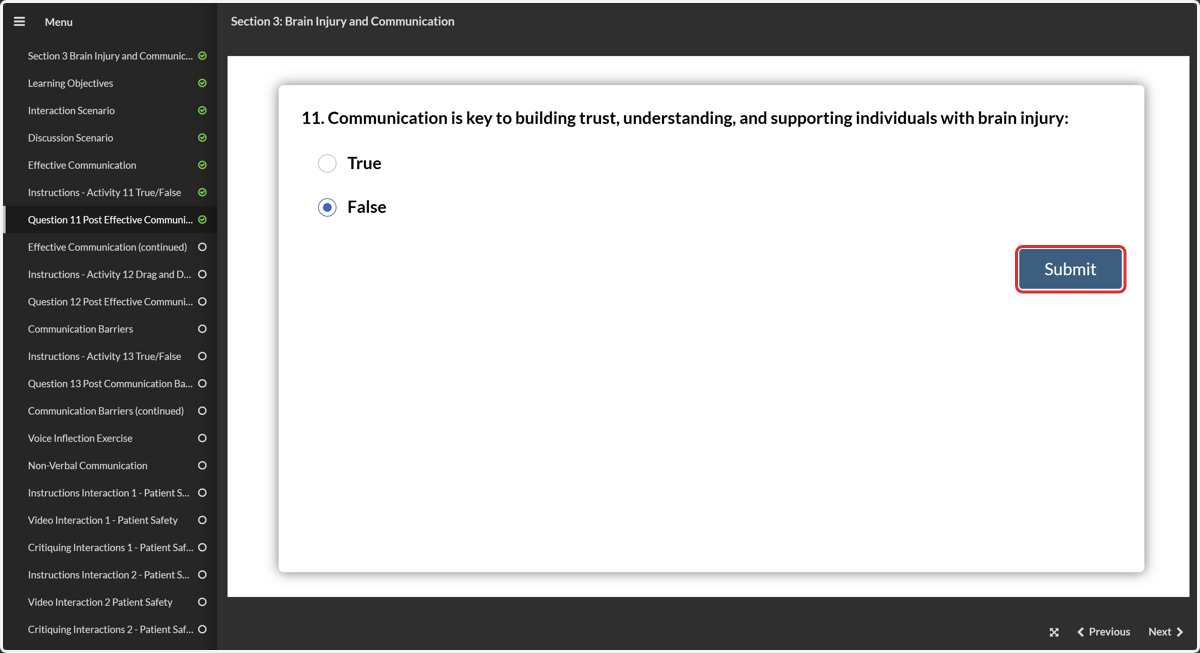
34. Click on Continue
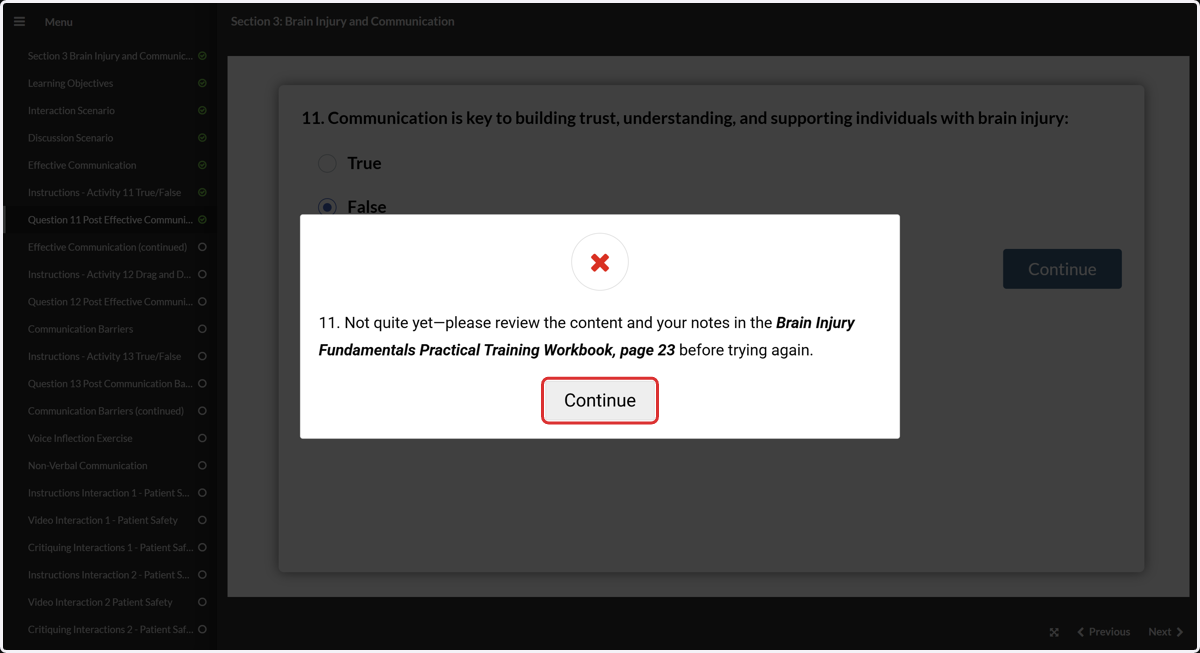
35. Click on Play. The course redirects to the slide pertaining to the missed question.
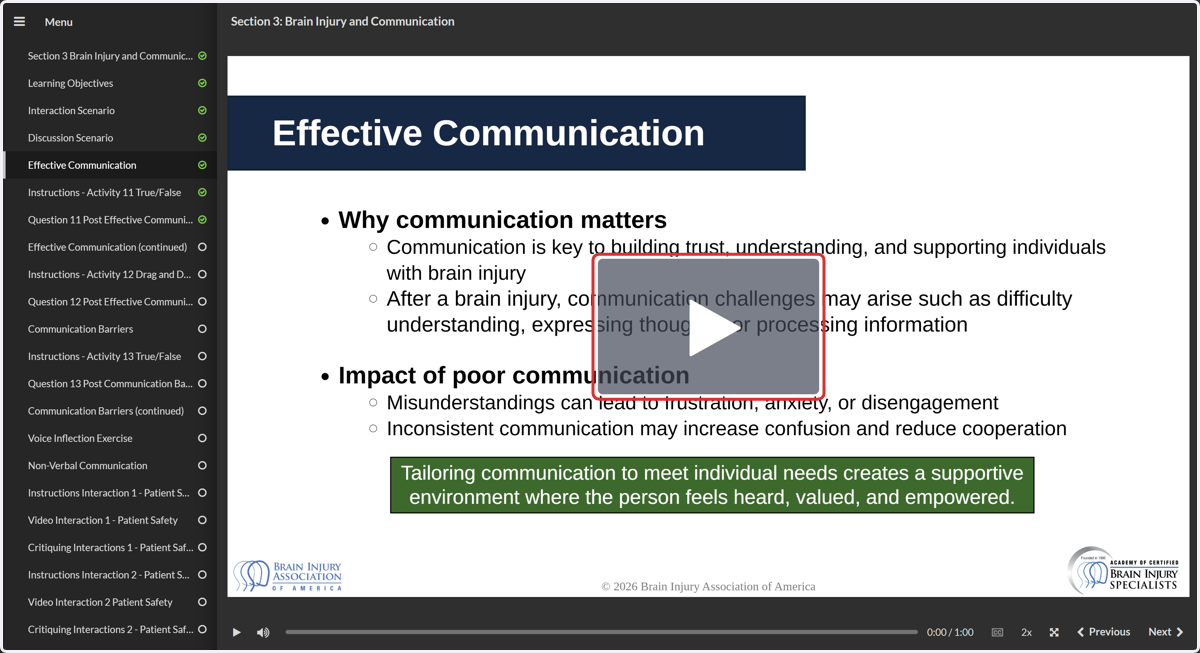
36. Click on Next to navigate back to the missed question.
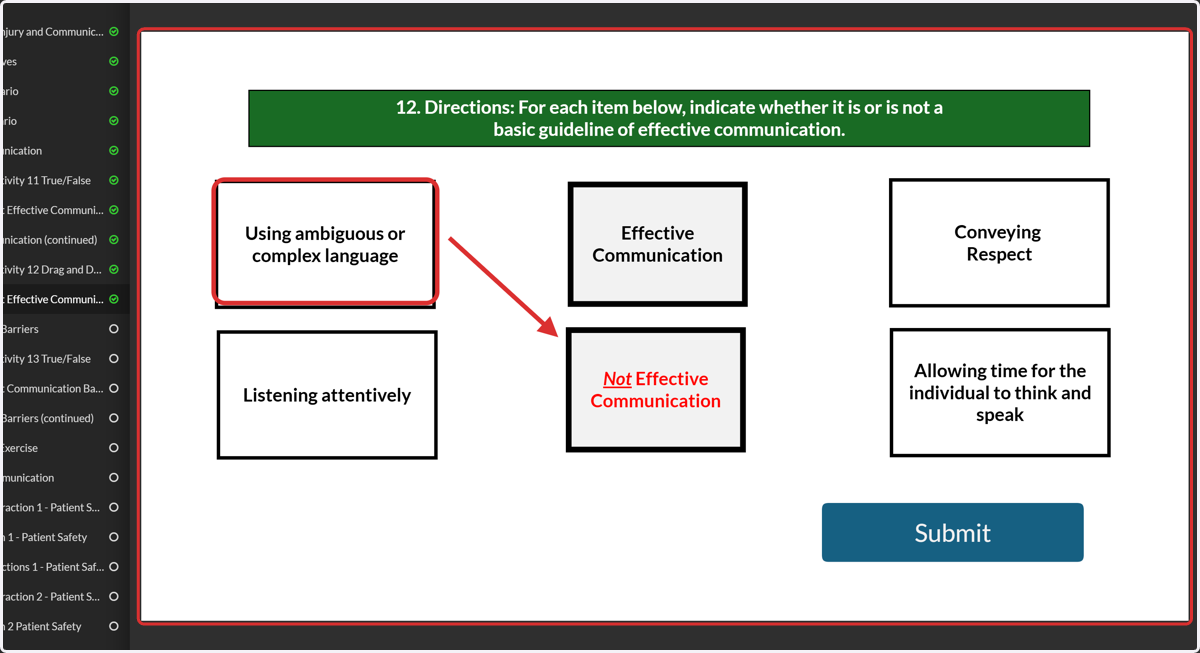
37. Drag and drop questions: Drag the the examples over the middle squares to indicate whether it is or is not a basic guideline of effective communication.
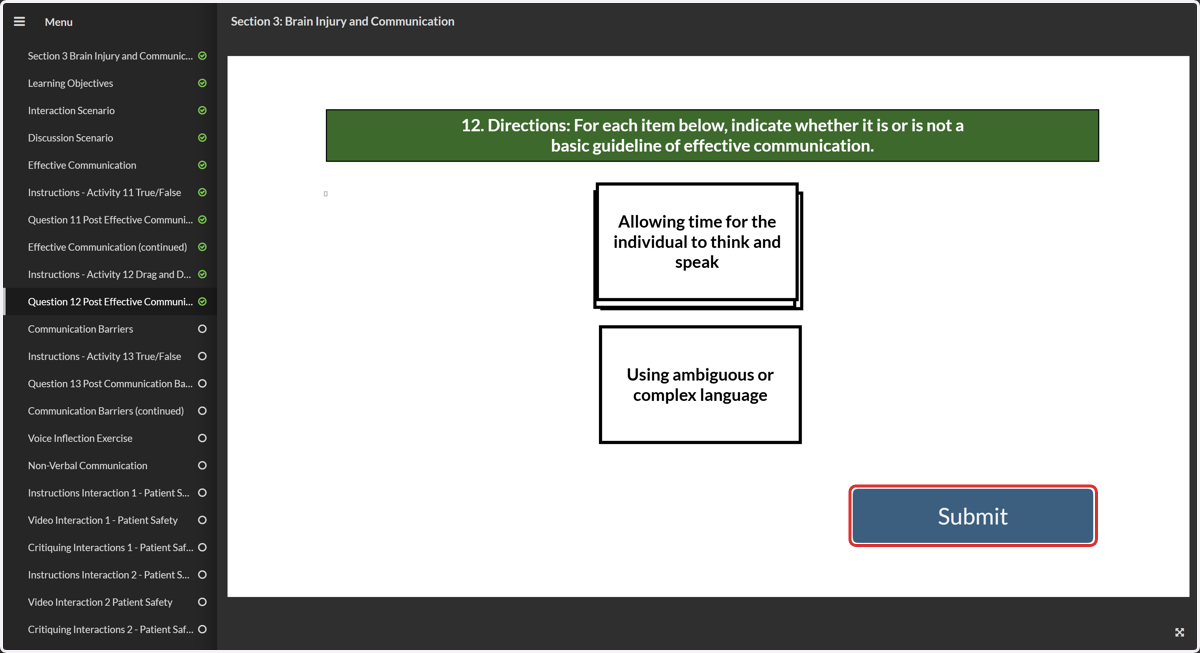
38. Click on Submit
How to Exit and Resume the Course
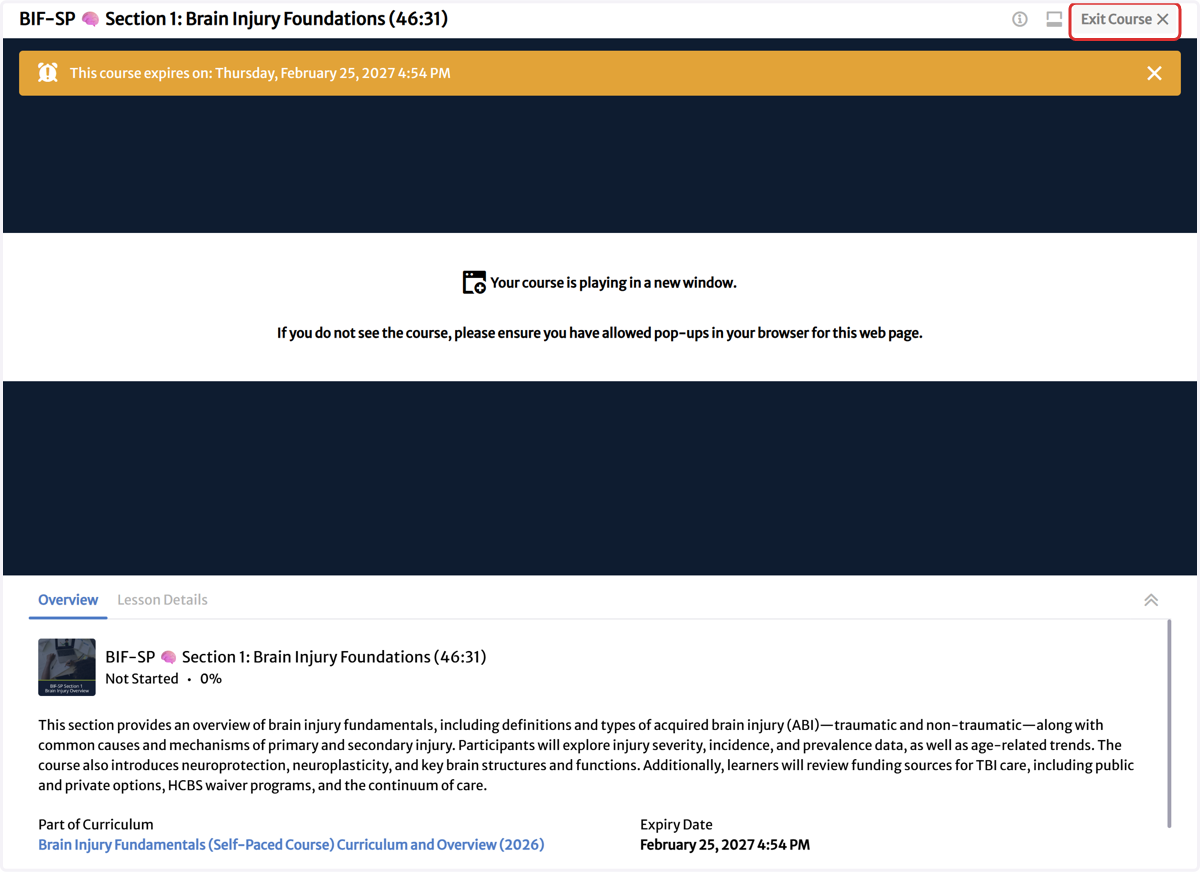
39. Once finished, click on Exit Course
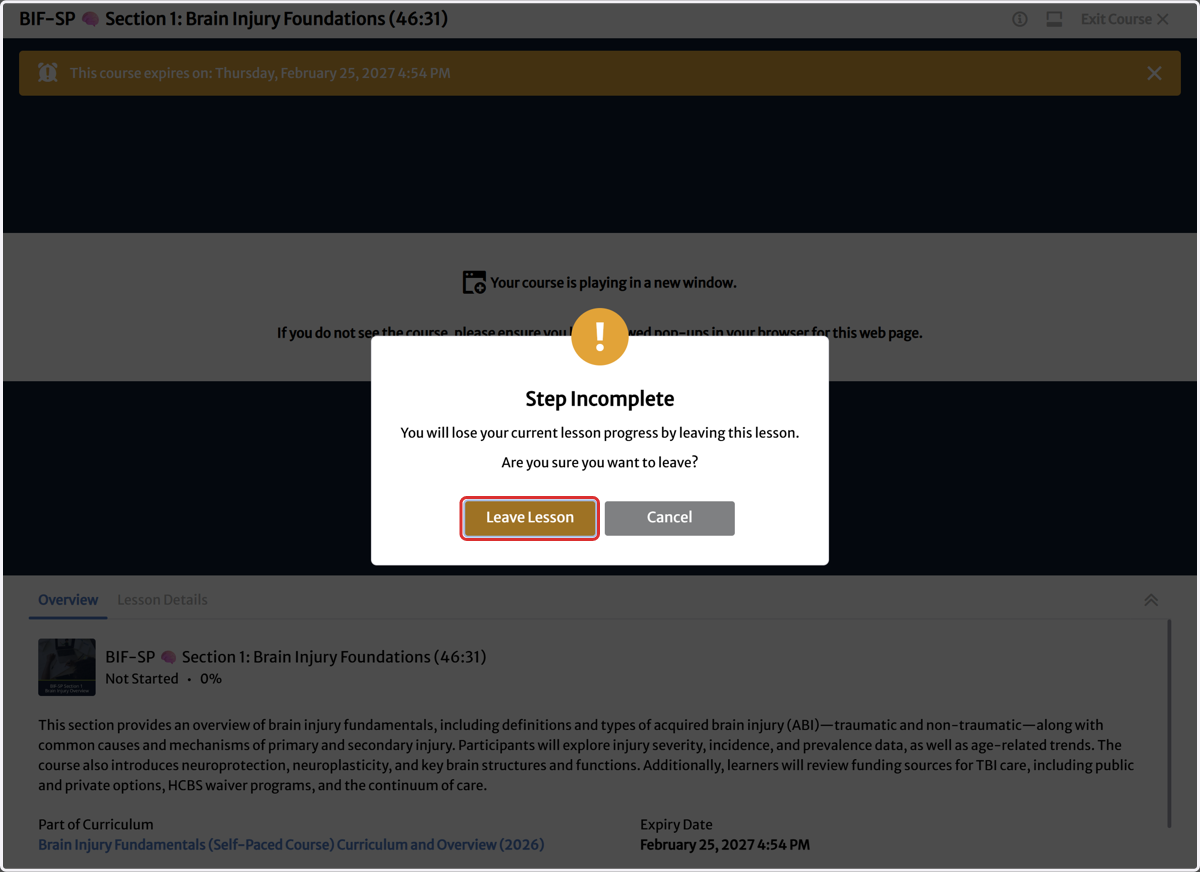
40. Click on Leave Lesson
41. Click on Resume