How Do I Access a CBIS or CBIS/T Examination?
Public Dashboard | Brain Injury Association of America
1. Before accessing a certification examination, an approved application must be on file. Participants should ensure their application has been approved through the learning platform. For step-by-step guidance, refer to the FAQ resource titled “How Do I Complete a CBIS Application?"
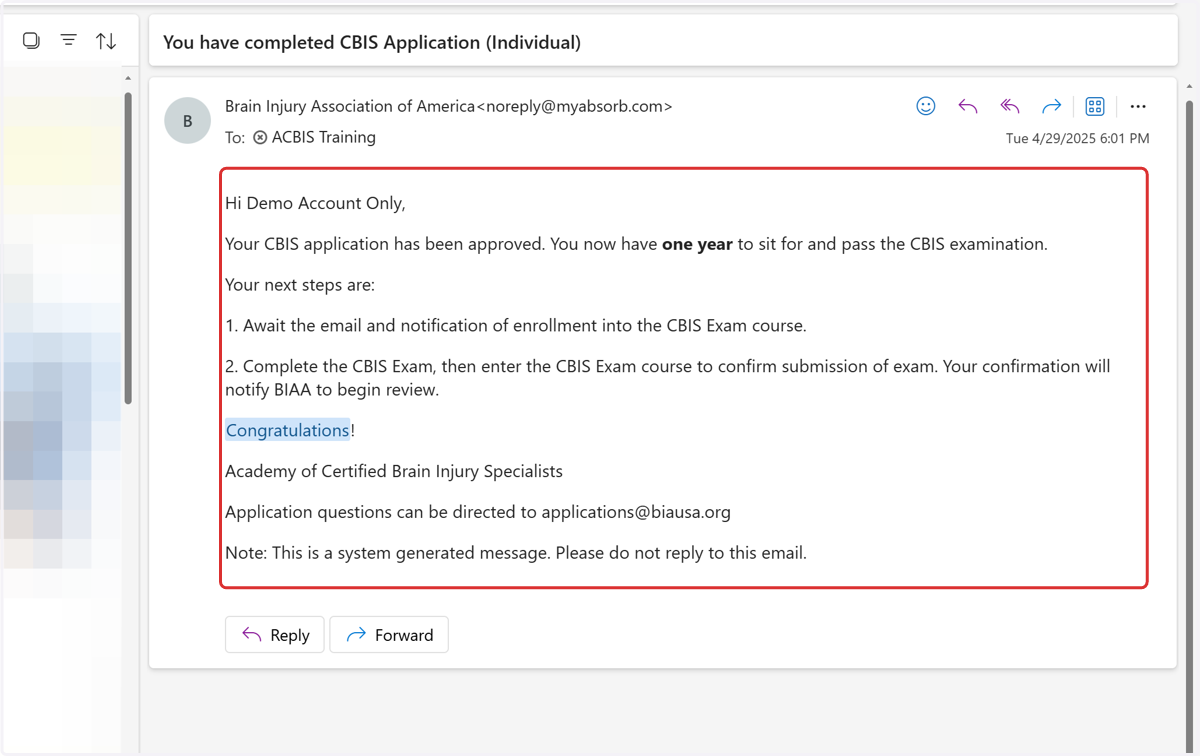
2. Participants with an approved application on file should refer to the email message sent to the address associated with their learning platform account. This message includes important details and instructions for accessing the certification examination.
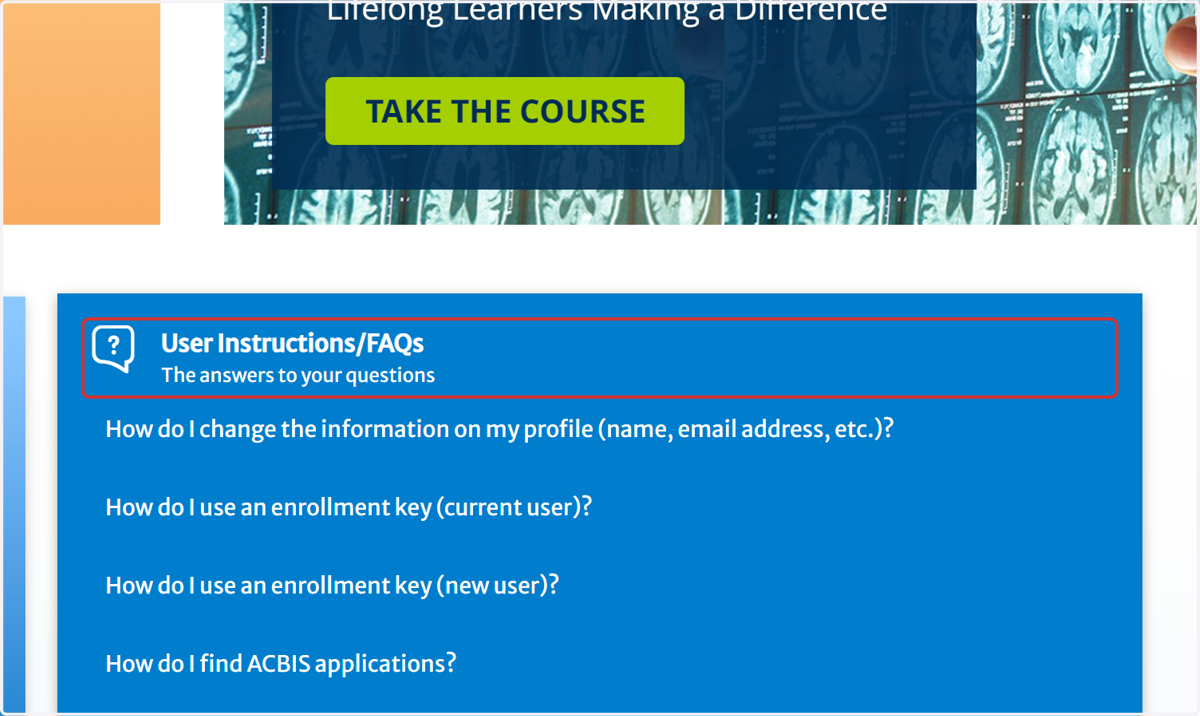
3. Click on User Instructions/FAQs…
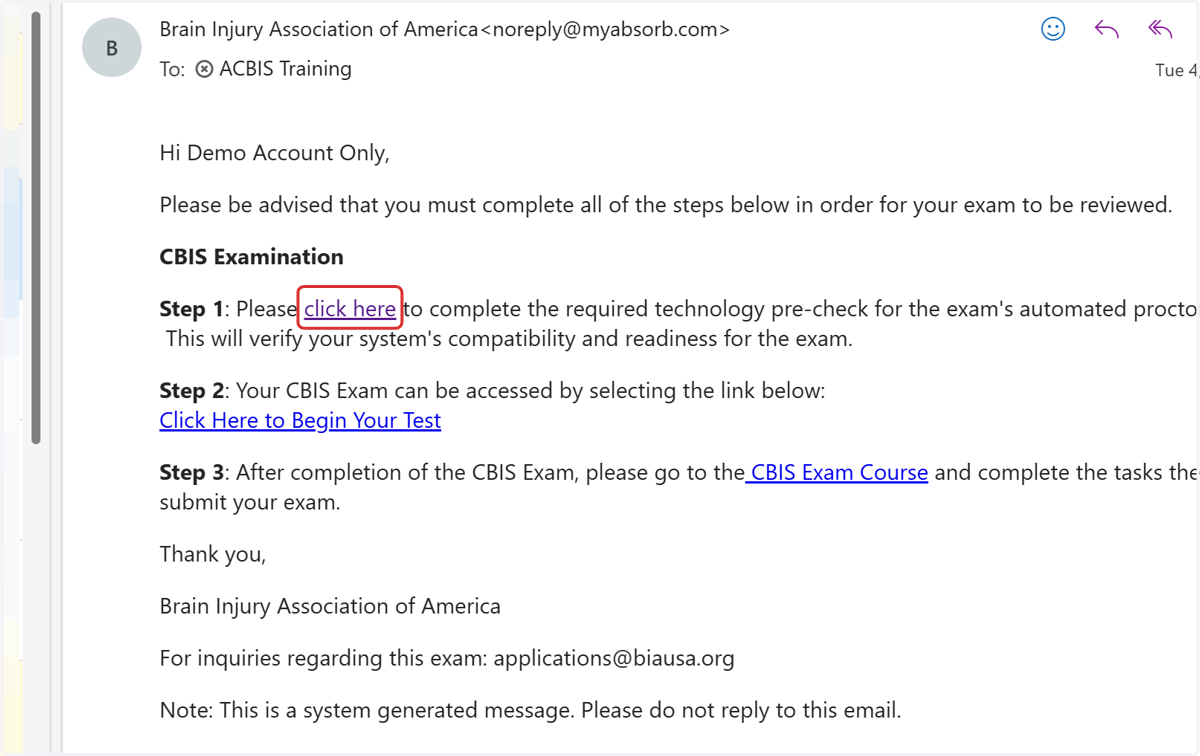
4. Participants with an approved application on file should refer to the email message sent to the address associated with their learning platform account. This message includes important details and instructions for accessing the certification examination.
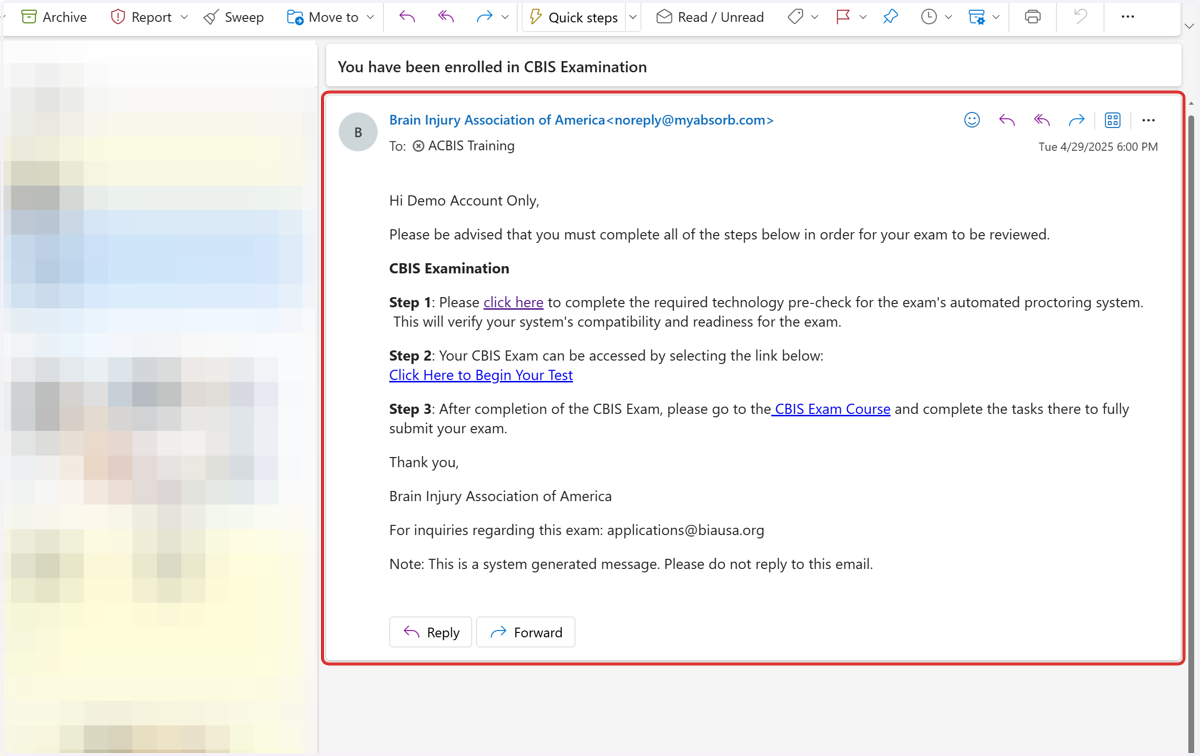
5. Click on click here
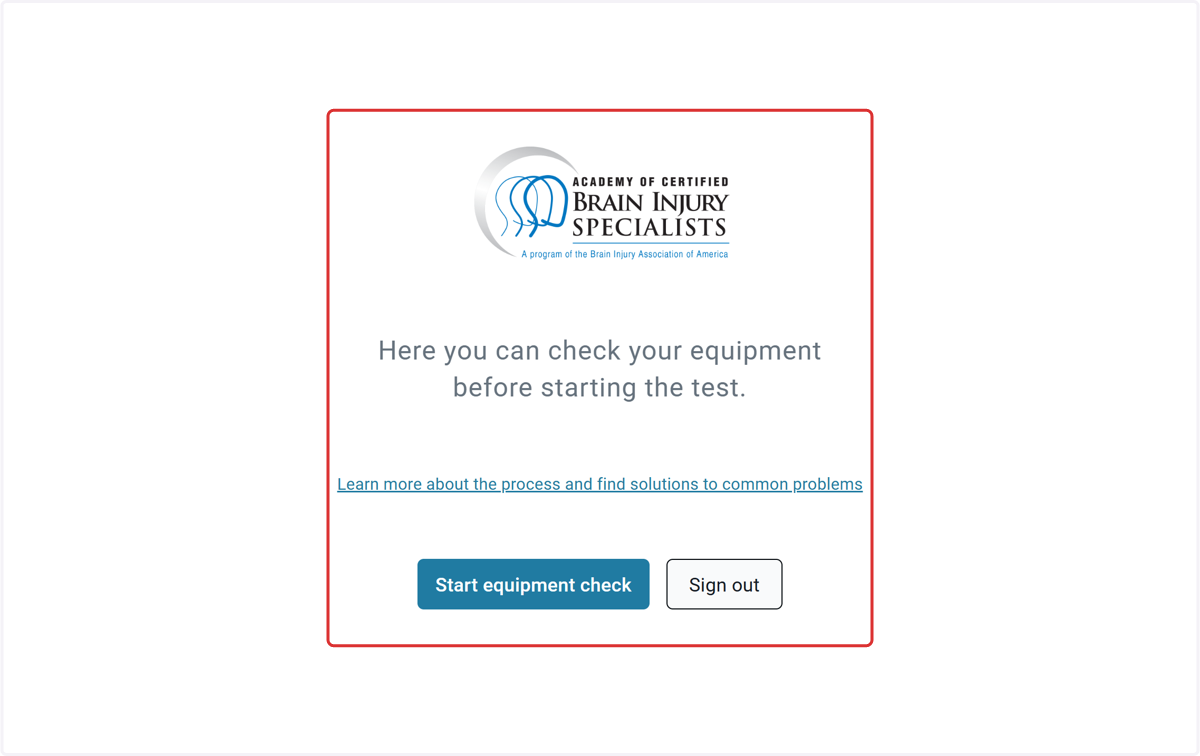
6. Click on Here you can check your equipment…
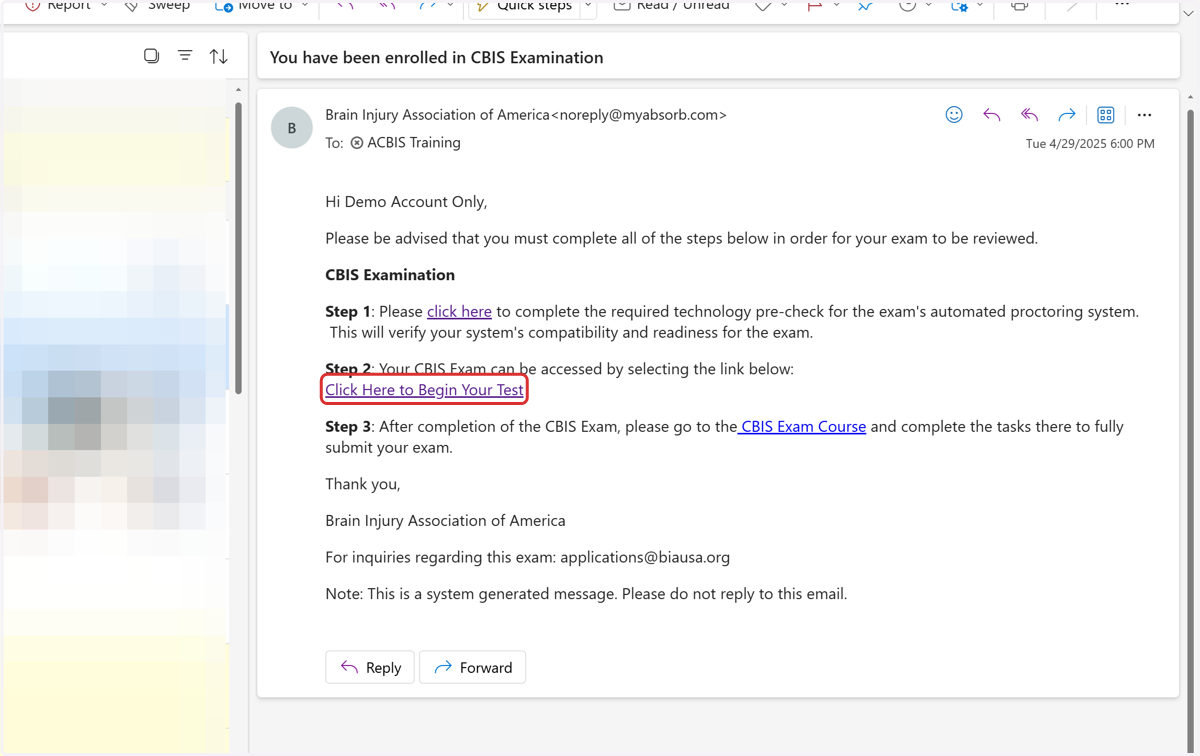
7. Click on Click Here to Begin Your Test
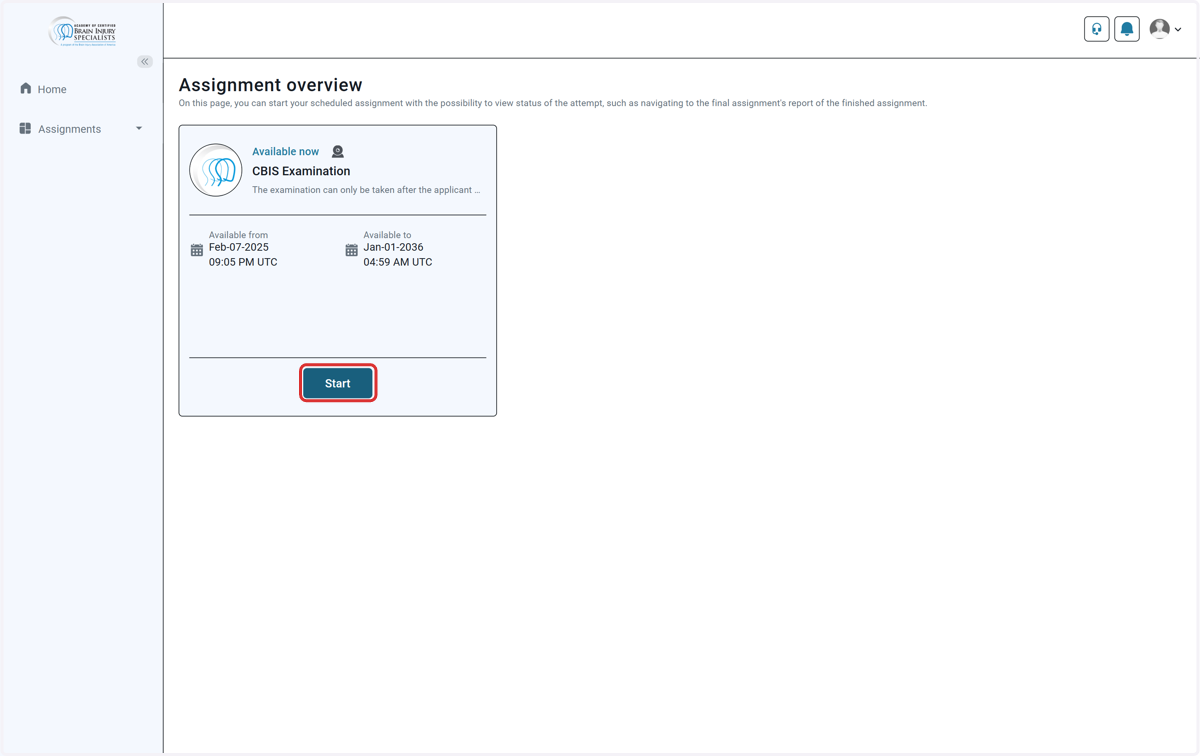
ACBIS Certification Portal
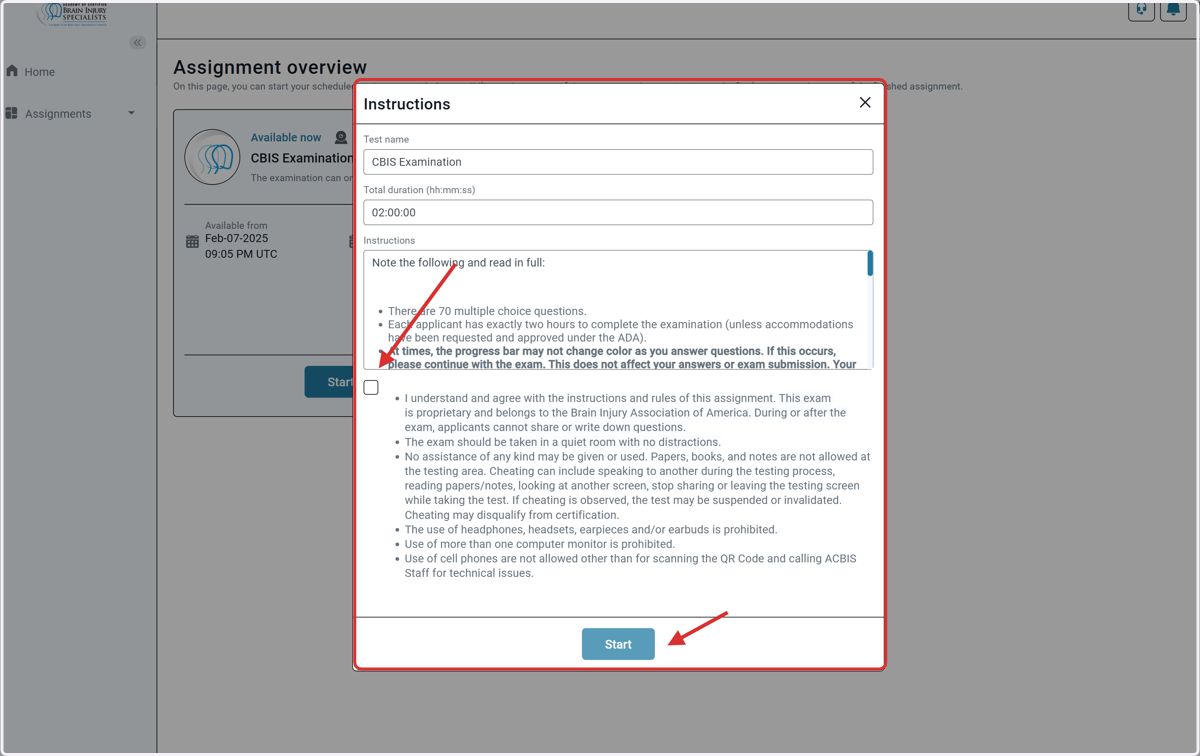
8. Click on Start
9. Click on Instructions…
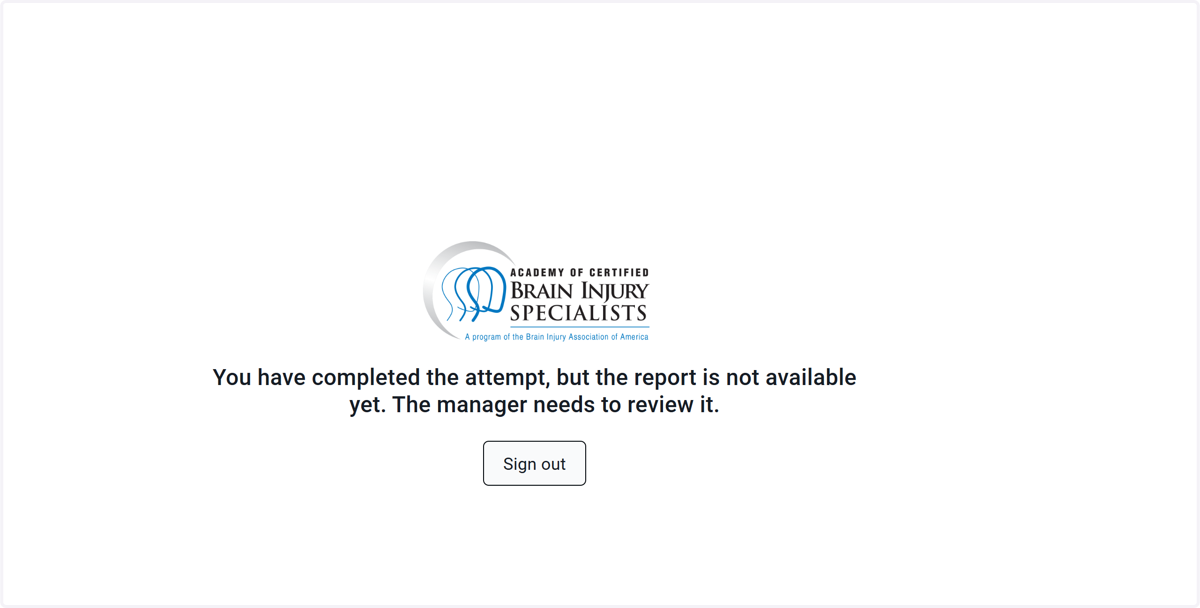
10. ACBIS Portal Exam Complete
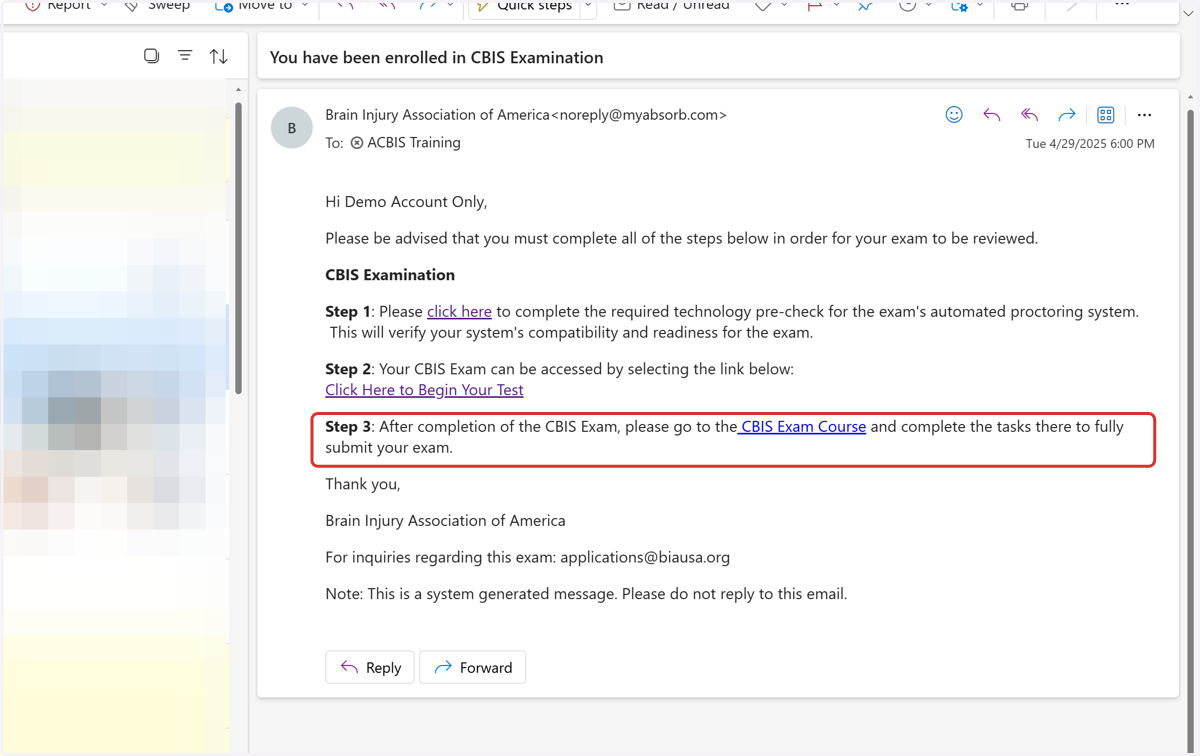
11. Return back to Email Message and complete Step 3 CBIS Exam Course (Submission)
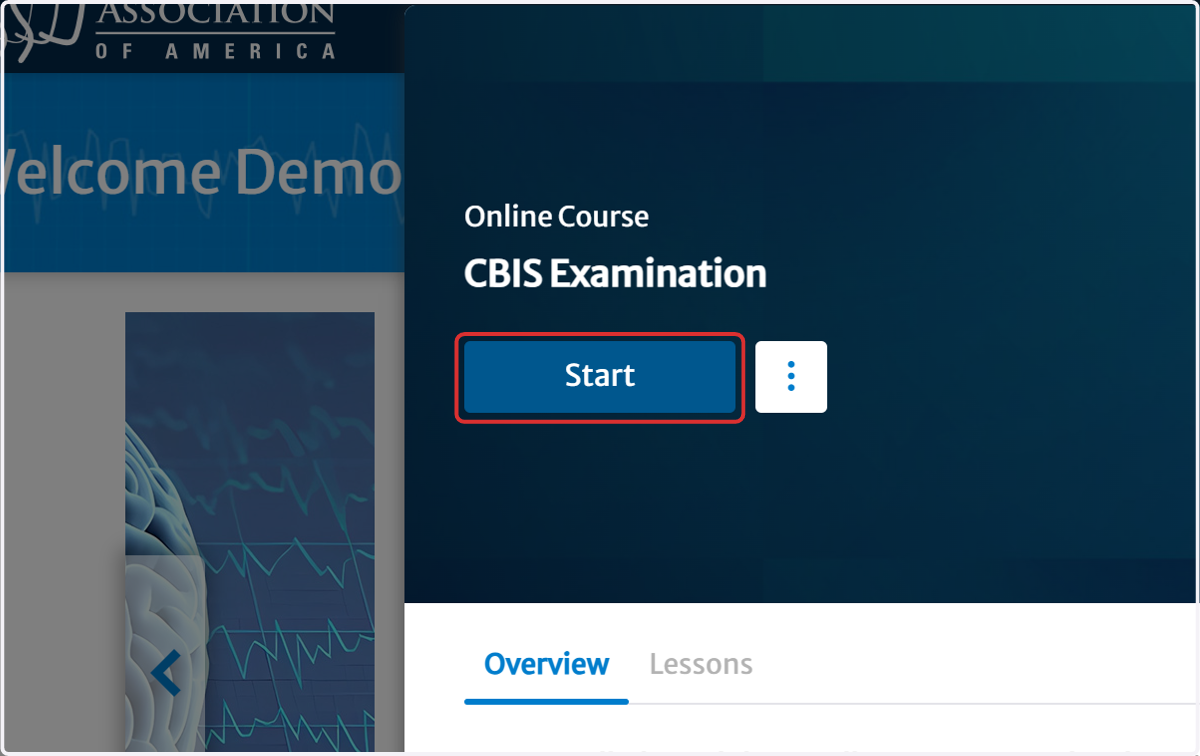
12. Click on Start (final step for examination submission)
13. Click on Step 1: Attempt CBIS Exam
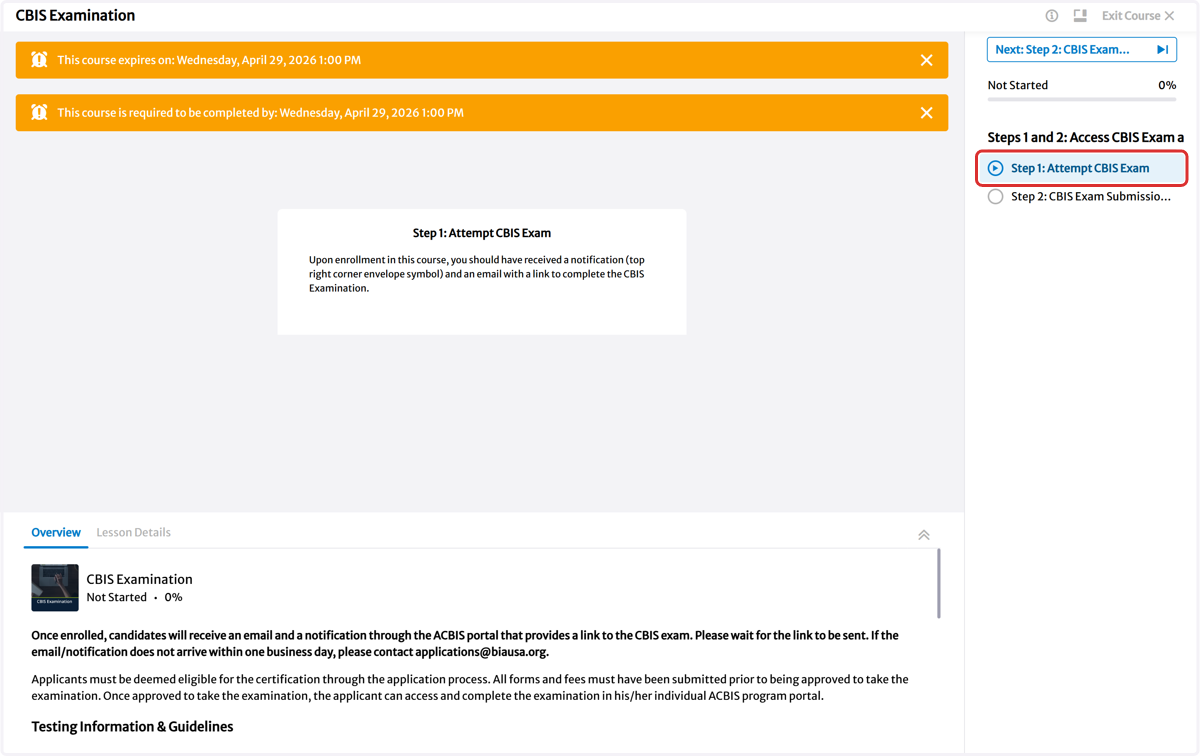
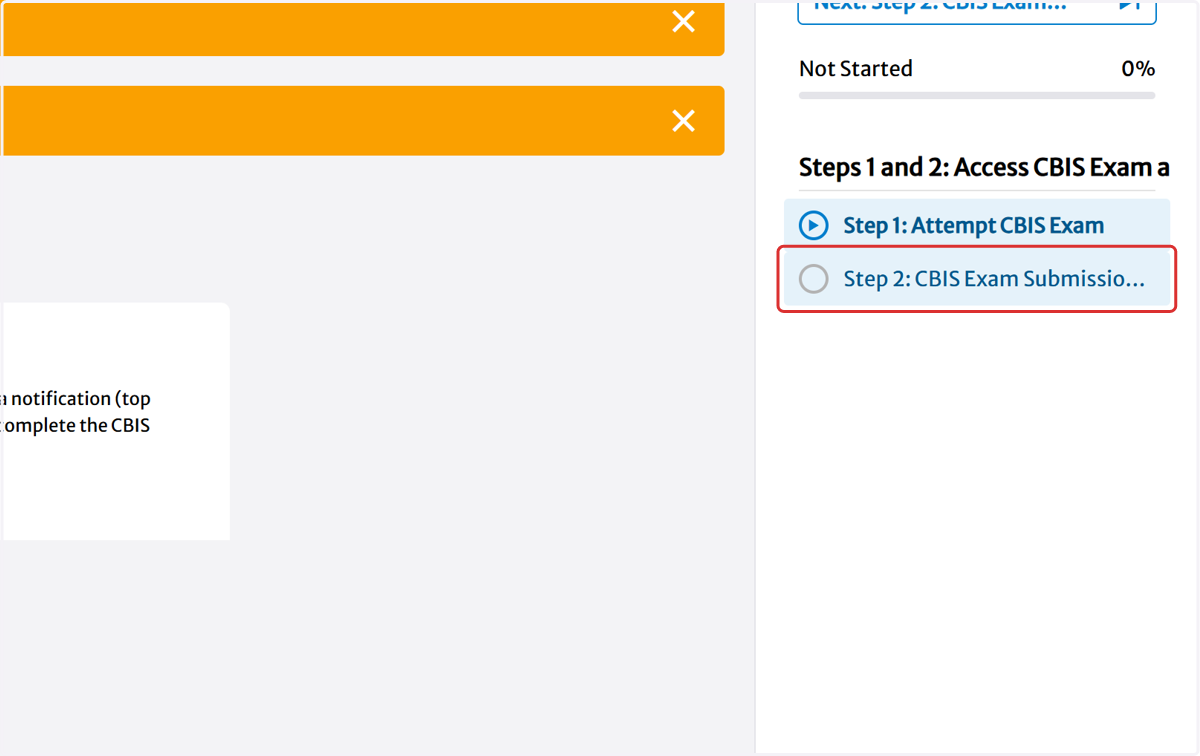
14. Click on Step 2: CBIS Exam Submission Confirmation
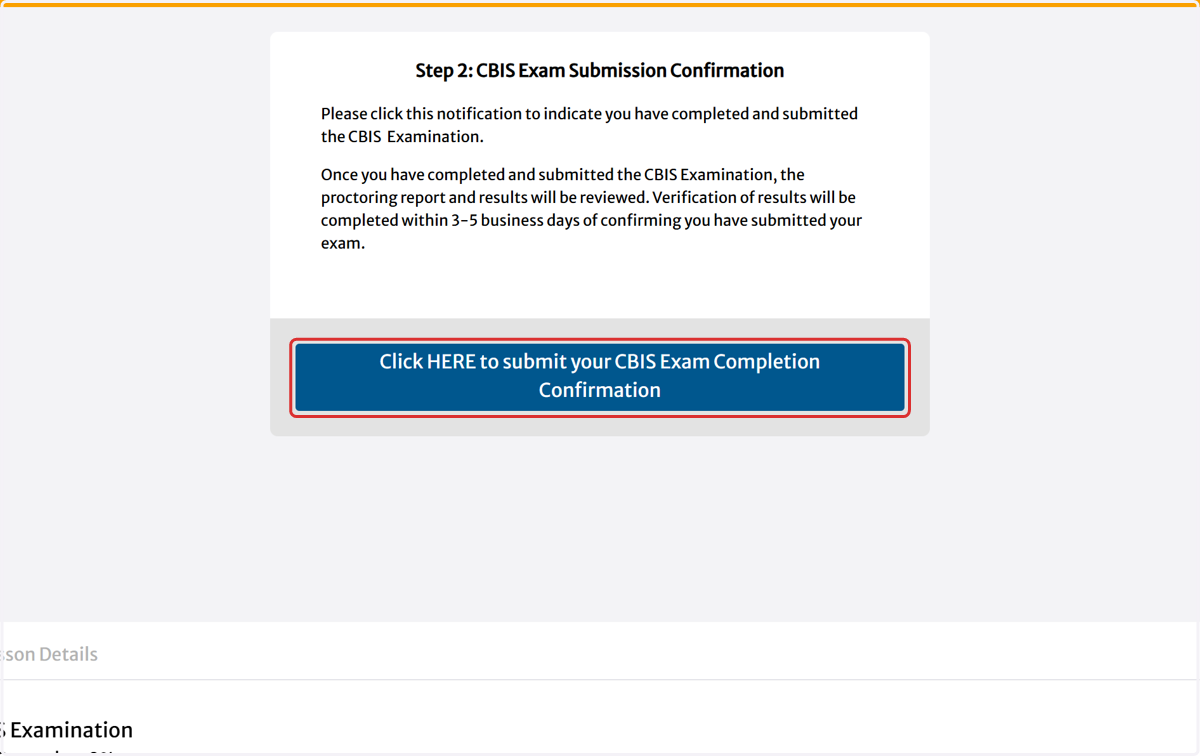
15. Click on Click HERE to submit your CBIS Exam Completion Confirmation
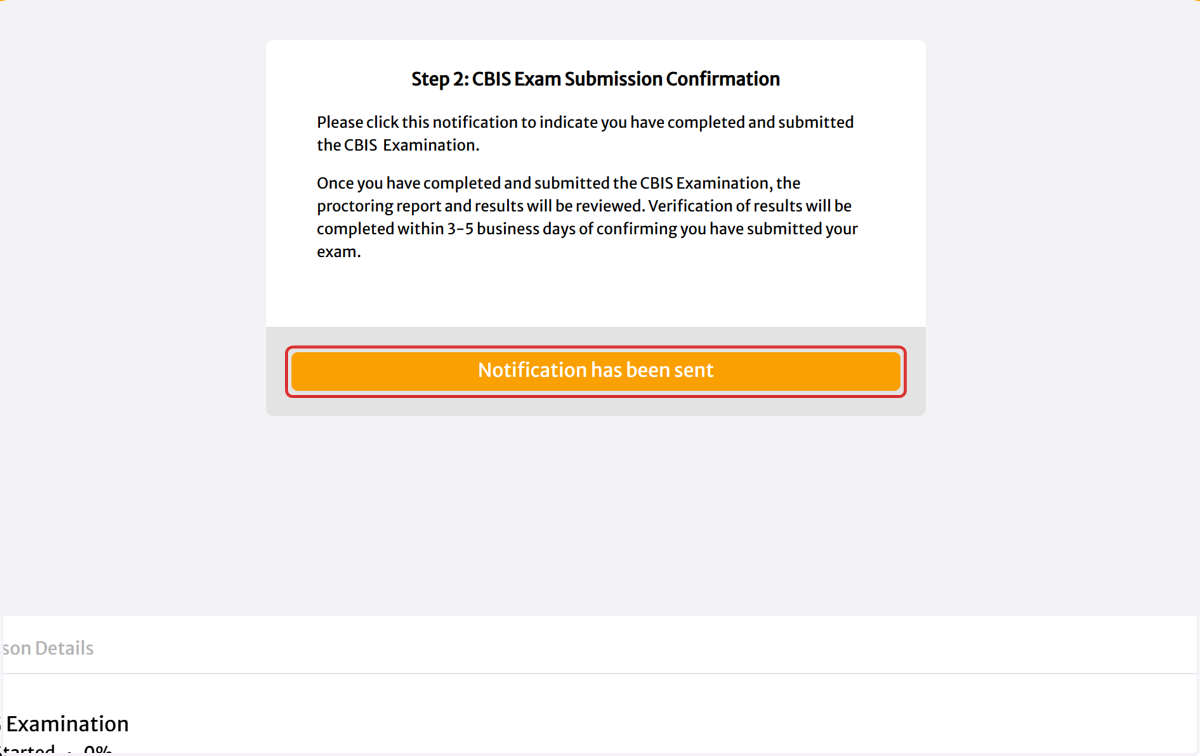
16. Click on Notification has been sent
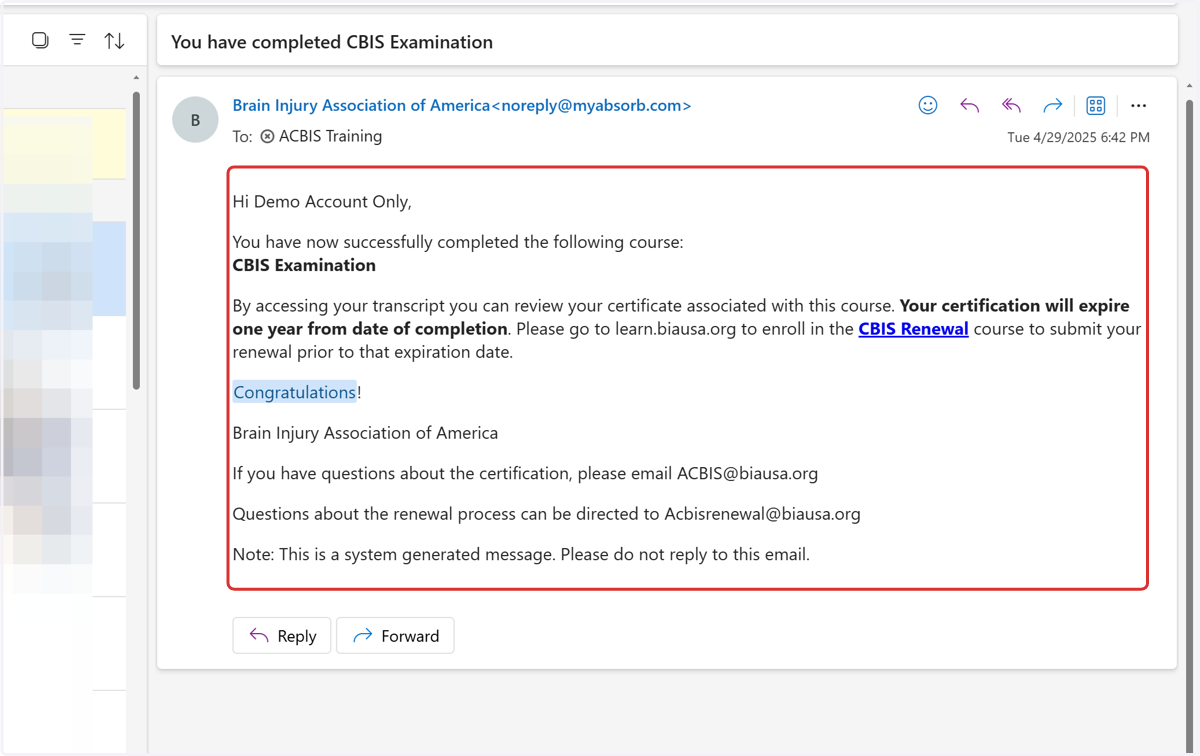
17. Click on Message body
Private Dashboard | Brain Injury Association of America
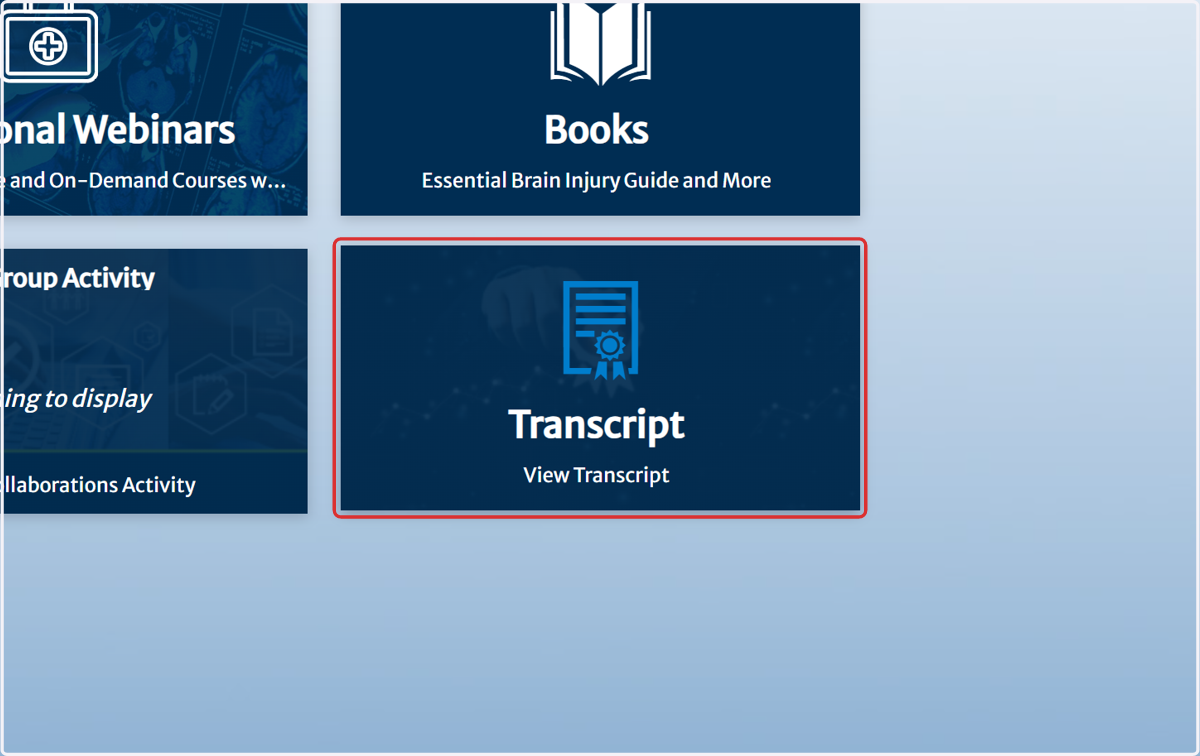
18. Click on Transcript…