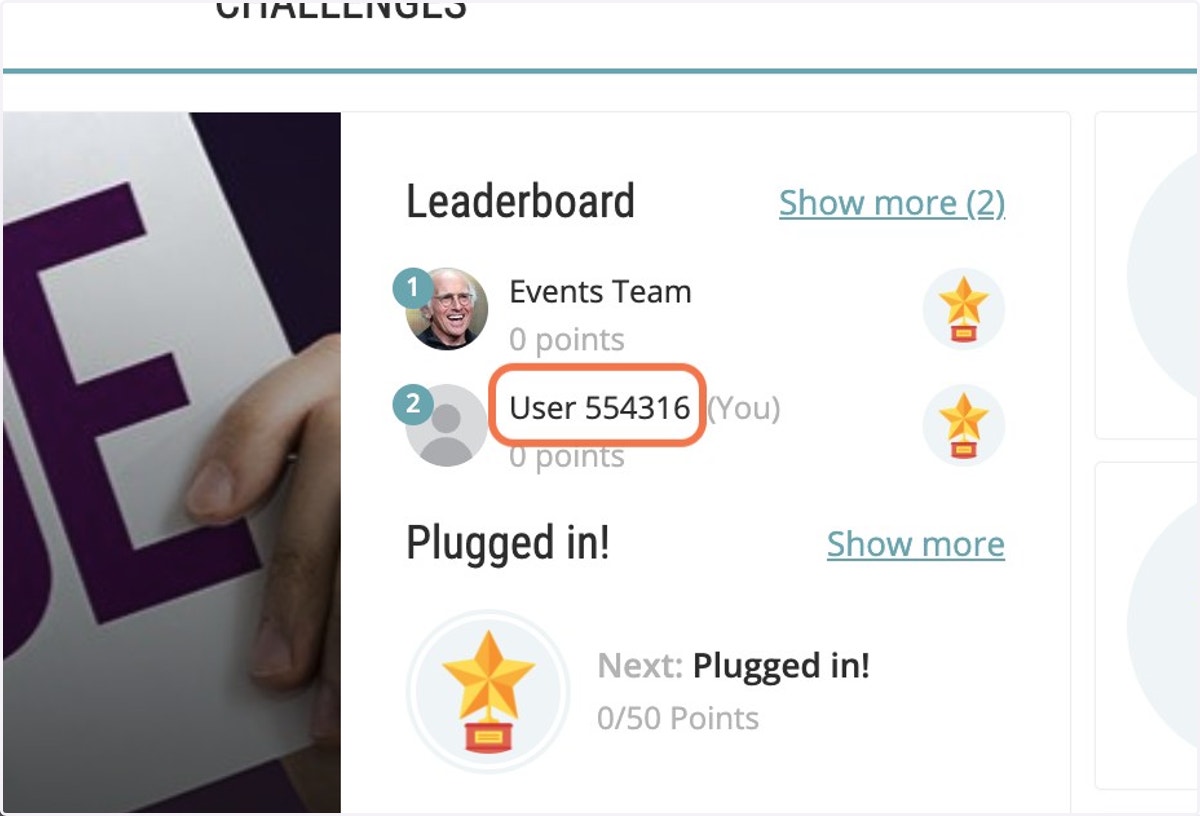
Hiding my name in challenges
Espresa
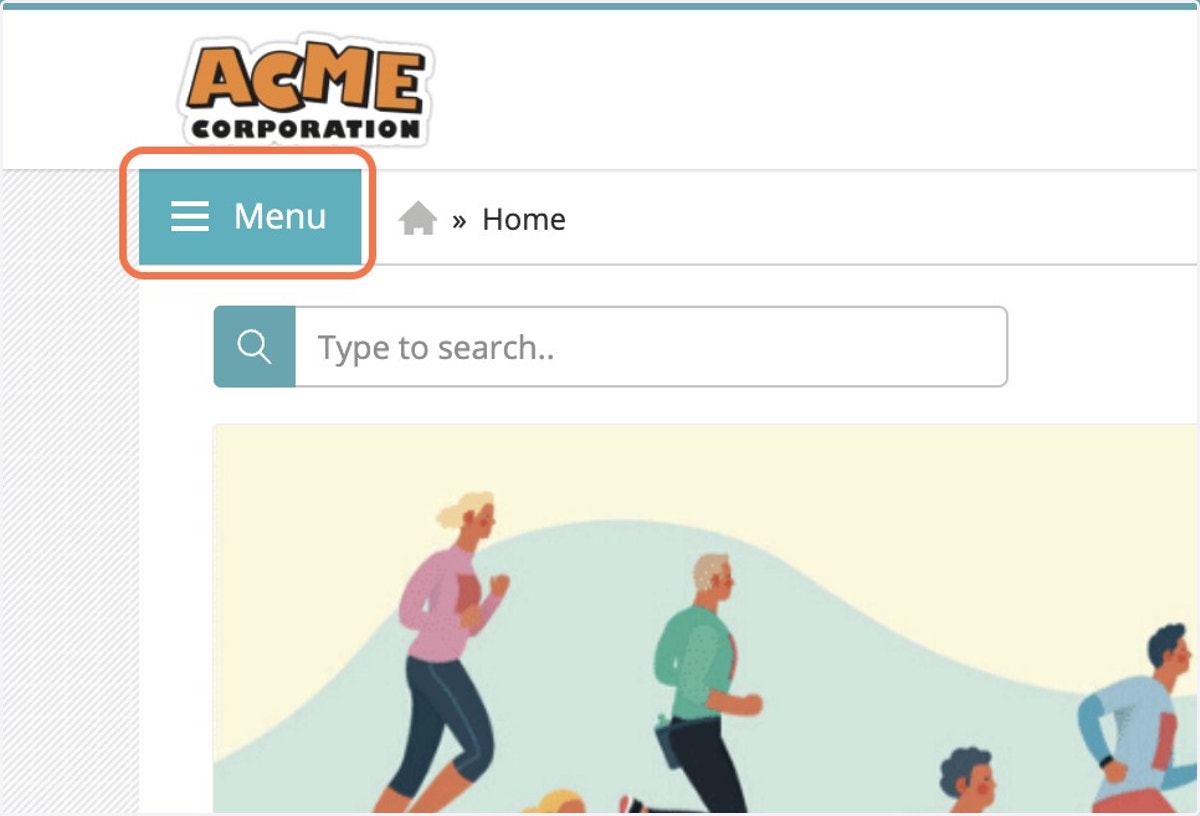
1. Click on Menu
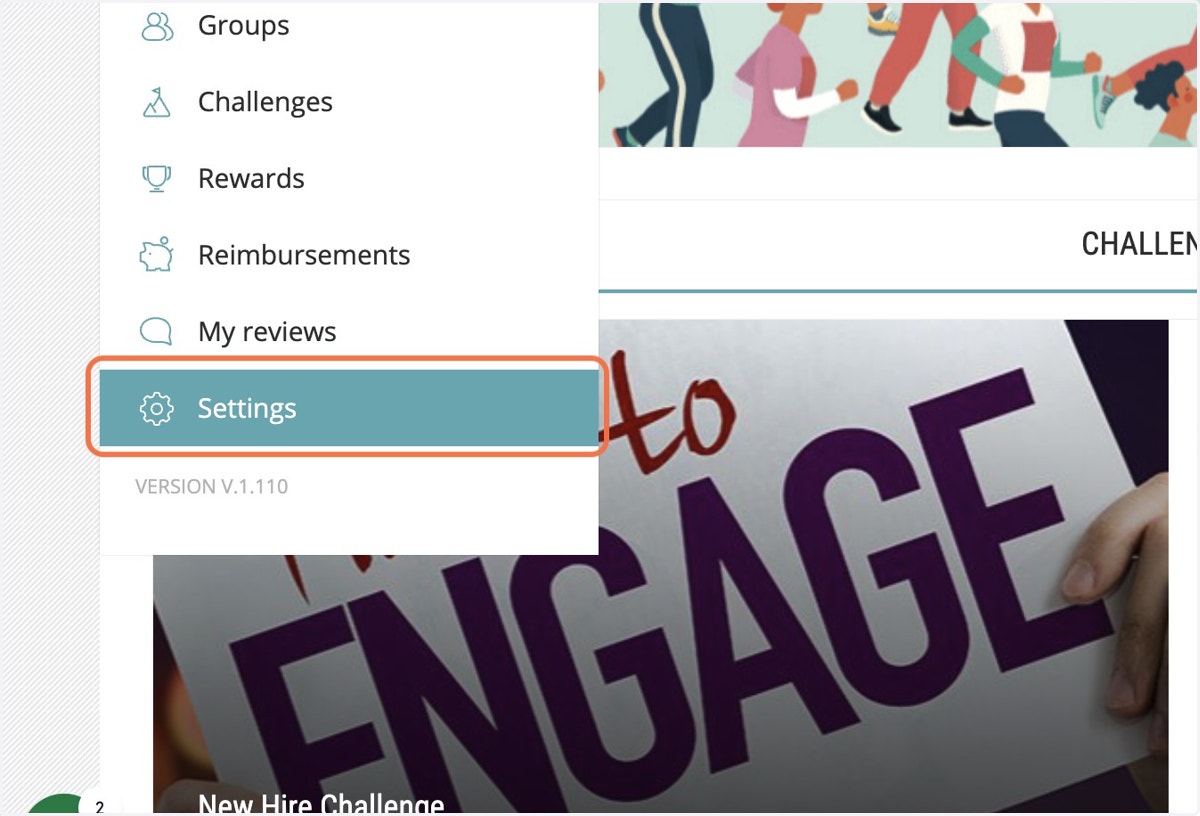
Let navigate to Settings -> Personal
2. Click on Settings
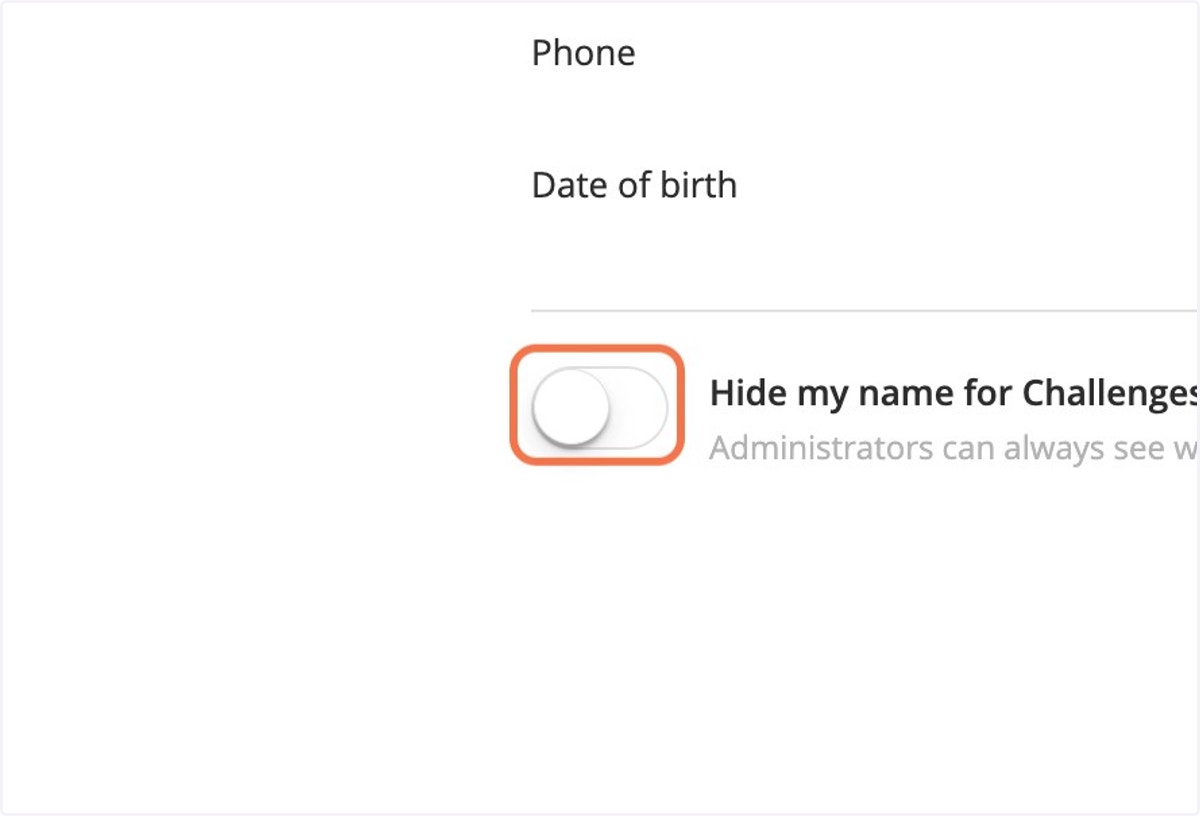
3. Toggle the 'Hide my name for Challenges' button to ON
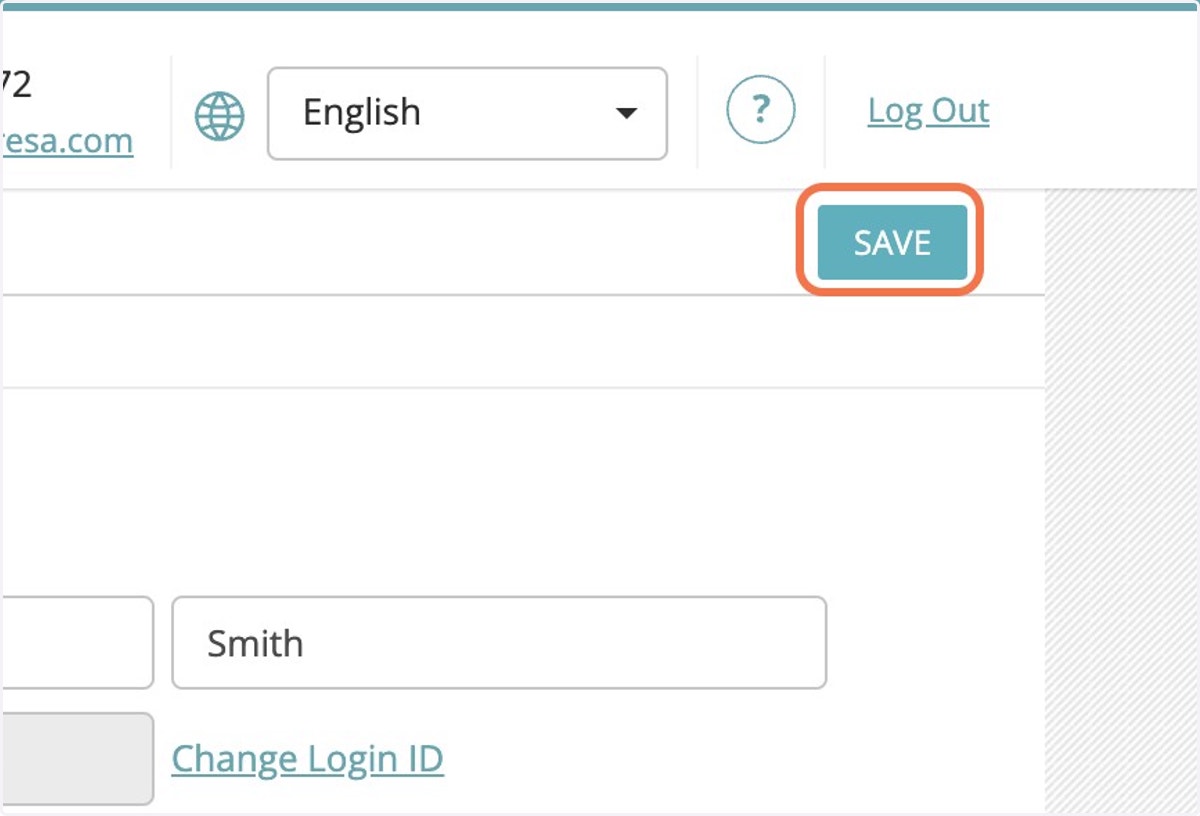
4. Click on SAVE
5. You are done!
You will show us as 'User NNNNN' to other users. Note that you are not hidden from admins.