Hide a User from the Instructor Introduction
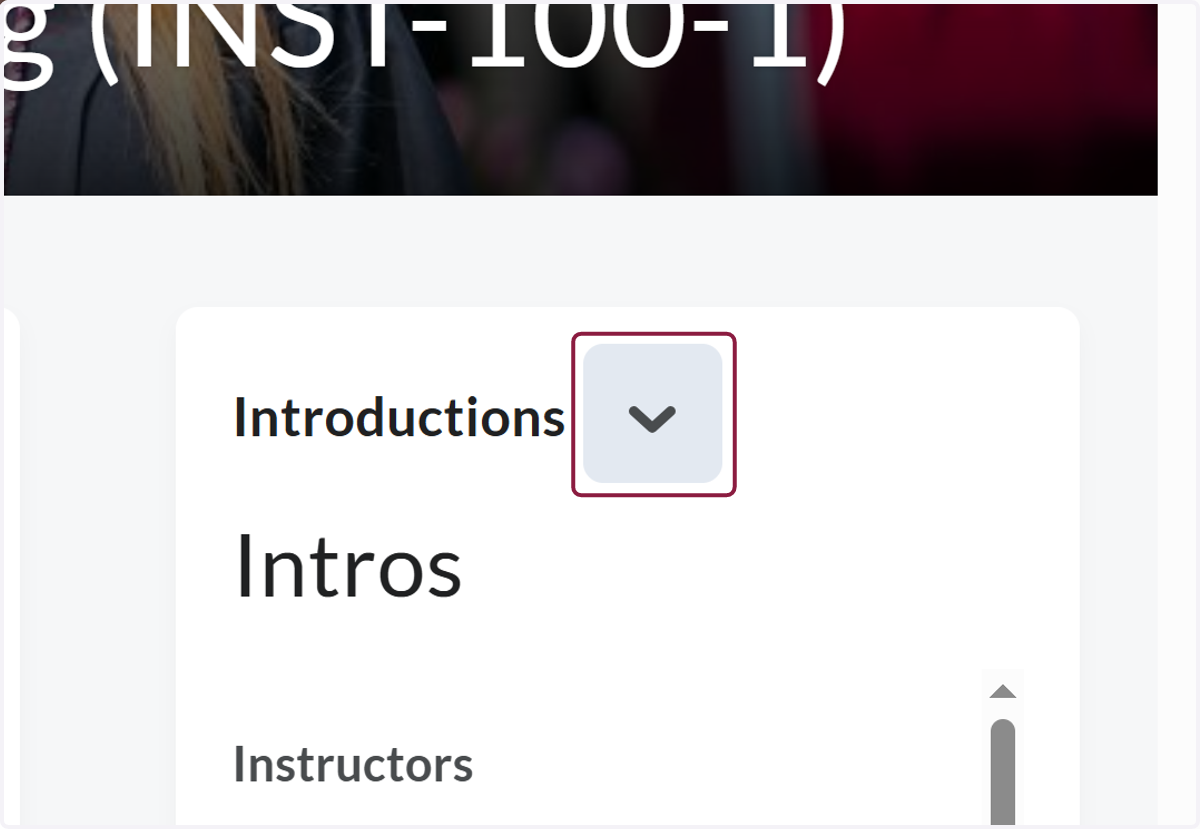
1. Click on Actions for Introductions
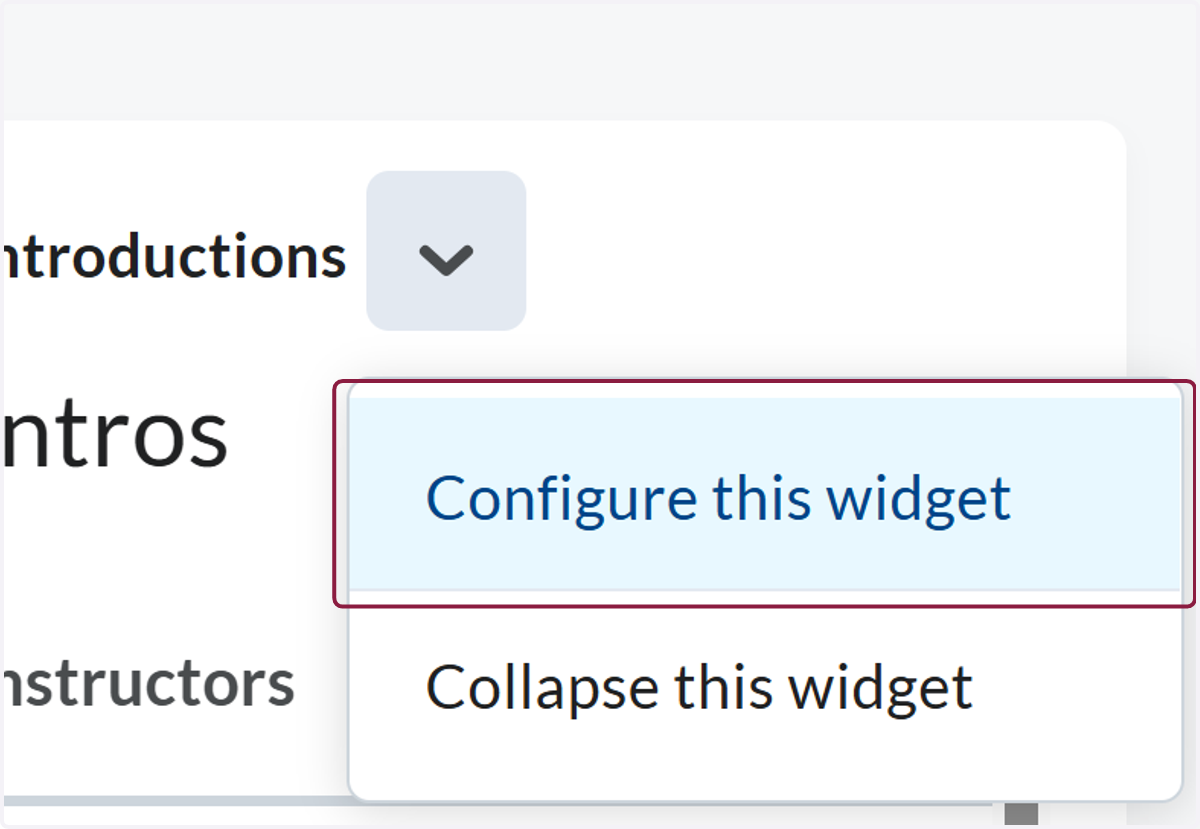
2. Click on Configure this widget
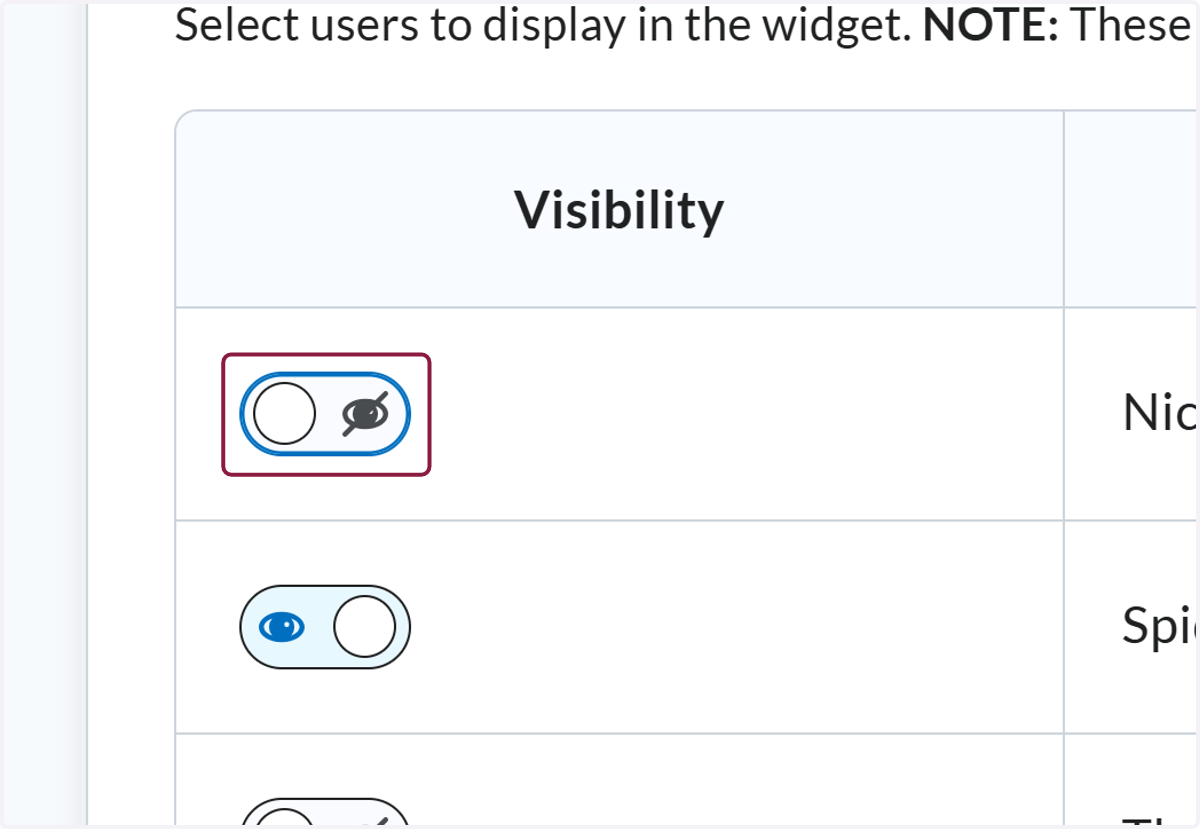
3. Find the individual you would like to hide and toggle the visibility. Hidden users will not be shown to students.
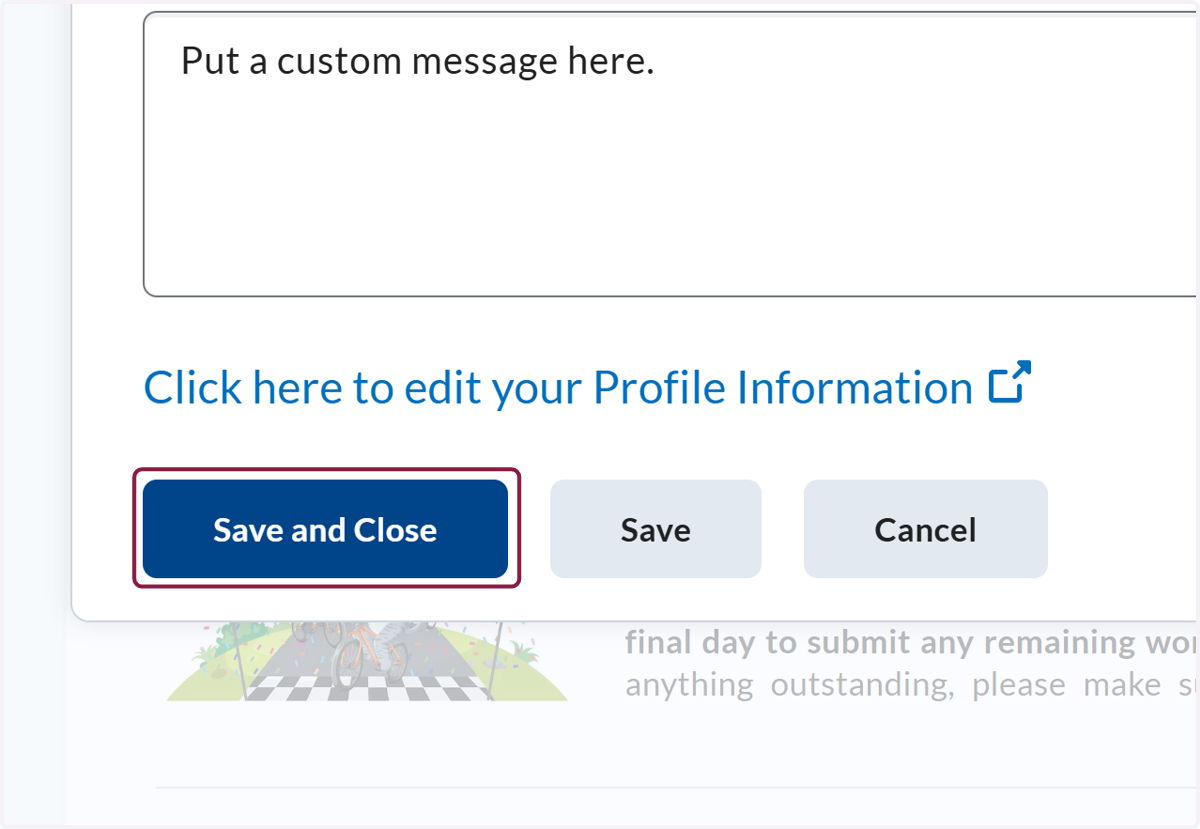
4. Click on highlight