Hawksoft - Activity Report
How to Pull the Data from Hawksoft
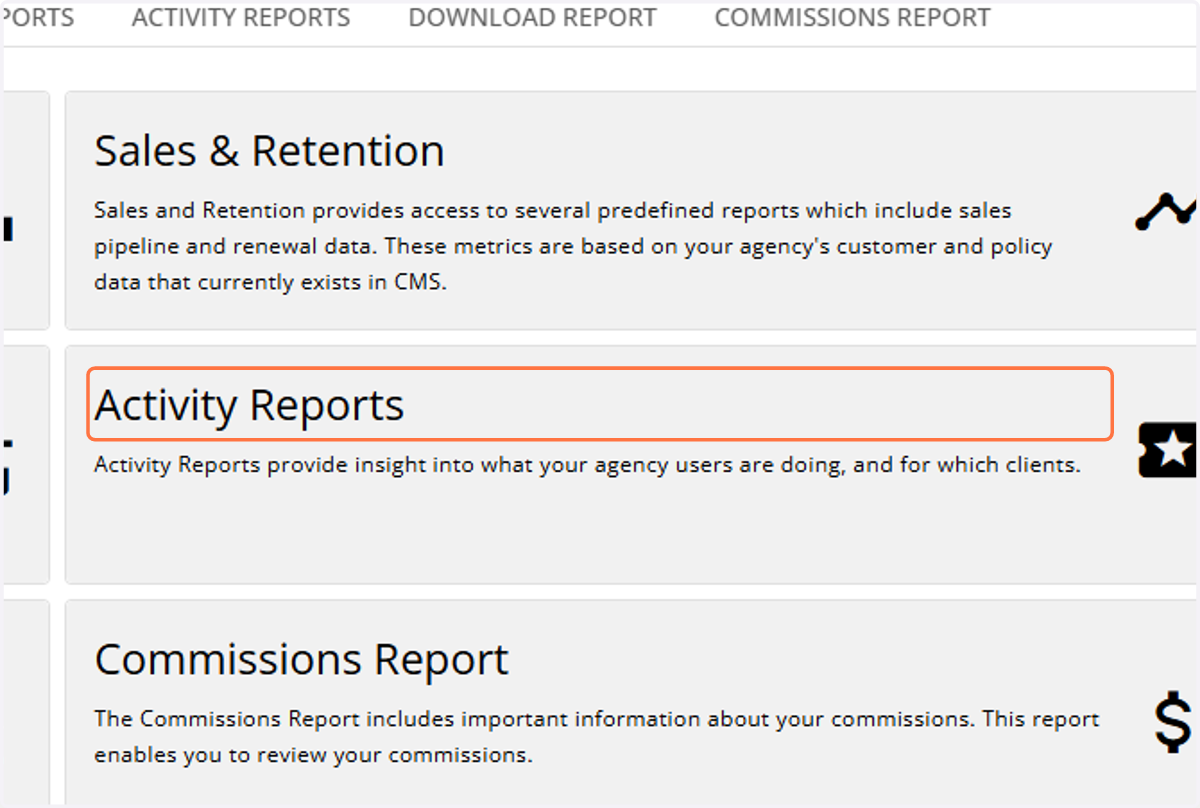
1. Click on Activity Reports
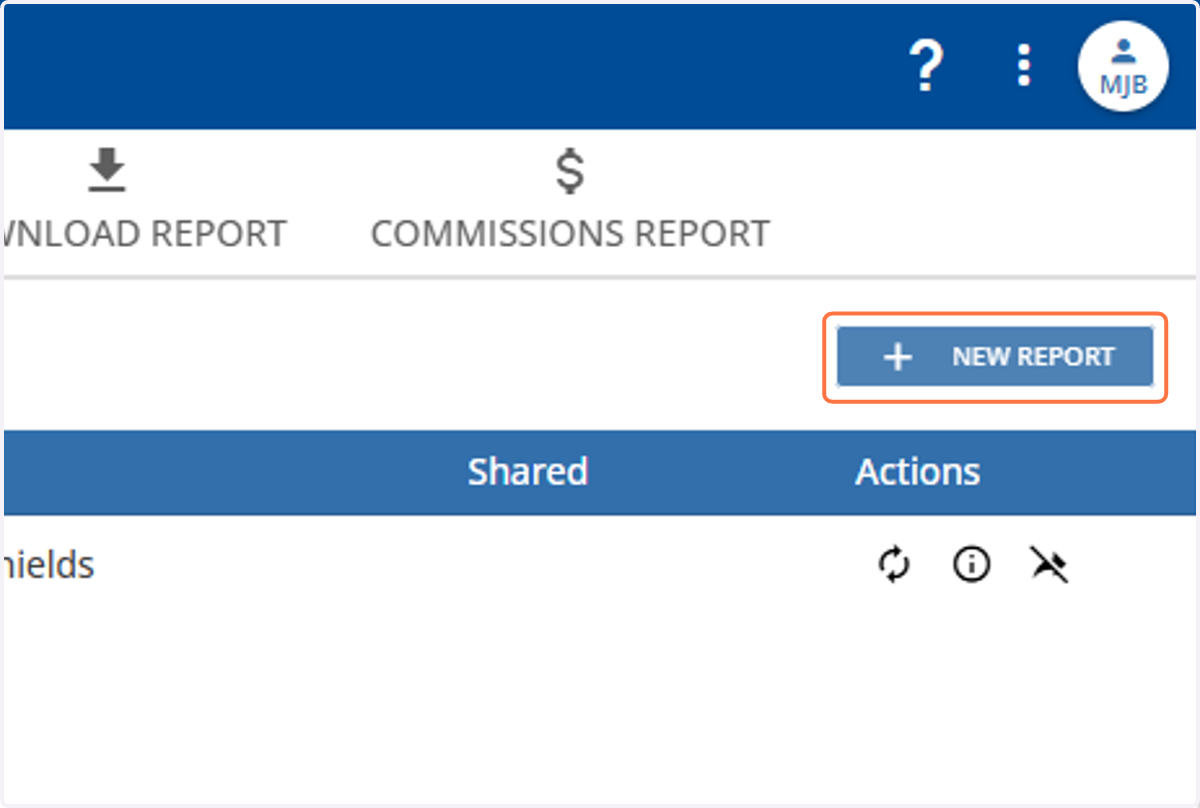
2. Click on +New Report
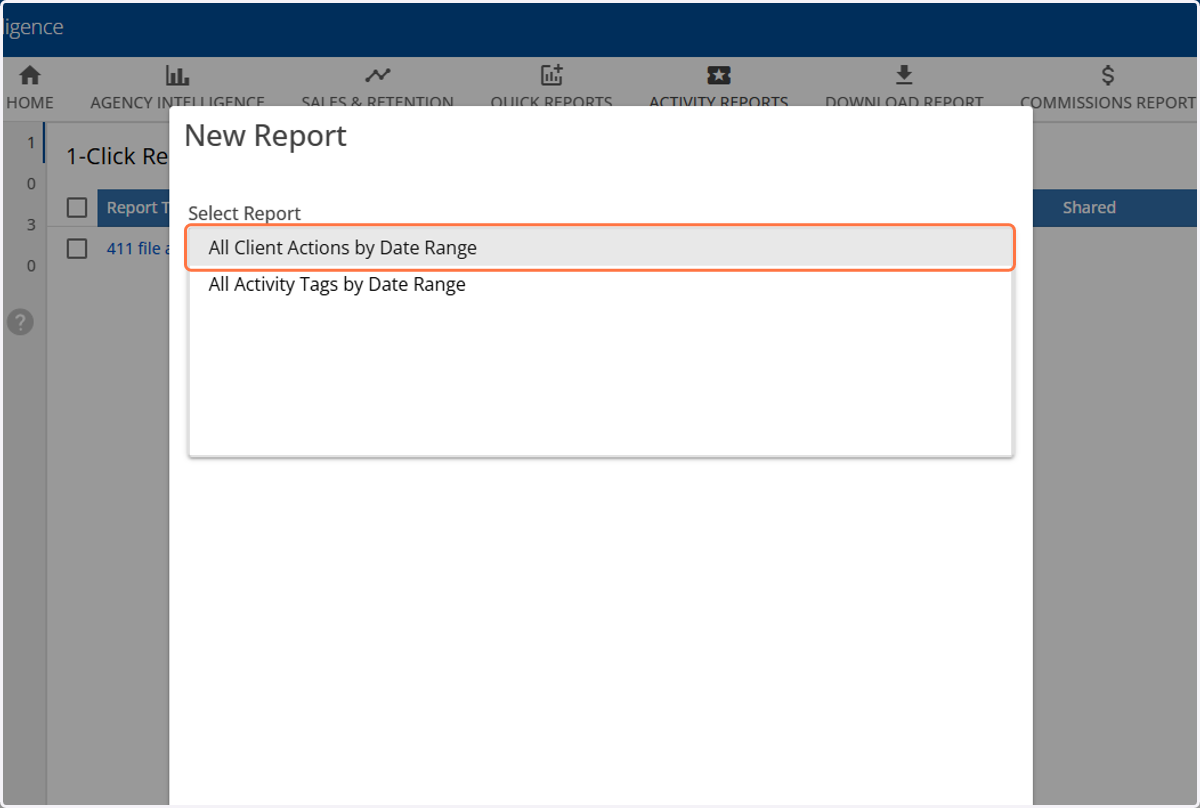
3. Choose All Client Actions by Date Range
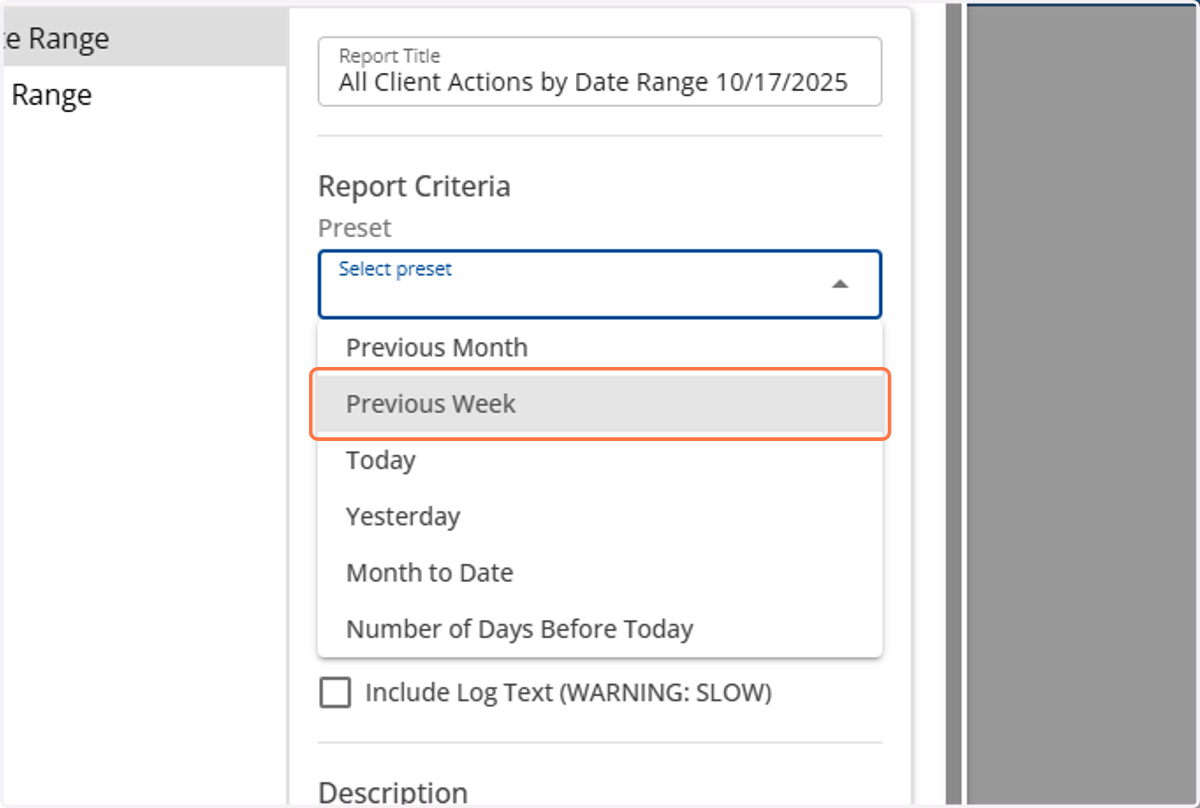
4. Under Report Criteria, in the Preset dropdown, select Previous Week
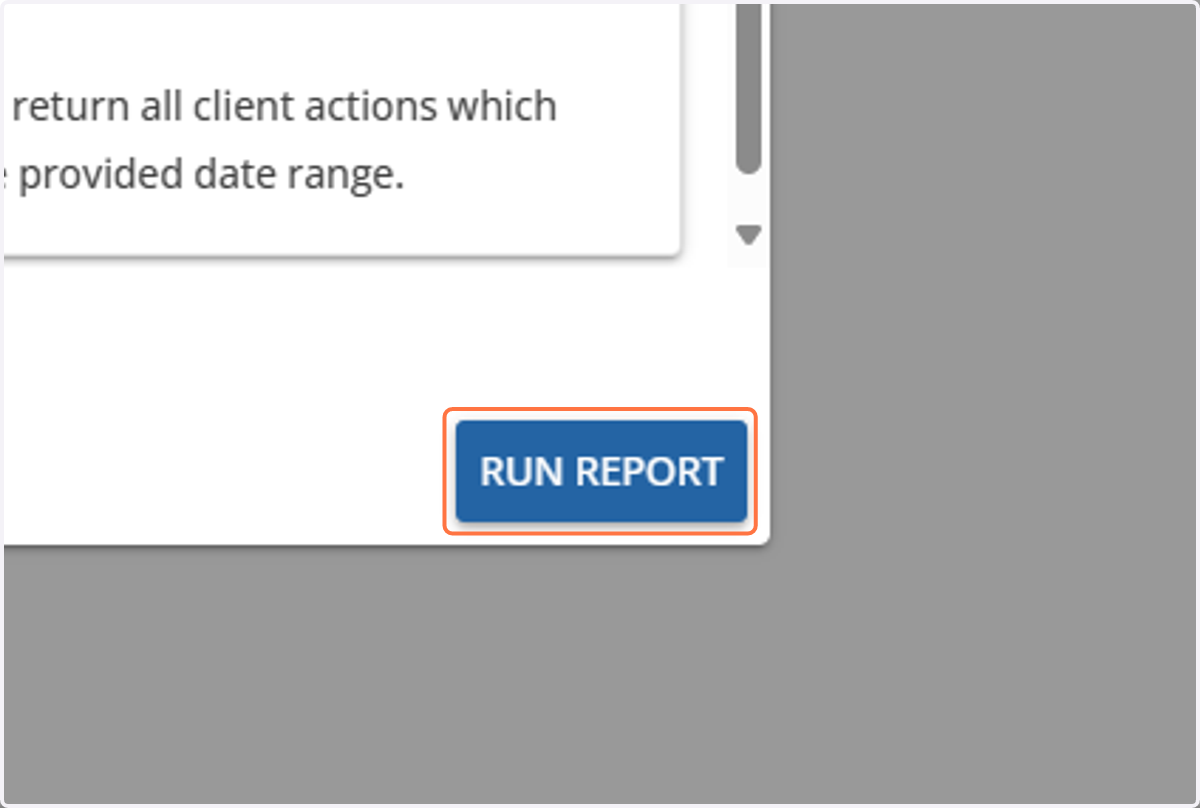
5. Click on RUN REPORT
Verify Report Structure
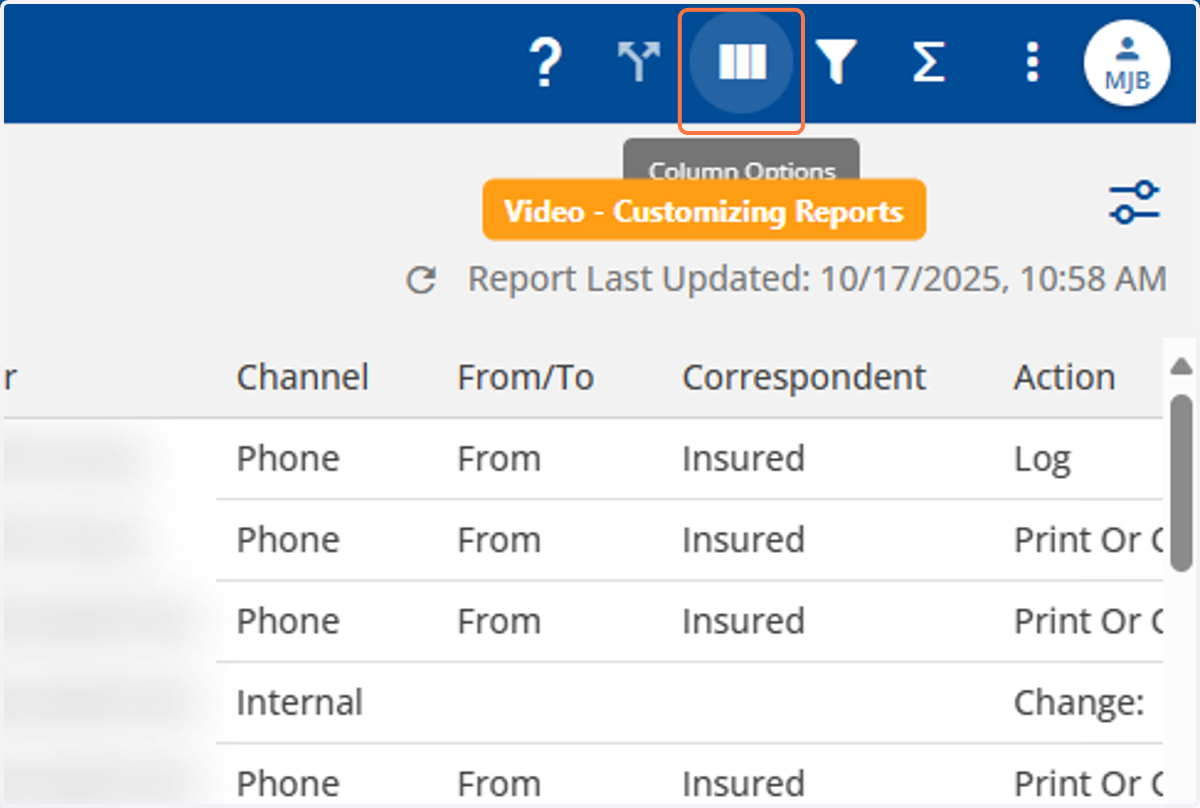
Ensure all required columns are present and in the correct order as per the agency's Activity Report template.
6. Click on Column Options
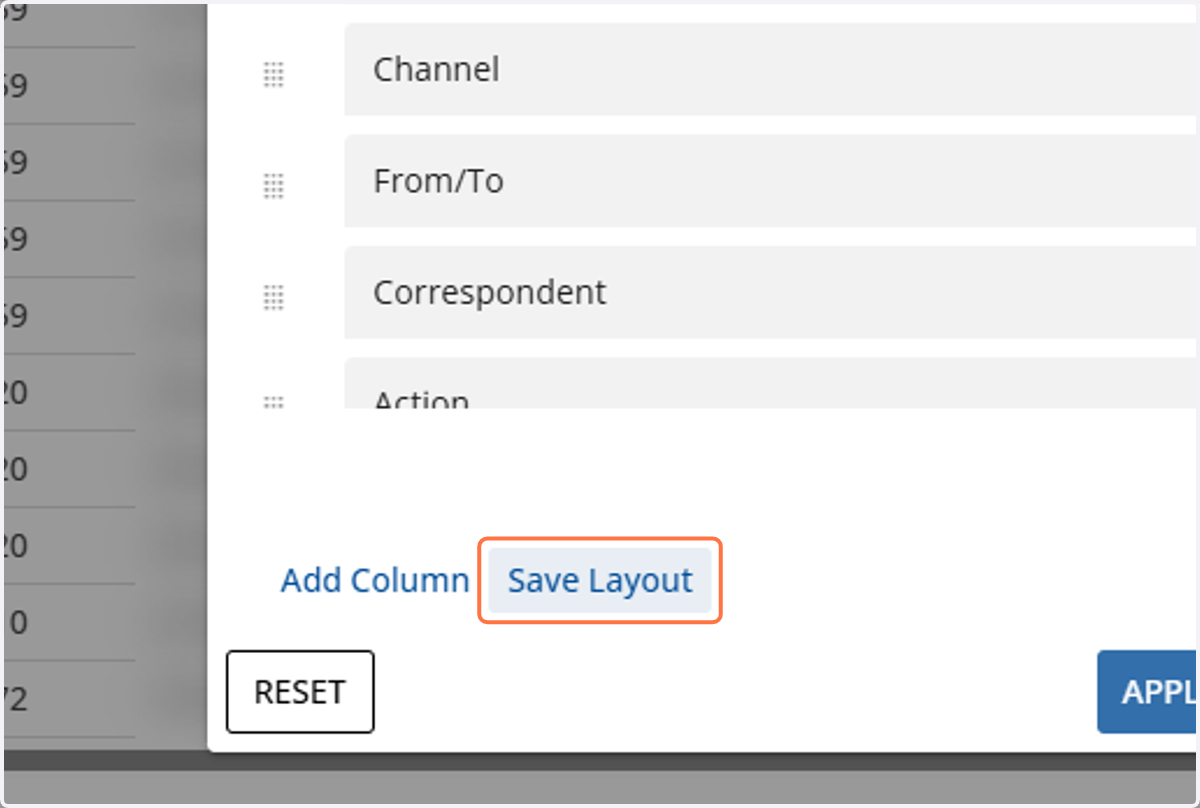
7. Select Save Layout
8. Name the Layout: "APP - Activity Report - [Agency Name]"
![Name the Layout: "APP - Activity Report - [Agency Name]"](https://images.tango.us/workflows/6b9b8de6-a235-4b2a-8b8b-bbc24522b8eb/steps/4430132a-68a6-4eb5-acfc-f9c5b0c0ba7d/8a044982-7667-4797-a6f2-6f8b682dc417.png?fp-x=0.5004&fp-y=0.5130&fp-z=1.5476&w=1200&border=F4F2F7&bx=450&by=451&bw=476&bh=48&c=FF7442&dpr=1.00)
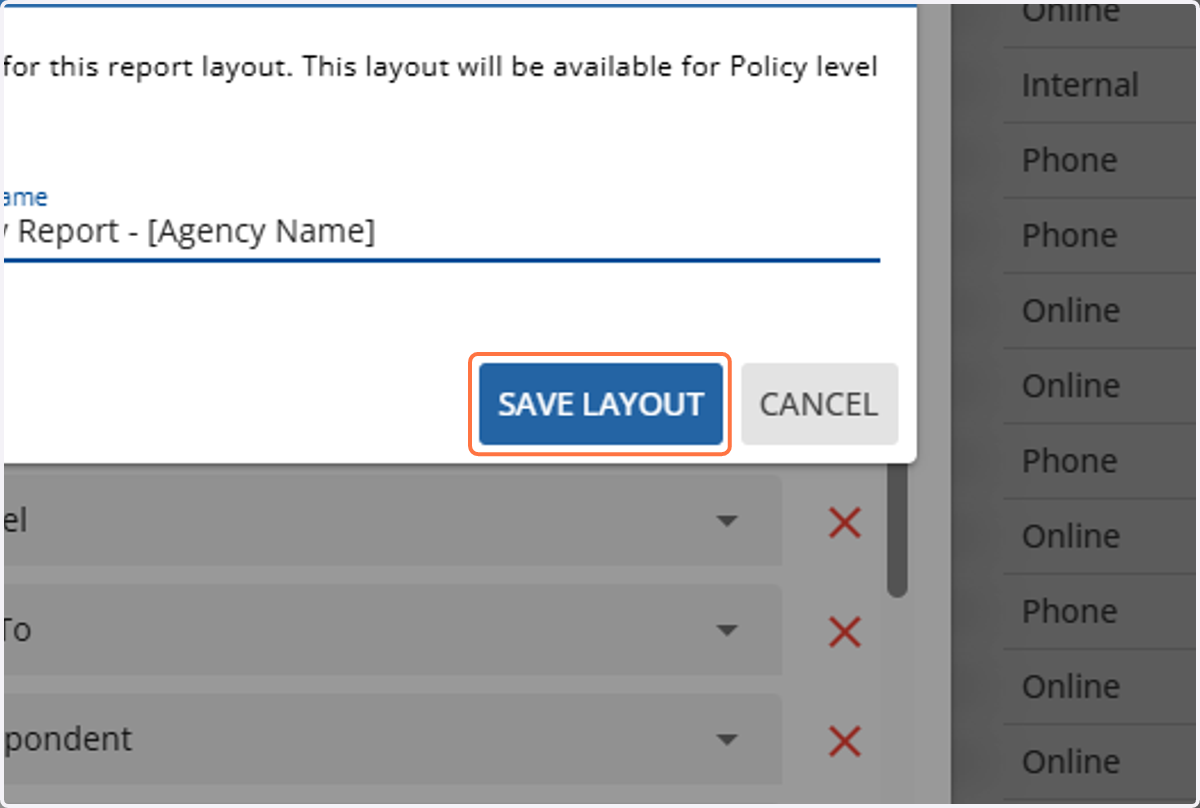
9. Click on SAVE LAYOUT
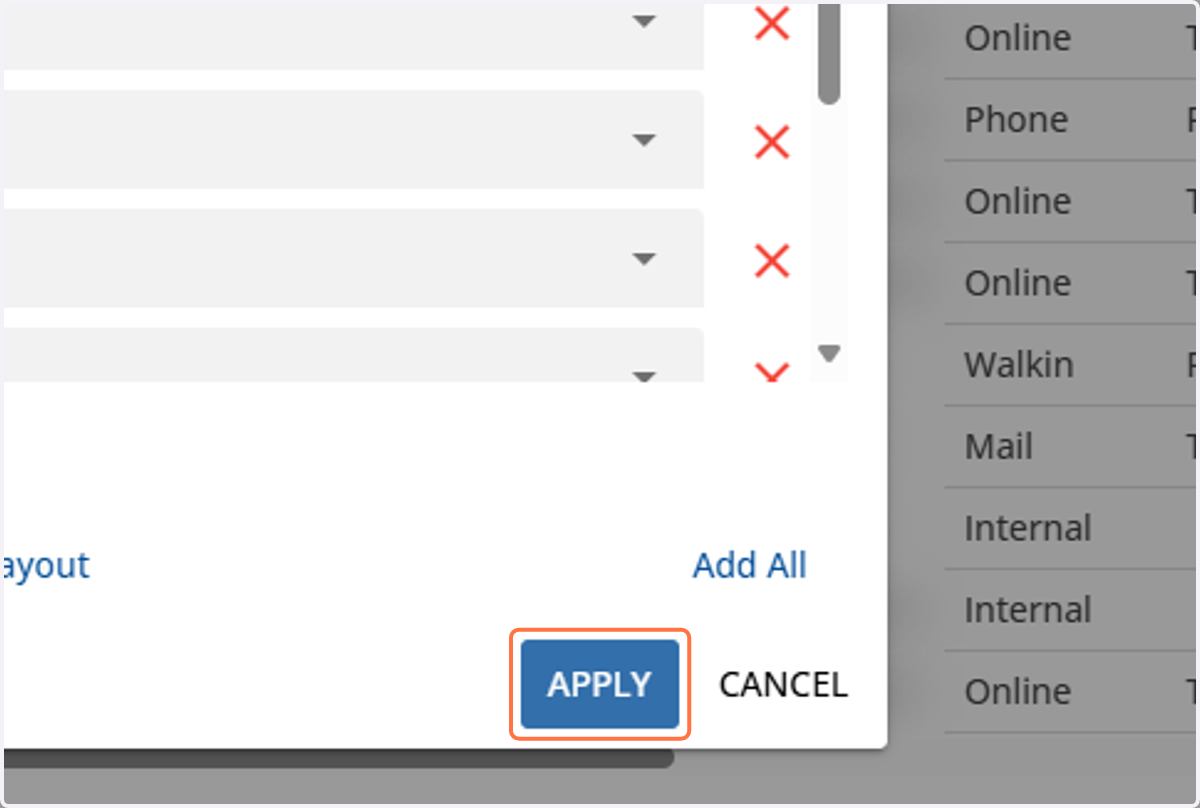
10. Select APPLY
Exporting the Report
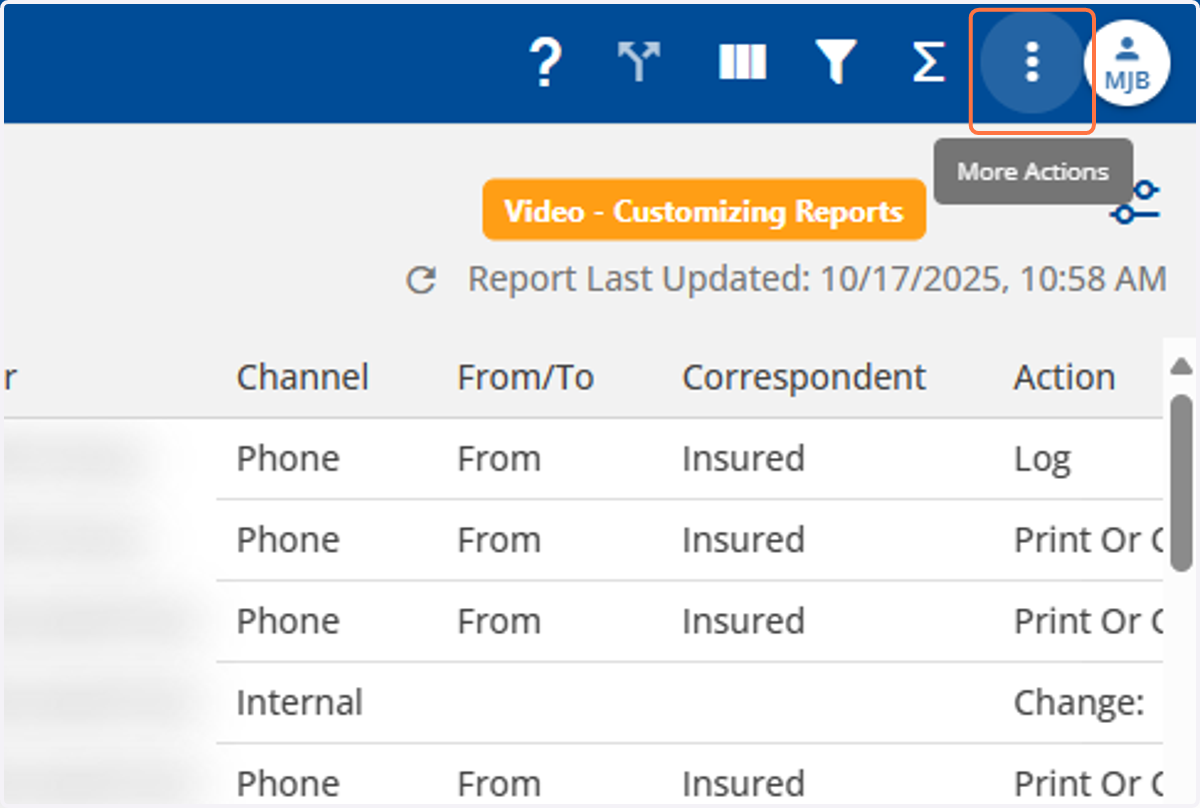
11. Click on More Actions
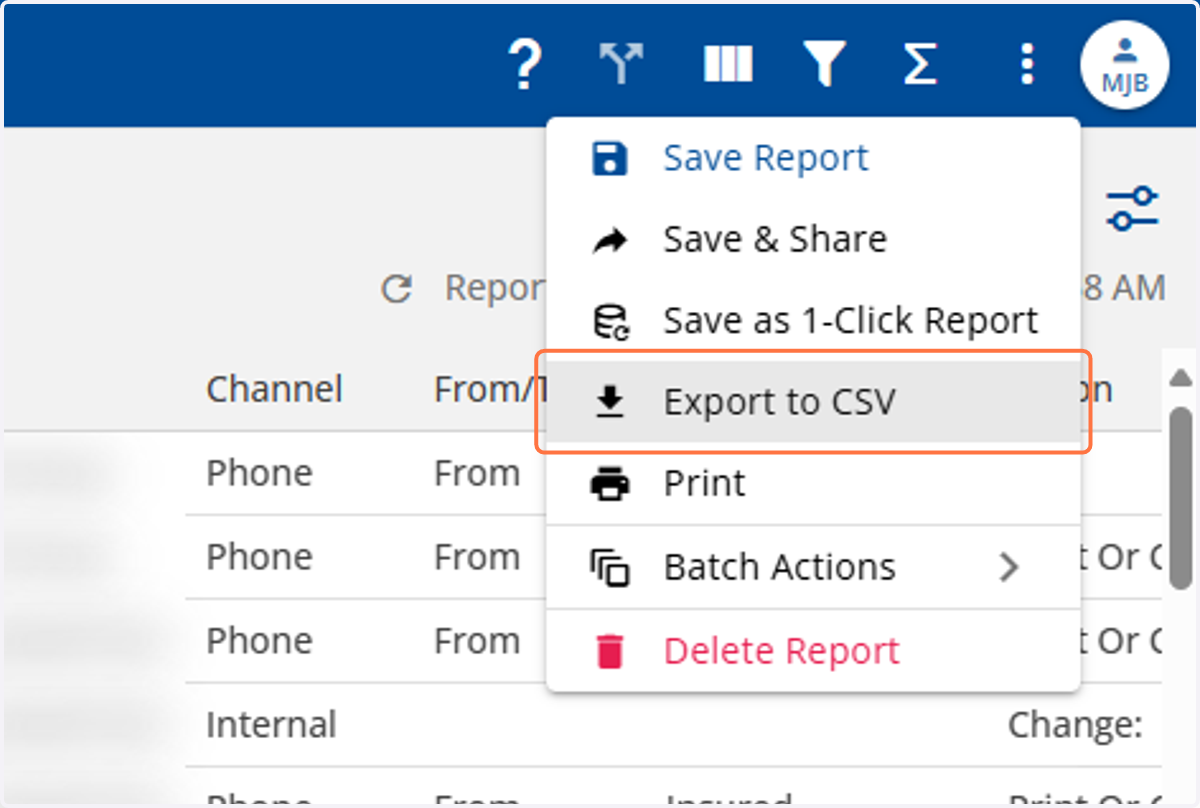
12. Click on Export to CSV
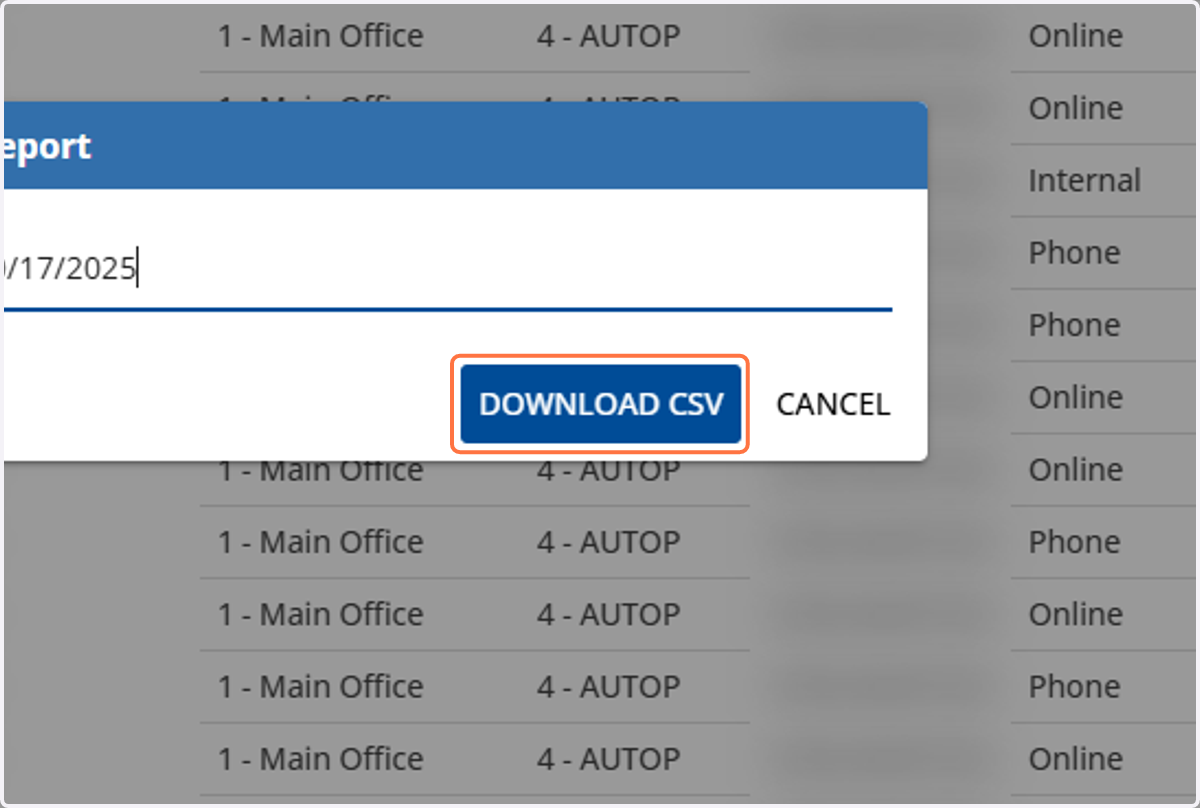
13. Select DOWNLOAD CSV