HawkSoft - Cancellation/Lost Policy Report
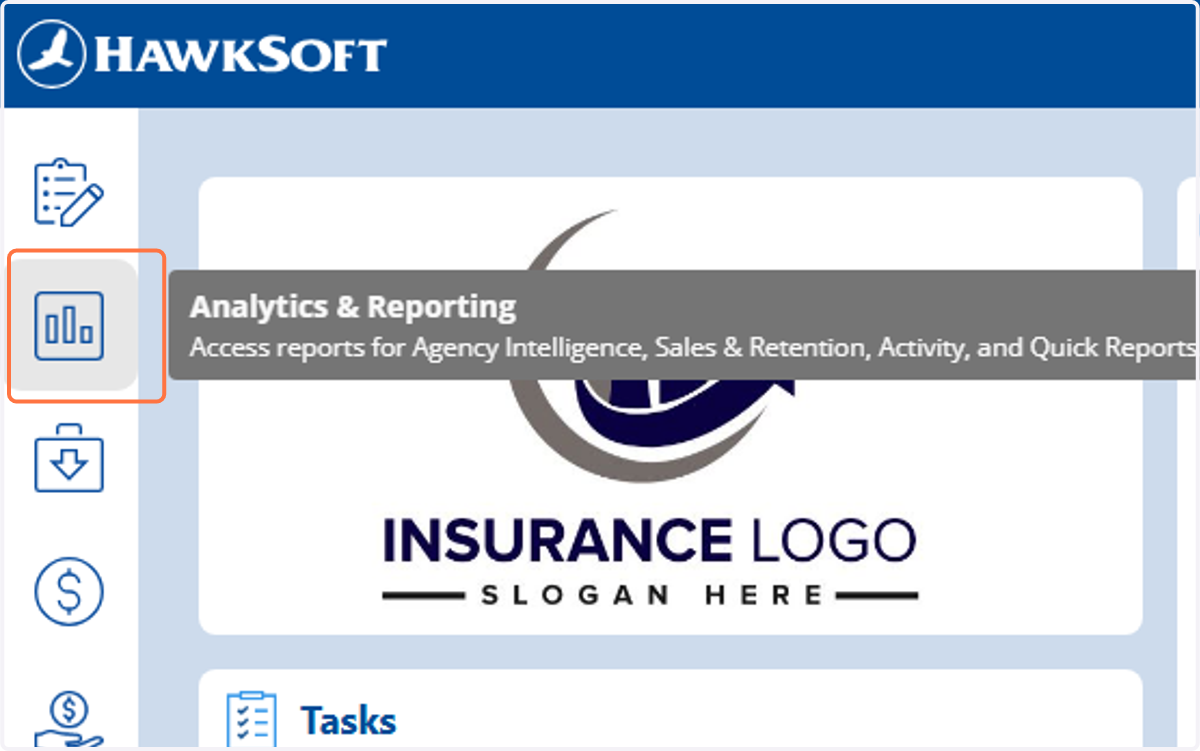
1. Click on Analytics & Reporting
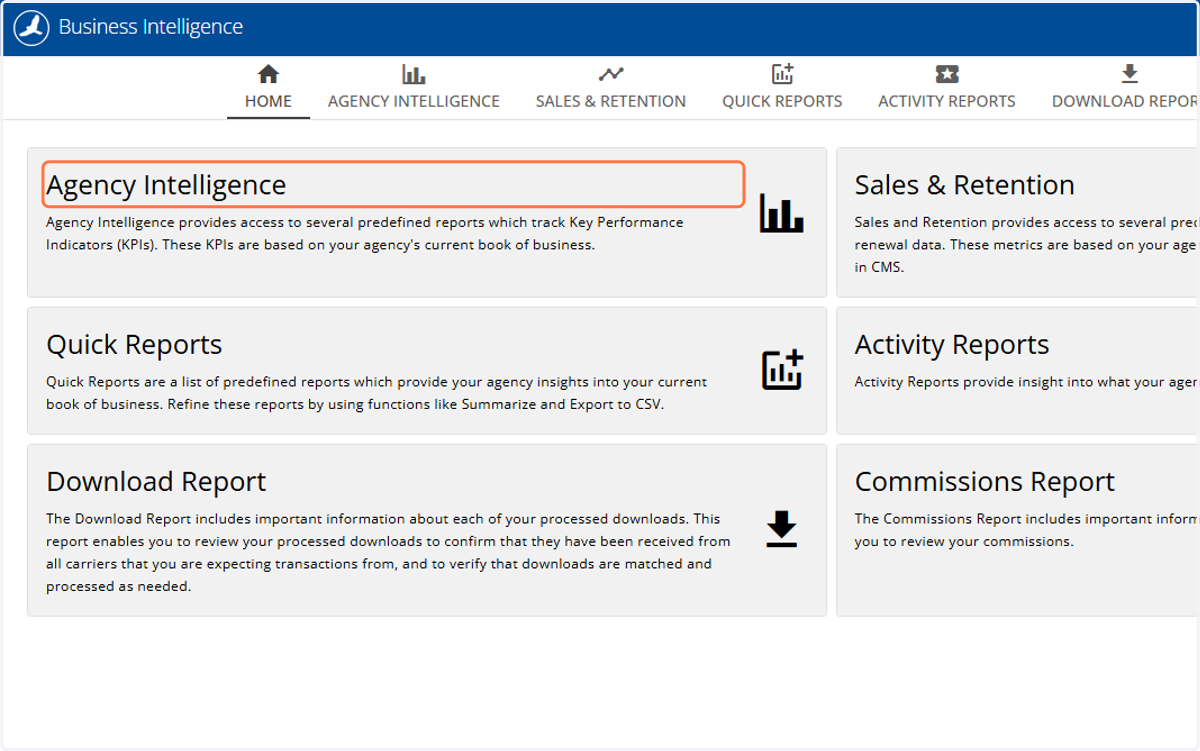
2. Click on Agency Intelligence
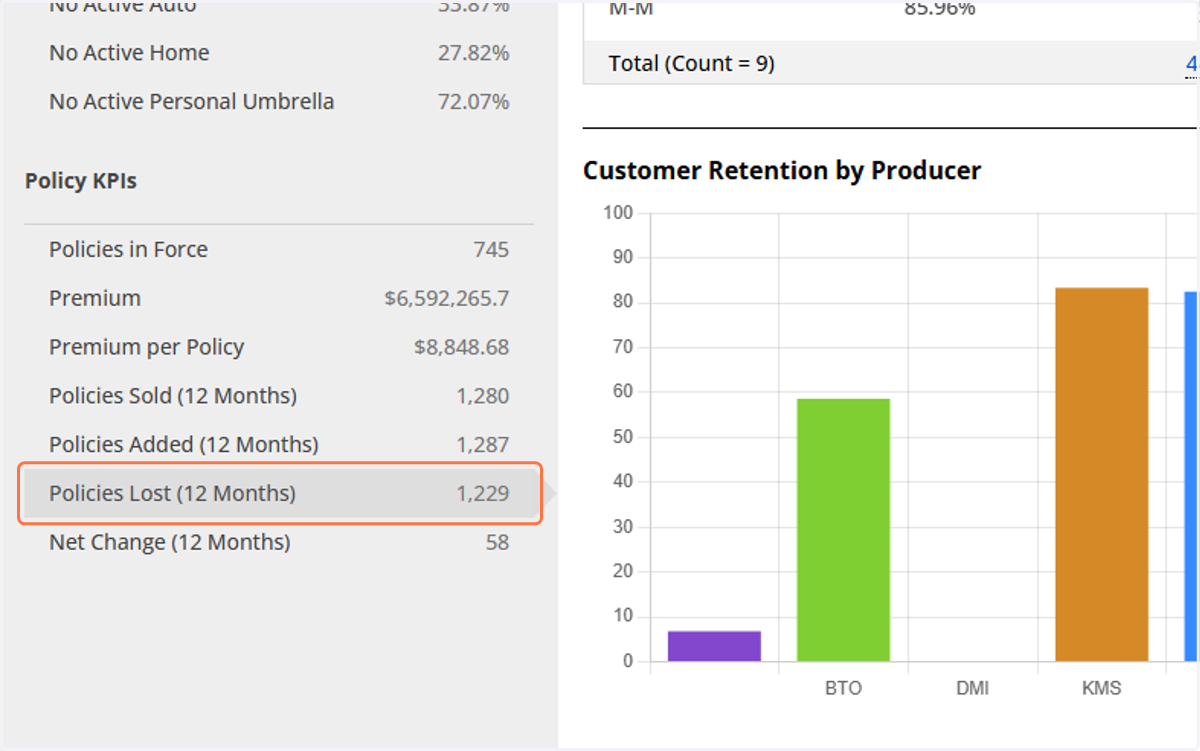
3. Under "Policy KPIs" click on Policies Lost (12 Months)
4. Confirm that "Group By" is None and "Date Range" is Last Month.
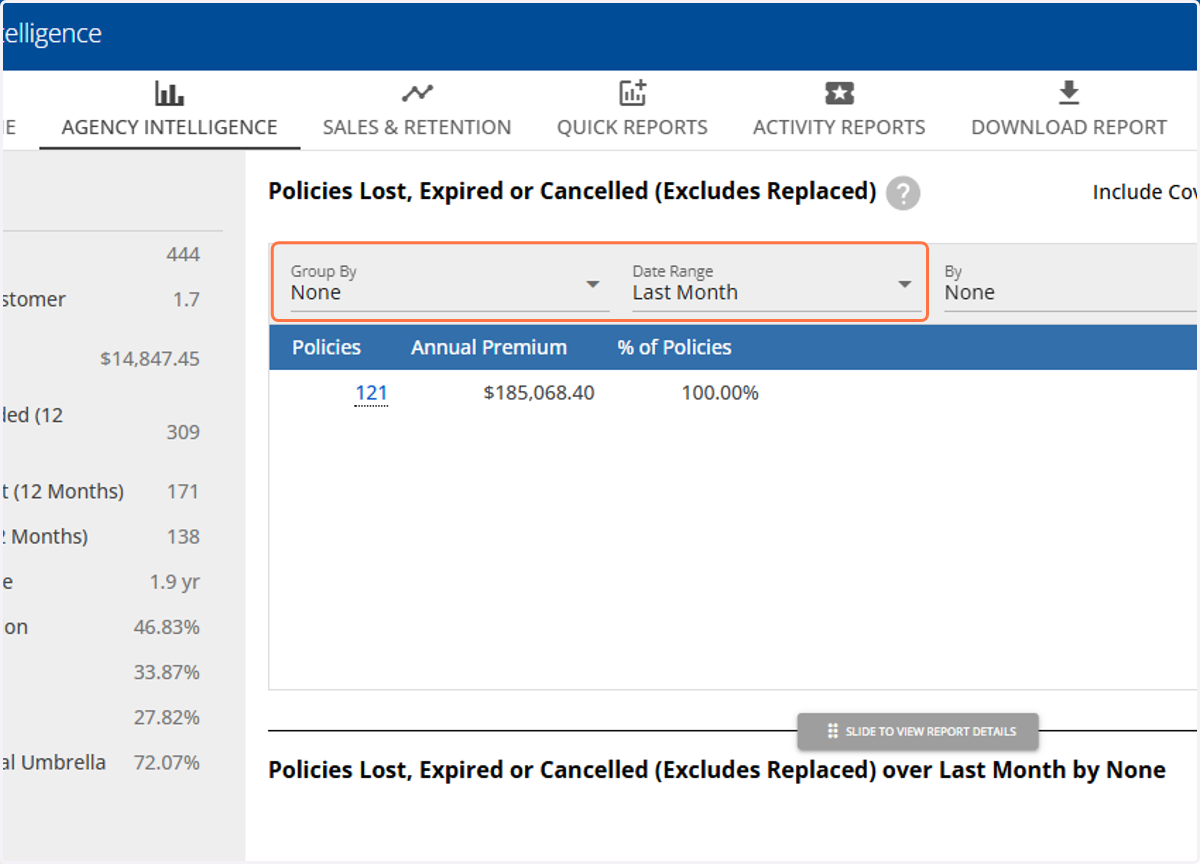
5. Click on the total number under the previous month to open the full report.
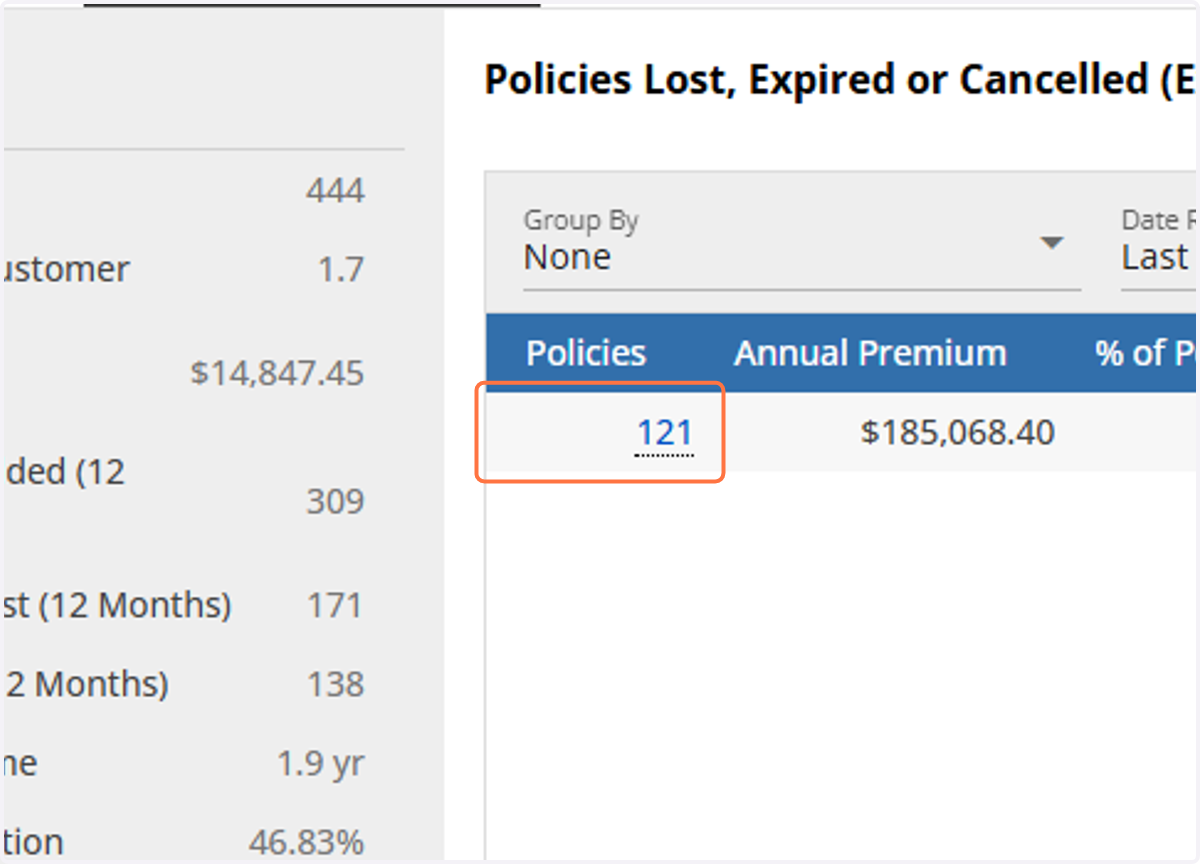
Verify Report Structure
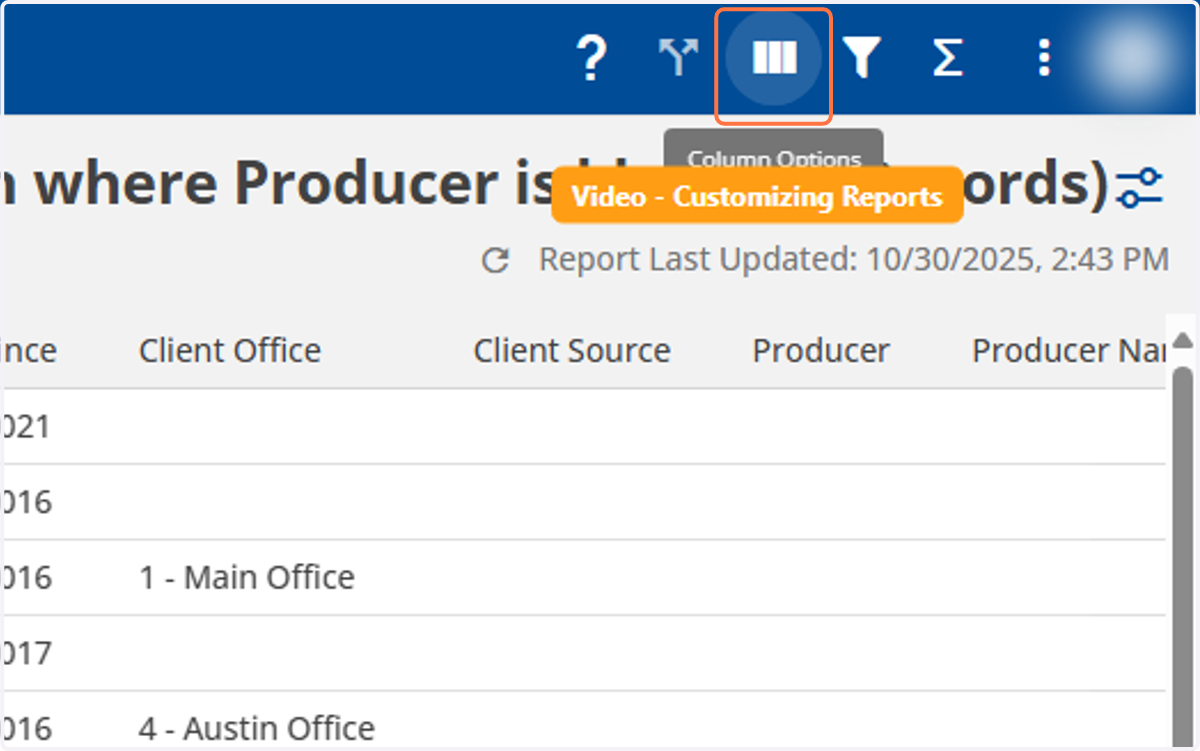
6. On the top-right corner, click on "Column Options"
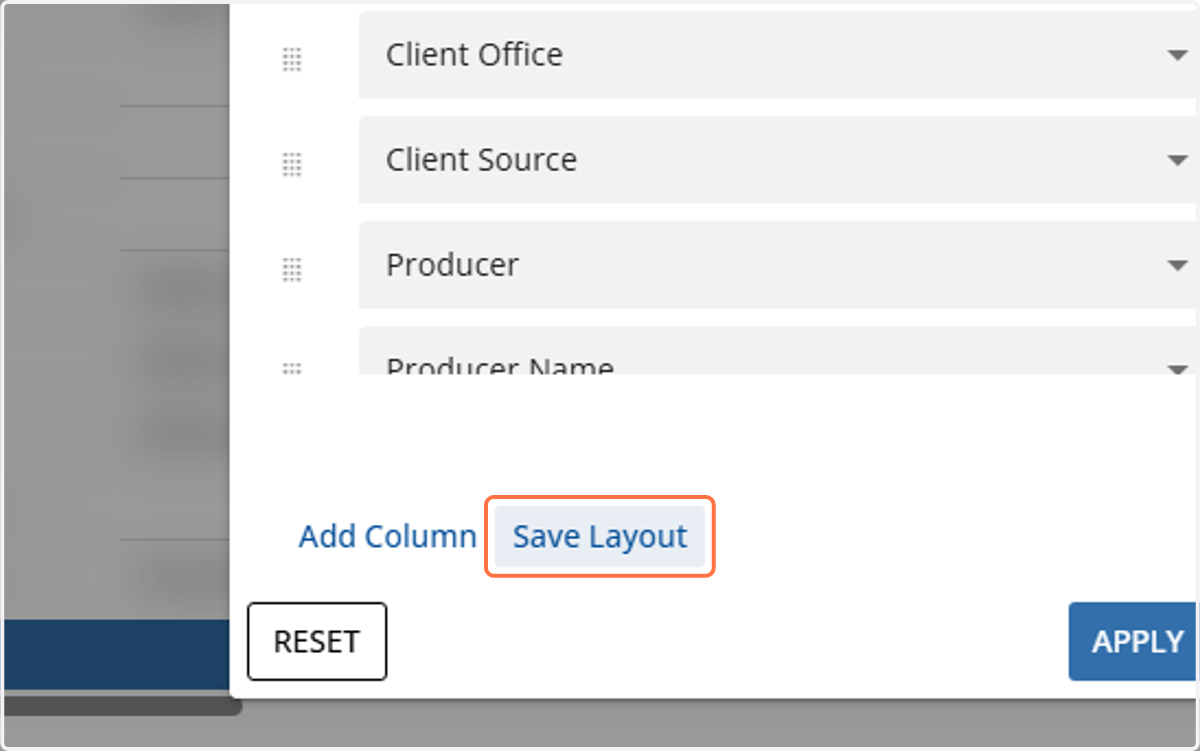
7. Click on Save Layout
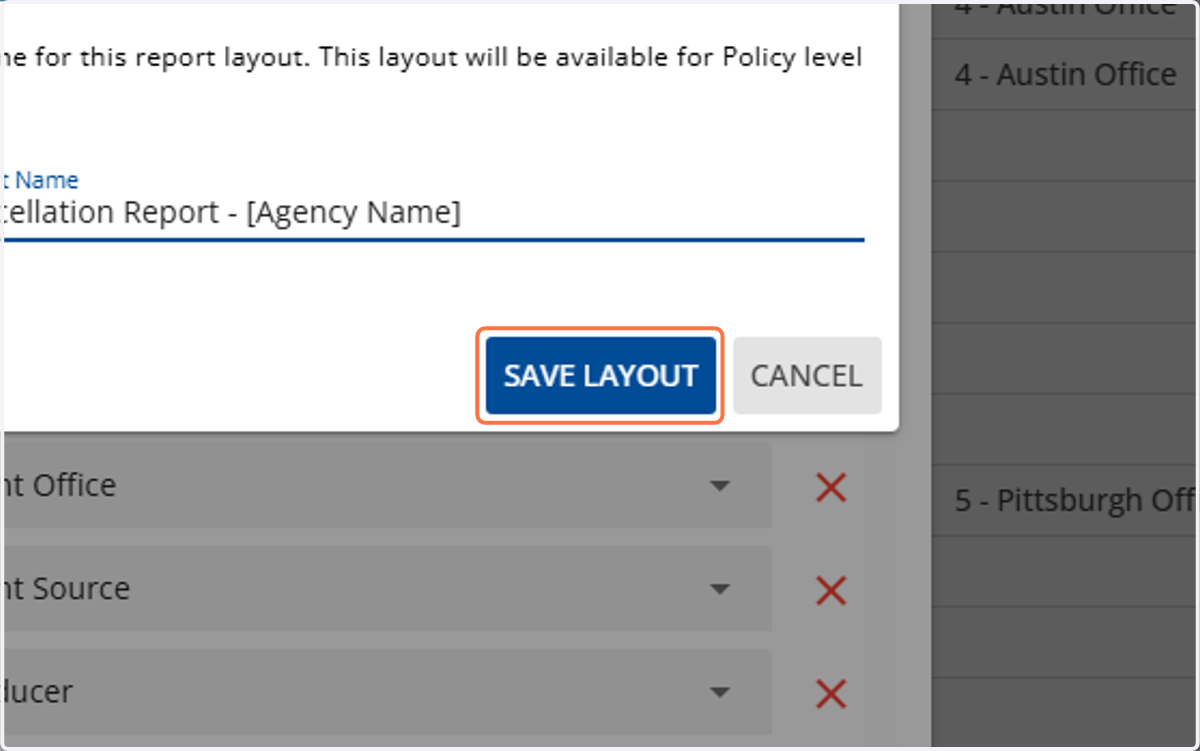
8. Name the layout: "APP - Cancellation Report - [Agency Name]"
![Name the layout: "APP - Cancellation Report - [Agency Name]"](https://images.tango.us/workflows/40d713e8-7e4e-41b8-a5e0-f78ec2cf1590/steps/d27c591e-5ca9-4996-8679-0a749b2042a2/6424e03a-90e6-46b1-bf18-bed2341506ac.png?fp-x=0.5003&fp-y=0.5130&fp-z=1.6081&w=1200&border=F4F2F7&bx=502&by=451&bw=476&bh=48&c=FF7442&dpr=1.00)
9. Select Save Layout
Exporting the Report
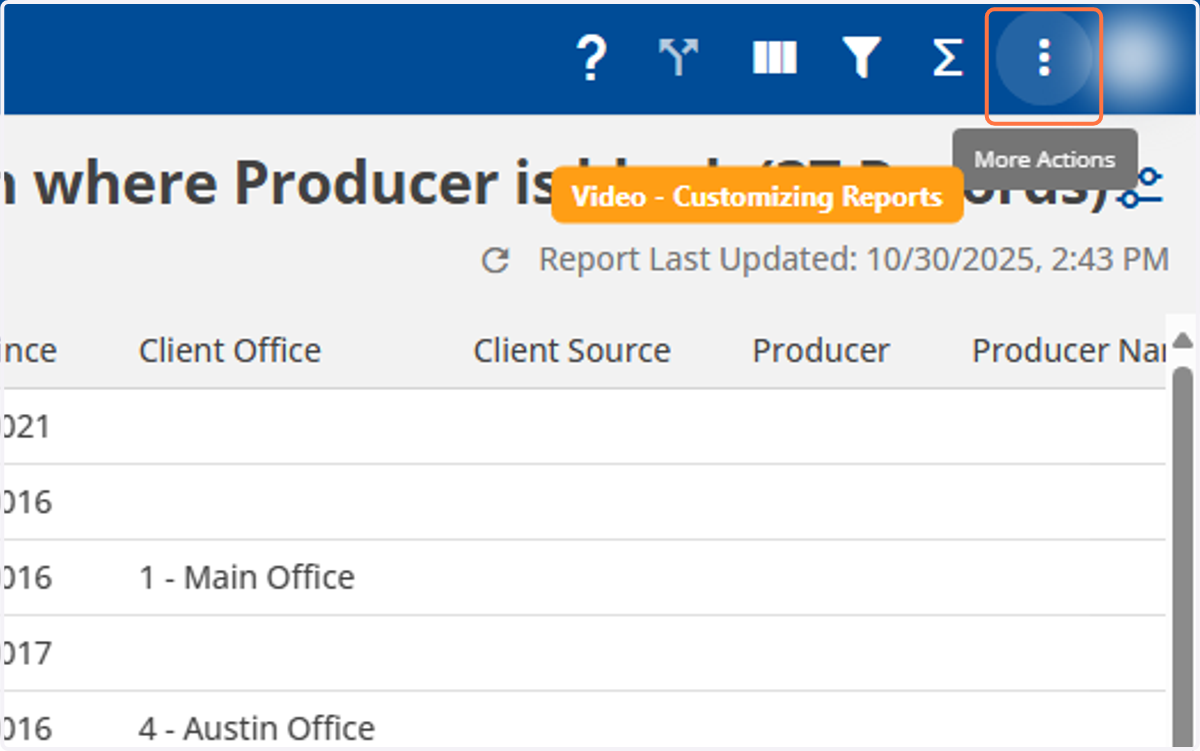
10. In the top-right corner, select the kebab menu "More Actions"
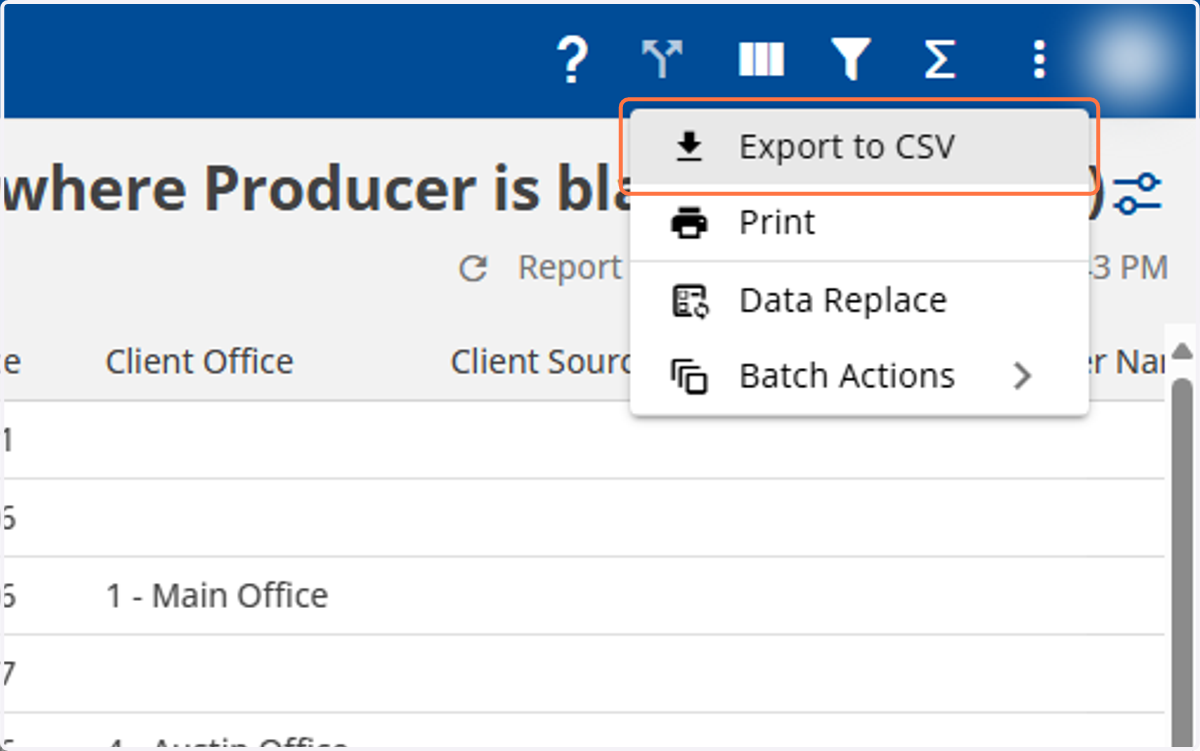
11. Click on Export to CSV
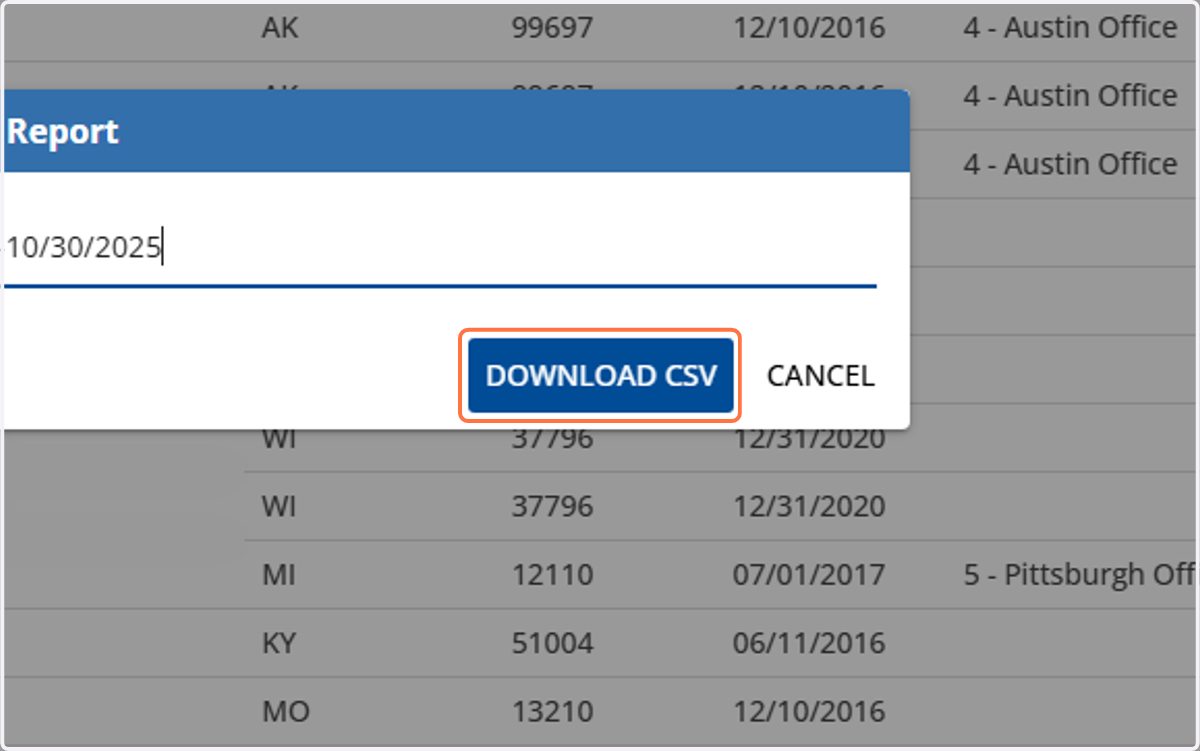
12. Select "Download CSV"