Guitar Modes, Chords, and Pentatonic Scales Trainer
See https://training.statecollegeguitarlessons.site for the interactive app!
Interactive Guitar Fretboard + Piano Trainer
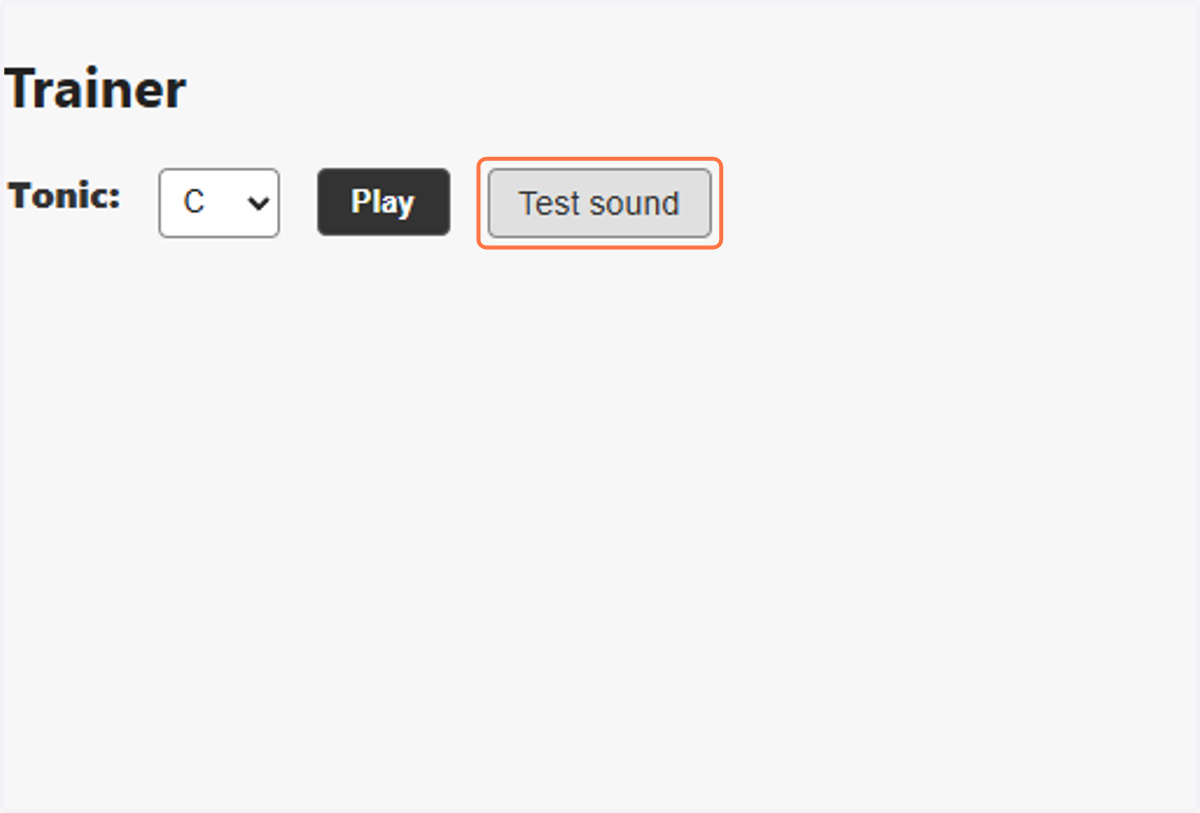
1. Can you hear the sound?
Sound is definitely not necessary to use the trainer. It's just a subtle enhancement because web browsers can do that now.
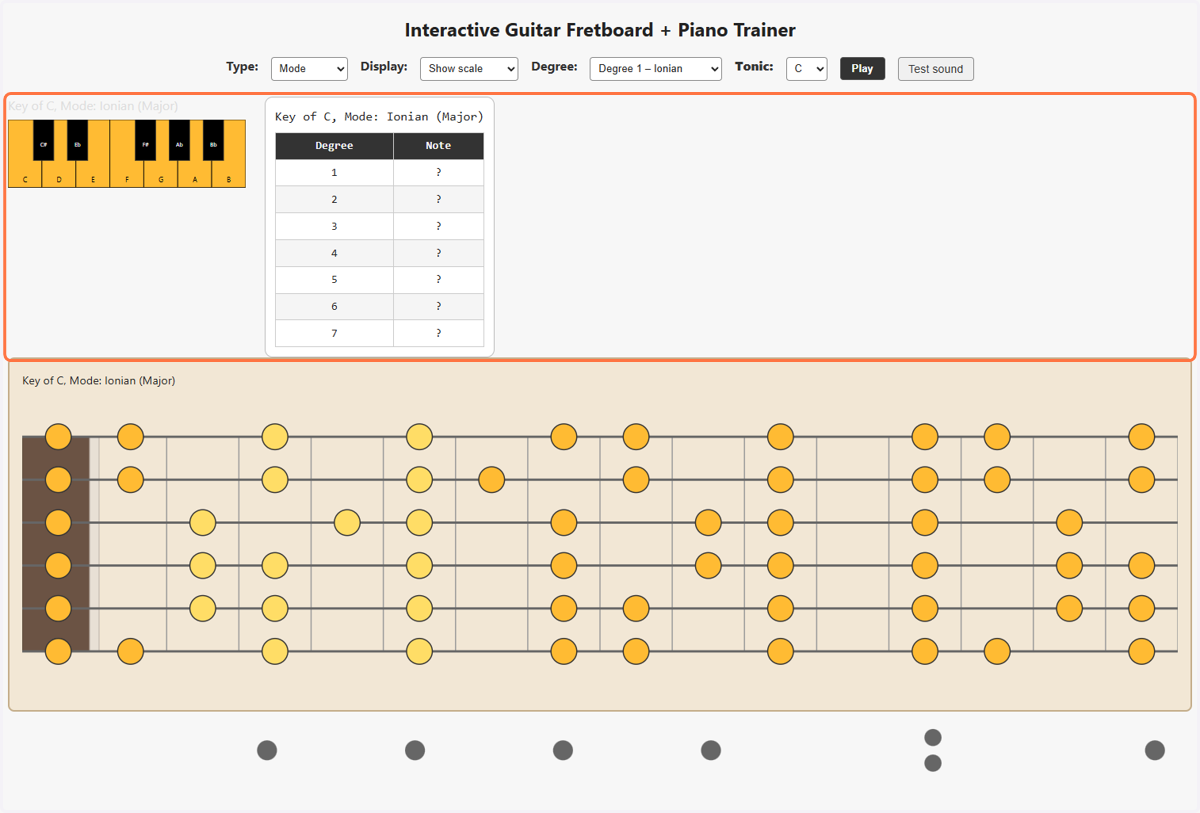
2. Click on Interactive Guitar Fretboard + Piano Trainer…
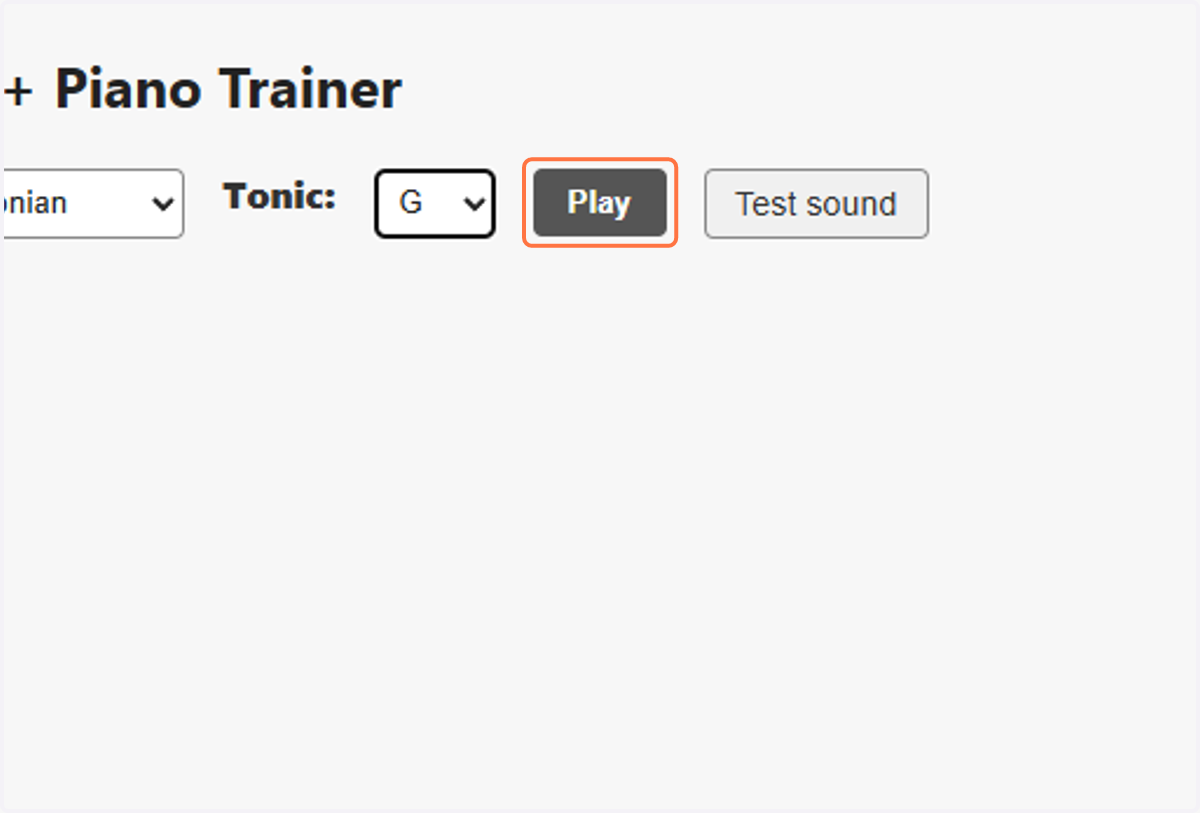
3. Clicking Play will light-up the tones which correspond to the selected mode
Clicking Play will demo play the currently selected mode. The idea is to see what it looks like to play the mode on the neck in real life, from lowest tone to highest.
4. Select Show scale from Display
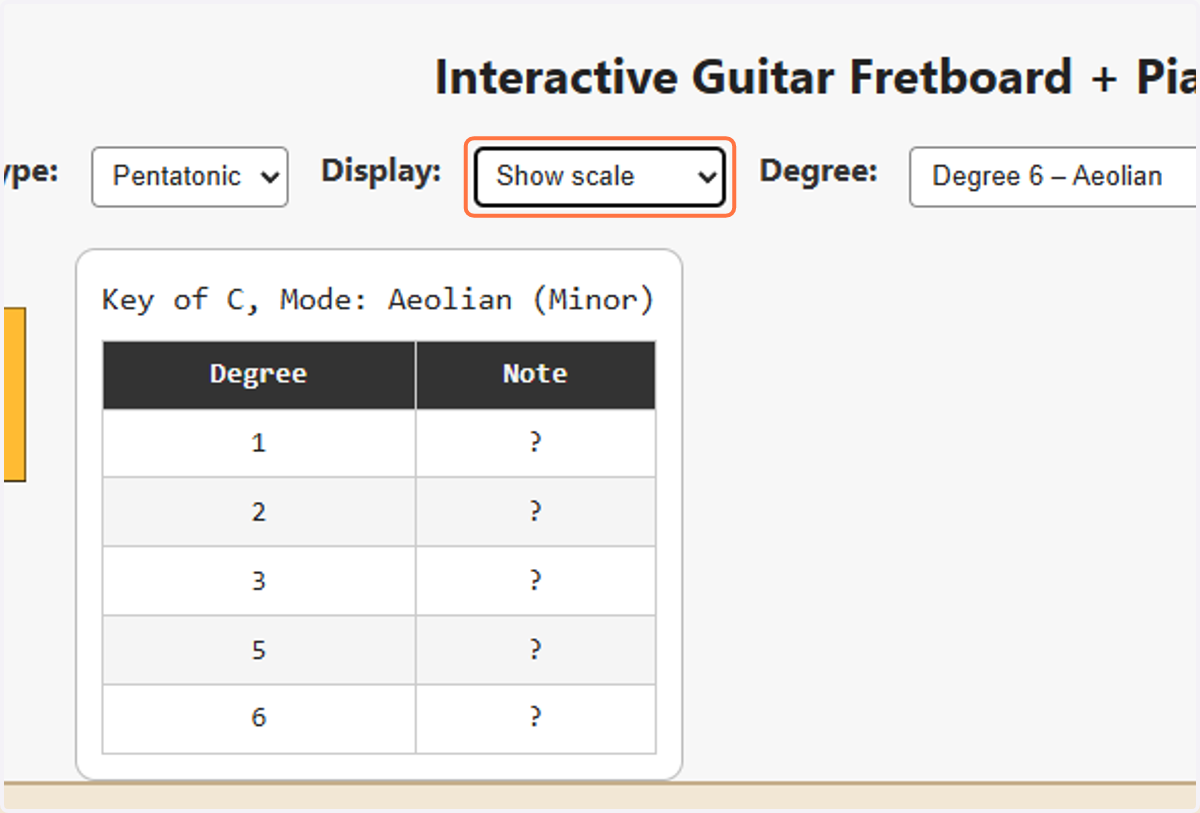
5. Display: Show scale
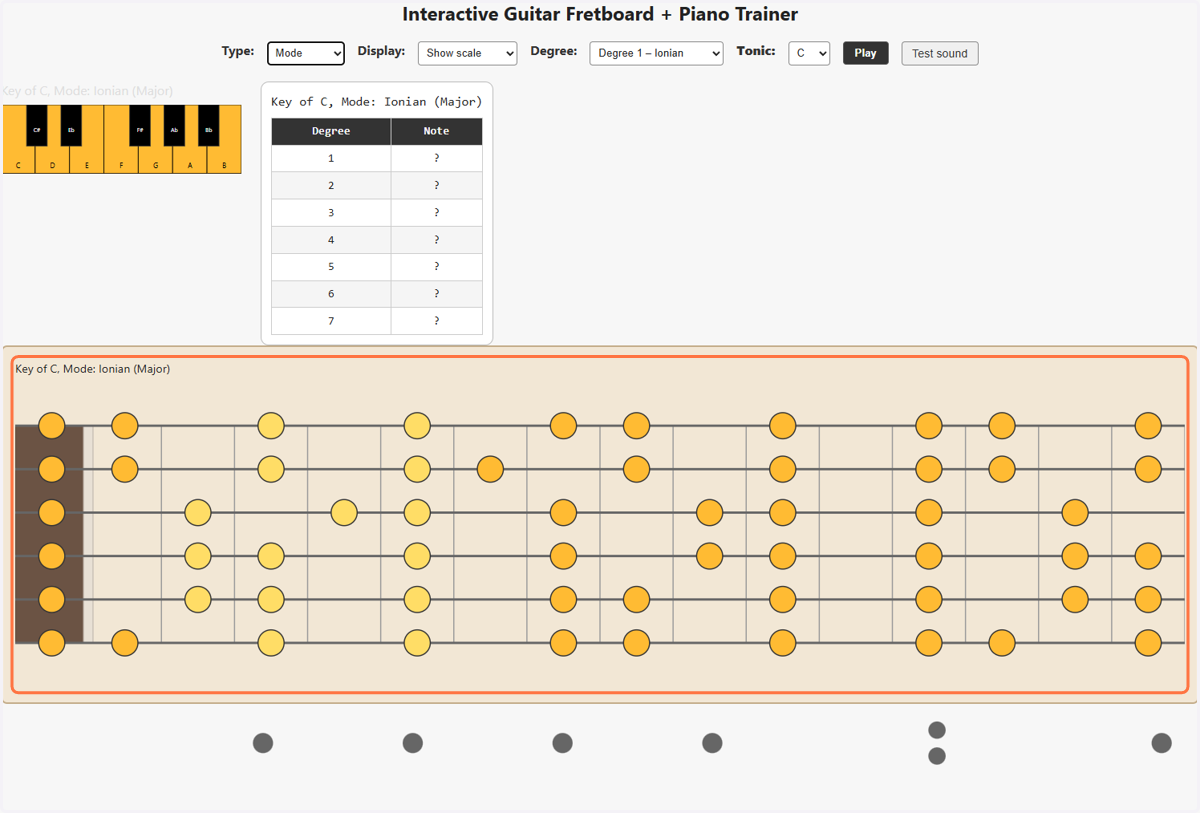
This is the easiest view. All available tones of the selected "Tonic" are visible. For training, the Degree selected is a slightly lighter color. Changing degree changes the area with the lighter color as a visual hint to where you begin that mode. It is not an exact placement but a hint.
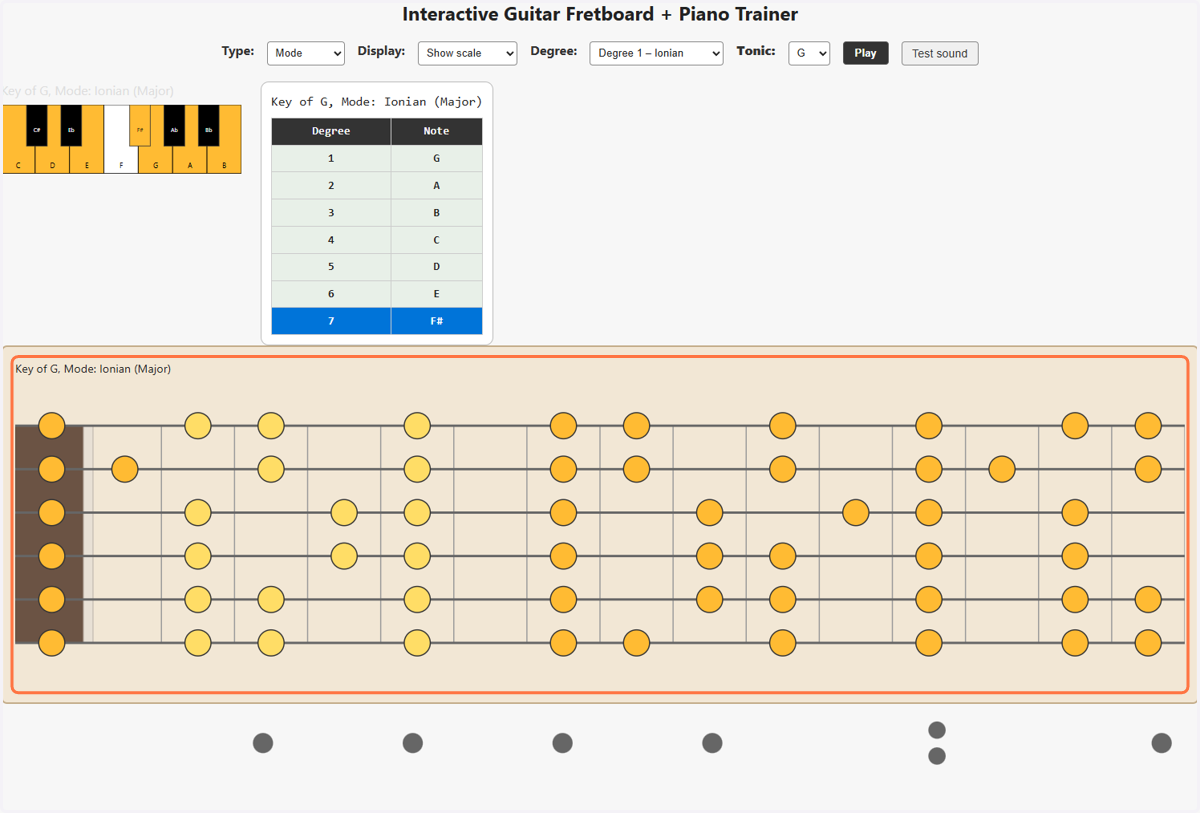
6. Type of Study
Select Chord, Mode, or Pentatonic for type of fretboard to show.
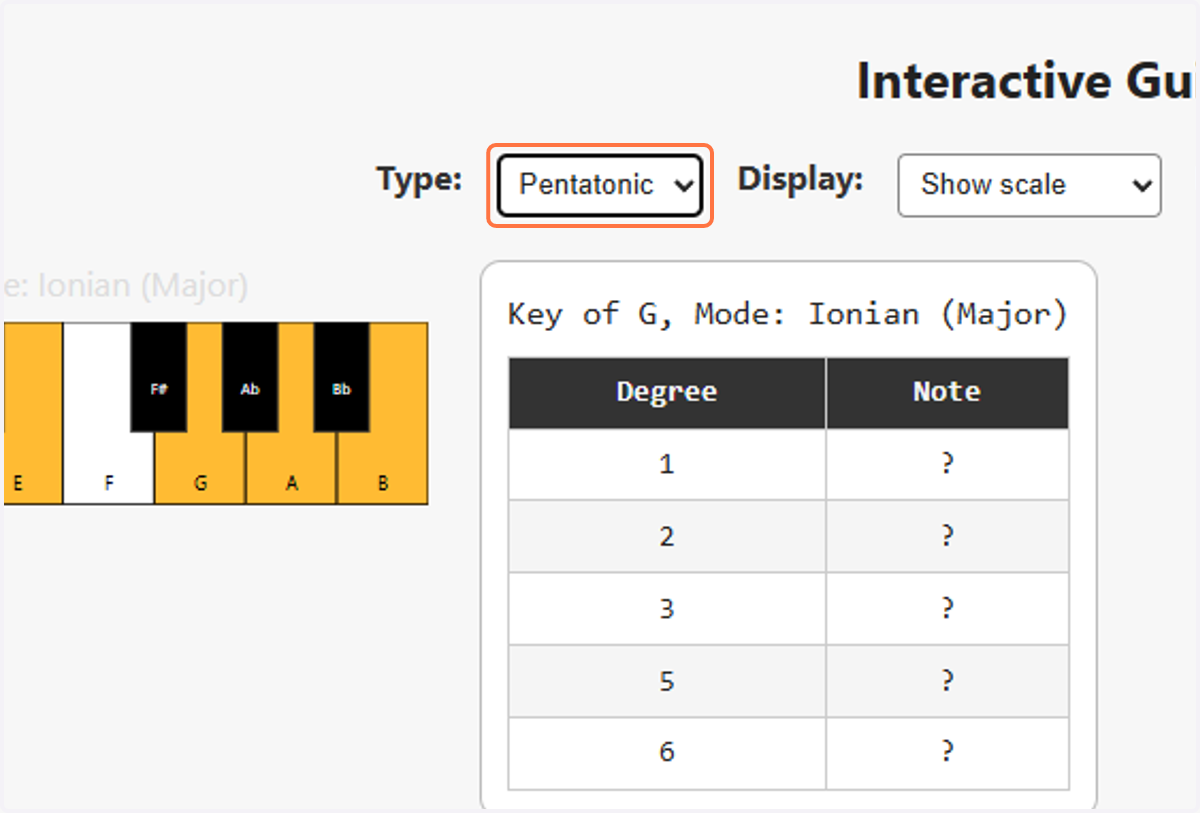
7. Difficulty level: Display
Select your desired fretboard display. Reveal on click is the most difficult.
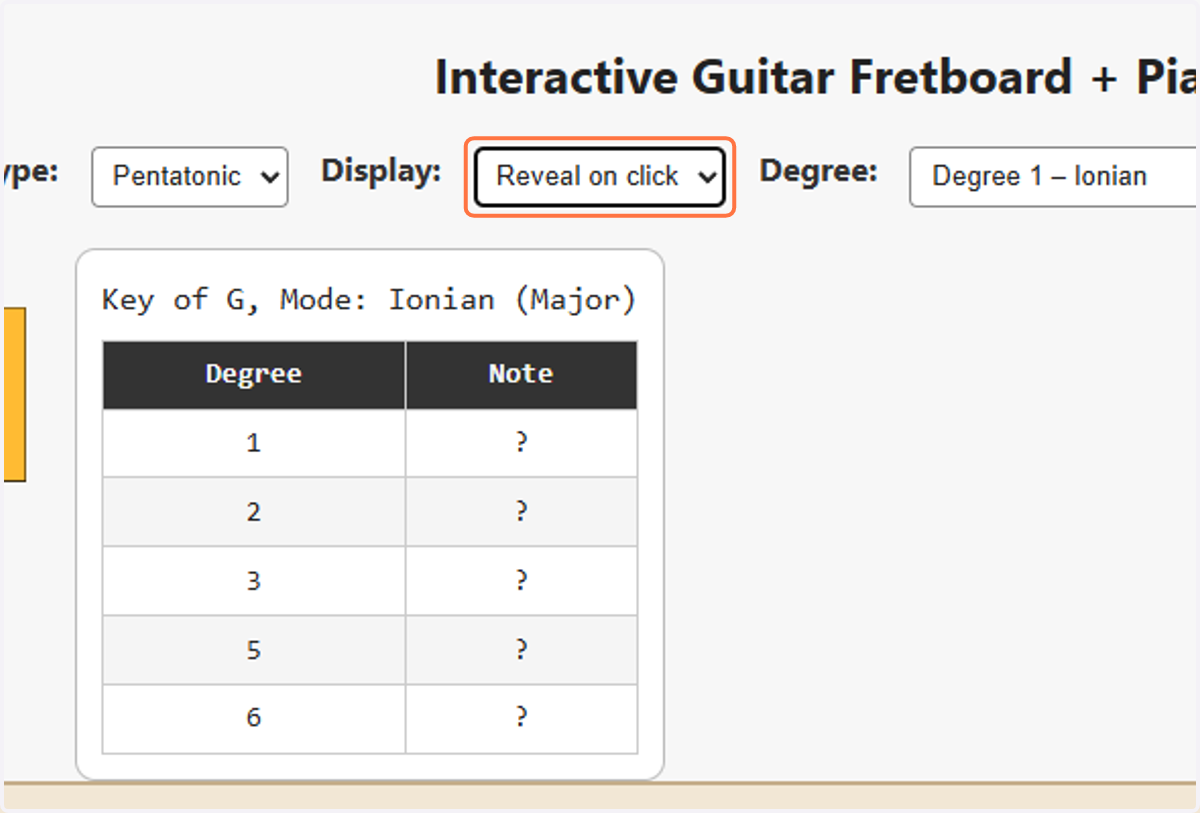
8. Display: Reveal on Click is shown
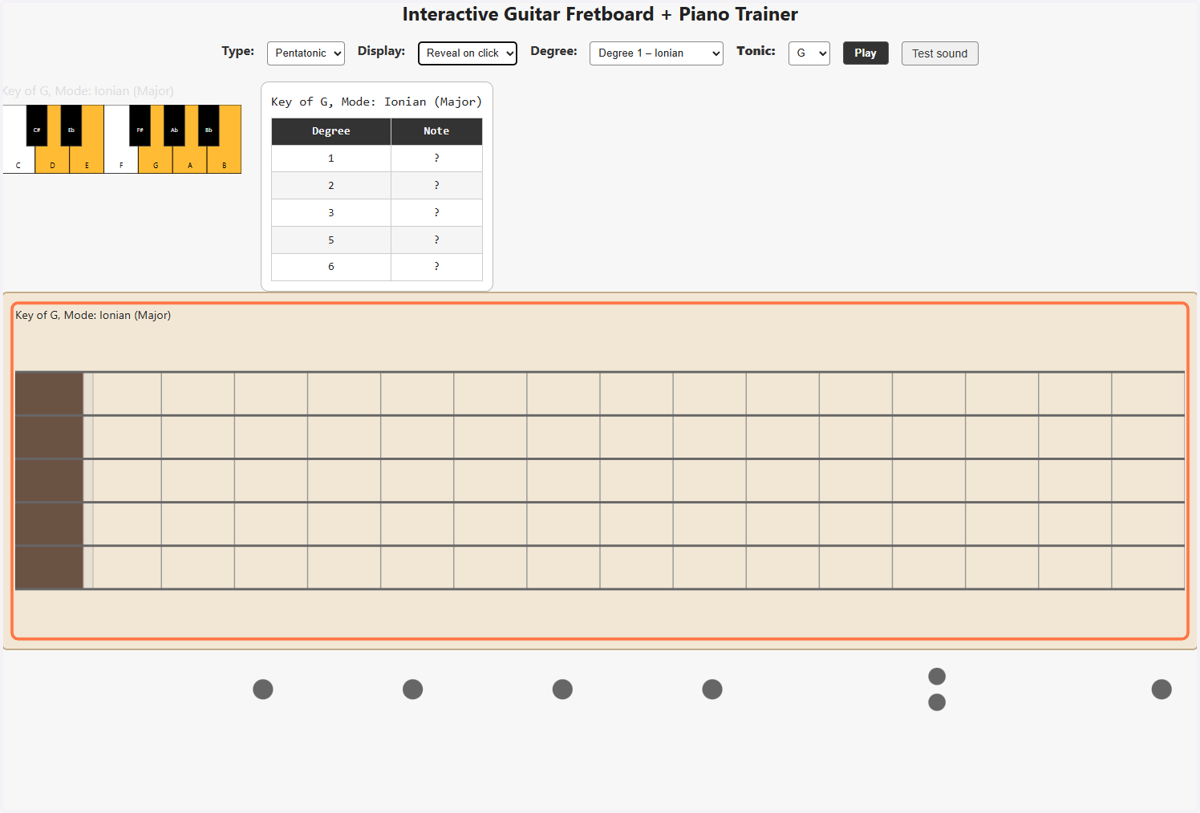
9. Select Tonic to set desired Key
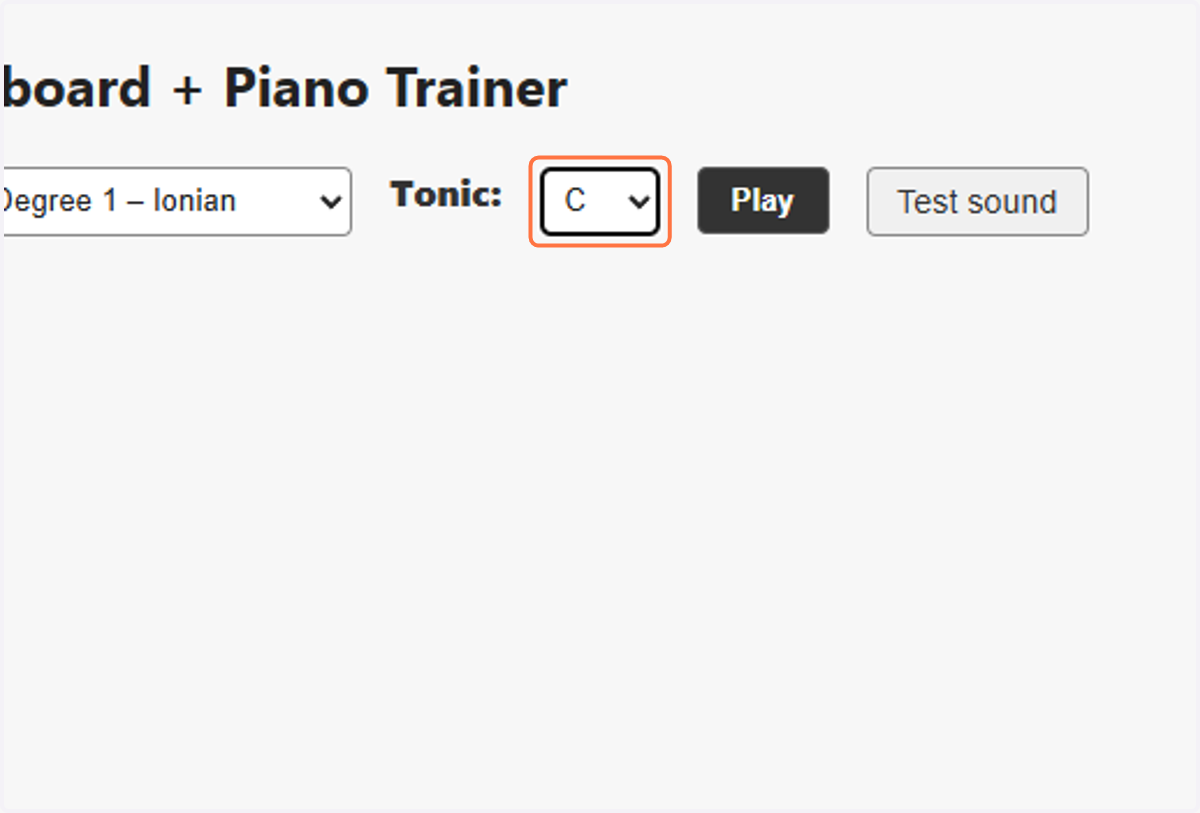
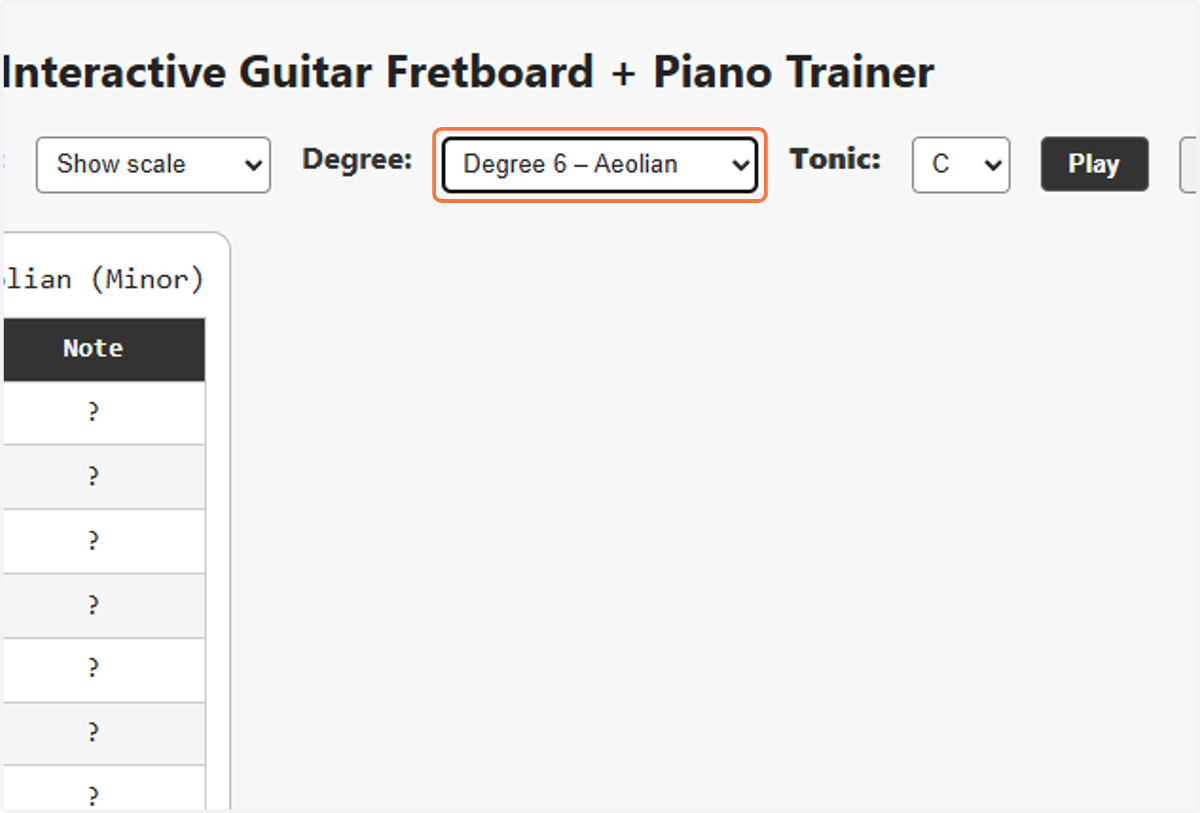
10. Select Degree / [Mode Name]
This is probably the most imporant selector for traning. Once tonic is chosen, selecting the Degree determines what position the hand will be in for that particular mode. The position is hinted with a slightly different color of the dots.
![Select Degree / [Mode Name]](https://images.tango.us/workflows/3780d3c0-c454-45ae-a094-b5f028075237/steps/c78c4d29-ce5d-48d0-ae62-122c269768ea/f26c8e7c-516e-4f39-83f5-0ef5bdf2356c.png?fp-x=0.5462&fp-y=0.0841&fp-z=2.4115&w=1200&border=F4F2F7&bx=746&by=68&bw=175&bh=38&c=FF7442&dpr=1.00)
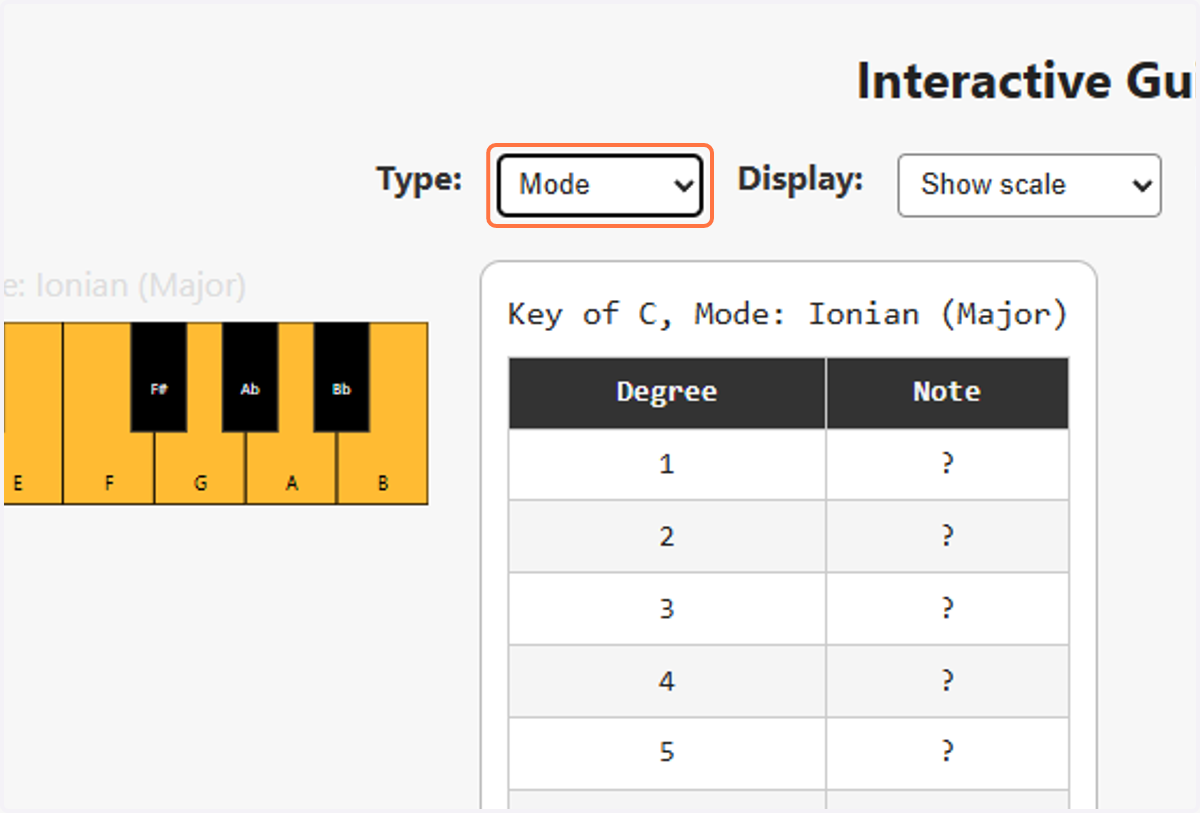
11. Select Mode from Type
Selector for Mode, Chord, Pentatonic. Selecting Chord may seem confusing at first. If it does, go back to Mode view, and remember the fret where that mode's degree appears. That fret is the same fret where the chord is shown, if you select Chord view here. Selecting Pentatonic should be self explanatory, based on knowing what chord does.
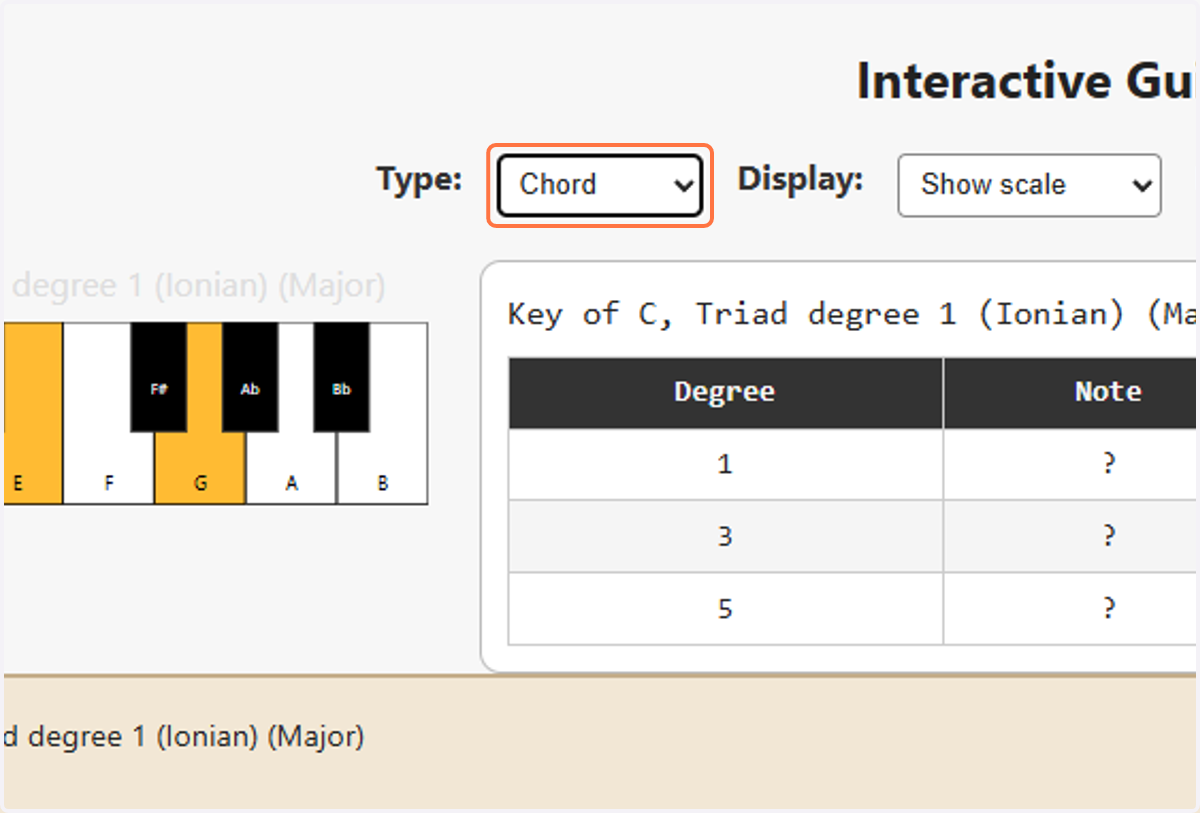
12. Select Chord from Type
Note that the text above the fretboard reads "Major" or "Minor"
13. Showing full fretboard display, key of C. Highlighted is Mixilydian mode at fret 3. It's highlighted there because that was the Ionian position in key of G, and the user hasn't selected a new Degree yet, so the old position remains highlighted as a hint.
14. Change the position on the fretboard
Select the desired mode for study. Changing this setting also changes the position of the highlighted area of the fretboard. The idea is that the hightlight is a visual hint, not an exact placement of the fingers. That's what the actual dots and Type selection are for.