Guest Payments Guide
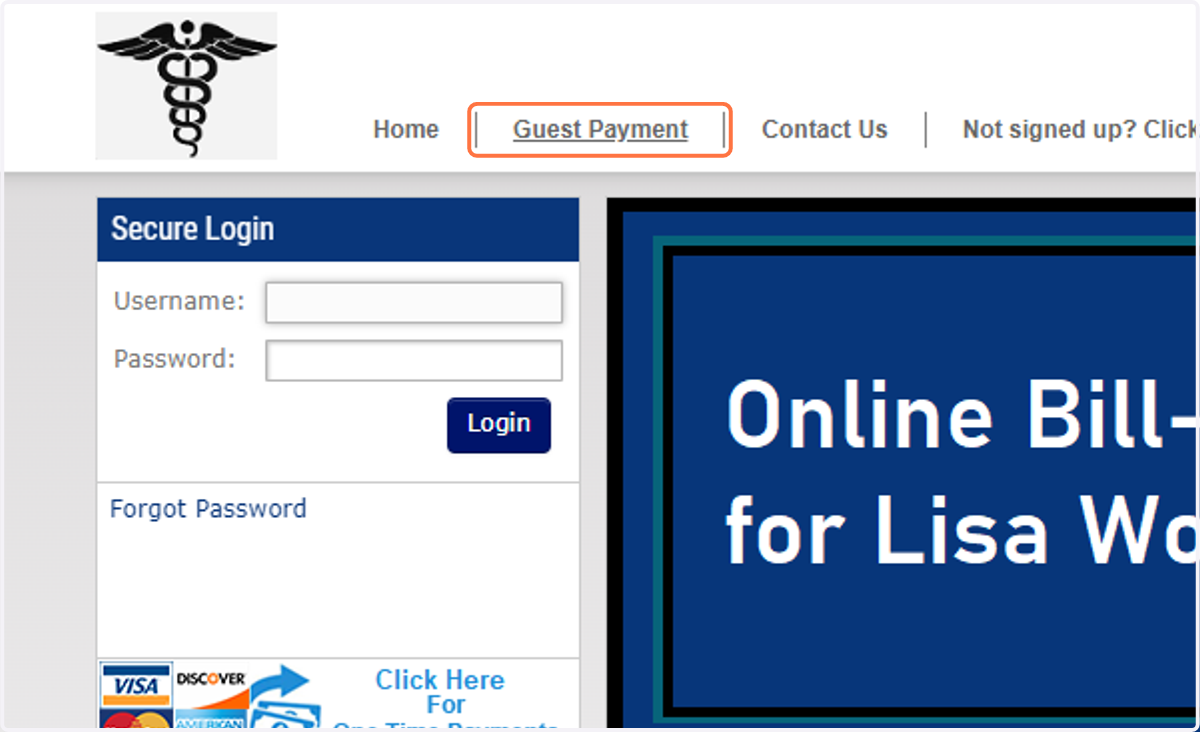
1. Click on Guest Payment
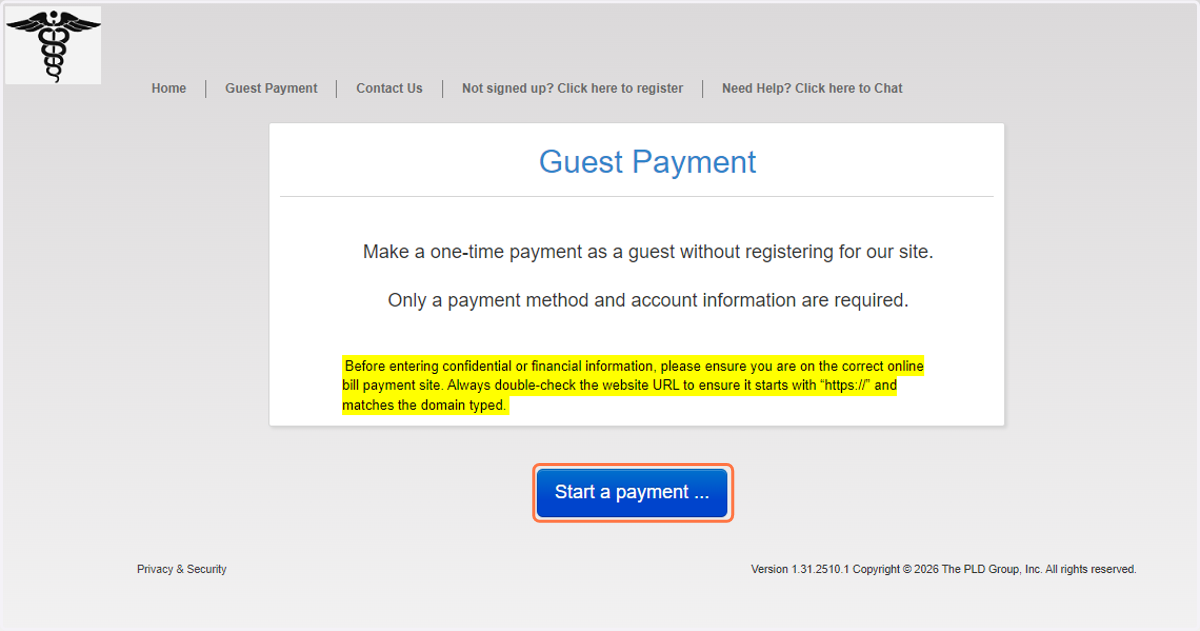
2. Click on Start a payment ...
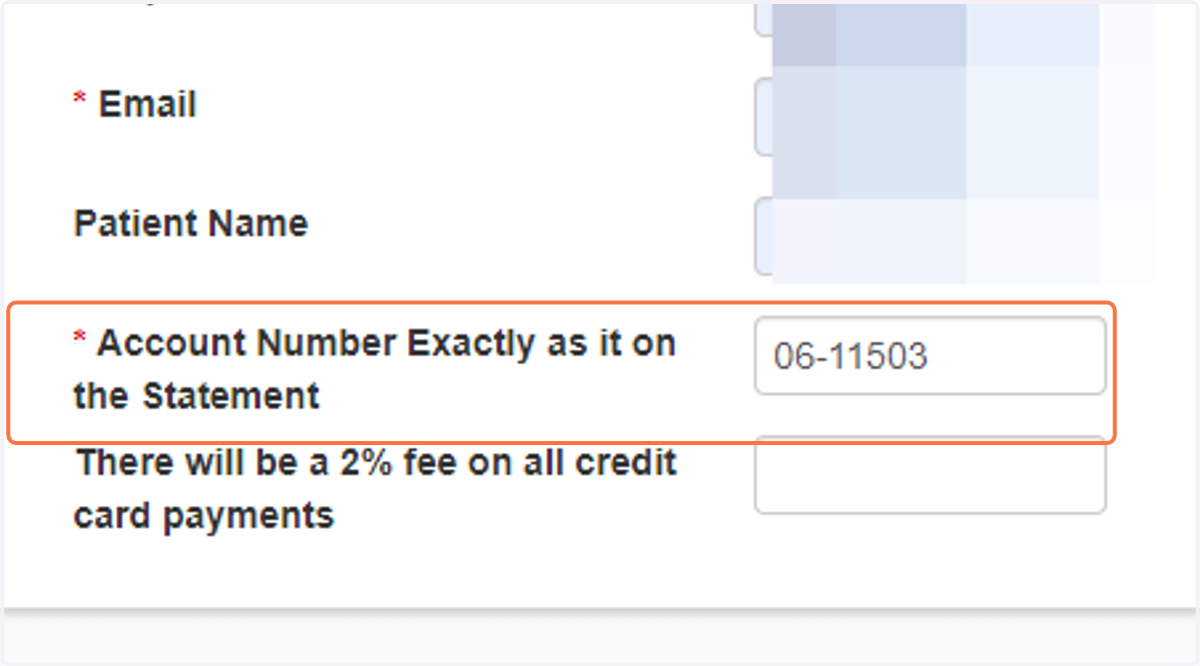
3. Enter your information to all lines with a red asterisk.
Please note: Your account number must be entered just as it appears on your statement. Payments will not process if this line item is incorrect
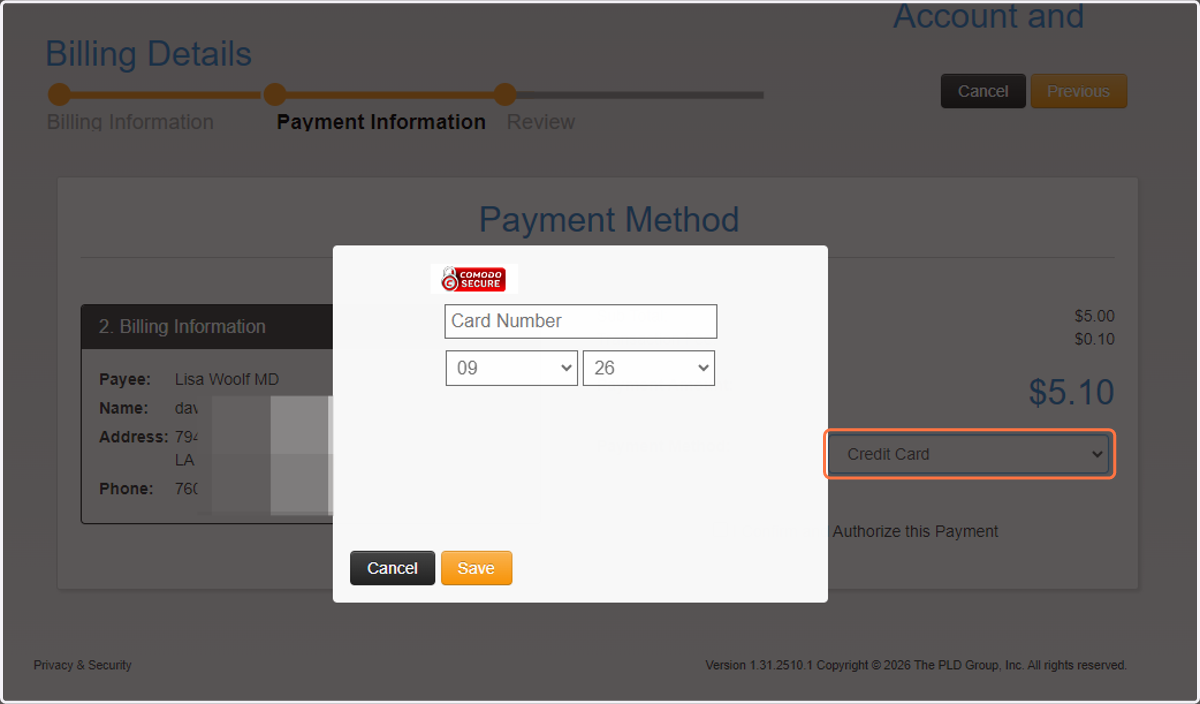
4. Enter credit card number
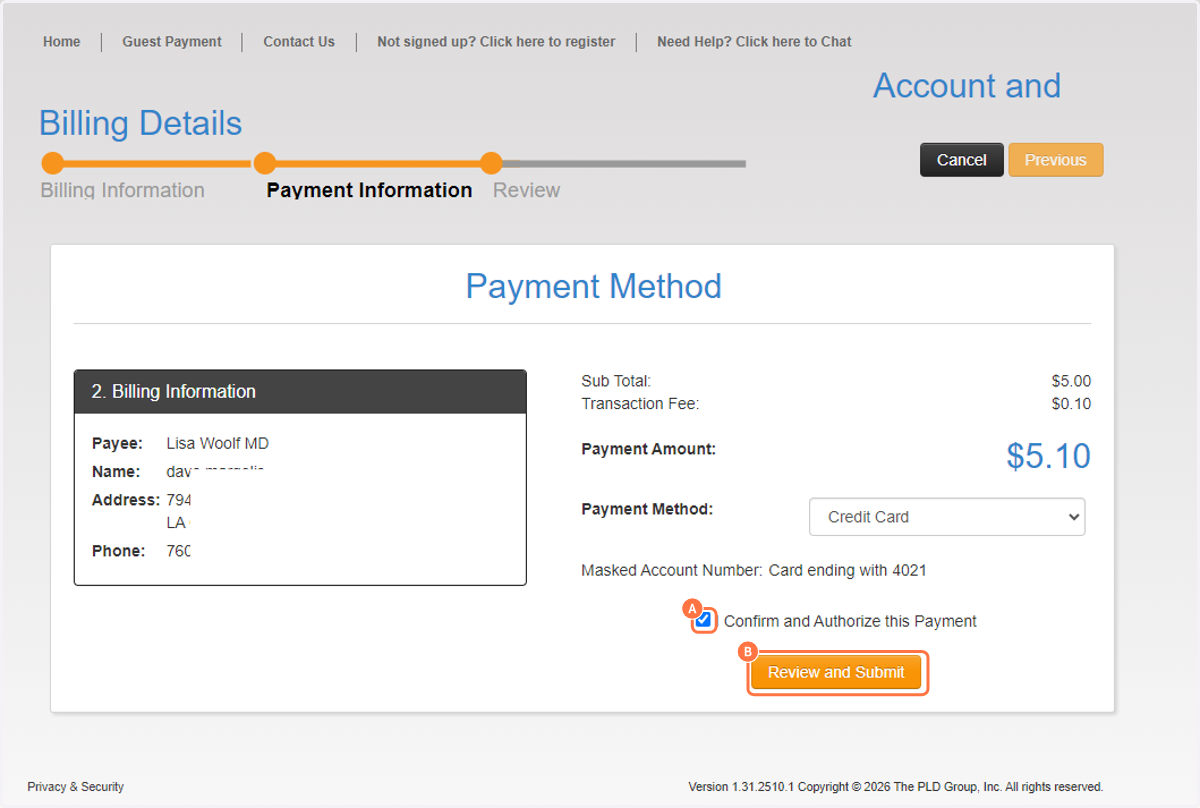
5. A. Select checkbox
5. B. Click on Review and Submit
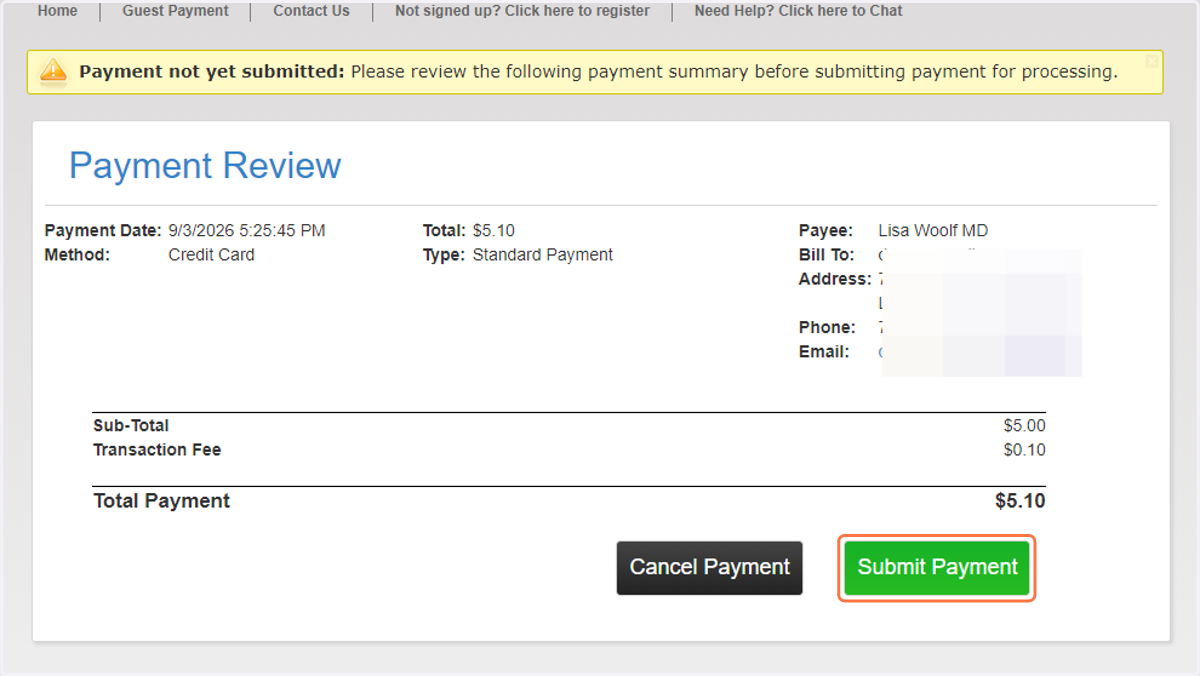
6. Click on Submit Payment