Greenhouse: Locating Requisition ID
Datavant | A Data Platform Company for Healthcare
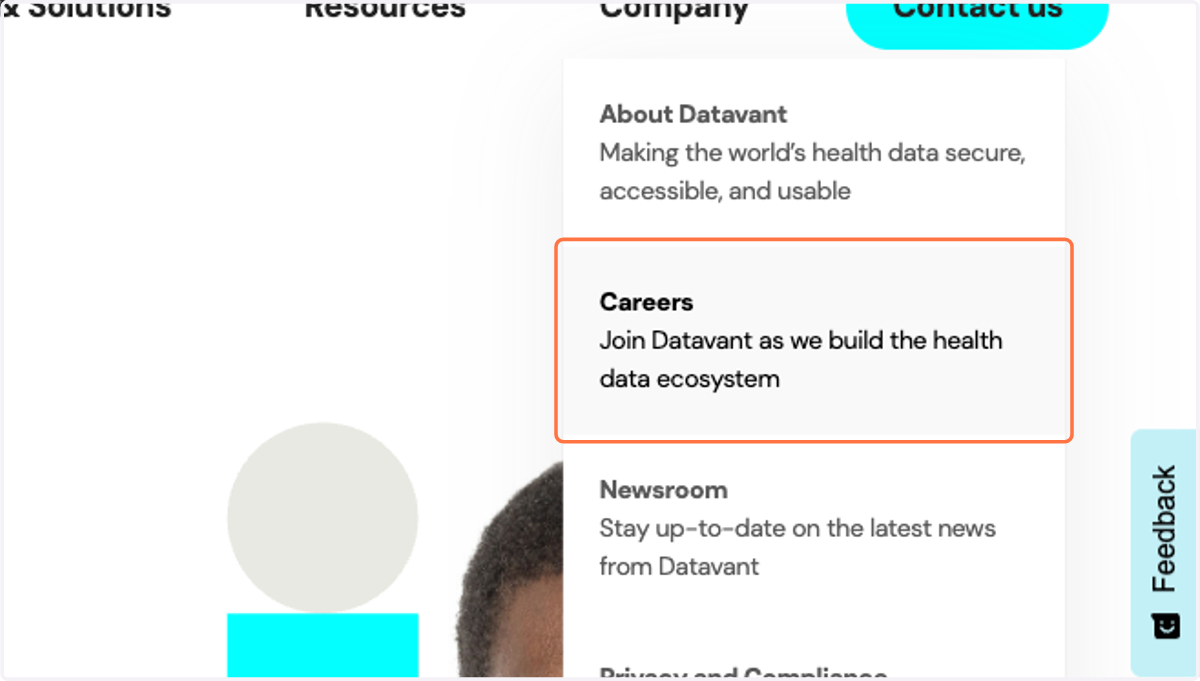
1. Hover over Company, Click on Careers…
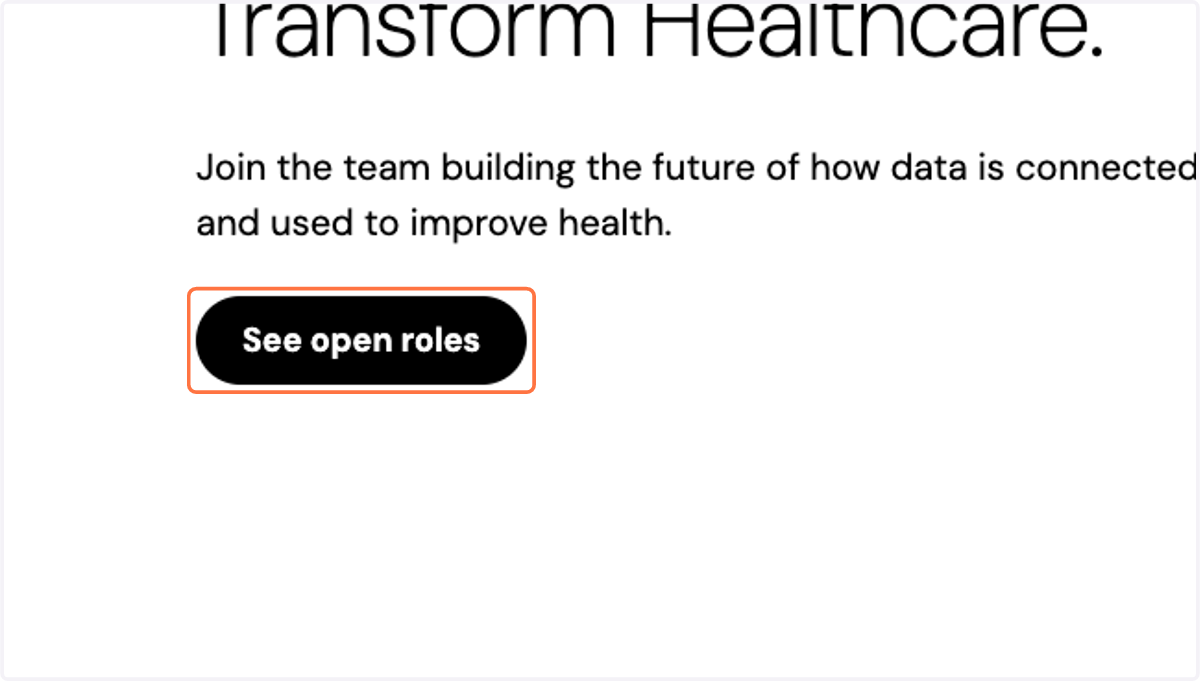
2. Click on See open roles
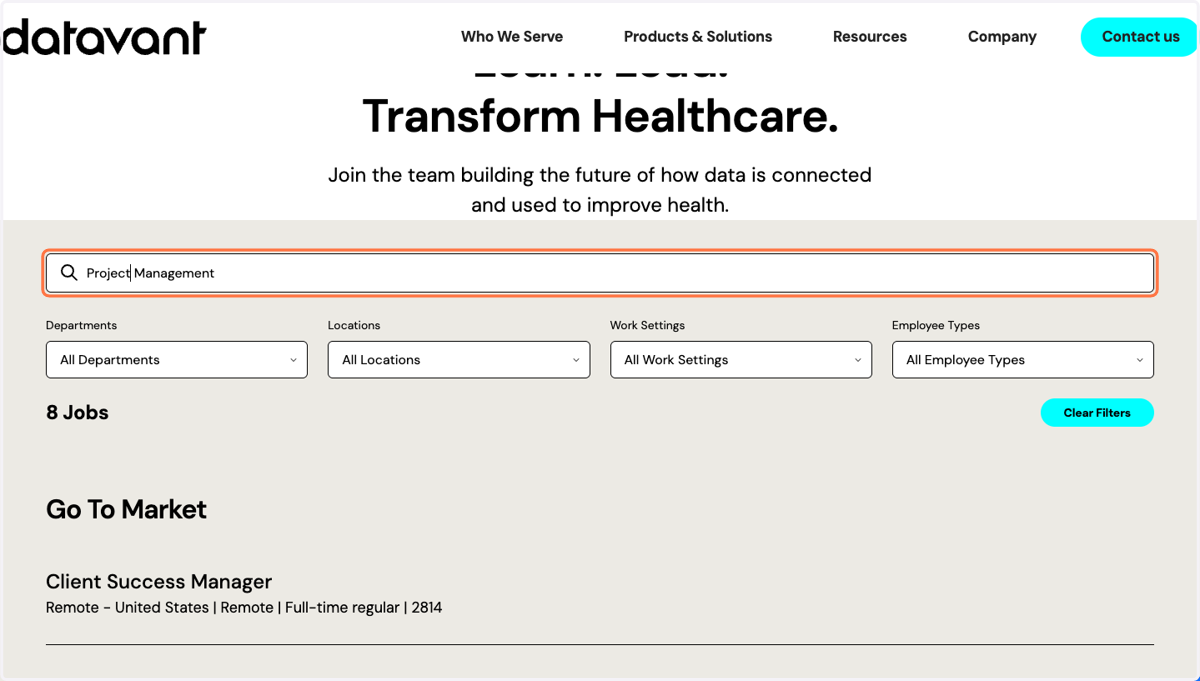
3. Find a role to apply to
Locate a role by keywords, department, location, work setting, or employment type.
4. Review the job
Once you've located a role, select it to review the full job description
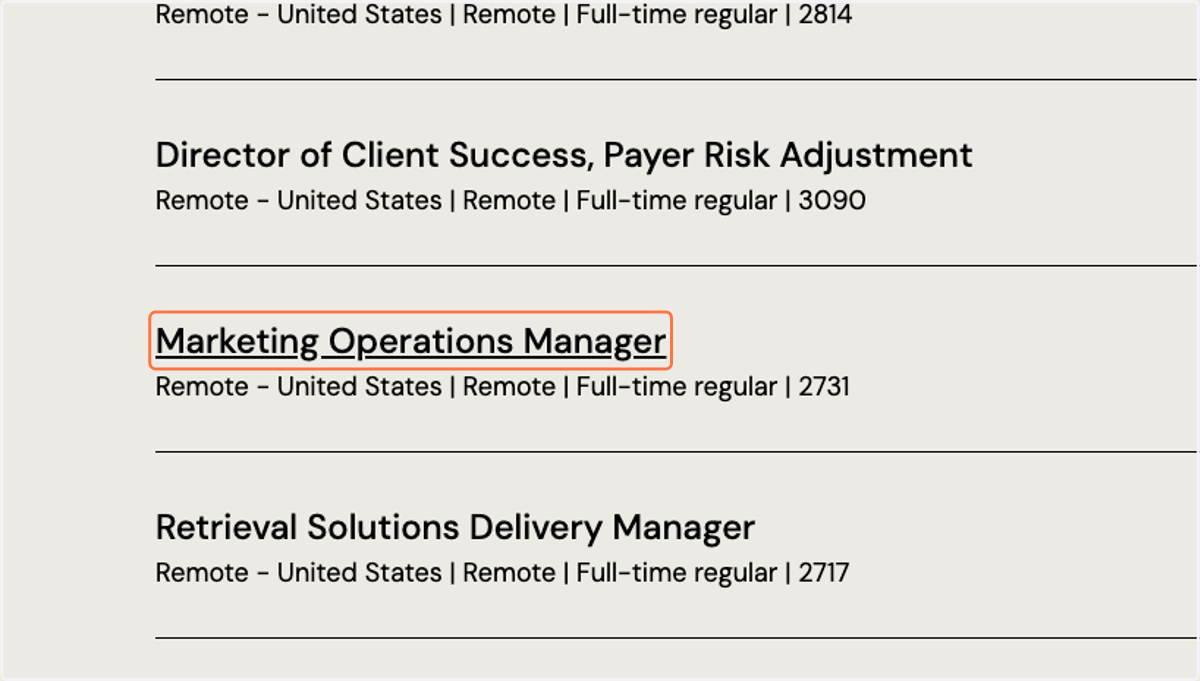
5. Identify the Requisition ID
The requisition ID can be found between the job title and the work setting.
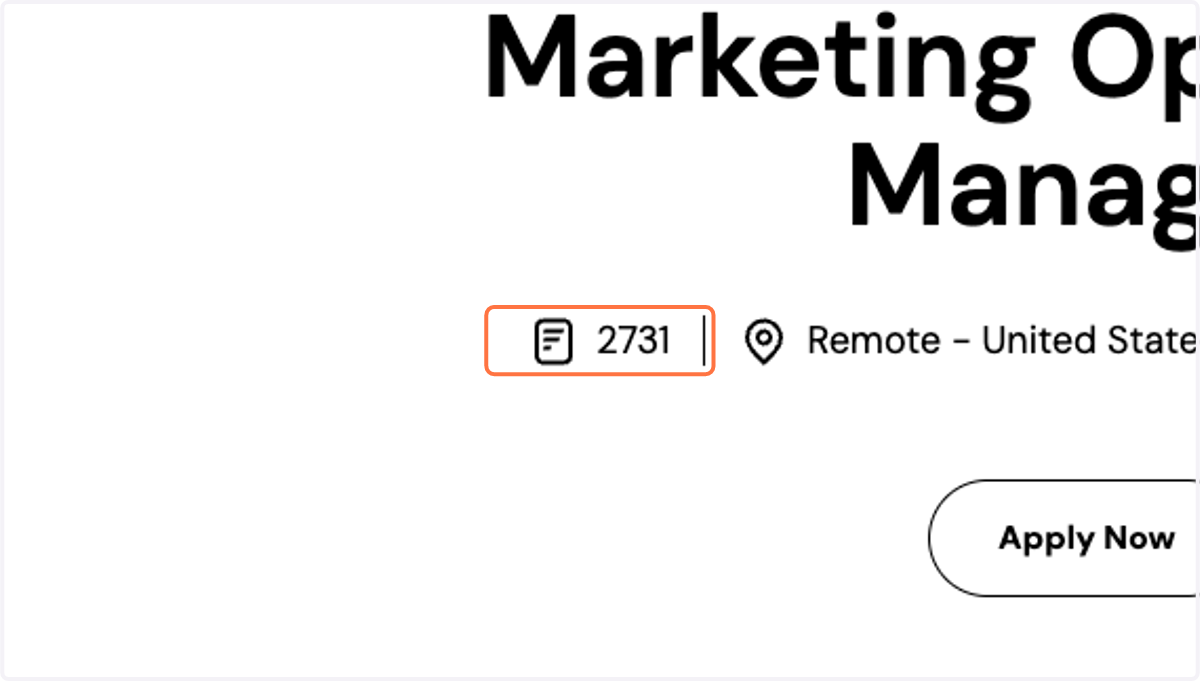
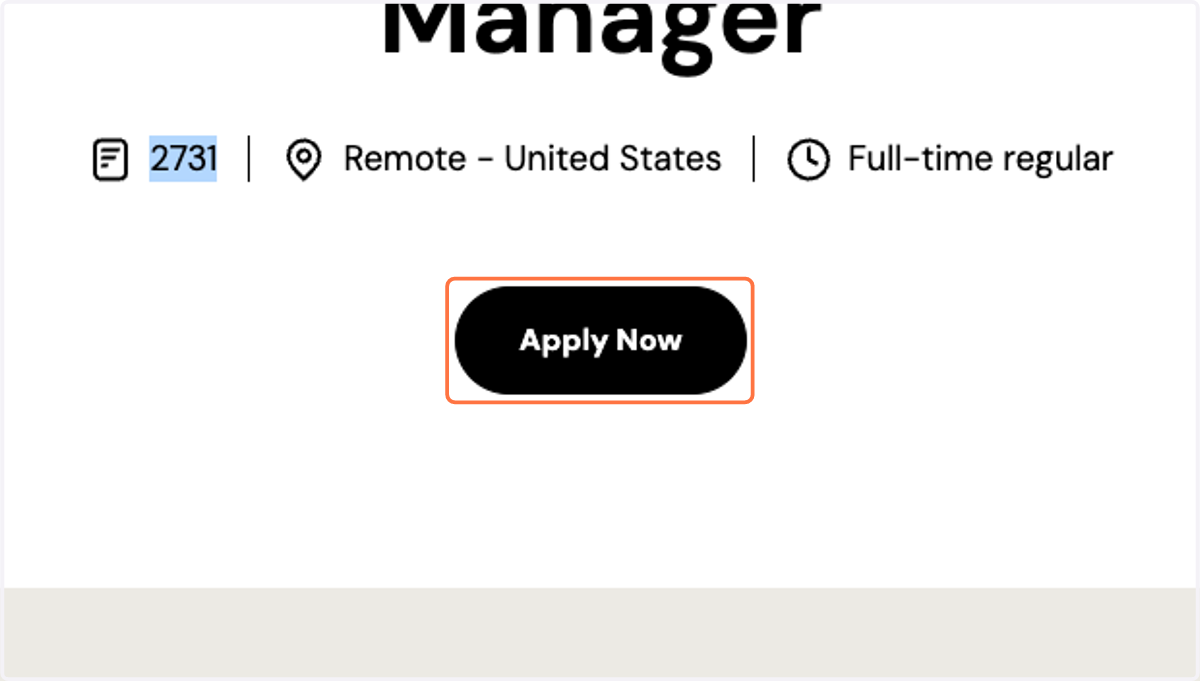
6. Select Apply Now
Ensure you complete an application by selecting Apply Now
7. Complete the application
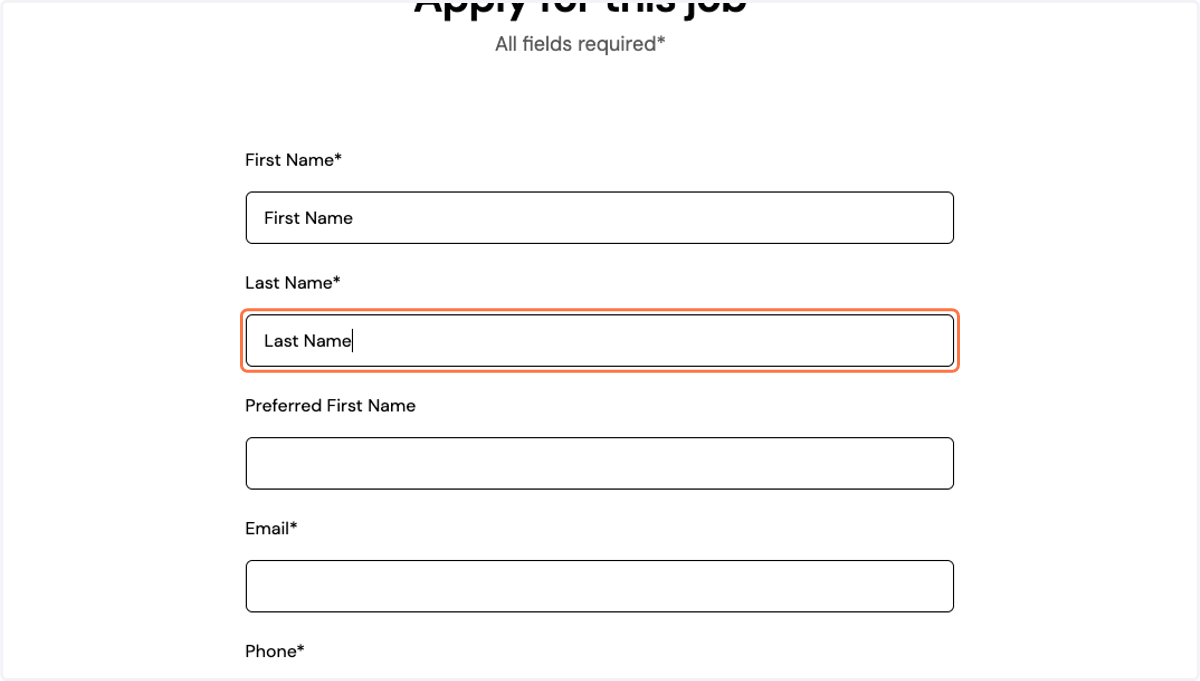
8. Submit Application