Granting Tenant Admin Access in Filevine
Sign into Filevine.
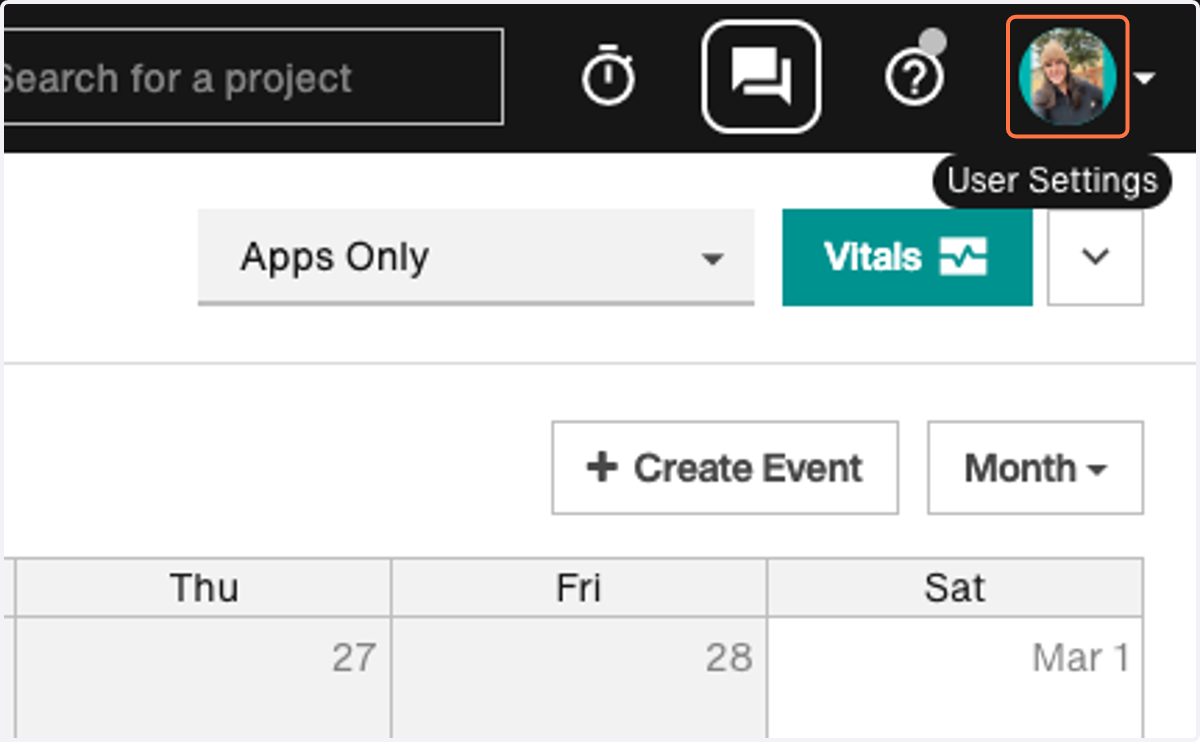
1. Click on your profile picture in the upper right hand corner.
2. Select Manage My Account.
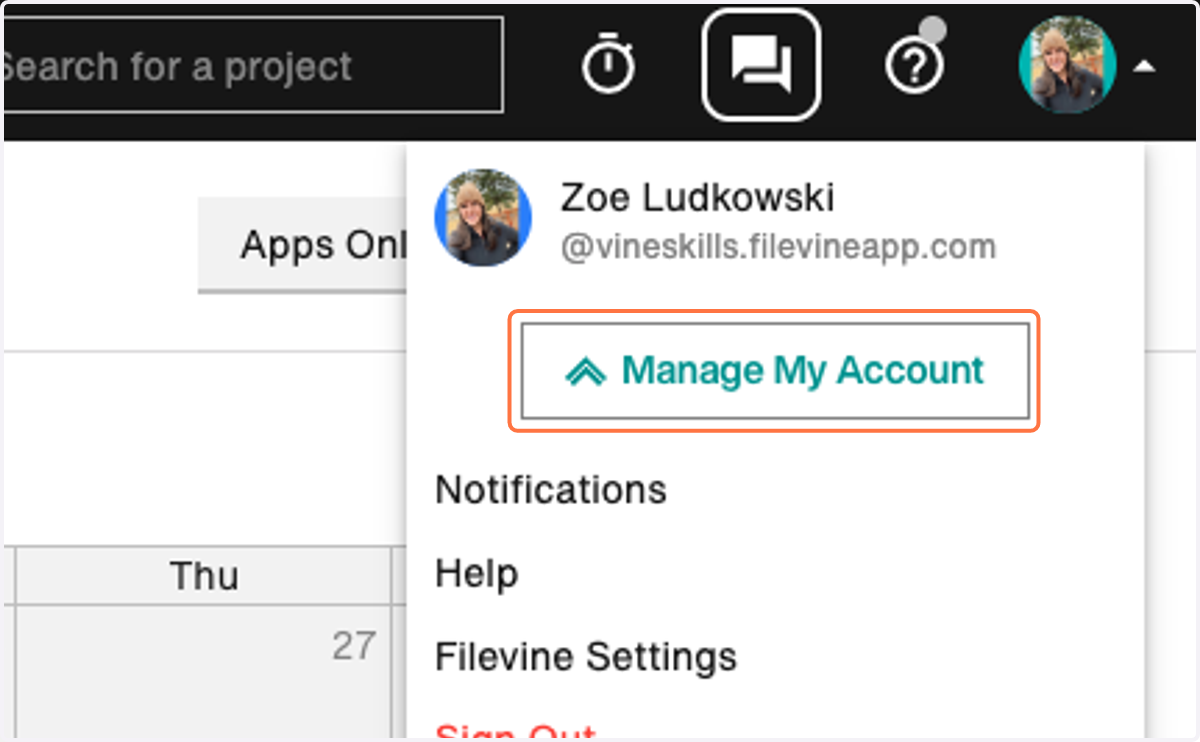
A new browser tab will open for 'Account Management'.
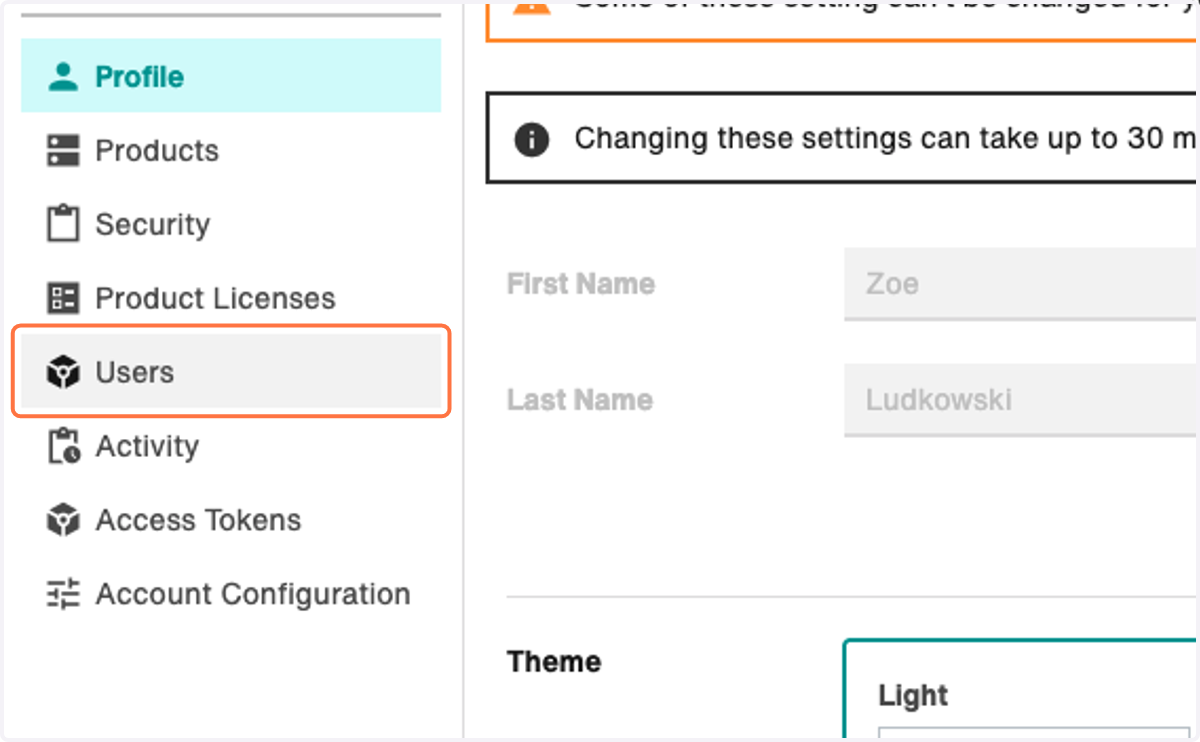
3. Select Users in the left hand menu.
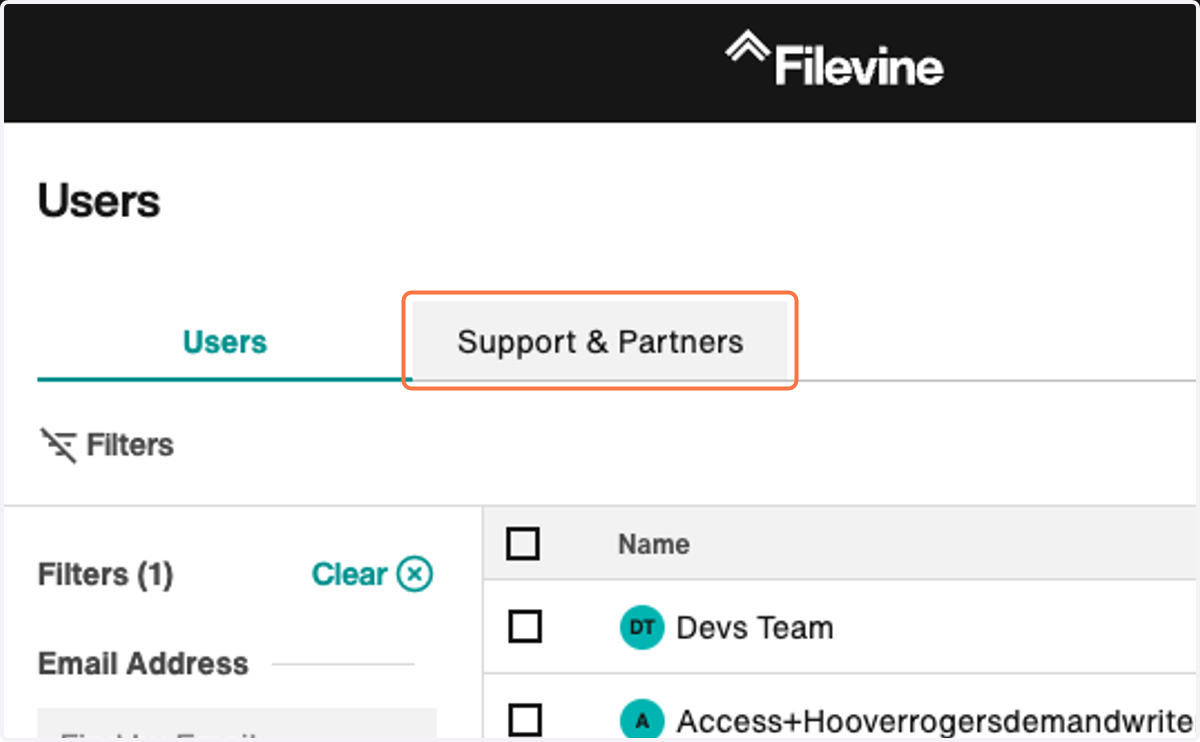
4. Click on Support & Partners
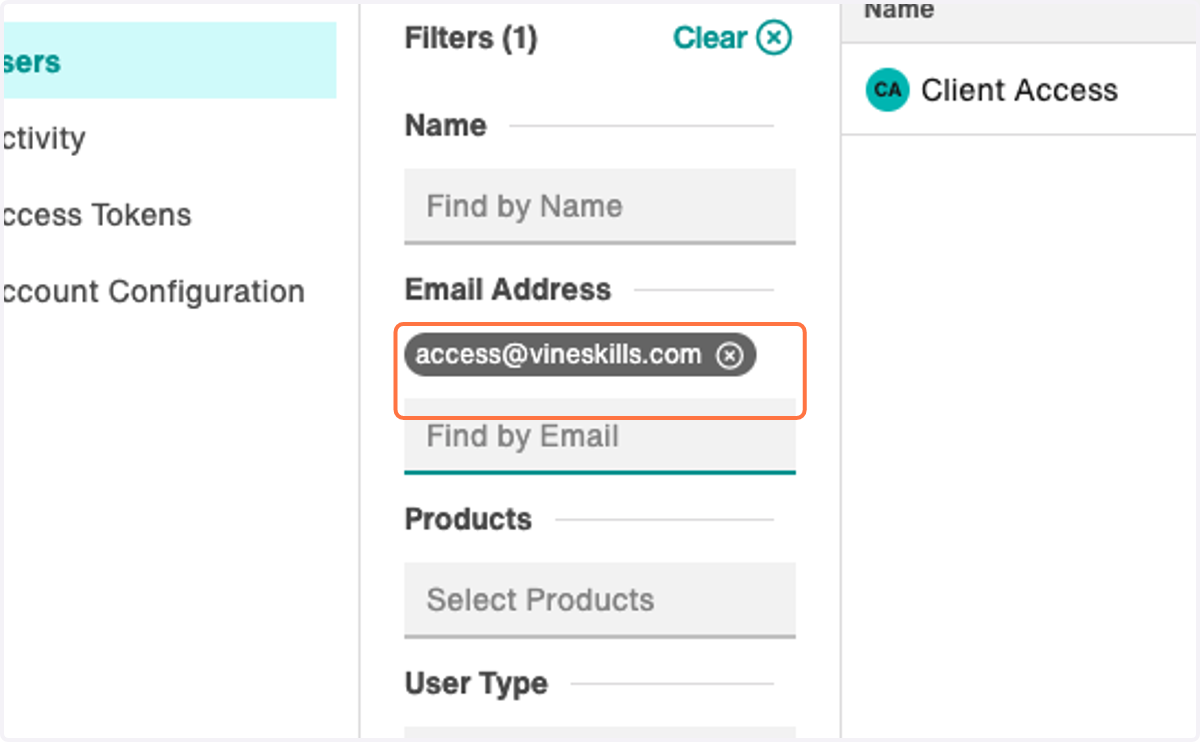
5. In the filters, type 'access@vineskills.com' as an email filter and press enter to find our user.
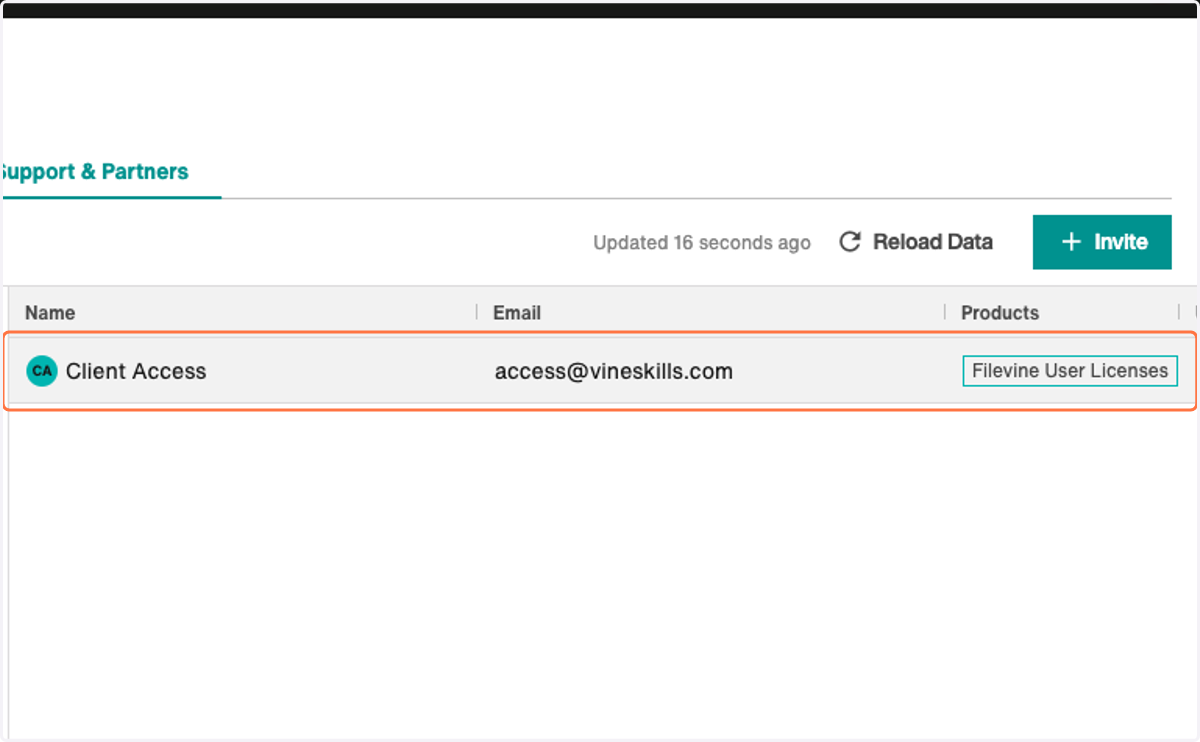
6. Select our access@vineskills.com user.
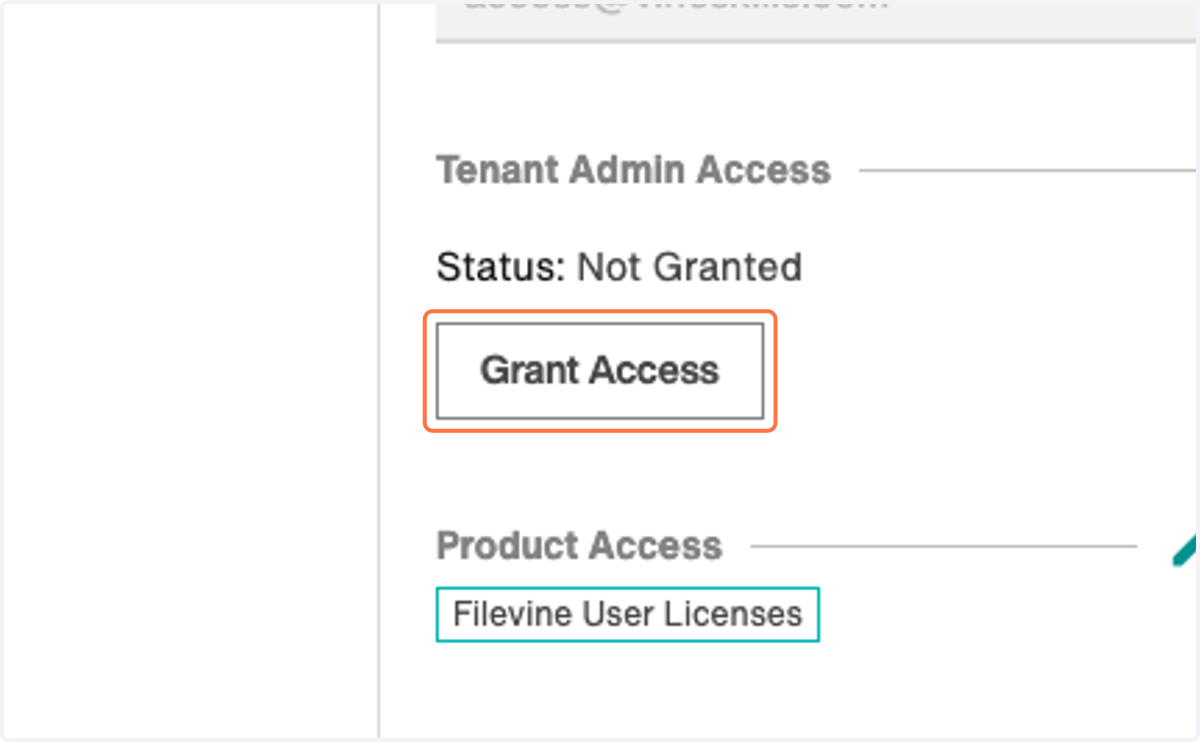
7. In the fly out, select 'Grant Access'