Give access to Google Tag Manager
Go to Google Tag Manager here and login
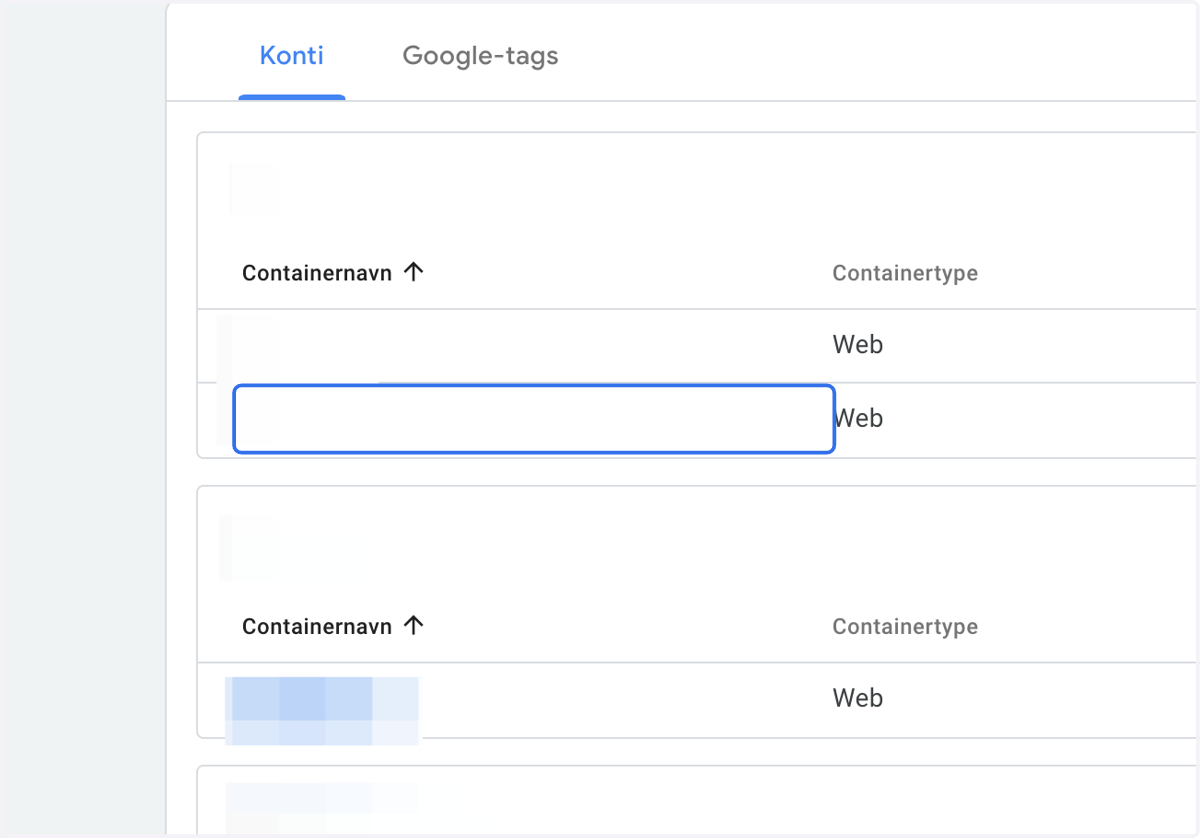
1. Click on your account
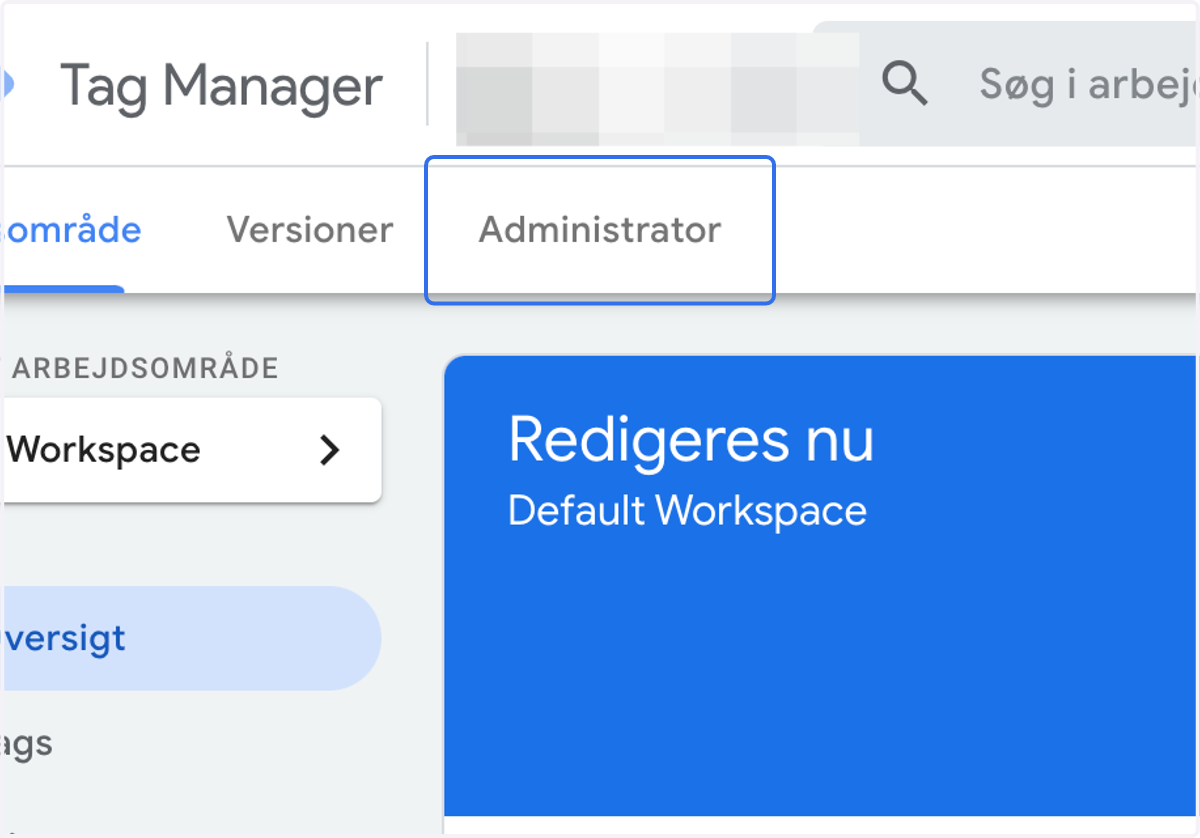
2. Click on Administrator
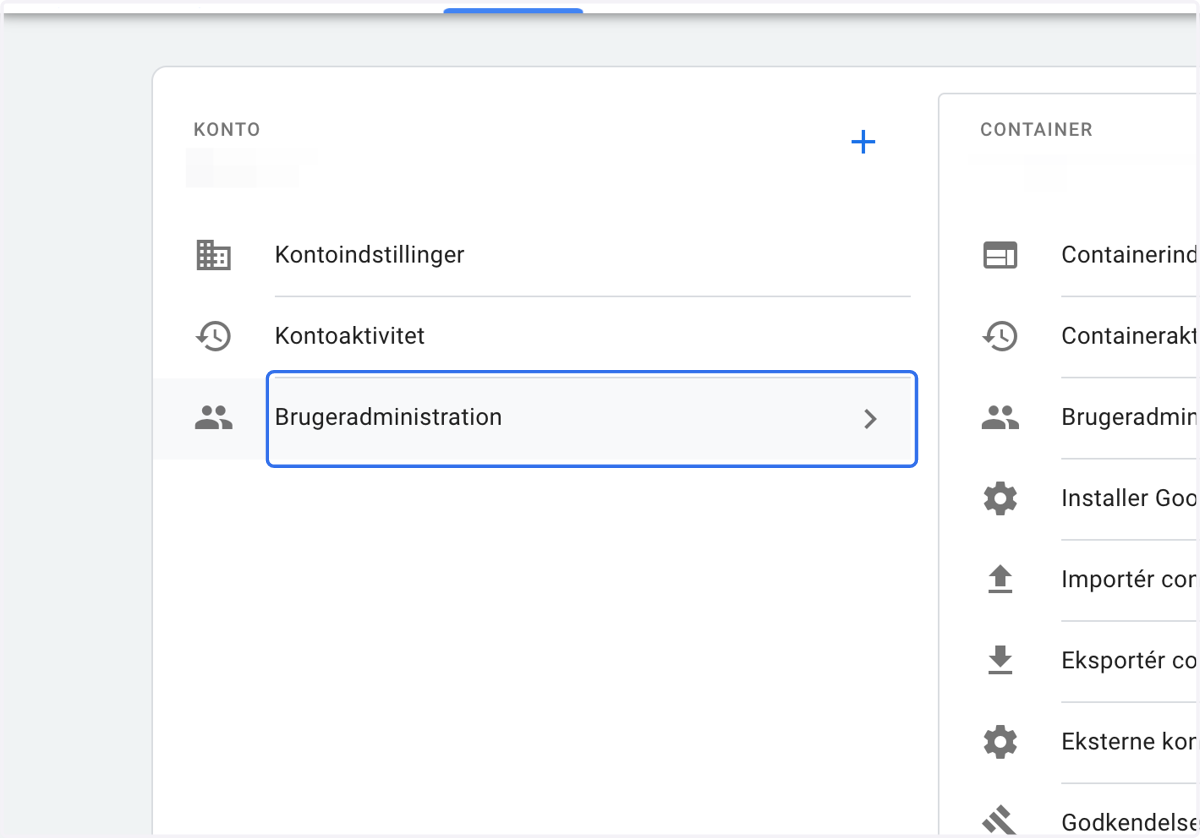
3. Click on Account access
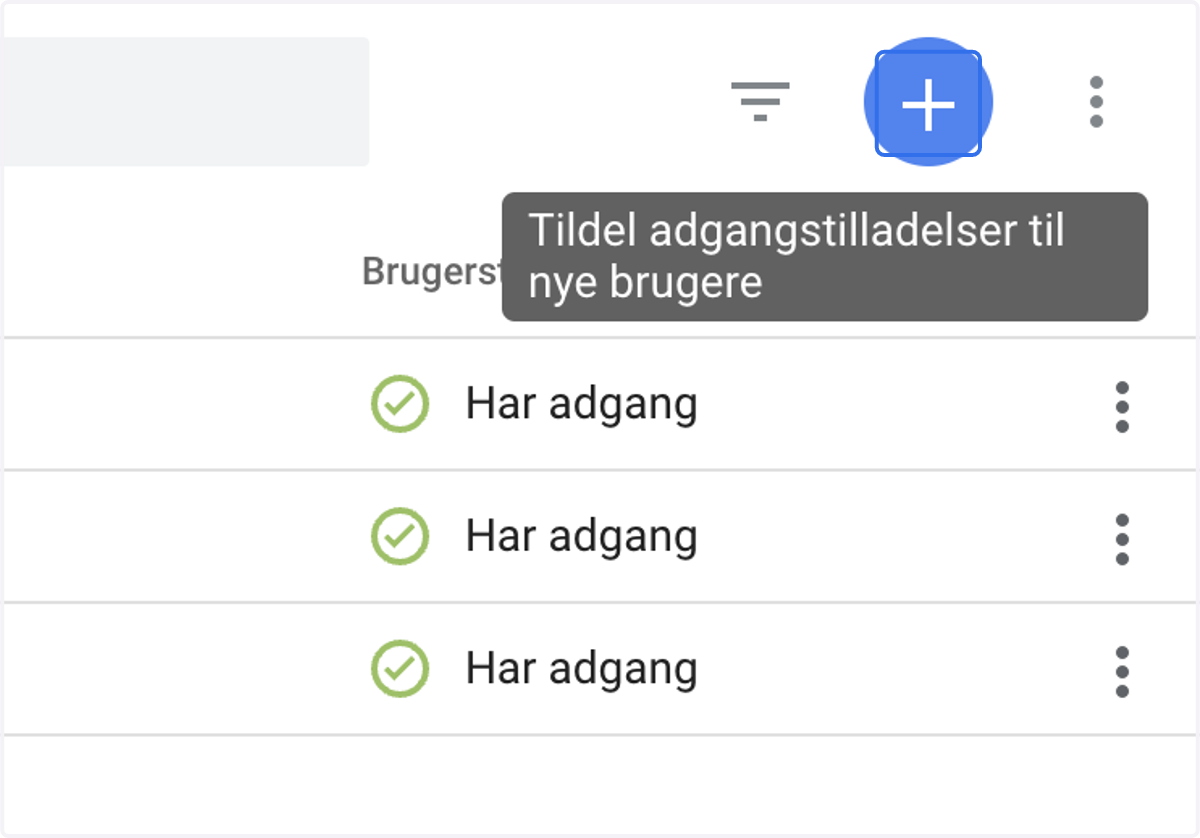
4. Click on add account / The blue "add" sign
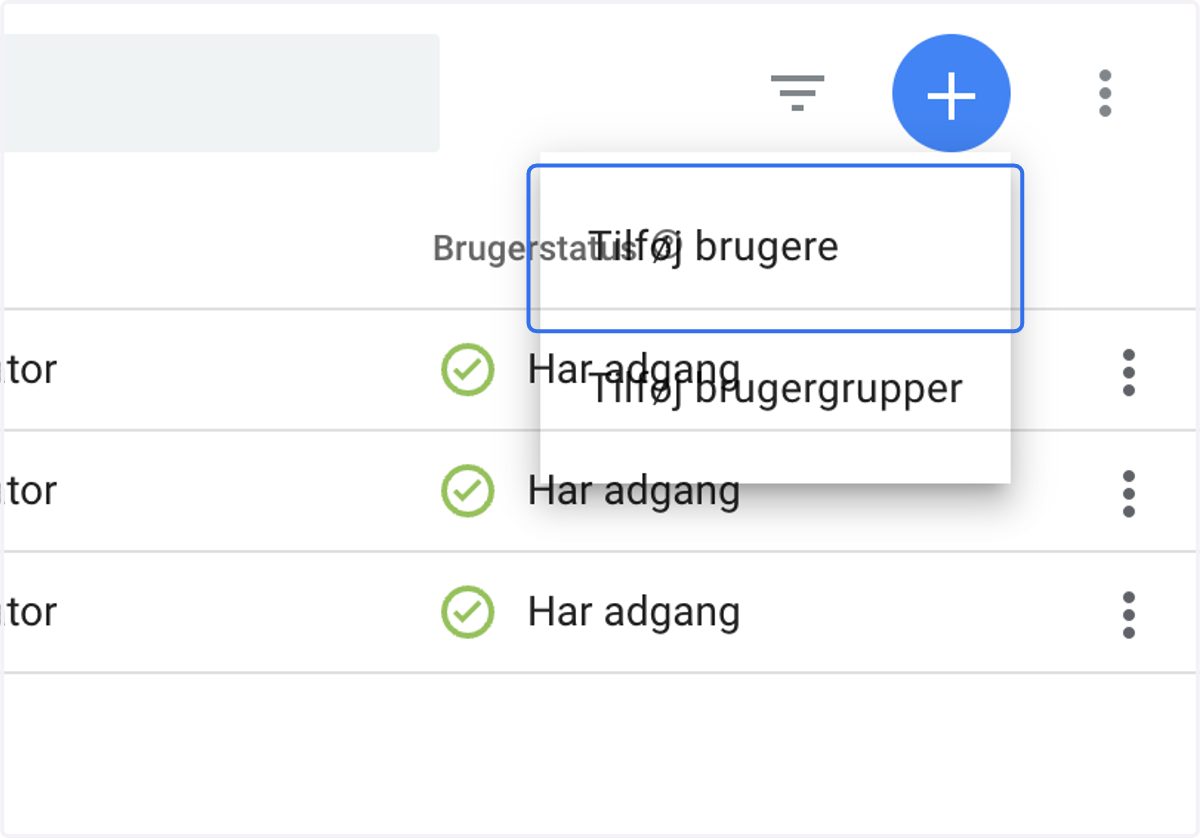
5. Click on Tilføj brugere
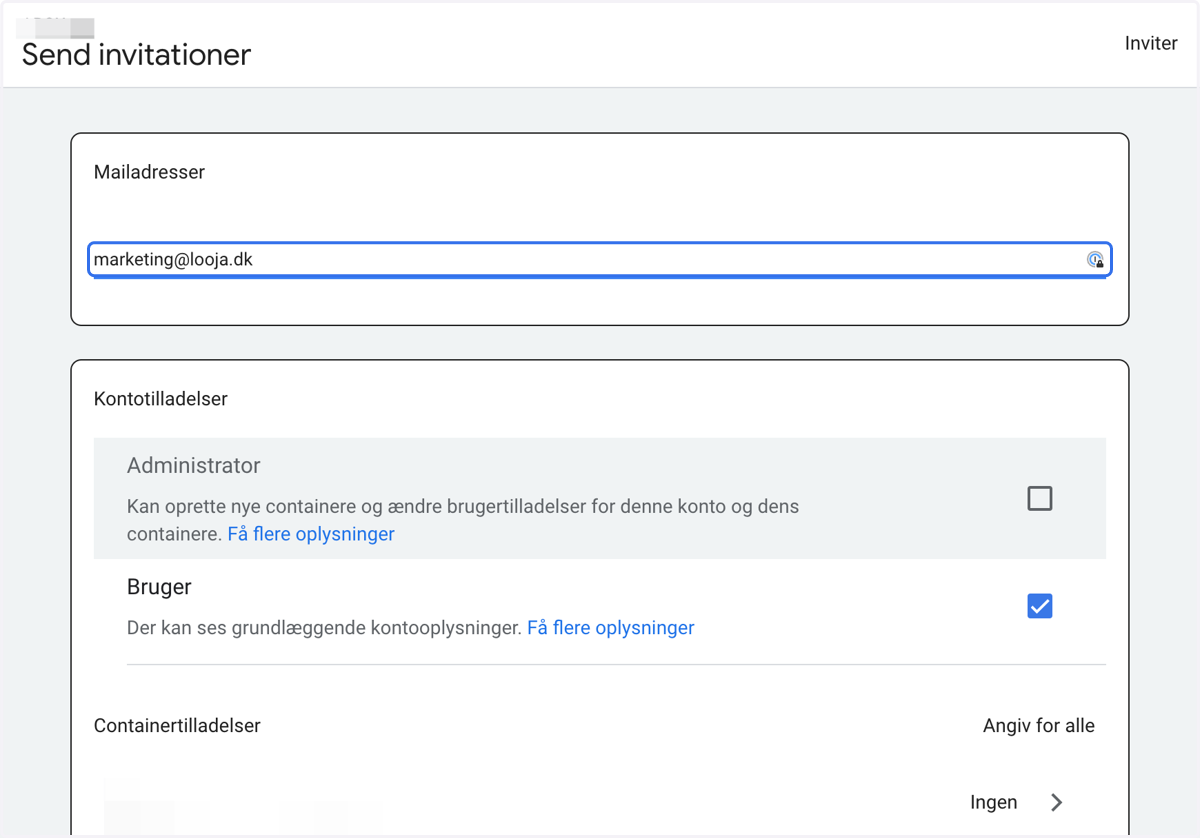
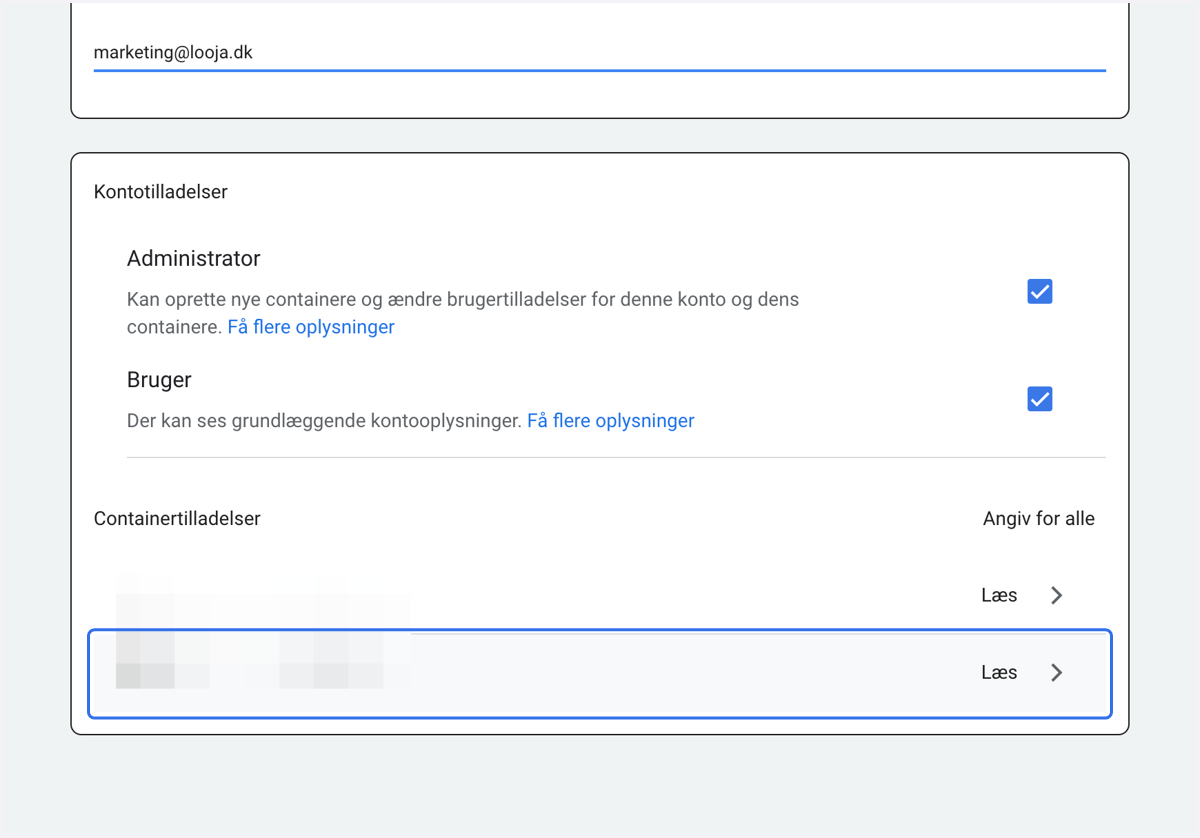
6. Type "marketing@looja.dk"
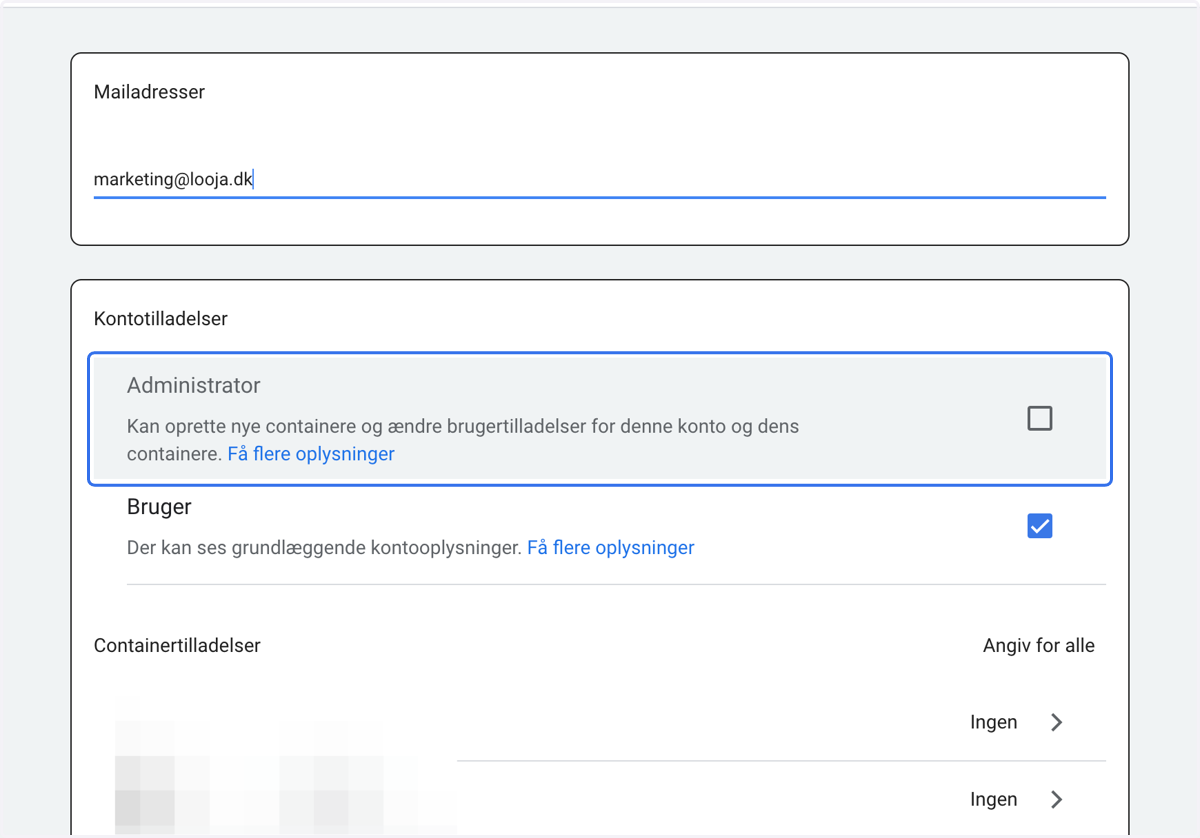
7. Click on and give Administrator access…
8. Click on the containers we need access to..
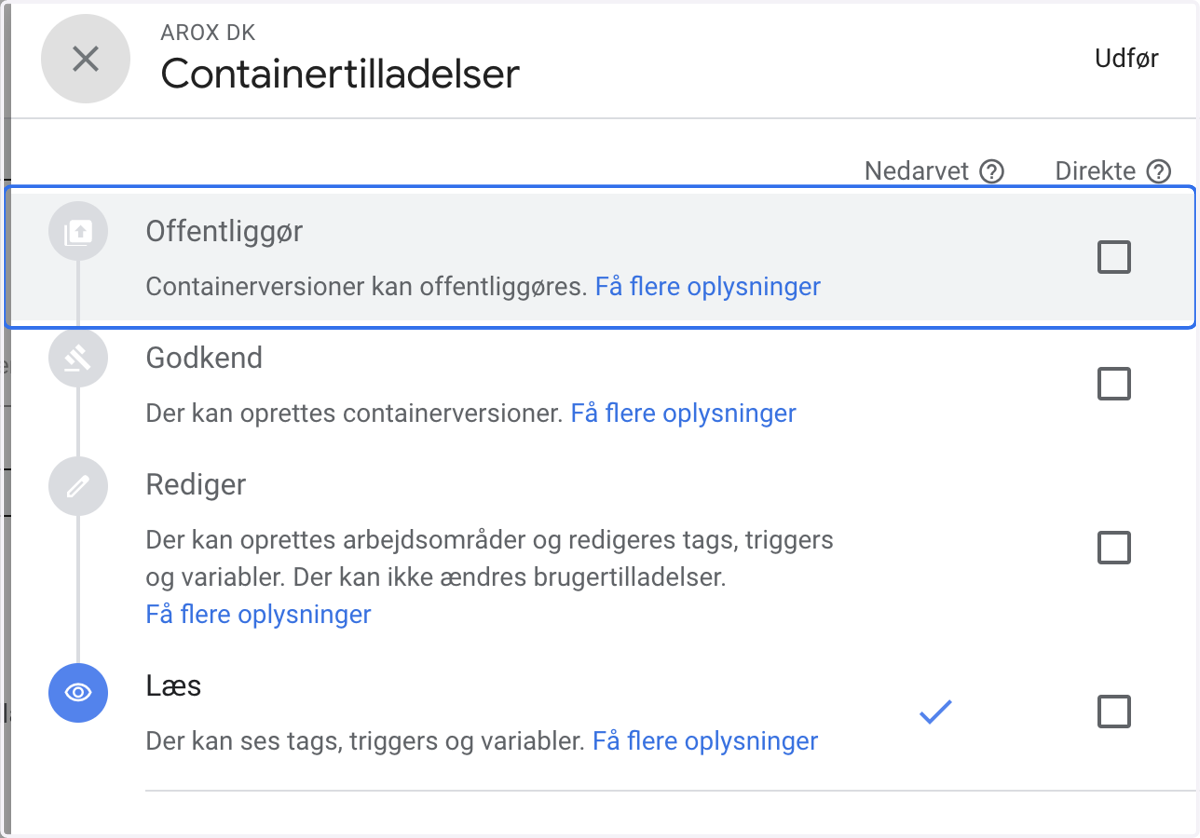
9. Click on and give publish access
10. Click on accept
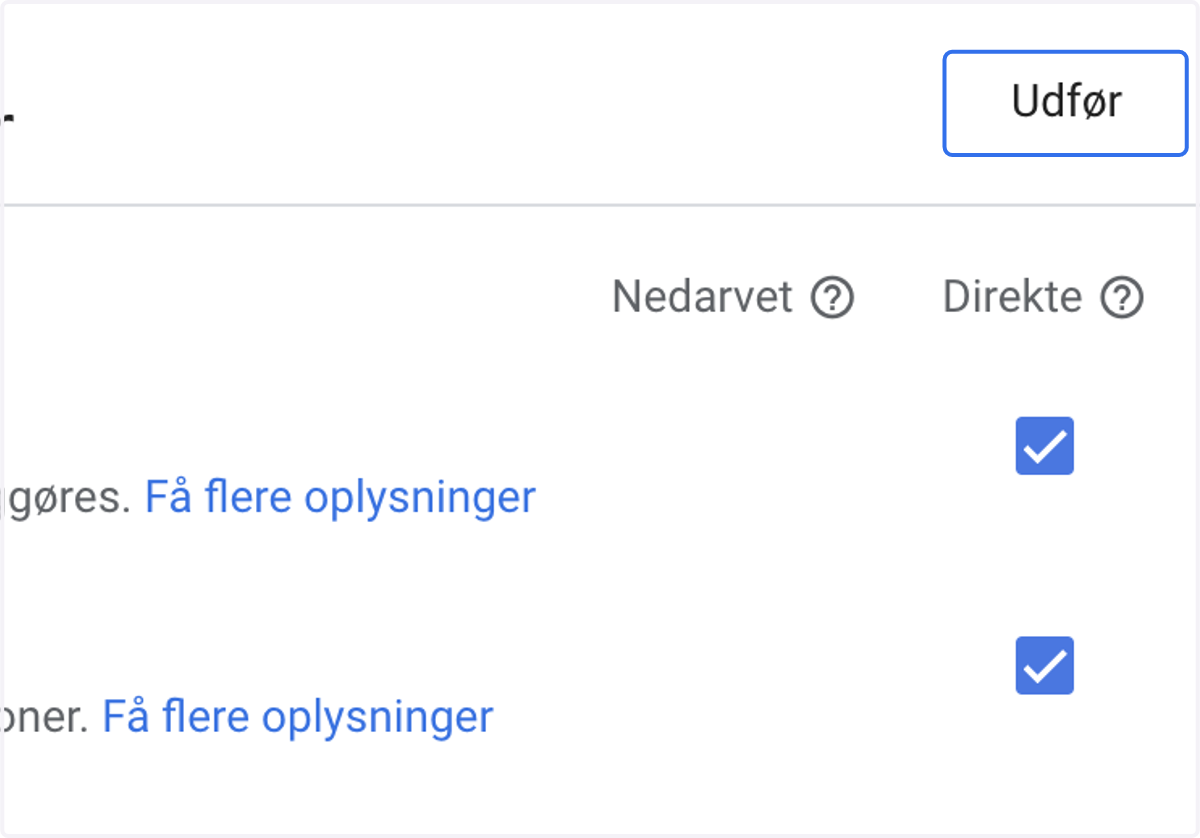
11. Click on Invite