Give access to Google My Business
Go to Google
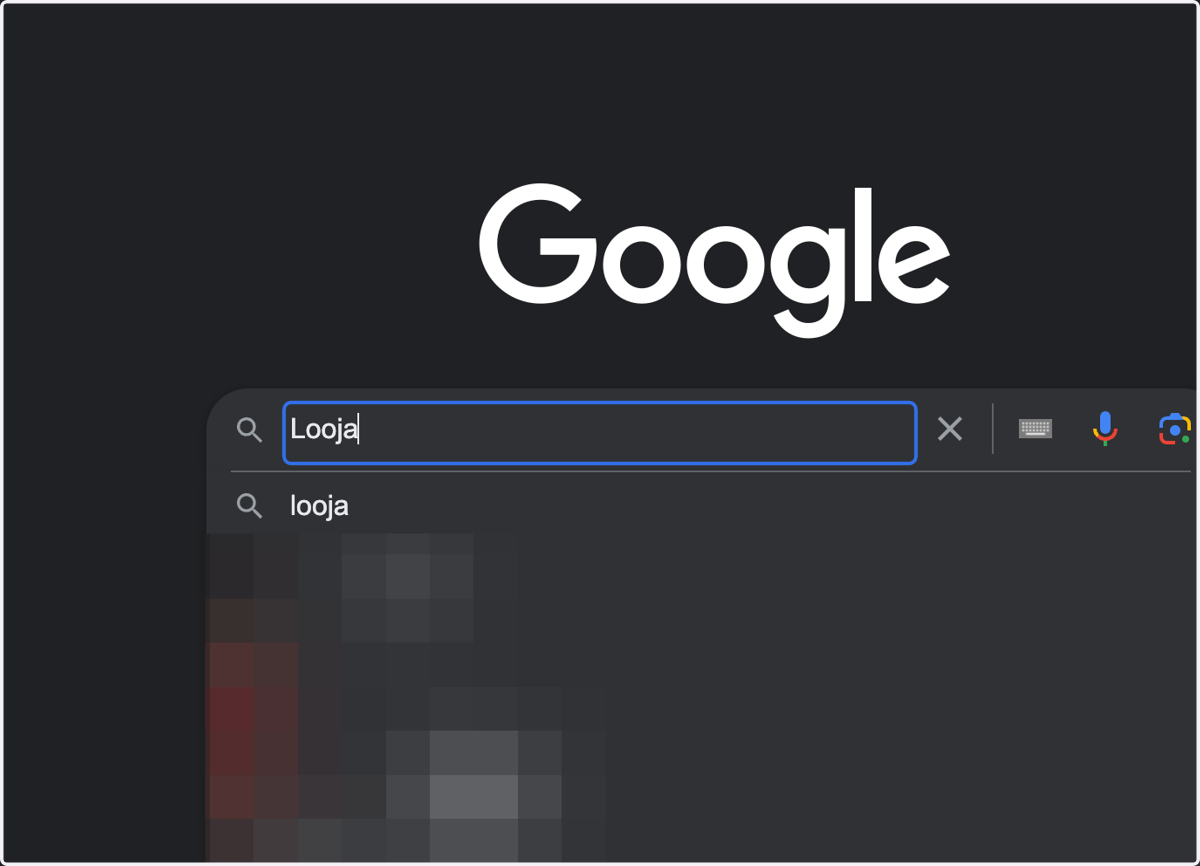
1. Type your company name - Be sure to be logged into an account with access to your Google My Business
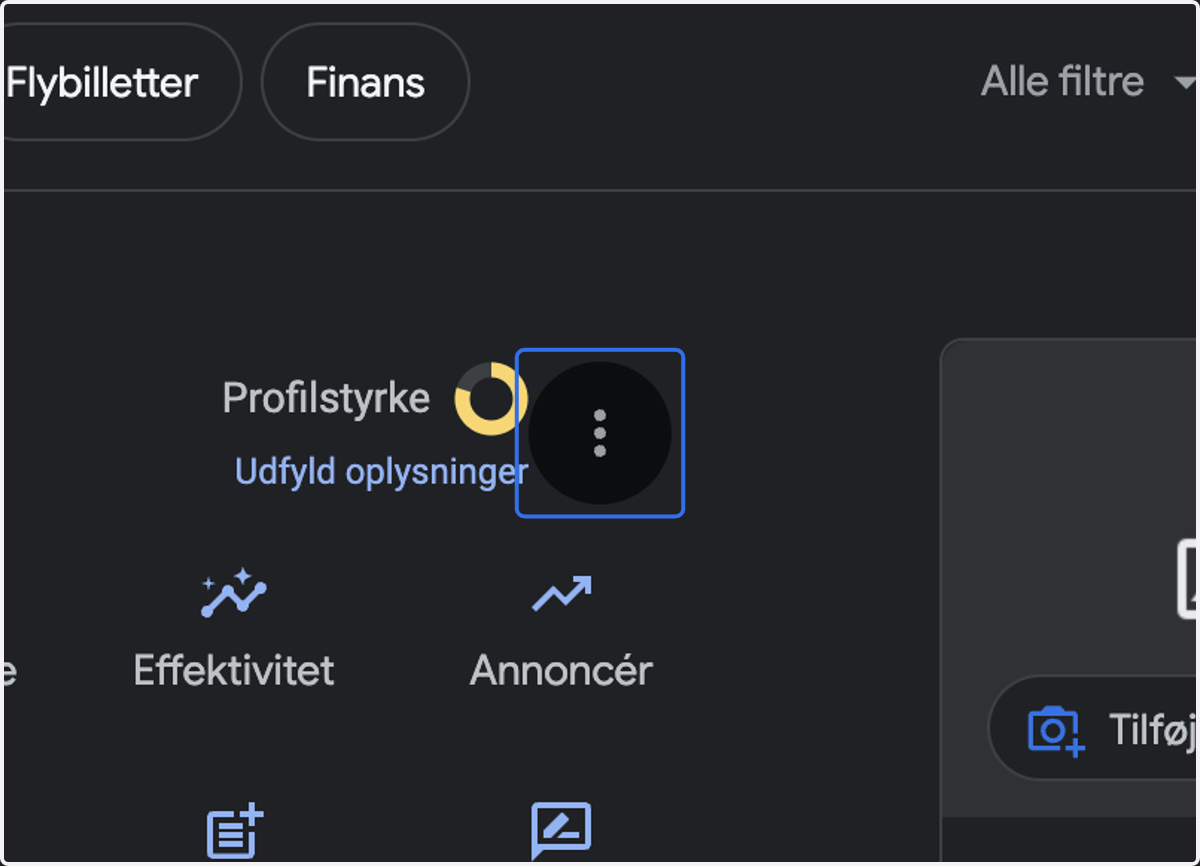
2. Click on settings (the three dots)
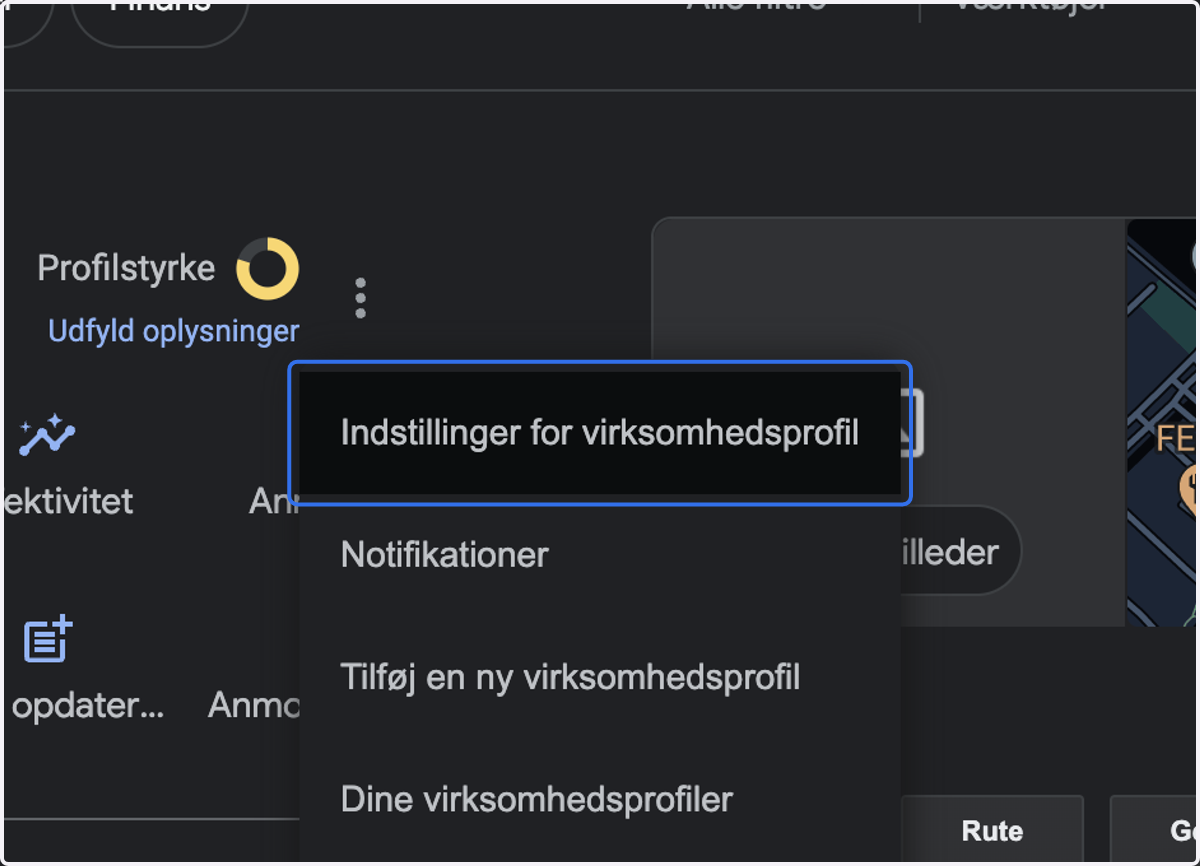
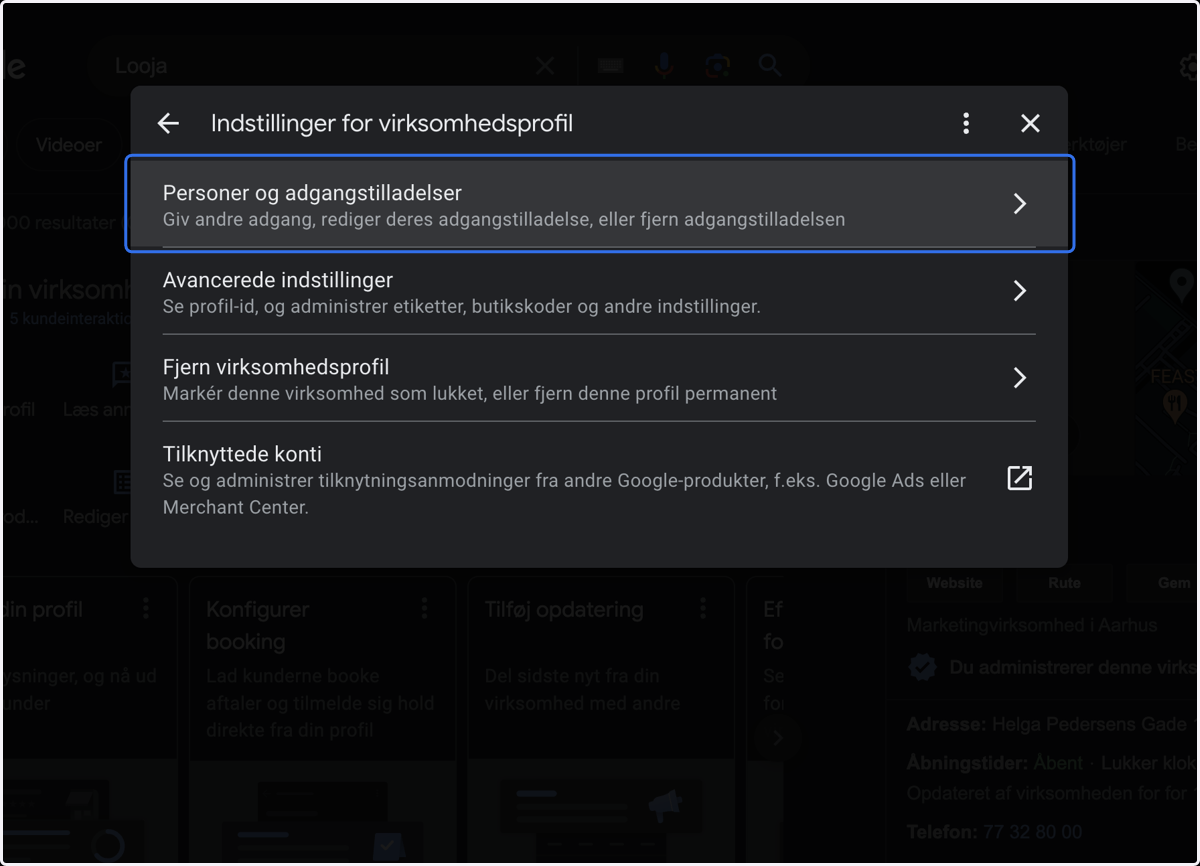
3. Click on Company profile settings
4. Click on Persons and access permissions…
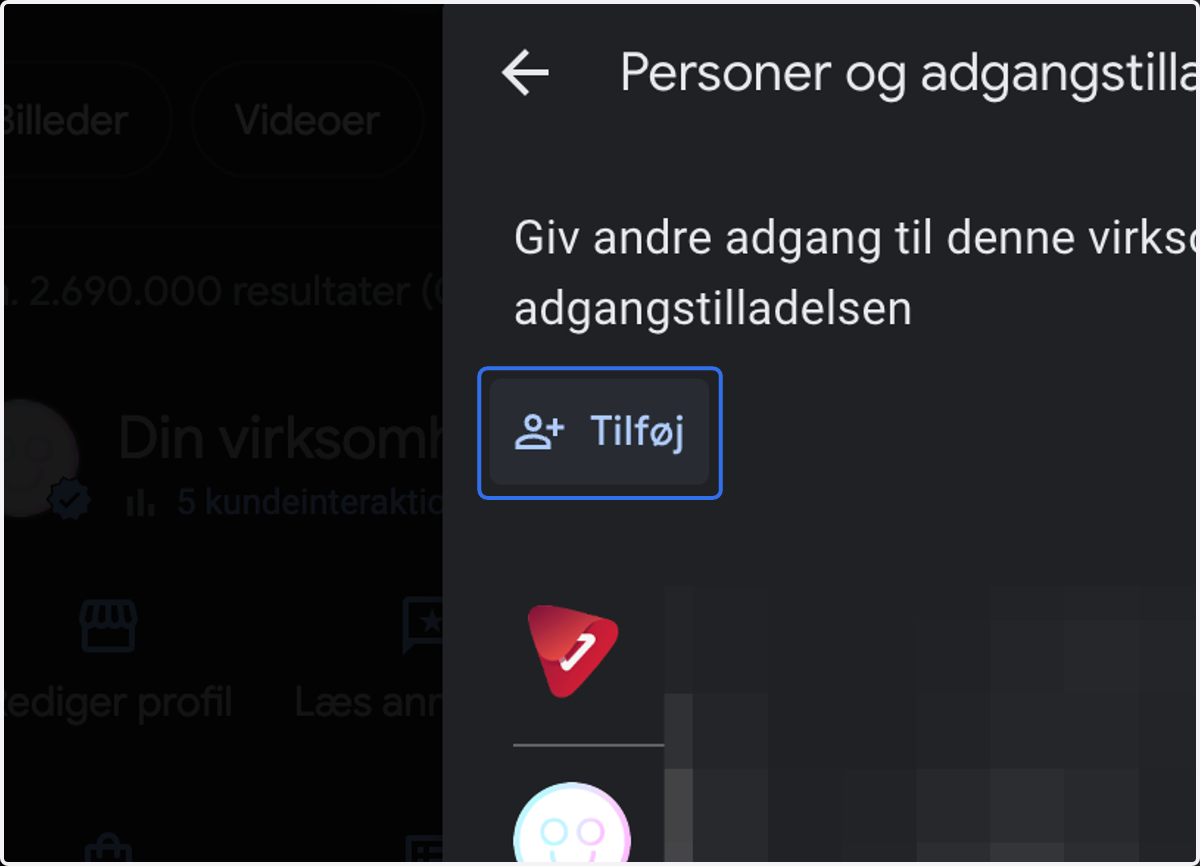
5. Click on Add
6. Type "marketing@looja.dk" and give Administrator access
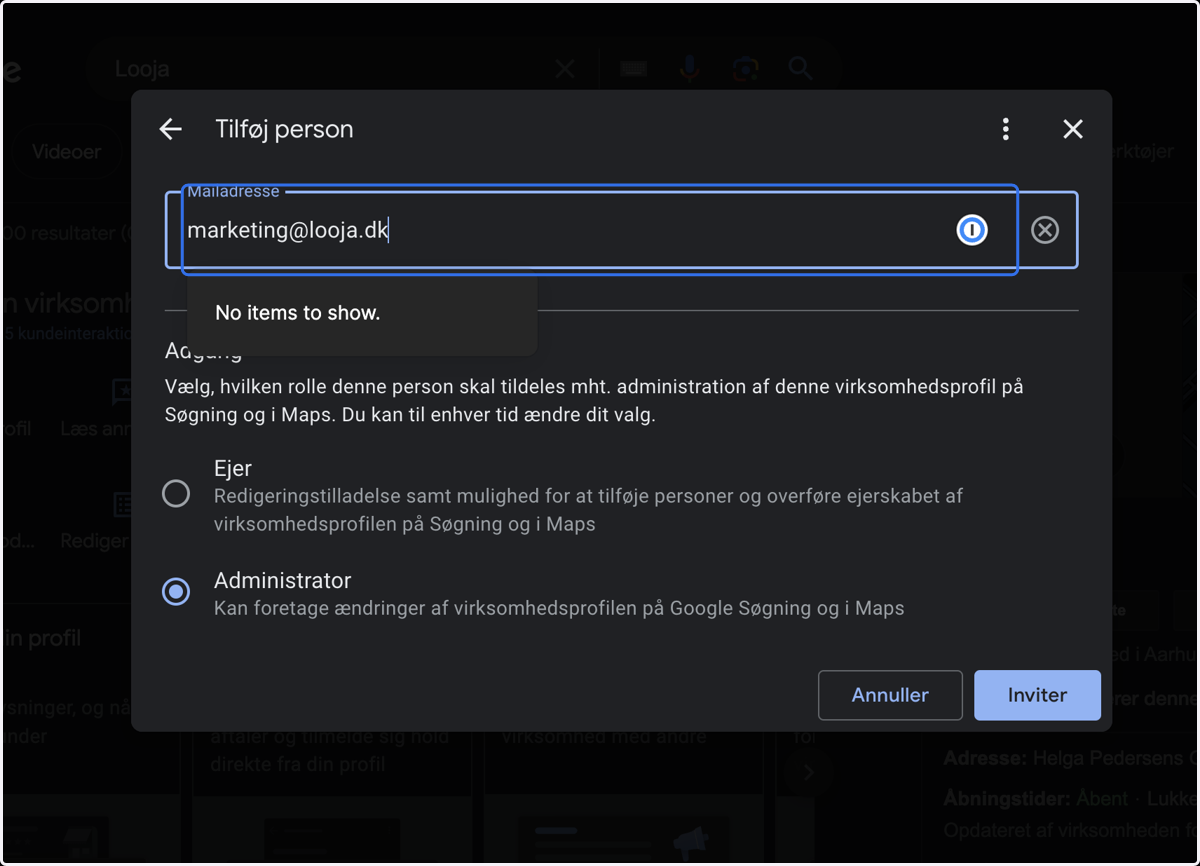
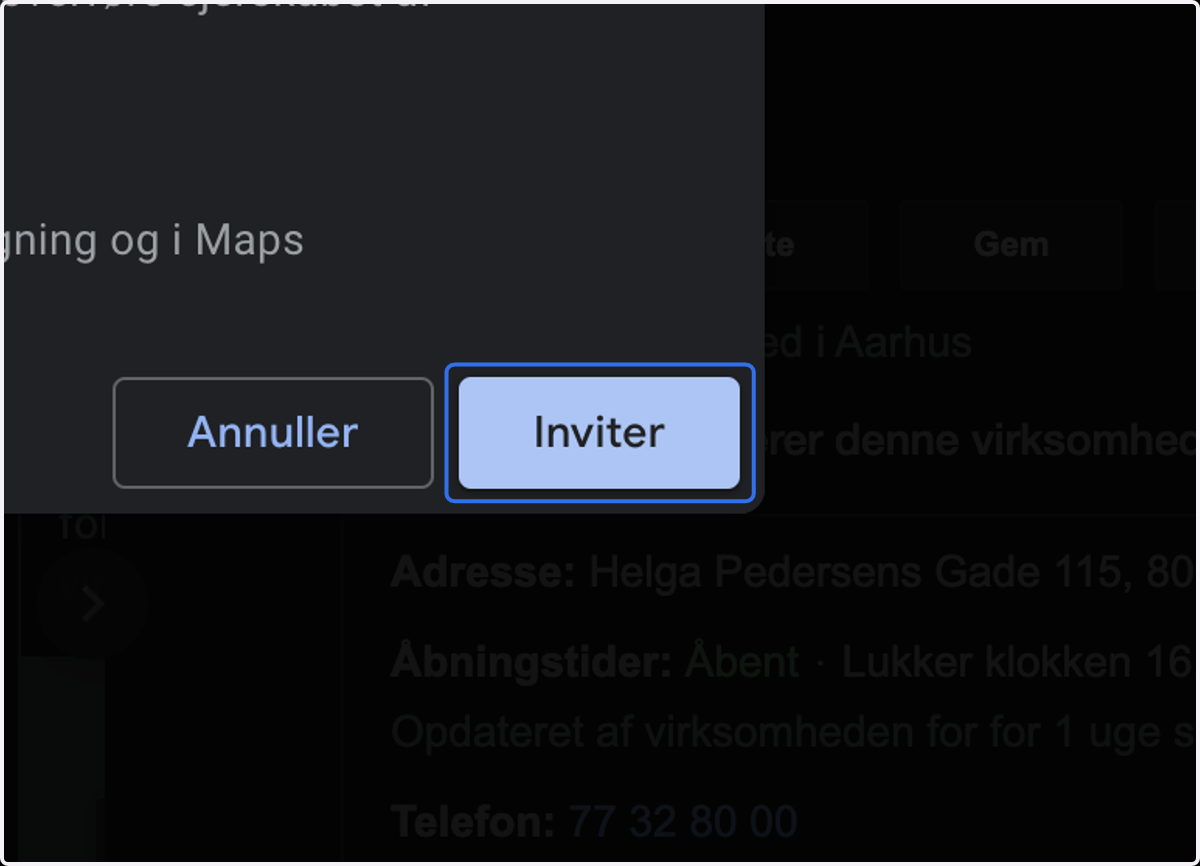
7. Click on Invite..