Getting started with a SCIM configuration
Tango
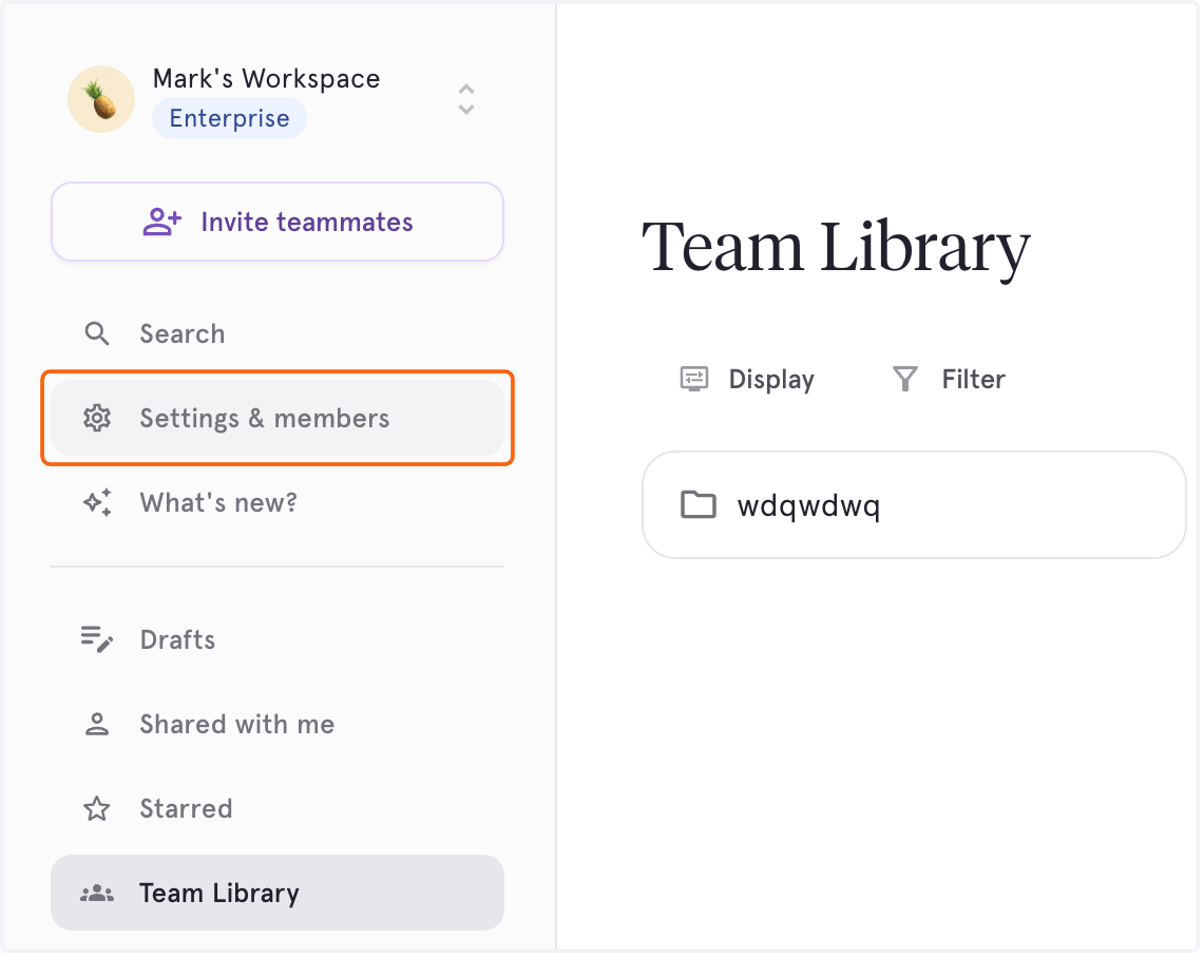
1. Click on Settings & members
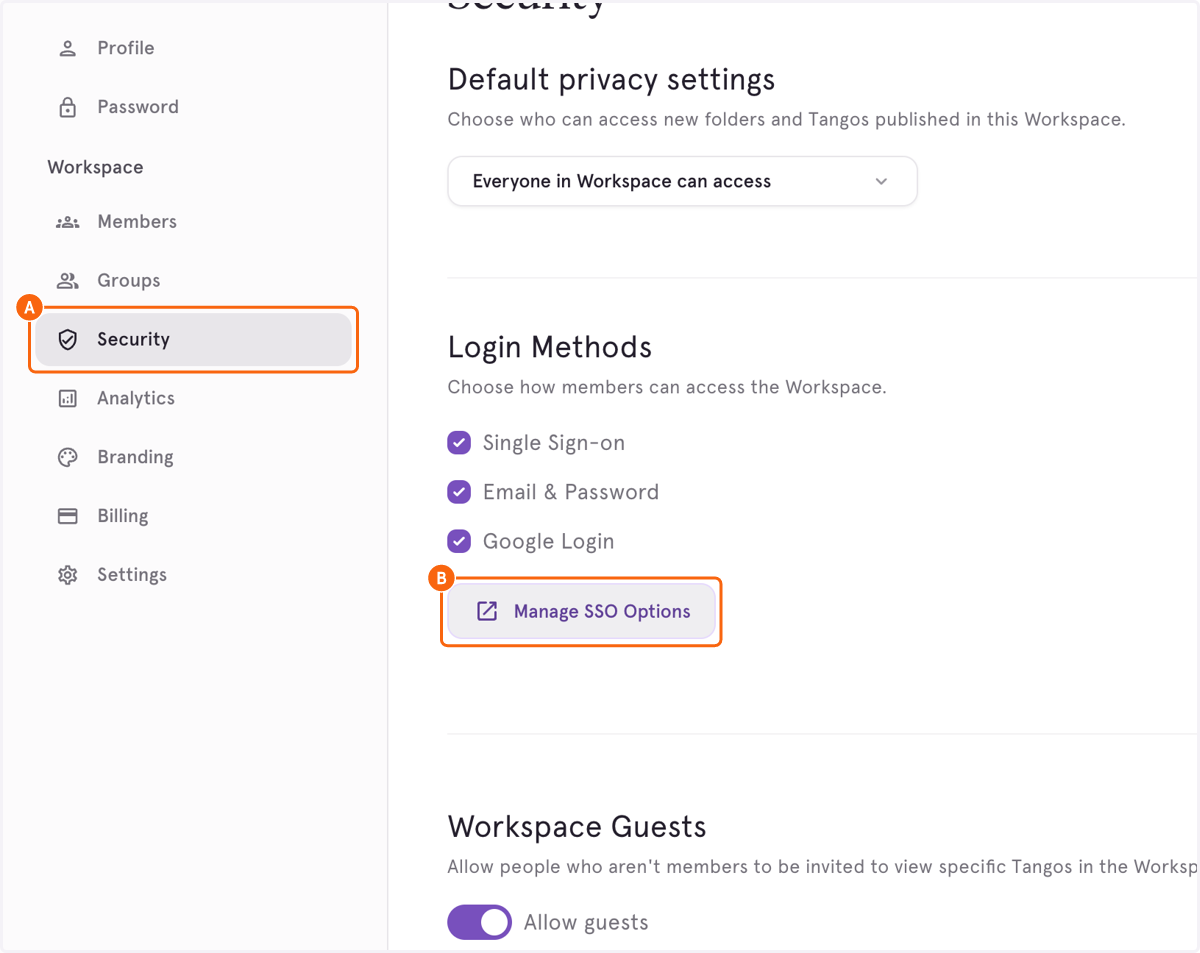
2. A. Click on Security
2. B. Click on Manage SSO Options
Tango
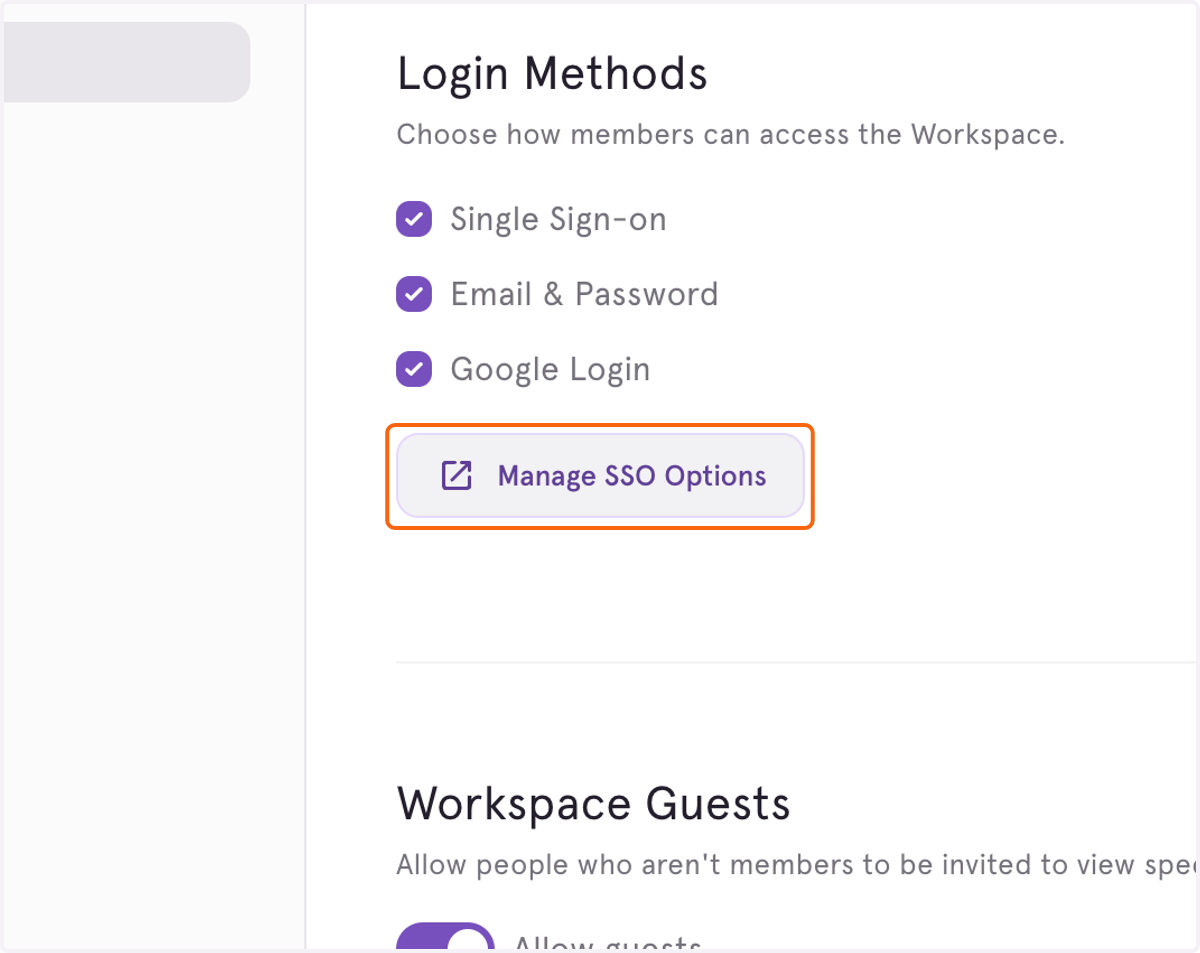
3. Click on Manage SSO Options again to access the menu
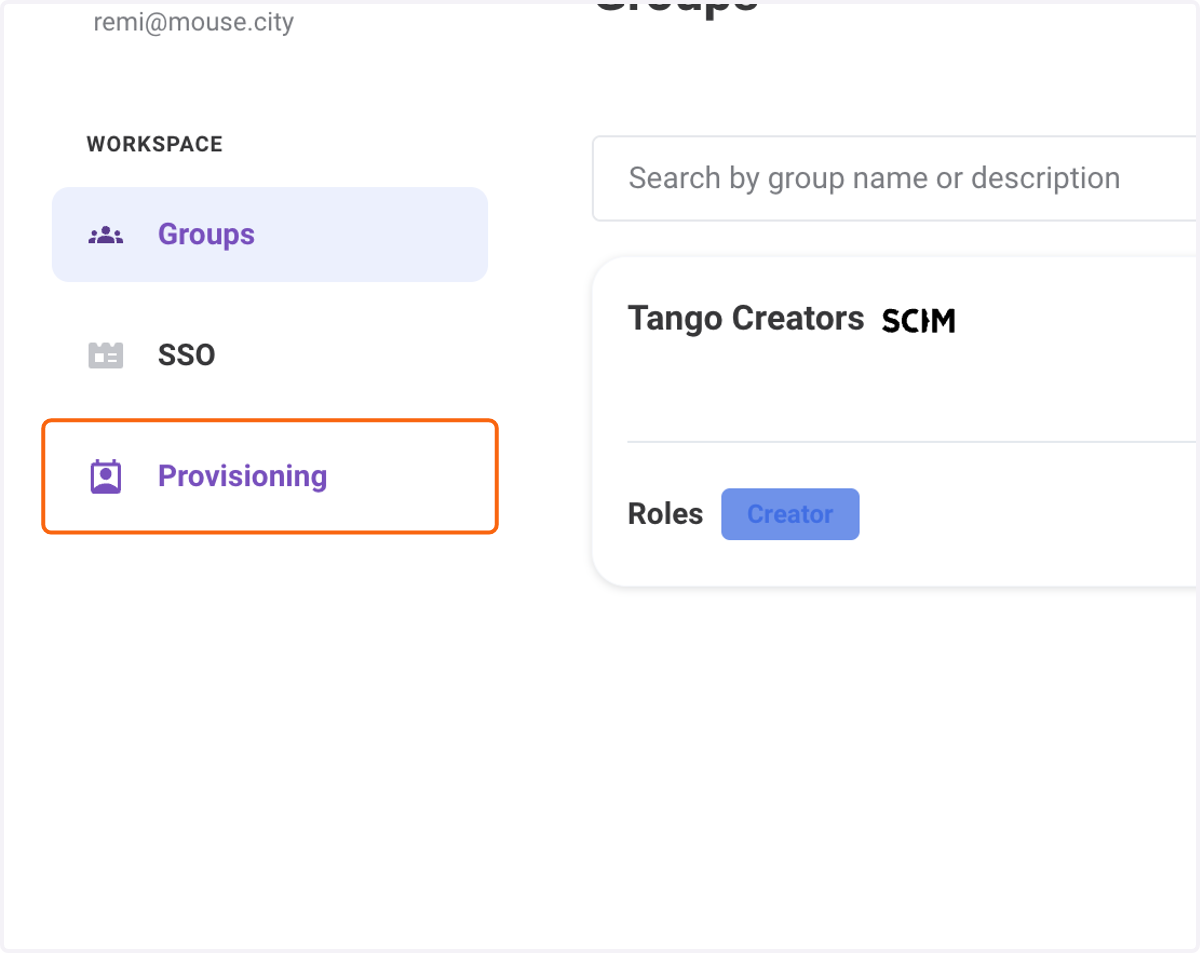
4. Click on Provisioning
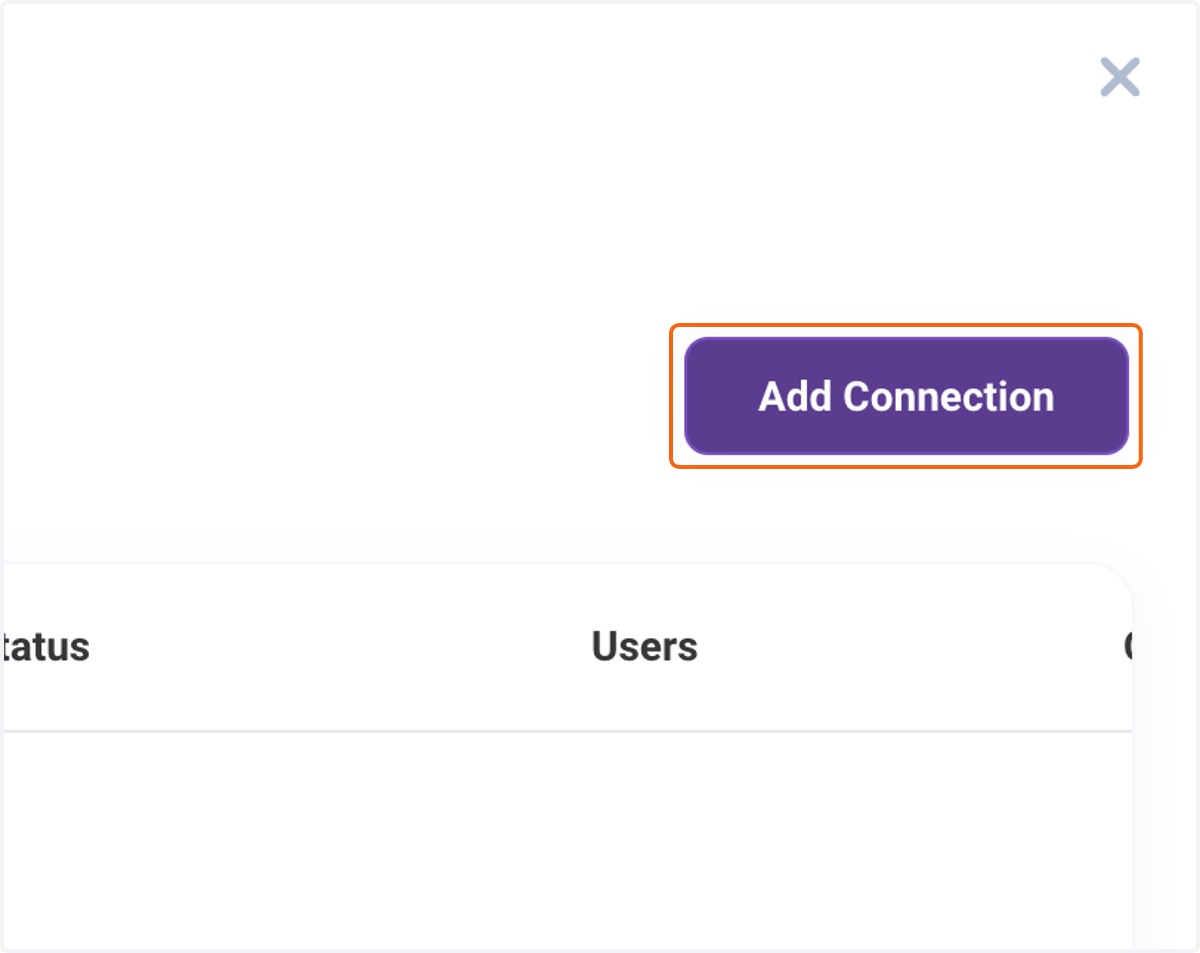
5. Click on Add Connection
6. Add any name for the configuration
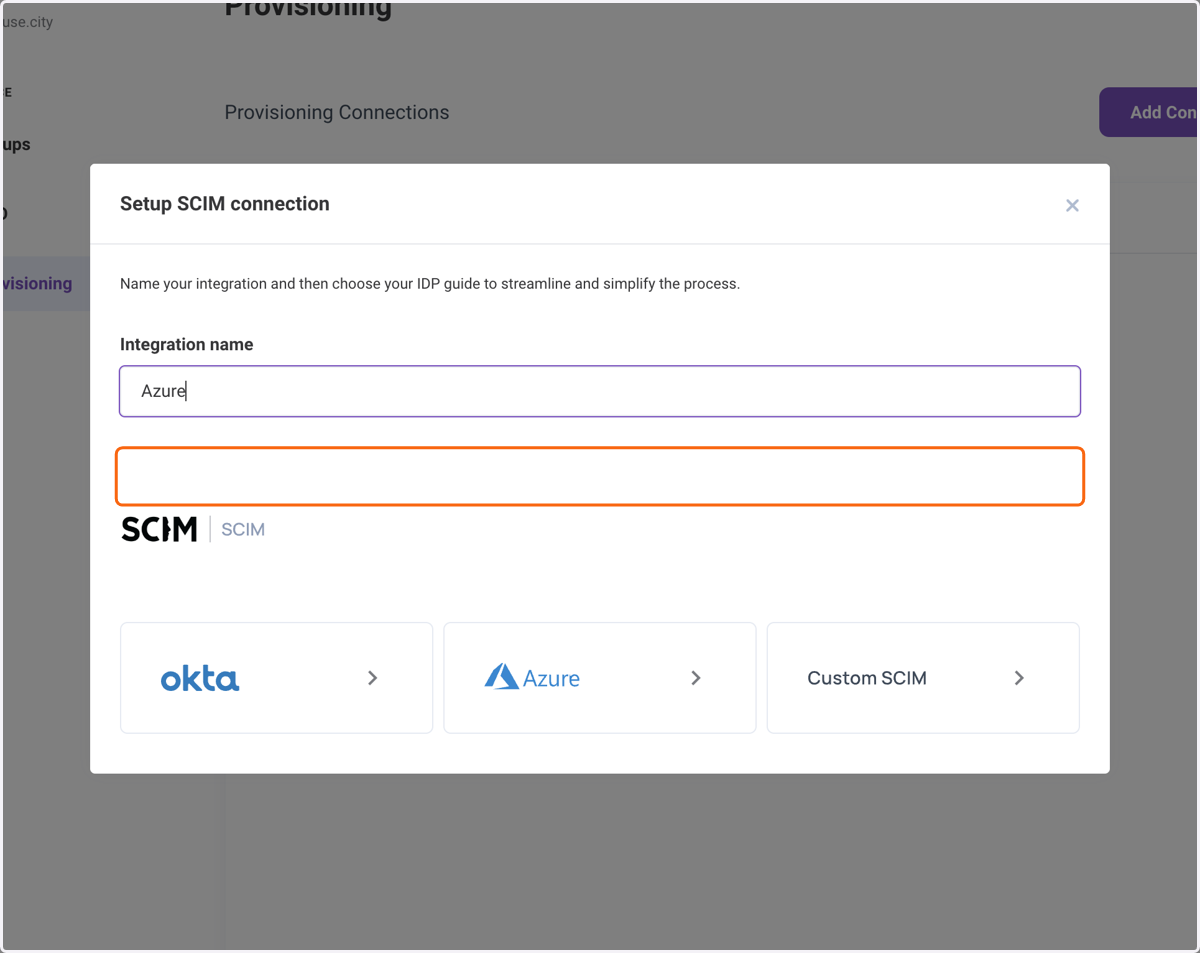
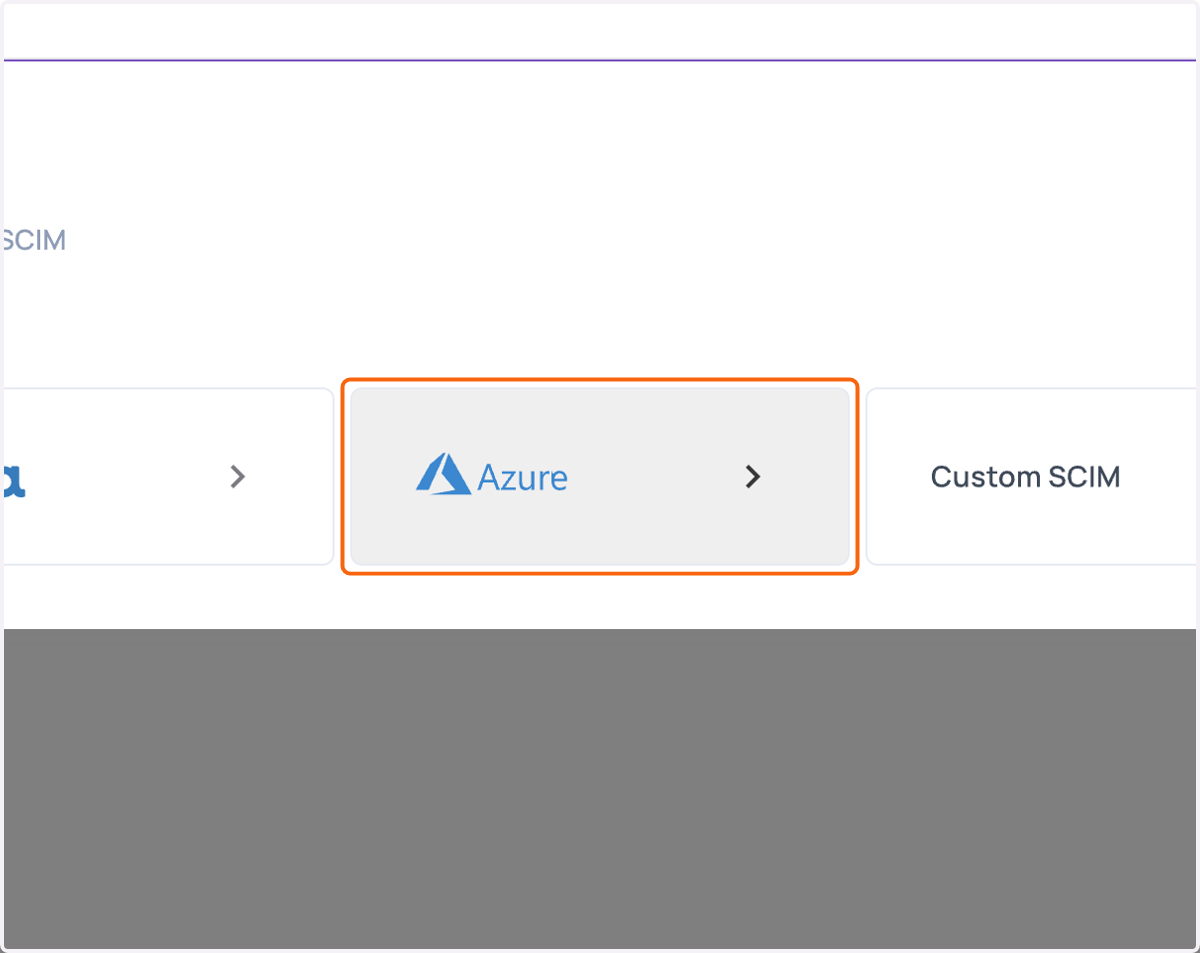
7. Click on the correct tile for your IDP. If you do not see your IDP listed, please use CUSTOM SCIM.