Getting started
In this guide, we show you how to sign up for the first time on our Platform.
For future access, be sure to bookmark this link: https://myaccount.paycentral.co.za/auth/login
PayCentral
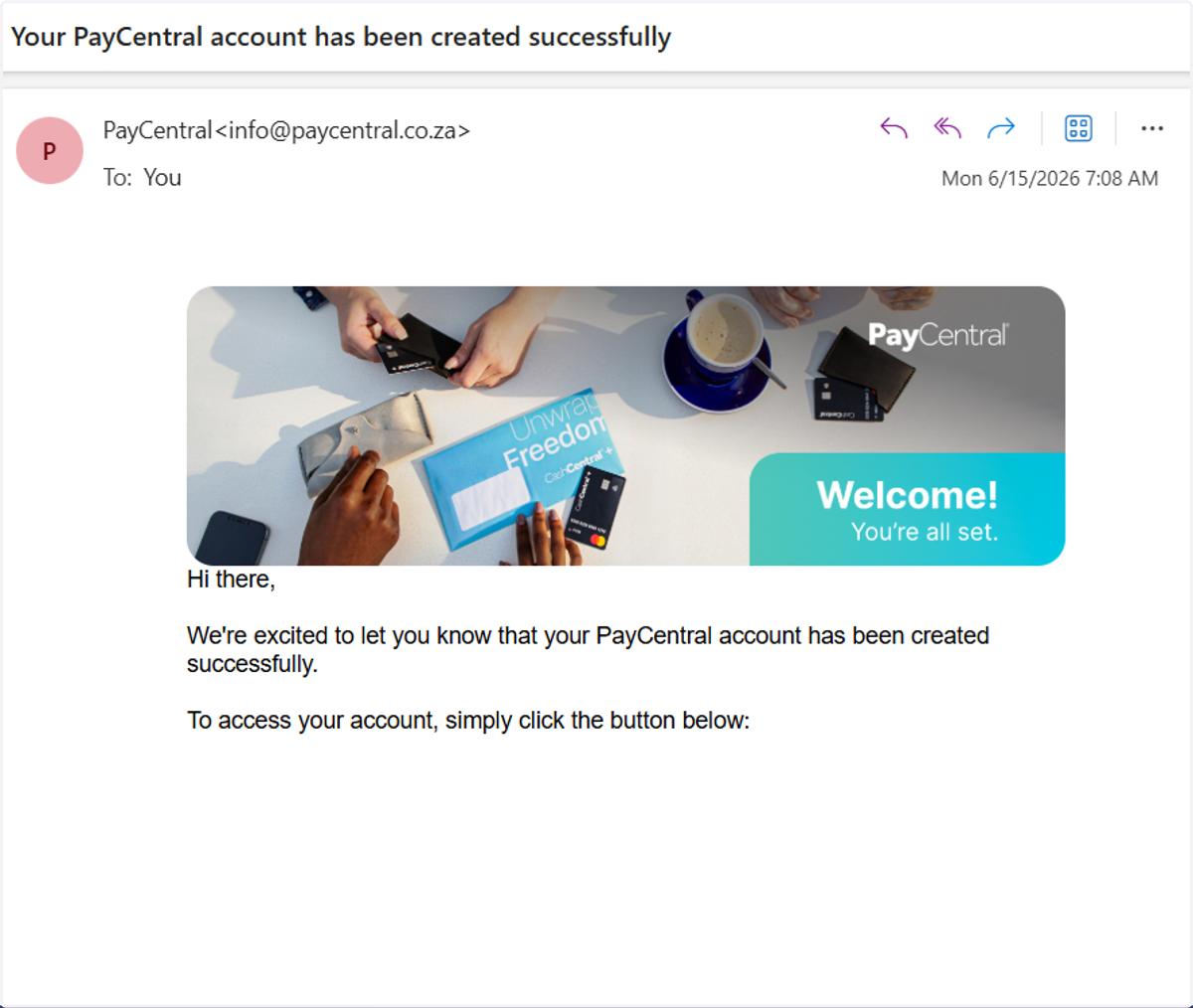
1. Account creation email
You will receive an account creation confirmation email.
Click on the button to access your account.
2. Sign up
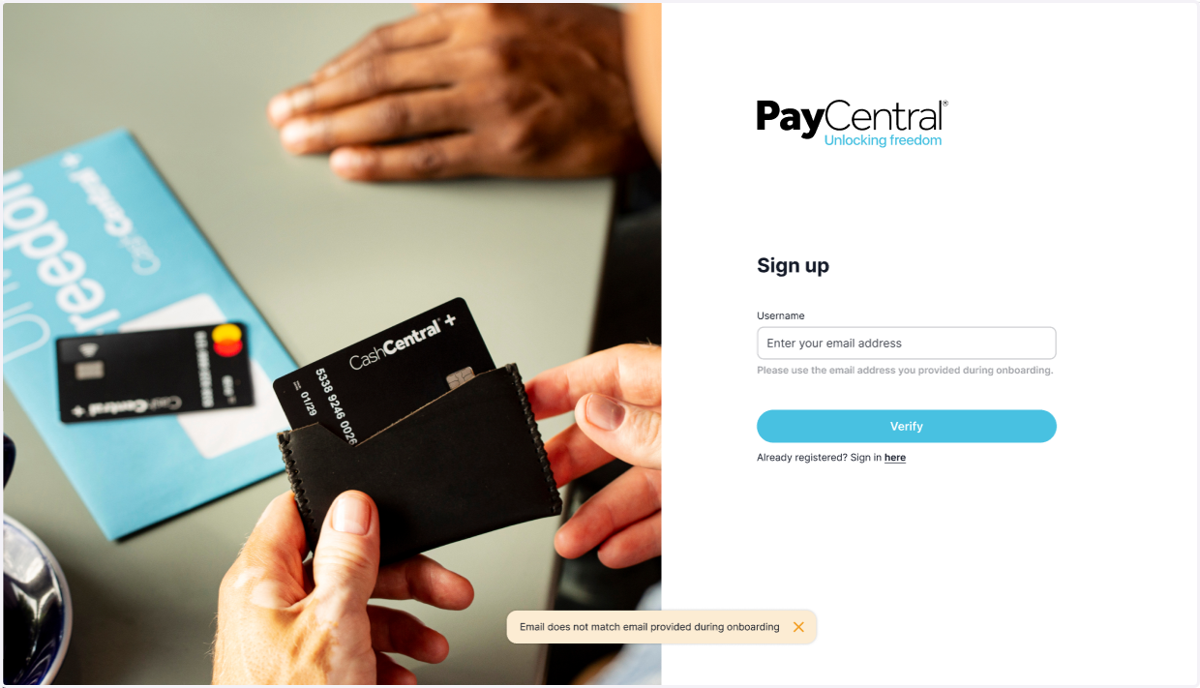
The button will lead you to the Platform sign-up page.
When entering your username, please use the same email address you provided during onboarding.
Then click 'Verify'.
3. Set up your password
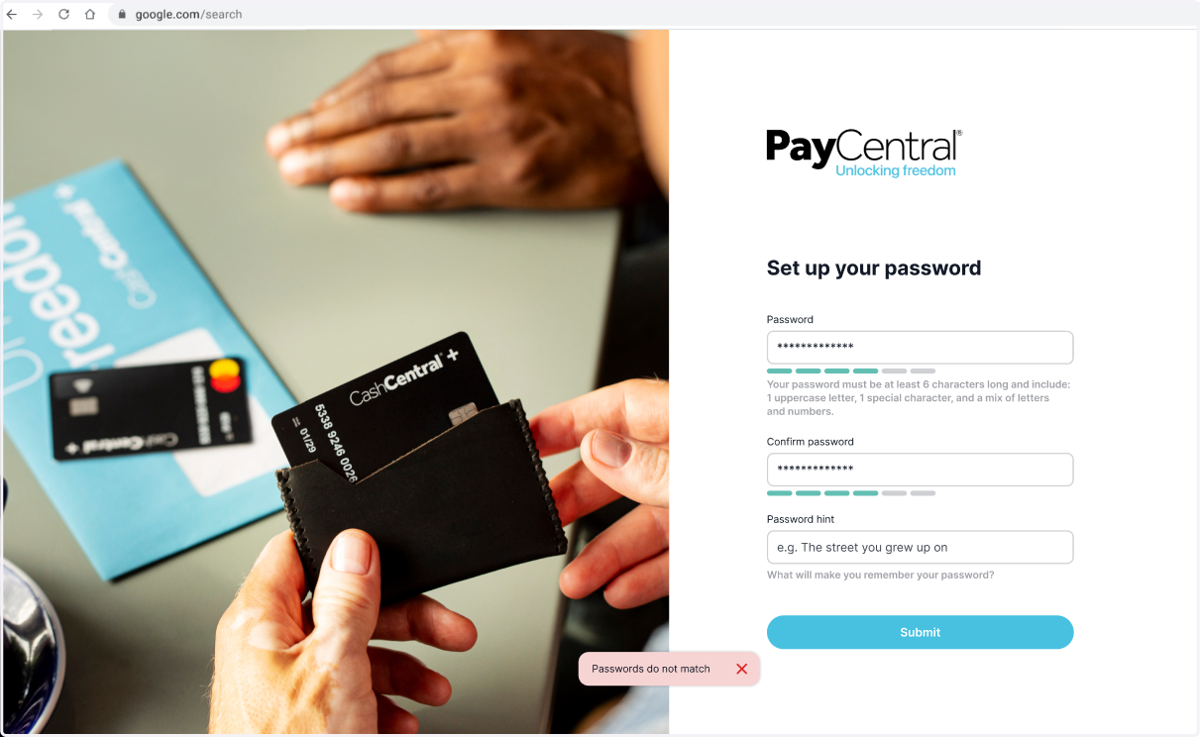
Enter your password, then re-enter it to confirm.
Please review the password guidelines to ensure your password is strong and secure.
Enter a password hint to help you remember it if needed.
Click 'Submit'.
4. Authenticator setup
For added security and to help protect your business funds, our platform requires you to set up two-factor authentication (2FA).
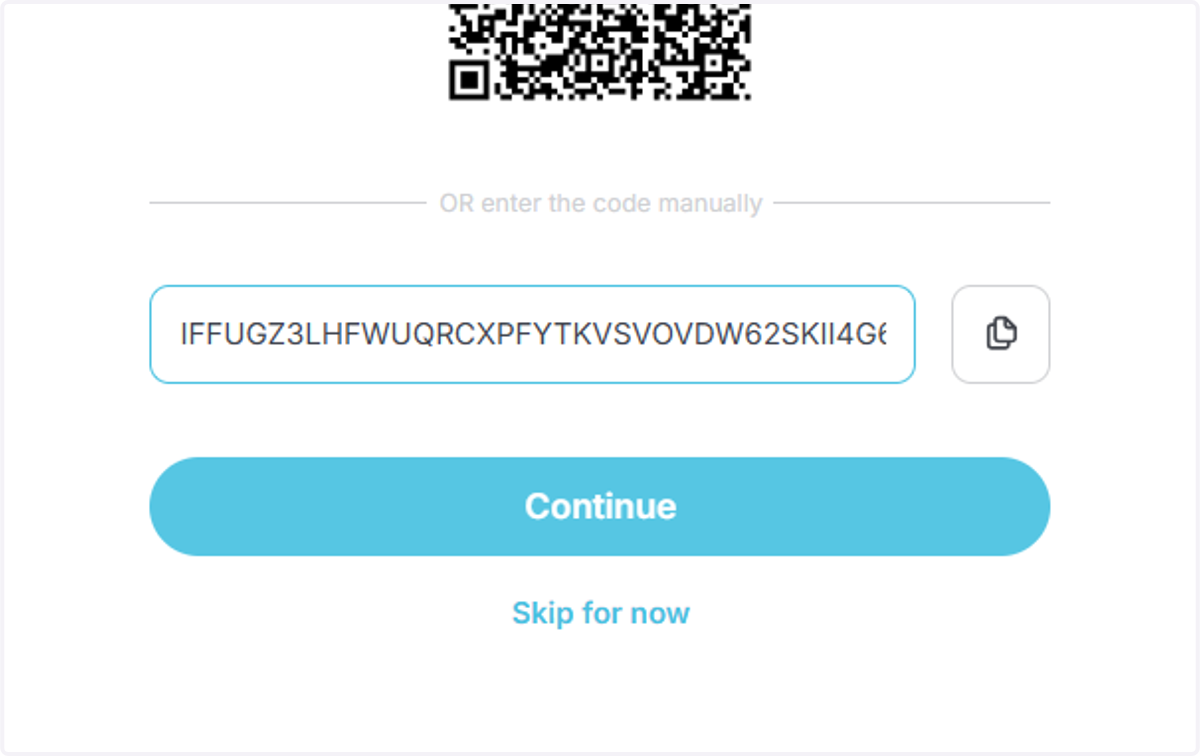
Download an authenticator app such as Google Authenticator, Microsoft Authenticator, Authy, or 1Password, then scan the QR code displayed on screen.
Once the profile has been added to your authenticator app, click 'Continue' to proceed.
5. Enter the authenticator code
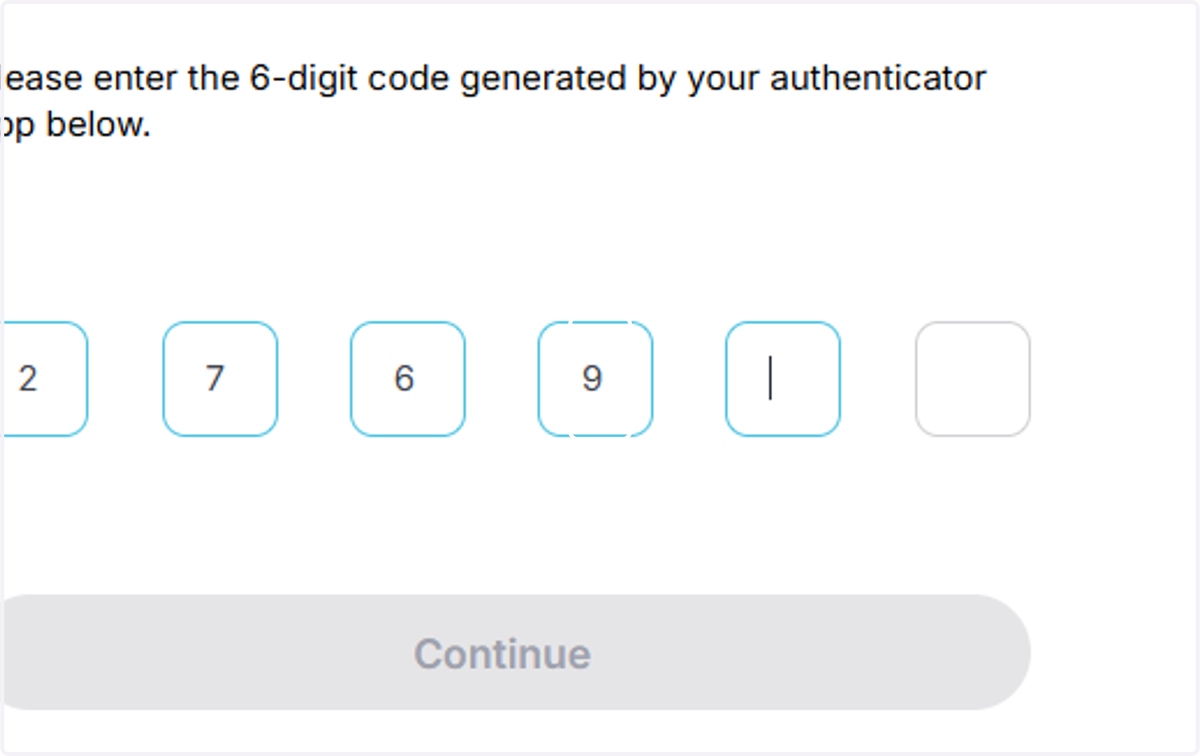
Enter the 6-digit code generated in your authenticator app.
(The code will refresh every 30 seconds.)
Click 'Continue' to proceed.
6. Logging in
You will now be logged into your account.