Getting Started with Microsoft (CSV)
1. Click on Log in with Microsoft…
2. Click on Dialer
3. Click on IMPORT CSV
4. See here for instructions on how to format the CSV
5. Upload your CSV...
6. Name your list...
7. Click on IMPORT
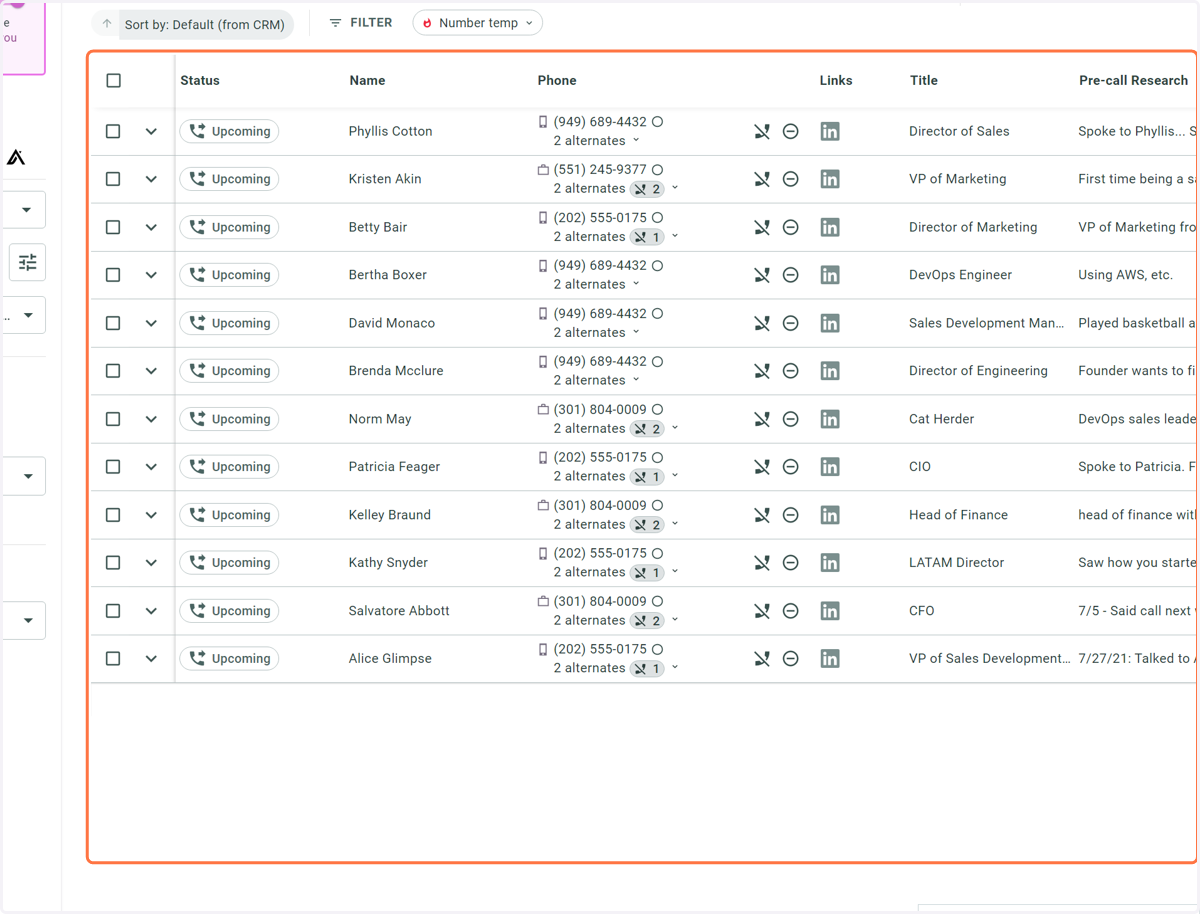
8. Now the list is loaded in and ready to be dialed!