Generate an Embed Code to Embed Espresa in an iFrame
Espresa
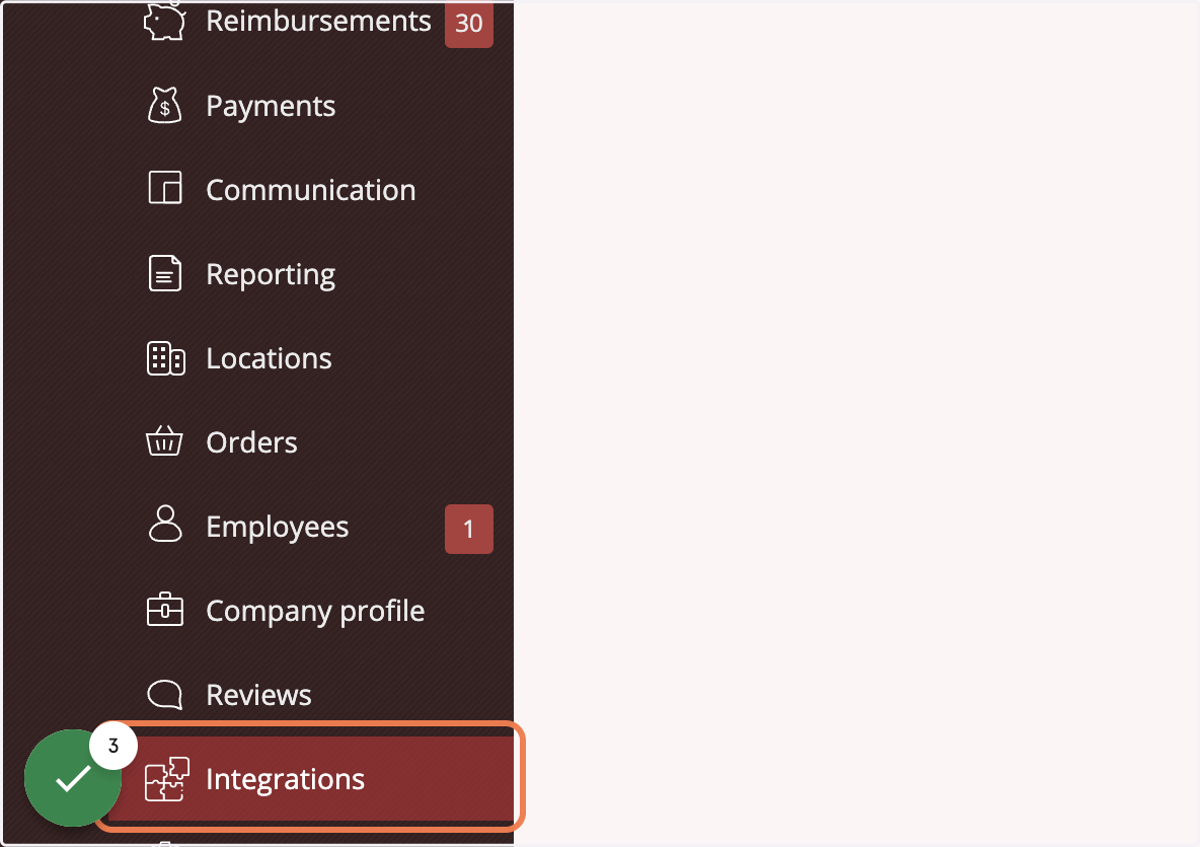
1. Login to Espresa. Switch to your Company Admin role and click on Integrations
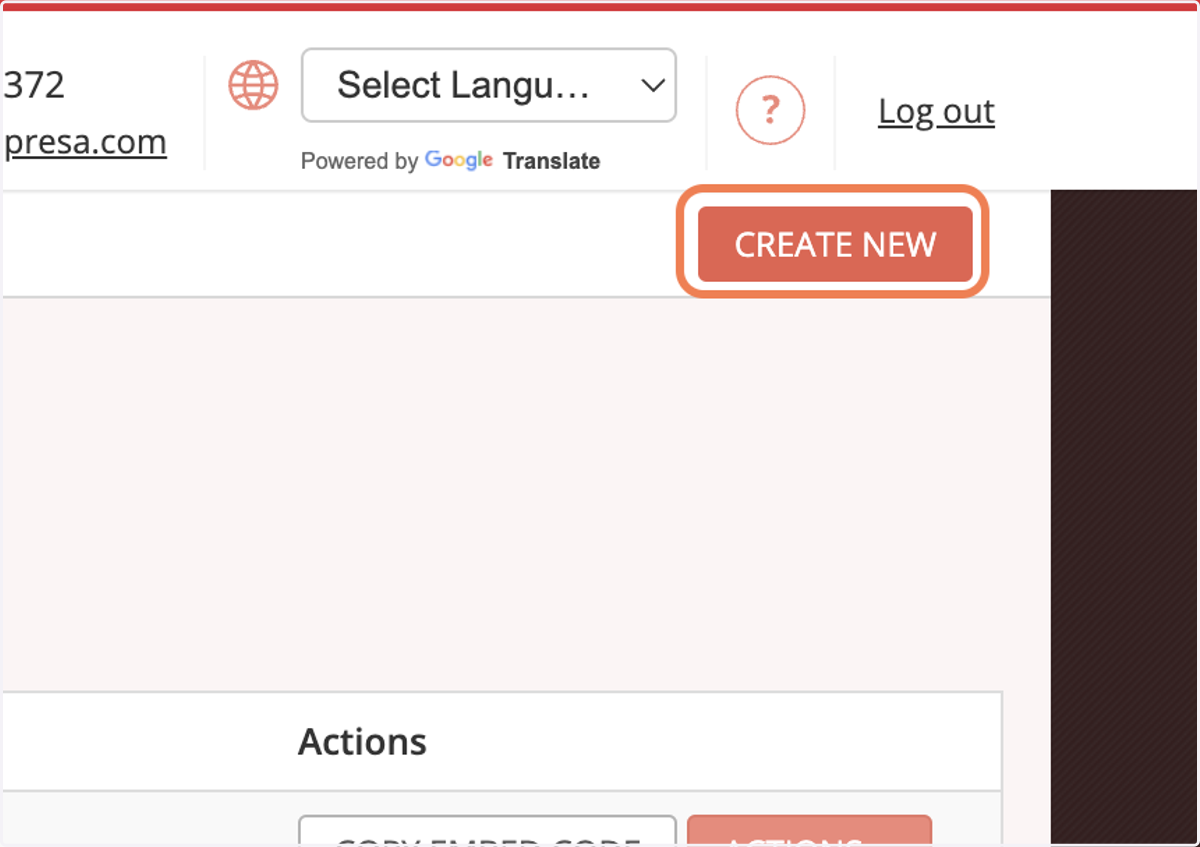
2. Click on CREATE NEW
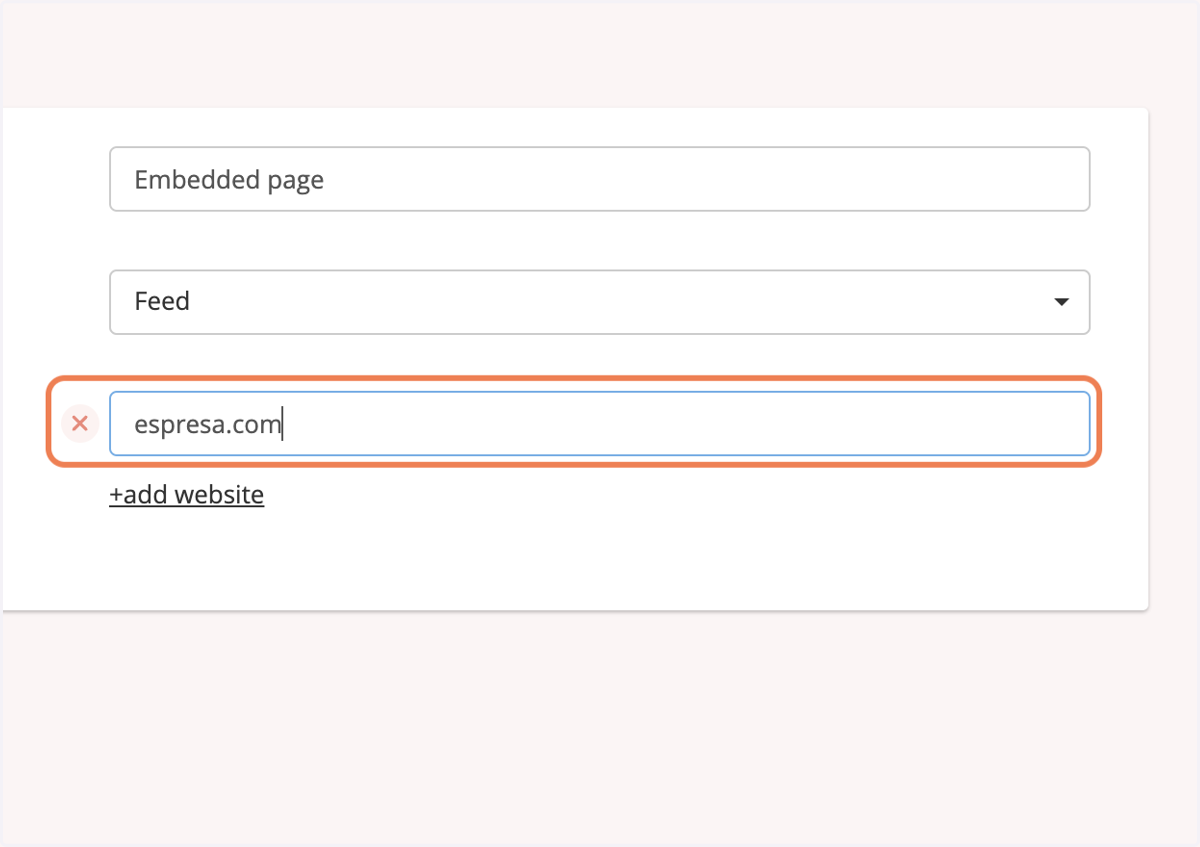
3. Add the domains where this embed code will be used. If its a subdomain then add the subdomain.
Example: if this code is going to be used on https://espresa.com then enter espresa.com
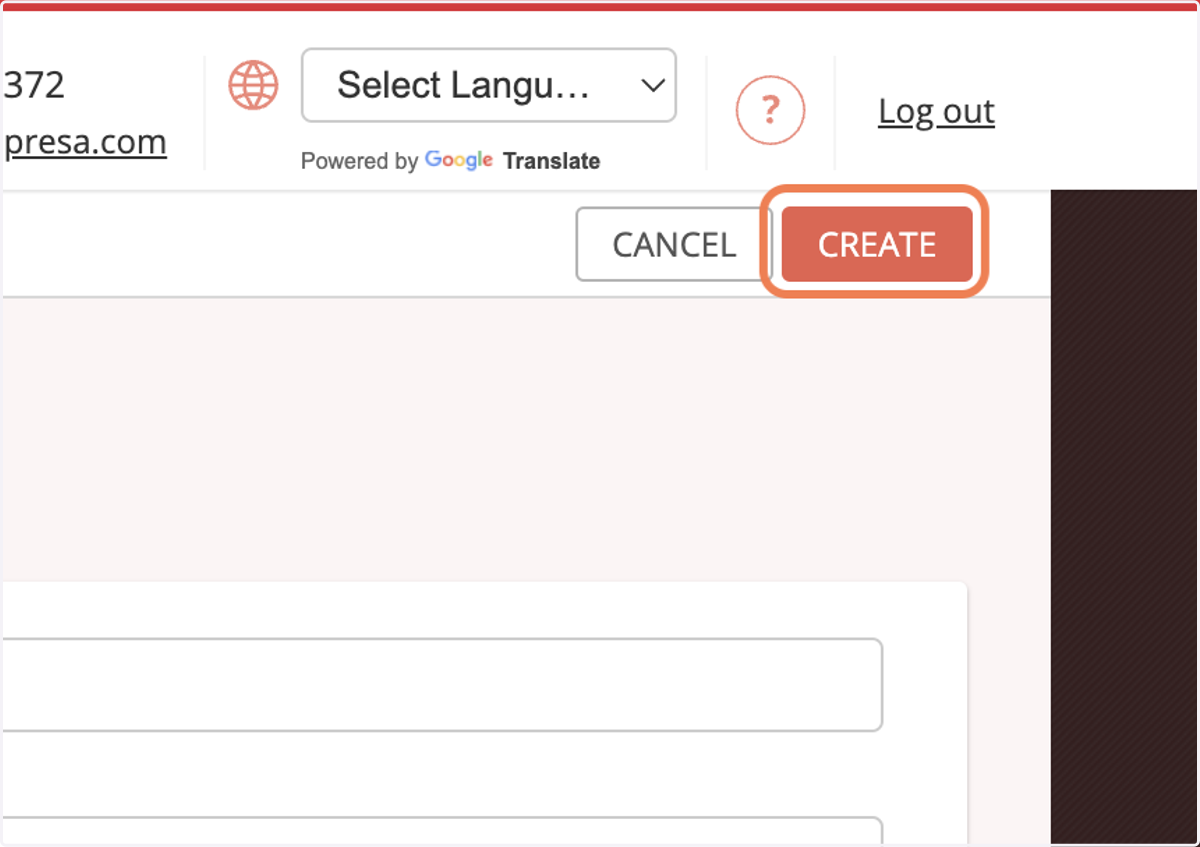
4. Then click CREATE to generate the embed code
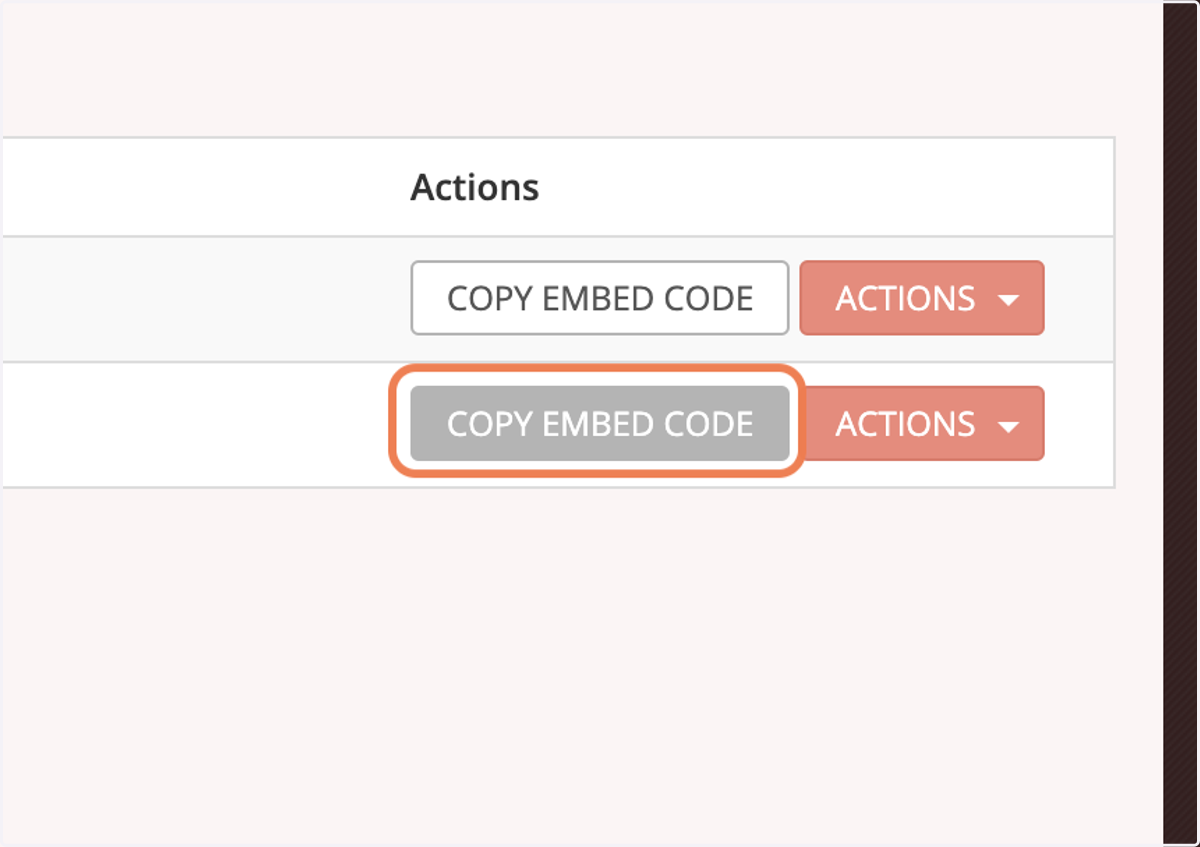
5. Click on COPY EMBED CODE to copy it and you can paste it in the HTML of the page on the domain you previously specified